Lime tucked clock
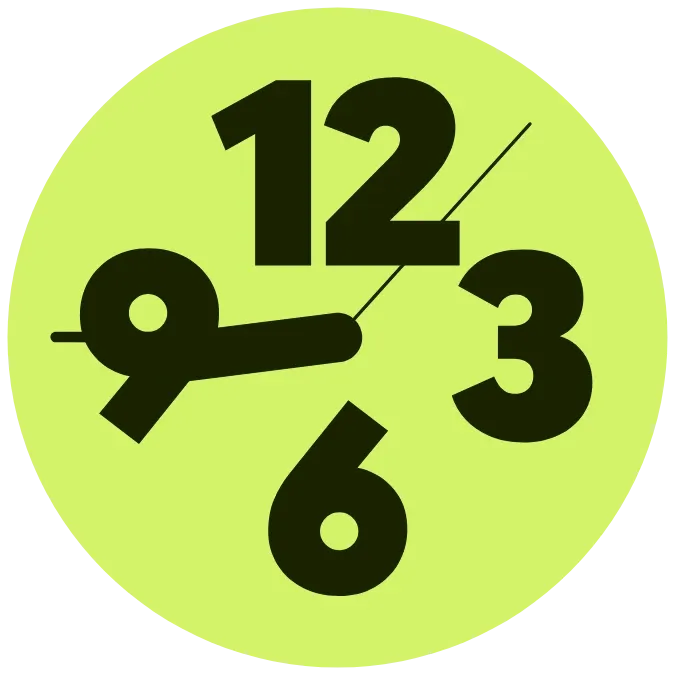
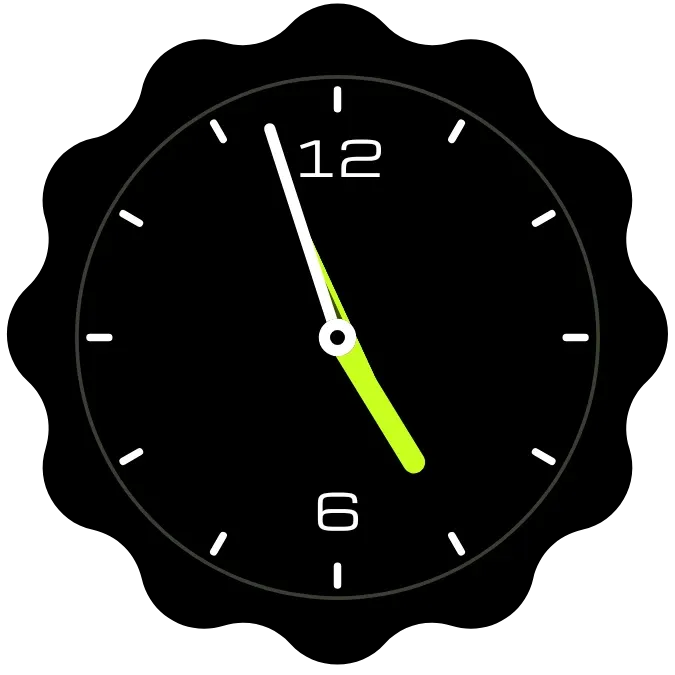
An analog clock on a round lime disc. The numerals 12, 3, 6 and 9 are large and sit close to the centre instead of at the rim. A thick dark hour hand, a thin minute hand and a thin second hand show the time against the lime face.
- Size
- 2x2 cells
- Kit
- Material Expressive
- Looks like
- Pixel widgets
- Android
- 10 or newer
- Needs
- No additional permissions
- Price
- Free
Kiwi is in beta and is not on Google Play yet. Join to request an invitation.
- analog
- bold-numerals
- clock
- material-expressive
- transparent
What changes
- The hour hand and minute hand move round the dial to show the current time.
- The thin second hand sweeps round the dial.
- In the Solid look, dark numerals and hands sit on a lime disc.
- In the Cut-out look, the numerals are cut out of the lime disc, so what is behind the widget shows through them. The hands stay dark.
- In the Floating look, the lime disc is gone and the numerals and hands are lime, drawn straight over your wallpaper.
- Tapping the clock opens the clock app.
Data and settings
- Look: choose Solid, Cut-out or Floating. Solid is the default.
- Shadow: a switch that adds a soft dark shadow around the numerals and hands. It is off by default.
- It shows the current time of your device and reads nothing else.
Set it up
- Open the widget in Kiwi, either from its kit or from this page.
- Tap Use.
- Confirm your launcher's prompt to place it on your home screen.
Good to know
- In the Cut-out and Floating looks the clock depends on your wallpaper, so lime numerals on a light wallpaper may be hard to read.
- The dial has numerals only at 12, 3, 6 and 9, so the hands are read against those four positions.
Widgets like Lime tucked clock
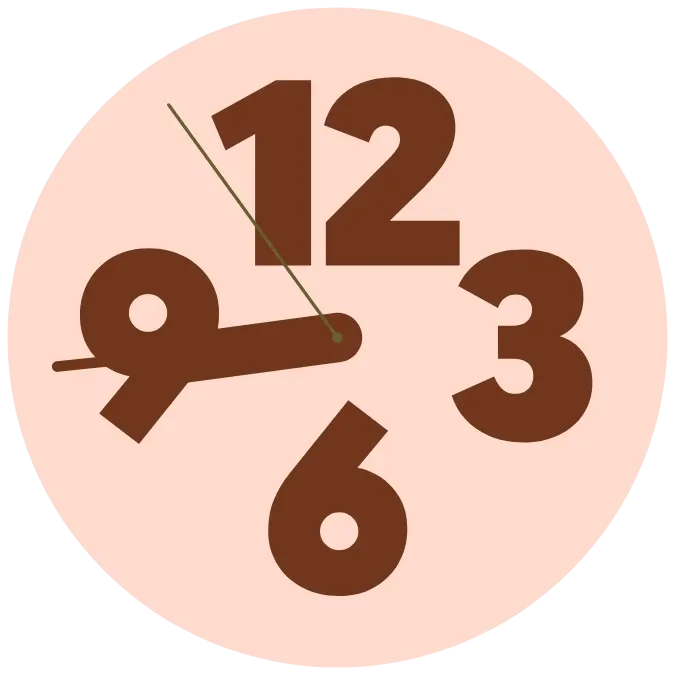 Tucked numeral clockMaterial You
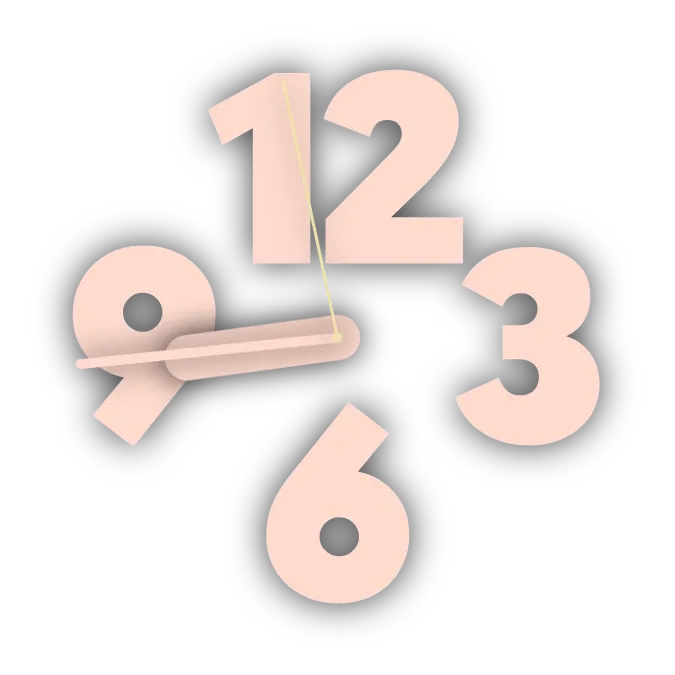 Floating numeral clockMaterial You
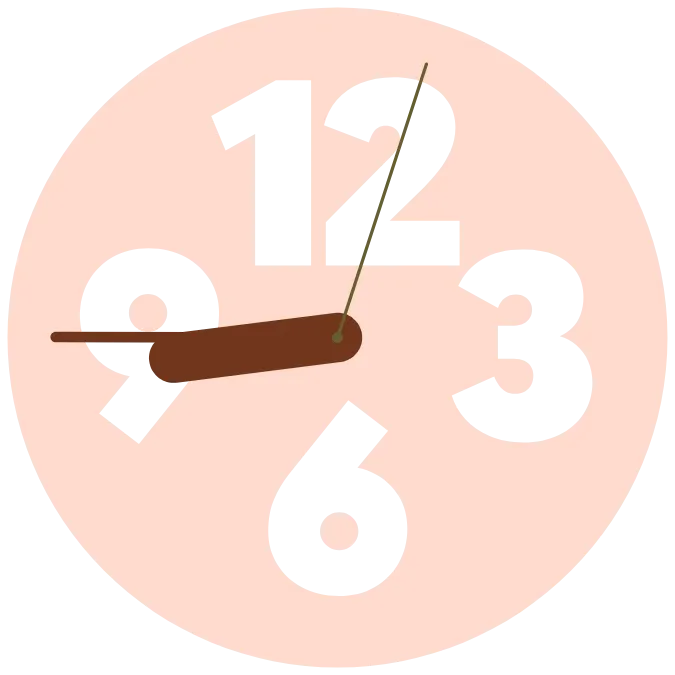 Cut-out numeral clockMaterial You
 Citron SweepWatch Face



