Battery widgets for Android
Level, whether it is charging, temperature, and how long it will last at the current rate, read from the phone. Some are a number, some are a gauge, one is an aquarium that drains.
31 widgets, from Playful, Glass, One UI, Material Expressive, Nothing, Material You, Clear, Tactile Hardware, Bento and Soft UI. Every picture is the widget as Kiwi draws it, at its real proportions.
How to put one on your home screen
- Join the Kiwi beta. Android 10 or newer, with a launcher that supports widgets.
- Open the widget from this page, or find it in its kit in the app. It shows with your own data before you place it.
- Tap Use and follow your launcher's placement prompt. Configure any data or permissions the design needs first.
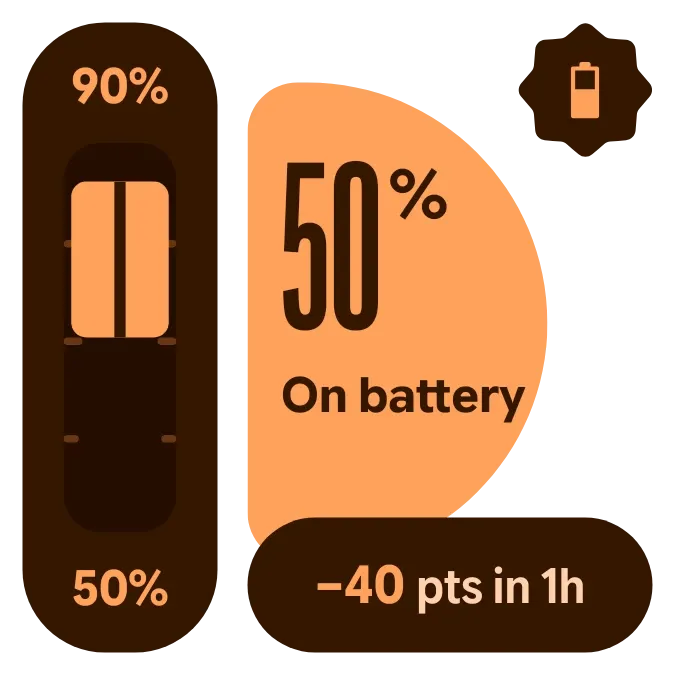 Copper SwingMaterial Expressive · 2x2
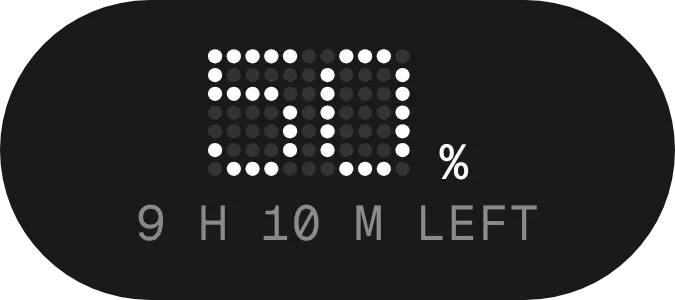 Polka PowerNothing · 2x1 · Pro
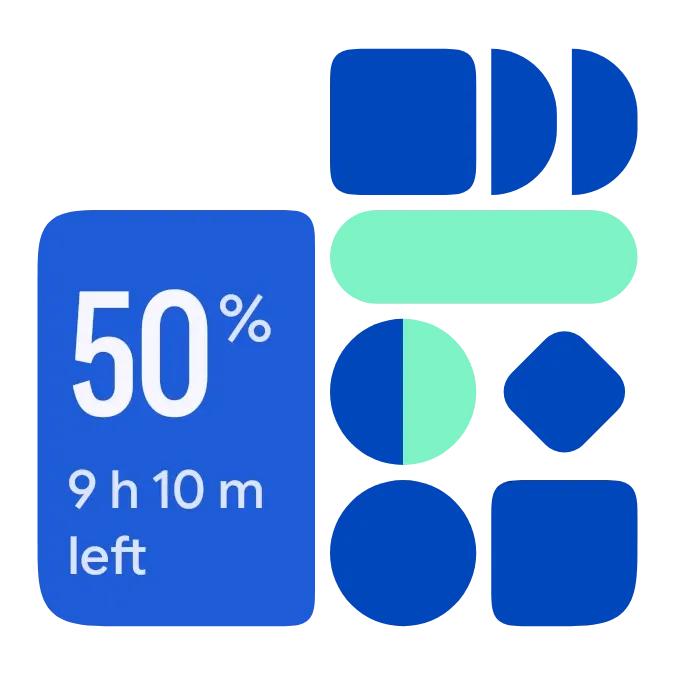 Shape ChargeMaterial Expressive · 2x2 · Pro
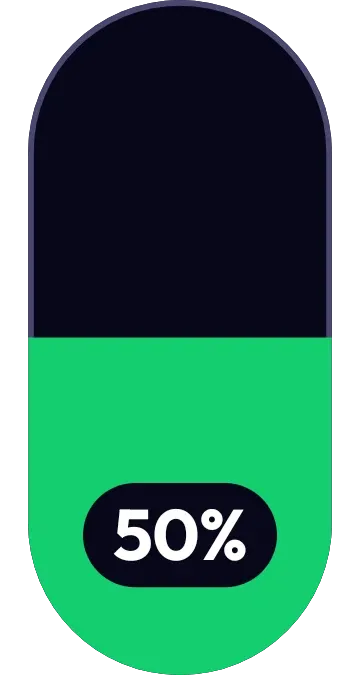 VoltwellOne UI · 1x2
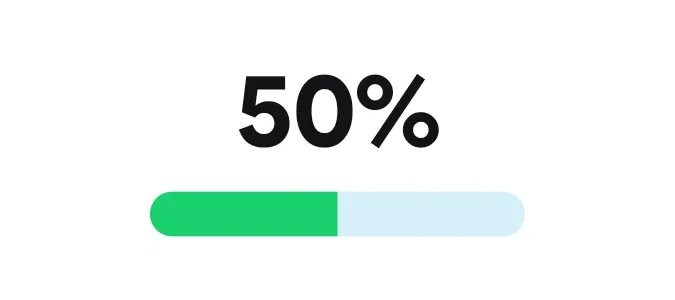 ChargebeanOne UI · 2x1
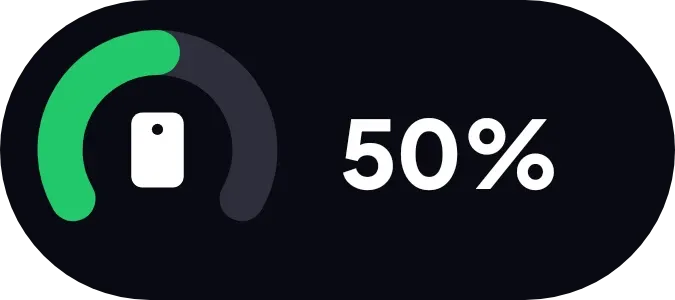 Charge CuffOne UI · 2x1
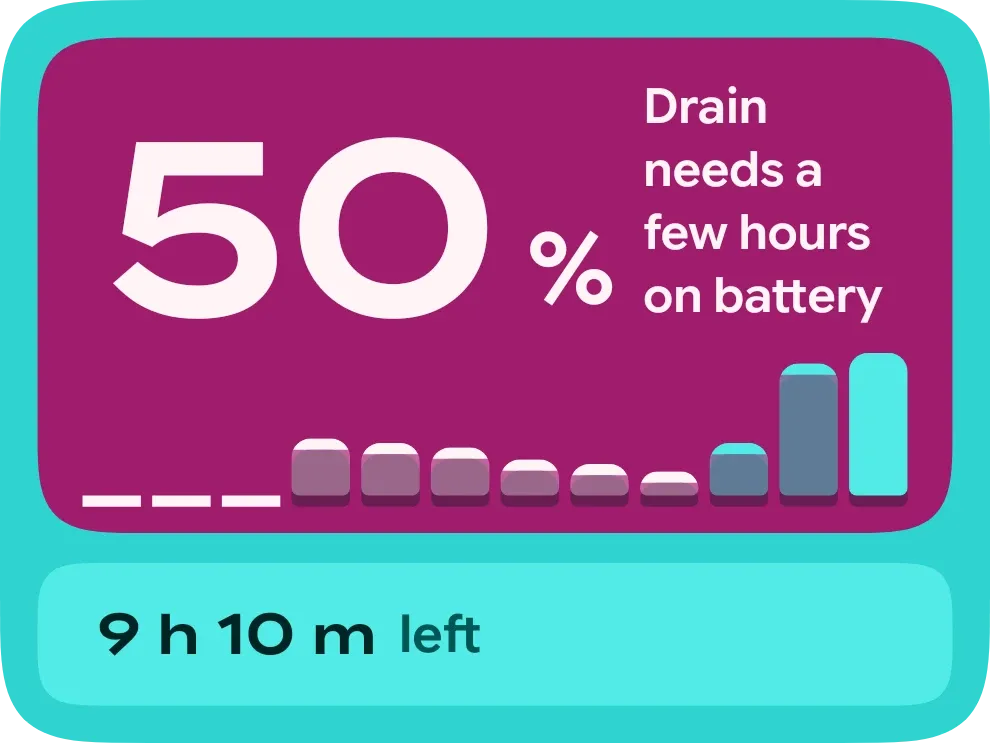 Juice SkylineMaterial Expressive · 3x2
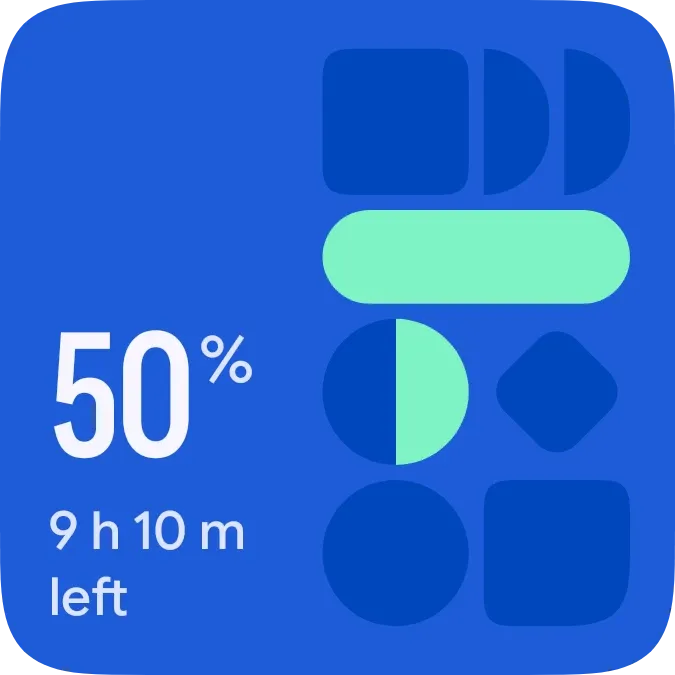 Volt MosaicMaterial Expressive · 2x2 · Pro
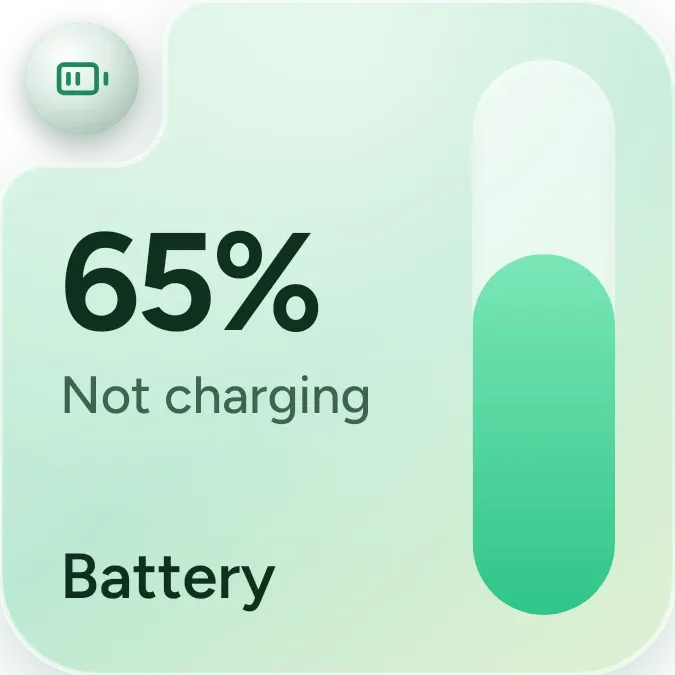 Mint BatteryOne UI · 2x2
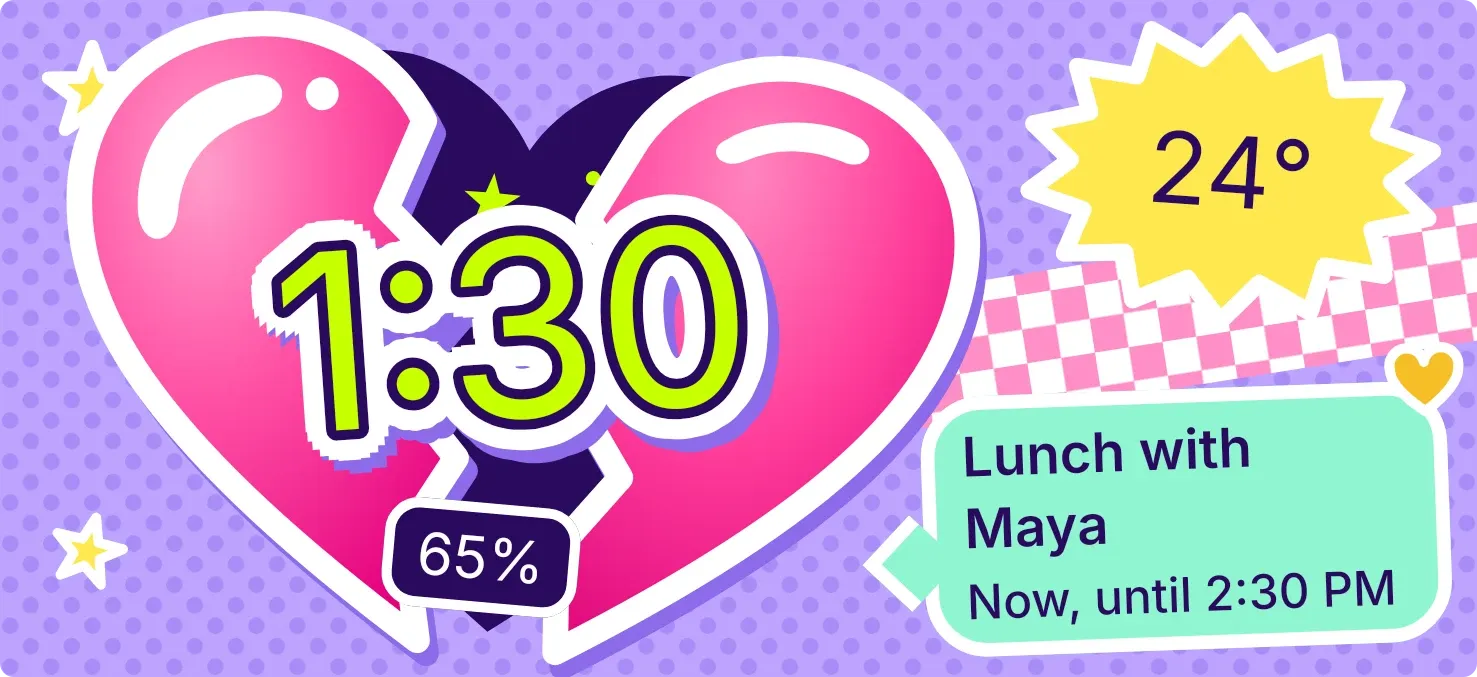 Cleft CandyPlayful · 5x2 · Pro
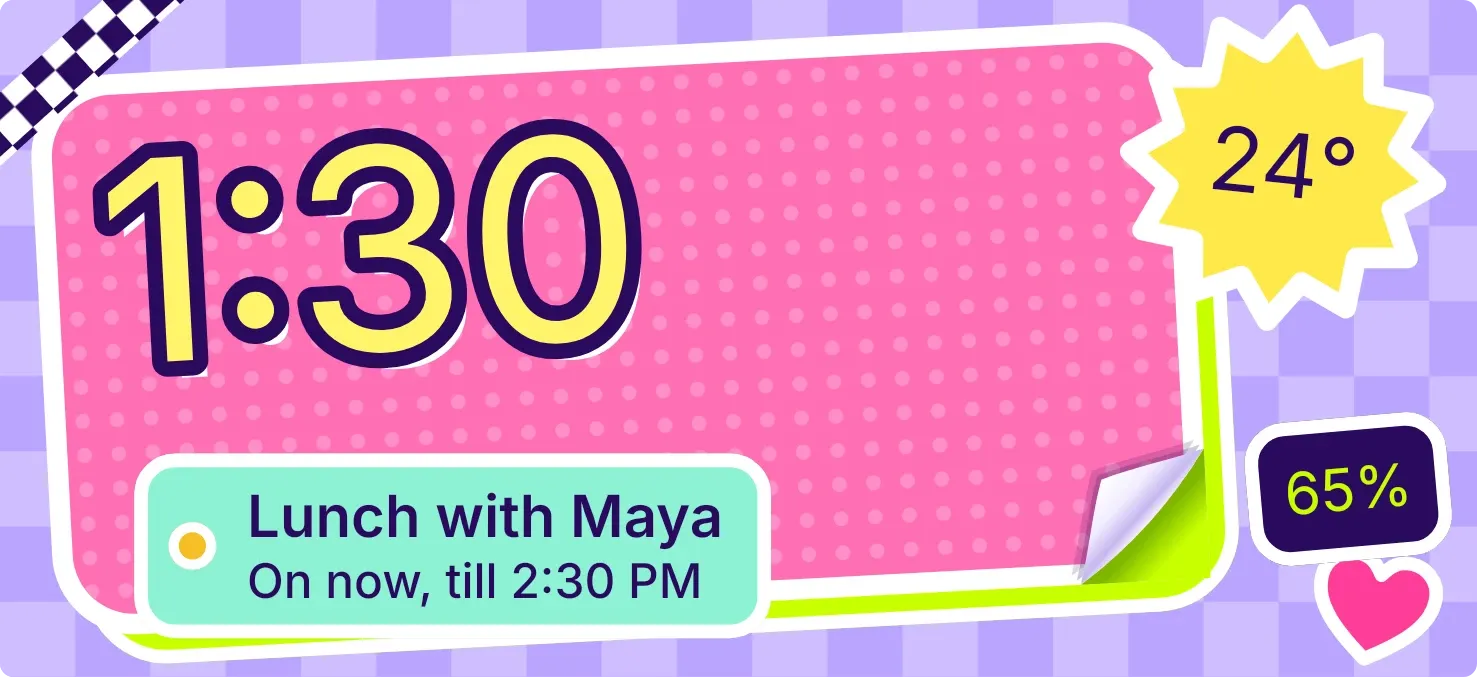 CurlstickPlayful · 5x2 · Pro
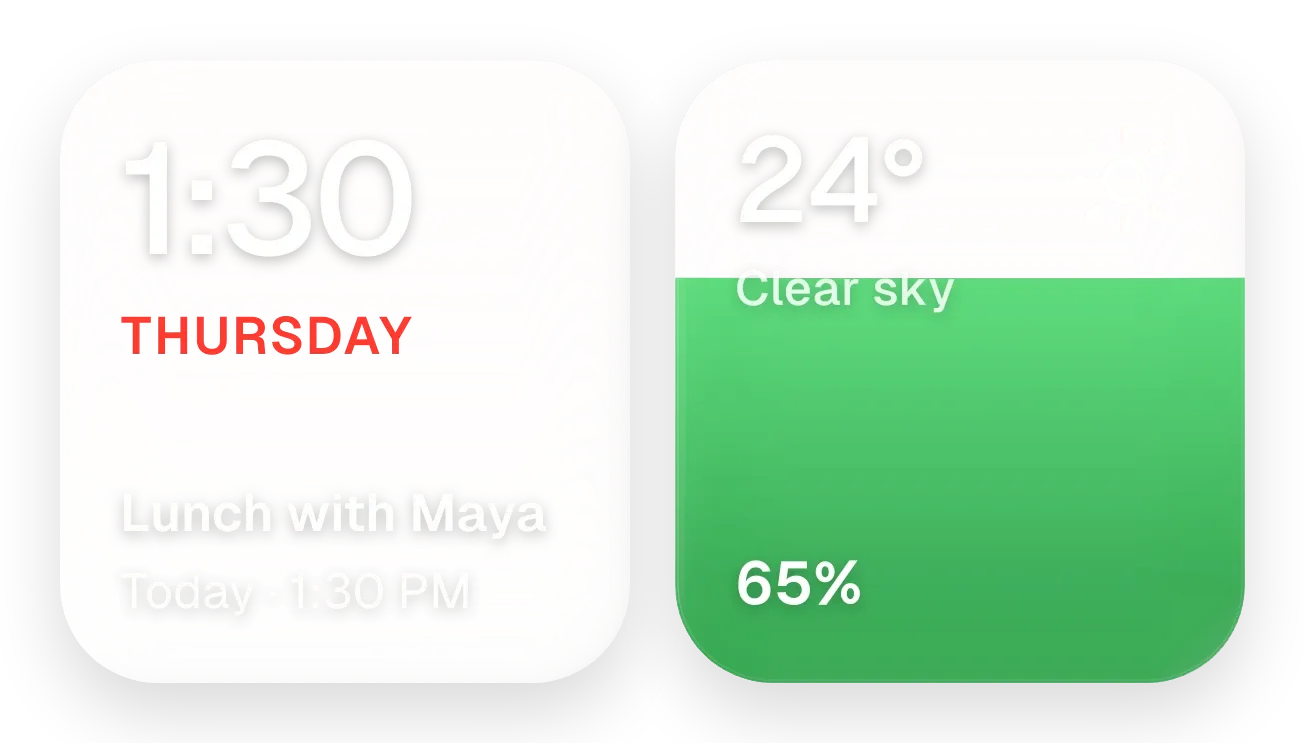 Yolk and PearlGlass · 4x2 · Pro
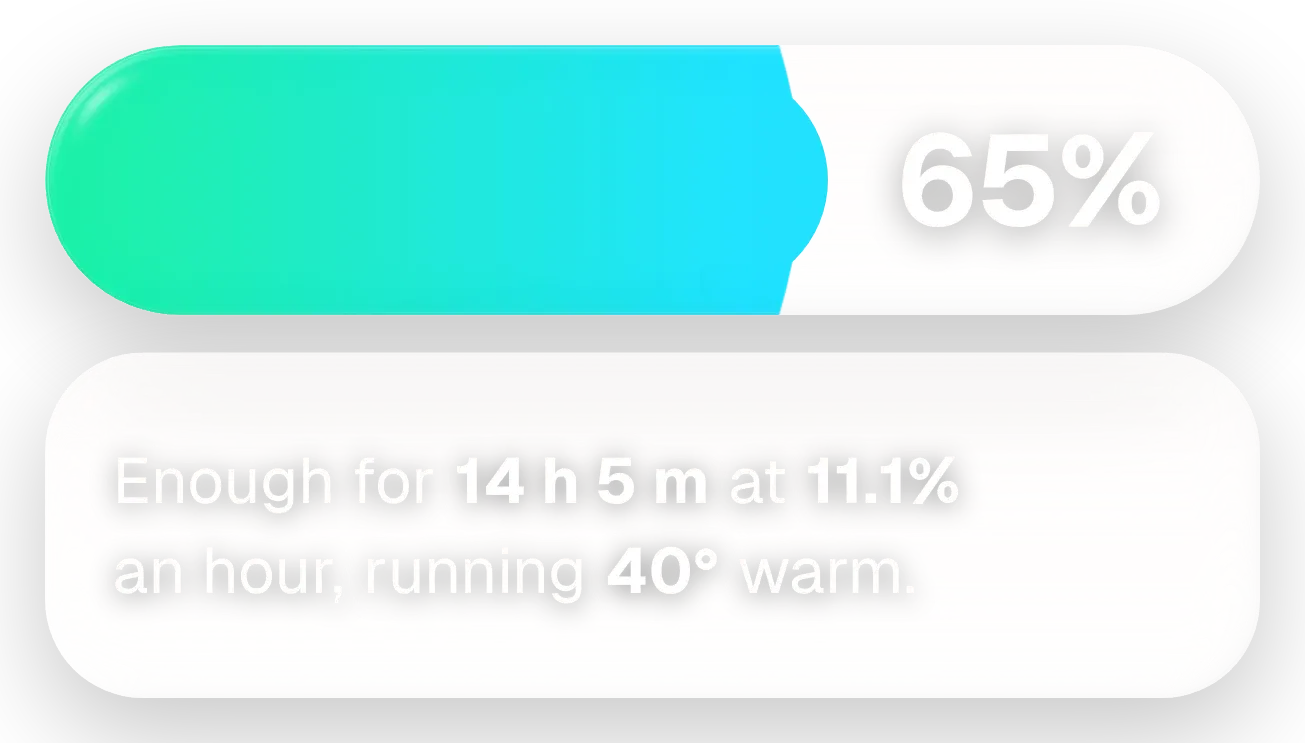 Fizz TubeGlass · 4x2 · Pro
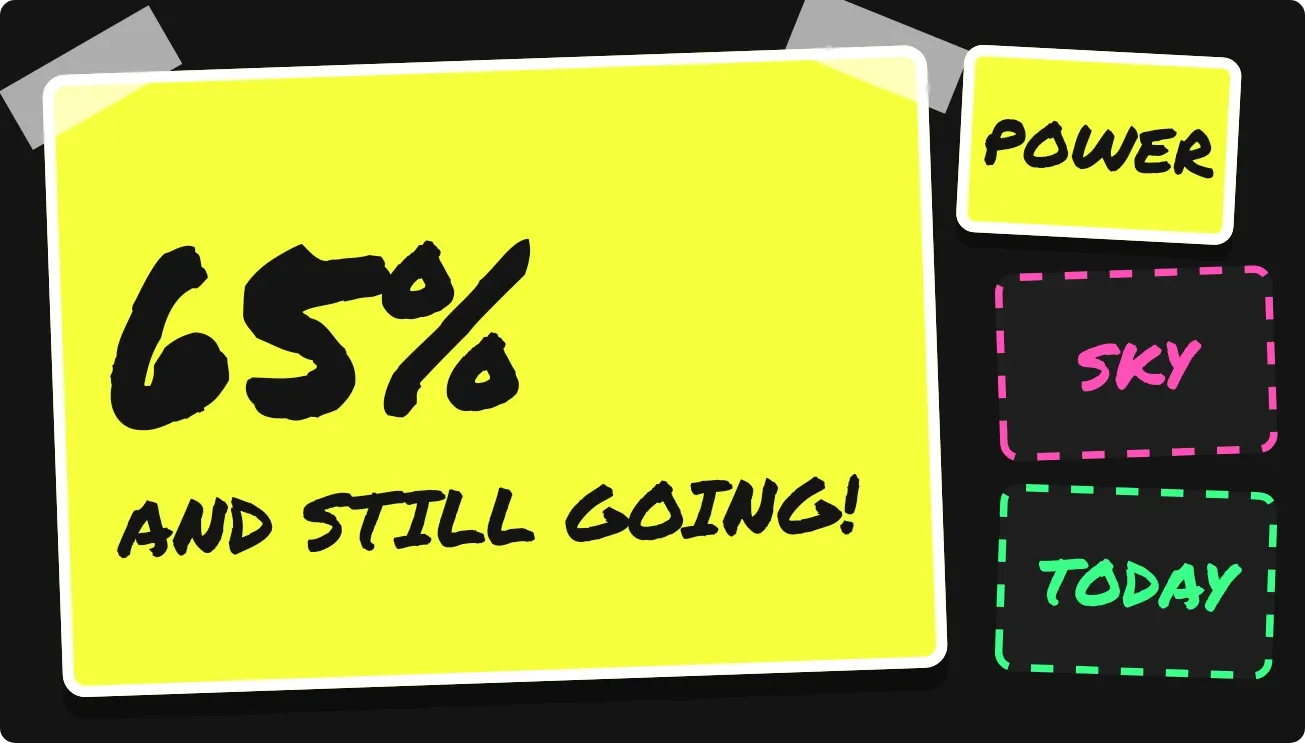 Sign RiotPlayful · 4x2
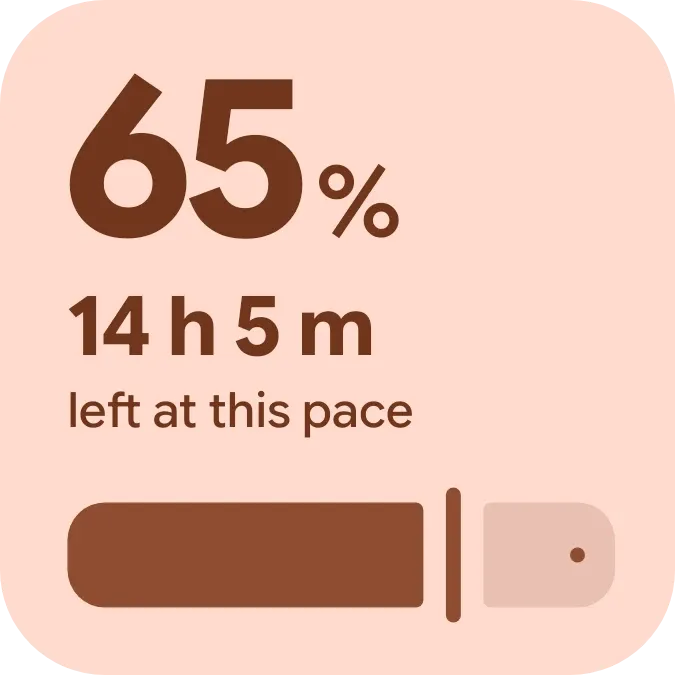 Halfway PillMaterial You · 2x2
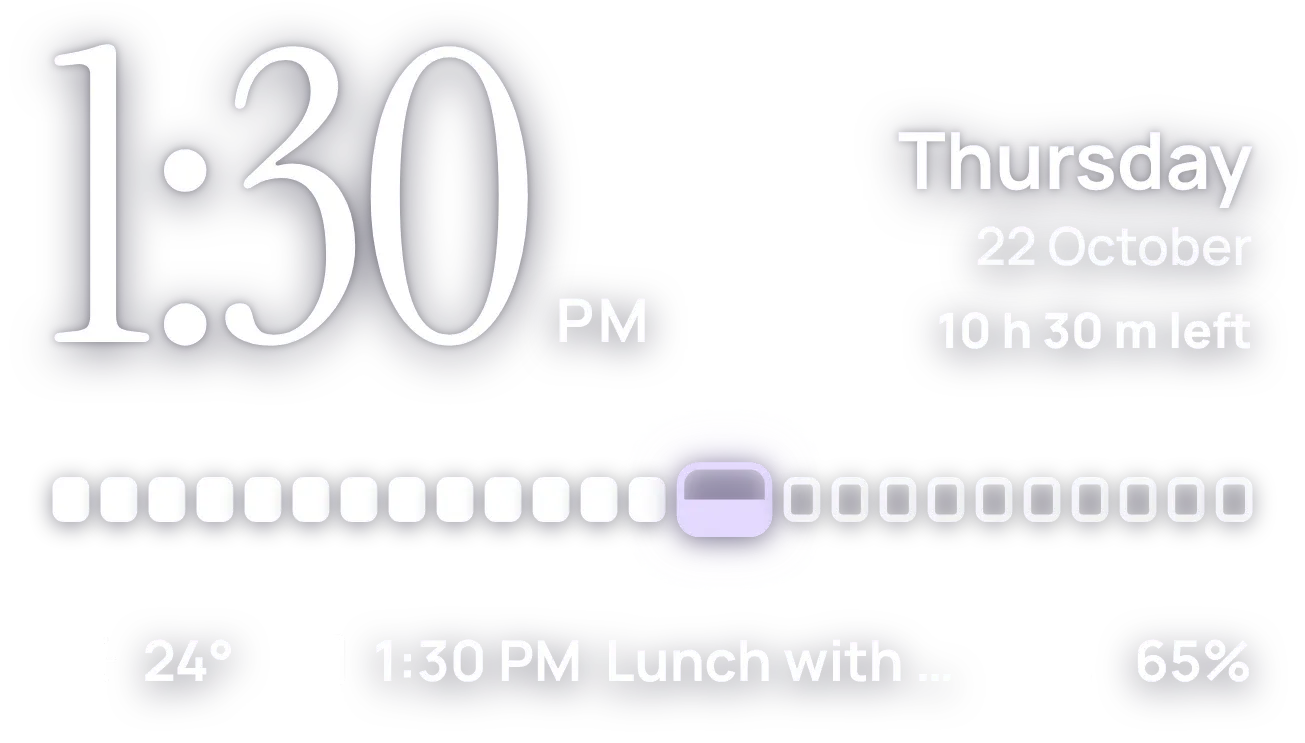 HourlaceClear · 4x2
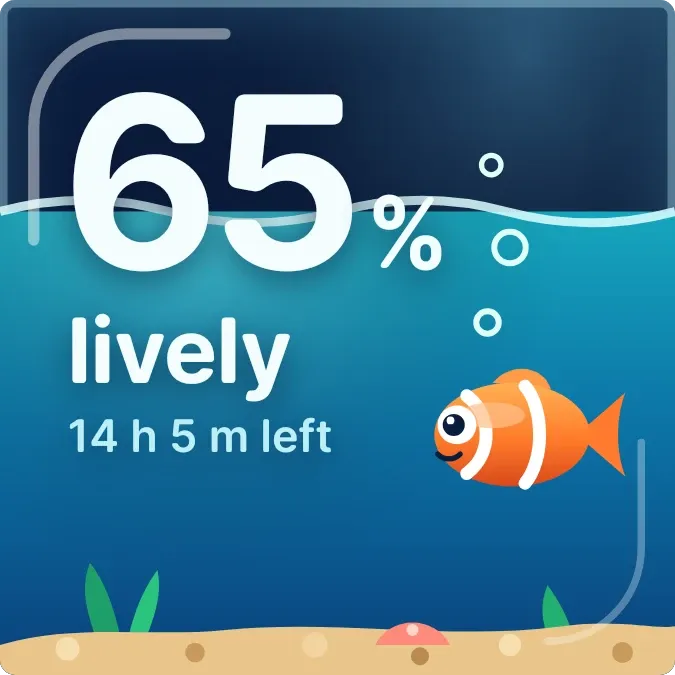 Nap TankGlass · 2x2 · Pro
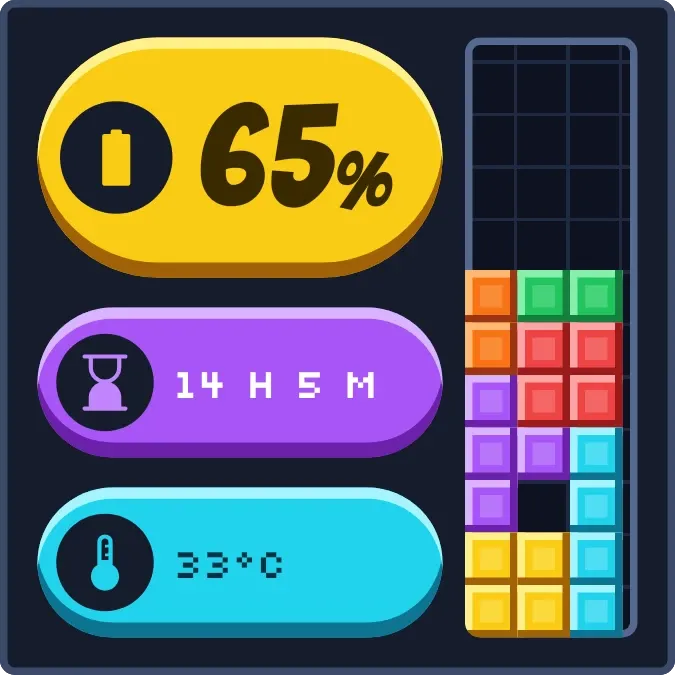 Stacked ChargePlayful · 2x2
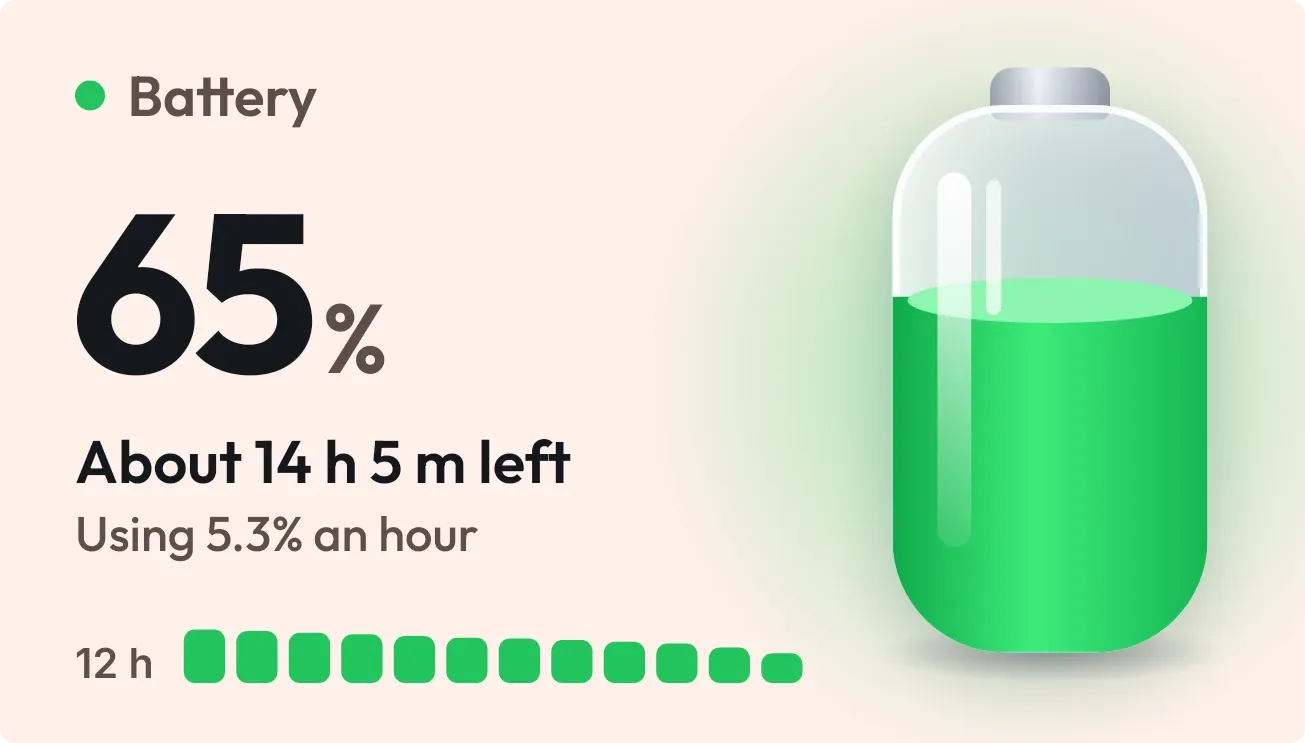 Tonic JarOne UI · 4x2
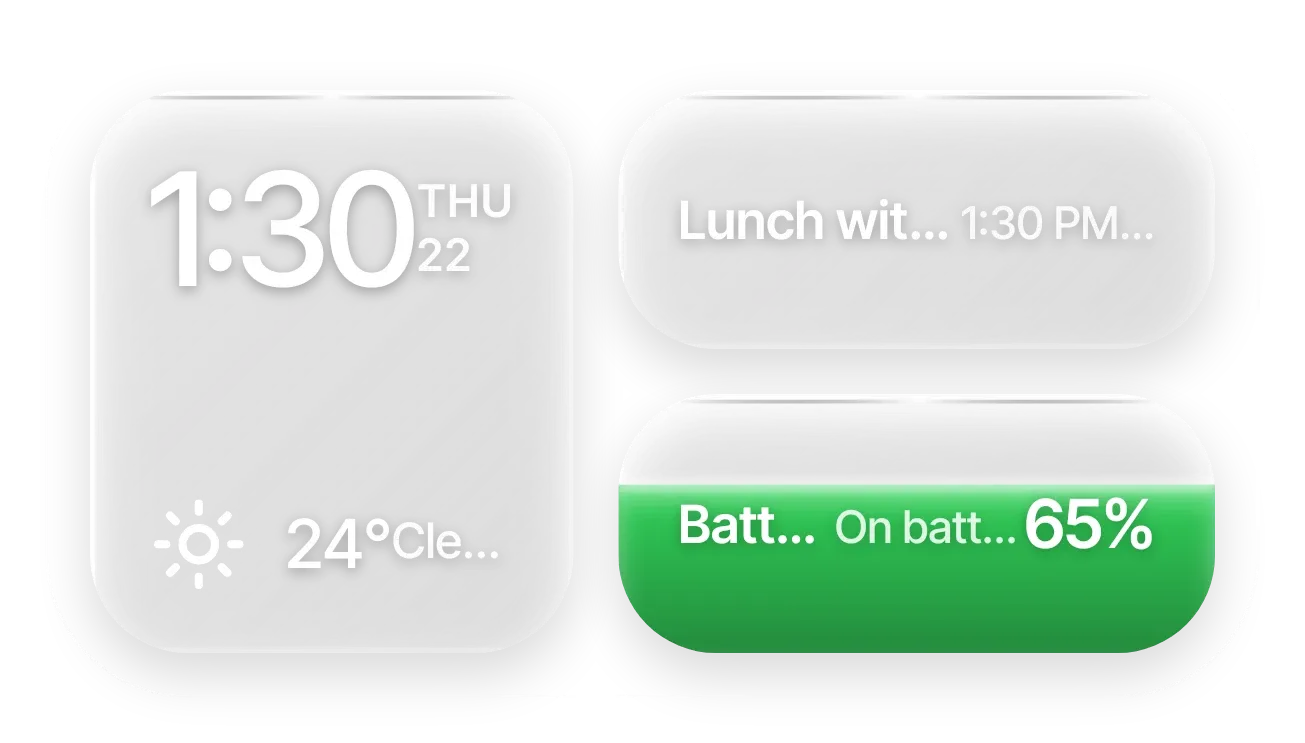 Frost StackGlass · 4x2 · Pro
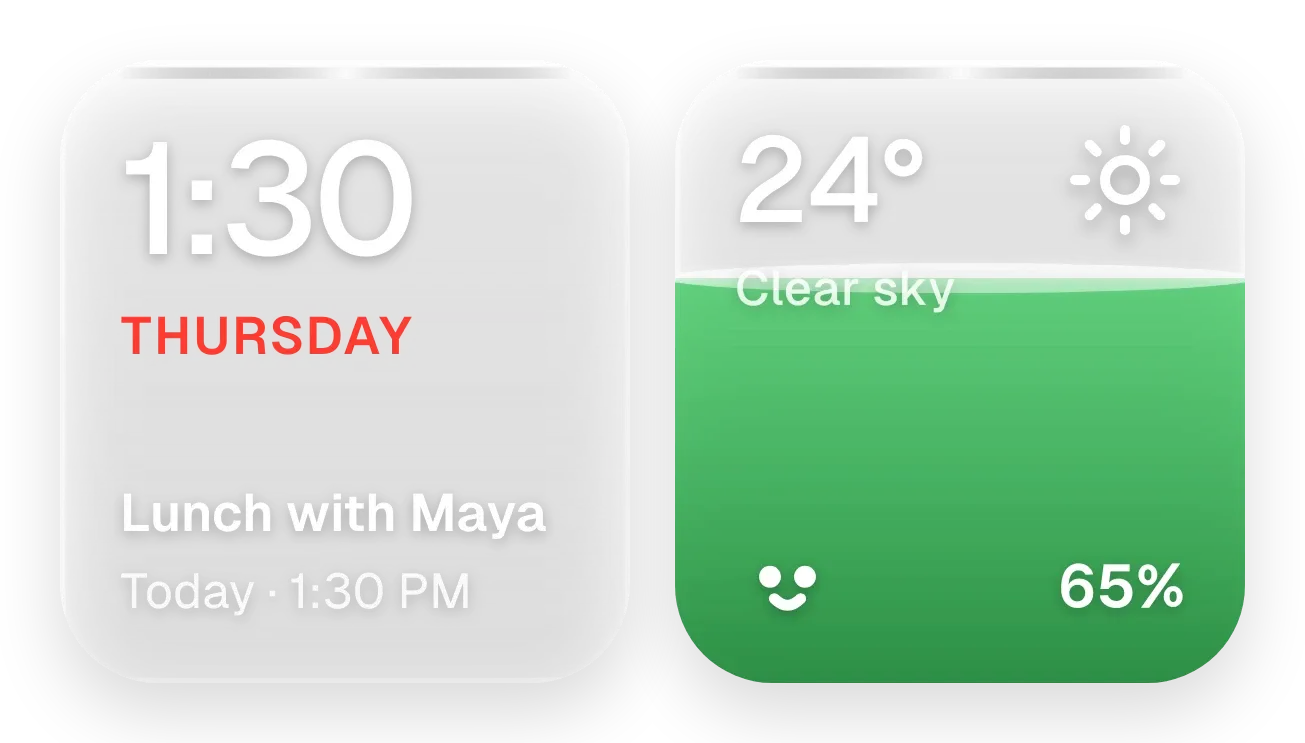 Sunpane DuoGlass · 4x2 · Pro
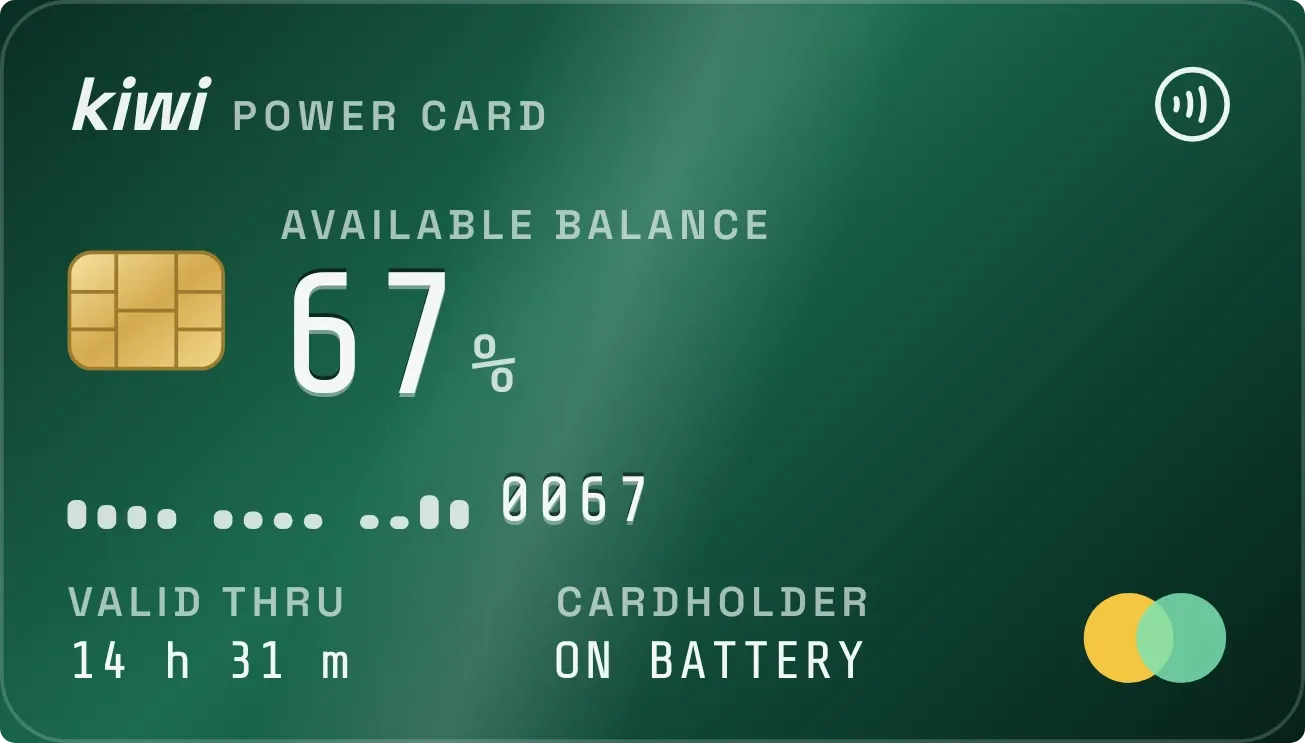 Emerald VaultTactile Hardware · 4x2
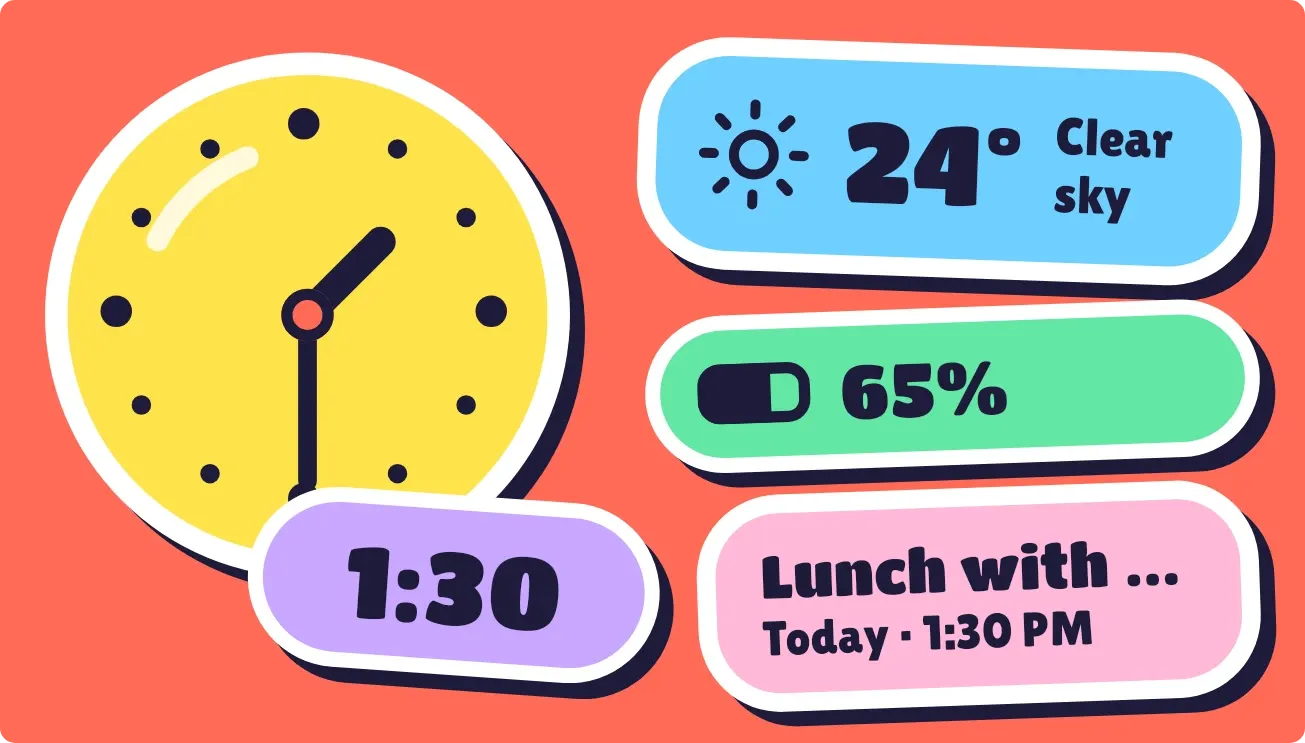 Peel PopPlayful · 4x2
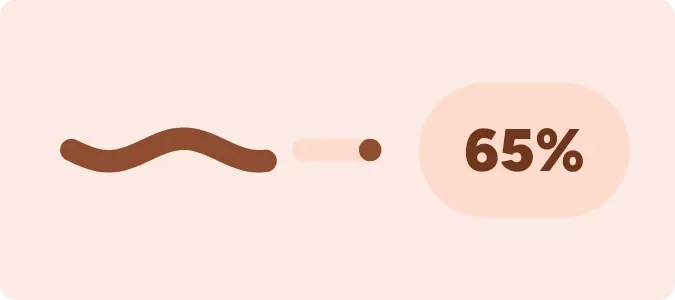 Tadpole HalfMaterial You · 2x1
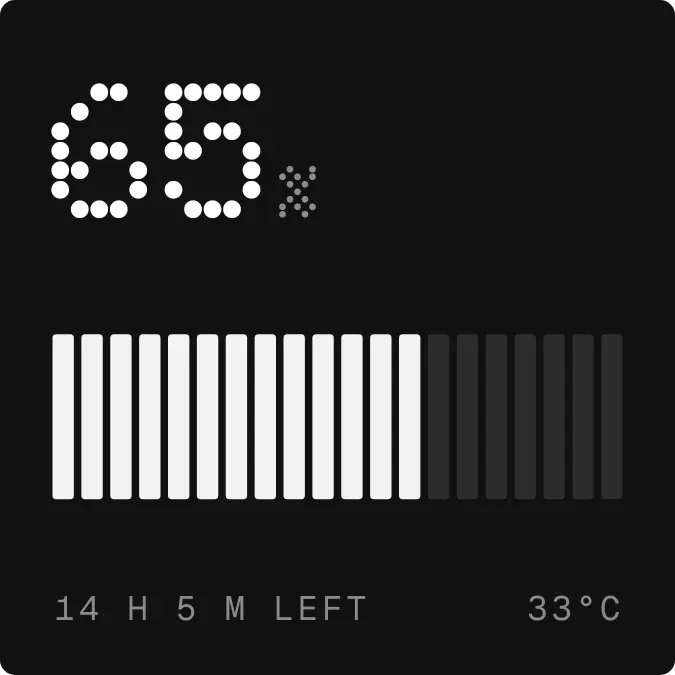 Halflit StripesNothing · 2x2
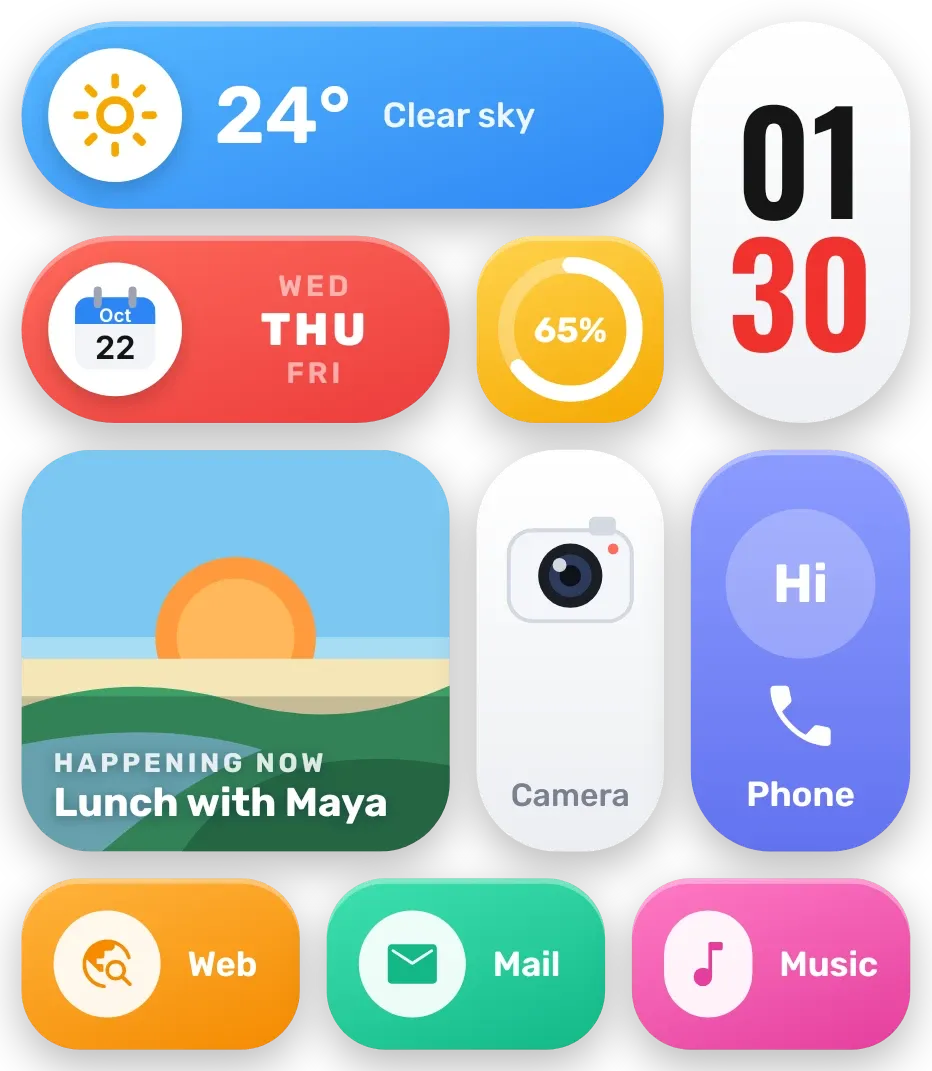 Sherbet GridBento · 4x4
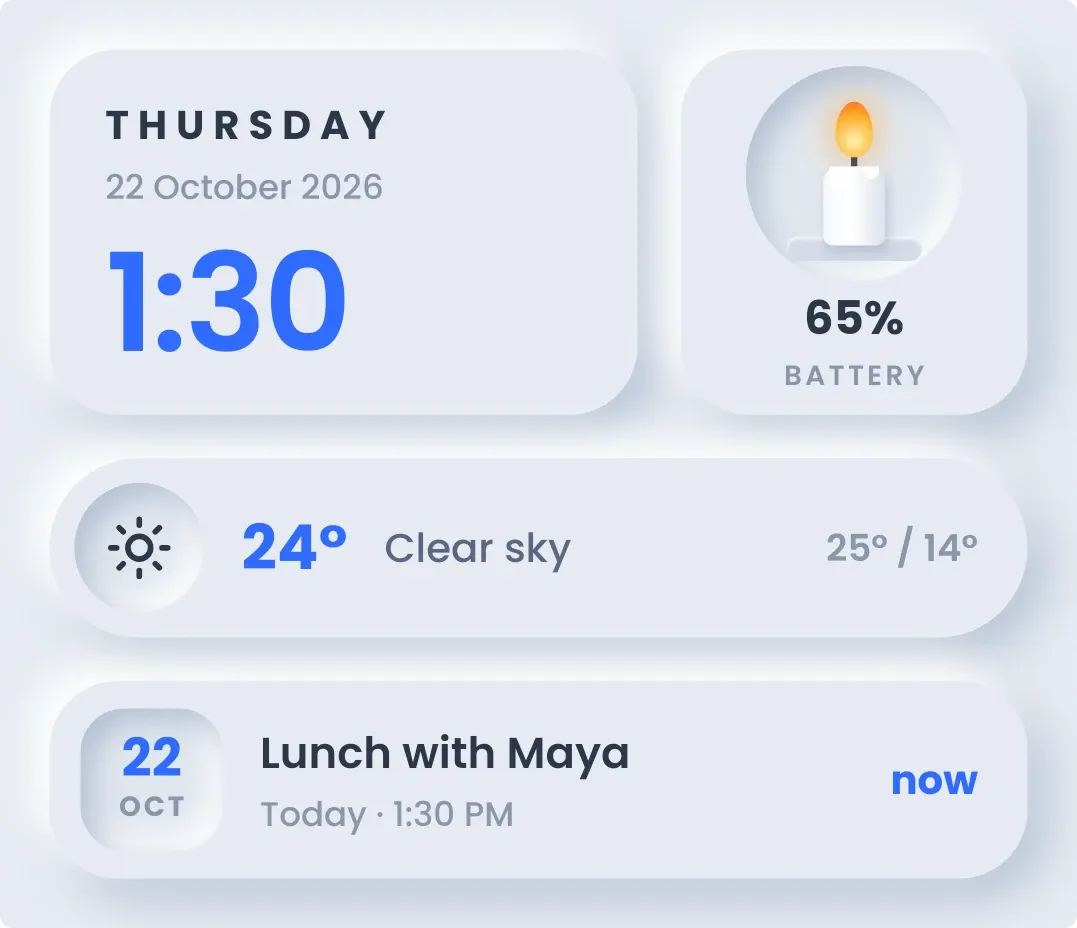 CandlewickSoft UI · 4x3
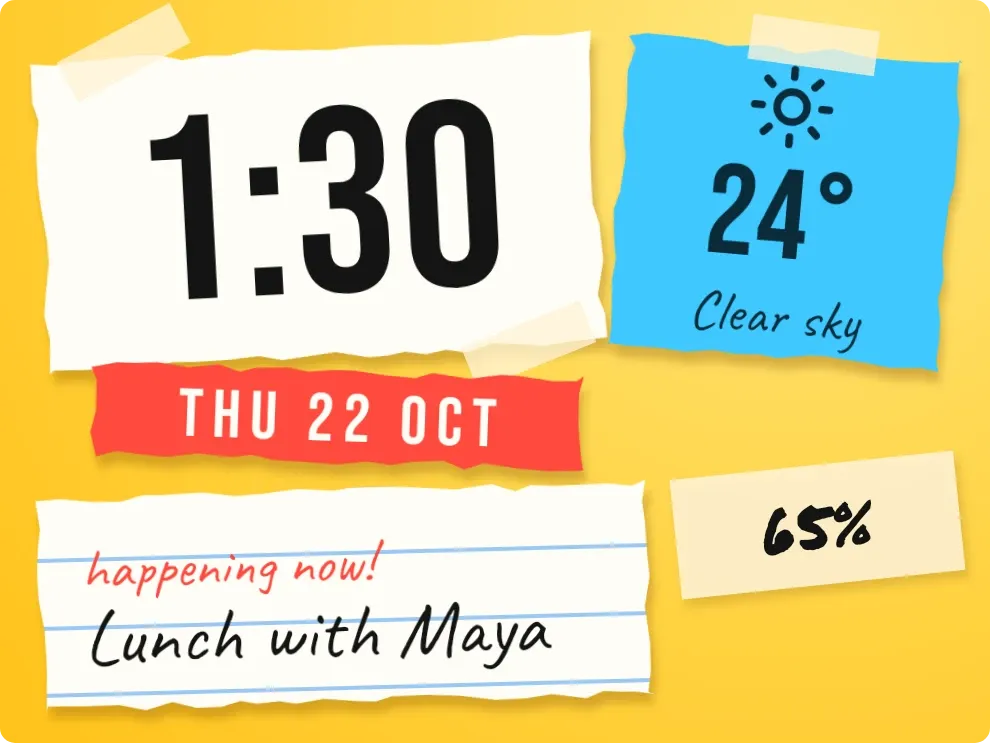 Scrap SundayPlayful · 3x2
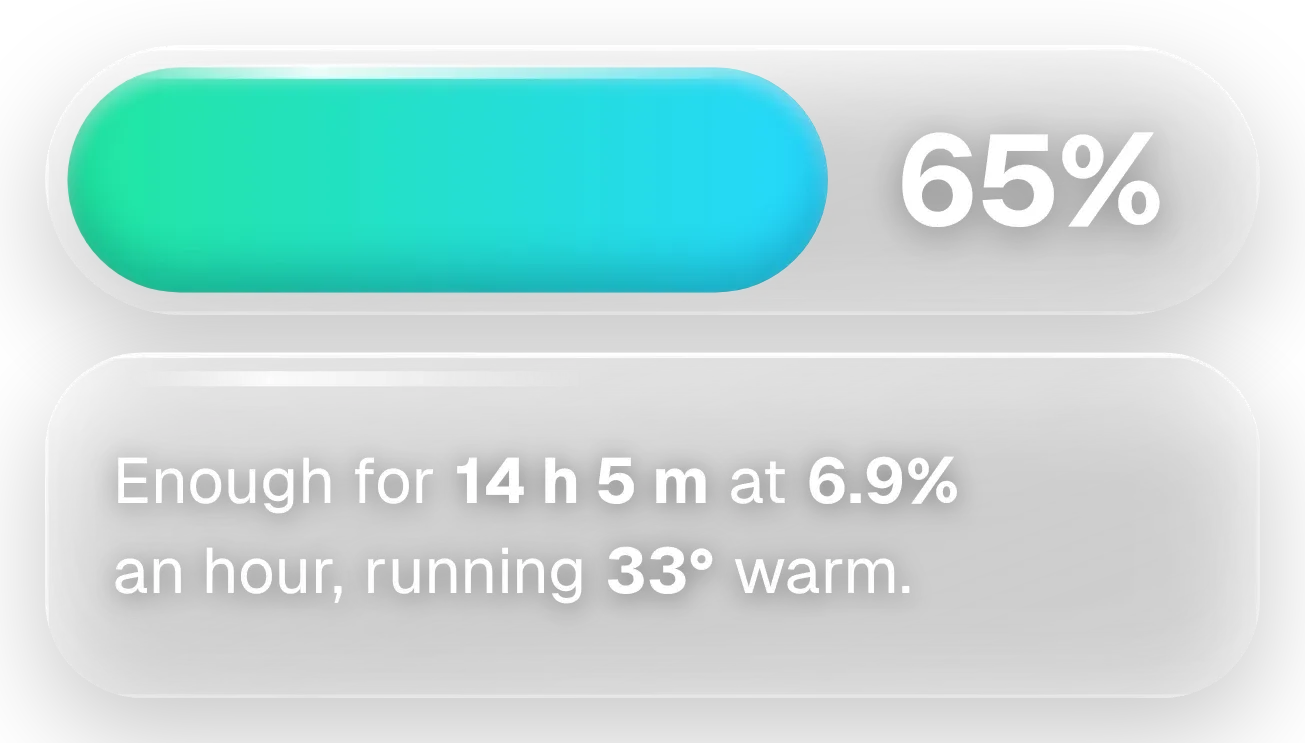 Slow PourGlass · 4x2 · Pro
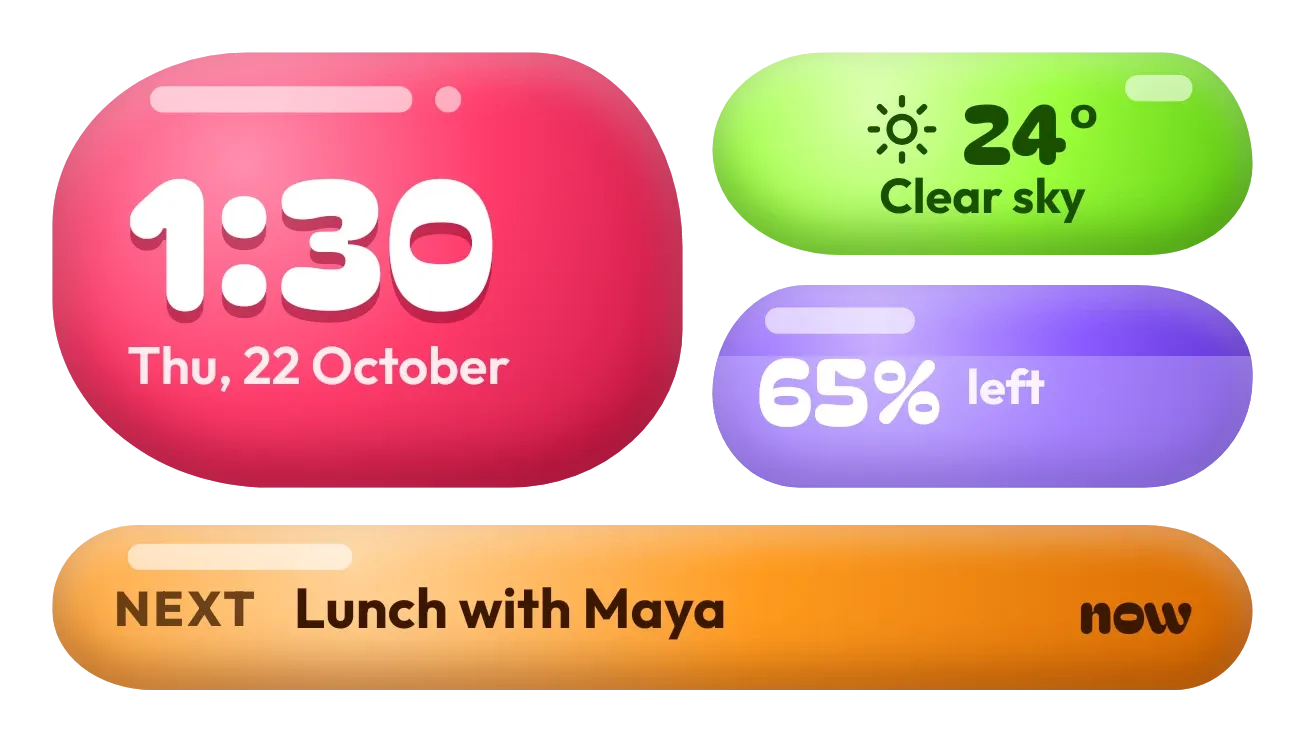 Jelly GlanceGlass · 4x2 · Pro
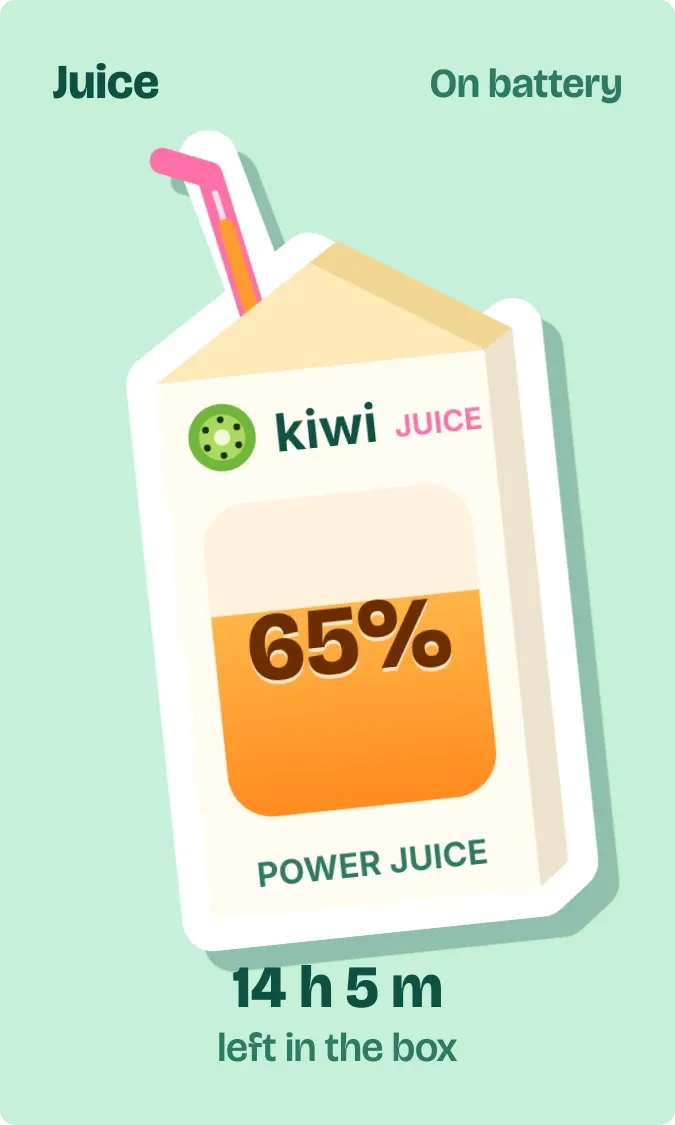 Straw ScrapePlayful · 2x3