Mint Battery
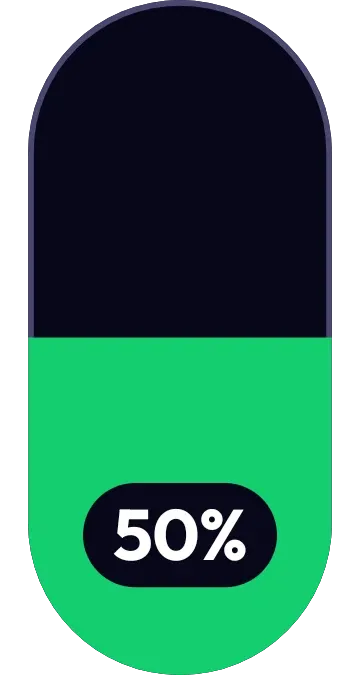
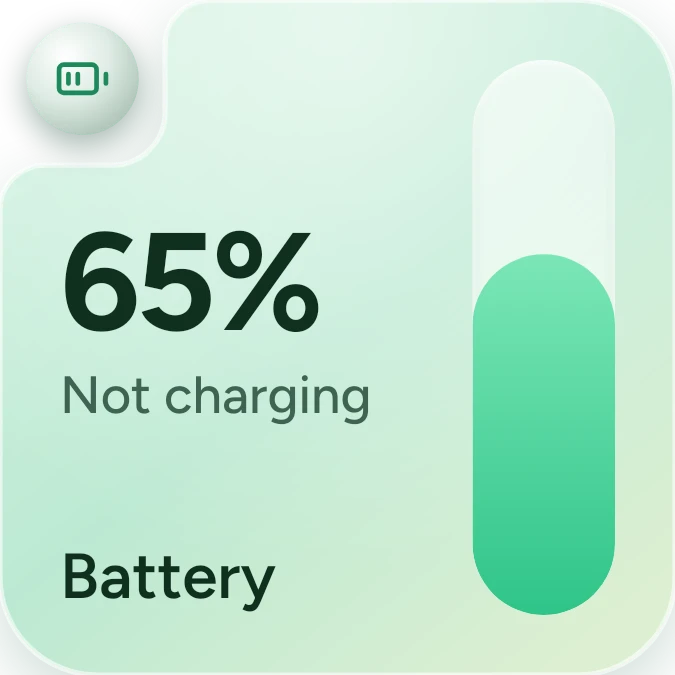
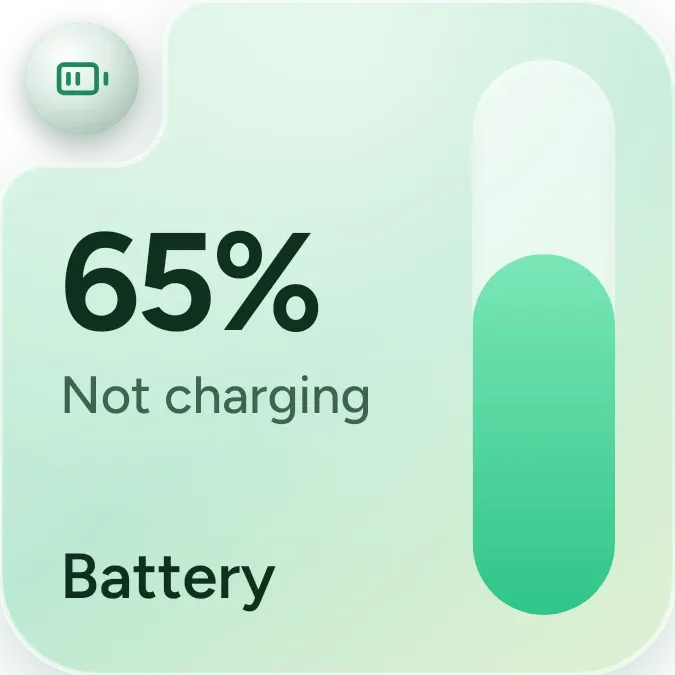
Mint Battery shows the battery level as a large percentage on a soft mint card, with the word Battery at the bottom. A tall capsule on the right fills from the bottom to match the level. A round icon sits in the top corner, and the capsule turns coral when the battery runs low.
- Size
- 2x2 cells
- Kit
- One UI
- Shows
- Battery
- Look
- Pastel and glass
- Colours
- Mint and green, light background
- Looks like
- Samsung widgets
- Good for
- Everyday
- Android
- 10 or newer
- Needs
- No additional permissions
- Price
- Free
Kiwi is in beta and is not on Google Play yet. Join to request an invitation.
- battery
- charging
- mint
- samsung
What changes
- The percentage and the height of the capsule fill follow the current battery level.
- The capsule fill is mint green normally and turns coral when the battery is low.
- While the phone is charging, the corner icon is a lightning bolt and the status line reads Charging.
- When the battery is full, the status line reads Fully charged.
- When the battery is low, the status line reads Low battery in coral.
- When the phone is not charging and the battery is not low, the corner icon is a battery and the status line reads Not charging.
Data and settings
- Reads the battery level, shown as the percentage and the capsule fill.
- Reads whether the phone is charging and whether the battery is full or low, to choose the status line, icon and fill colour.
- Has nothing to set.
Set it up
- Open Mint Battery in Kiwi, either from its kit or from this page.
- Tap Use.
- Confirm your launcher's prompt to place the widget on your home screen.
Good to know
- At very low levels the capsule keeps a small minimum fill, so a sliver of coral stays visible even when the level is close to zero.
Widgets like Mint Battery
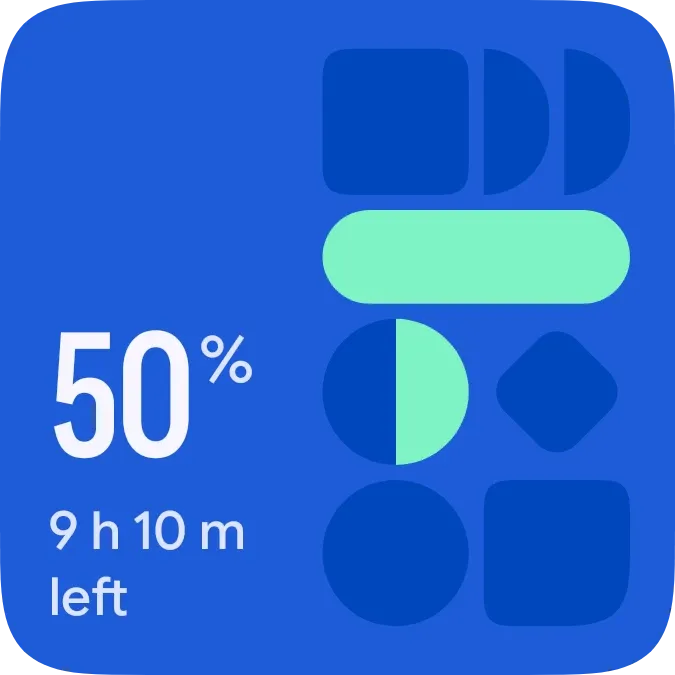 Volt MosaicMaterial Expressive
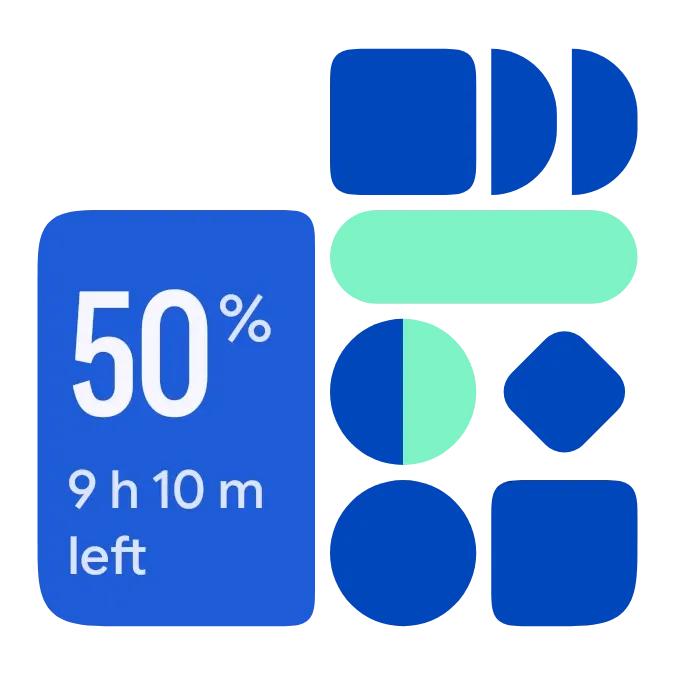 Shape ChargeMaterial Expressive
 Fizz TubeGlass
 Halfway PillMaterial You