Weather widgets for Android
Weather for a city you type in, never your location. Now, the hours ahead and the days ahead, drawn in the look of the kit the widget belongs to. No GPS permission is asked for.
46 designs across 10 Kiwi kits · Android 10 or newer. Previews show the designs; readings change with your data.
How to put one on your home screen
- Install Kiwi from Google Play on Android 10 or newer and choose a weather design. Check its grid size and Free or Pro label.
- Open Kiwi's weather settings, search for your city and select the matching region and country. Choose Celsius or Fahrenheit. An internet connection is needed to search and fetch the forecast.
- Preview the widget with your city's weather, then tap Use and follow your launcher's placement prompt. Leave space for the listed grid size.
Before you add a weather widget
- Are these weather widgets free?
- Each preview shows its Free or Pro label. Check the label in Kiwi before using a design; other kits may include Pro widgets.
- Does the weather widget need GPS?
- No. Choose a city in Kiwi's weather settings. The forecast uses that city rather than tracking your phone's location. If you travel, update the selected city yourself. Weather widgets share this city setting.
- Why is my widget showing the wrong city or temperature unit?
- Check the selected city, including its region and country when several places share a name. Choose °C or °F in the same settings. Changing the city or units requests fresh data, so keep an internet connection available.
- How often does the weather refresh?
- Kiwi requests a background refresh when it reads weather data that is more than 30 minutes old. That is not an exact update schedule: connectivity and Android background restrictions can delay a new reading. The widget updates after a successful fetch.
- Will the forecast work offline?
- Kiwi can keep showing the last successfully fetched forecast while offline, but it needs internet to get new weather. A first fetch, or a change of city or units, needs a connection. Old readings should not be mistaken for current conditions.
- What if the weather looks out of date?
- Check your connection and the city selected in Kiwi, then reopen the app. Where the design shows an update time, use it to judge the reading's age. If updates remain delayed, check Android's background restrictions for Kiwi. Some designs do not display a freshness label.
More weather widgets from Kiwi
Browse the remaining designs by look, size and Free or Pro access.
 Heat BeadsNothing · 2x2 · Free
 PeppercastNothing · 4x2 · Free
 Damp SignalNothing · 4x1 · Free
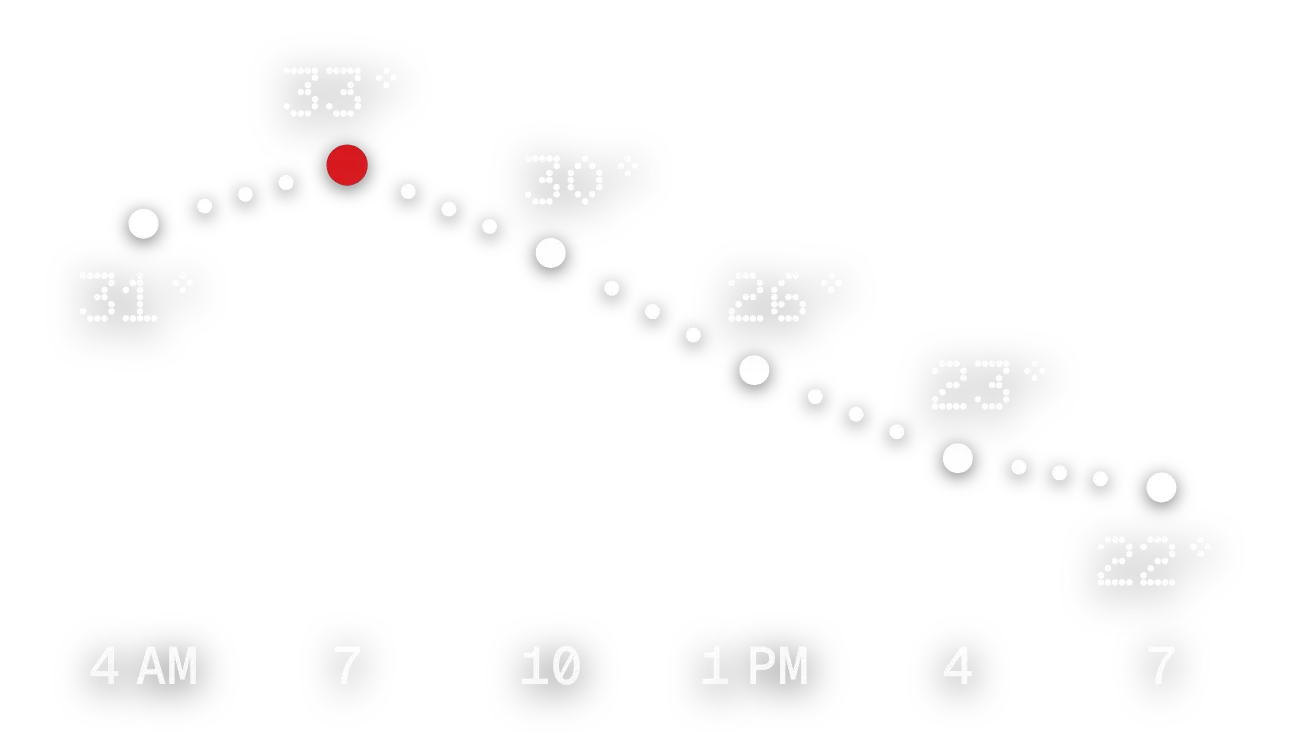 HeatbeadsNothing · 4x2 · Free
 Weather TodayiOS & macOS · 2x2 · Free
 Rain OutlookiOS & macOS · 4x4 · Free
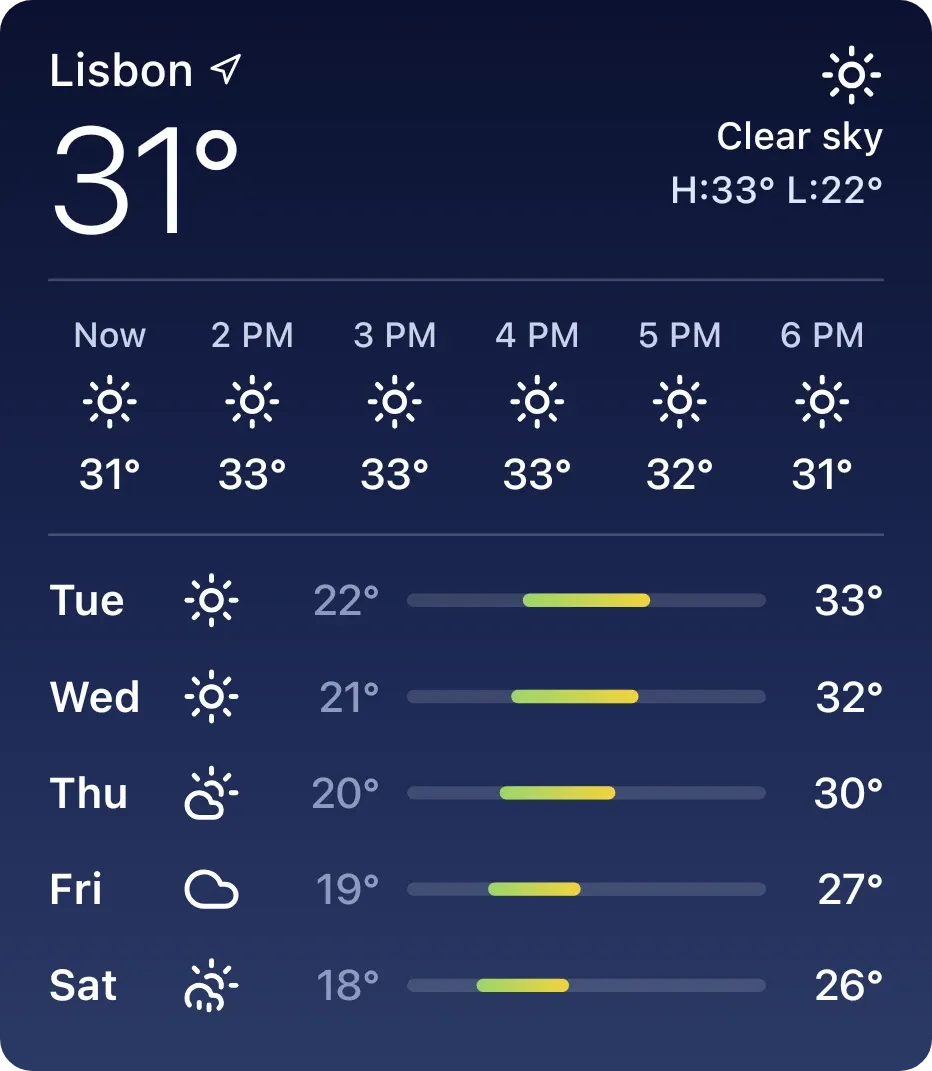 Full Night WeatheriOS & macOS · 4x4 · Free
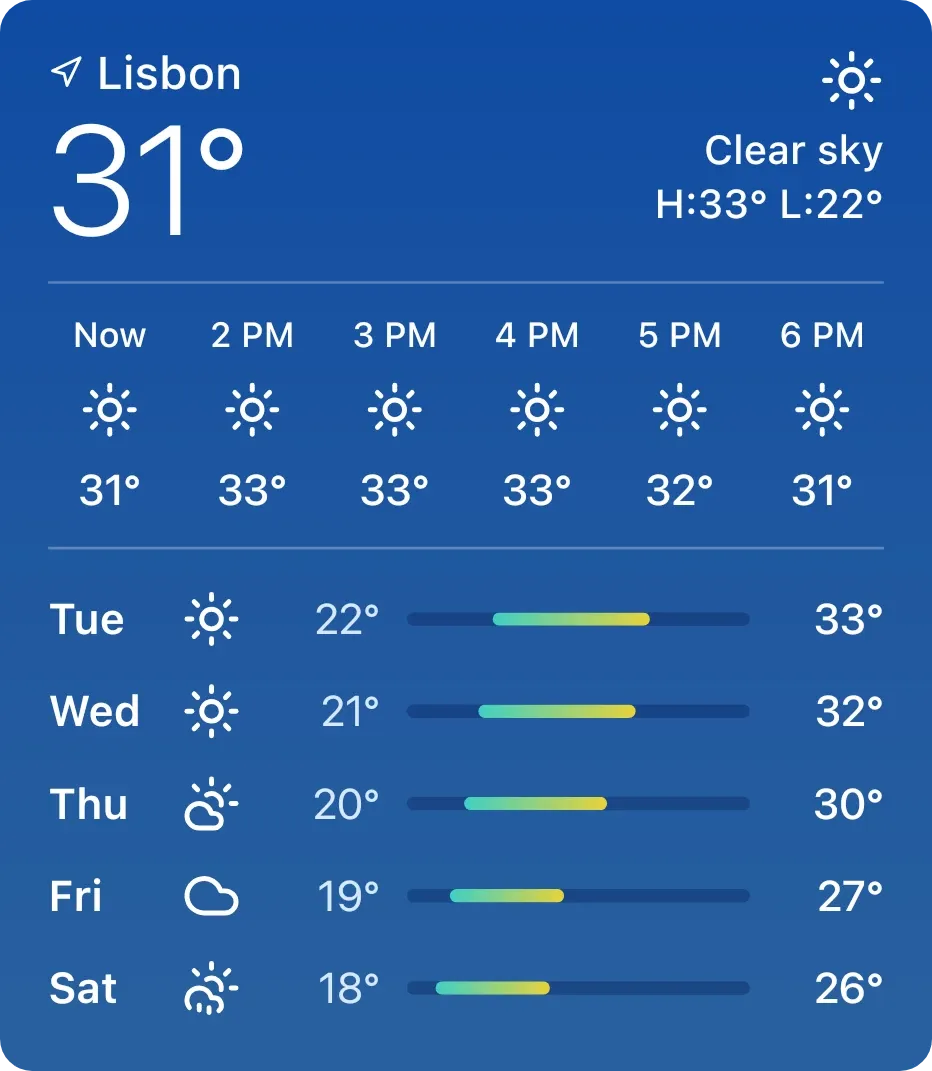 Full Day WeatheriOS & macOS · 4x4 · Free
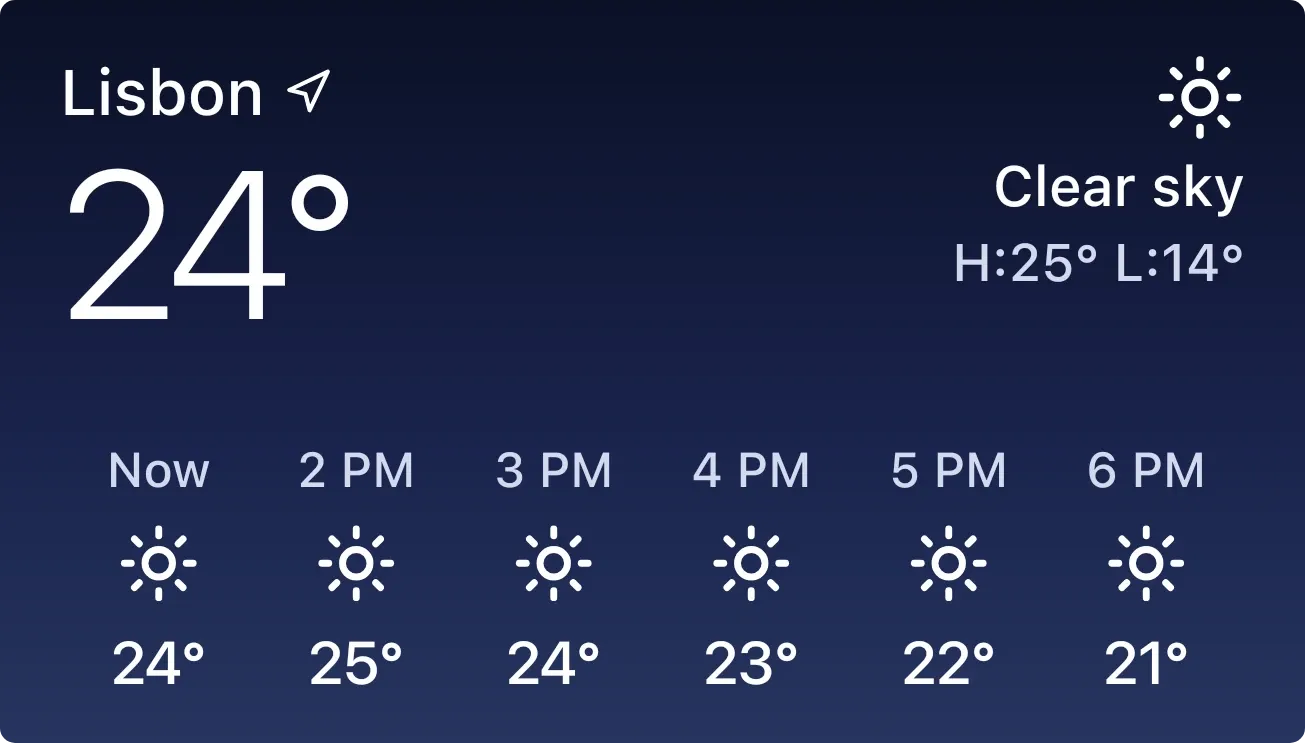 Hourly Weather NightiOS & macOS · 4x2 · Free
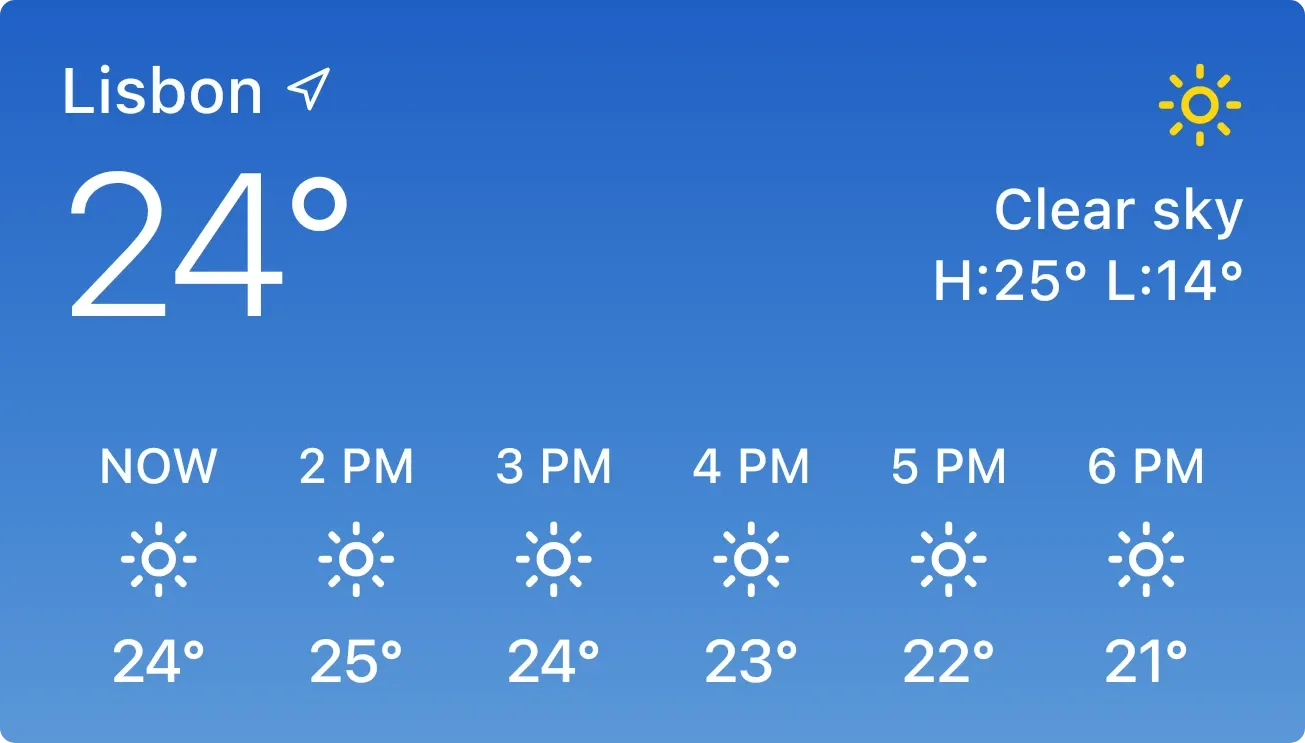 Hourly Weather DayiOS & macOS · 4x2 · Free
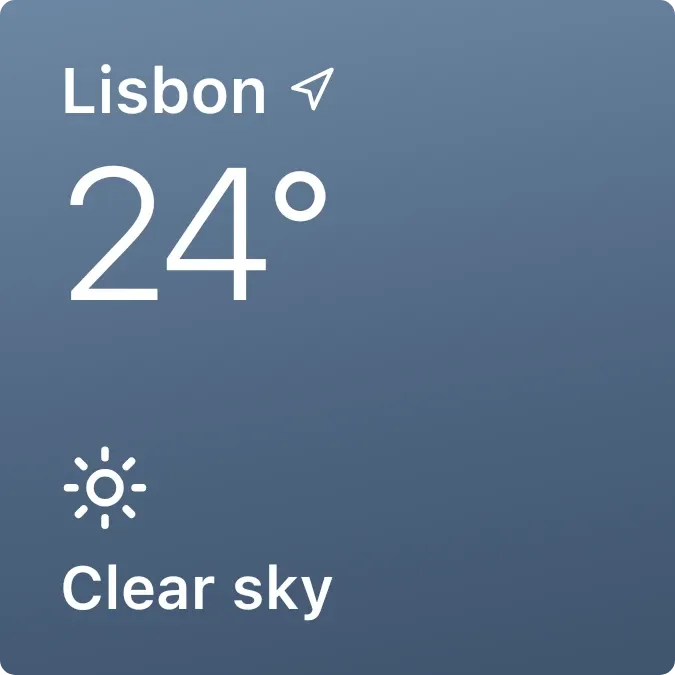 Weather RainiOS & macOS · 2x2 · Free
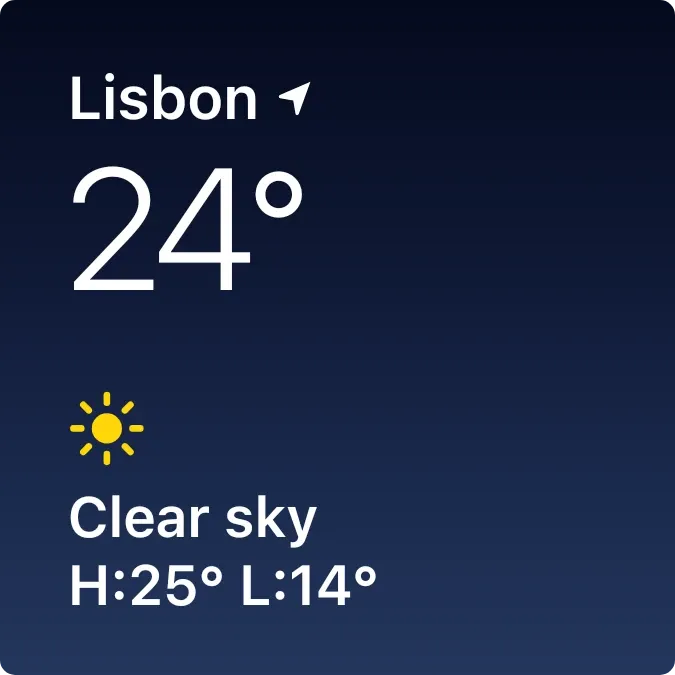 Weather NightiOS & macOS · 2x2 · Free
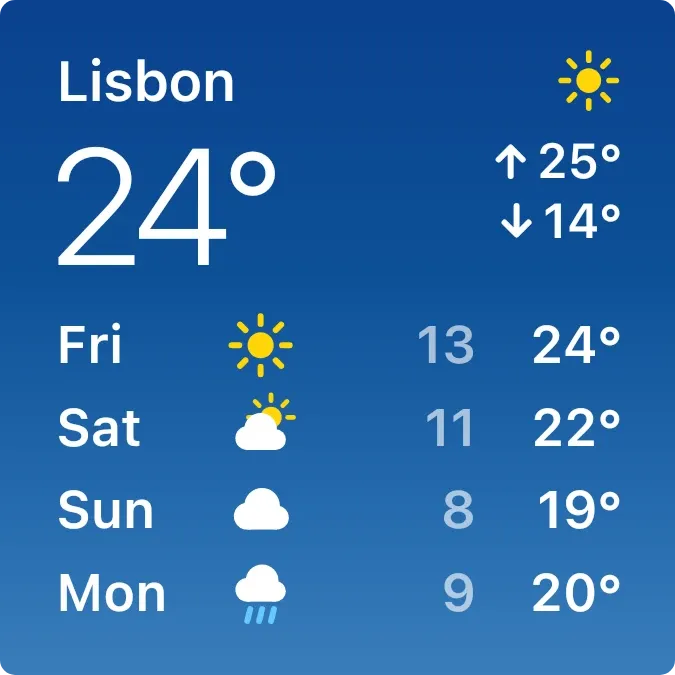 Weather CompactiOS & macOS · 2x2 · Free
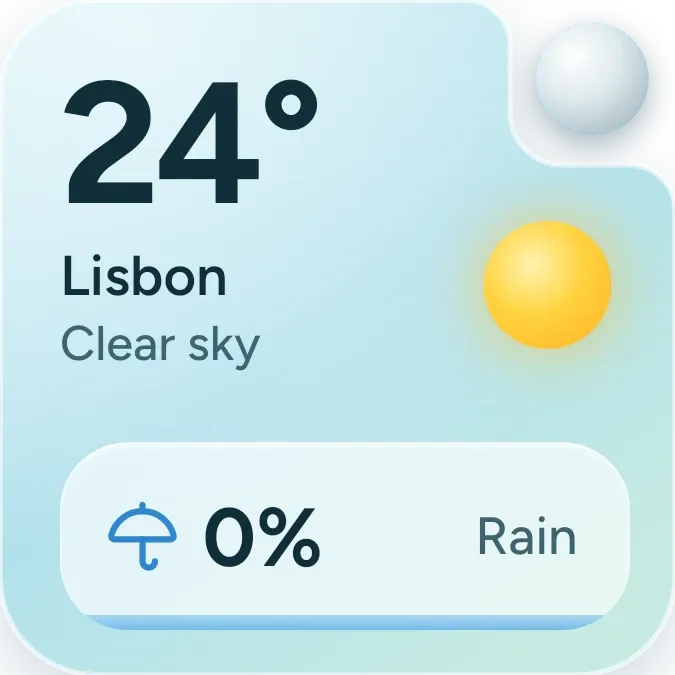 Rain TrayOne UI · 2x2 · Free
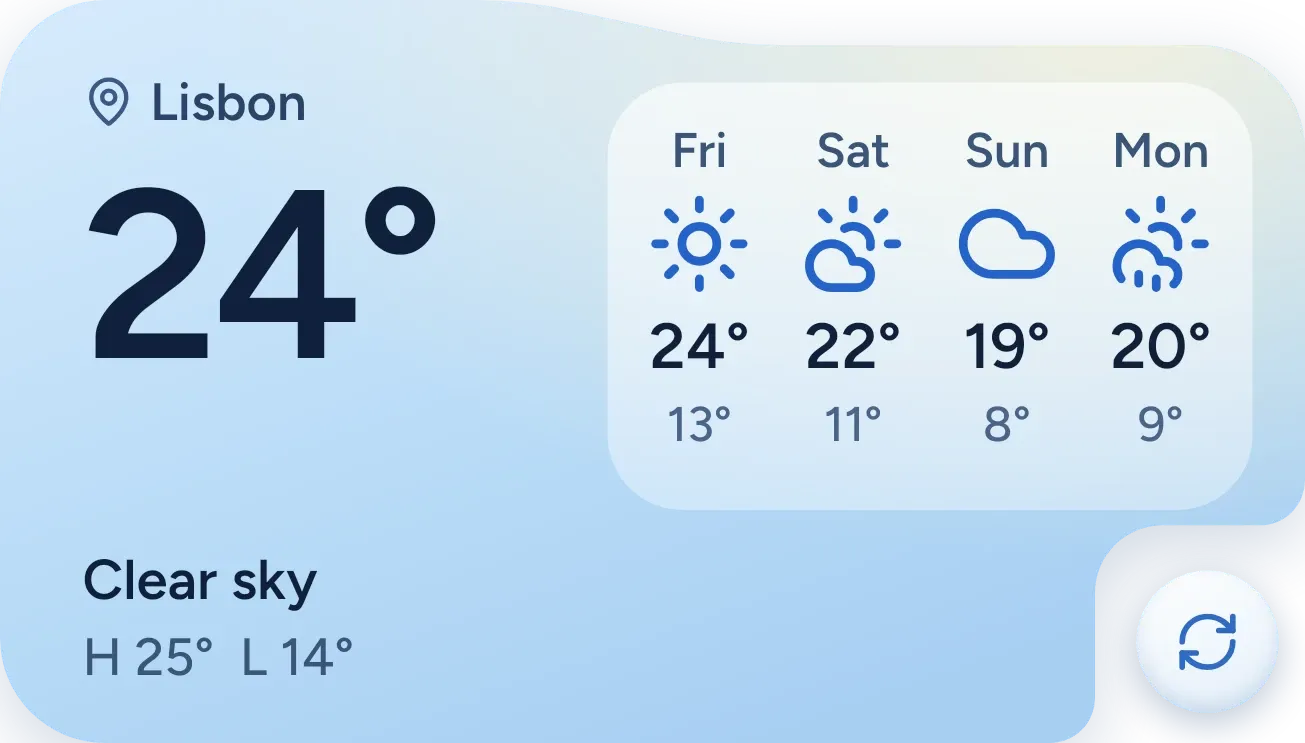 Sky Forecast SlabOne UI · 4x2 · Free
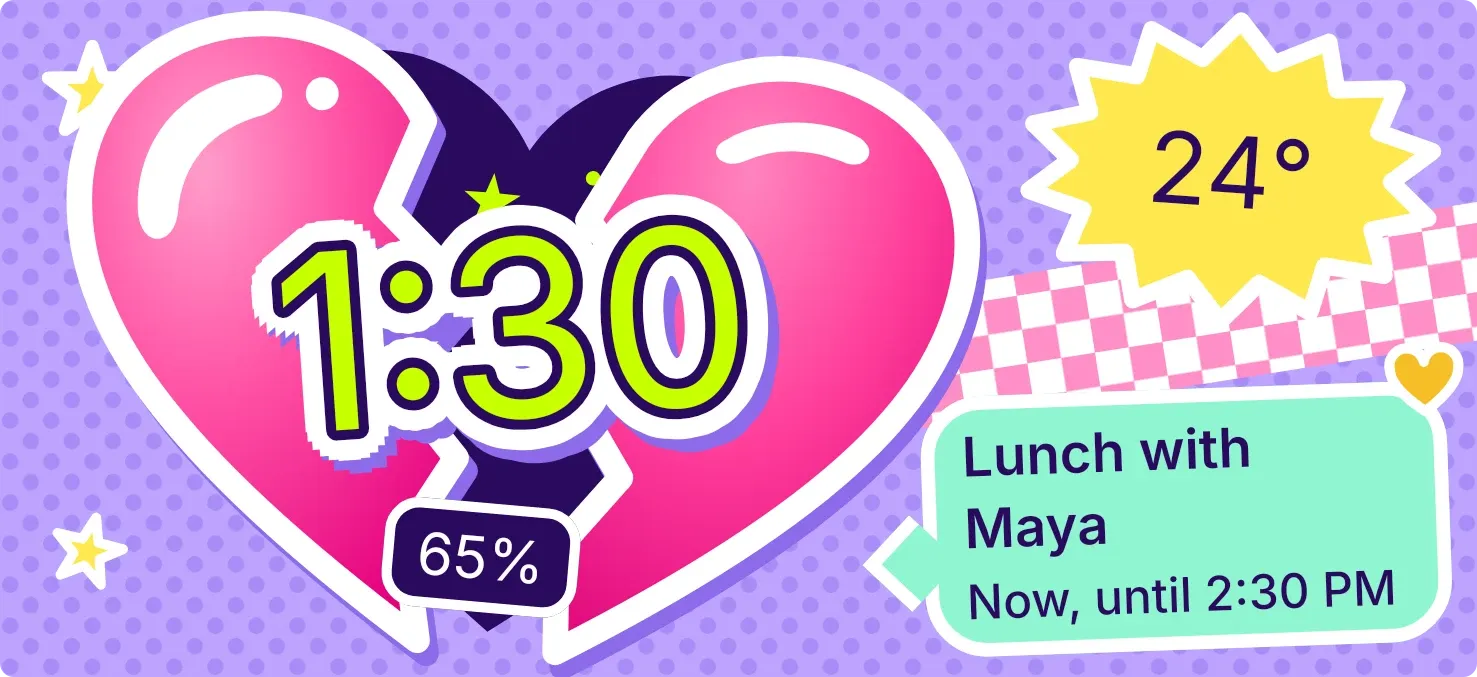 Cleft CandyPlayful · 5x2 · Pro
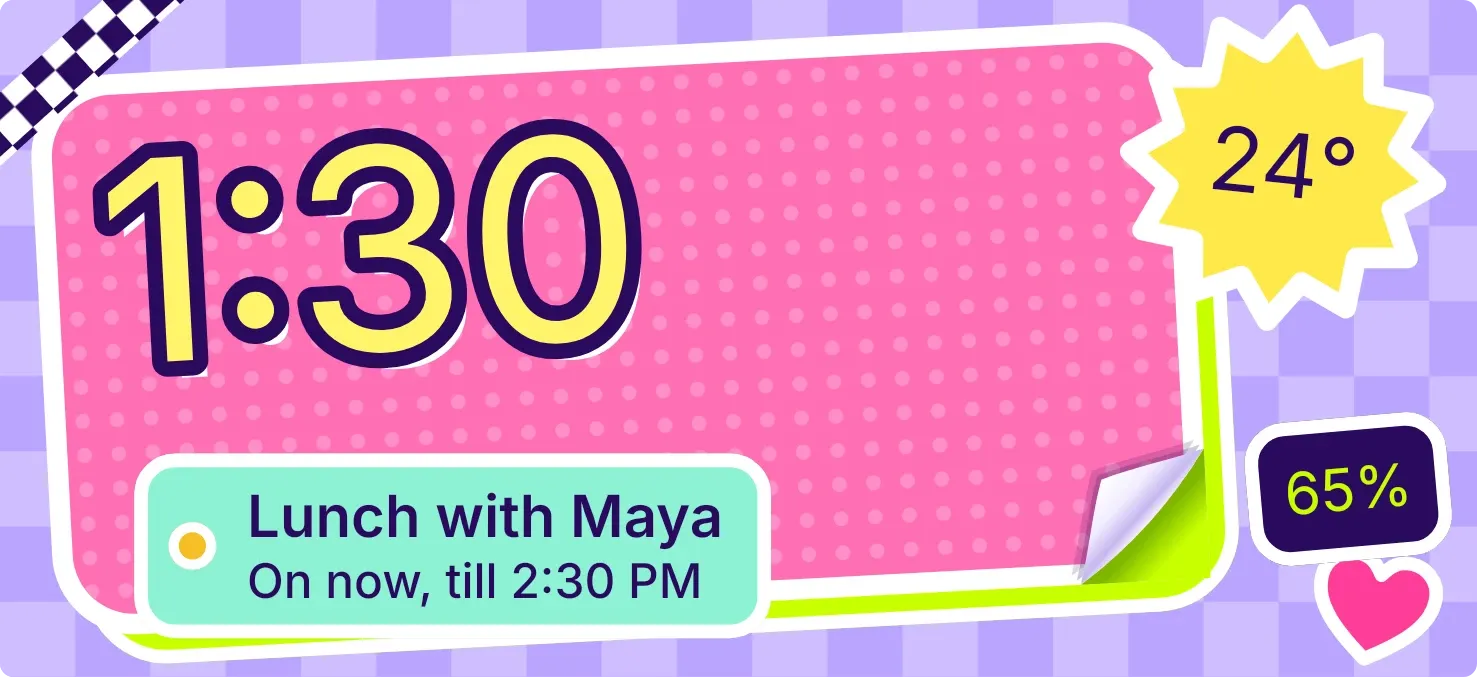 CurlstickPlayful · 5x2 · Pro
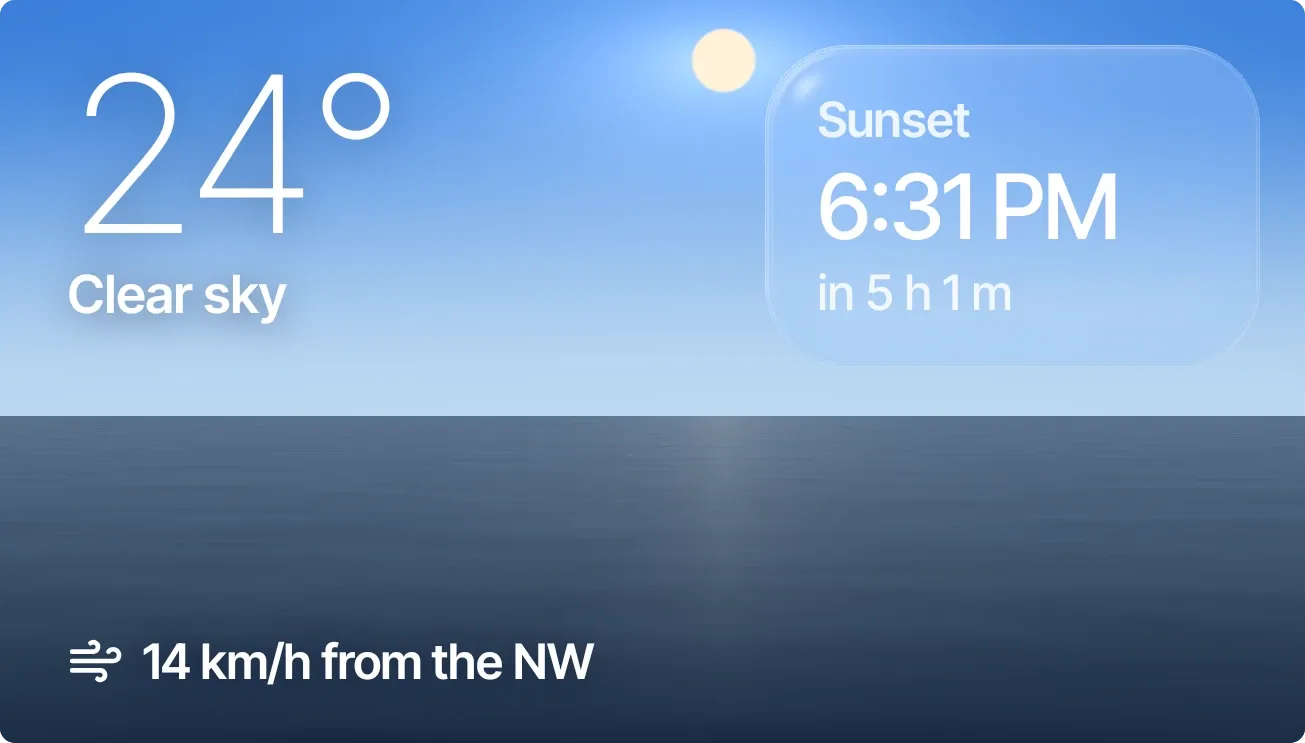 Sundown PaneScenes · 4x2 · Pro
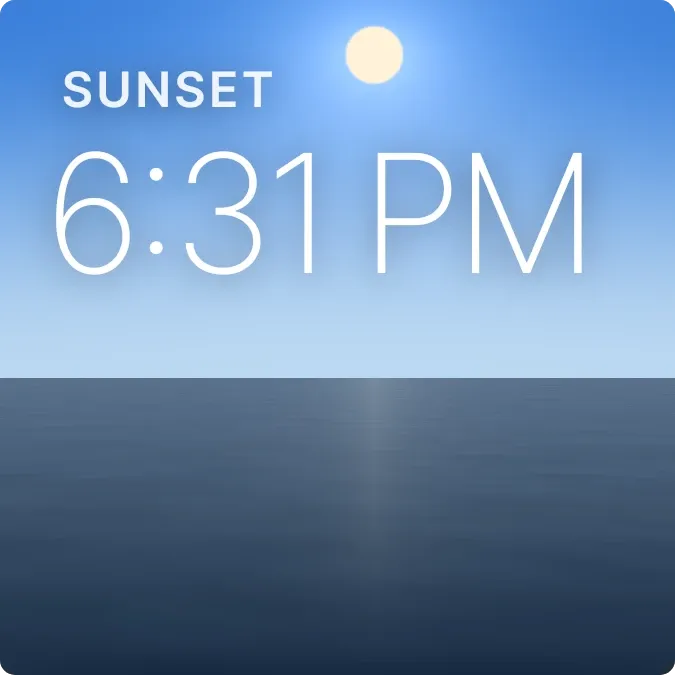 Last LightScenes · 2x2 · Pro
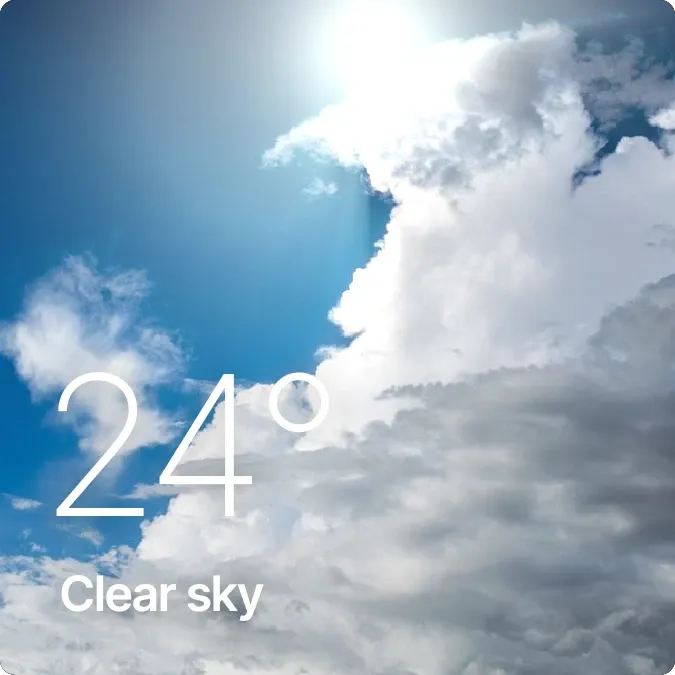 SunbreakScenes · 2x2 · Pro
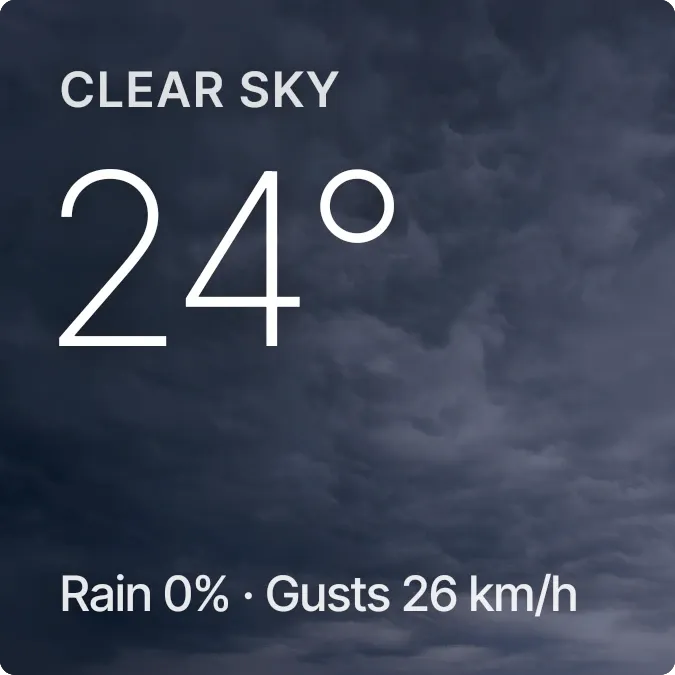 ThunderheadScenes · 2x2 · Pro
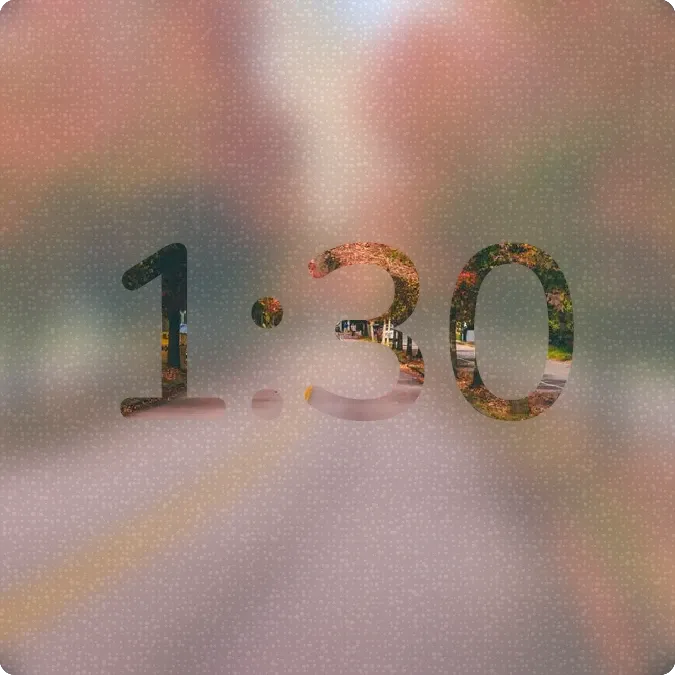 Lamplit BlurScenes · 2x2 · Pro
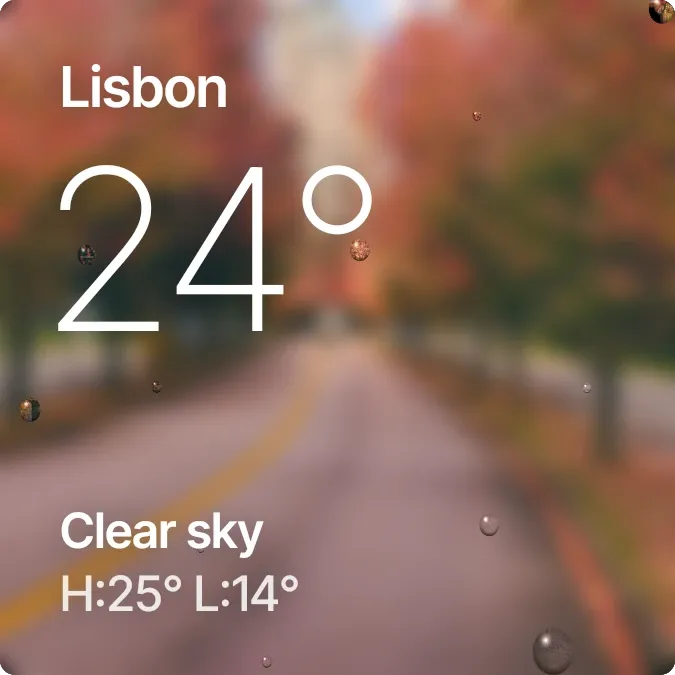 Drizzle LensScenes · 2x2 · Pro
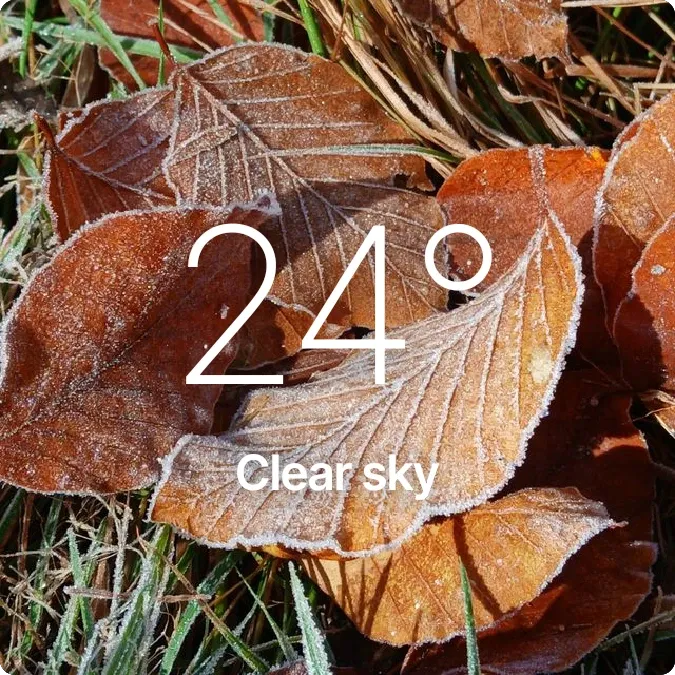 Hoarfrost WoodsScenes · 2x2 · Pro
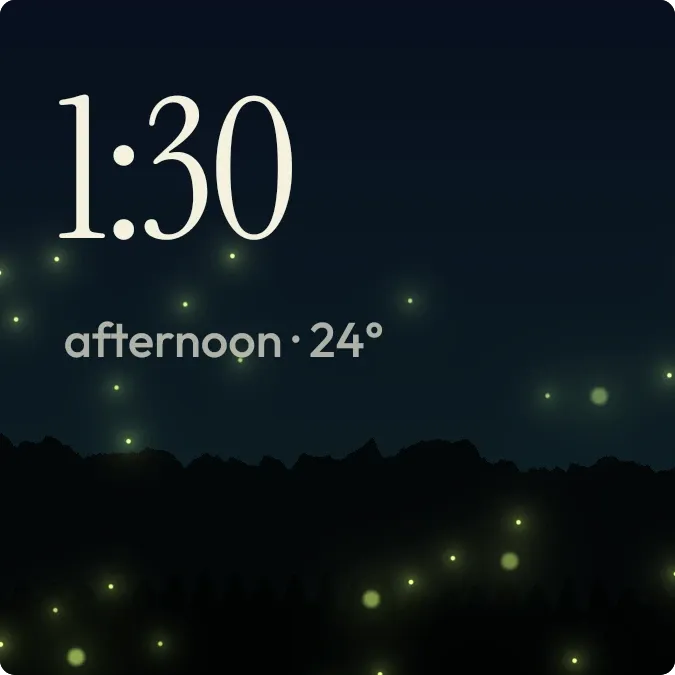 GlowmeadowScenes · 2x2 · Pro
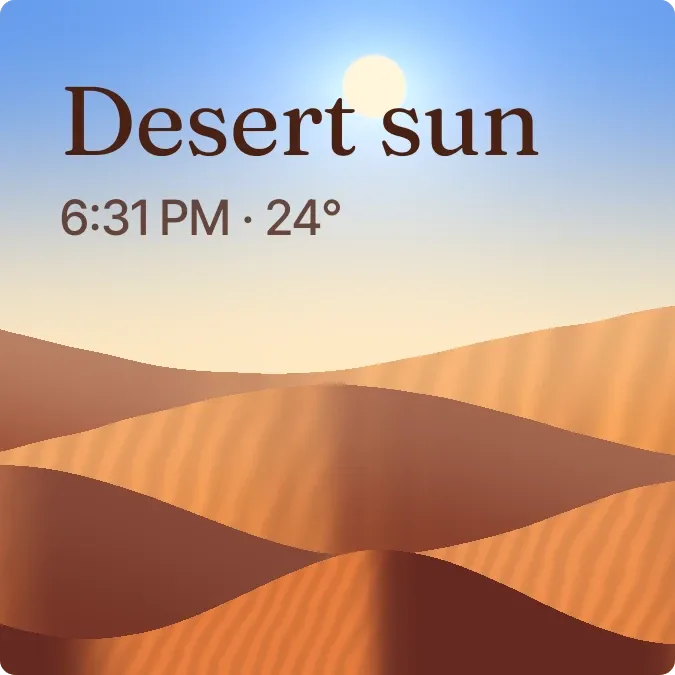 SandglowScenes · 2x2 · Pro
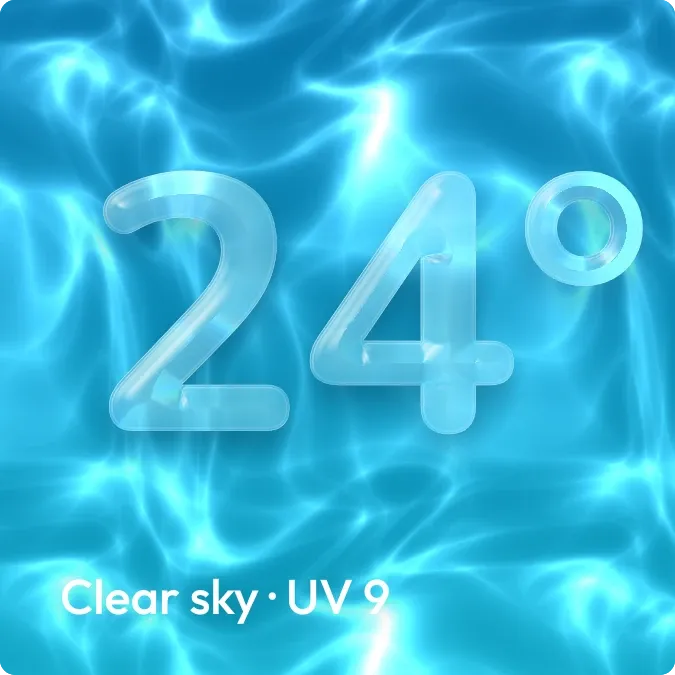 Deep EndScenes · 2x2 · Pro
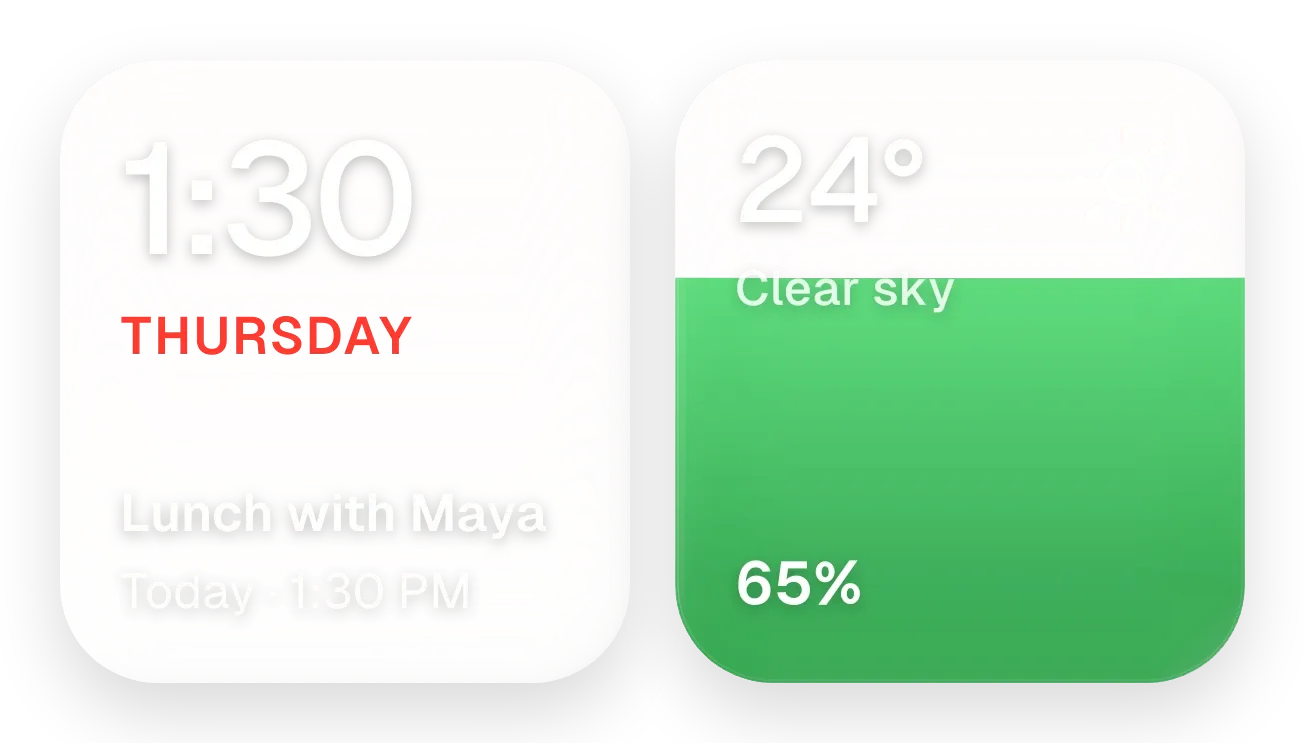 Yolk and PearlGlass · 4x2 · Pro
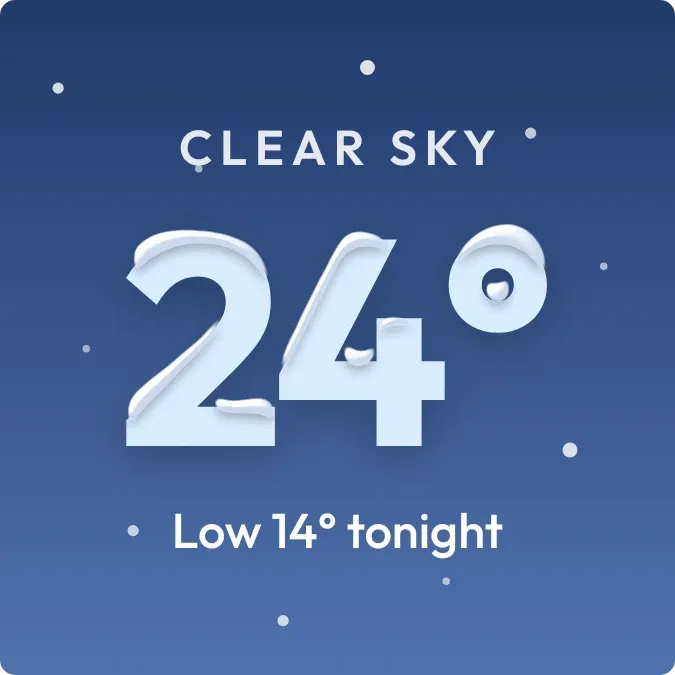 Powder CrownScenes · 2x2 · Pro
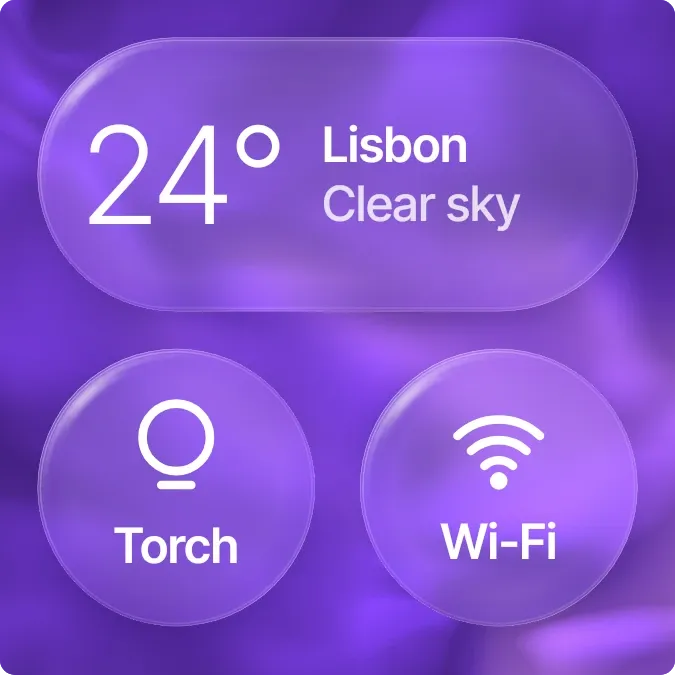 Silk SwitchboardGlass · 2x2 · Pro
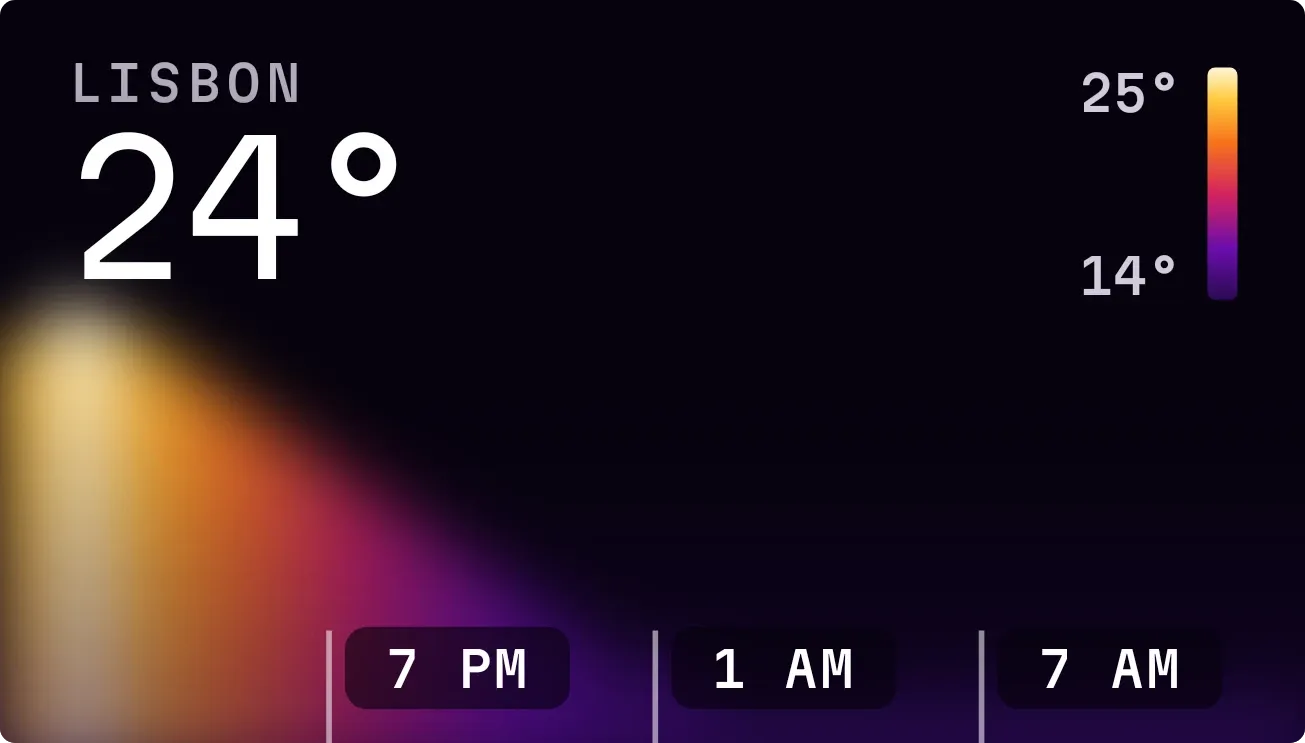 Hot SpotInstruments · 4x2 · Free
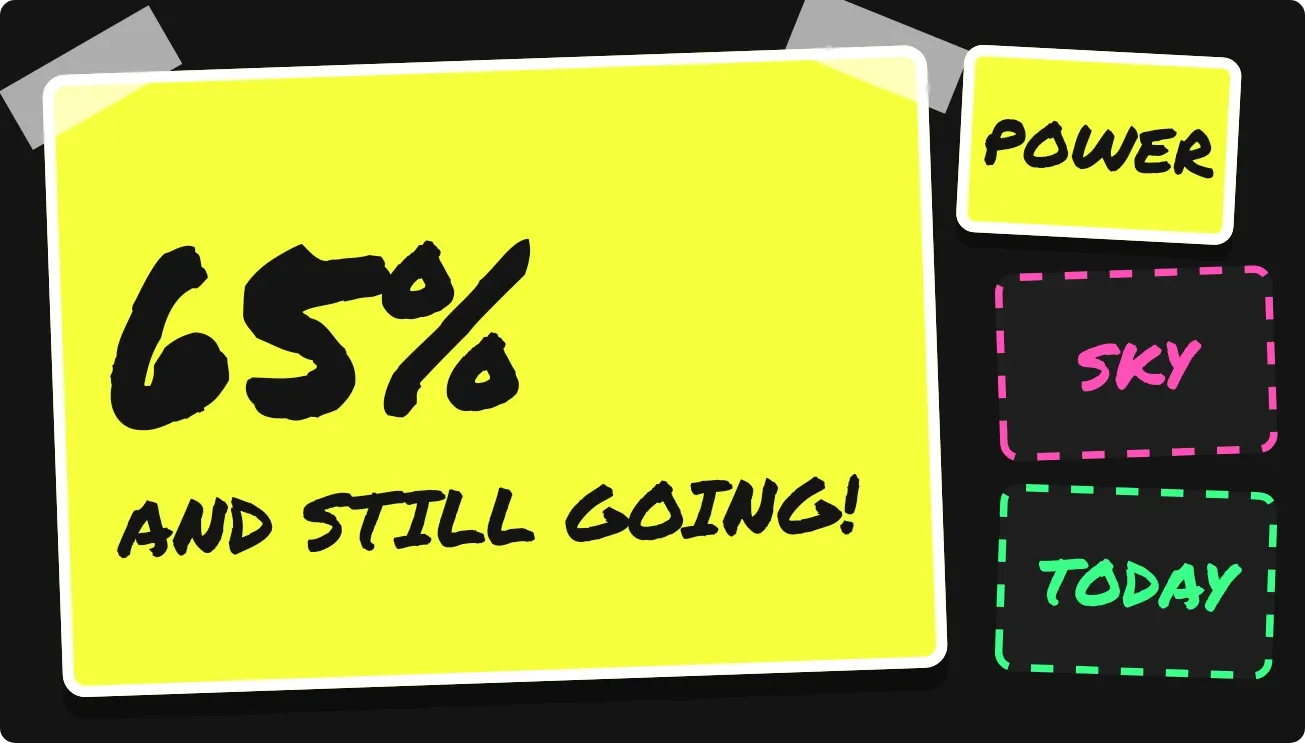 Sign RiotPlayful · 4x2 · Free
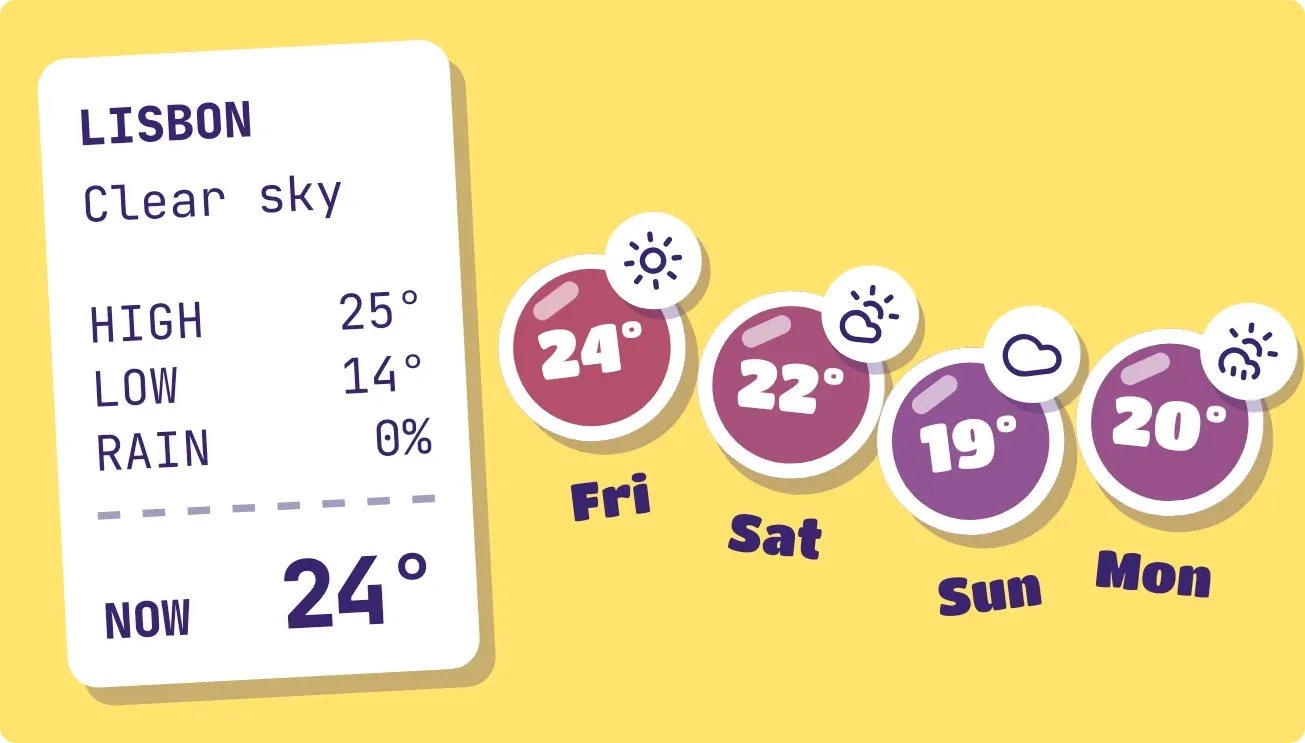 Sticker SundaePlayful · 4x2 · Free
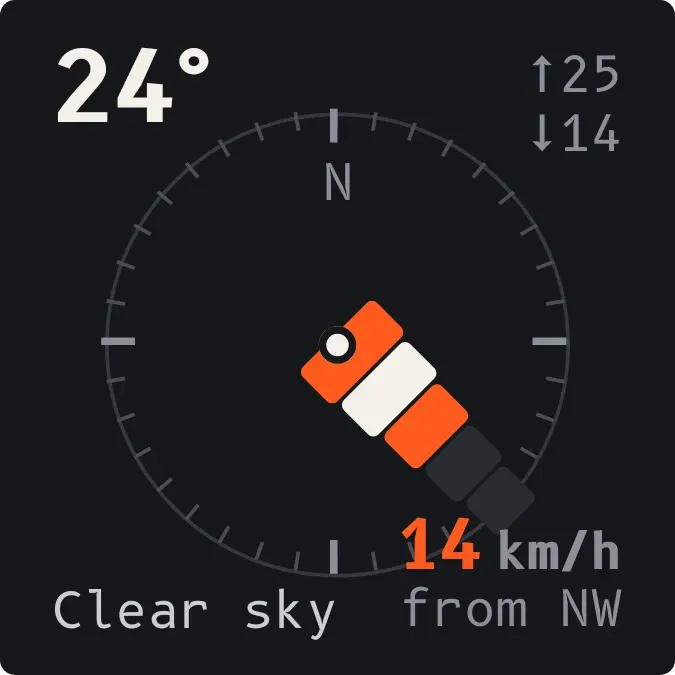 WindsleeveInstruments · 2x2 · Free
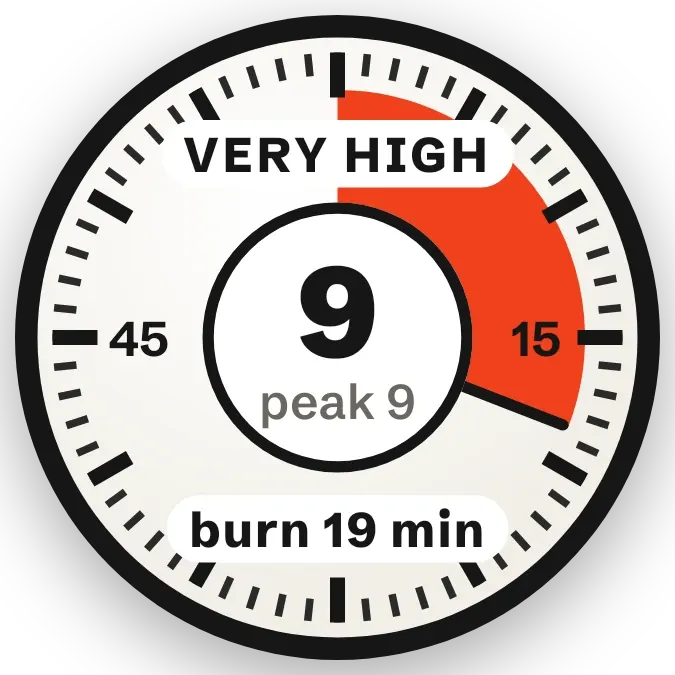 Slow FuseInstruments · 2x2 · Free
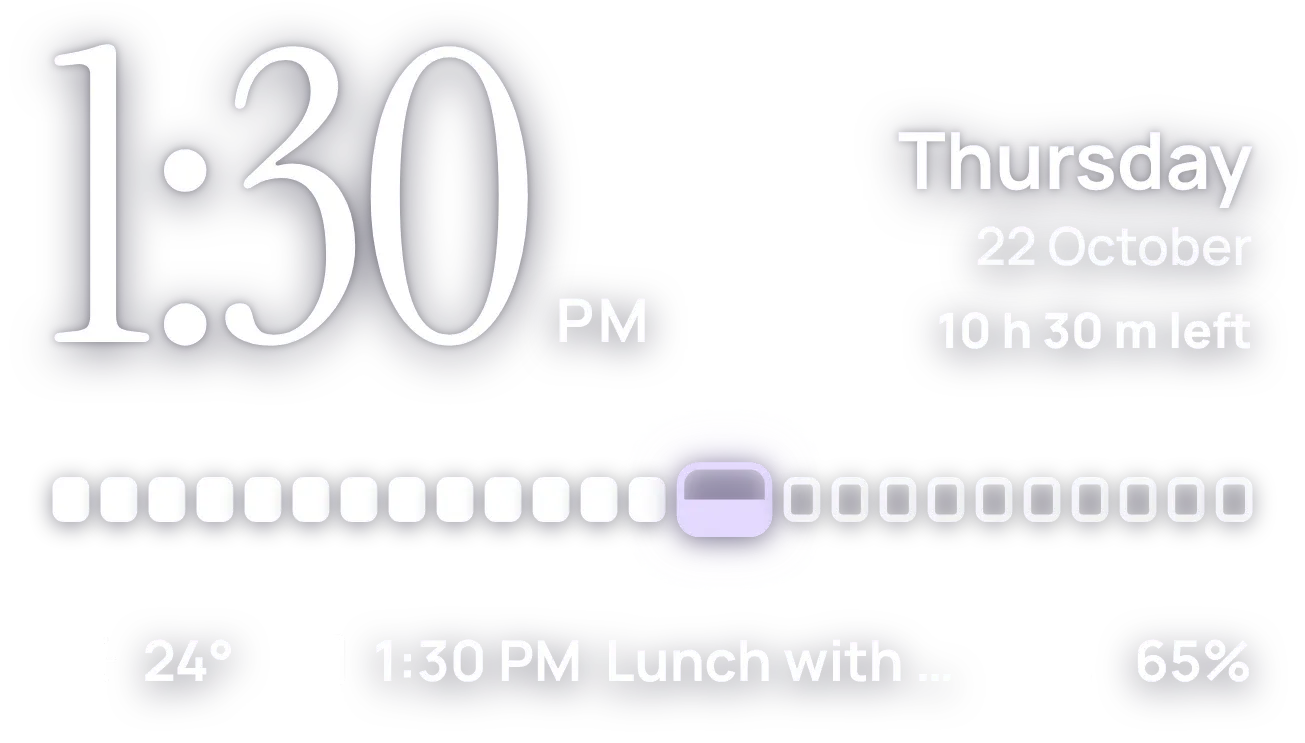 HourlaceClear · 4x2 · Free
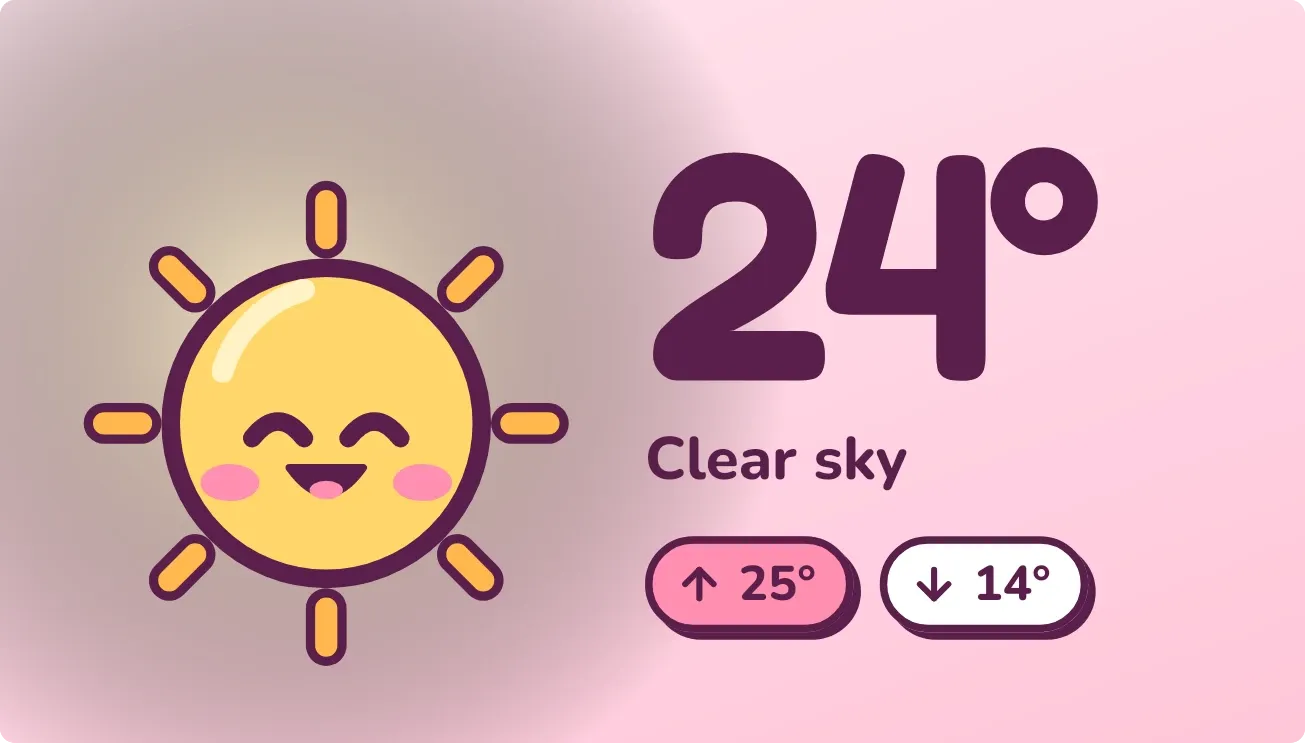 Blush NoonPlayful · 4x2 · Free
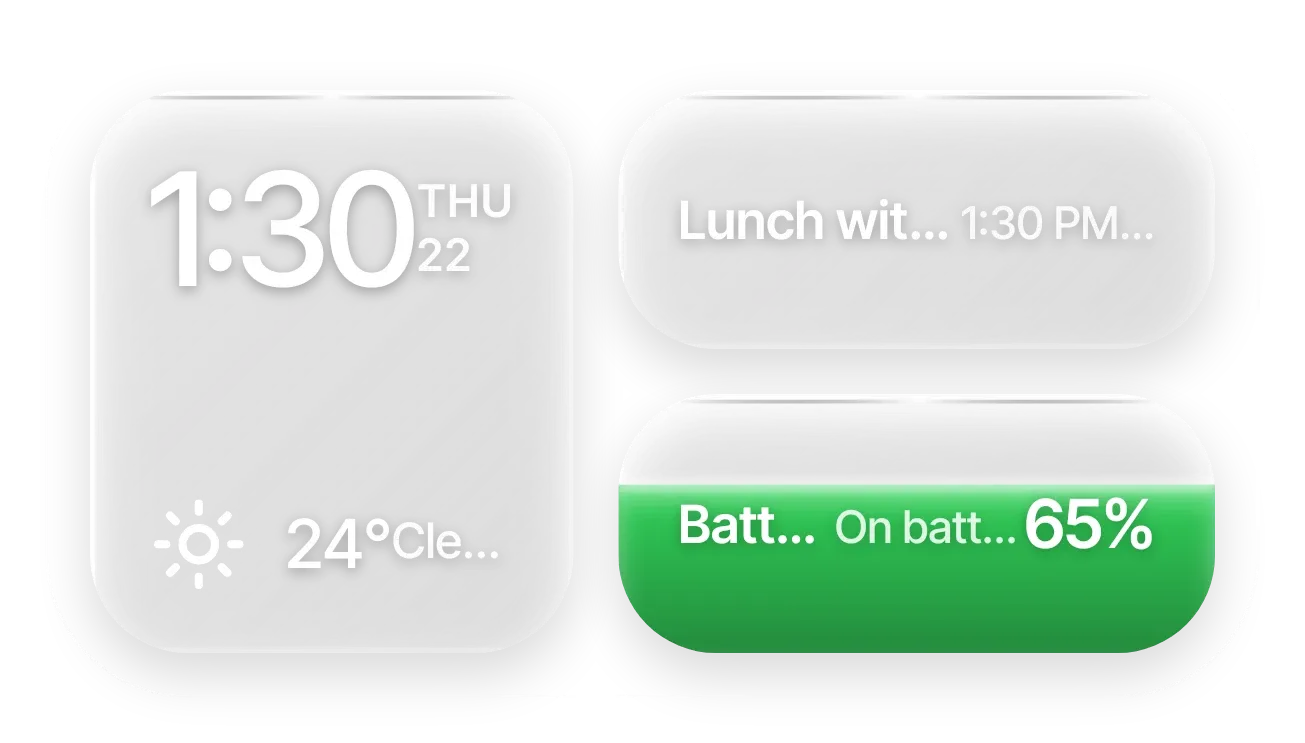 Frost StackGlass · 4x2 · Pro
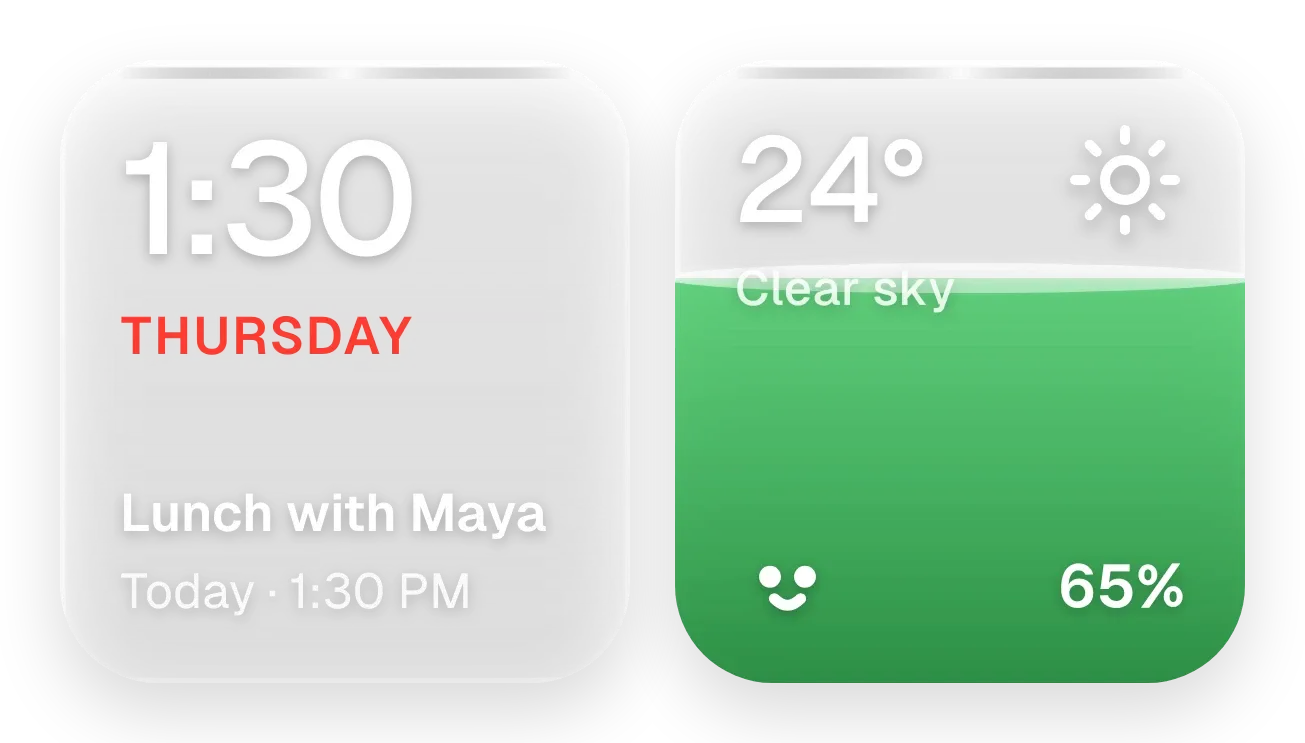 Sunpane DuoGlass · 4x2 · Pro
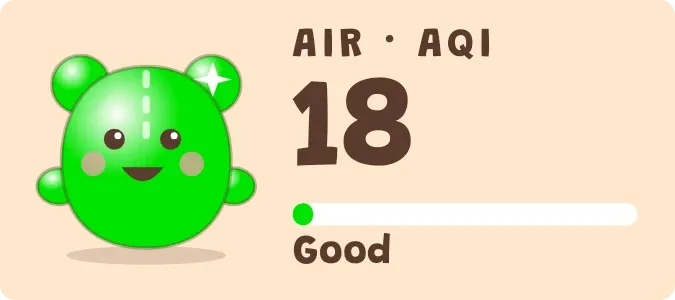 Lime LungsPlayful · 2x1 · Free
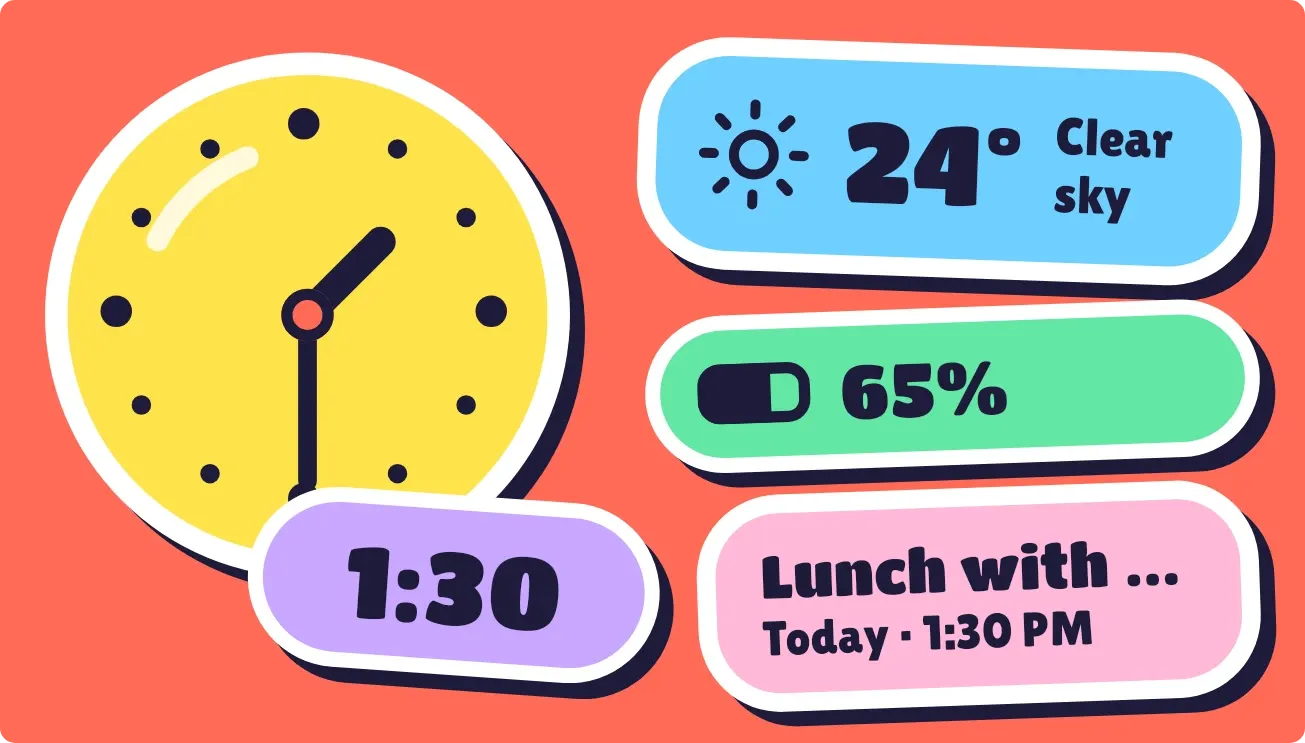 Peel PopPlayful · 4x2 · Free
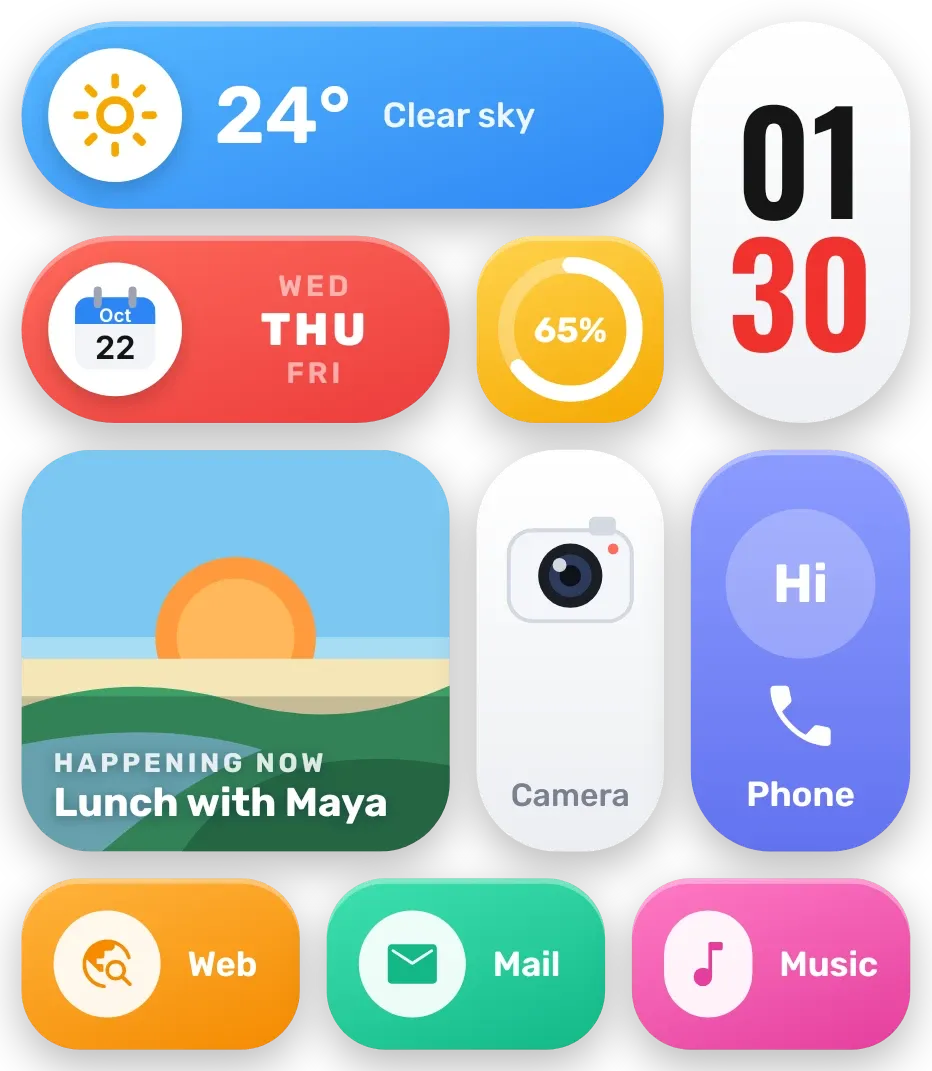 Sherbet GridBento · 4x4 · Free
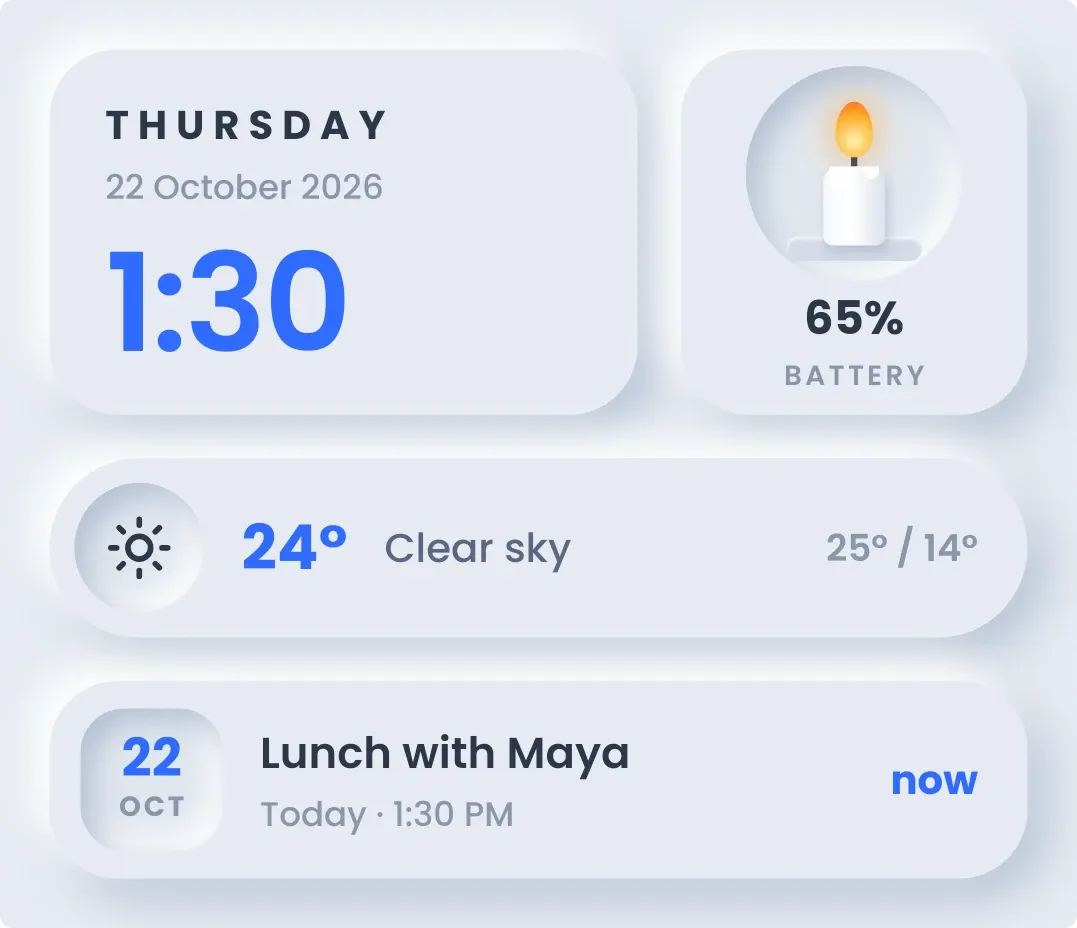 CandlewickSoft UI · 4x3 · Free
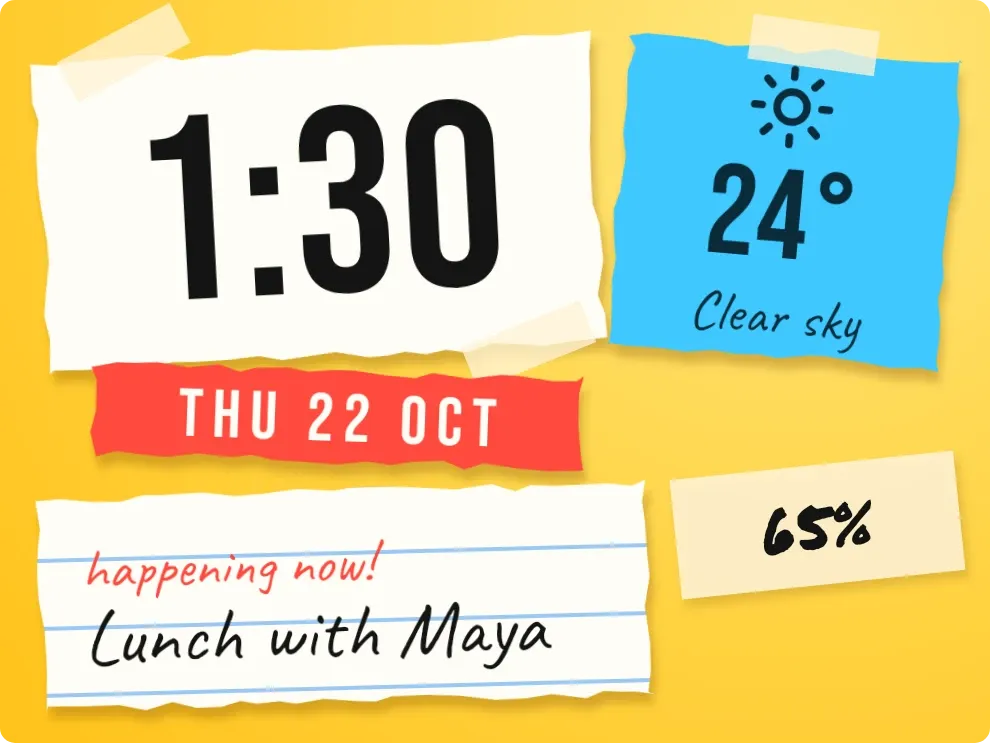 Scrap SundayPlayful · 3x2 · Free
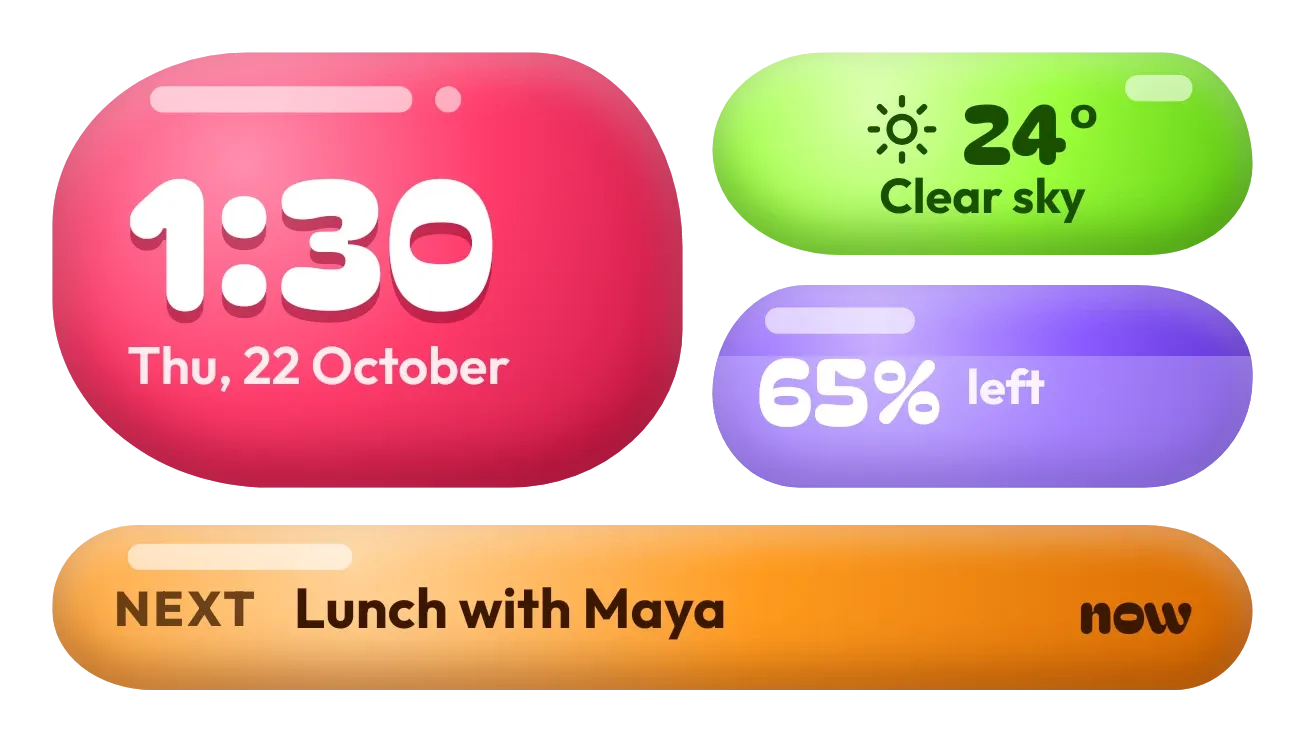 Jelly GlanceGlass · 4x2 · Pro
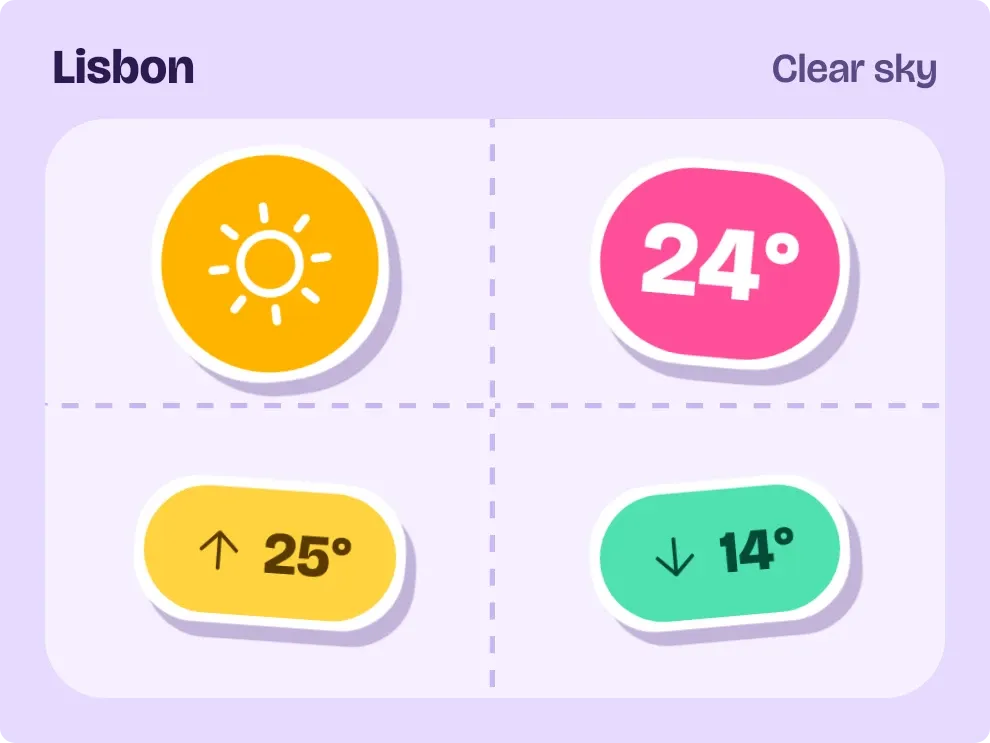 SunpeelPlayful · 3x2 · Free