Calendar widgets for Android
Today, tomorrow, the month, or only your next event, from the calendars already on the phone. Each one asks for calendar access the first time you add it and for nothing else.
32 widgets, from Material Expressive, Playful, iOS & macOS, Glass, Nothing, One UI, Clear, Bento, Scenes, Instruments, Tactile Hardware, Material You and Soft UI. Every picture is the widget as Kiwi draws it, at its real proportions.
How to put one on your home screen
- Join the Kiwi beta. Android 10 or newer, with a launcher that supports widgets.
- Open the widget from this page, or find it in its kit in the app. It shows with your own data before you place it.
- Tap Use and follow your launcher's placement prompt. Configure any data or permissions the design needs first.
 Gap PopMaterial Expressive · 4x1
 GapletMaterial Expressive · 4x1
 WeekliftMaterial Expressive · 4x3
 MorrowmintMaterial Expressive · 4x2
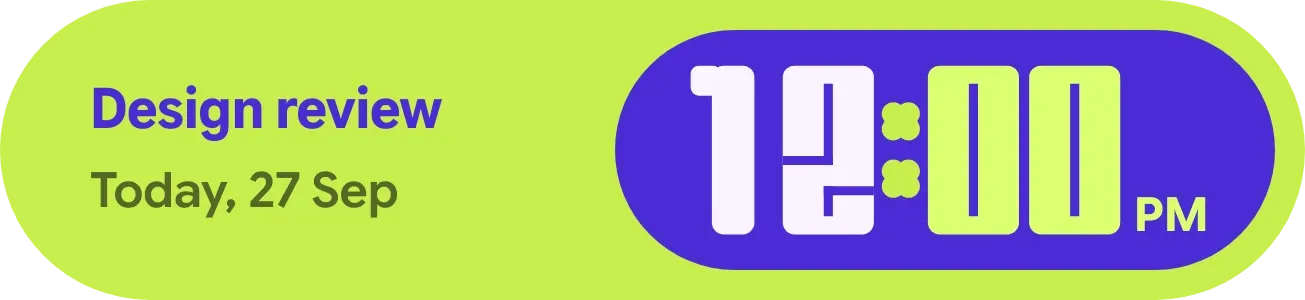 Clover CueMaterial Expressive · 4x1 · Pro
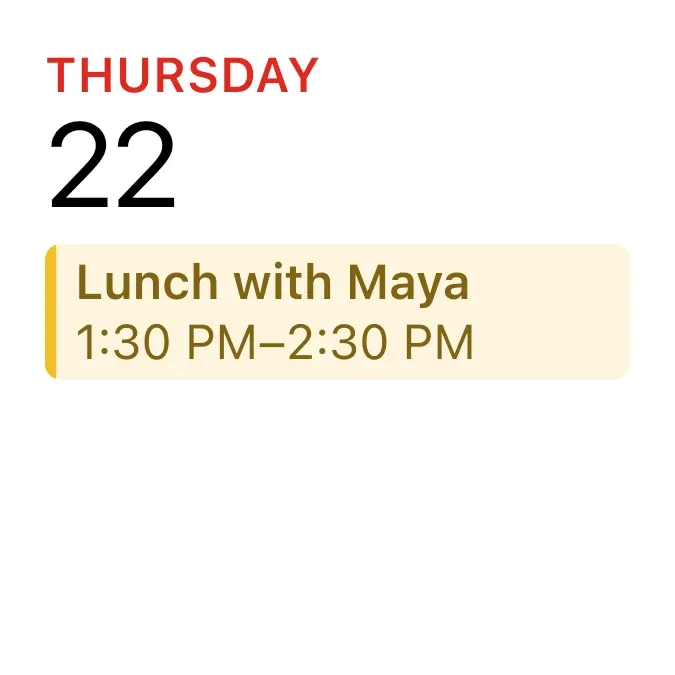 Calendar Up NextiOS & macOS · 2x2
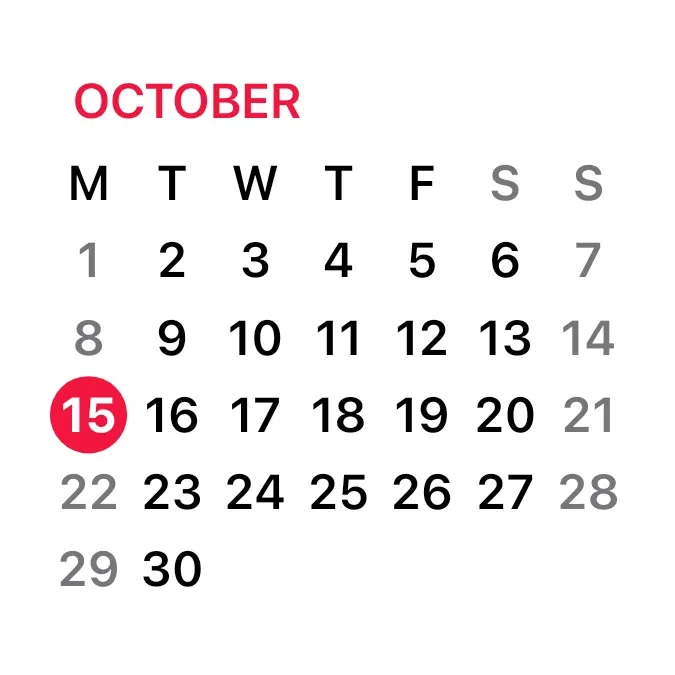 Calendar MonthiOS & macOS · 2x2
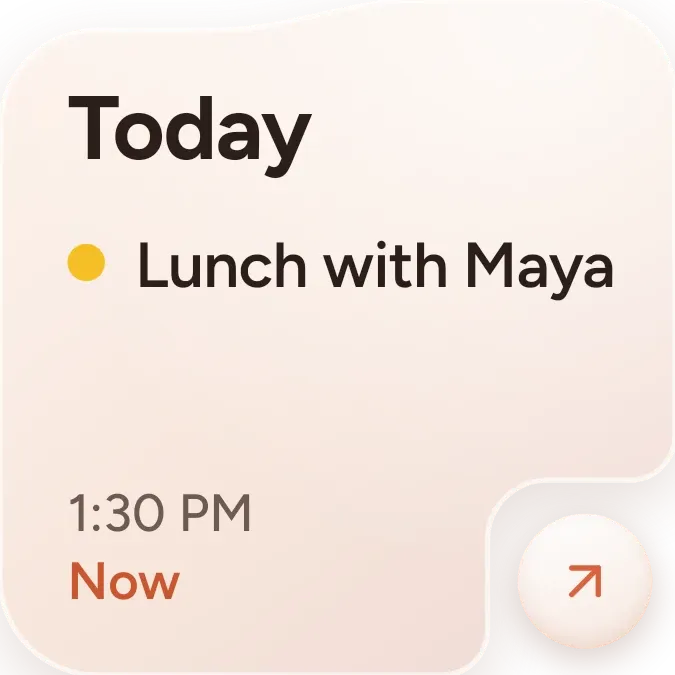 Up Next CardOne UI · 2x2
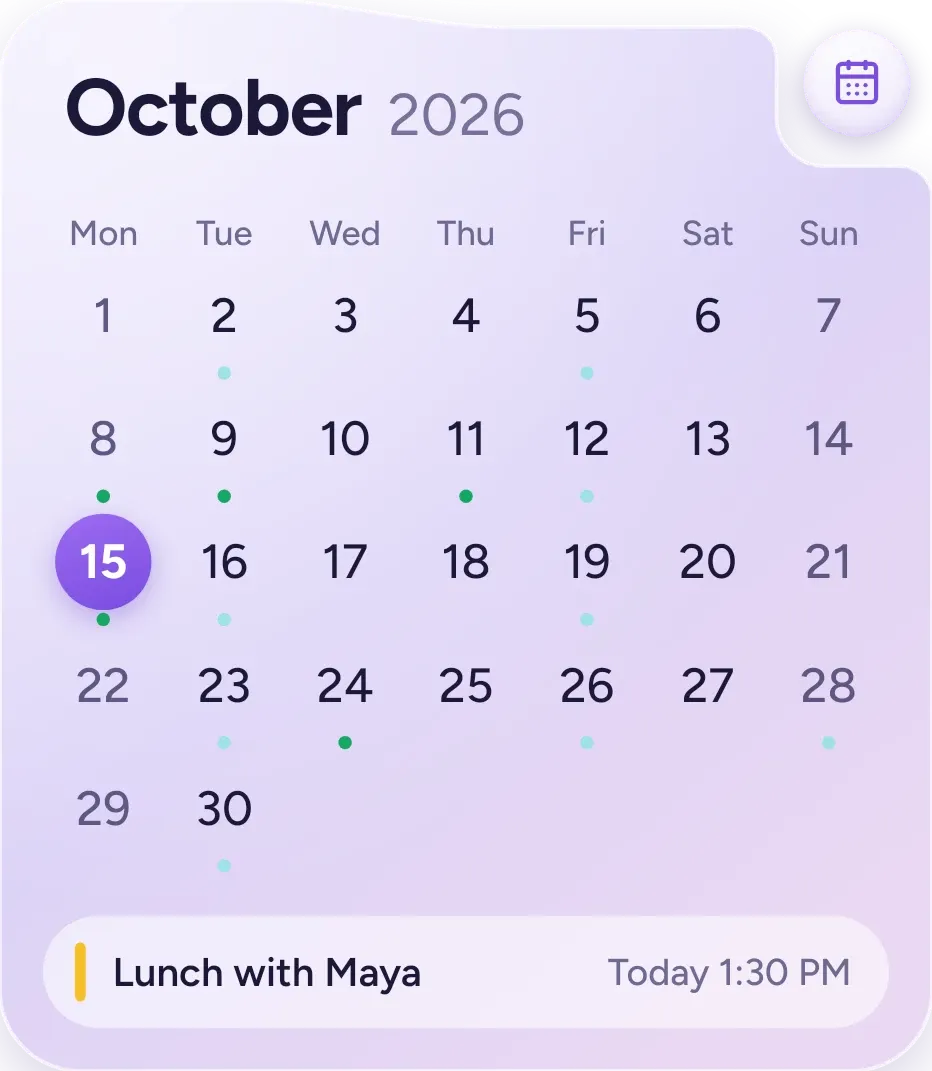 Lavender MonthOne UI · 4x4
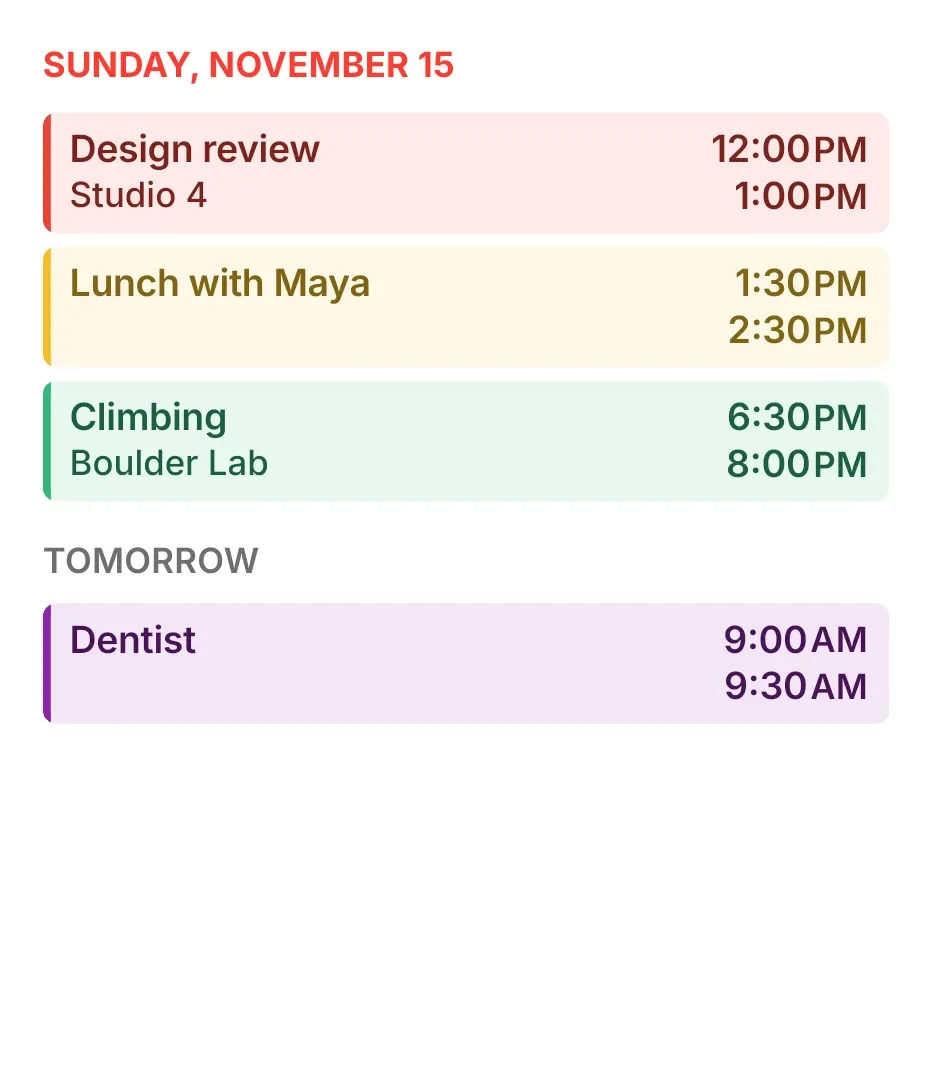 Tint AgendaiOS & macOS · 4x4
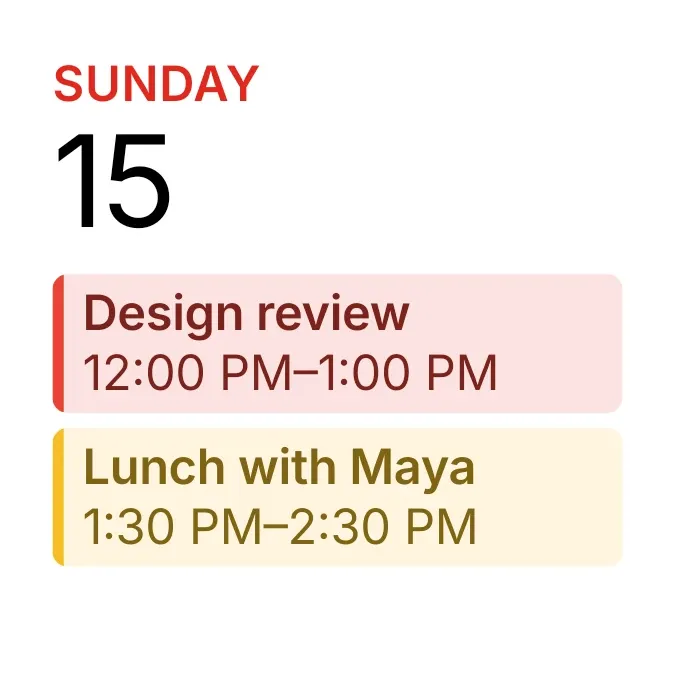 Tinted AgendaiOS & macOS · 2x2
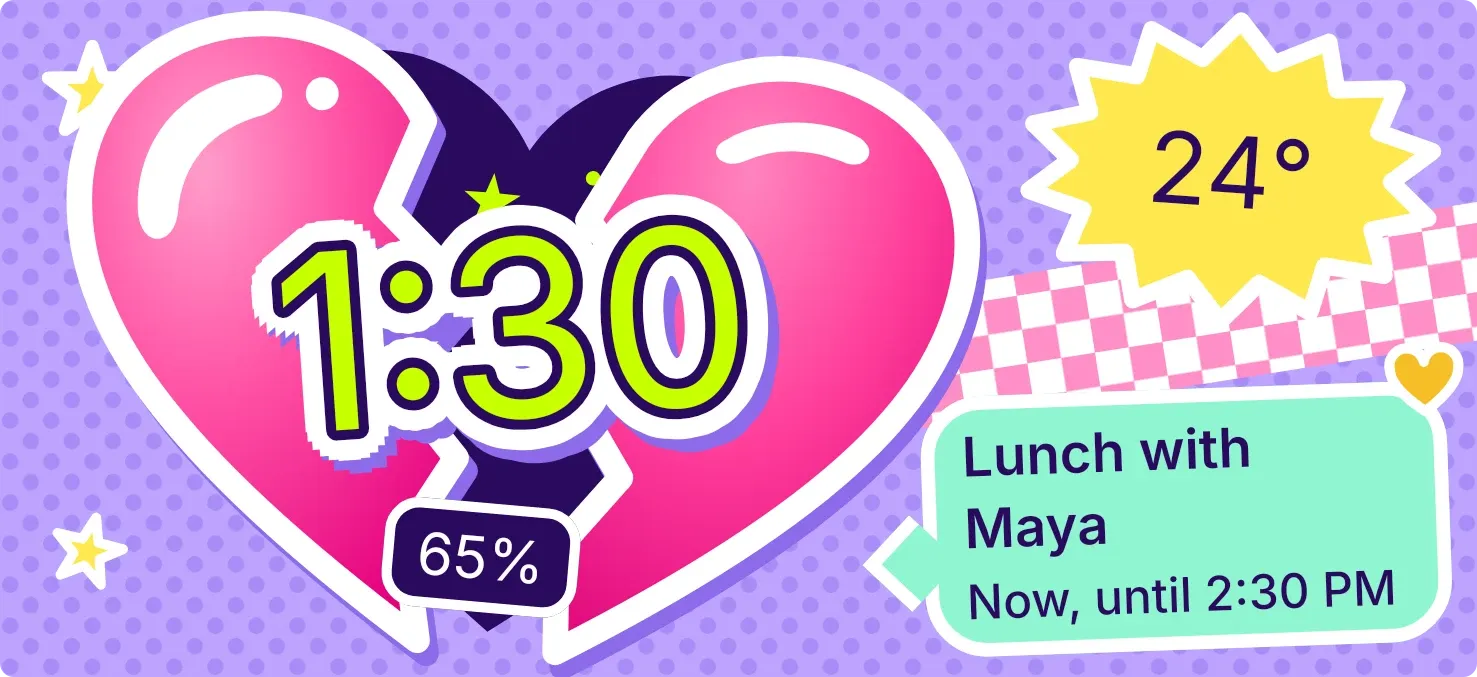 Cleft CandyPlayful · 5x2 · Pro
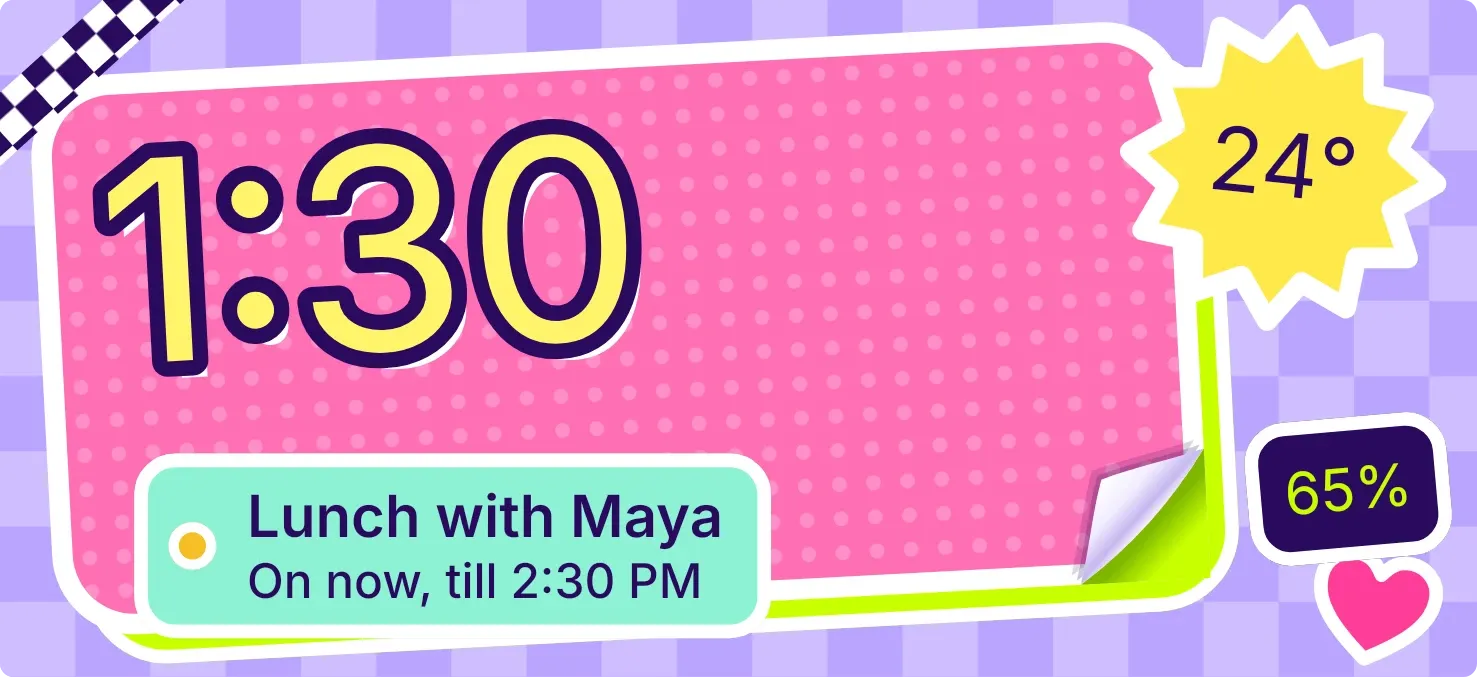 CurlstickPlayful · 5x2 · Pro
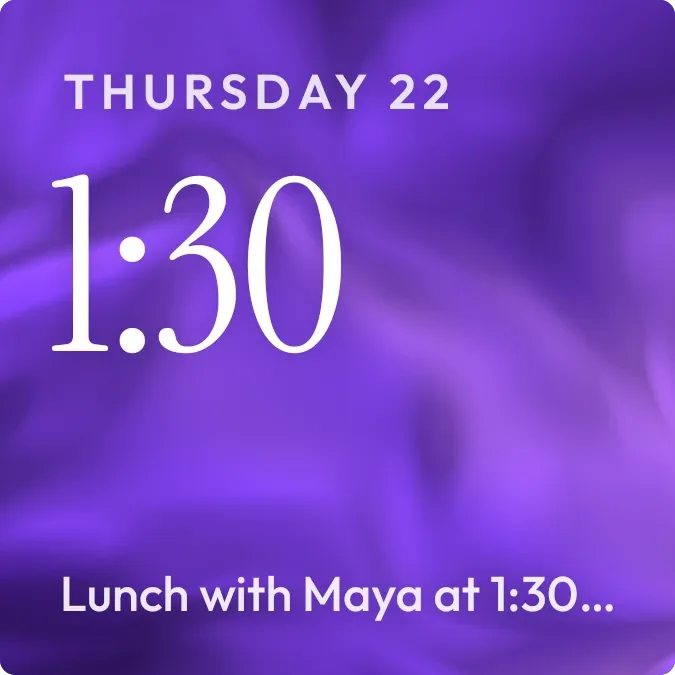 Plum SilkScenes · 2x2 · Pro
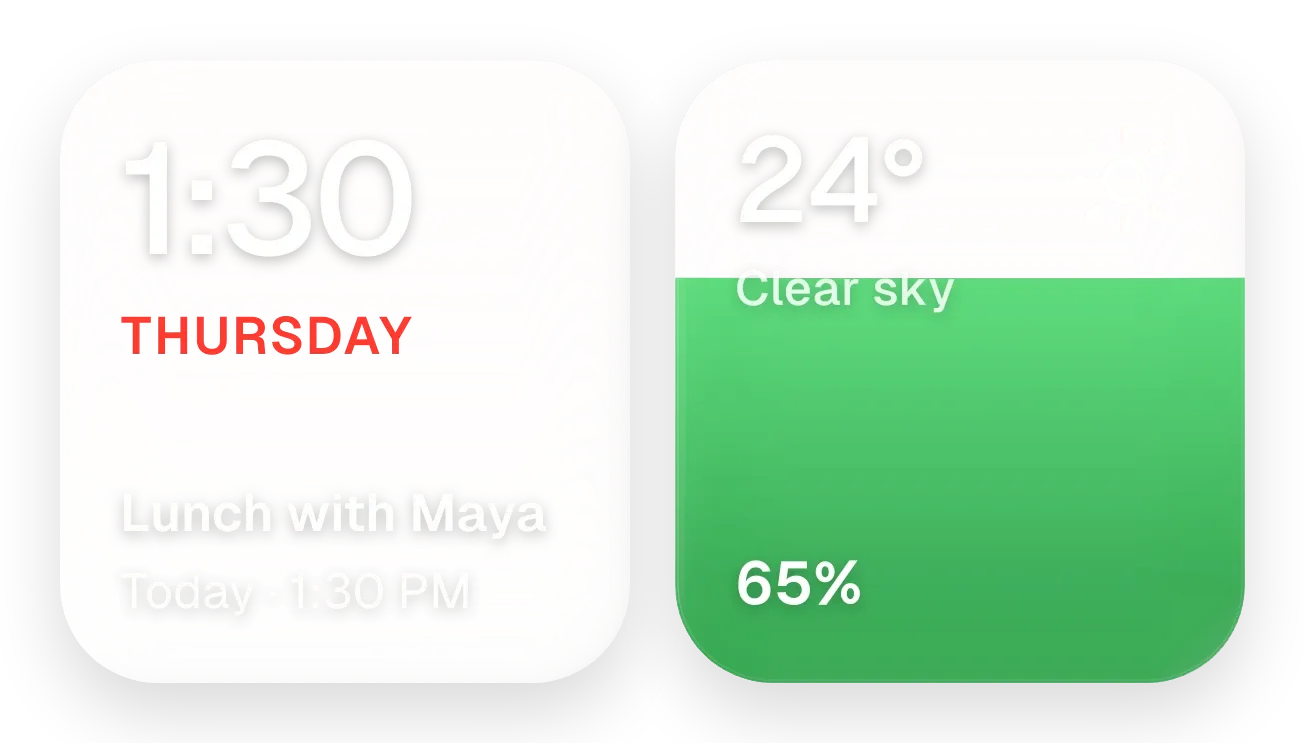 Yolk and PearlGlass · 4x2 · Pro
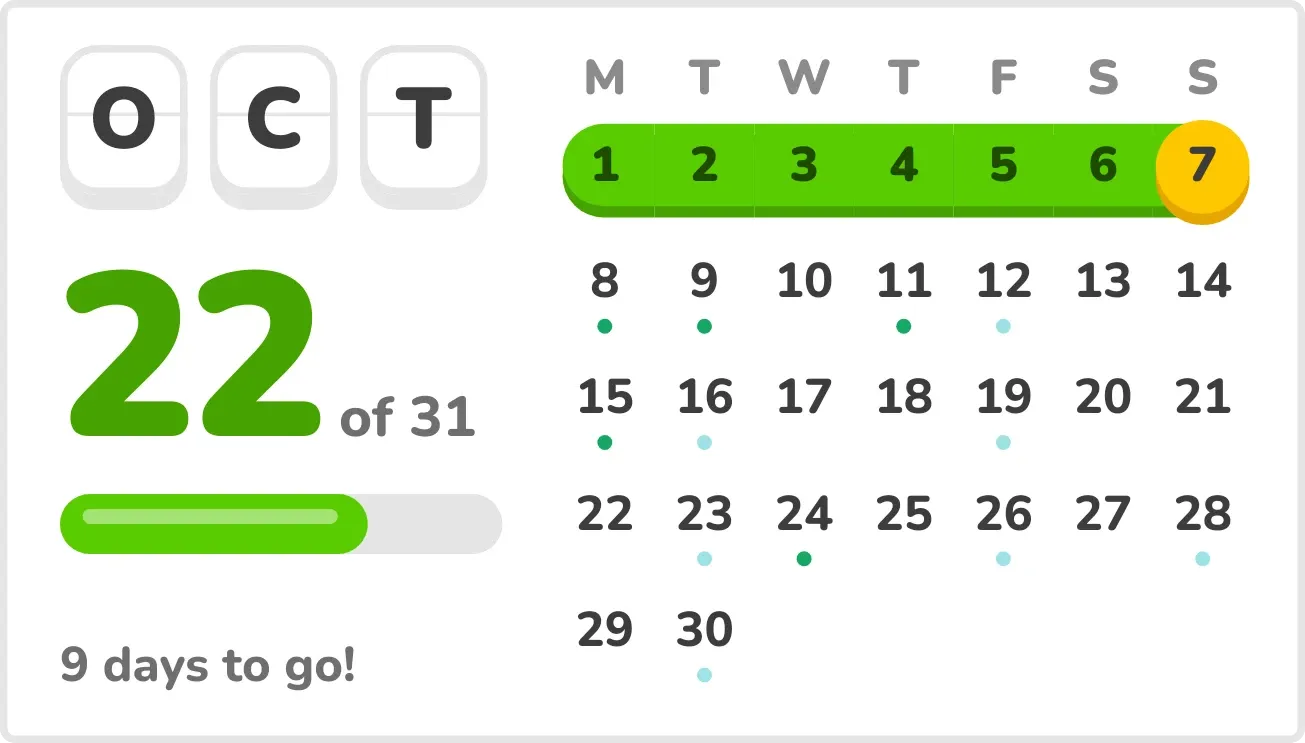 StreaklinePlayful · 4x2
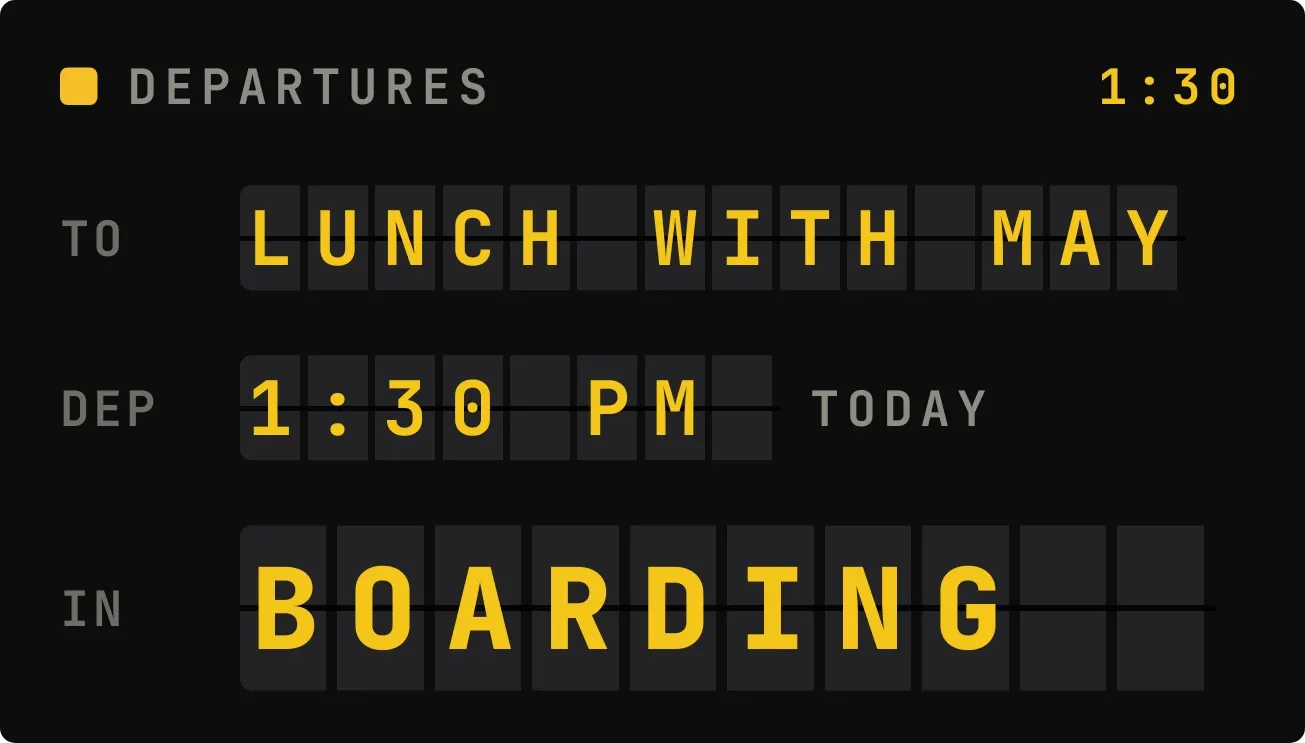 FlapgateInstruments · 4x2
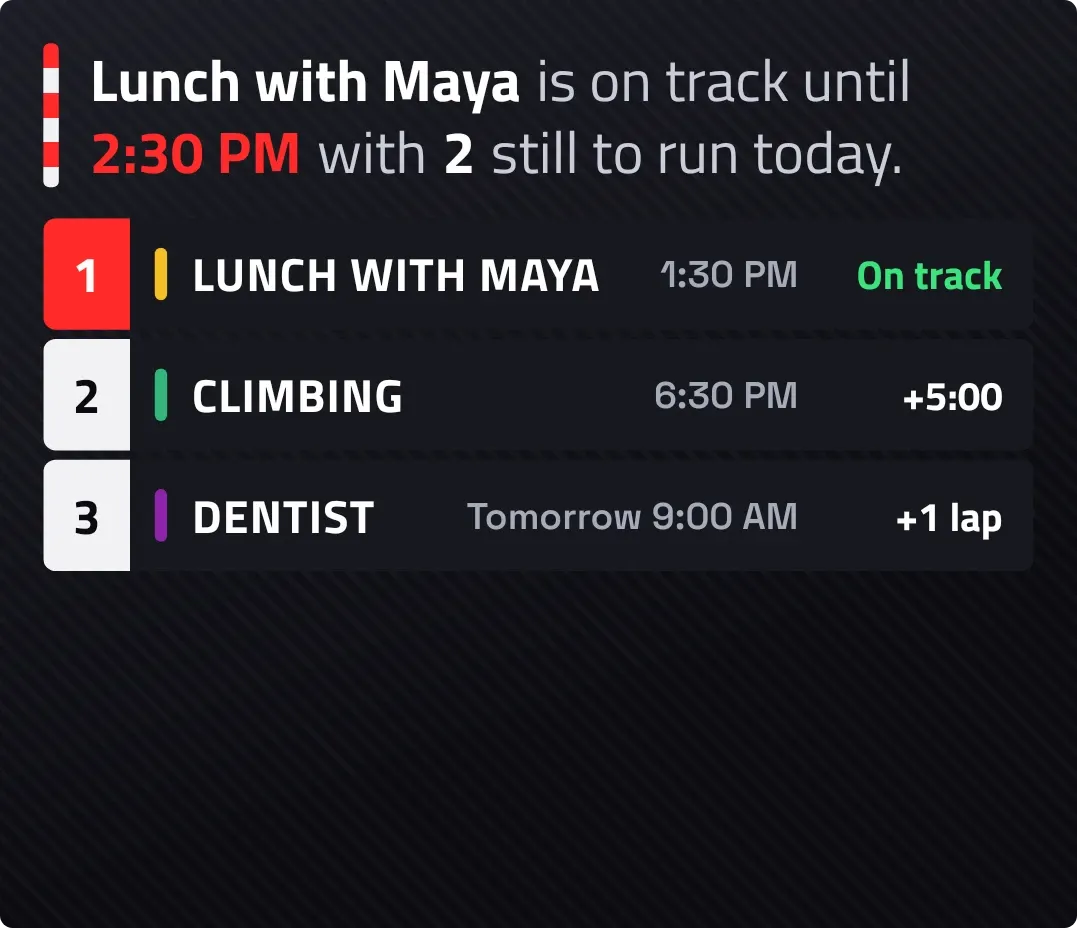 Lights OutTactile Hardware · 4x3
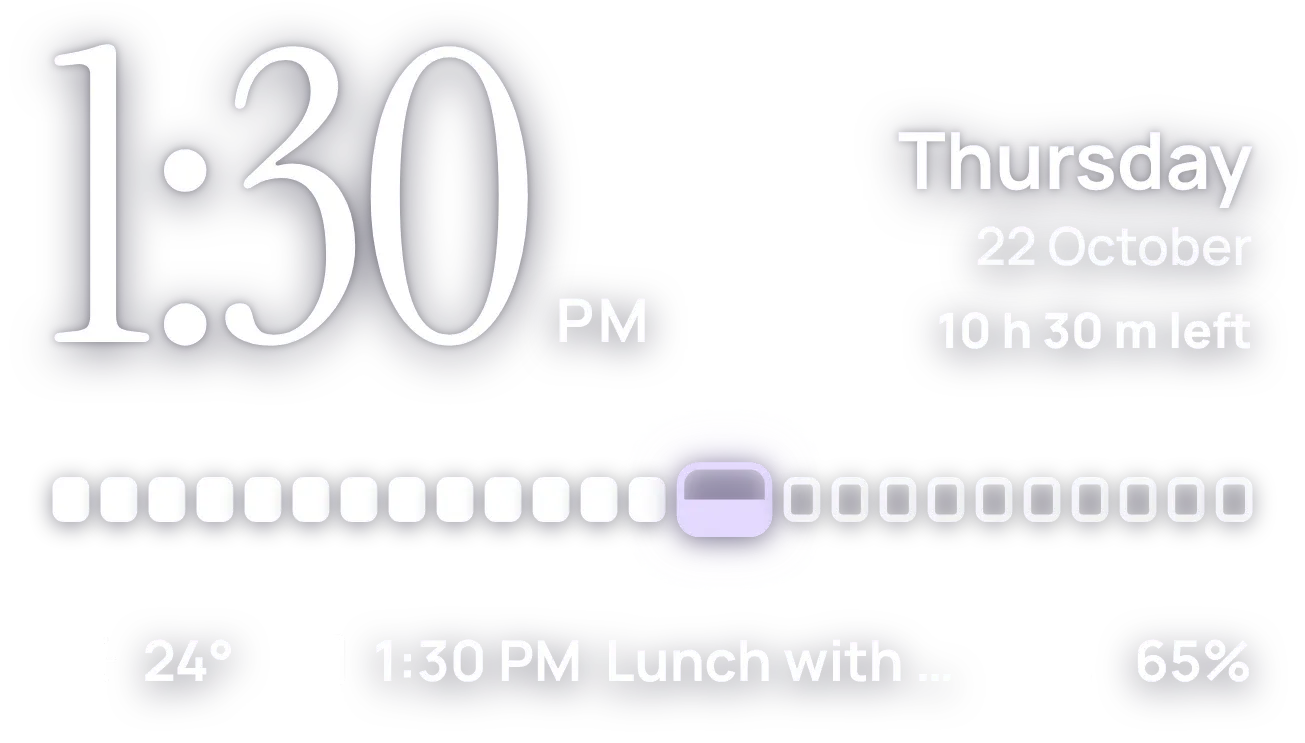 HourlaceClear · 4x2
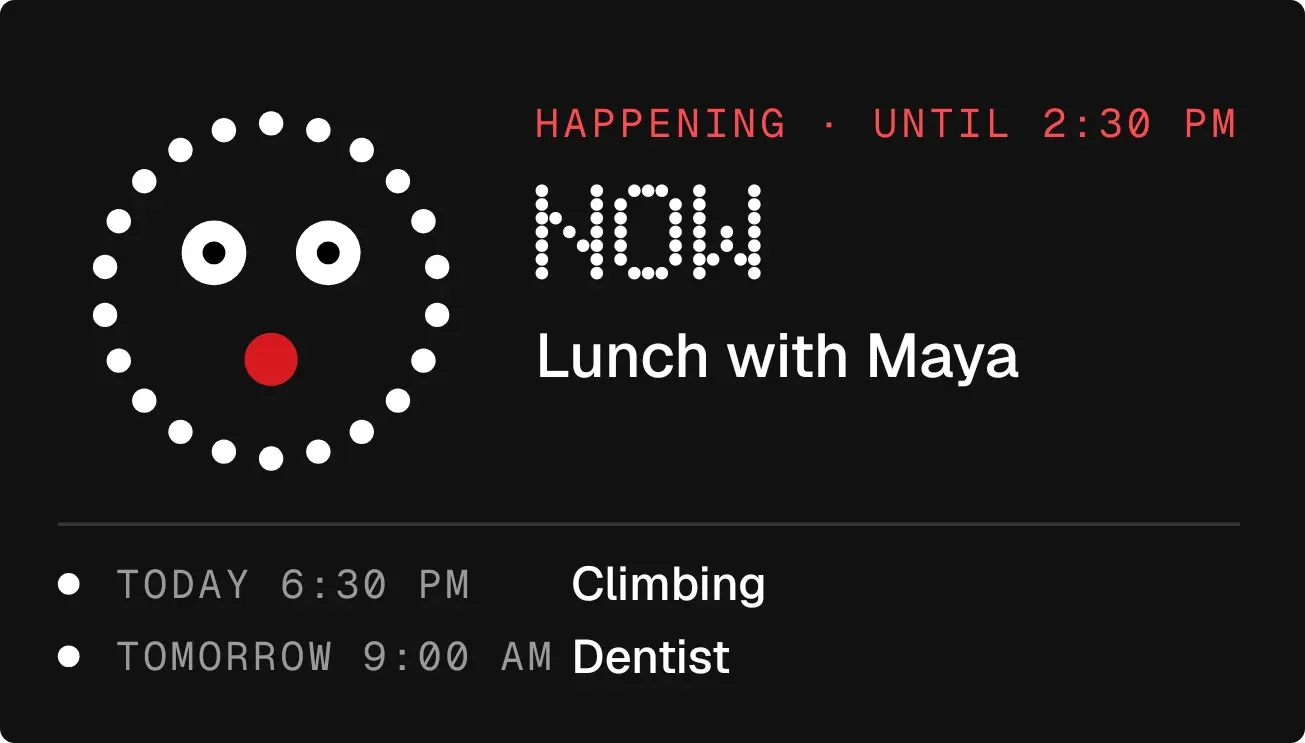 Cheshire CountNothing · 4x2
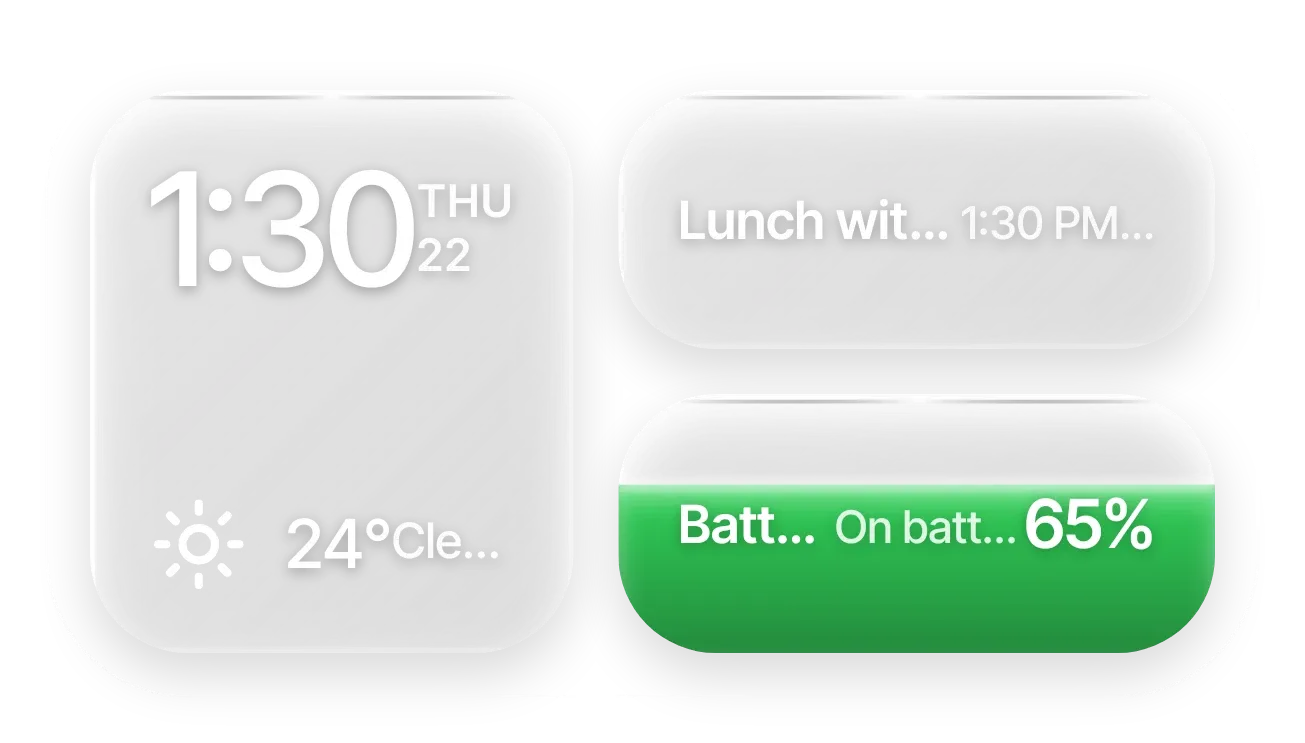 Frost StackGlass · 4x2 · Pro
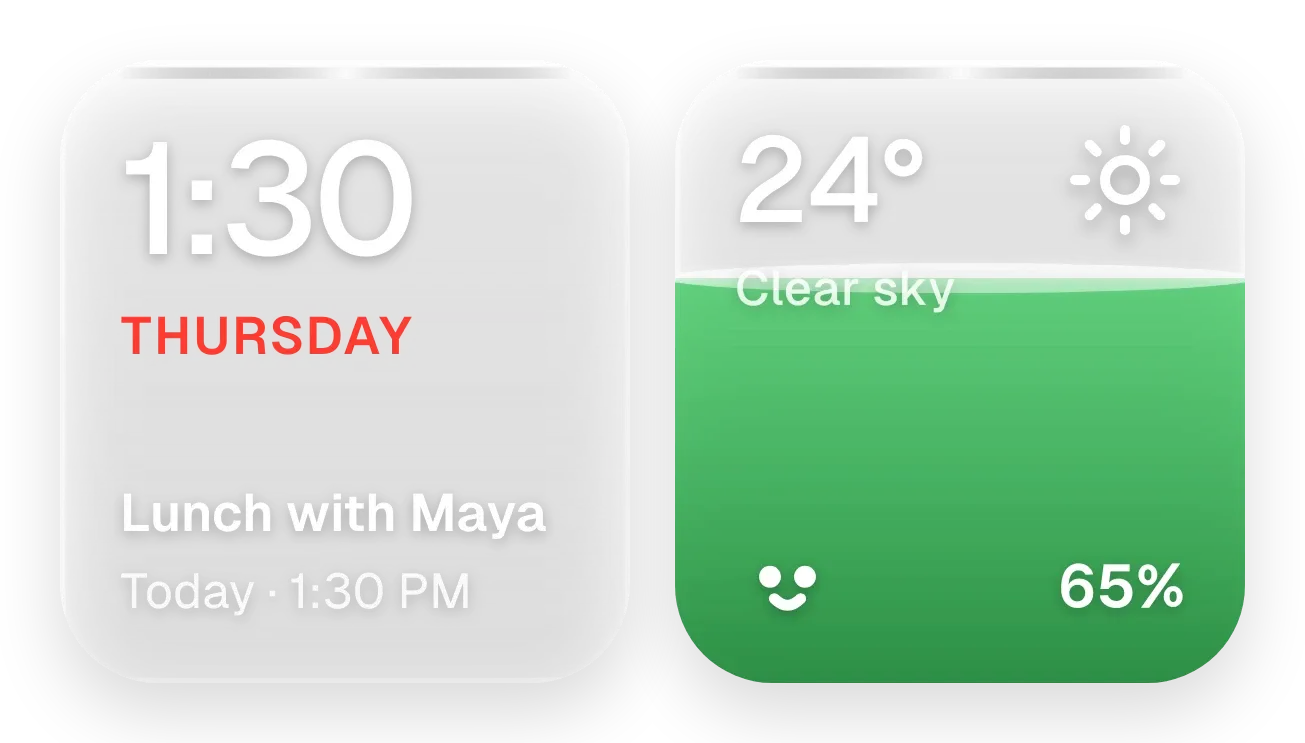 Sunpane DuoGlass · 4x2 · Pro
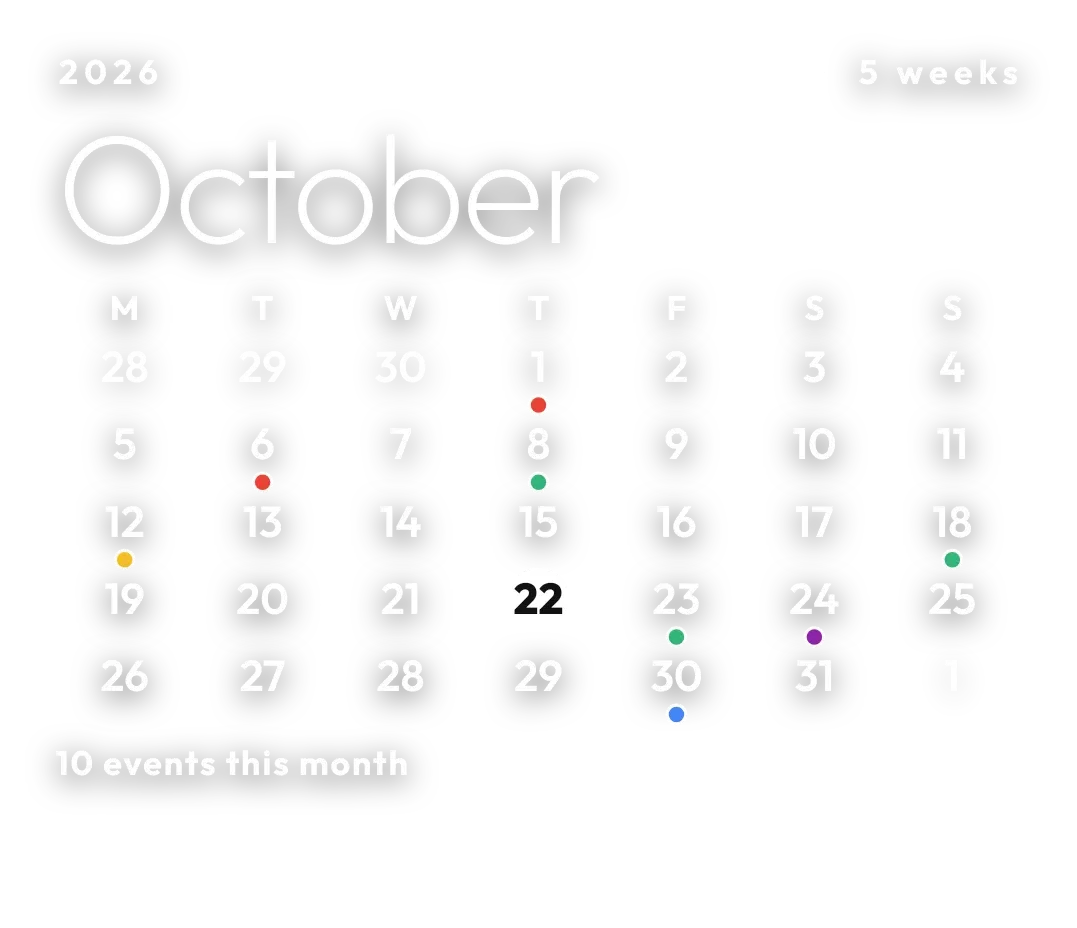 Pale AlmanacClear · 4x3
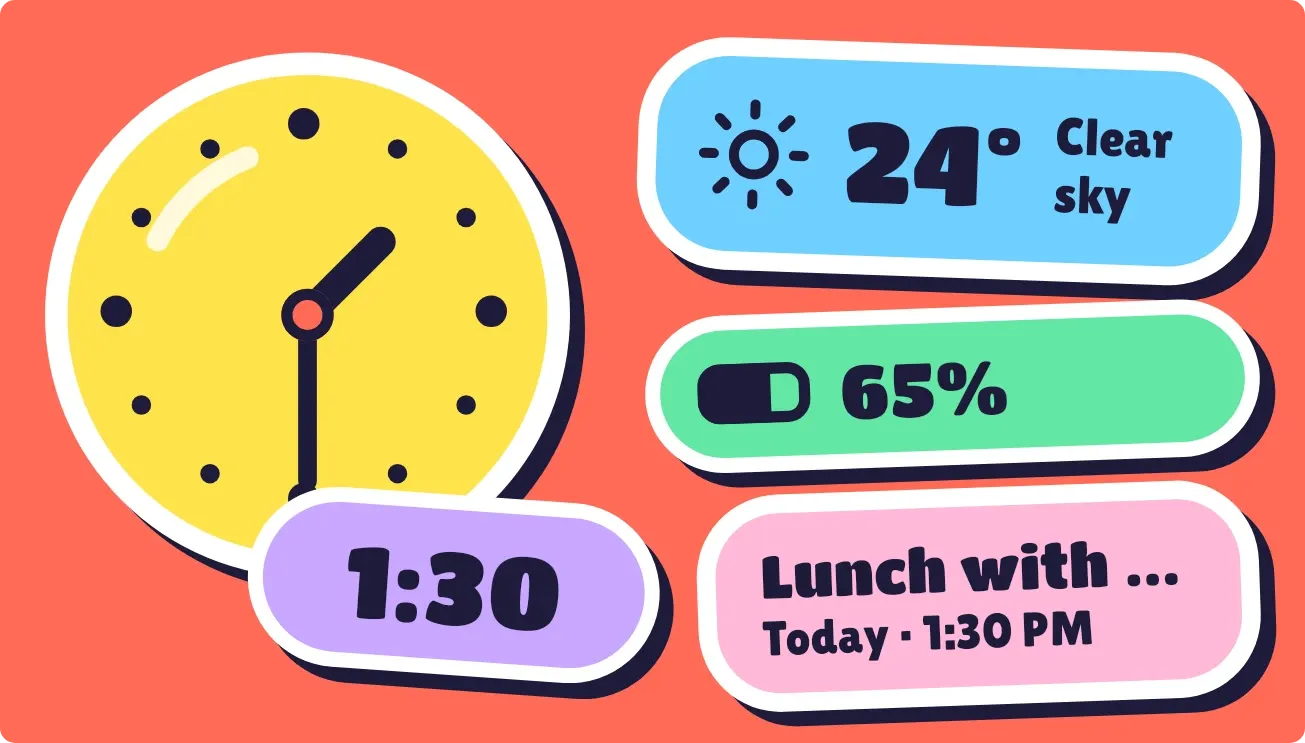 Peel PopPlayful · 4x2
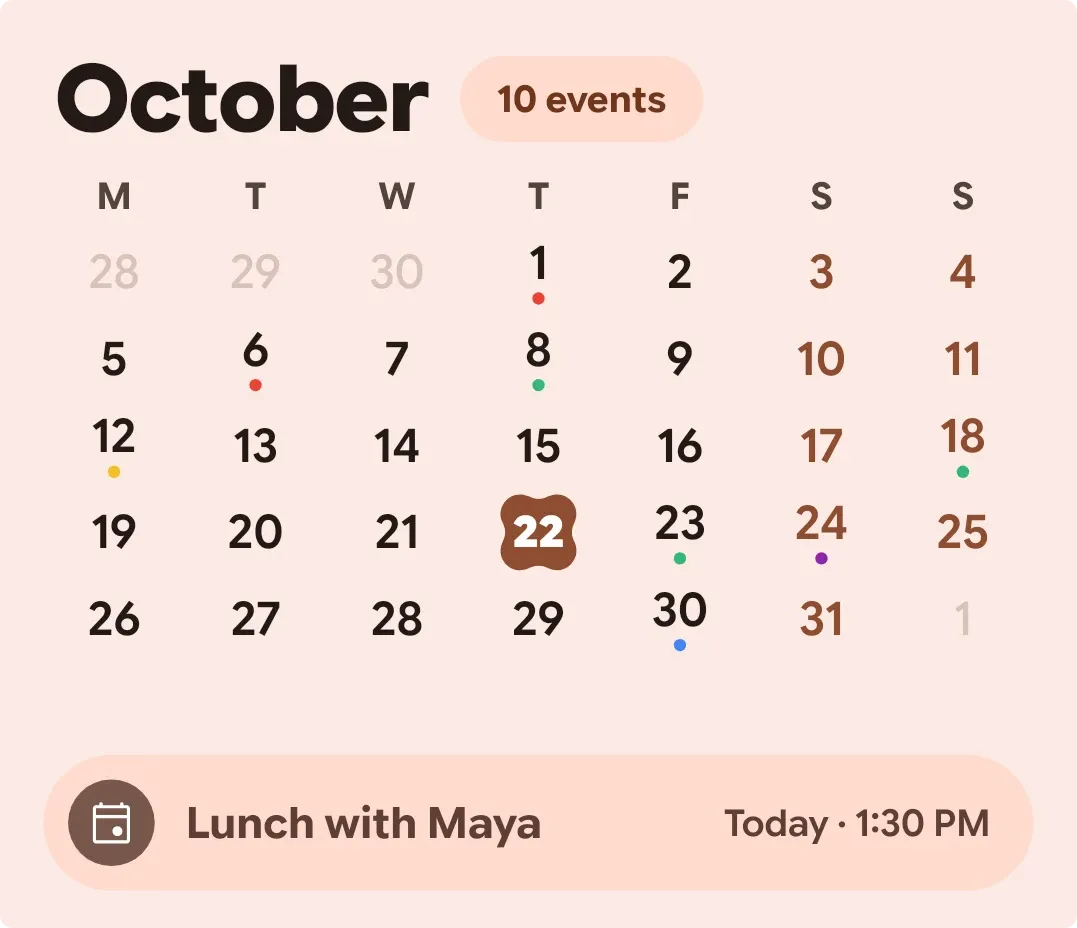 BloomgridMaterial You · 4x3
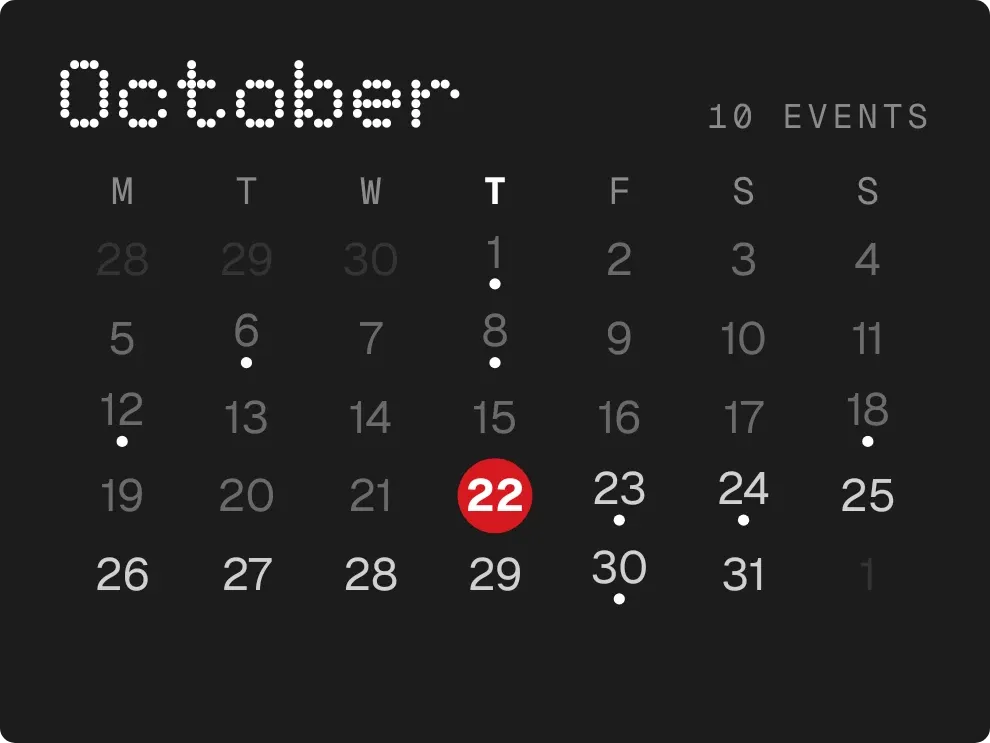 DotfallNothing · 3x2
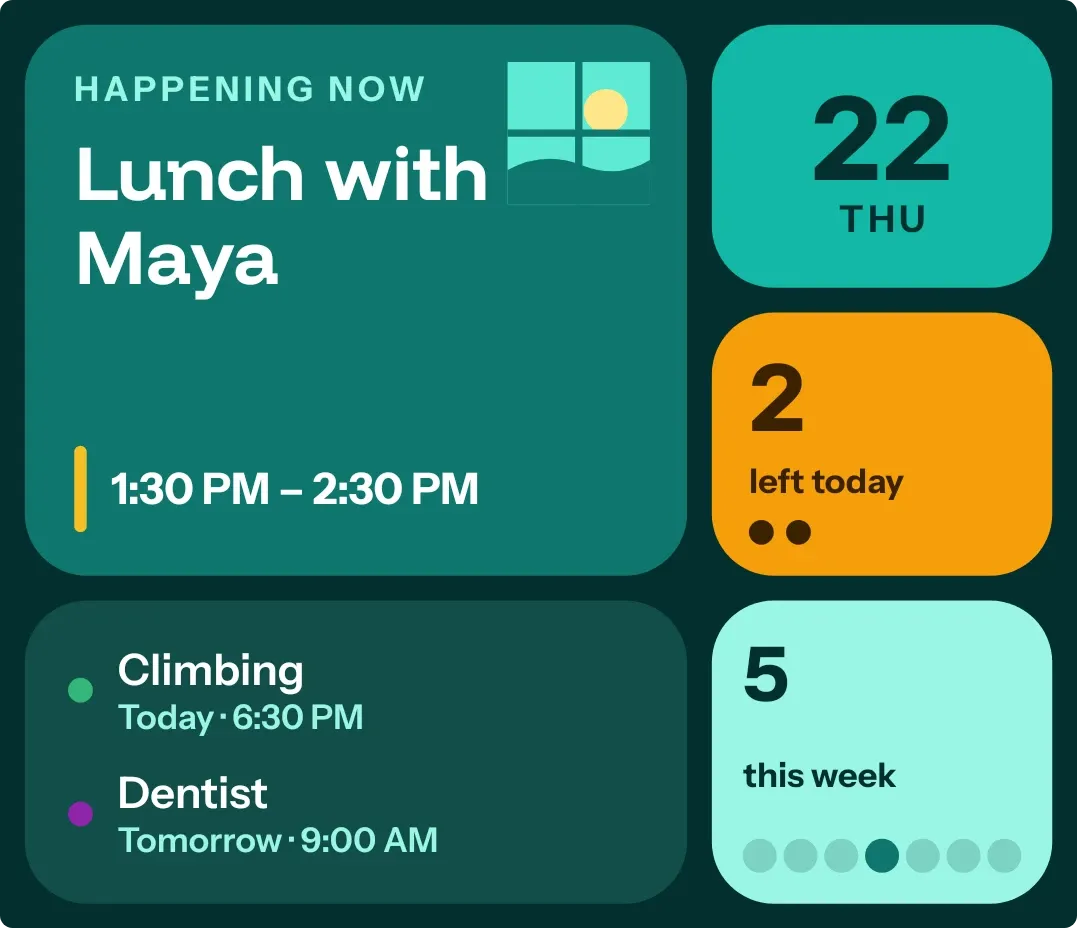 Window SeatBento · 4x3
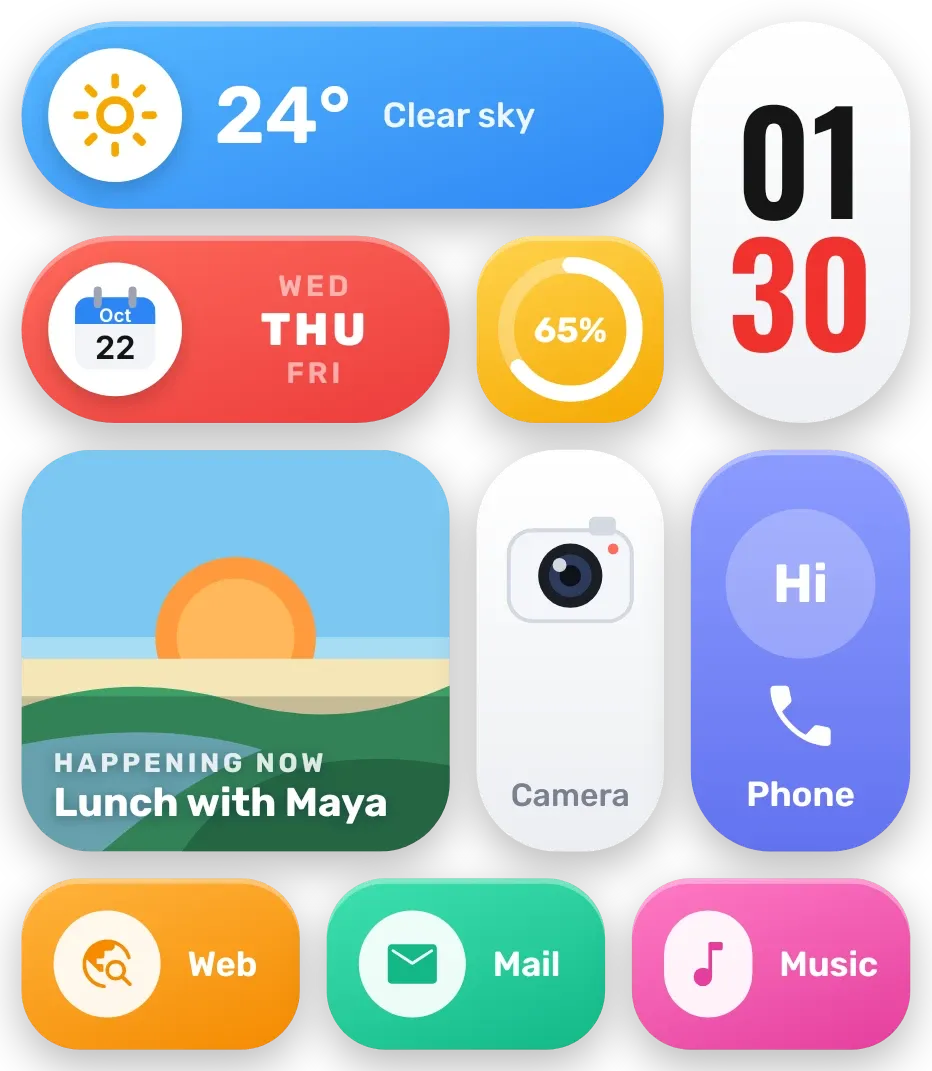 Sherbet GridBento · 4x4
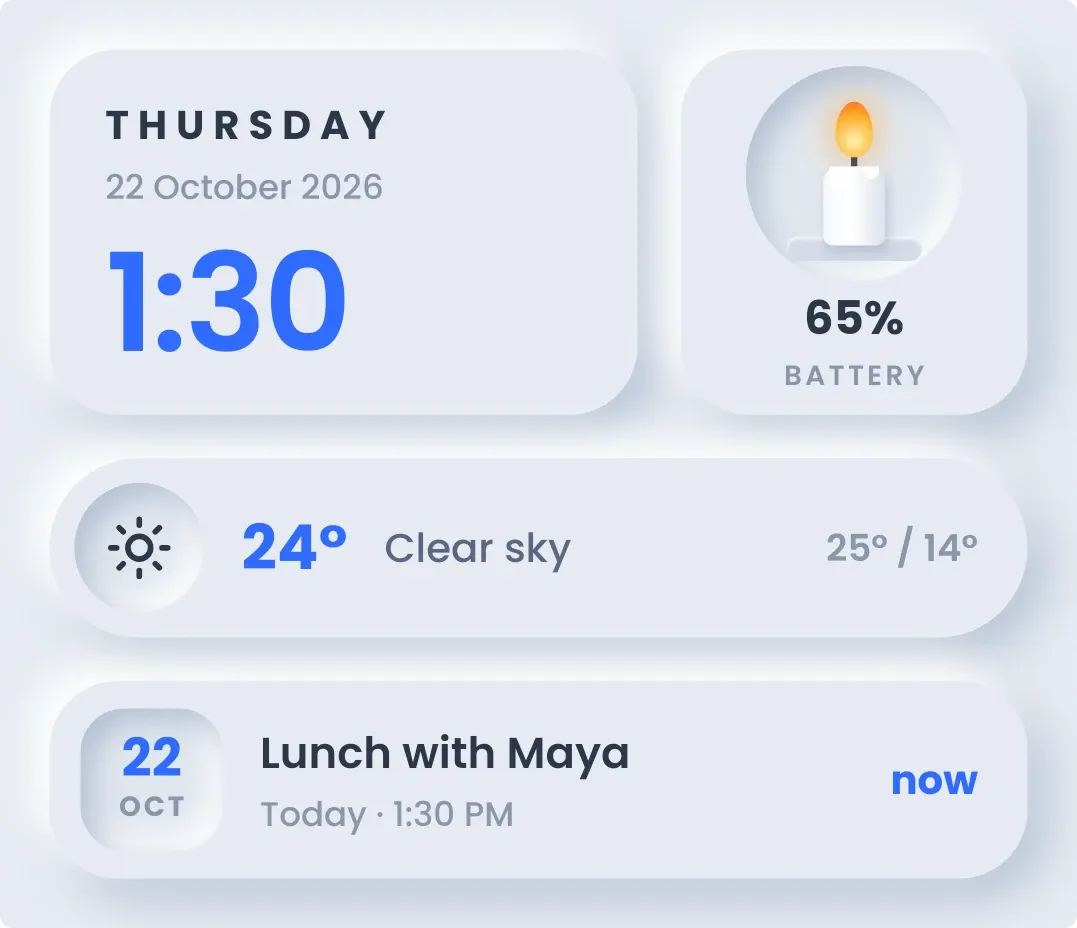 CandlewickSoft UI · 4x3
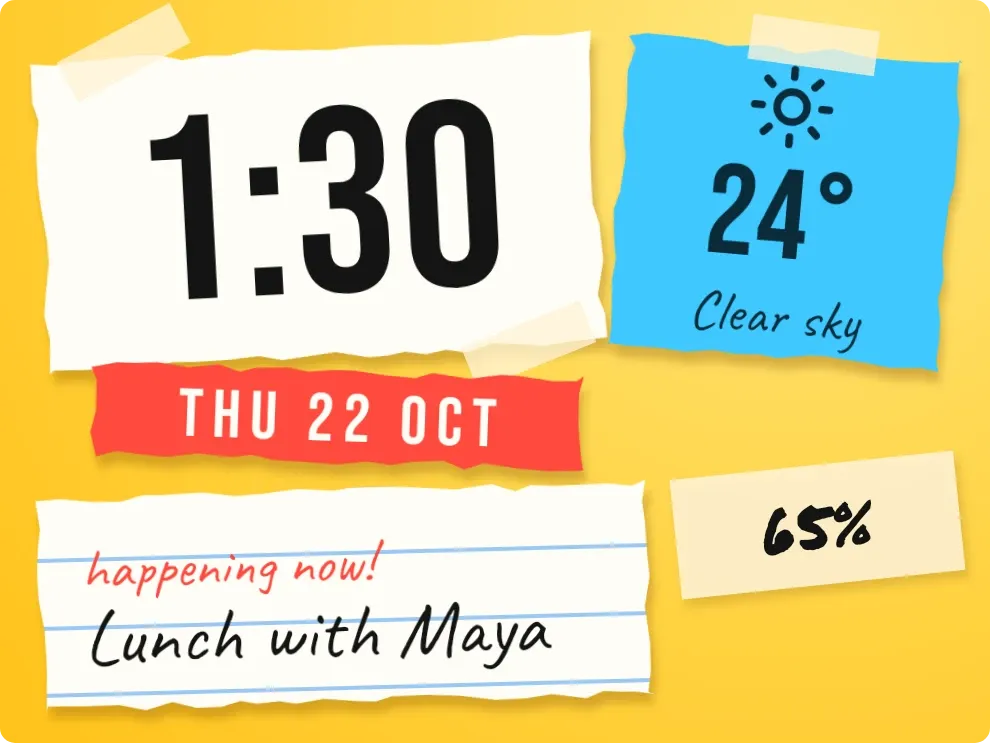 Scrap SundayPlayful · 3x2
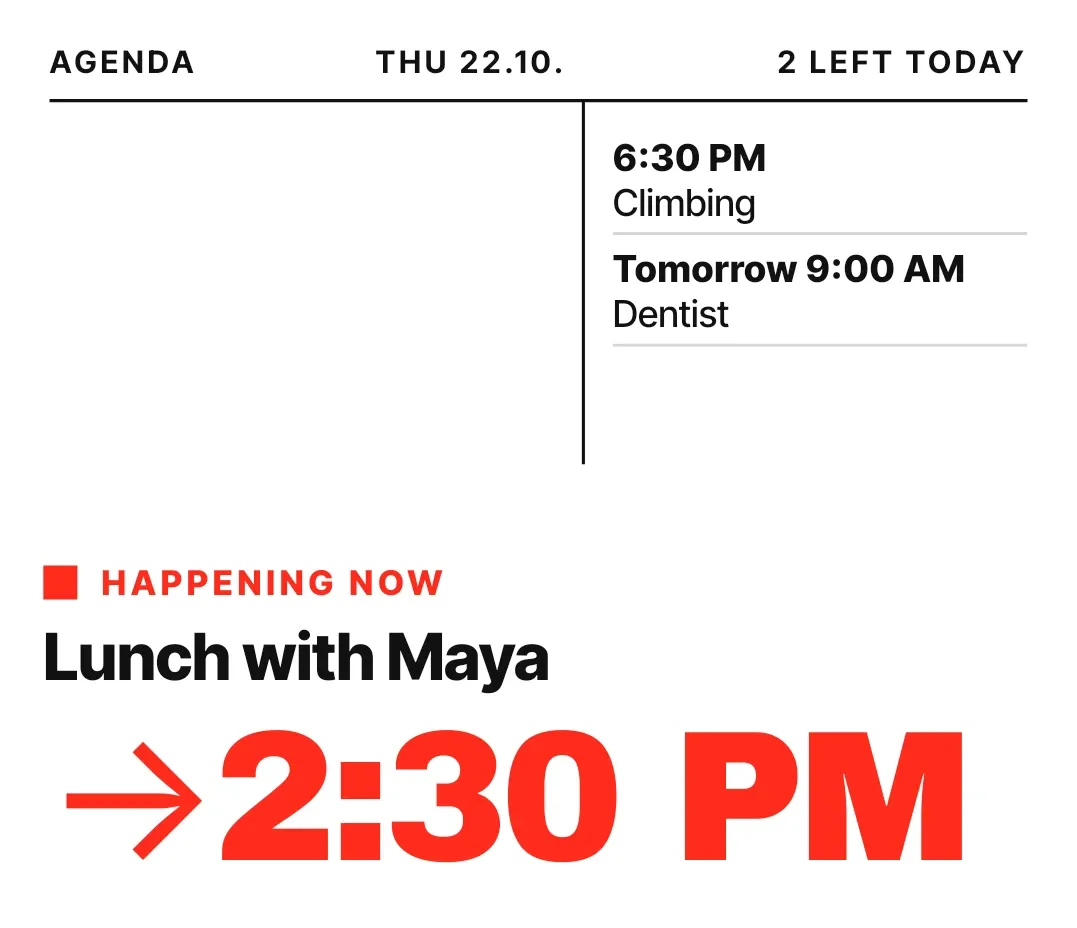 Broadside DayNothing · 4x3
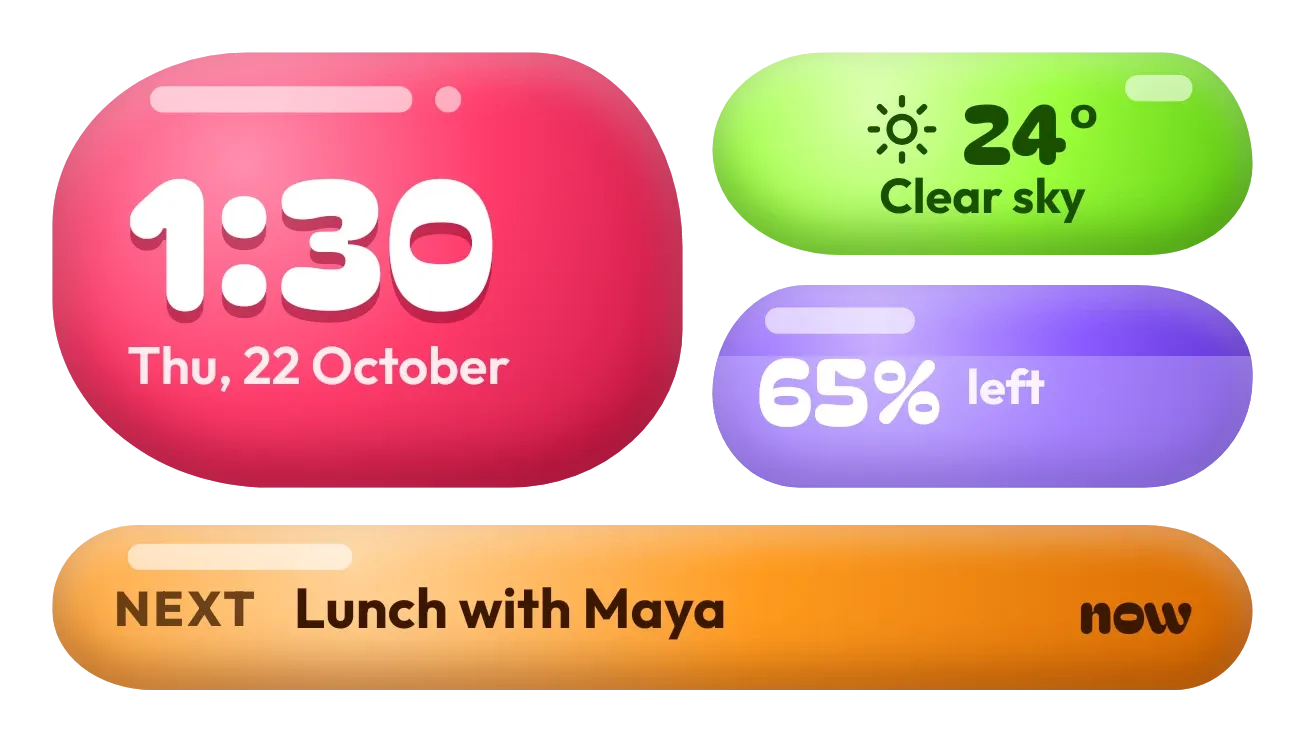 Jelly GlanceGlass · 4x2 · Pro