iOS widgets for Android
Give your Android home screen an iOS or macOS look with Kiwi's clocks, weather cards and other widgets. 40 widgets. Tap one to see what it shows and what it needs.
Android 10 or newer · 40 Free · No KWGT required
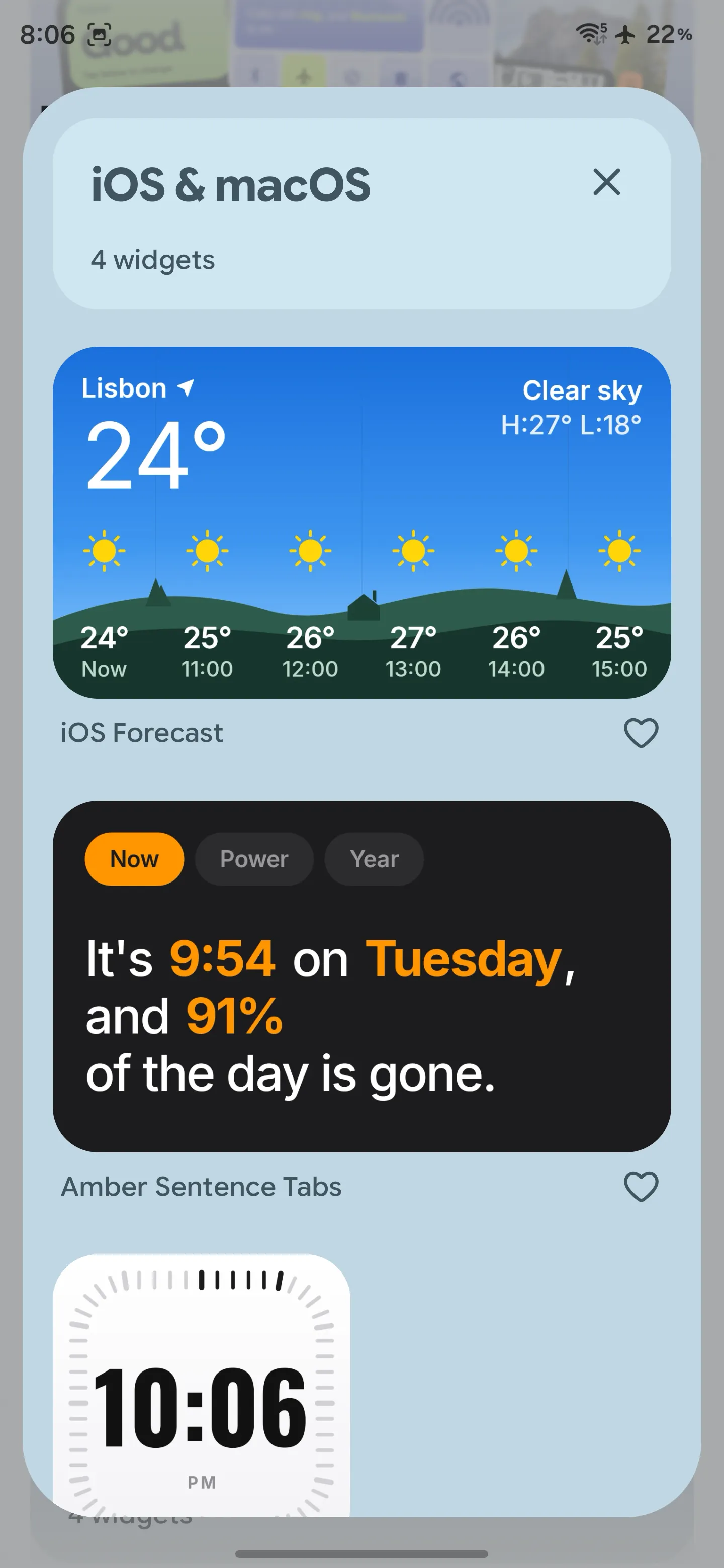
Inside Kiwi on Android. This screenshot shows an earlier selection; the current catalog is below.
Choose a place to start
Start with the information you check most. These previews show Kiwi's widget designs; the time, weather and events change with your data.
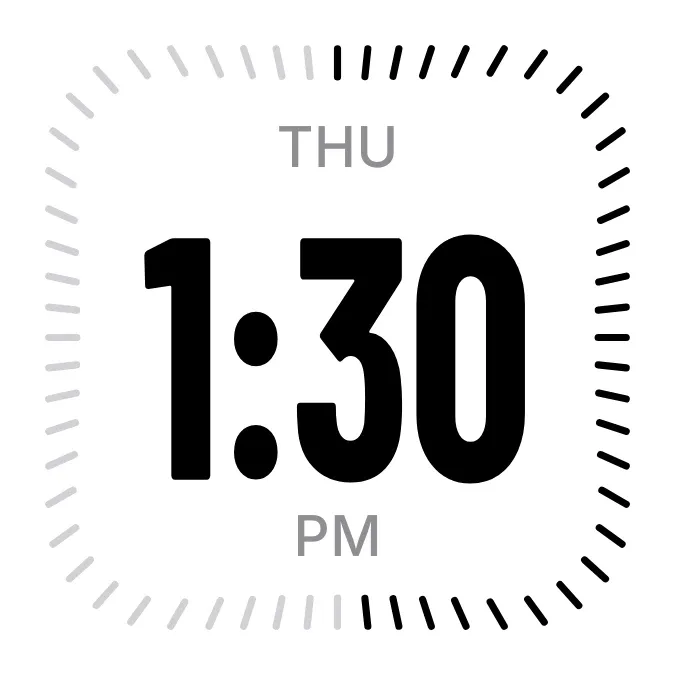
Dash Ten
2x2 · Free
A compact clock for a simple home screen. Its 2×2 layout leaves room for your apps.
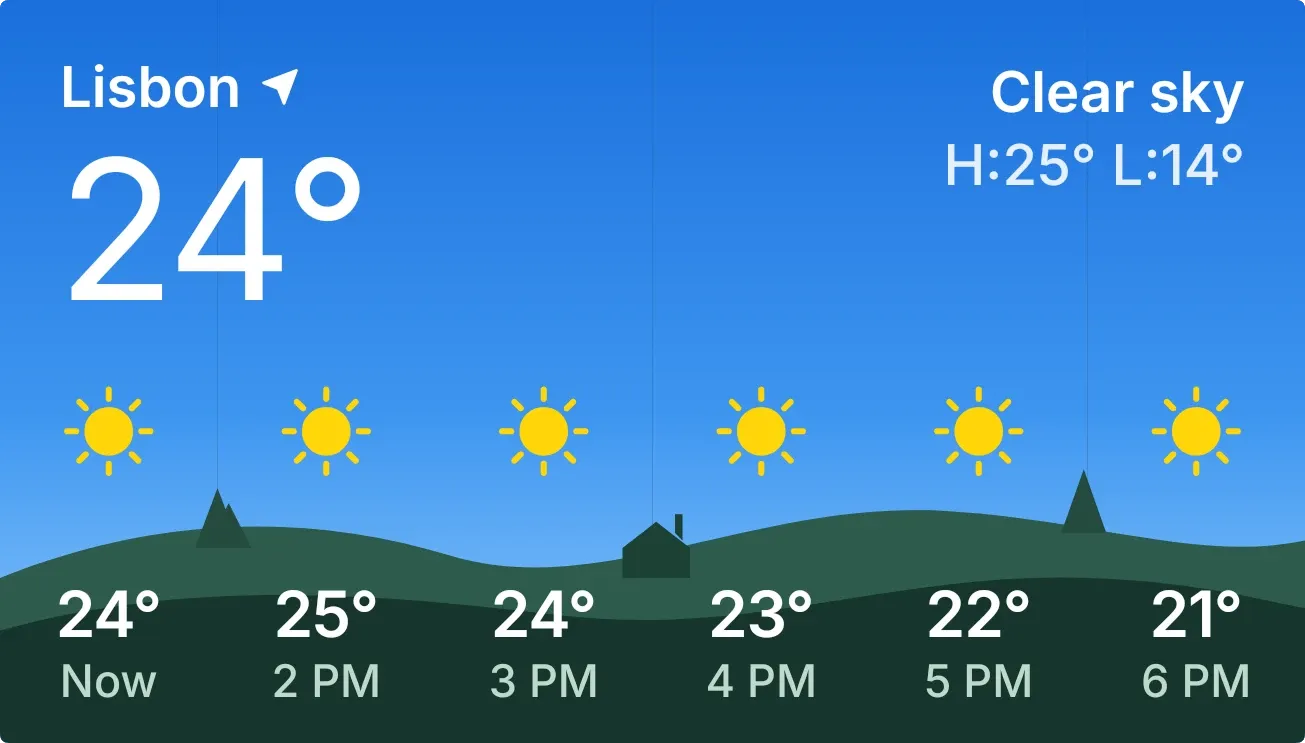
Hilltop Heat
4x2 · Free
A wide weather card for checking conditions and temperatures. Choose your city in Kiwi.
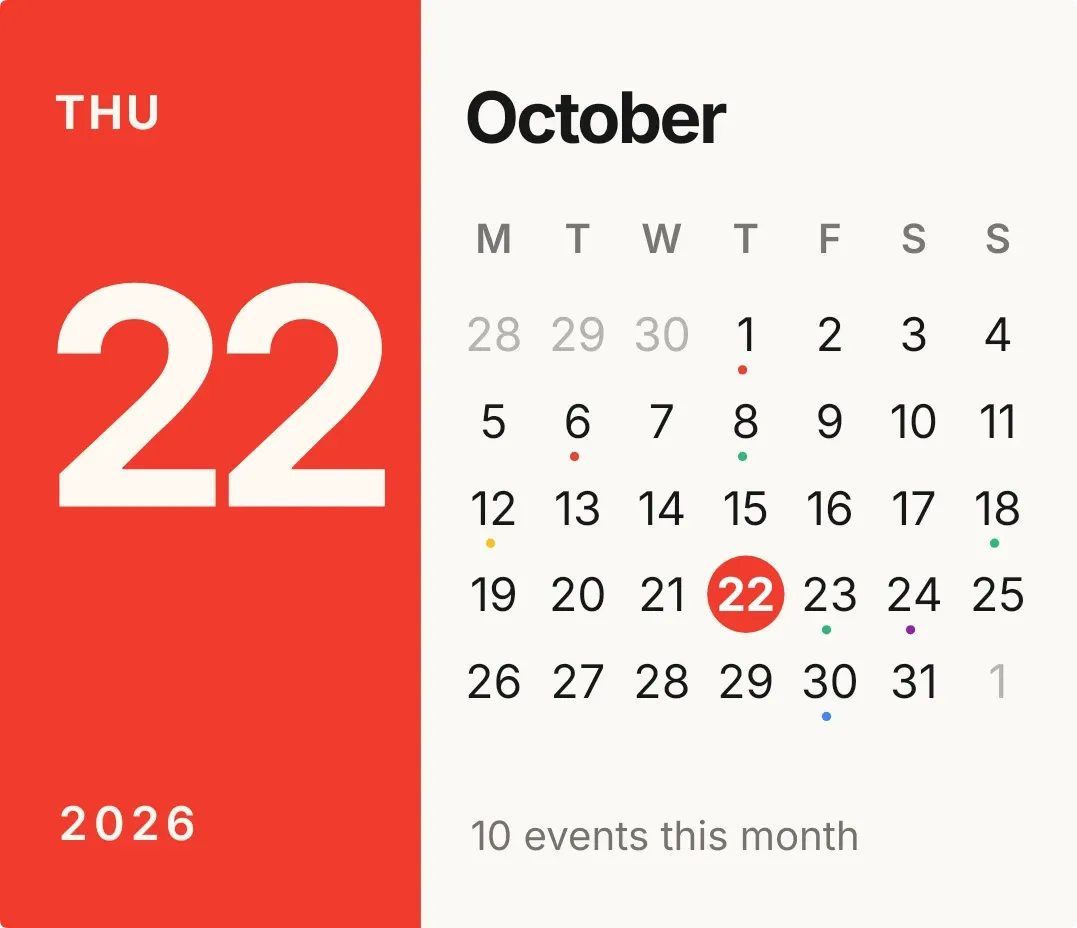
Red Letter
4x3 · Free
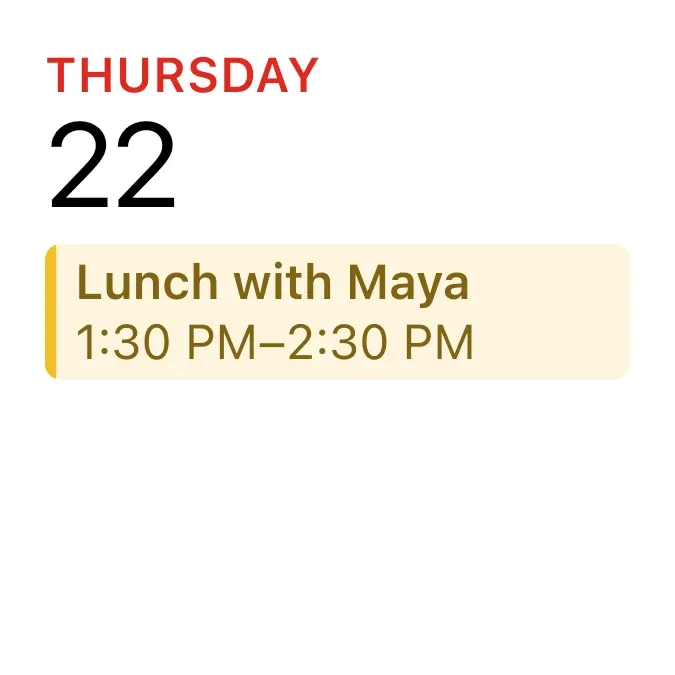
A larger date and month view. Optional calendar access adds your events.
More from the iOS & macOS kit
 Round Local Clock2x2 · Free
 Square Local Clock2x2 · Free
 Weather Today2x2 · Free
 Rain Outlook4x4 · Free
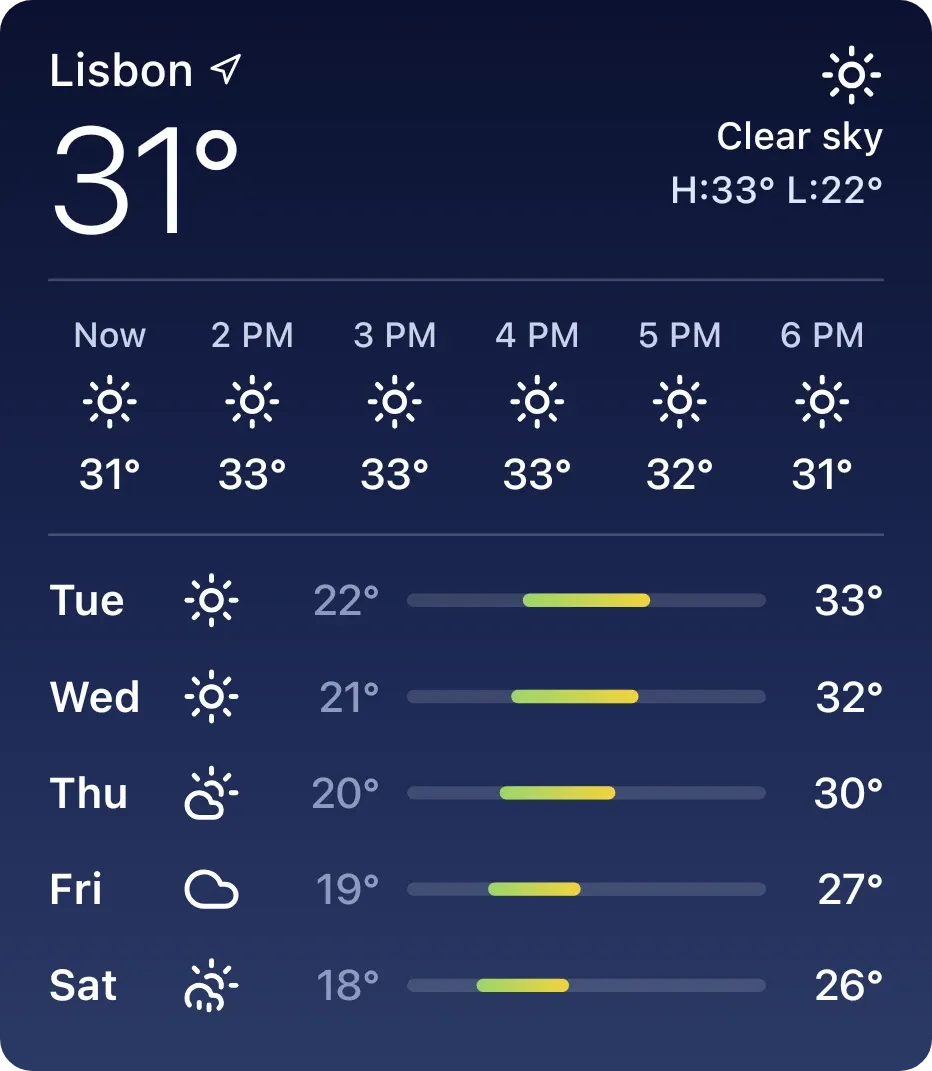 Full Night Weather4x4 · Free
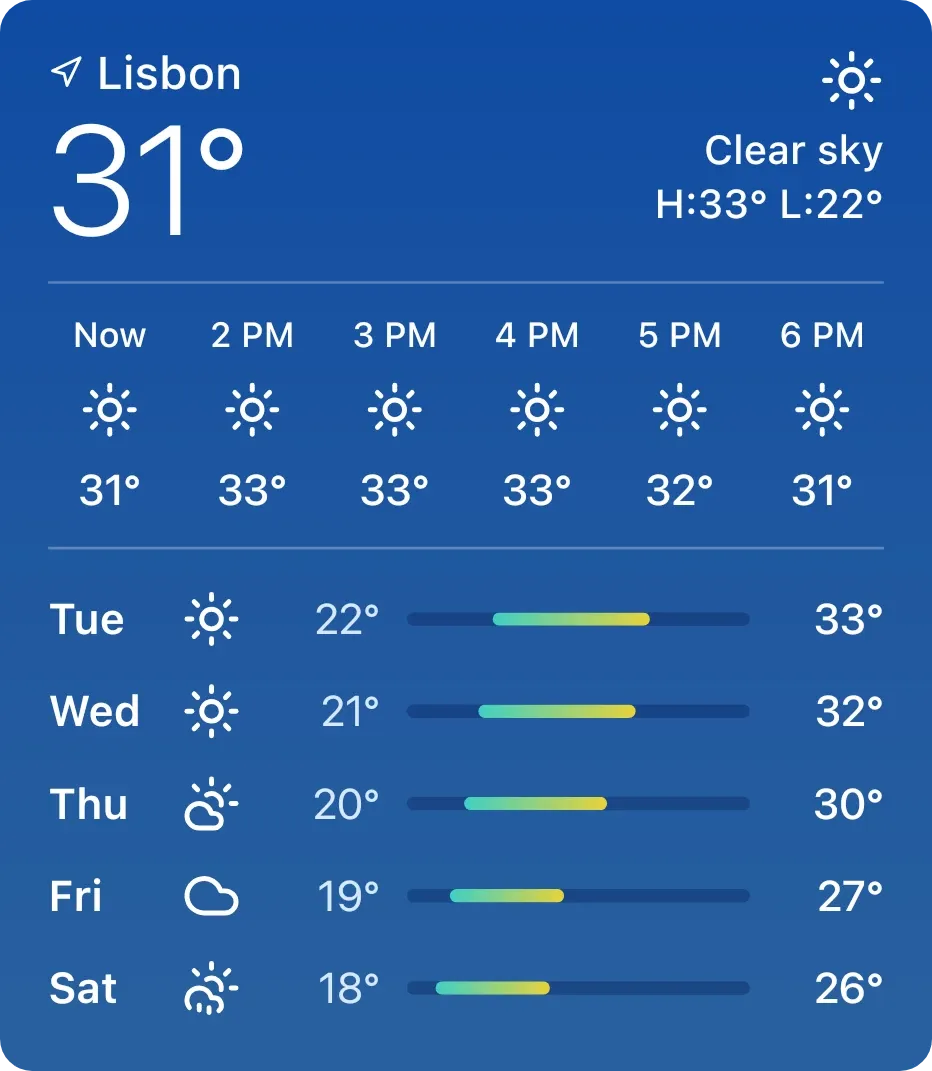 Full Day Weather4x4 · Free
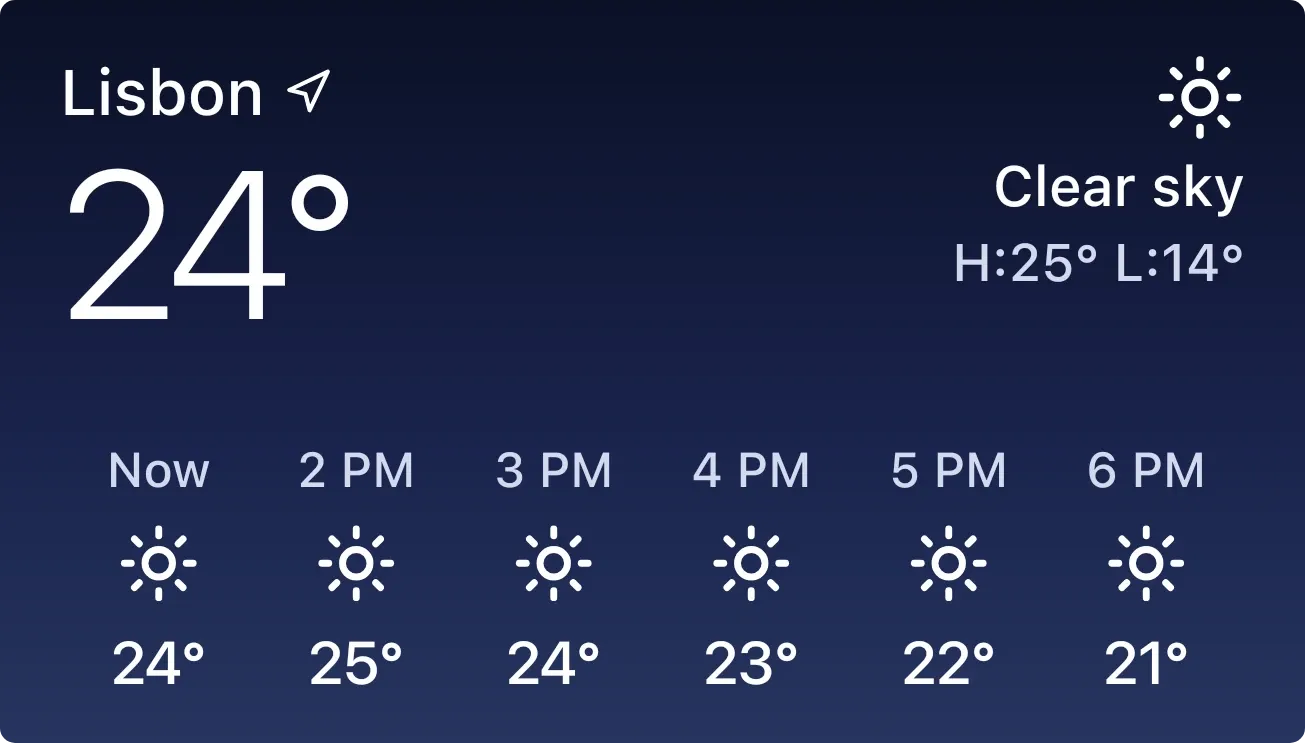 Hourly Weather Night4x2 · Free
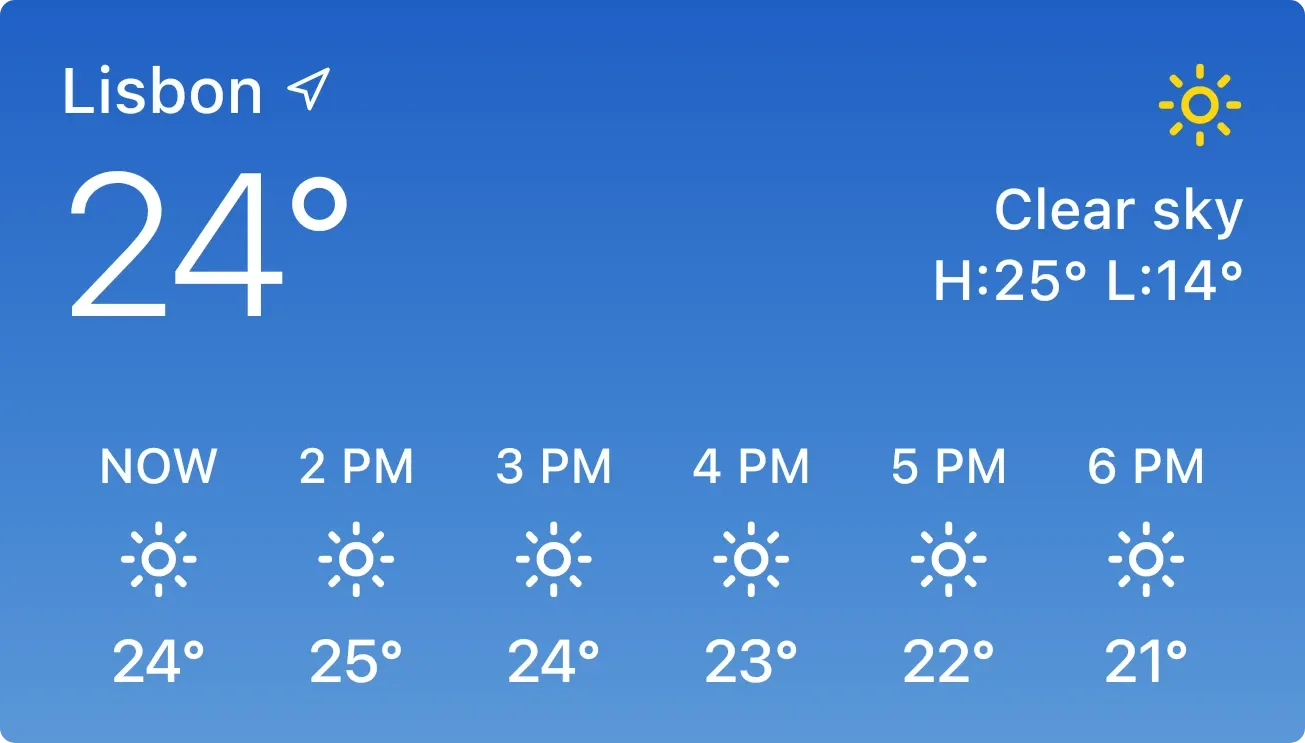 Hourly Weather Day4x2 · Free
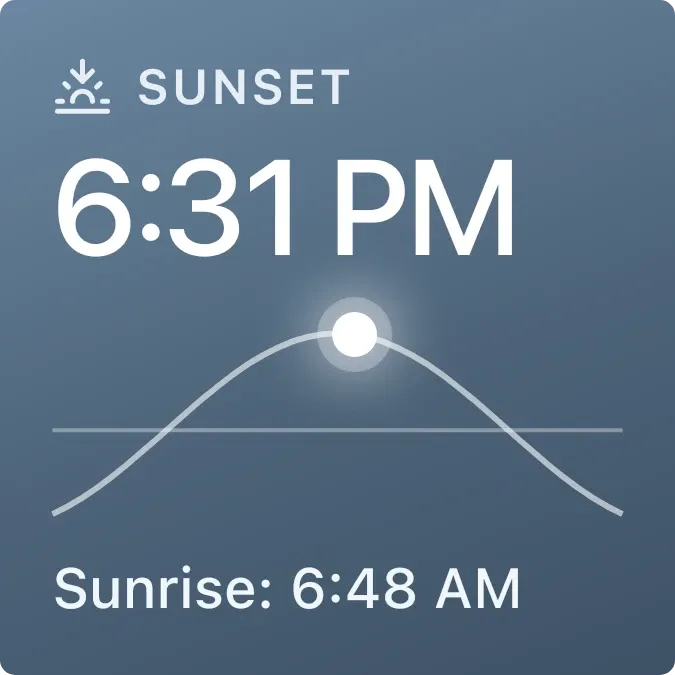 Sunset Overcast2x2 · Free
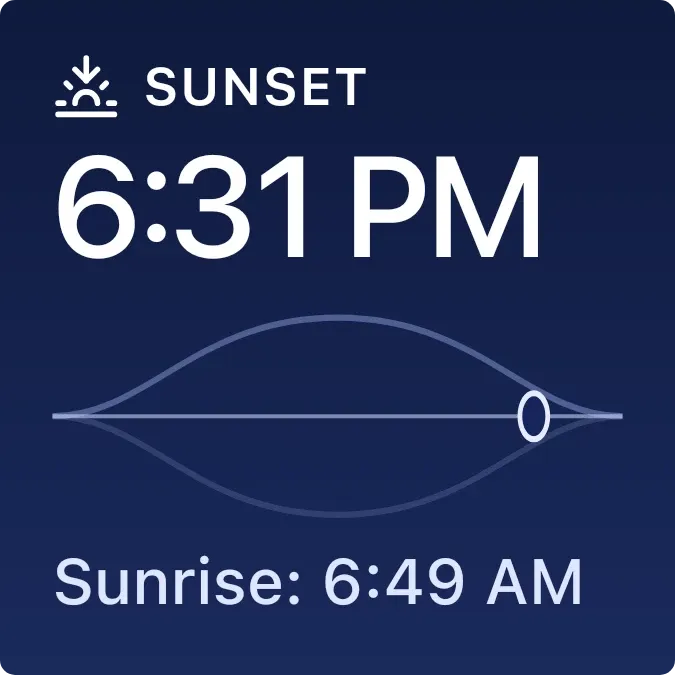 Sunrise Night2x2 · Free
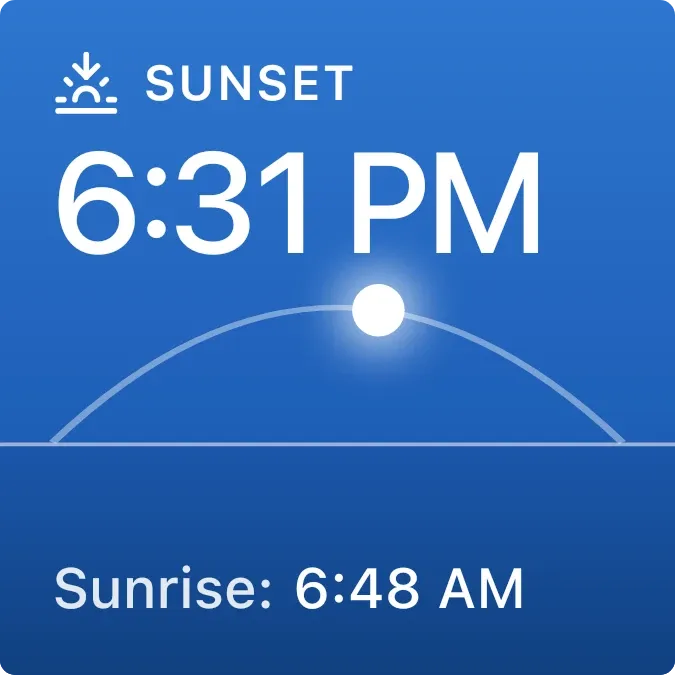 Sunset Blue2x2 · Free
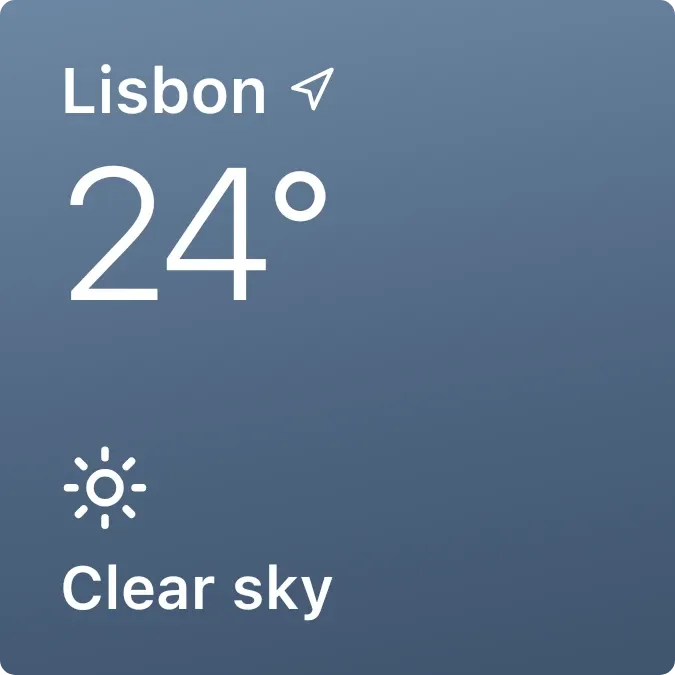 Weather Rain2x2 · Free
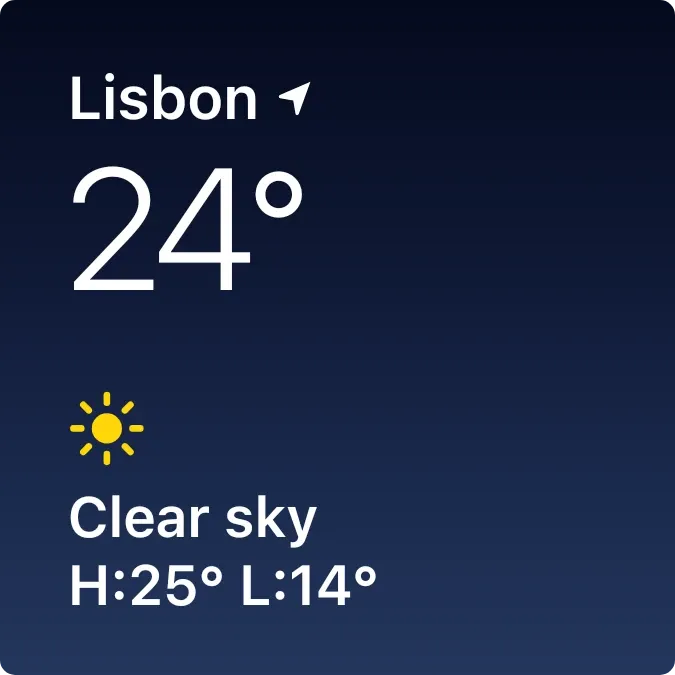 Weather Night2x2 · Free
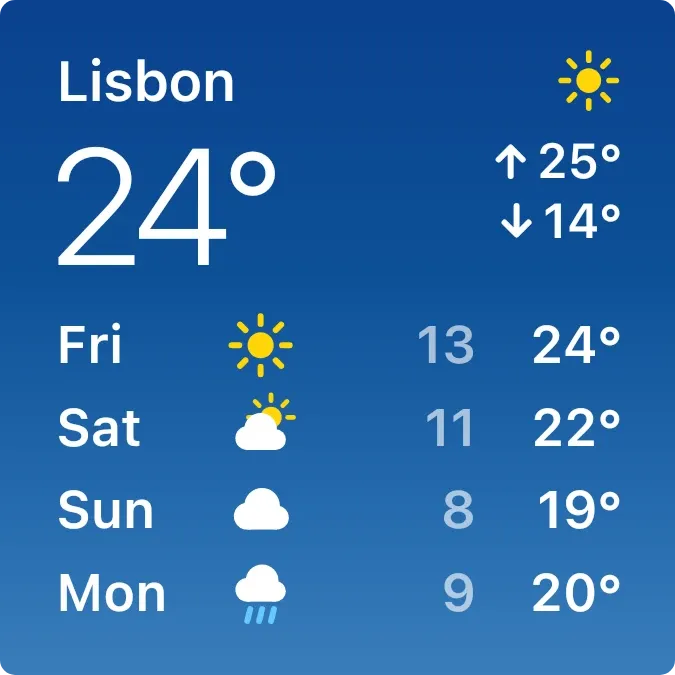 Weather Compact2x2 · Free
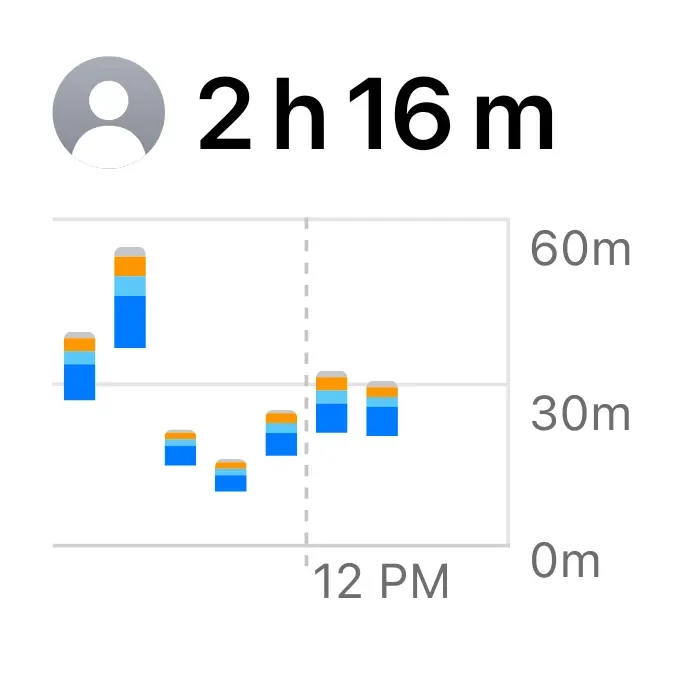 Screen Time Small2x2 · Free
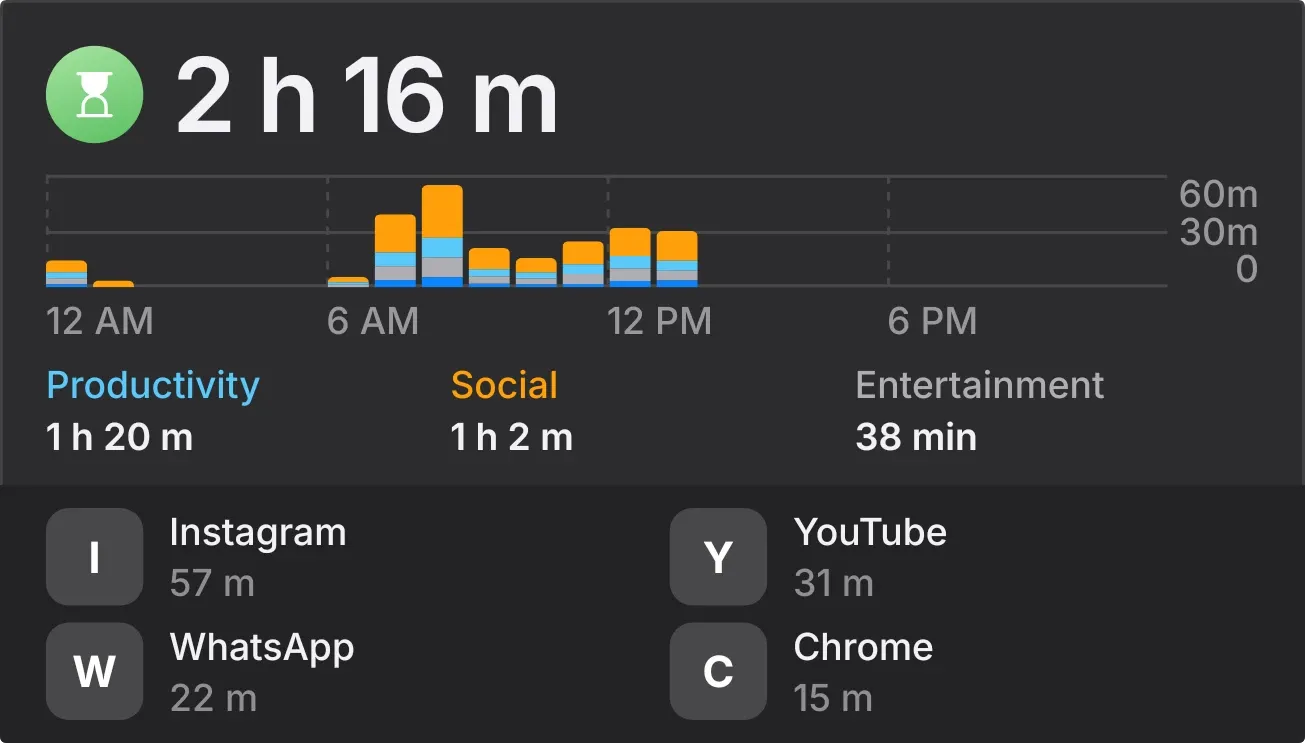
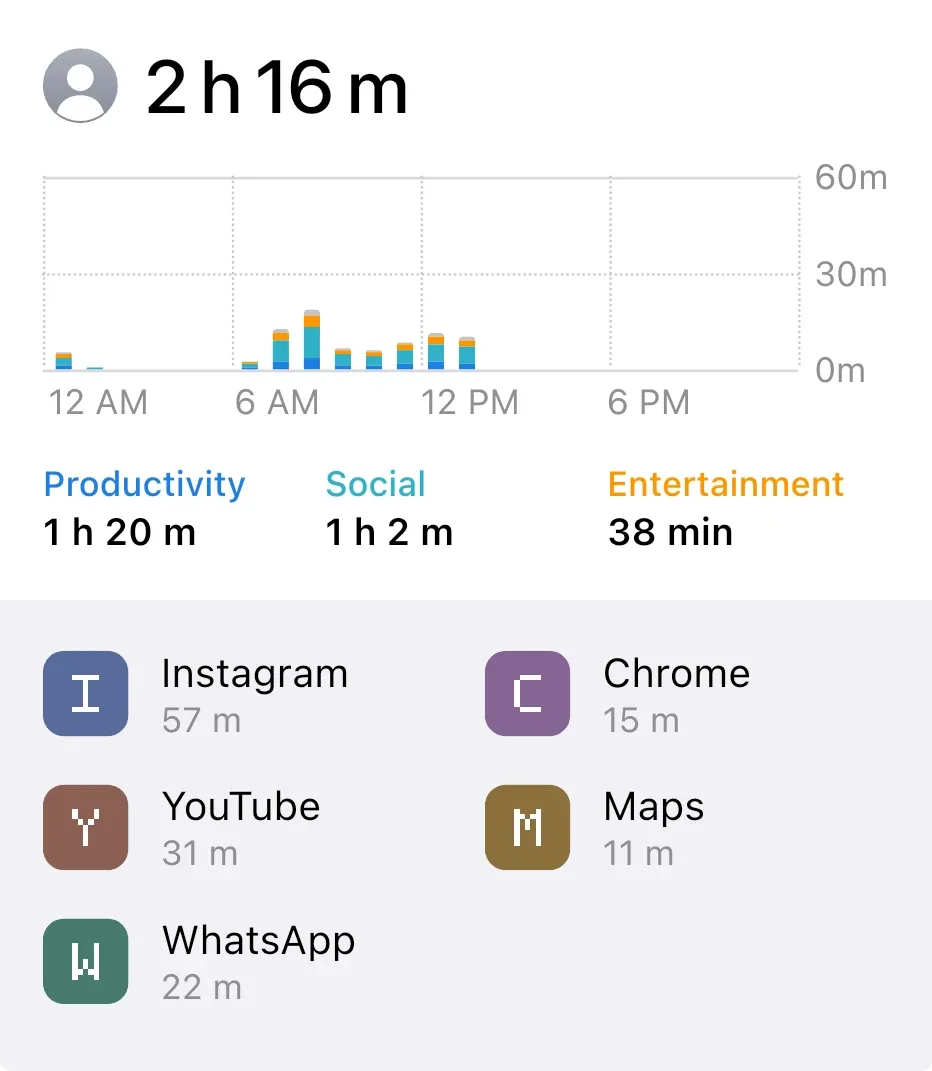 Screen Time Large4x4 · Free
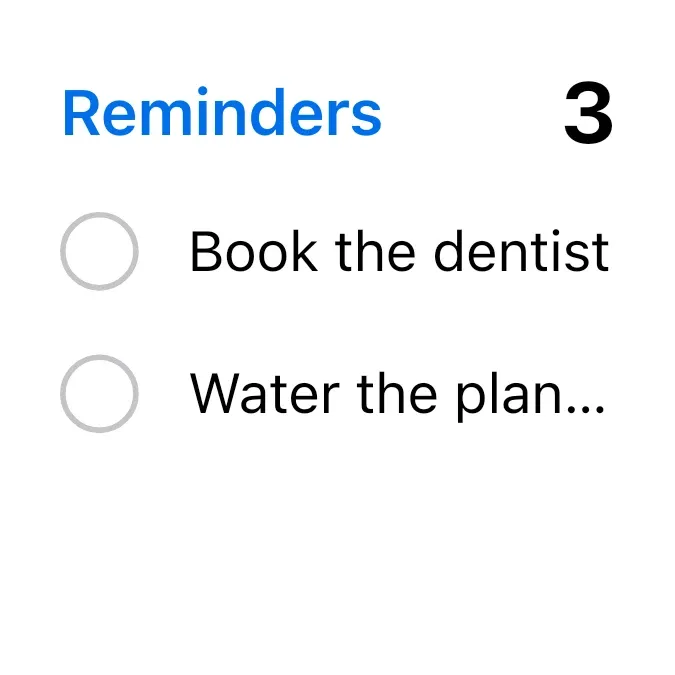 Reminders Small2x2 · Free
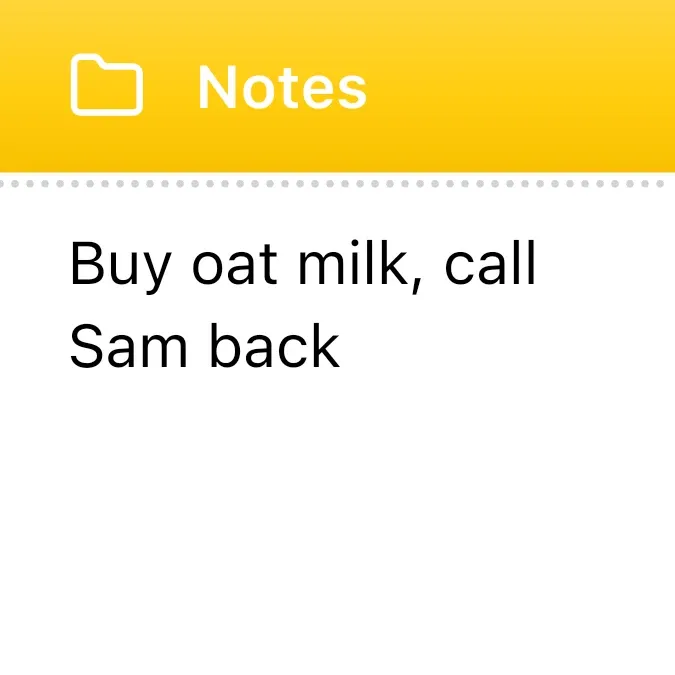 Note Small2x2 · Free
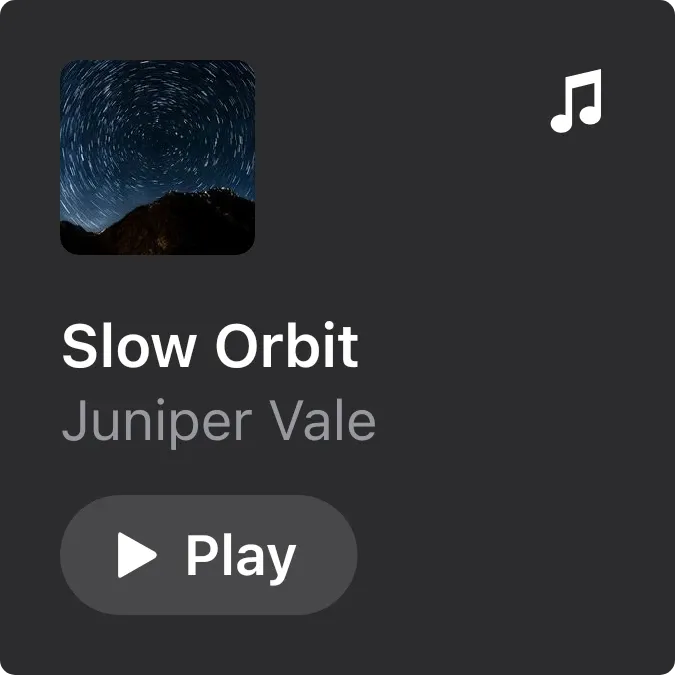 Music Small2x2 · Free
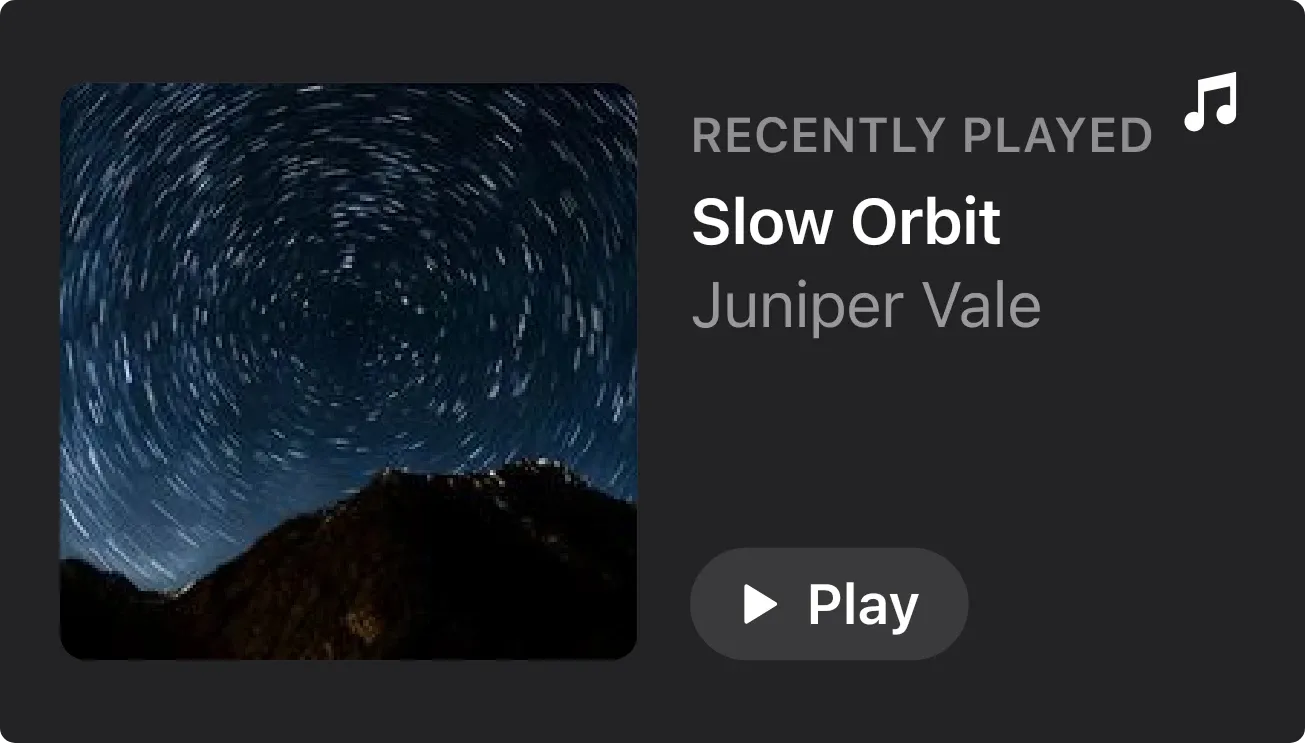 Music Wide4x2 · Free
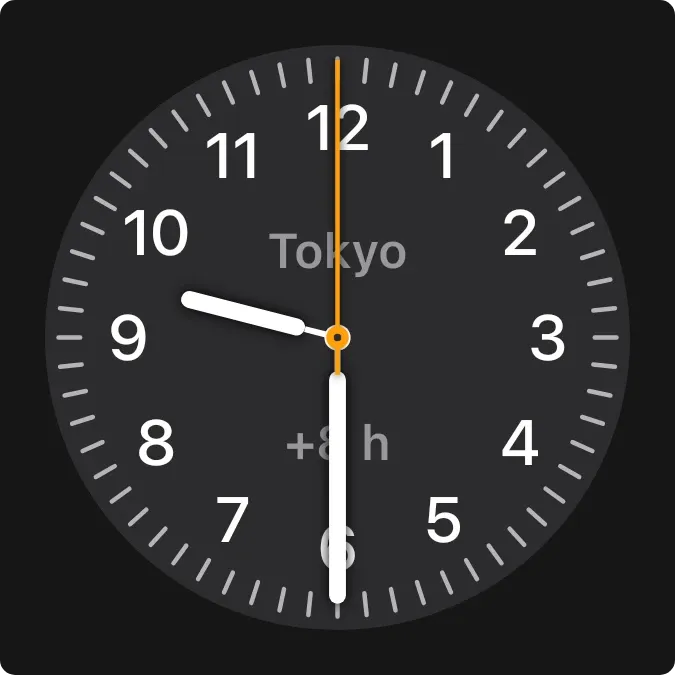 Numbered Dark Clock2x2 · Free
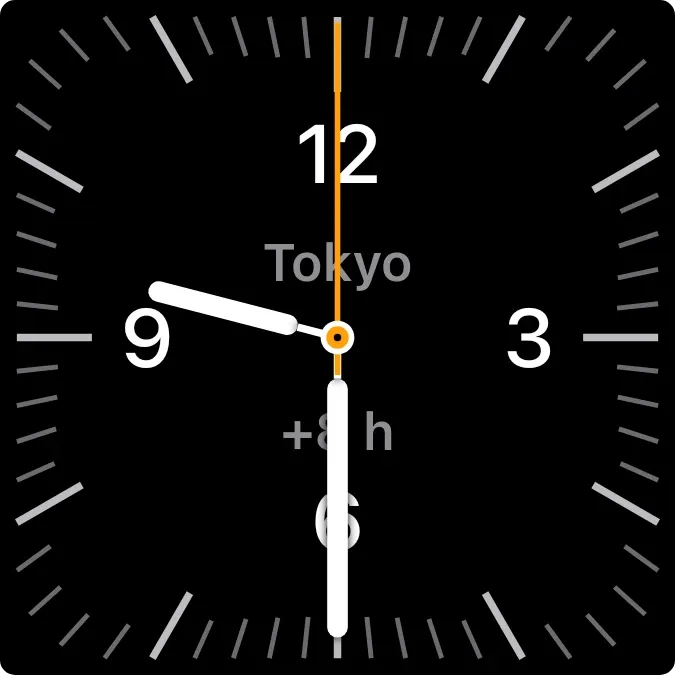 Square Dark Clock2x2 · Free
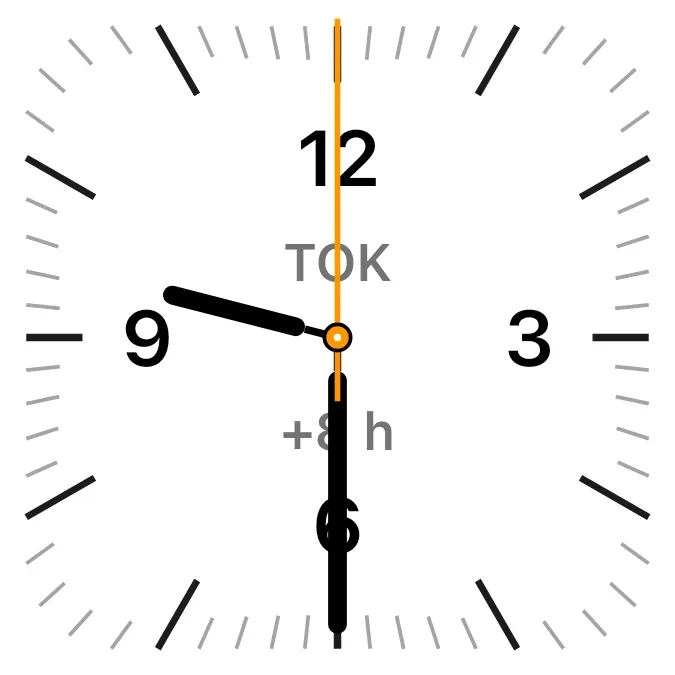 Square Light Clock2x2 · Free
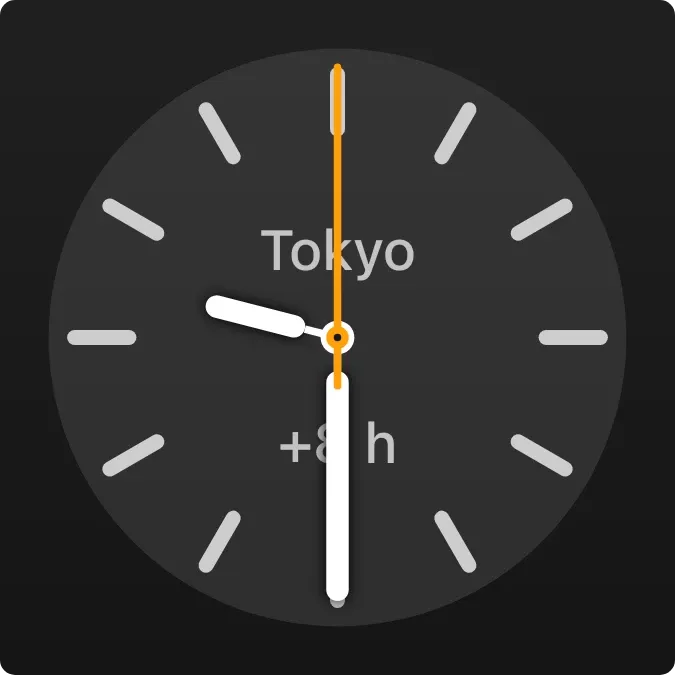 Dark Marker Clock2x2 · Free
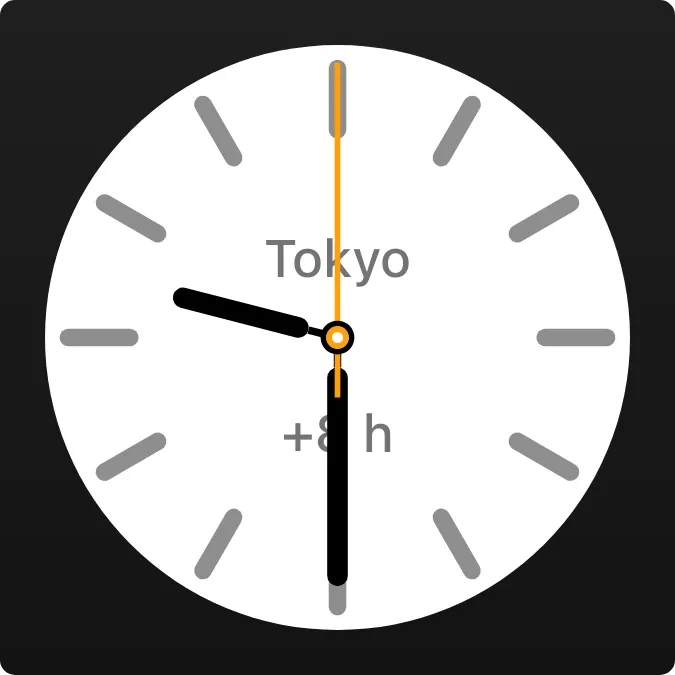 Light Marker Clock2x2 · Free
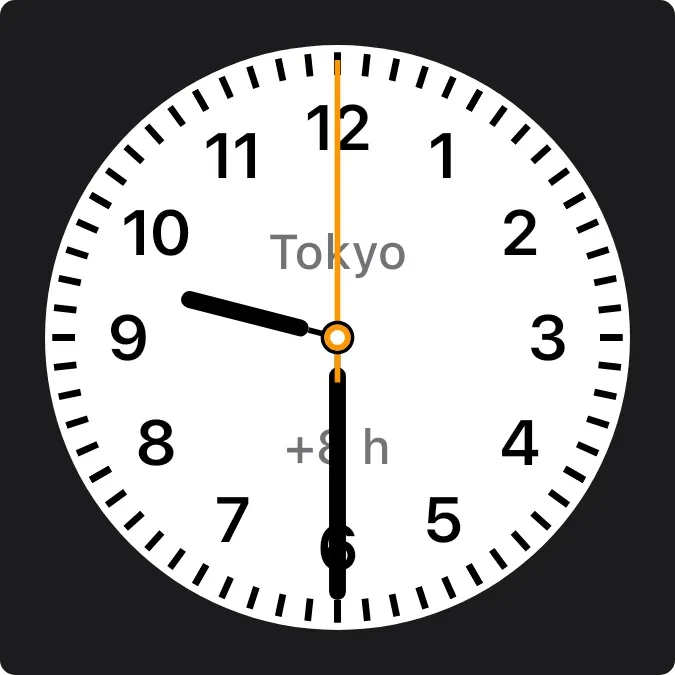 Numbered City Clock2x2 · Free
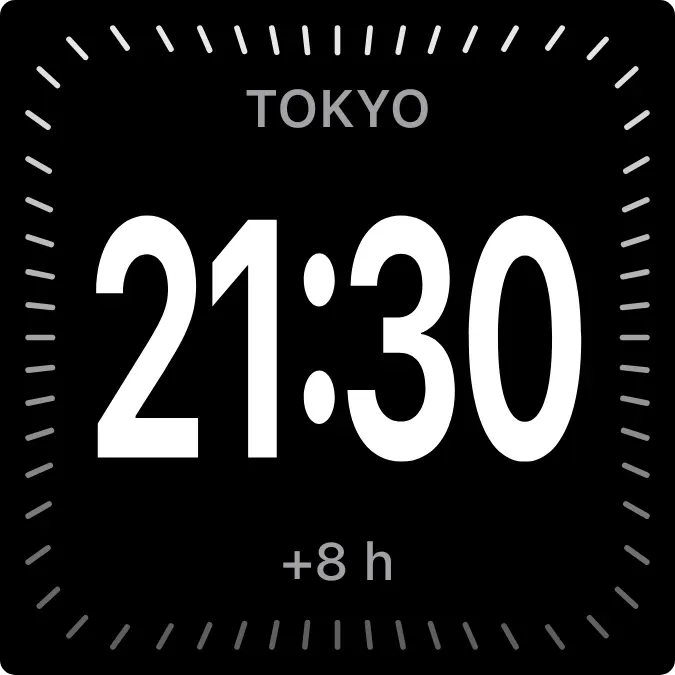 Dark City Clock2x2 · Free
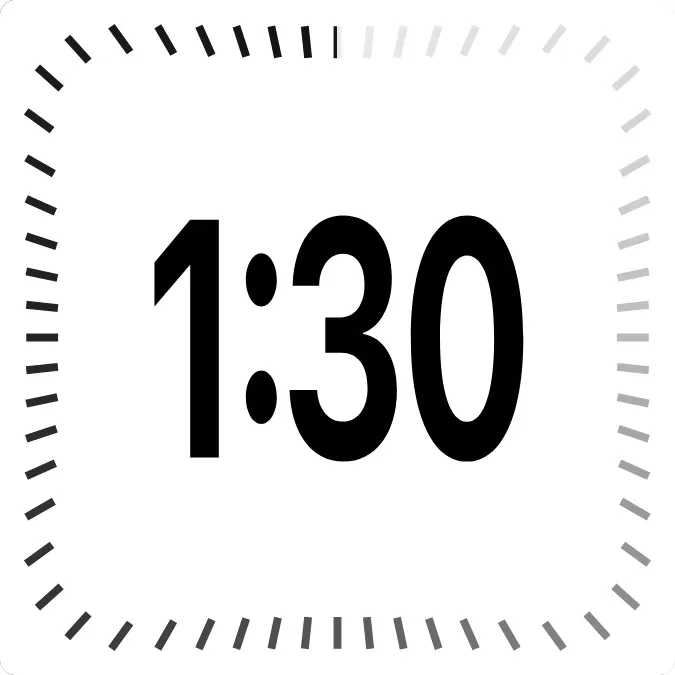 Light Digital Clock2x2 · Free
 Calendar Up Next2x2 · Free
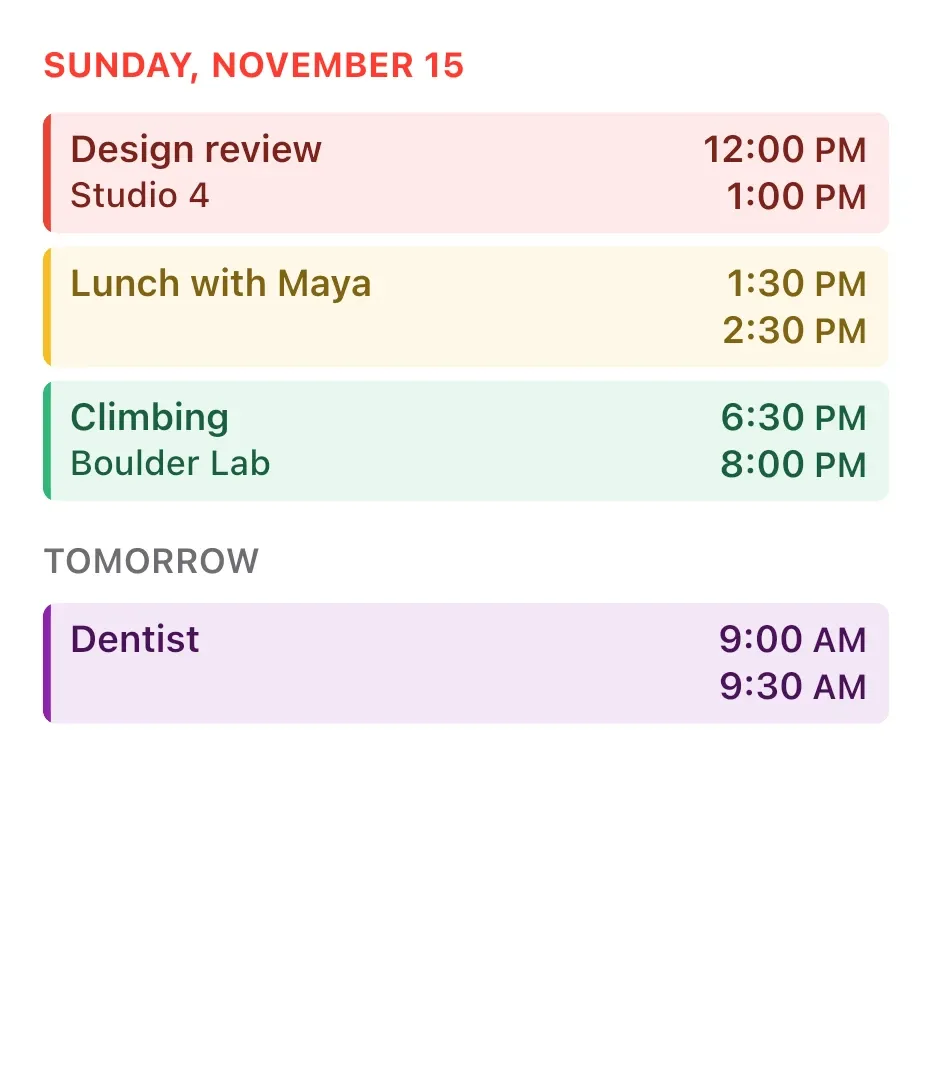 Full Day Agenda4x4 · Free
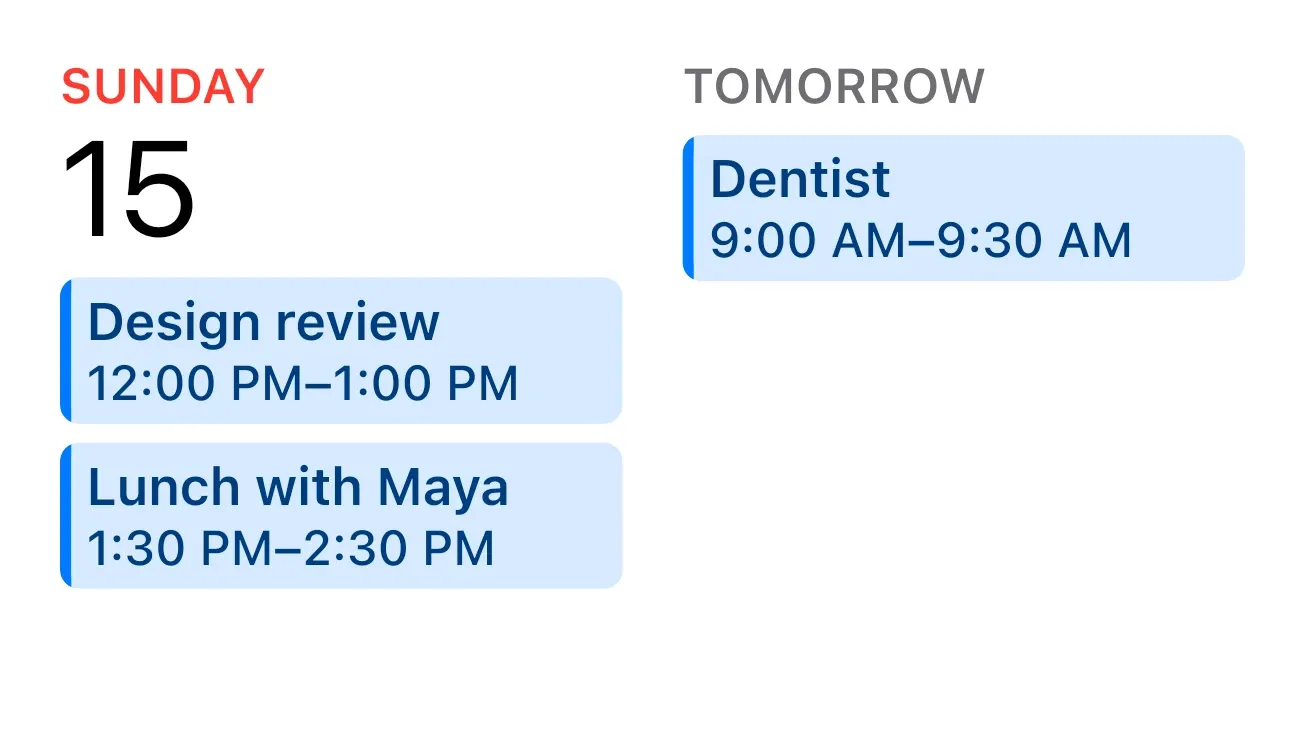 Today and Tomorrow4x2 · Free
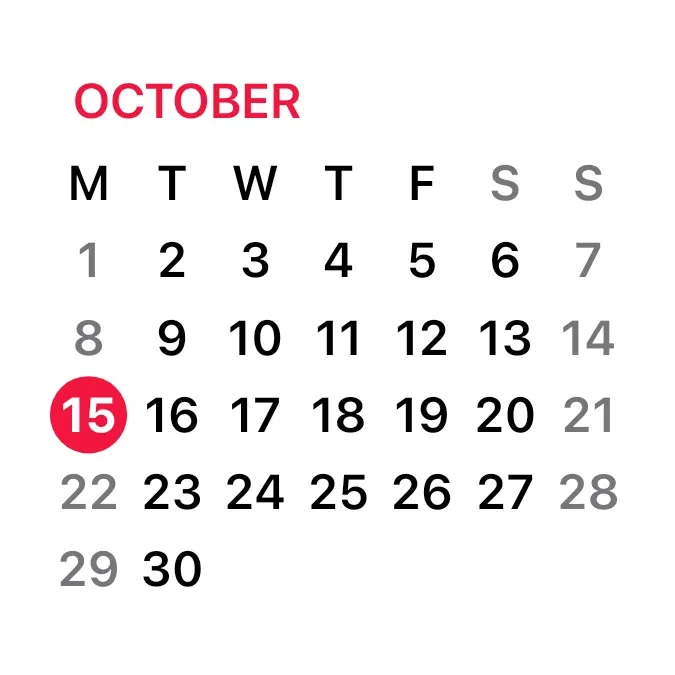 Calendar Month2x2 · Free
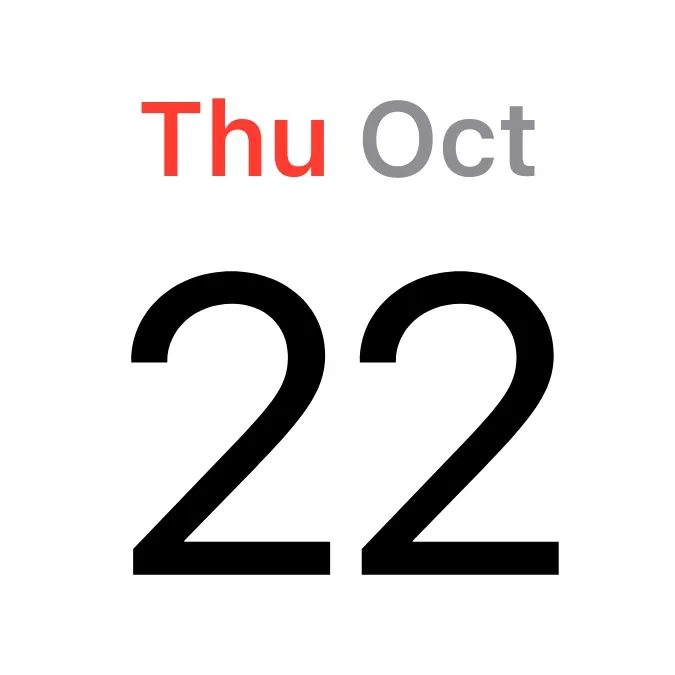 Calendar Date2x2 · Free
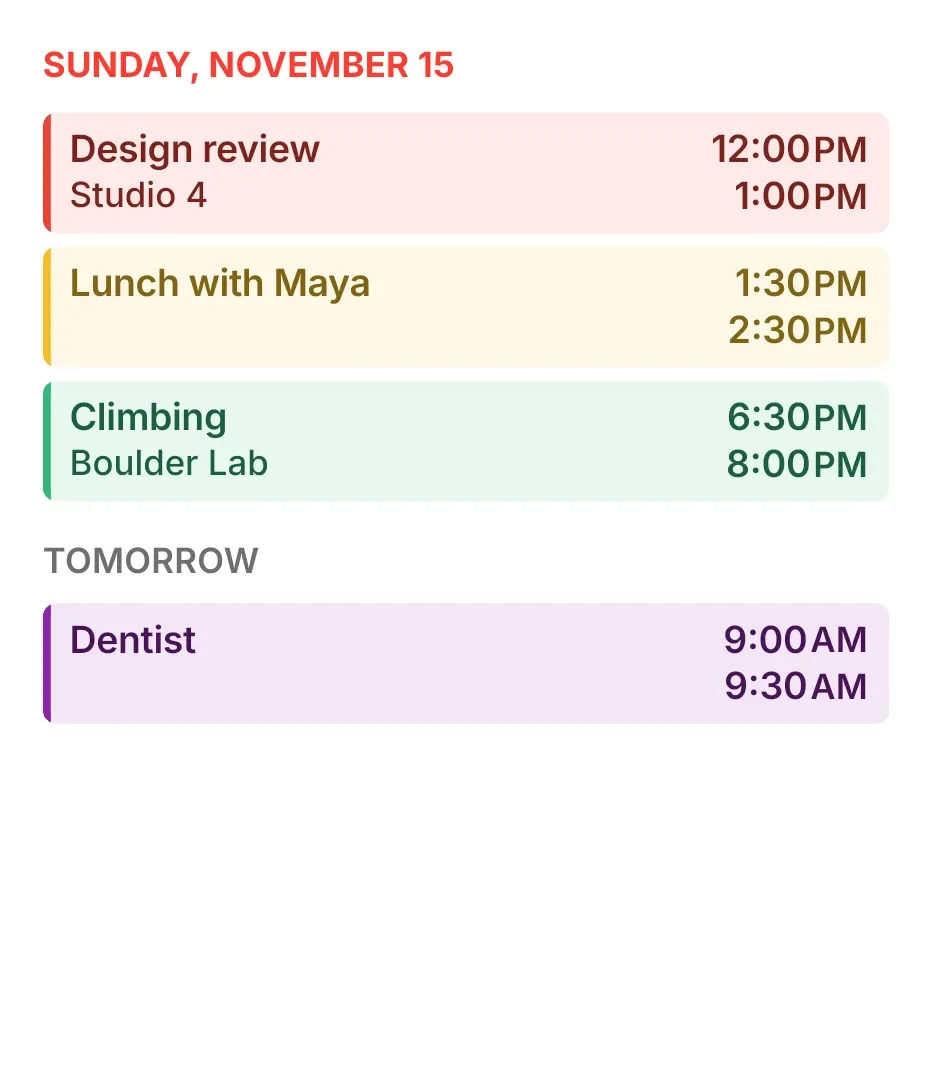 Tint Agenda4x4 · Free
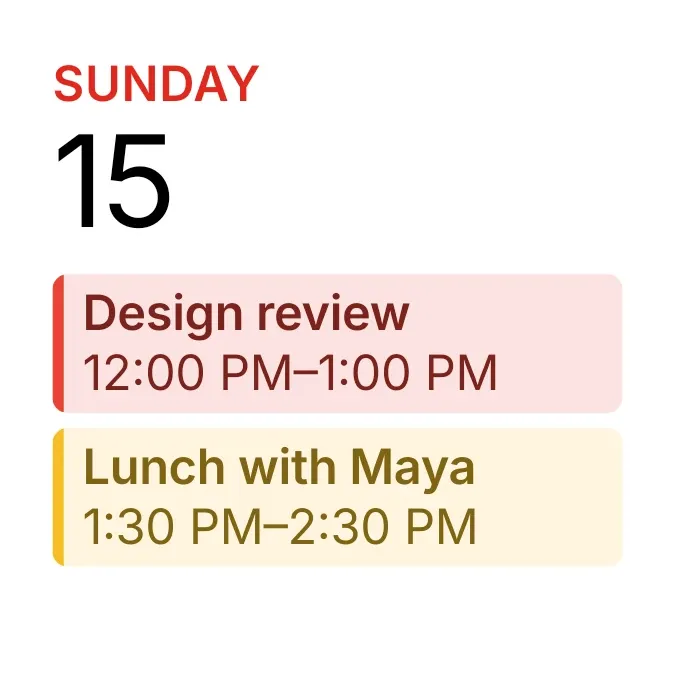 Tinted Agenda2x2 · Free
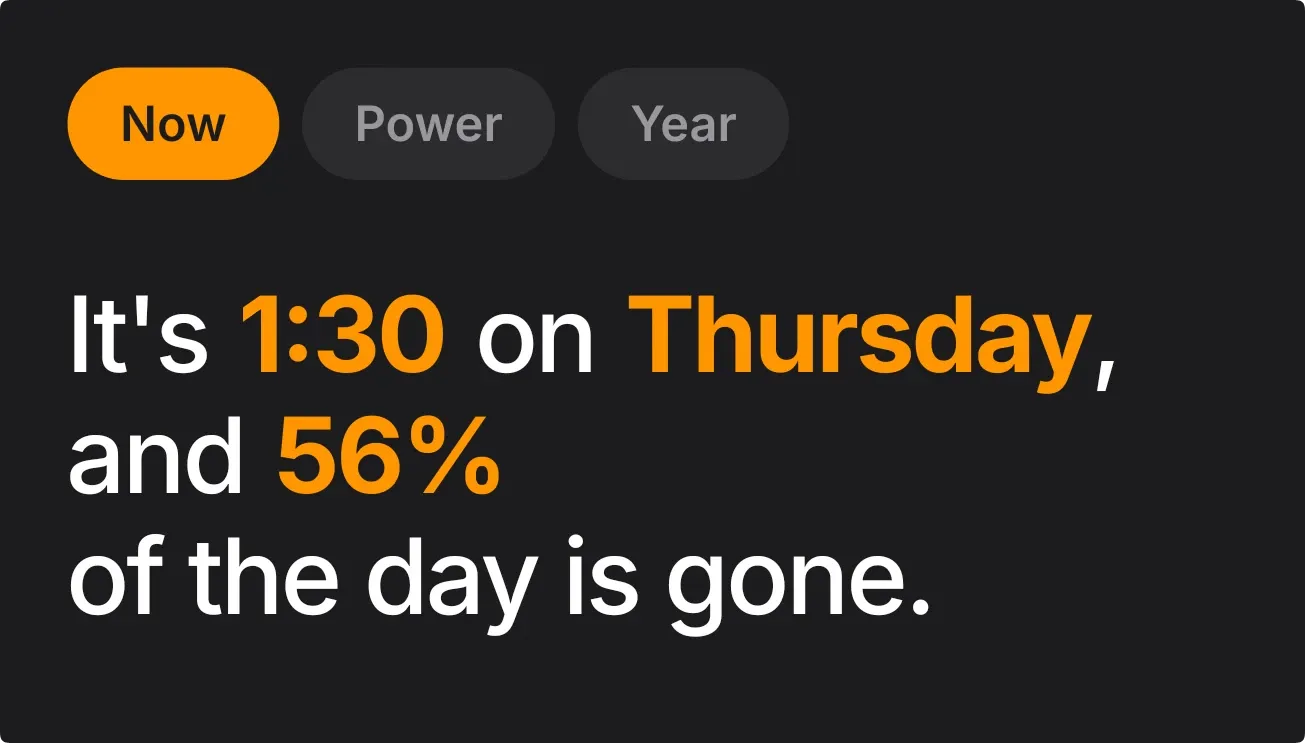 Amber Chatter4x2 · Free
 Stackscape4x3 · Free
How to add an iOS-style widget on Android
- Join the beta and install Kiwi after receiving an invitation on a phone running Android 10 or newer.
- Open the iOS & macOS kit and choose a widget. Check its size, permissions and Free or Pro label.
- Set up any data it needs, such as a weather city, then tap Use and follow your launcher's placement prompt.
These are Kiwi widgets styled for Android. They do not run Apple's apps or import widgets from an iPhone. Weather, time and other supported data come from Kiwi and your Android phone.
For more choices, browse clock widgets or weather widgets for Android.
Before you add a widget
Are these widgets free?
All 40 designs currently in this kit are labeled Free. Other Kiwi kits include Pro designs. Check each widget's label in the app before using it.
Can I change the size and data?
Pick a design and leave room for its grid size: 2×2, for example, takes two columns and two rows. Your launcher controls placement and resizing. Configure the data a design uses, such as your weather city; available options depend on the widget.
What permissions do they need?
Mac Screen Time needs Usage access to show app usage. Red Letter can use optional calendar access for events. Weather uses a city you choose, without GPS. Each widget's detail page lists its requirements.
Do I need an iPhone or KWGT?
No. These designs run in Kiwi on Android. They do not sync Apple's Screen Time, run iPhone widgets or require a KWGT preset pack.