Red Letter
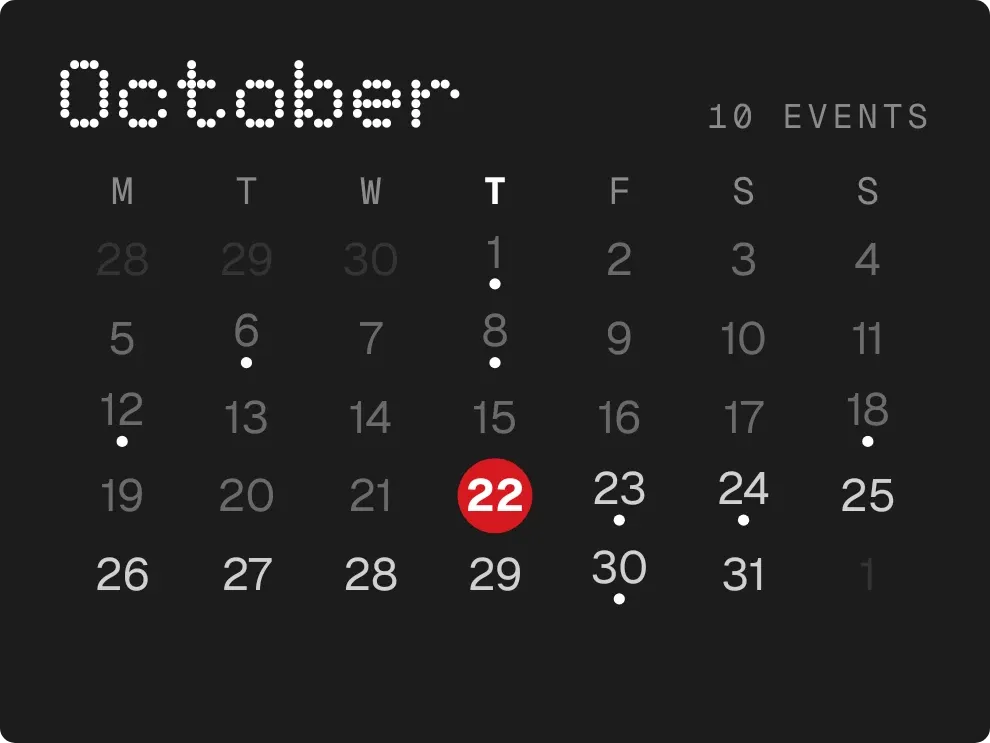
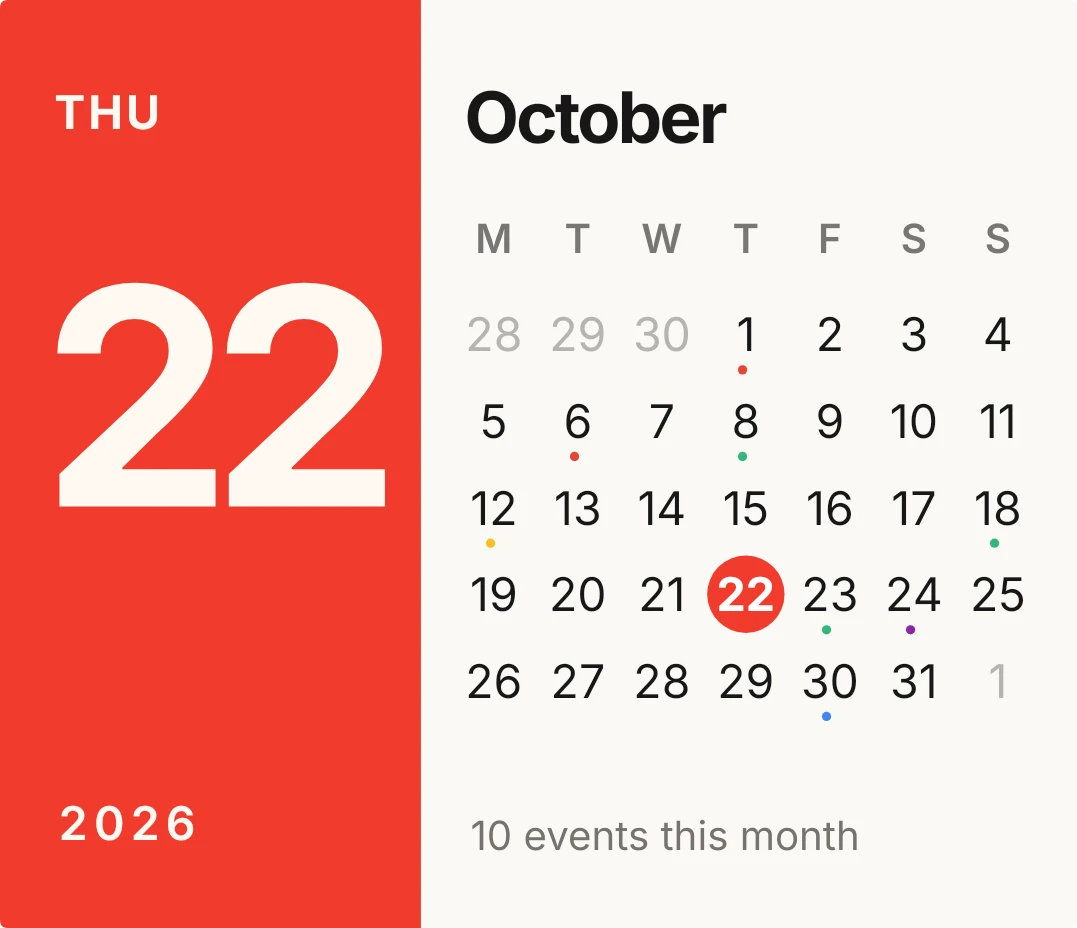
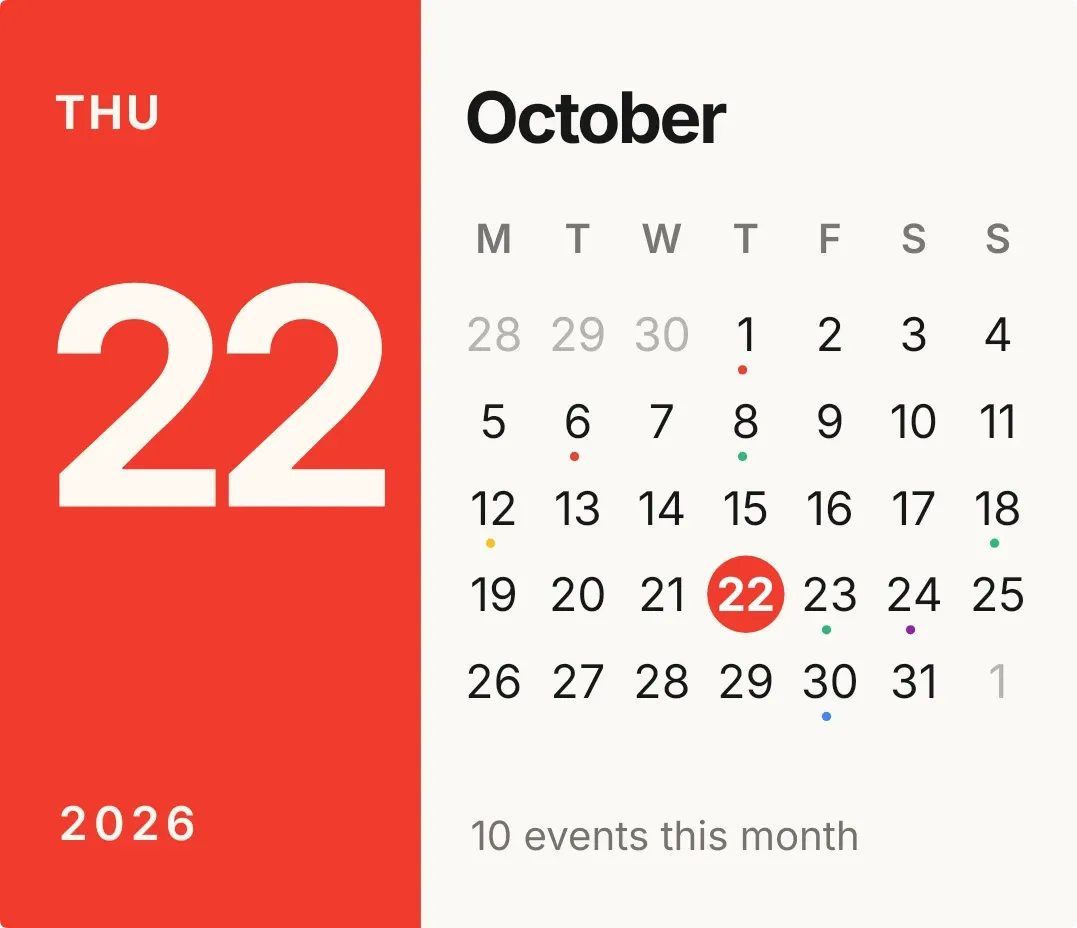
Red Letter splits the widget into two parts. A red panel on the left shows the weekday, today's date in very large numerals, and the year. On the right are the month name, a row of weekday letters and a month grid, with today circled in red. A small dot sits under each day that has events, and a line at the bottom gives the month's event count.
- Size
- 4x3 cells
- Kit
- iOS & macOS
- Shows
- Calendar, Time and date
- Look
- Bold shapes, typographic and minimal
- Colours
- White and red, light background
- Looks like
- iPhone widgets
- Good for
- Planning, work schedule and daily routine
- Android
- 10 or newer
- Needs
- READ_CALENDAR (optional)
- Price
- Free
Kiwi is in beta and is not on Google Play yet. Join to request an invitation.
- agenda
- at-a-glance
- big-numbers
- bold
- calendar
- clean
- cream
- date
- date-display
- day-of-week
- dots
- event
- minimal
- month
- month-calendar
- october
- red
- typographic
- week
- white
What changes
- The weekday, the large day number, the year and the month name follow the current date and change when the date changes.
- Today's number sits in a red circle in the grid. Days from the neighbouring months are shown in light grey.
- A dot appears under each day of the month that has events. Today is marked by the circle and has no dot.
- With calendar access, the bottom line reads the number of events this month, for example 22 events this month.
- Without calendar access, the dots and the count are hidden and the bottom line reads Connect calendar.
- Tapping the widget opens the calendar. Tapping a day in the grid opens the calendar at that date.
Data and settings
- Reads the current date and time to show the weekday, day, month, year and the circled day.
- Reads events from your calendar, if you allow access, to place the dots and count the month's events.
- Calendar access is optional and is the only thing to set.
Set it up
- Open Red Letter in Kiwi, from its kit or from this page.
- Tap Use.
- Confirm your launcher's prompt to place it.
- To see event dots and the monthly count, tap Connect calendar on the widget and allow calendar access.
Permissions
- Calendar (optional: it works without it). Your next events come from the calendar on this phone. Only the times and titles of what's coming up; never sent anywhere, and never changed.
Good to know
- Event dots and the monthly count need calendar access. Until you allow it, the widget shows the date and grid with Connect calendar at the bottom.
- Dots mark days with events but do not show how many events a day has.
- Dots appear only on days of the current month, not on the grey days from neighbouring months.
- The count covers the current month only.