Notification widgets for Android
What is waiting, counted by app, without pulling the shade down. Needs notification access, asked for once, and shows counts only.
3 widgets, from Playful. Every picture is the widget as Kiwi draws it, at its real proportions.
How to put one on your home screen
- Join the Kiwi beta. Android 10 or newer, with a launcher that supports widgets.
- Open the widget from this page, or find it in its kit in the app. It shows with your own data before you place it.
- Tap Use and follow your launcher's placement prompt. Configure any data or permissions the design needs first.
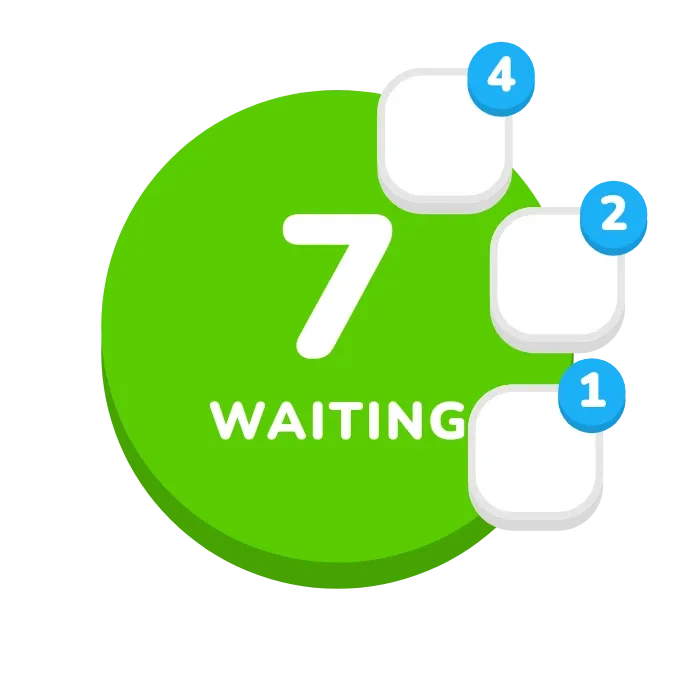 Orbit PopPlayful · 2x2
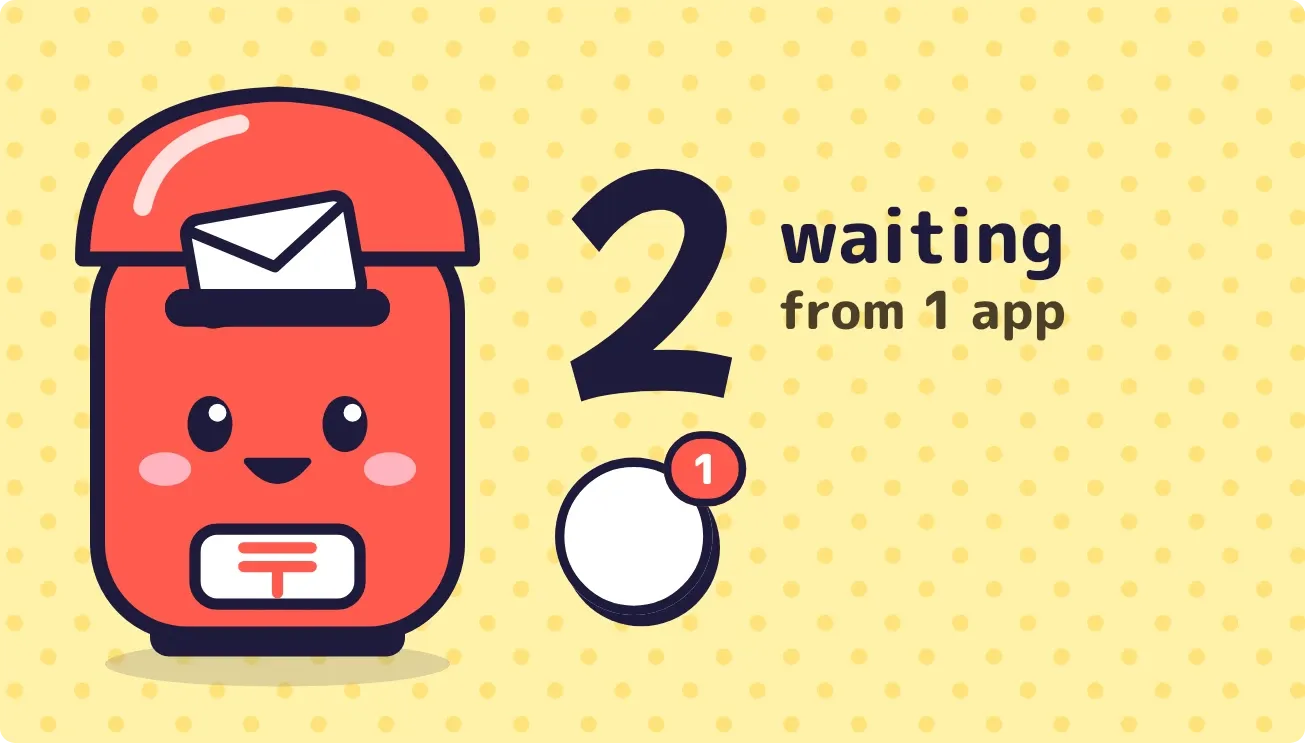 Postbox PalPlayful · 4x2
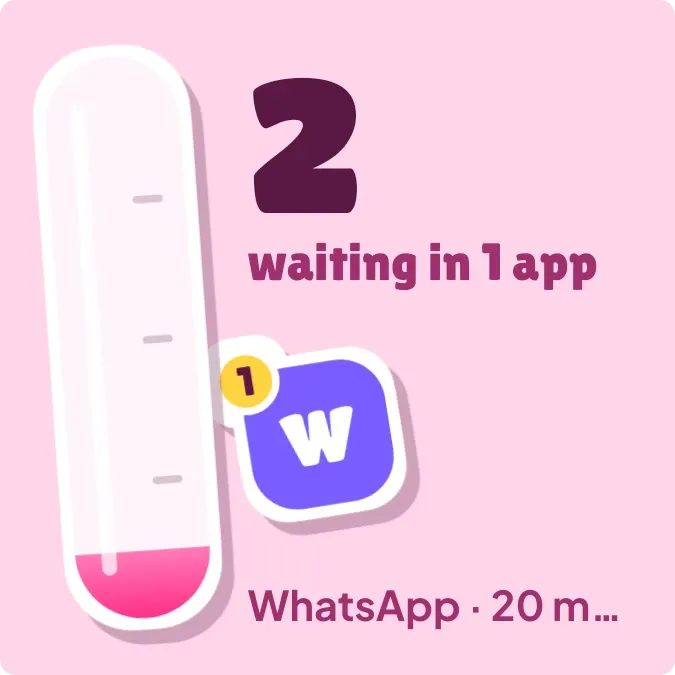 Pink PileupPlayful · 2x2