

Android widgets you would screenshot.
Android home screen widgets with your real data in them. Pick one from the wall, tap Use.
Free to start. Android 10 and up, any launcher.
Pick one. Tap Use.
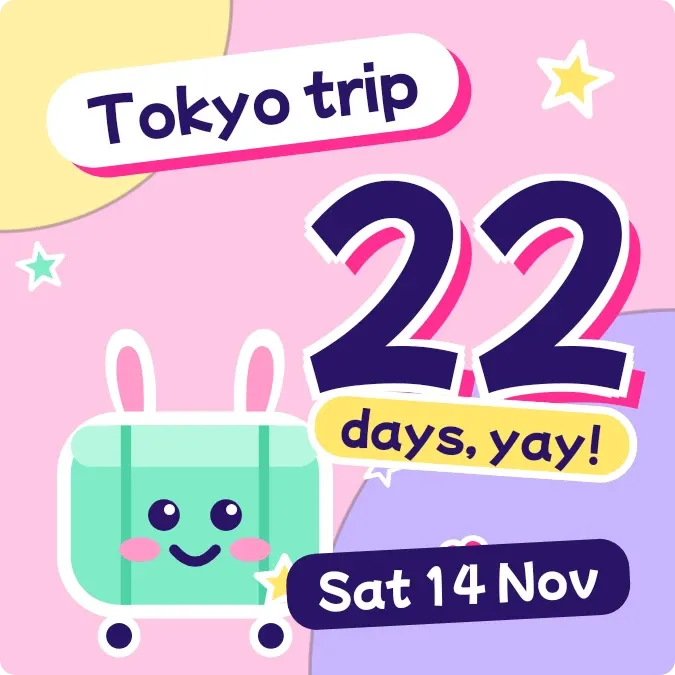
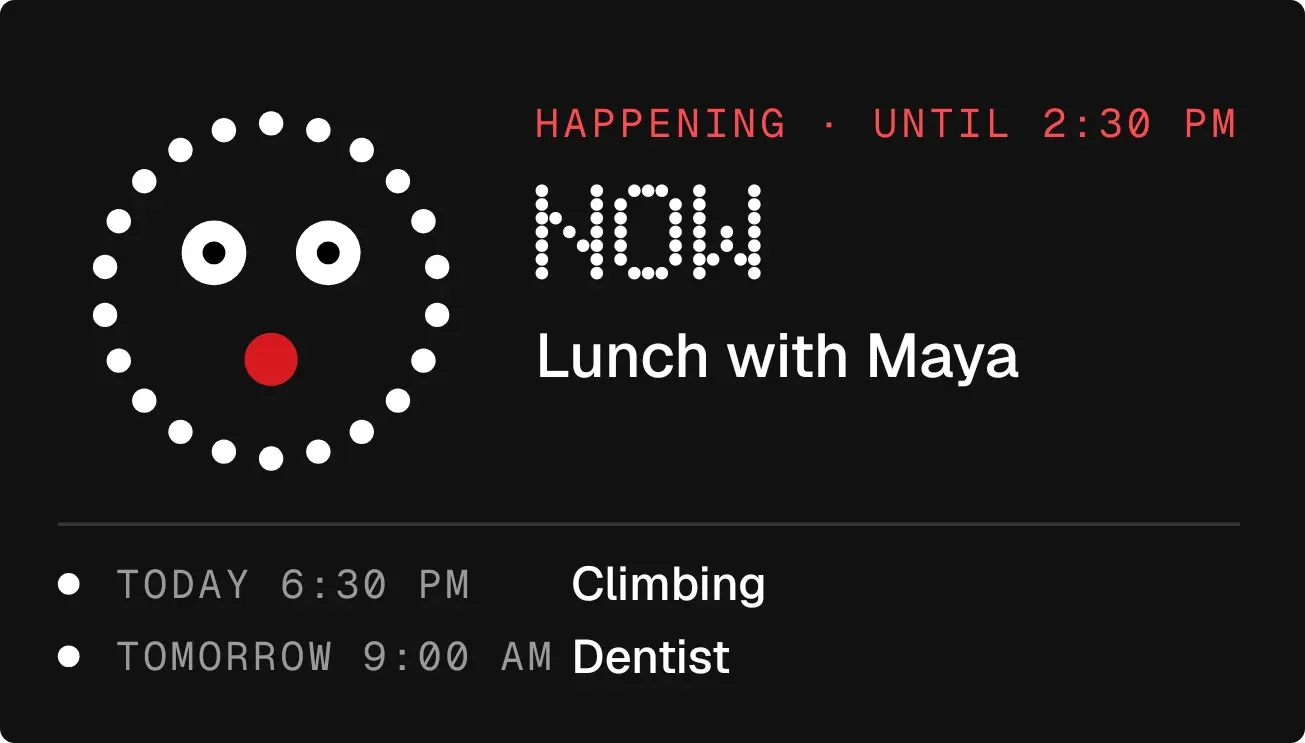
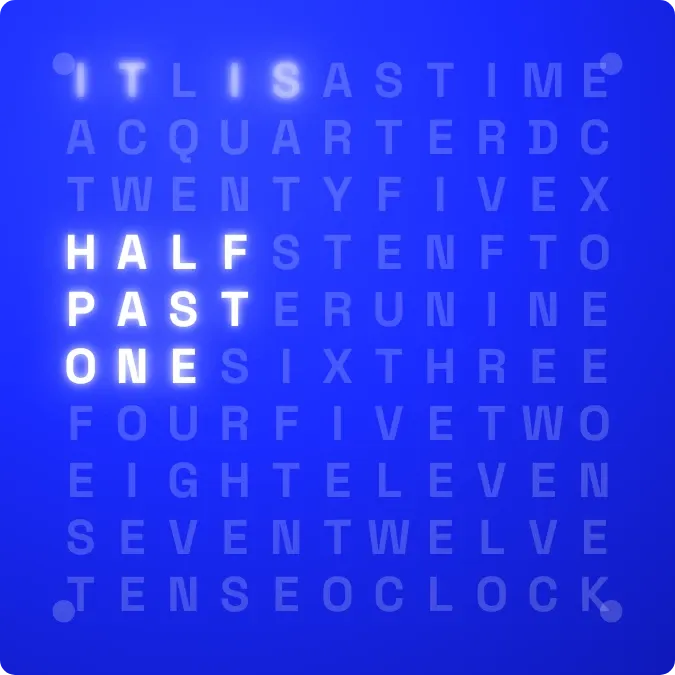
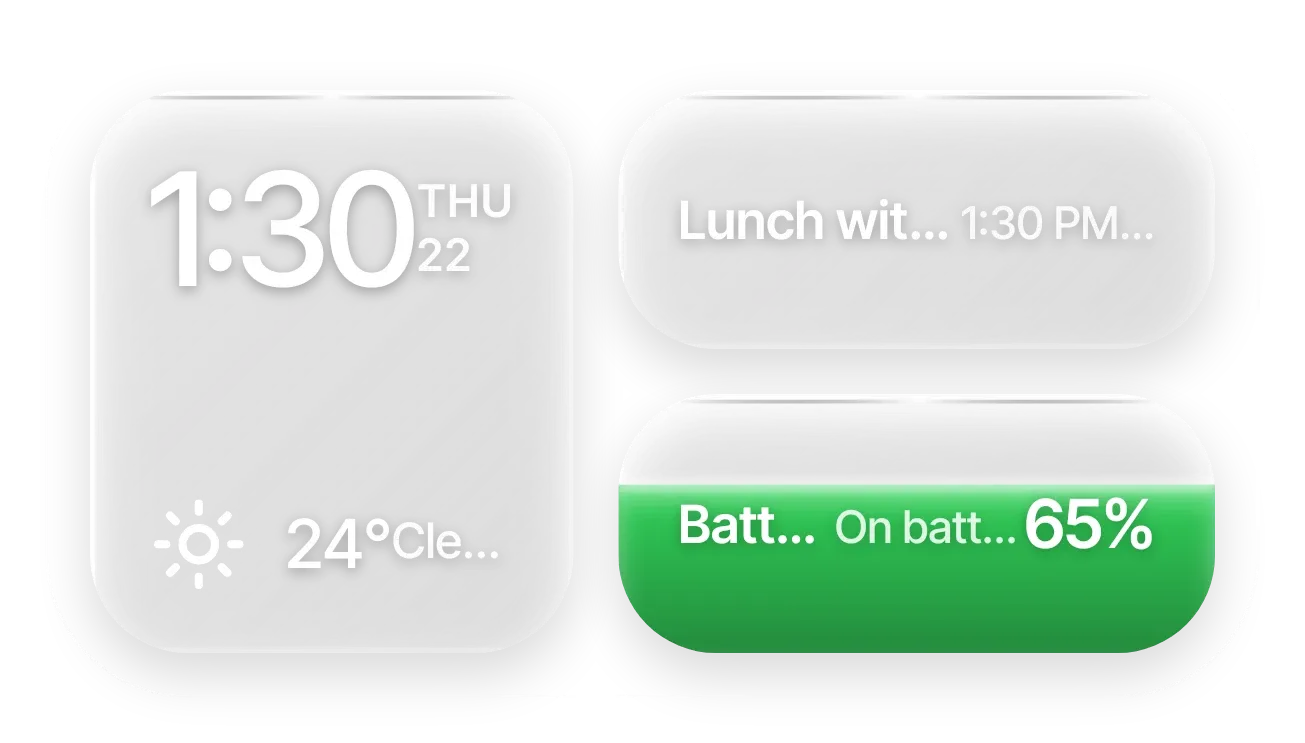
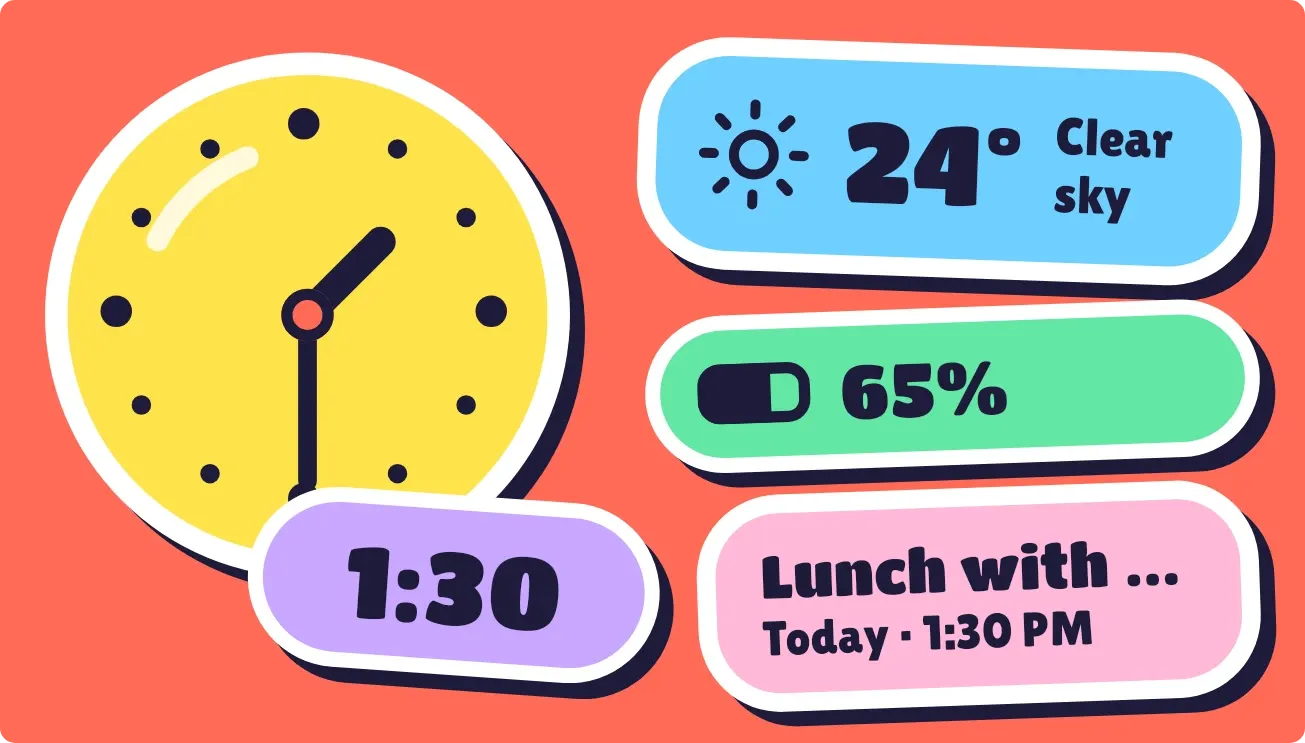
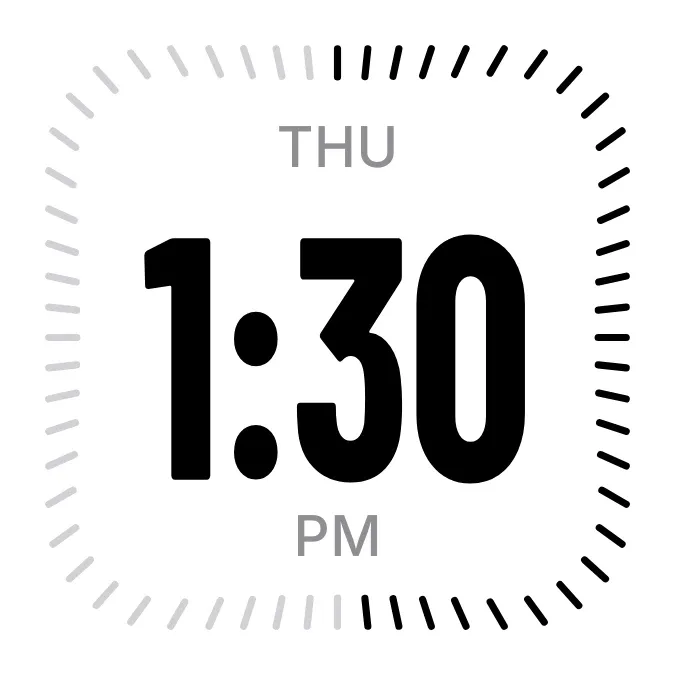
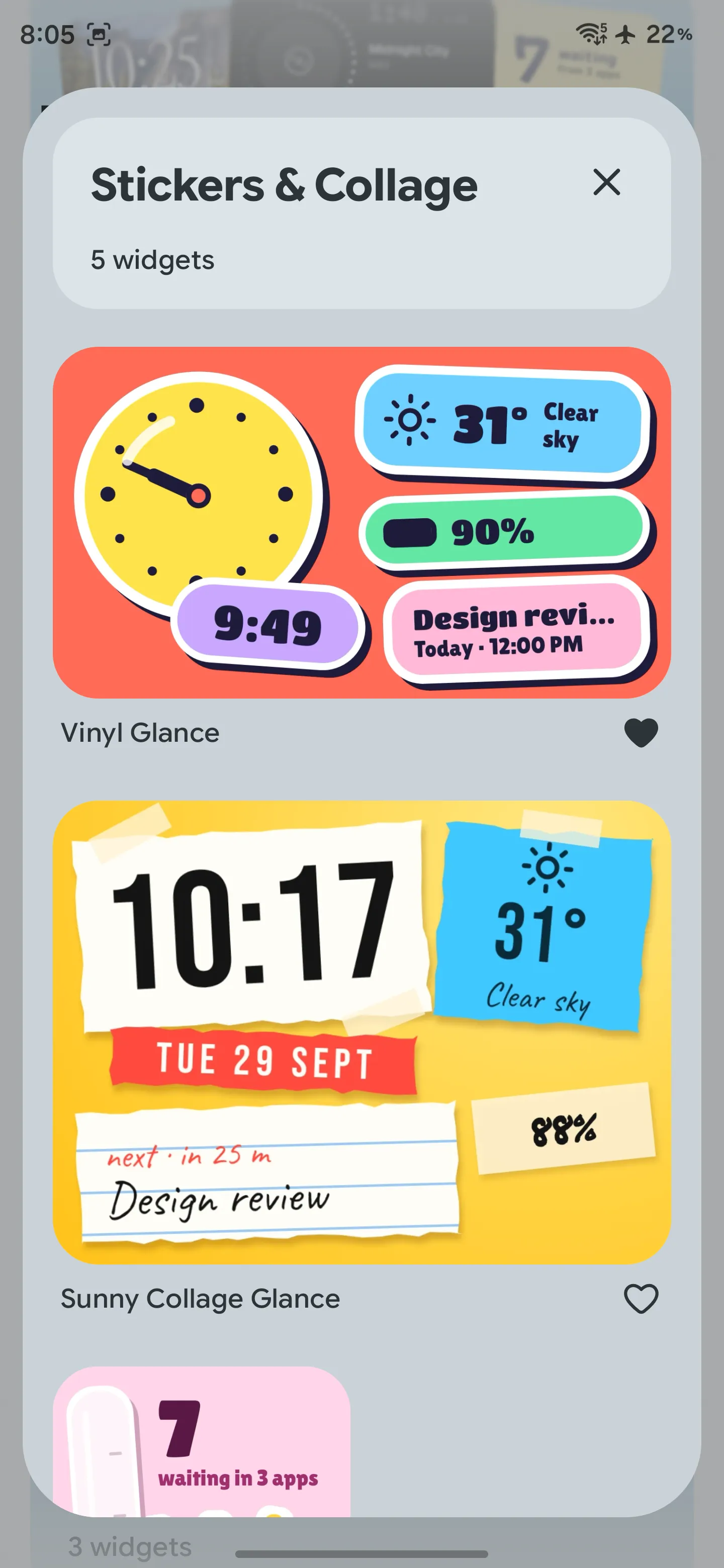
Grouped by look. Every picture is the widget itself, at its real proportions.
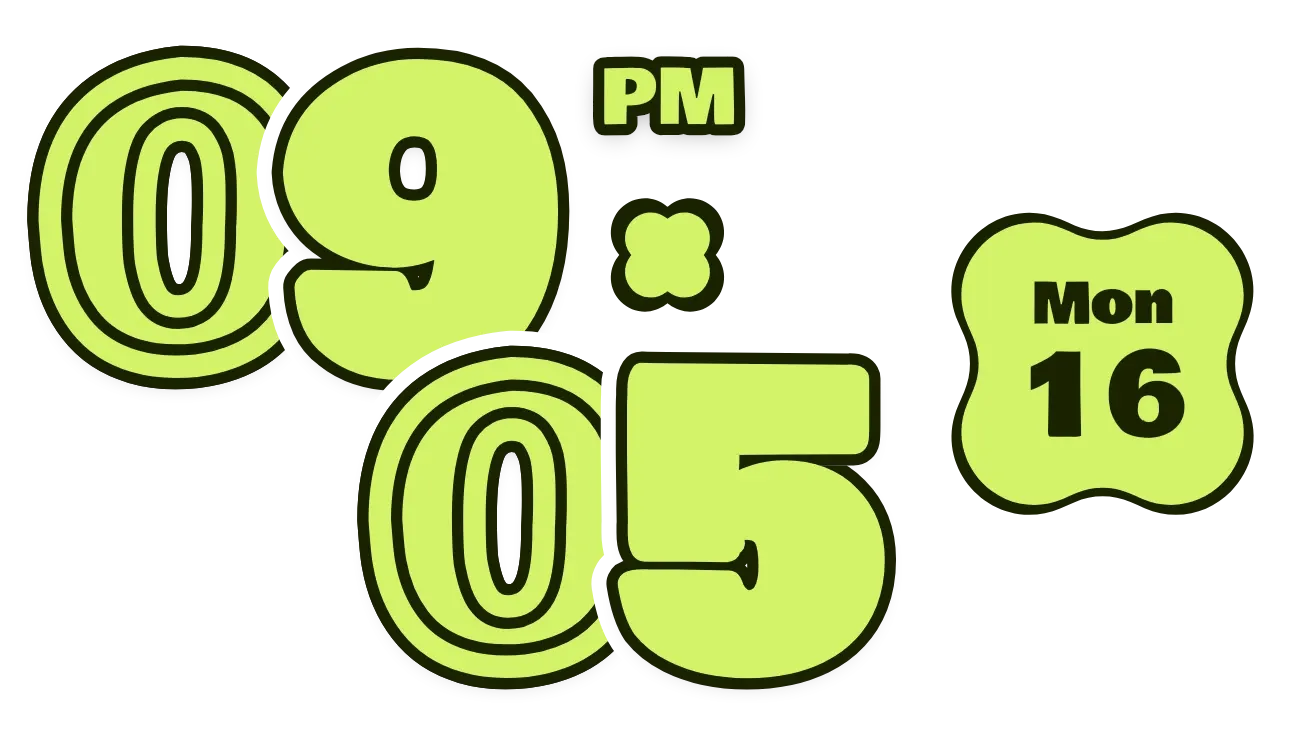
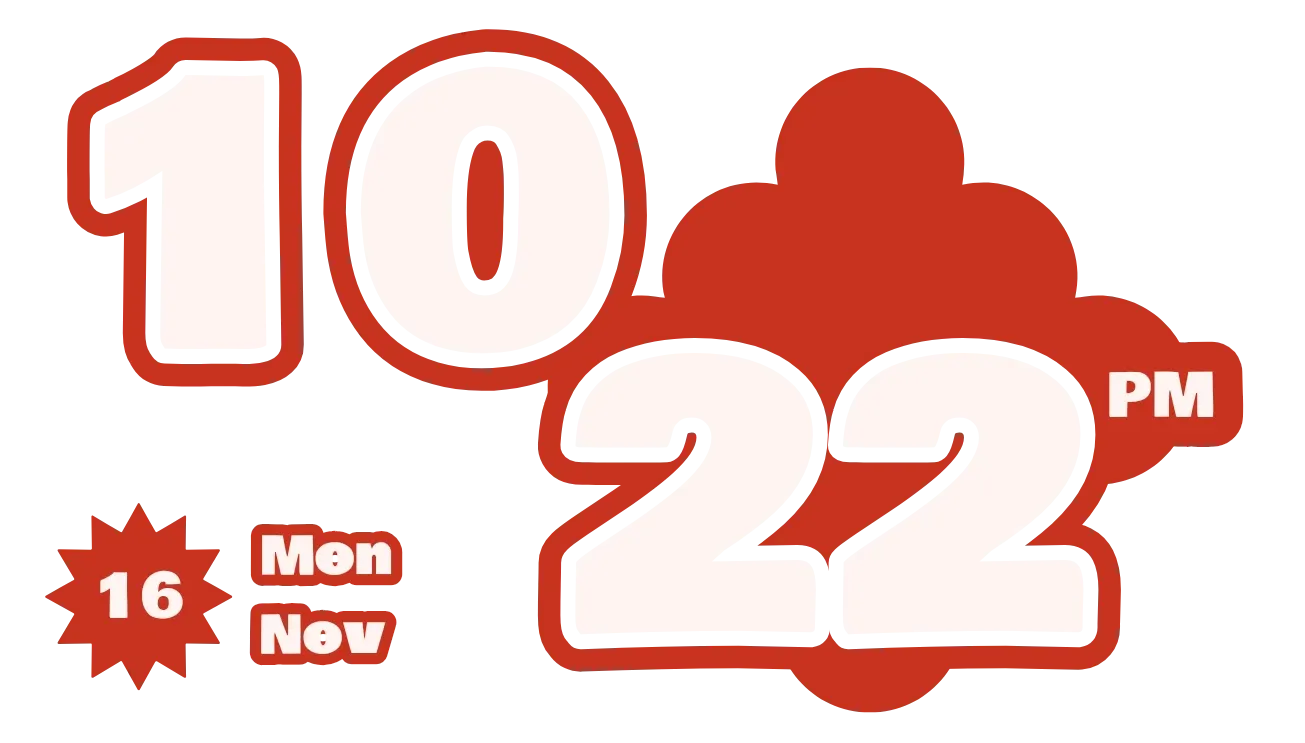
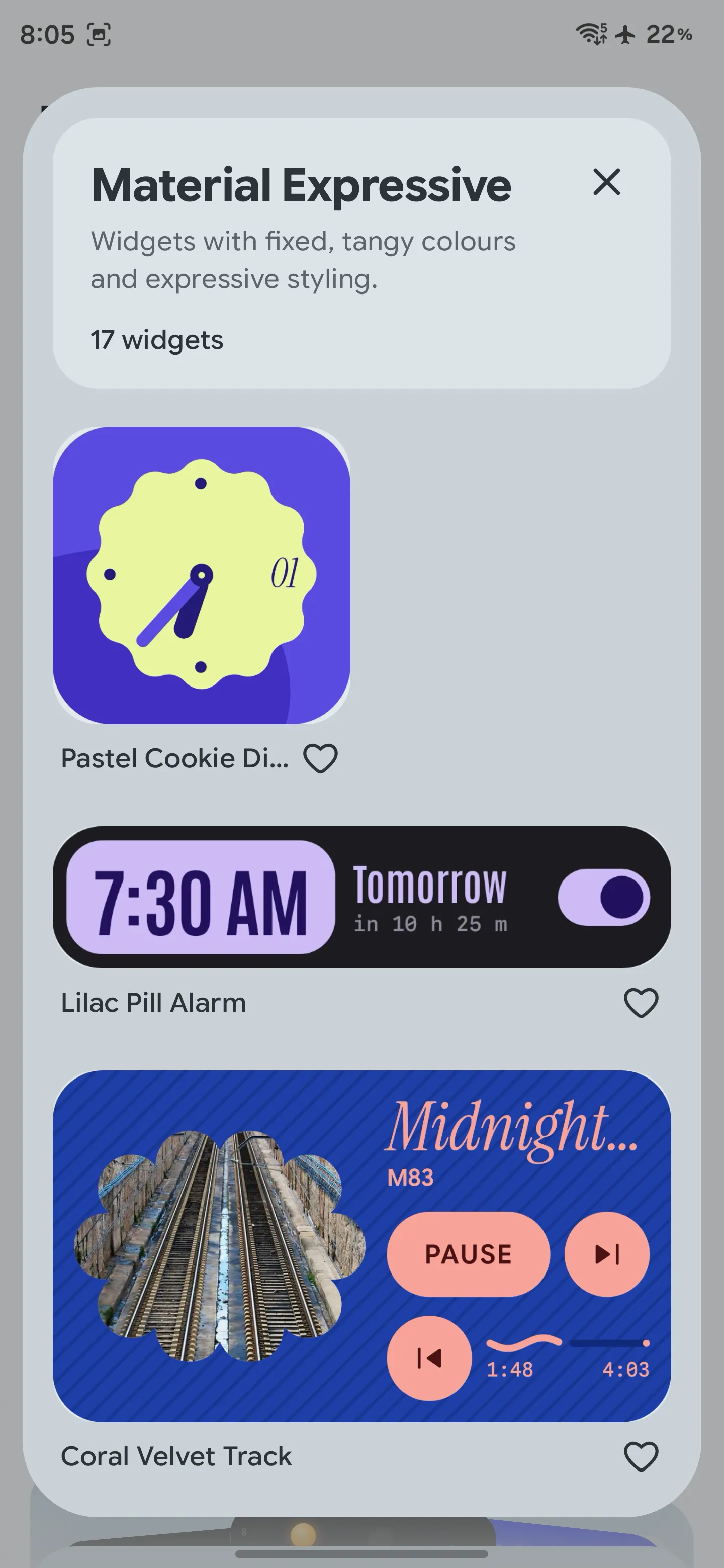
Material Expressive
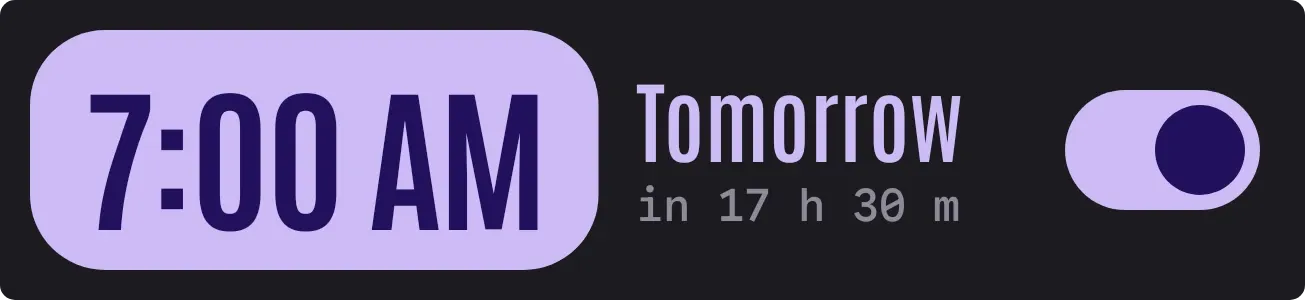
Widgets with fixed, tangy colours and expressive styling.
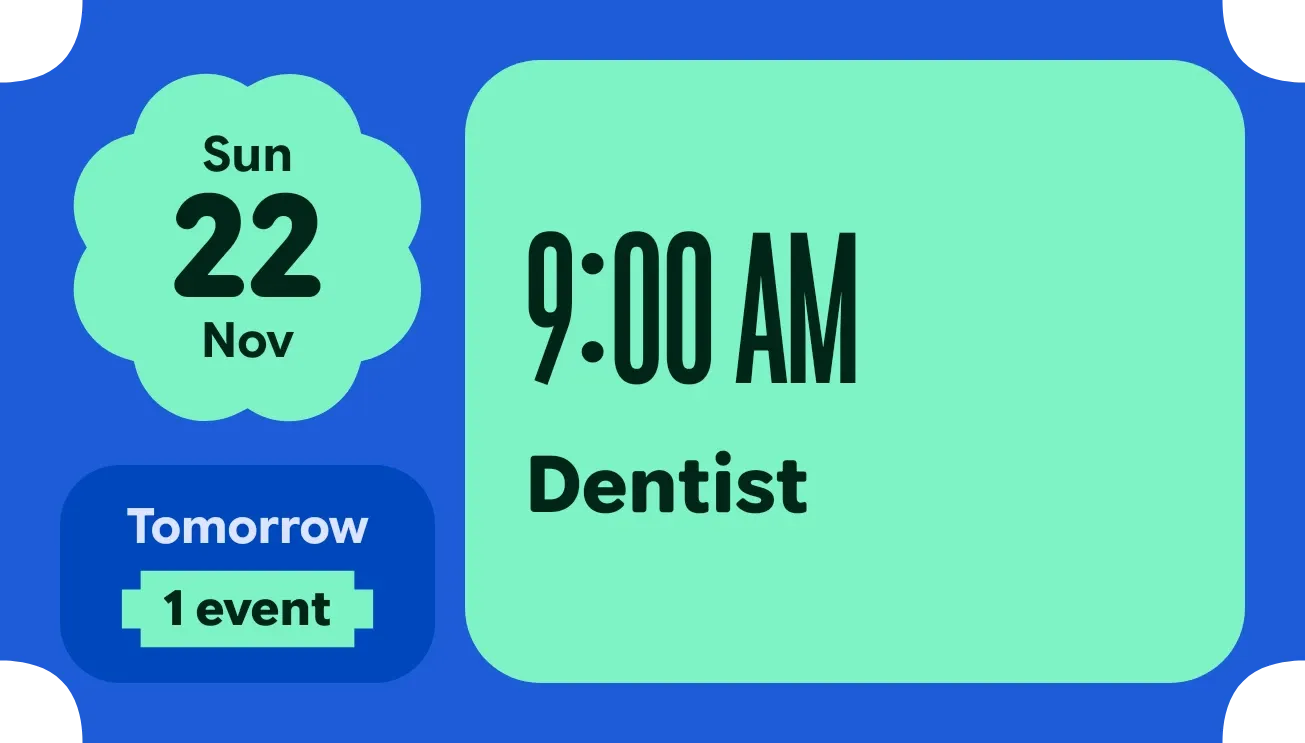
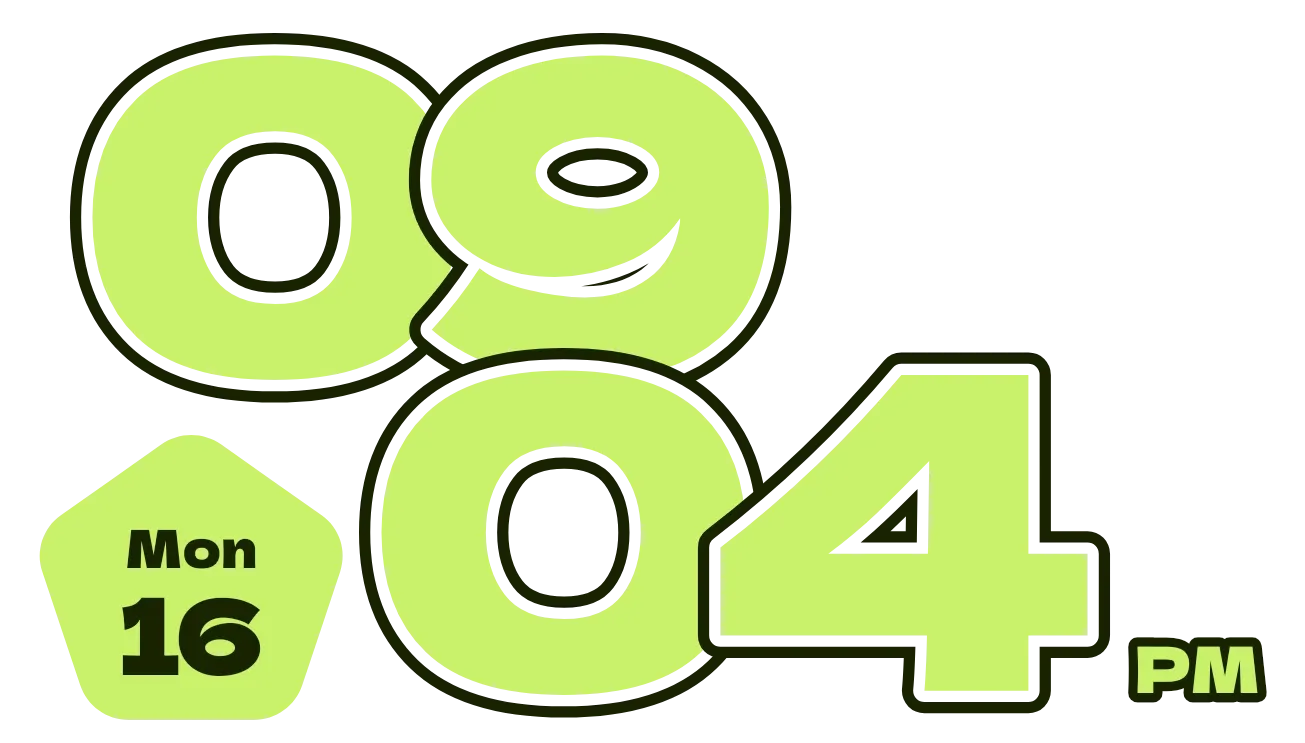
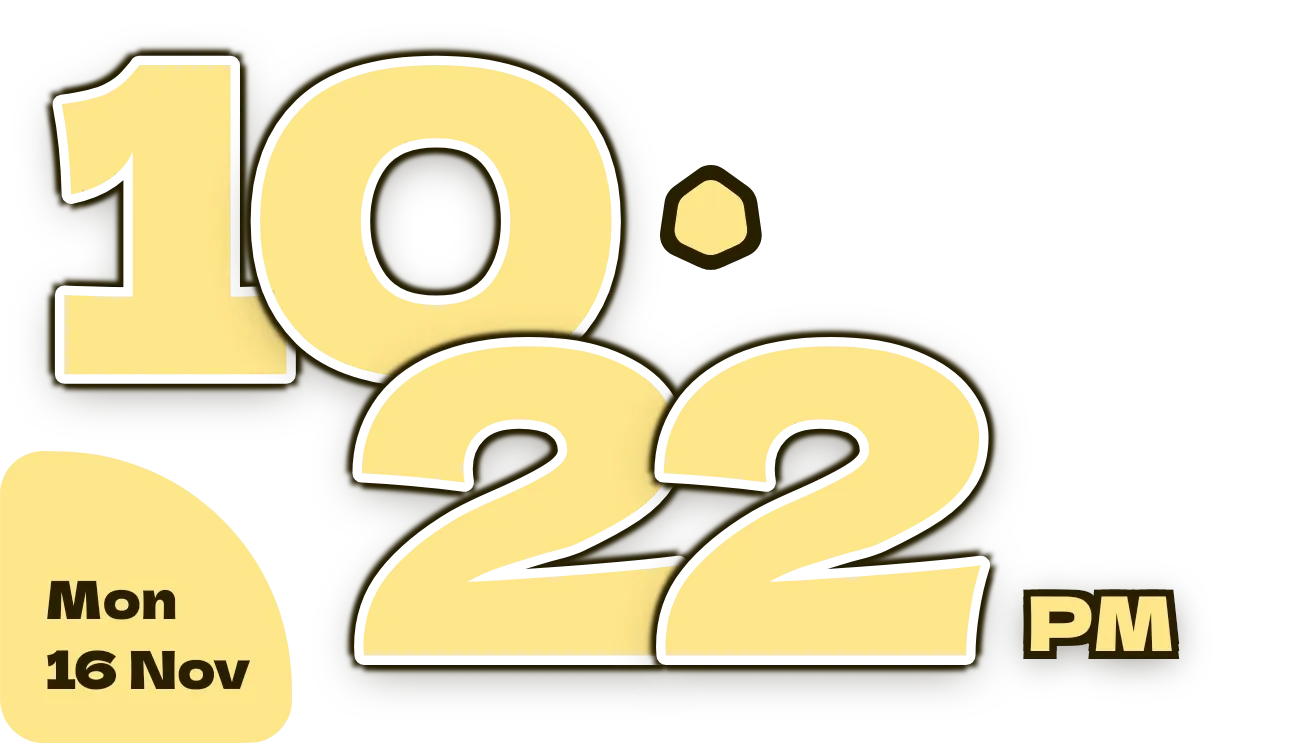
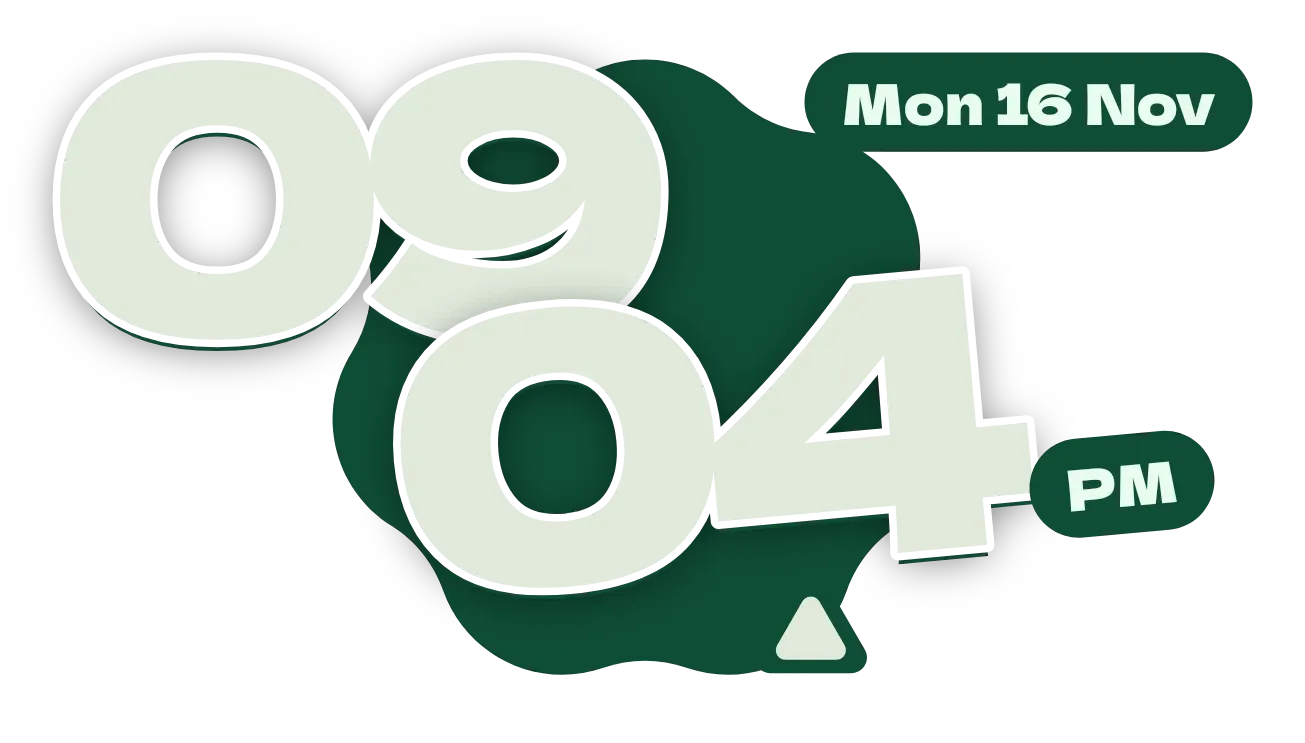

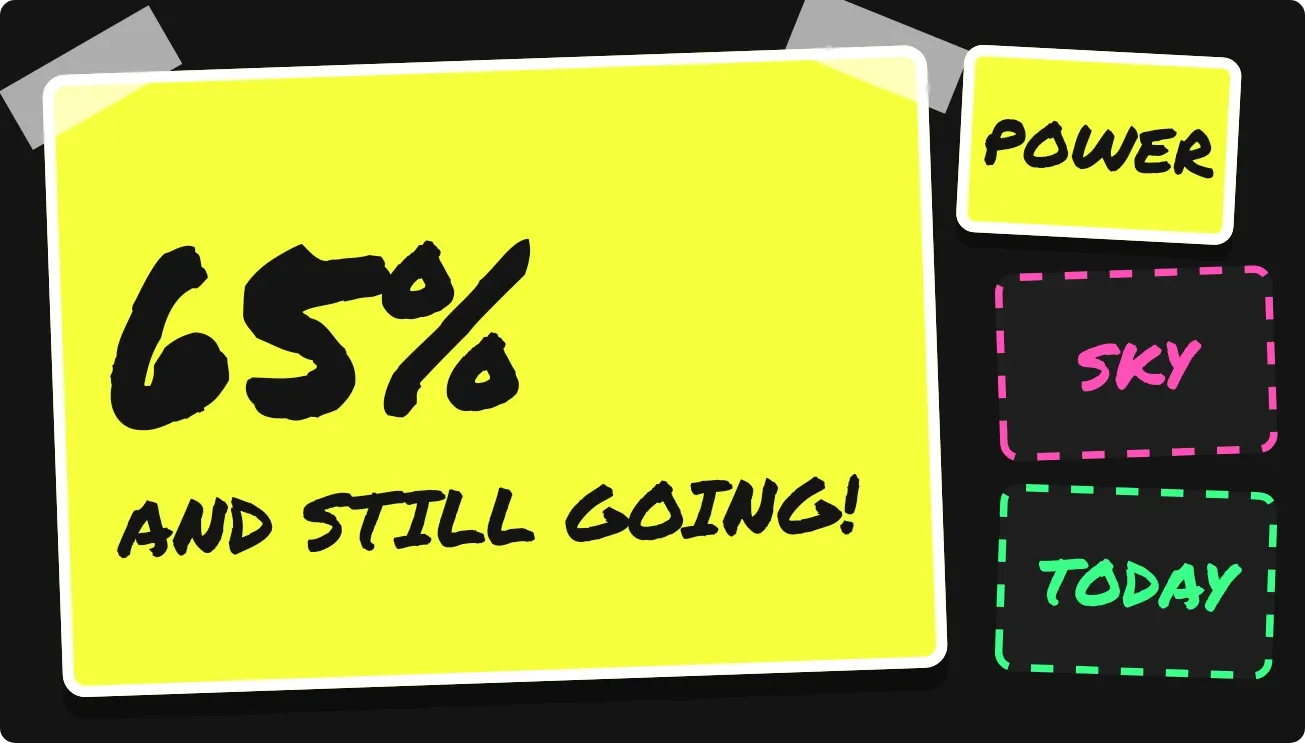
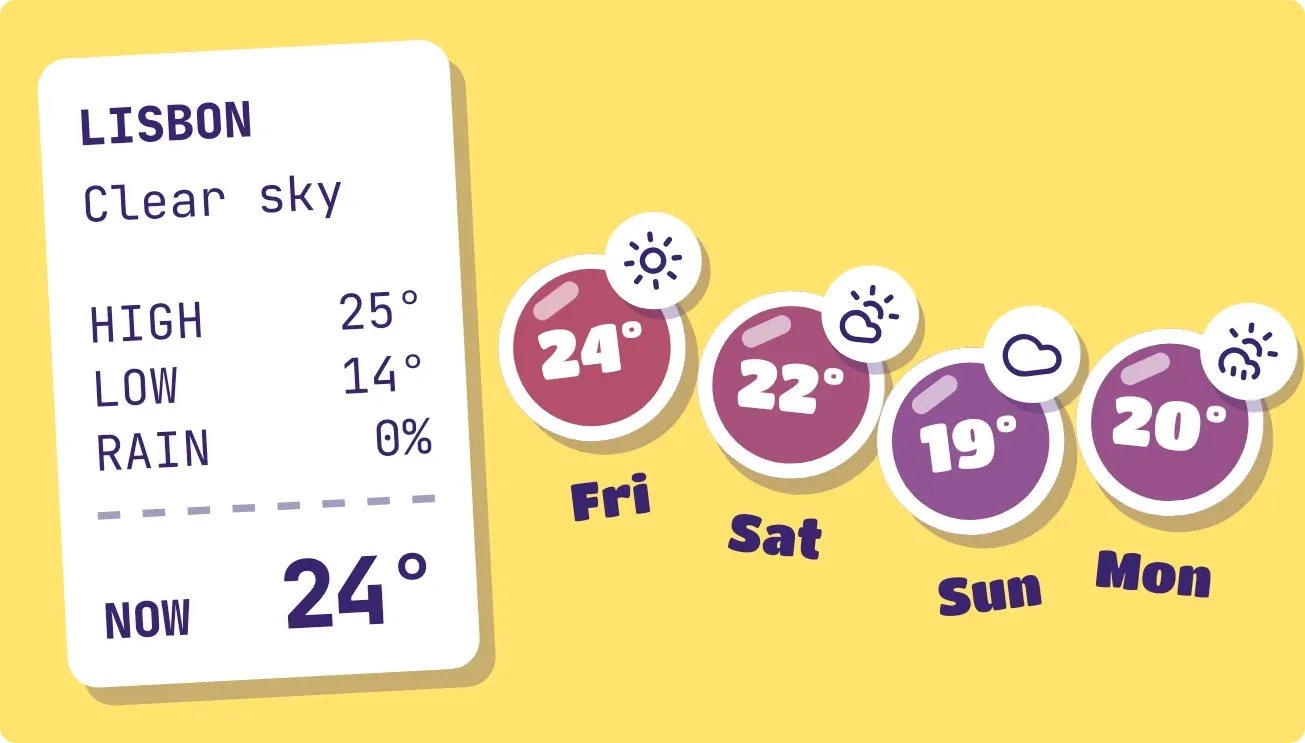
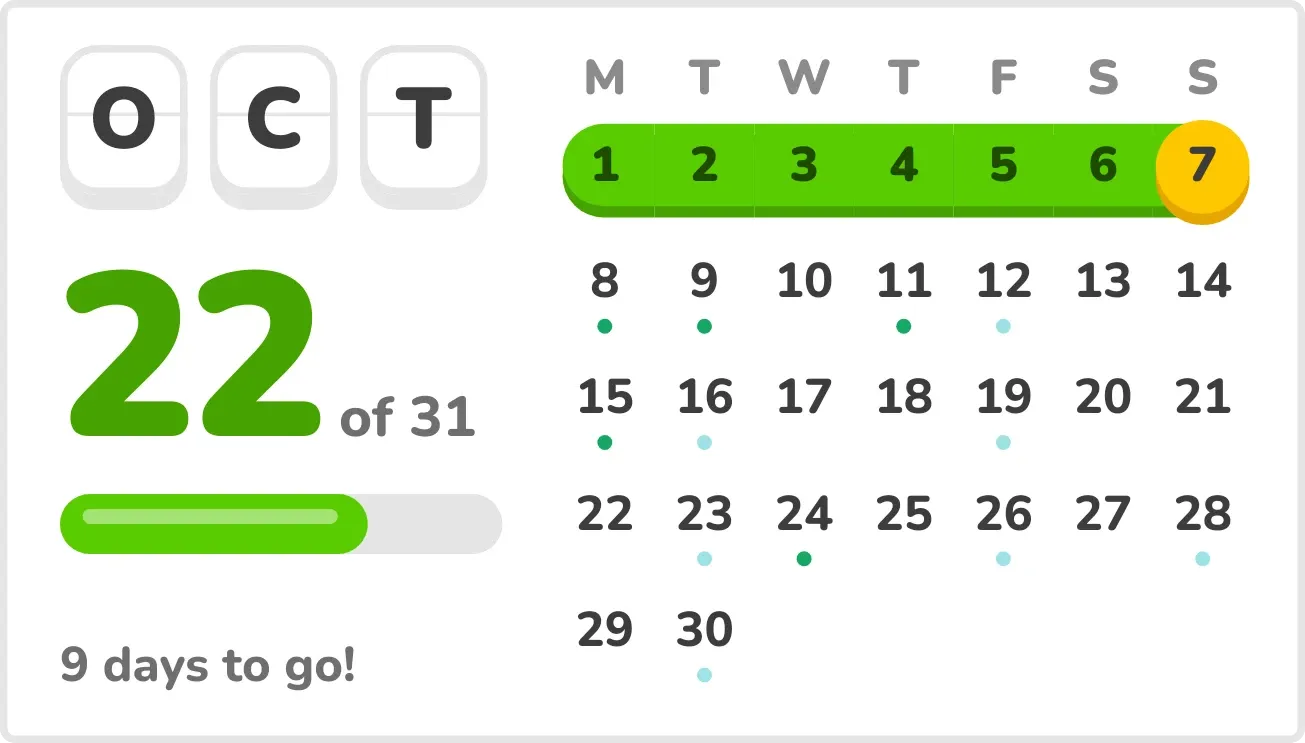


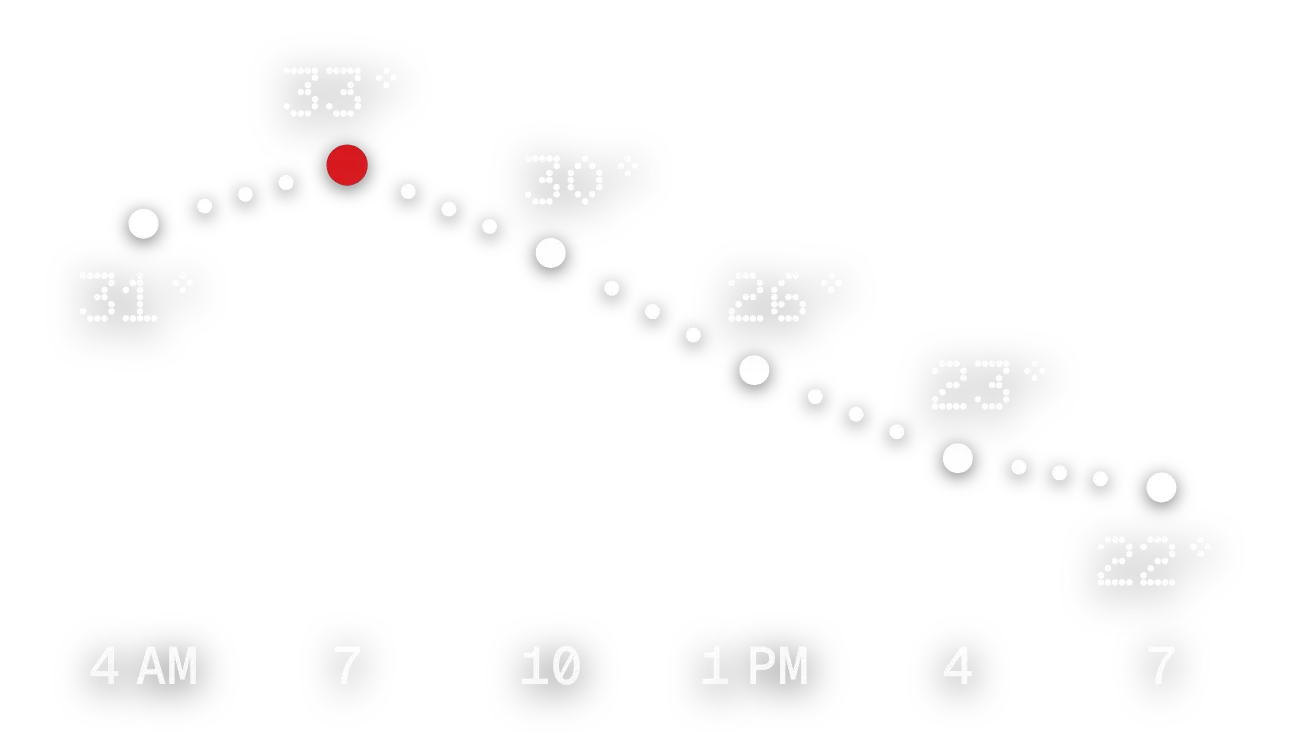
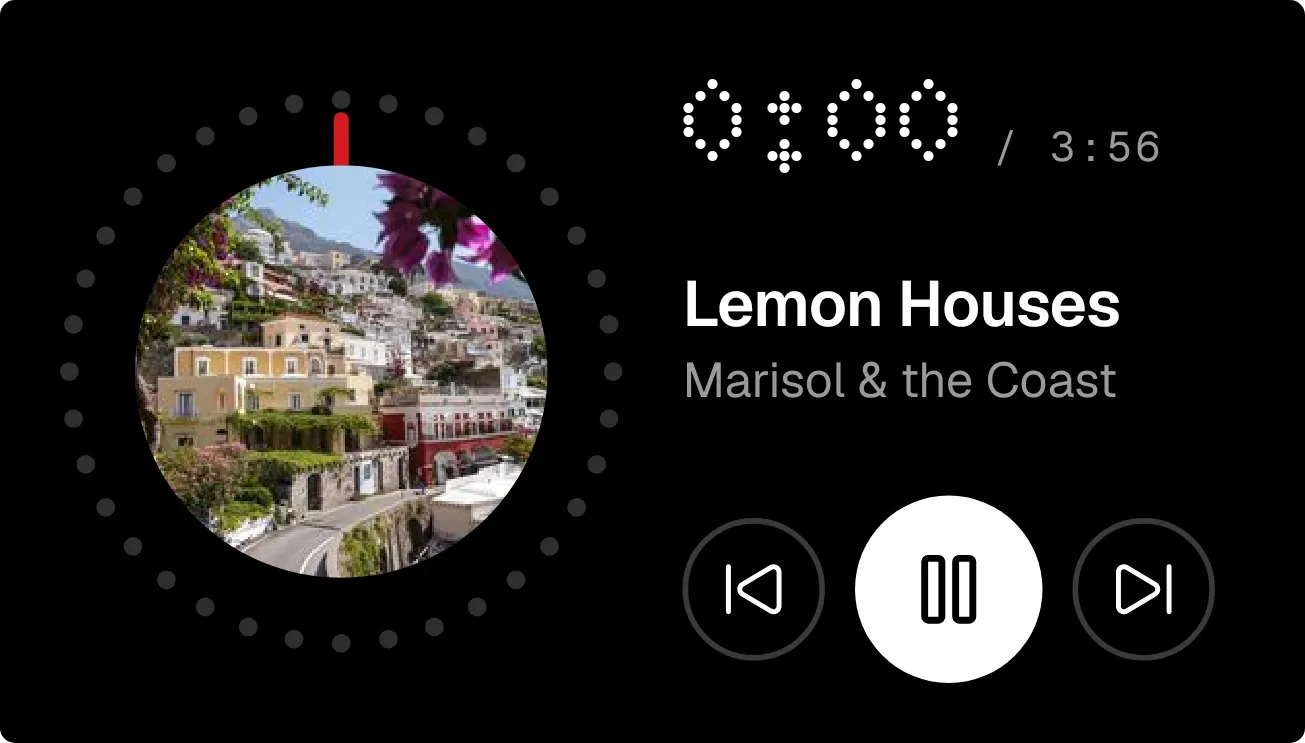
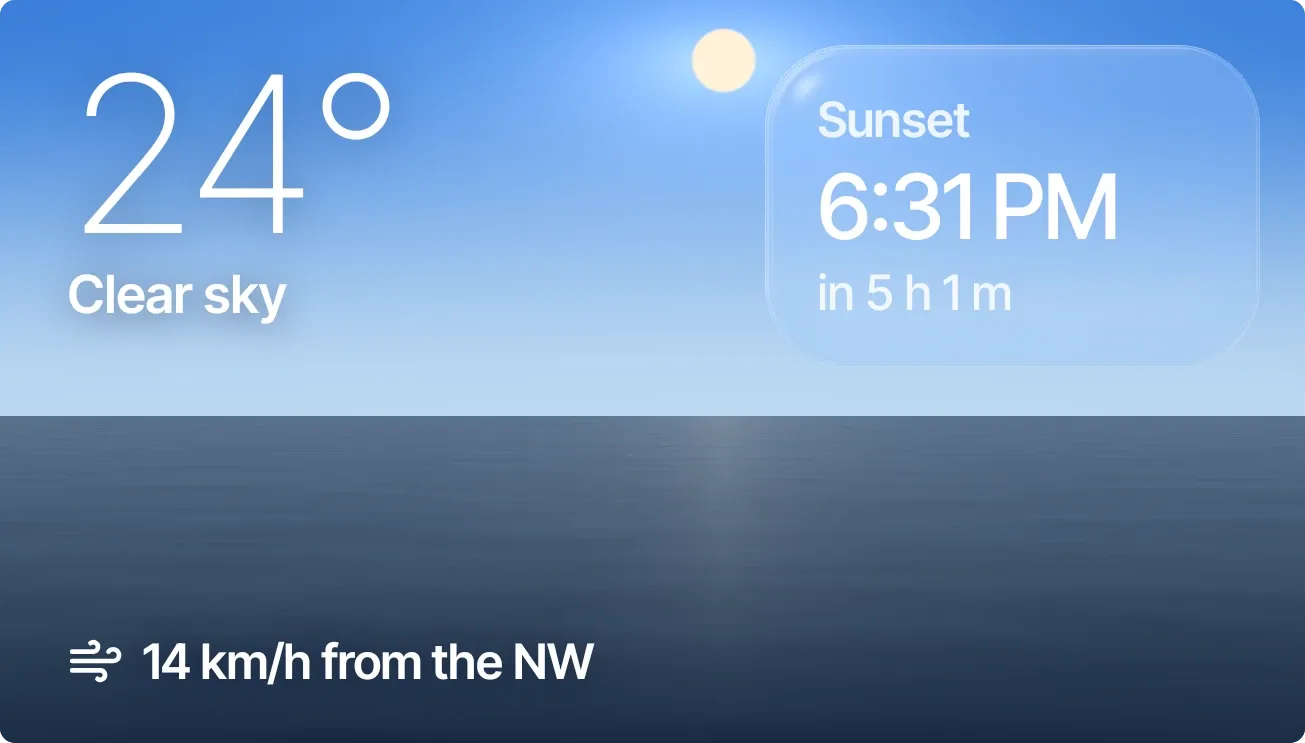
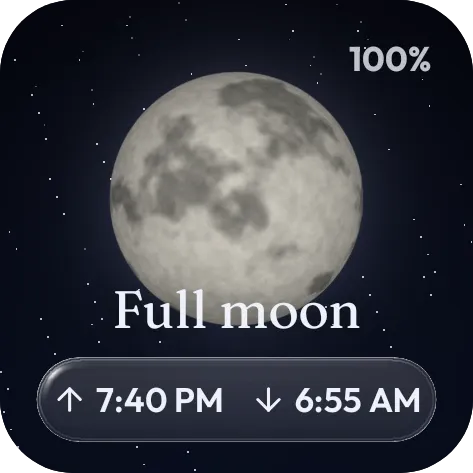
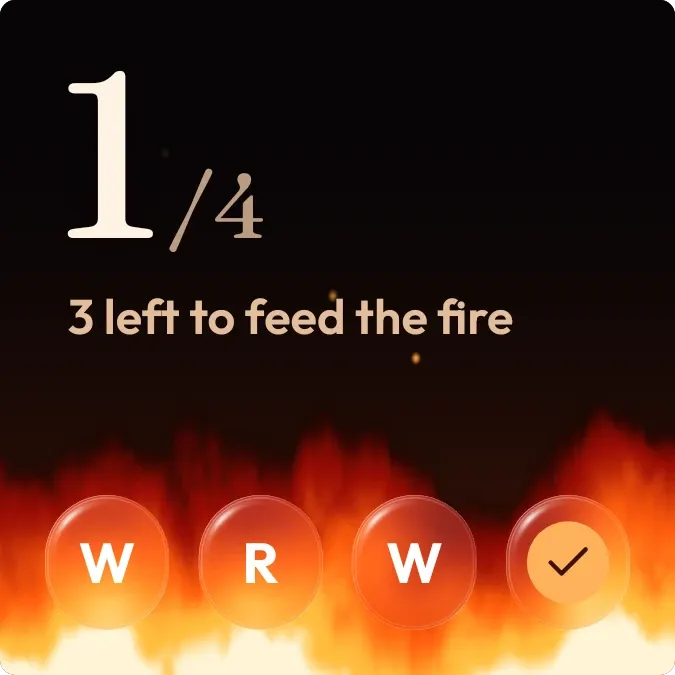
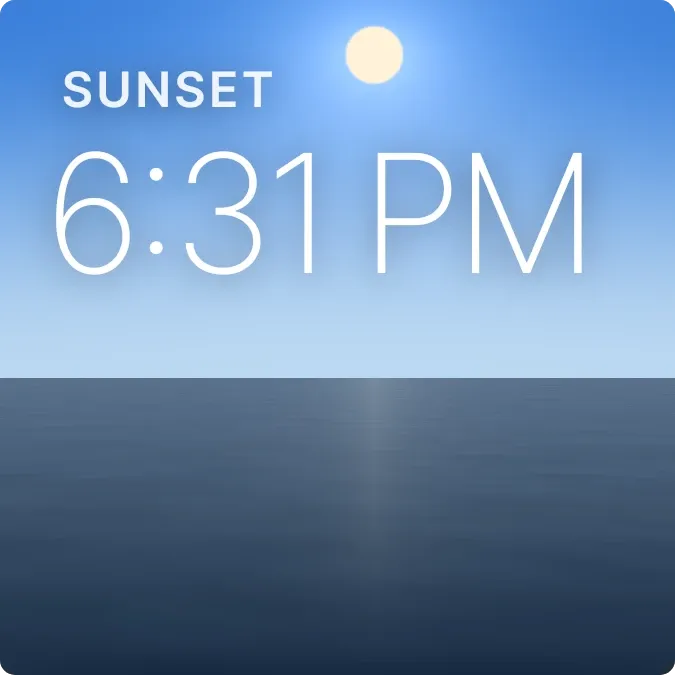
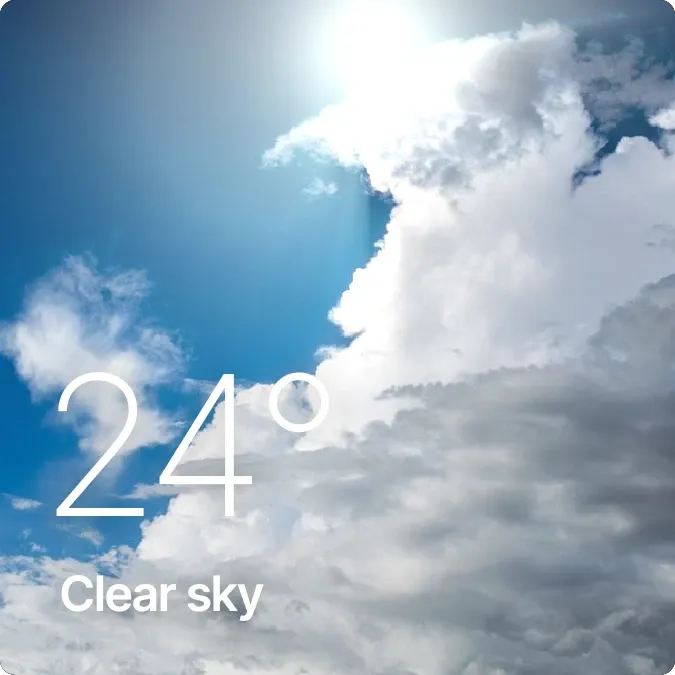
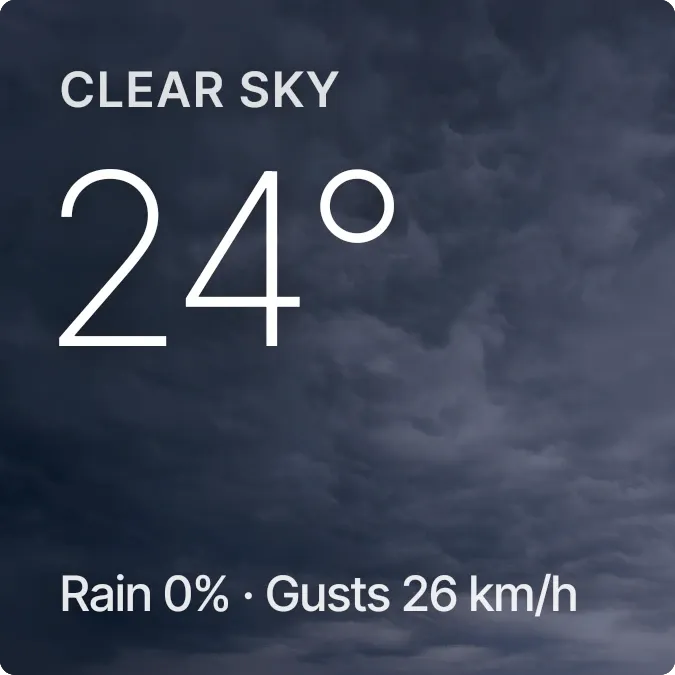
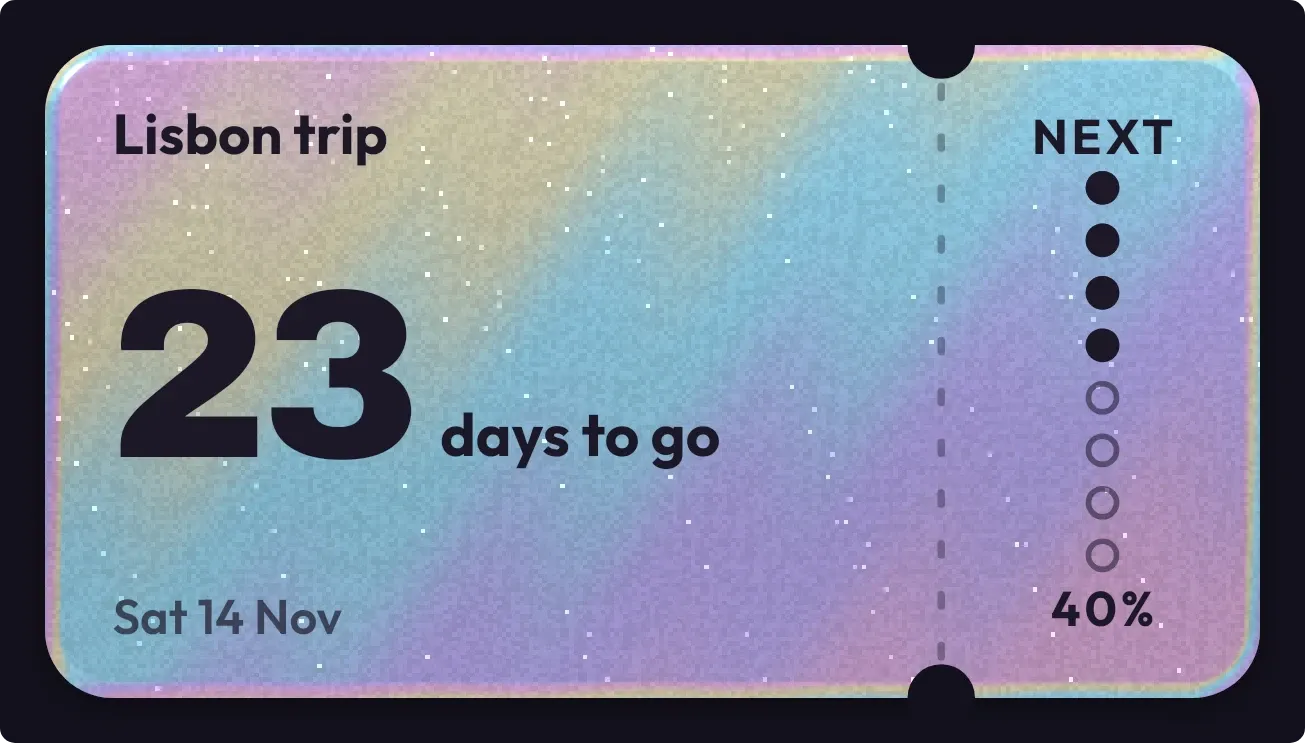
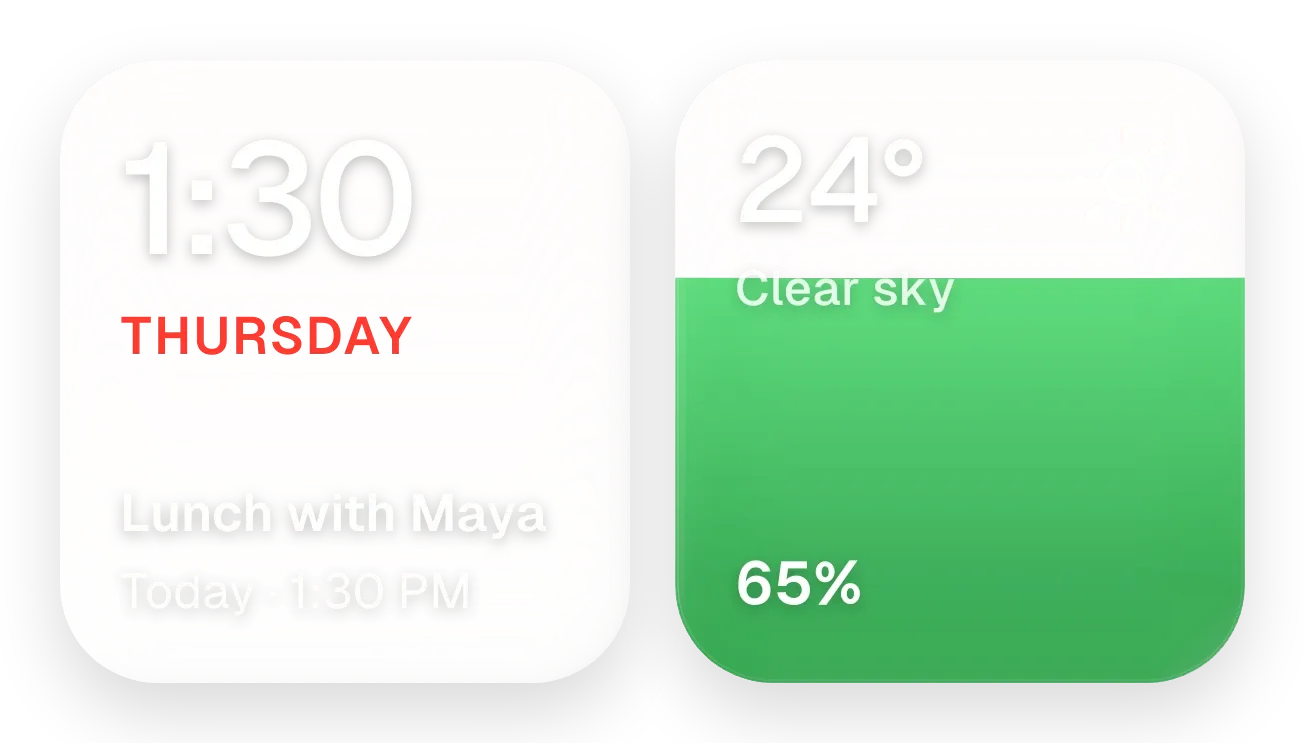
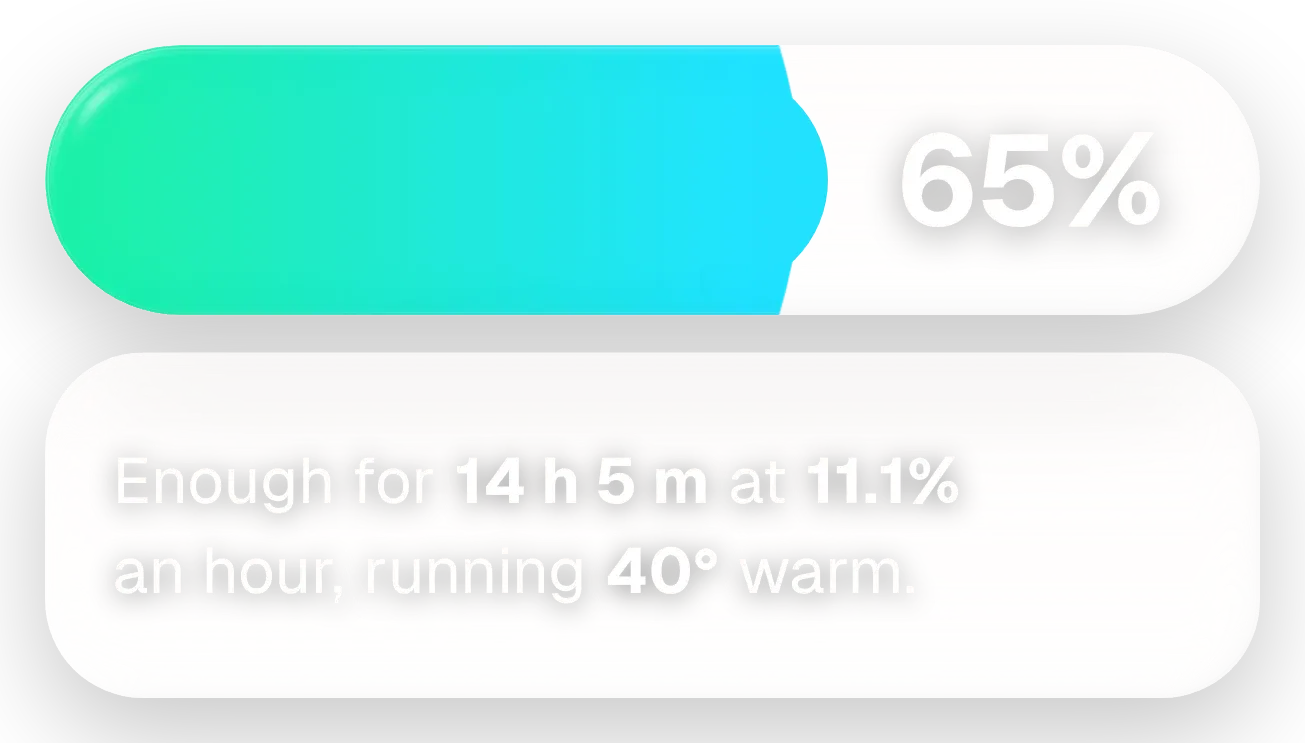
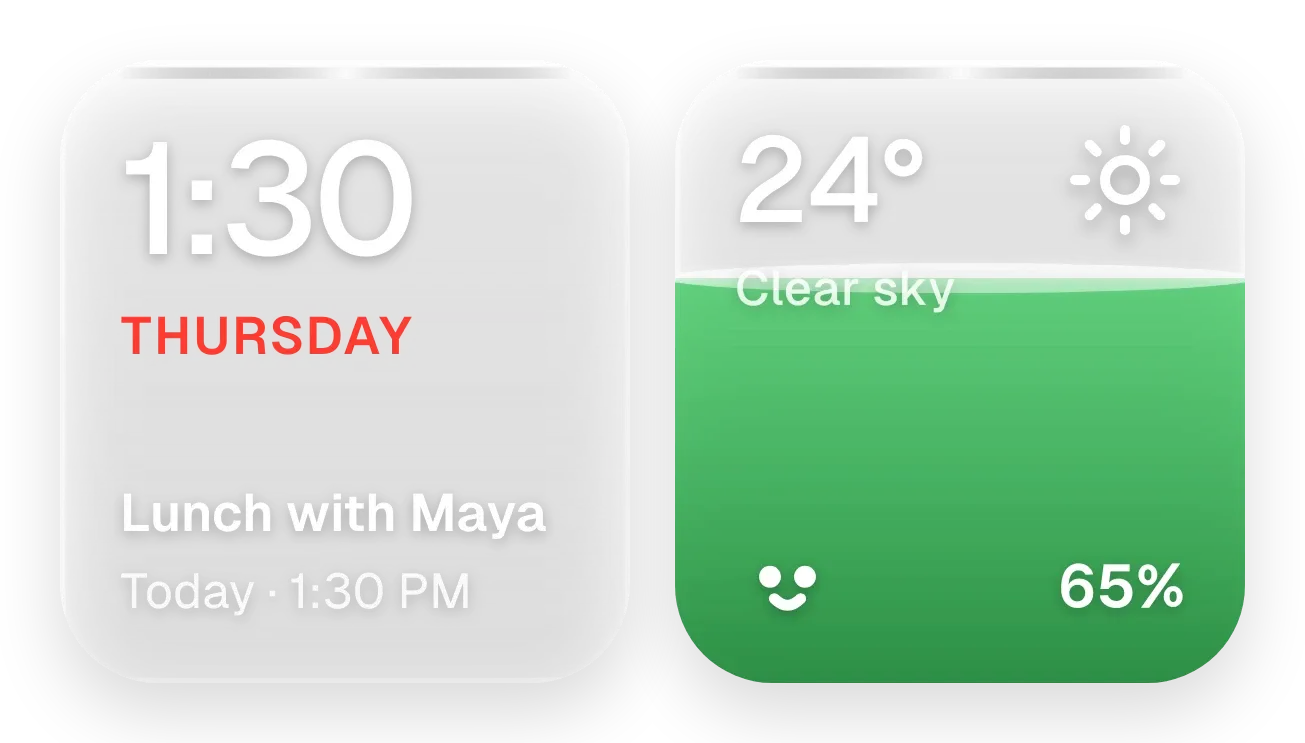
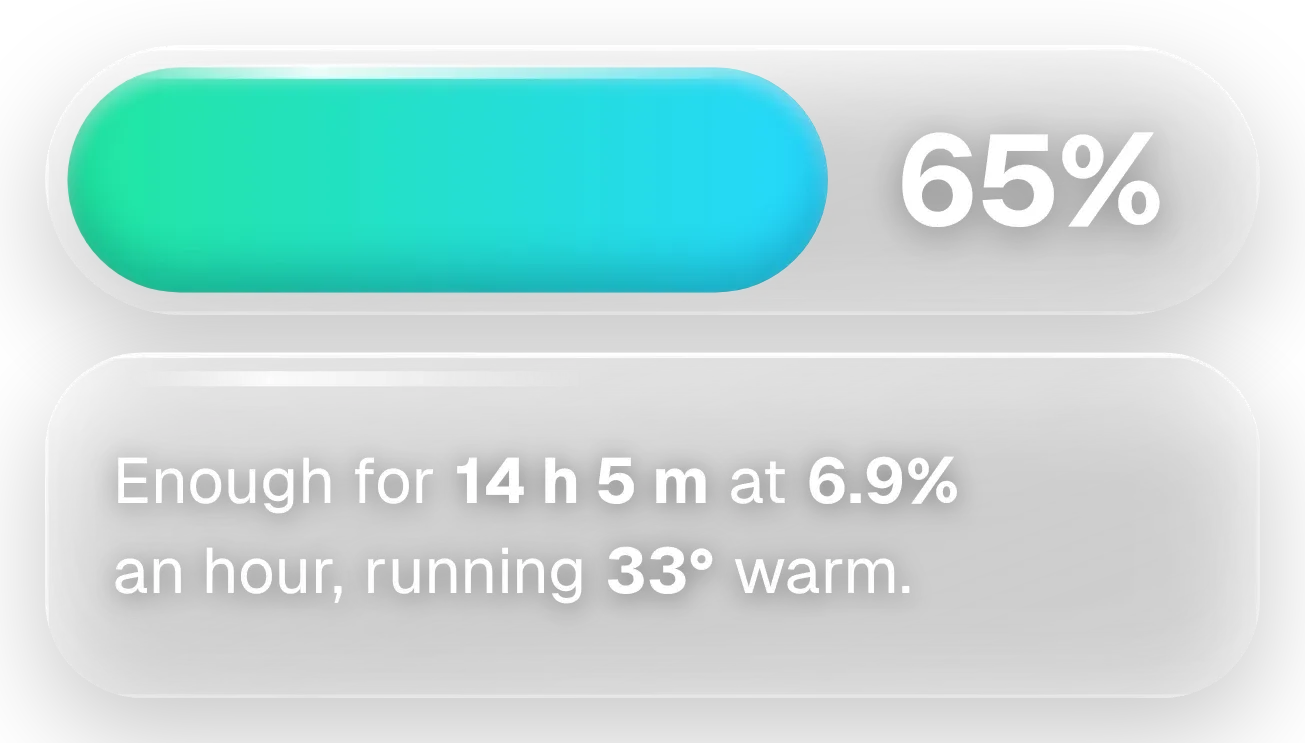
Instruments
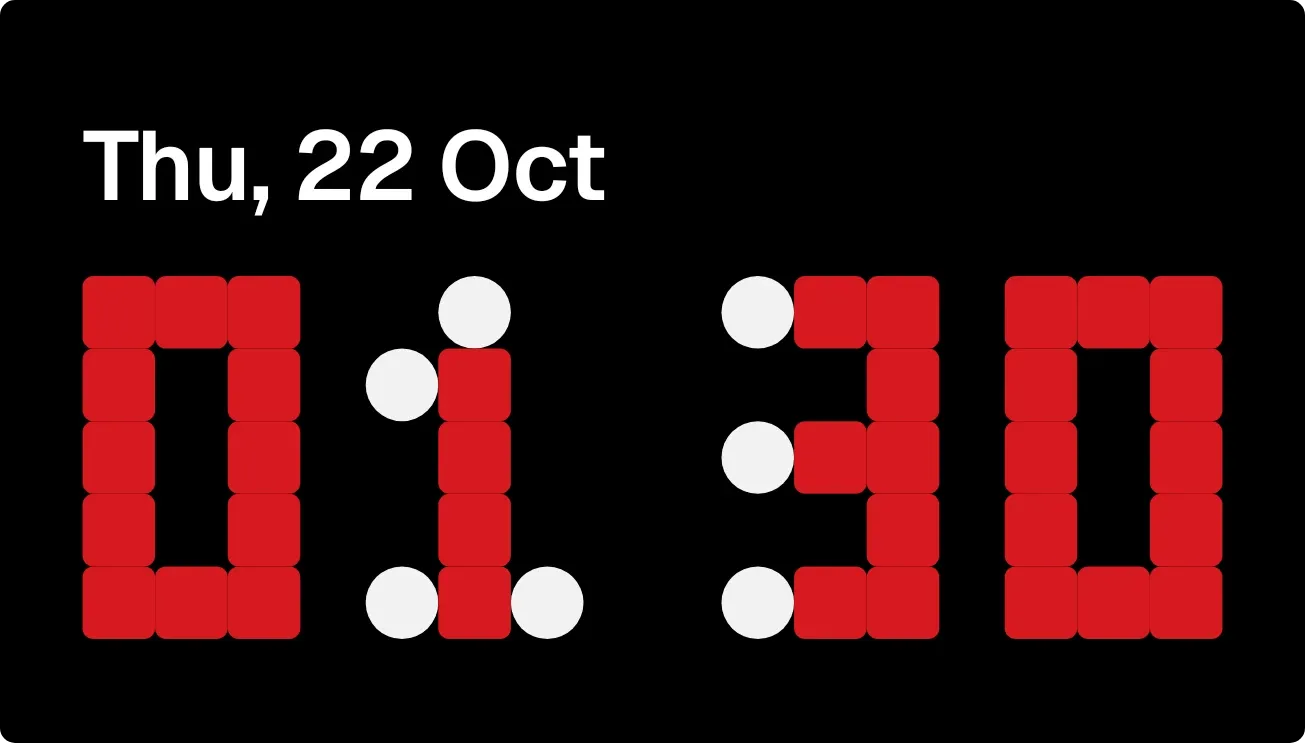
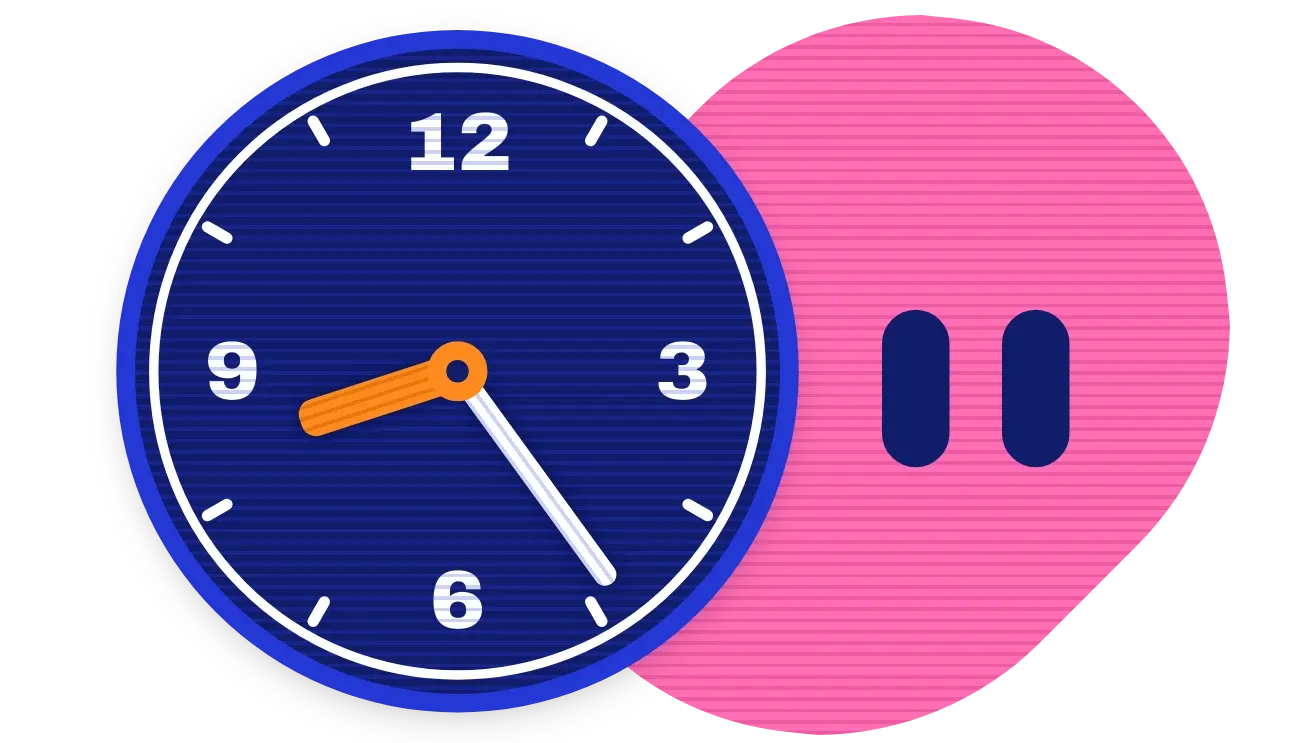
Dials, meters, tapes and flip boards you already know how to read, moved by your phone.

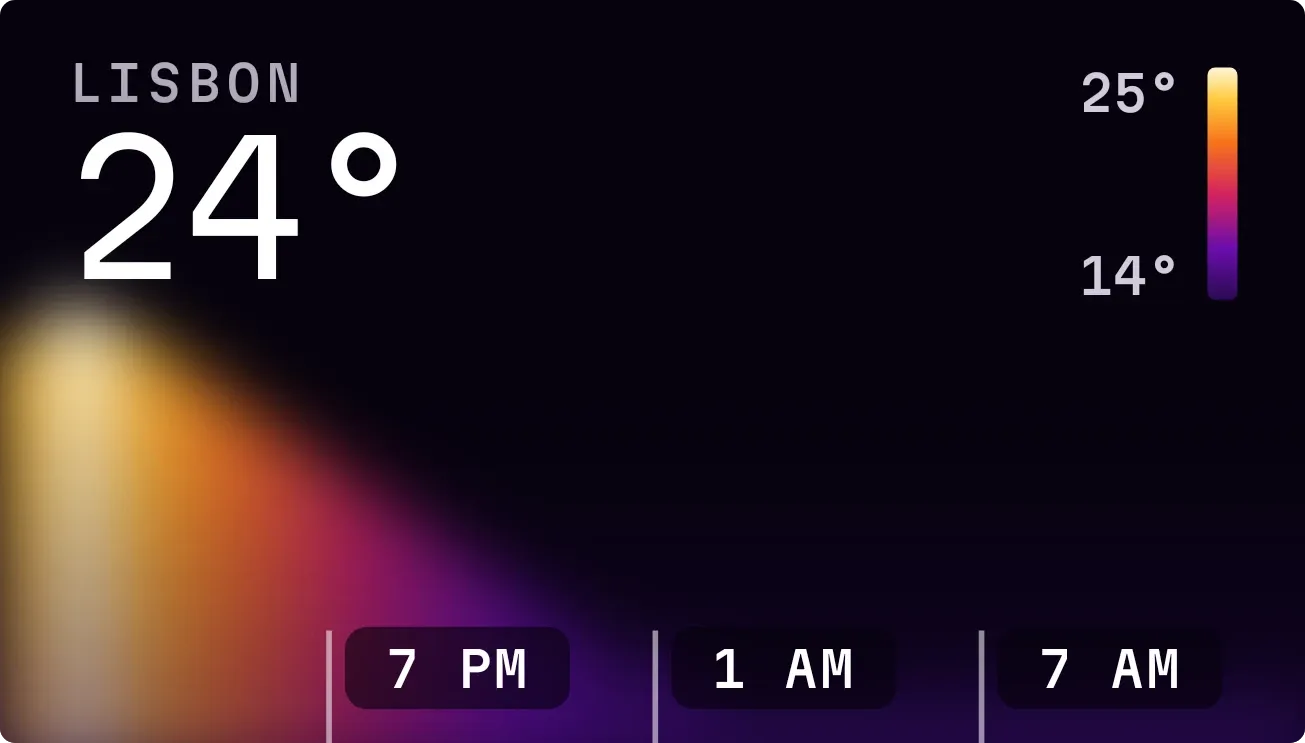
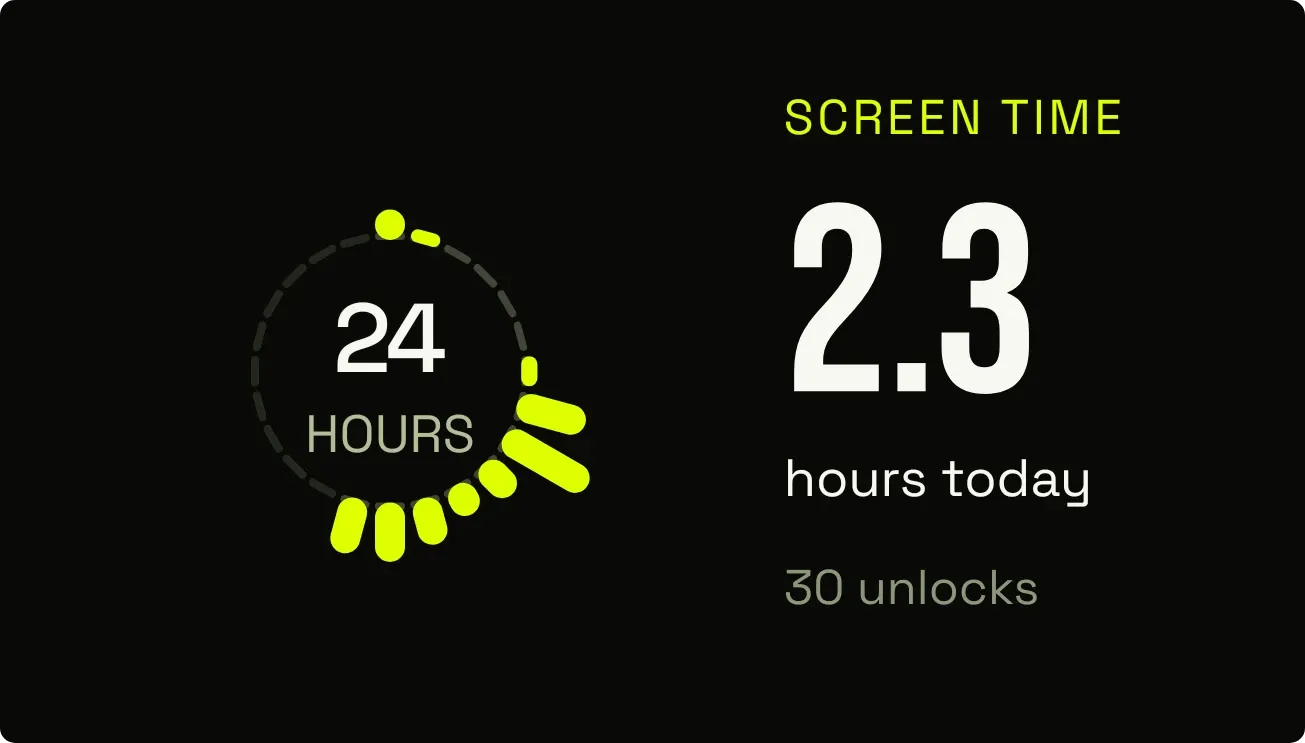
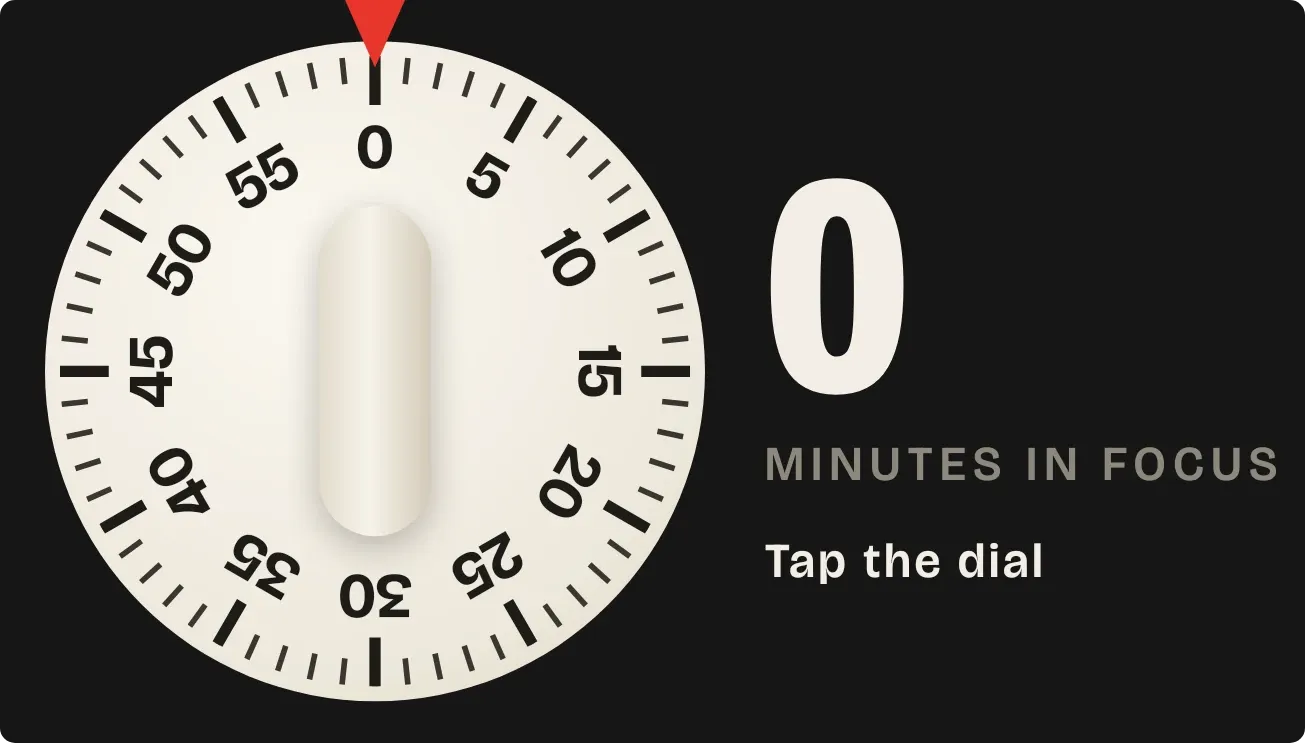
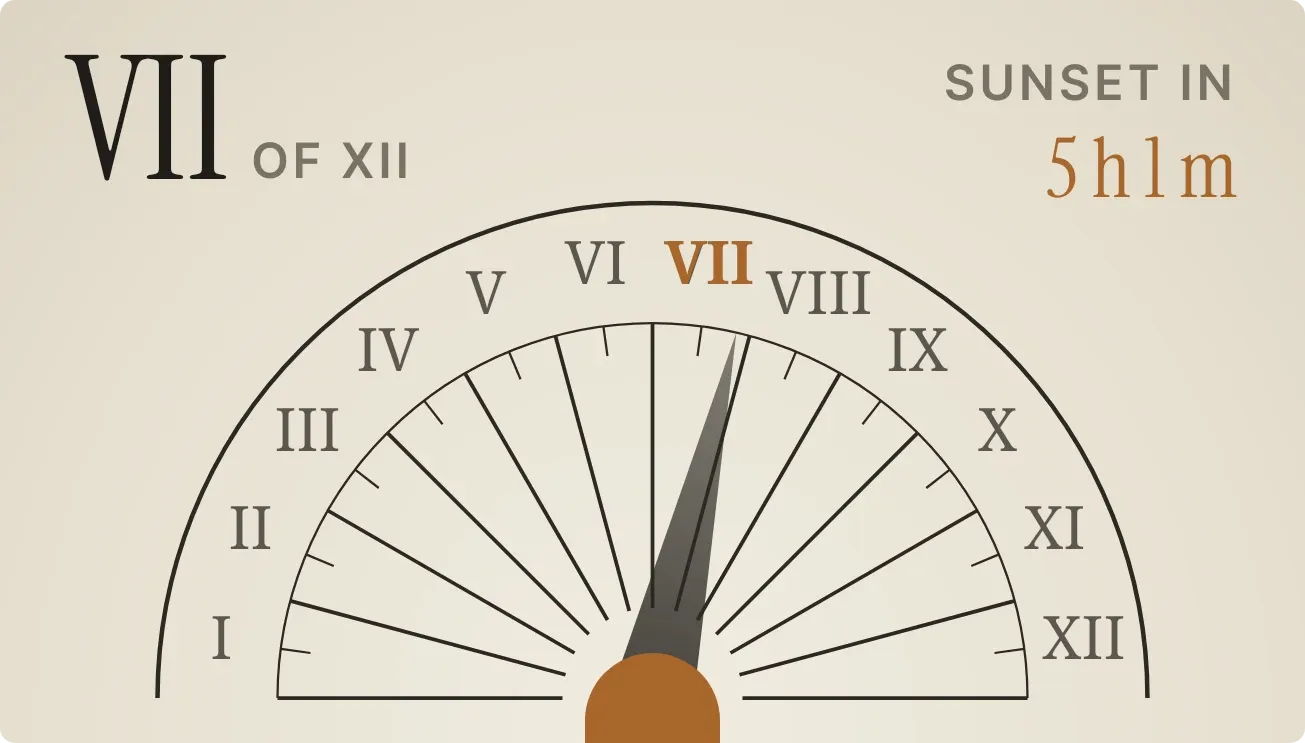
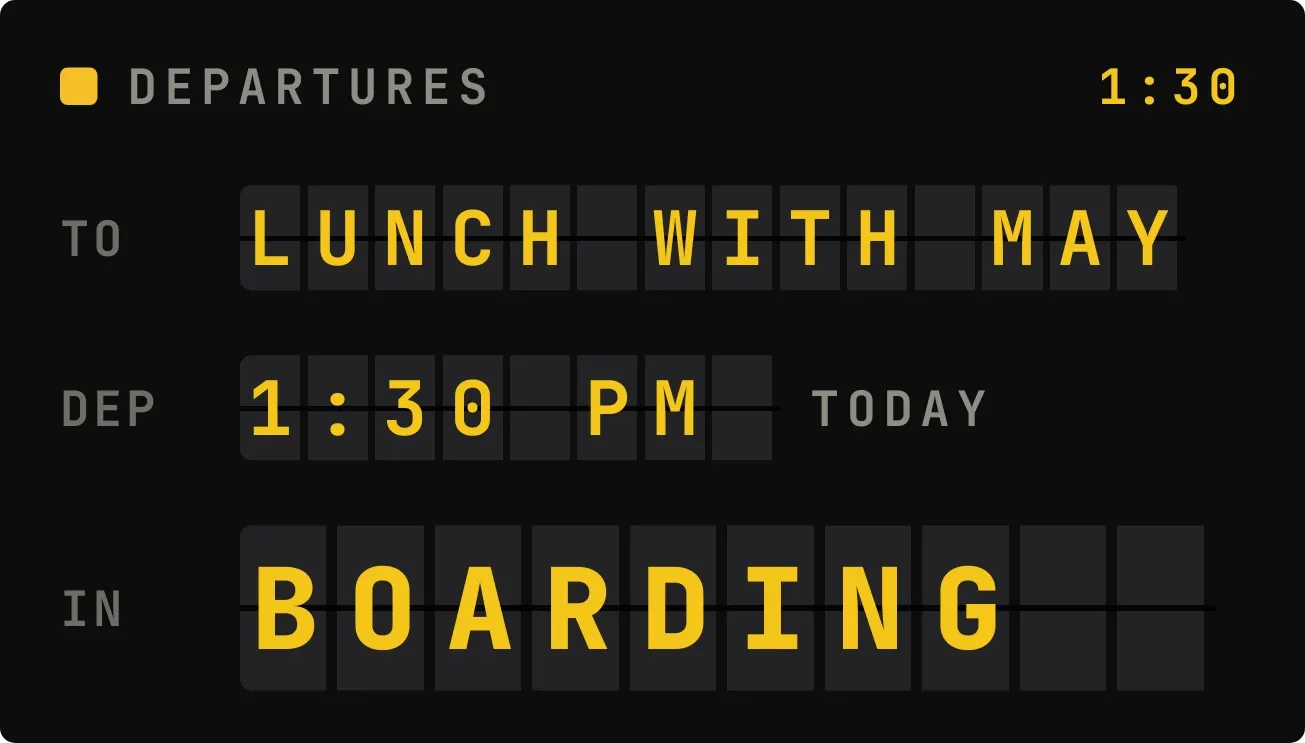
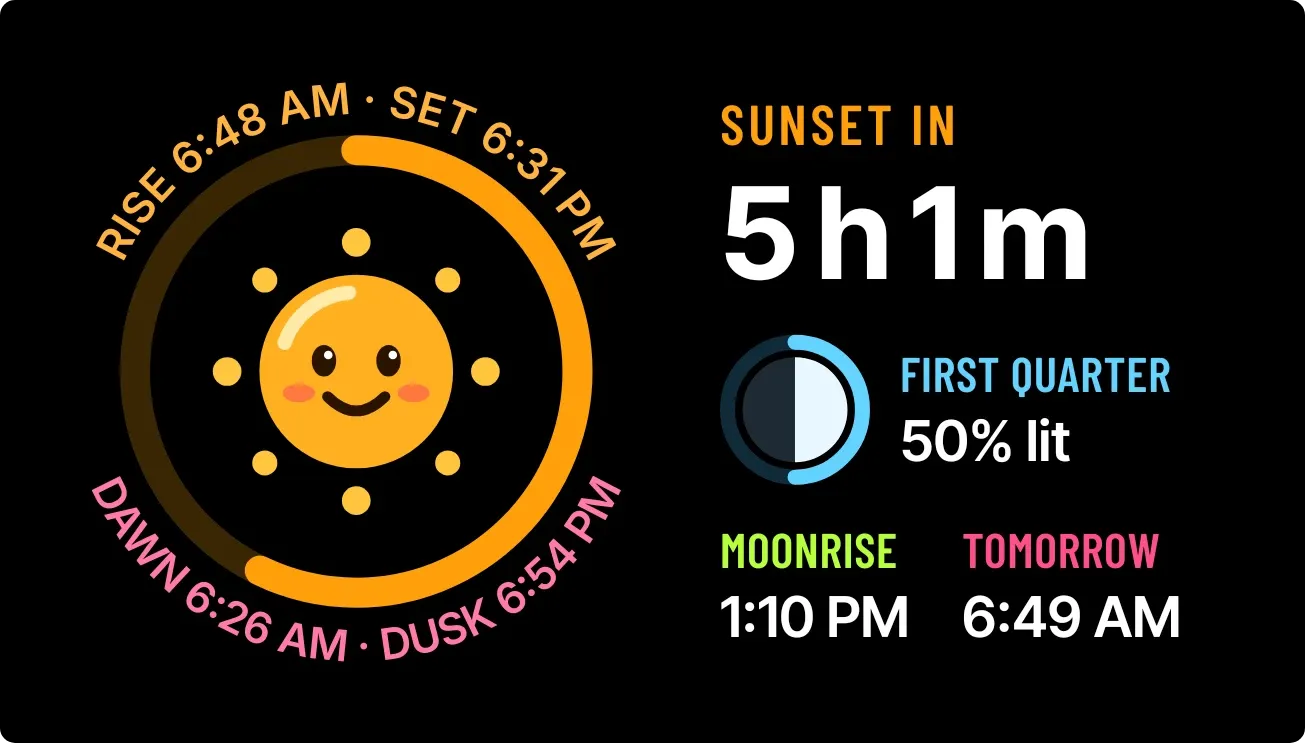
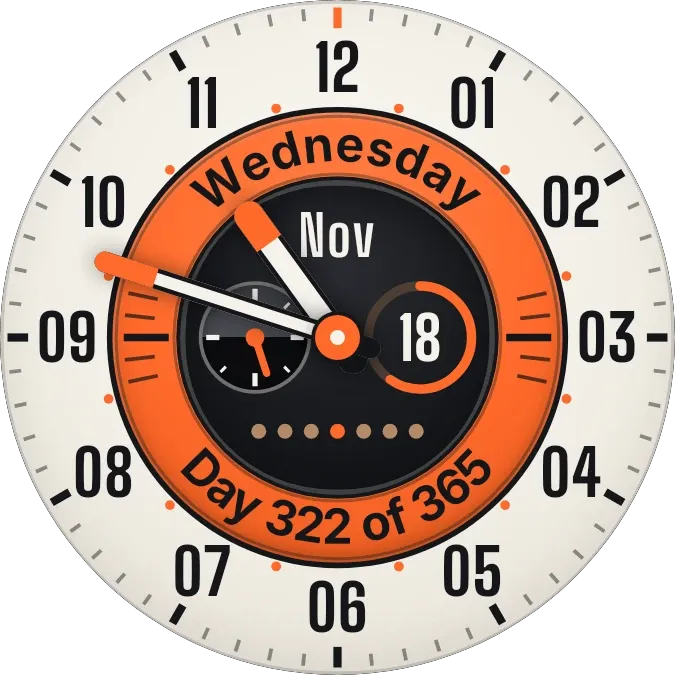
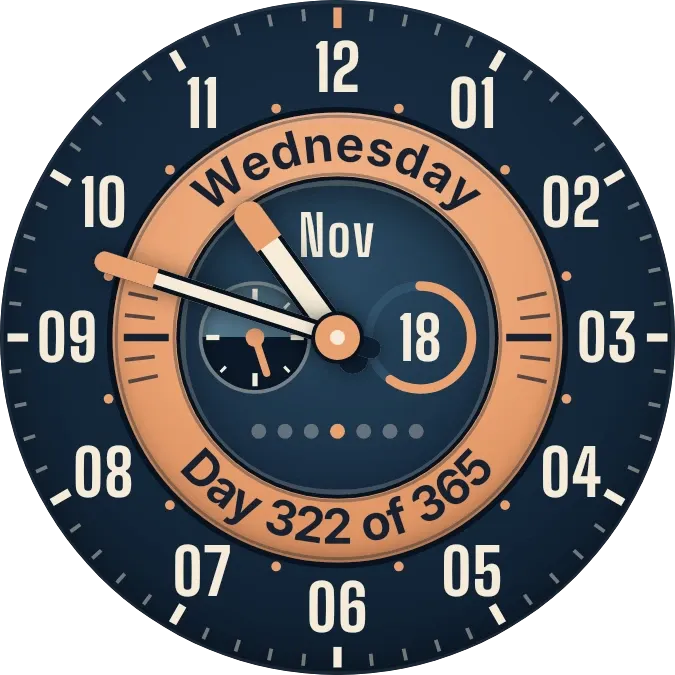
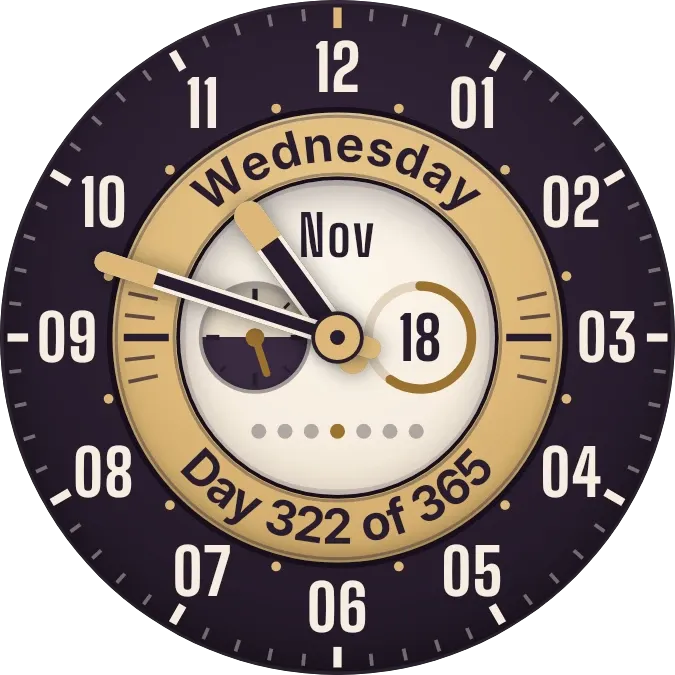
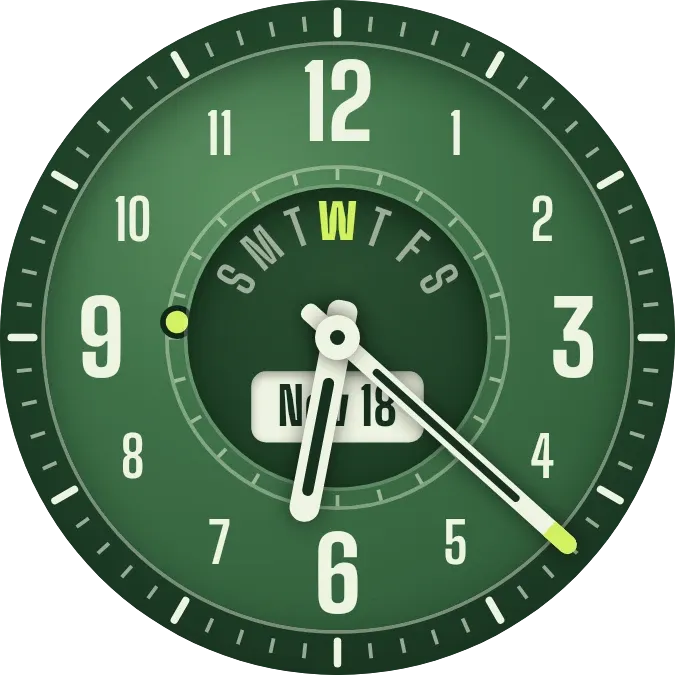
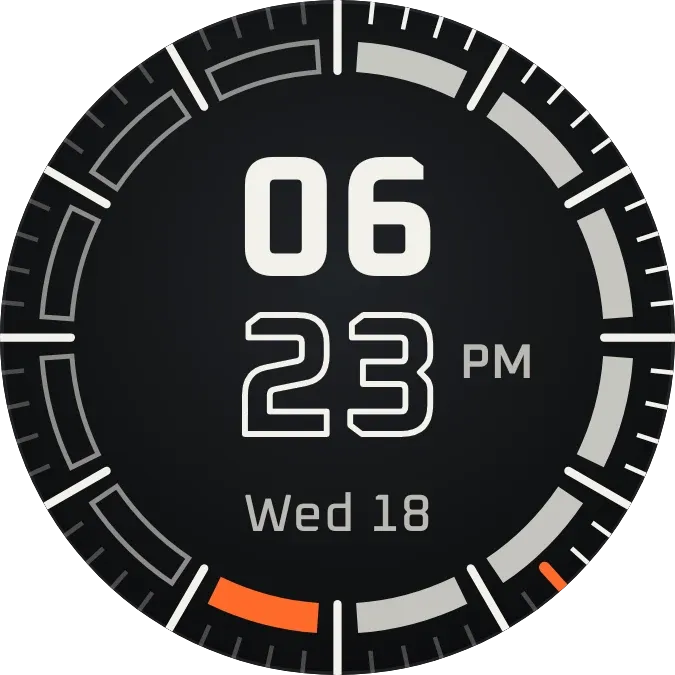
Widgets you would actually use.
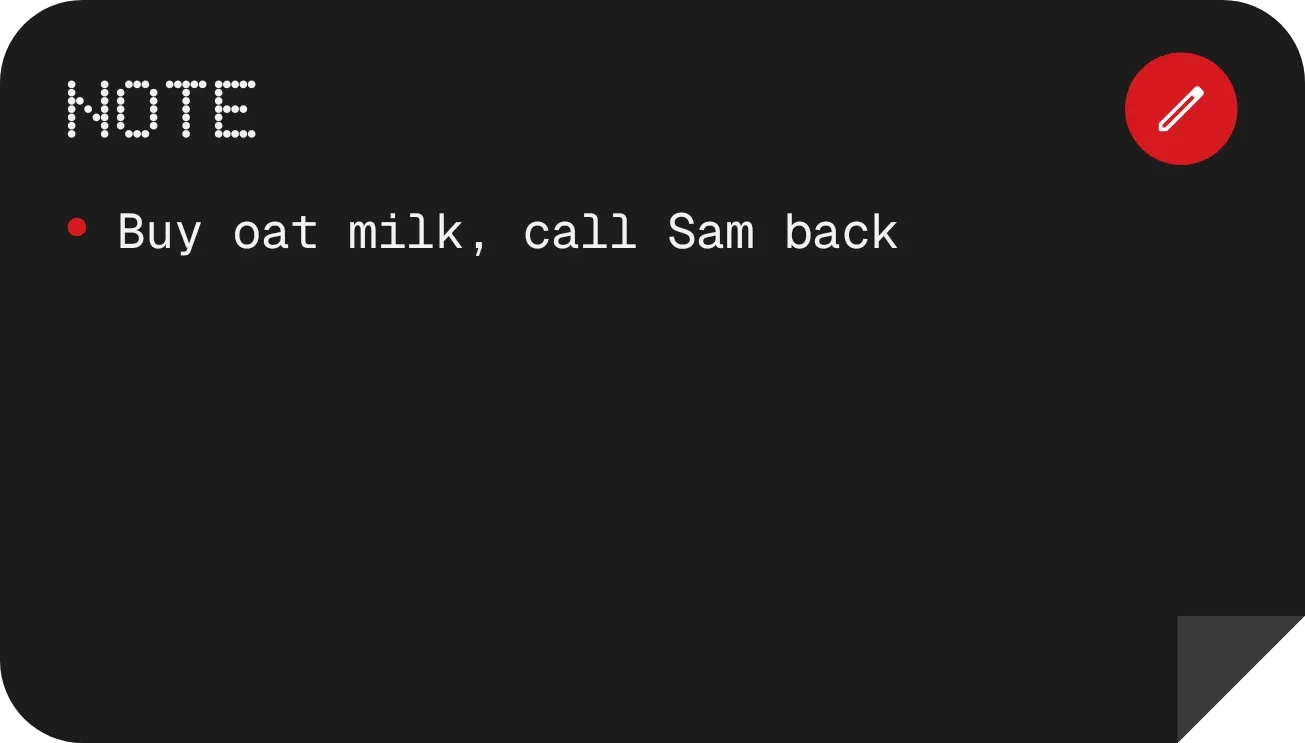
These two are from the catalog, working right here. Write in the note, tick the list. They keep what you put in them.
Pick, tap, done.
There is no editor to learn. The whole job is deciding what you like.
- 1
Pick a look
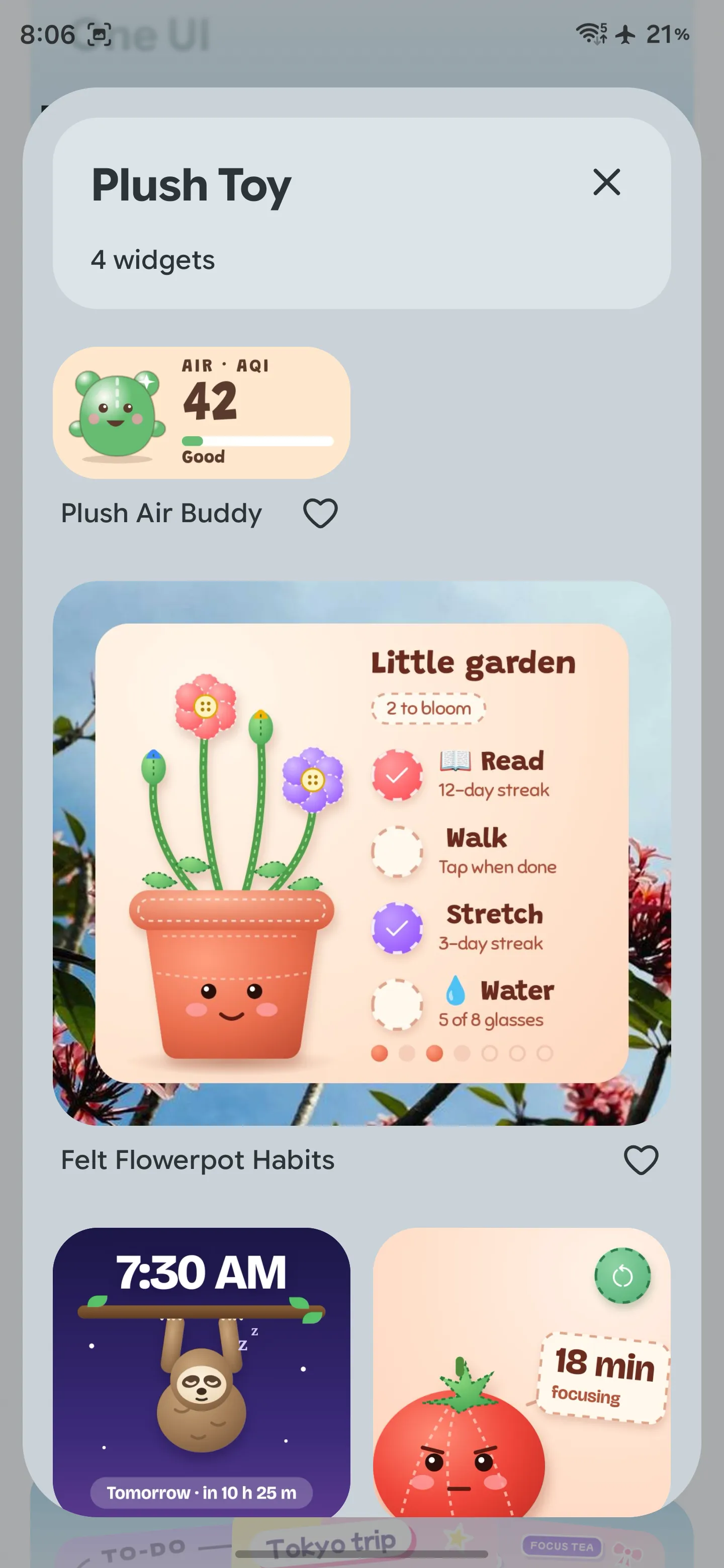
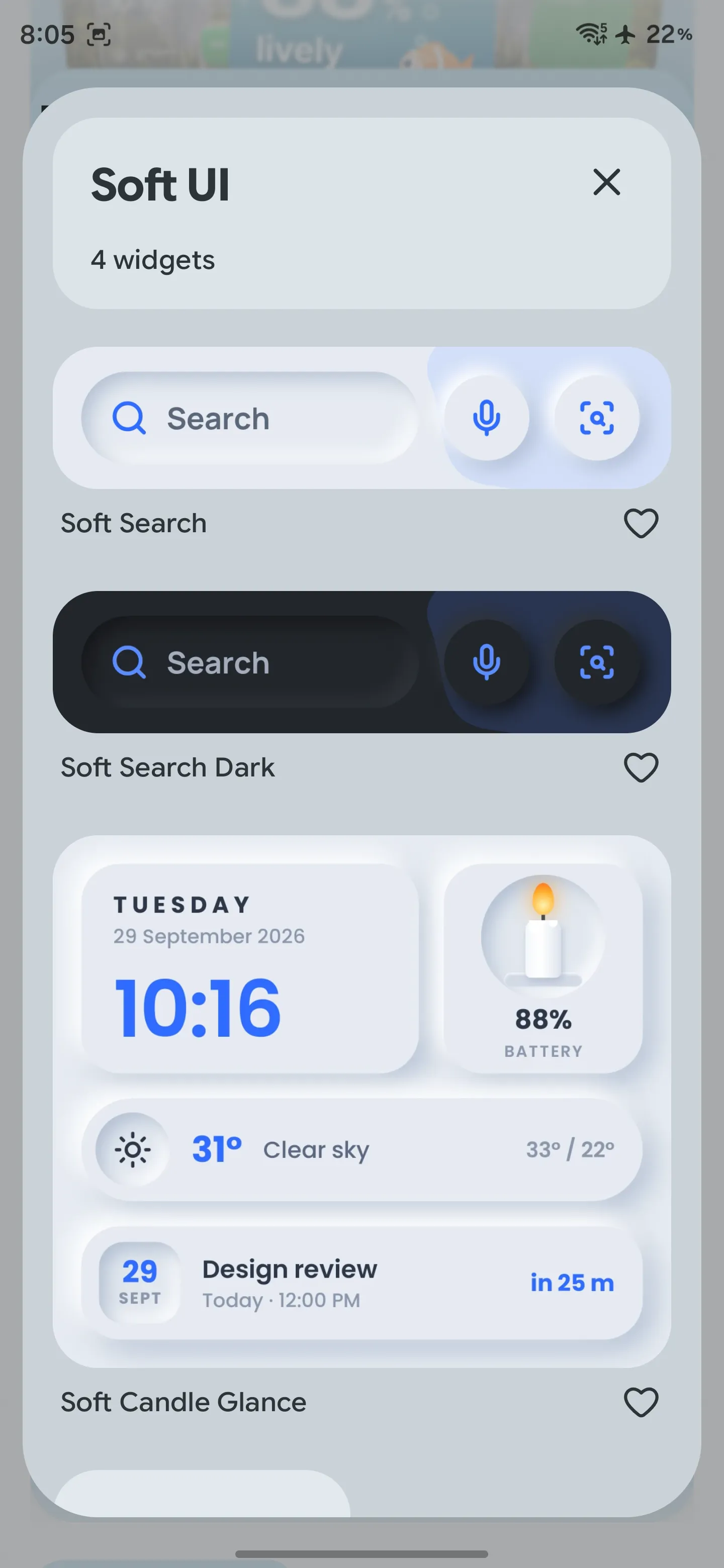
Kits are looks: Material You, Nothing, iOS, Soft UI, stickers, plush, glass, retro. Open the one that matches your phone, or your mood.
- 2
Tap Use
Every widget shows with your real data before you place it: the actual time, your battery, today's weather for your city. Tap Use, choose a size, done.
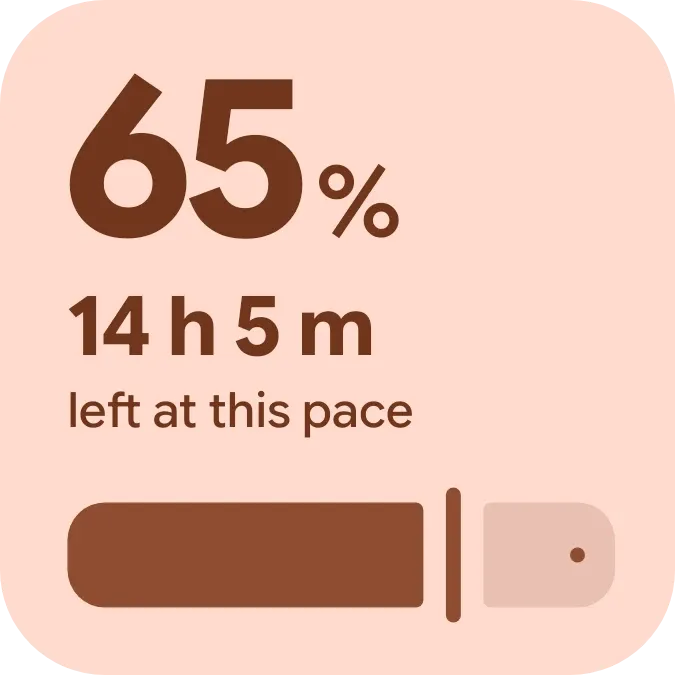
15 things a widget can show.
Each one reads the phone and changes with it. A widget asks for its own permission only when it uses one. Weather takes a city, never your location.
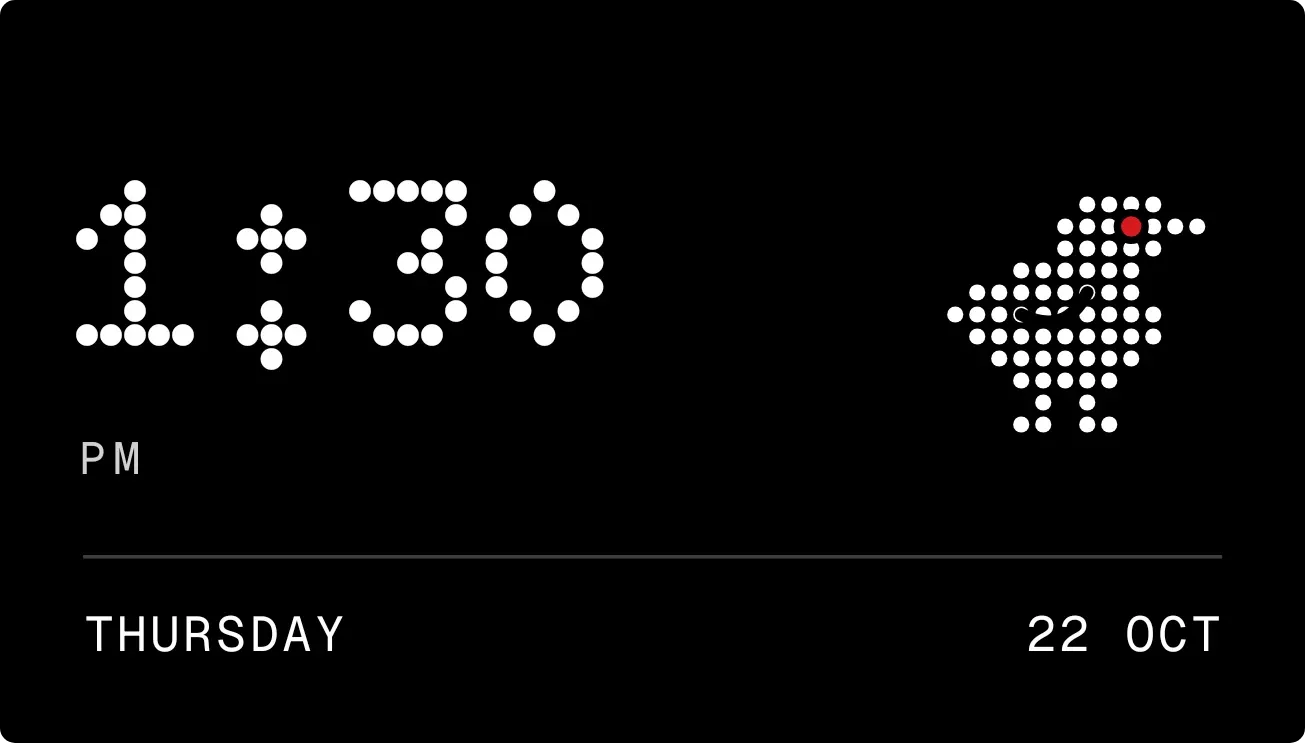
Time and date
Clocks, calendars, week numbers, year progress
Weather
Now, hourly and daily for a city you choose. No GPS
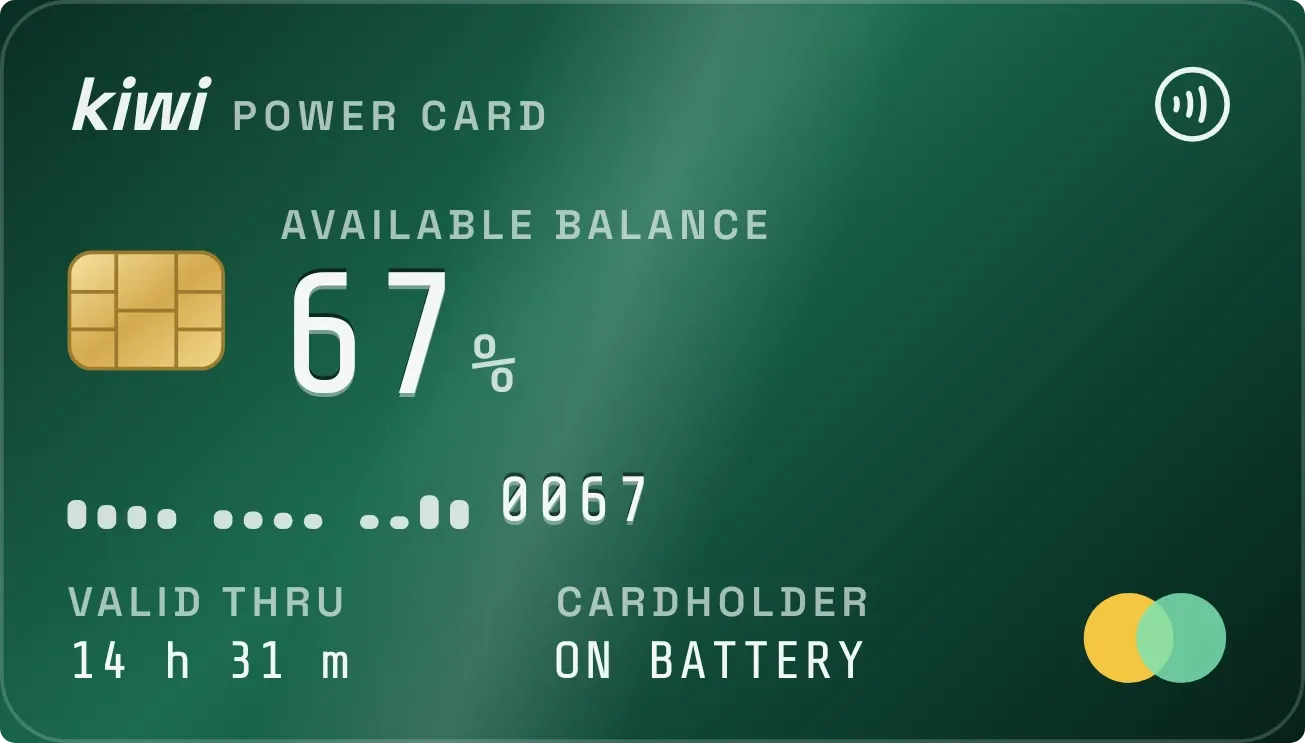
Battery
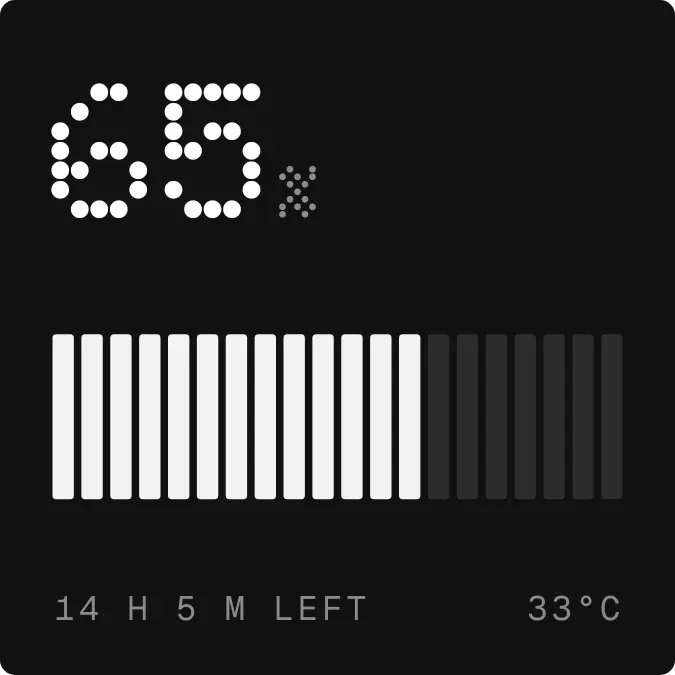
Level, charging, temperature, history
Calendar
Today, tomorrow, the month, your next event
Now playing
Track, artist, art, progress, controls
Notifications
What is waiting, by app
Steps
Today's count against a goal
Habits and goals
Tap to tick, streaks, water glasses
Countdowns
Days to a date you set
Notes and to-dos
Edited in the app, shown on the home screen
Screen time
Today's total, by app
Phone controls
Torch, volume, shortcuts, search
Daily
A word, an event and a picture from Wikipedia
Quotes
One a day
Sky
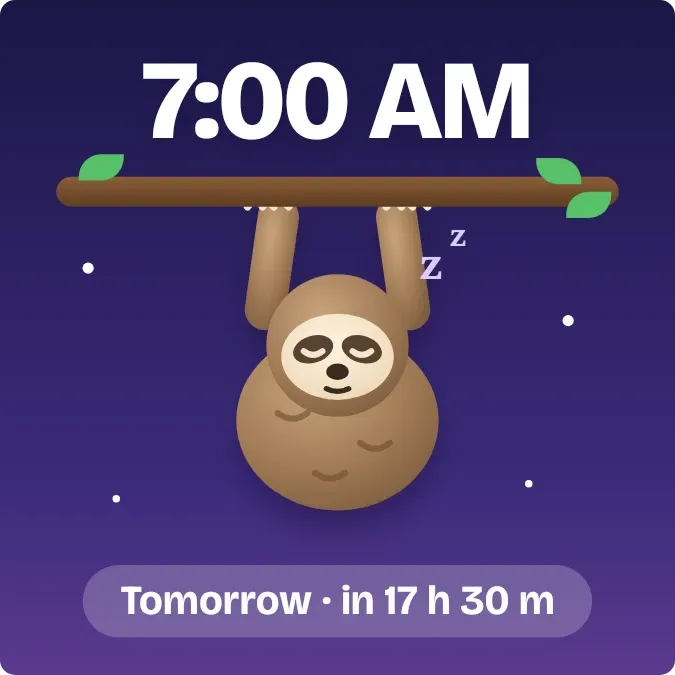
Sunrise, sunset, the moon, your next alarm
Not on the wall? Describe it.
Type what you want and Kiwi designs it. It is early, so some requests take a second try. These three are in the catalog now, and this is what was typed to get them.
a radio tuner dial that lands on today's date
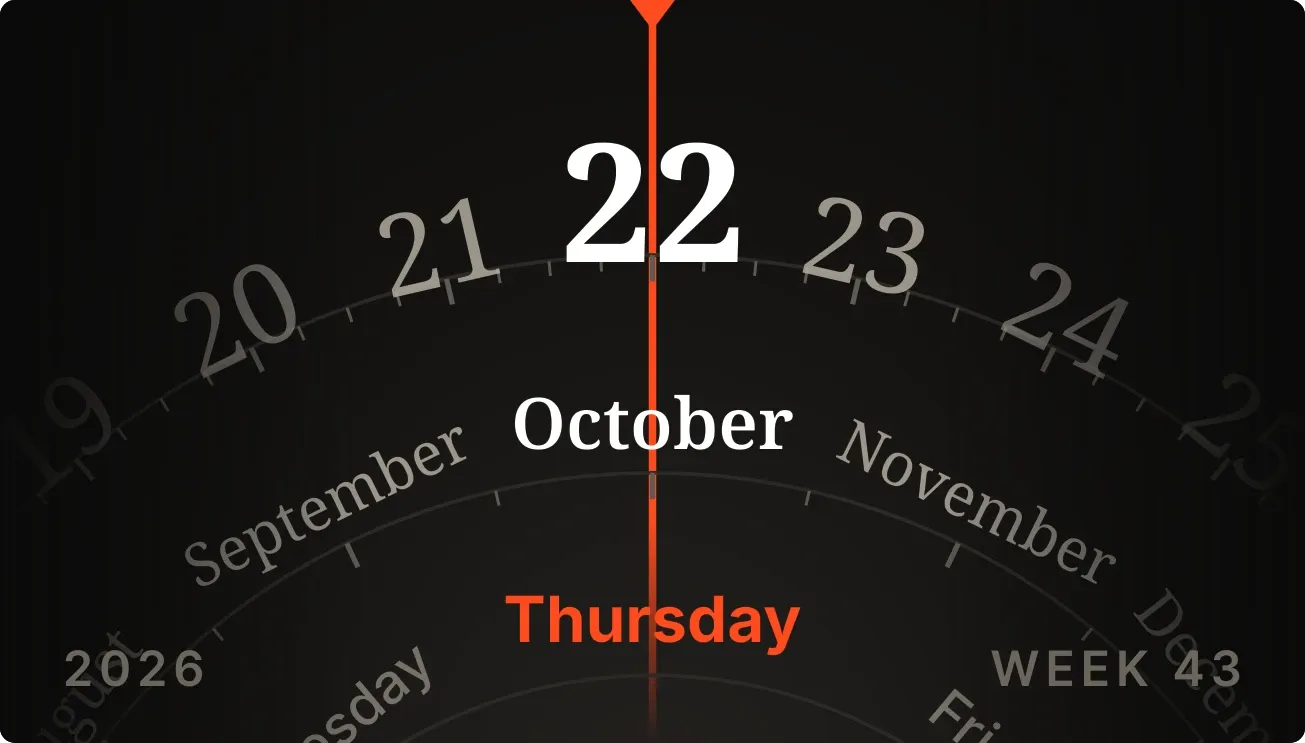 Dayslide
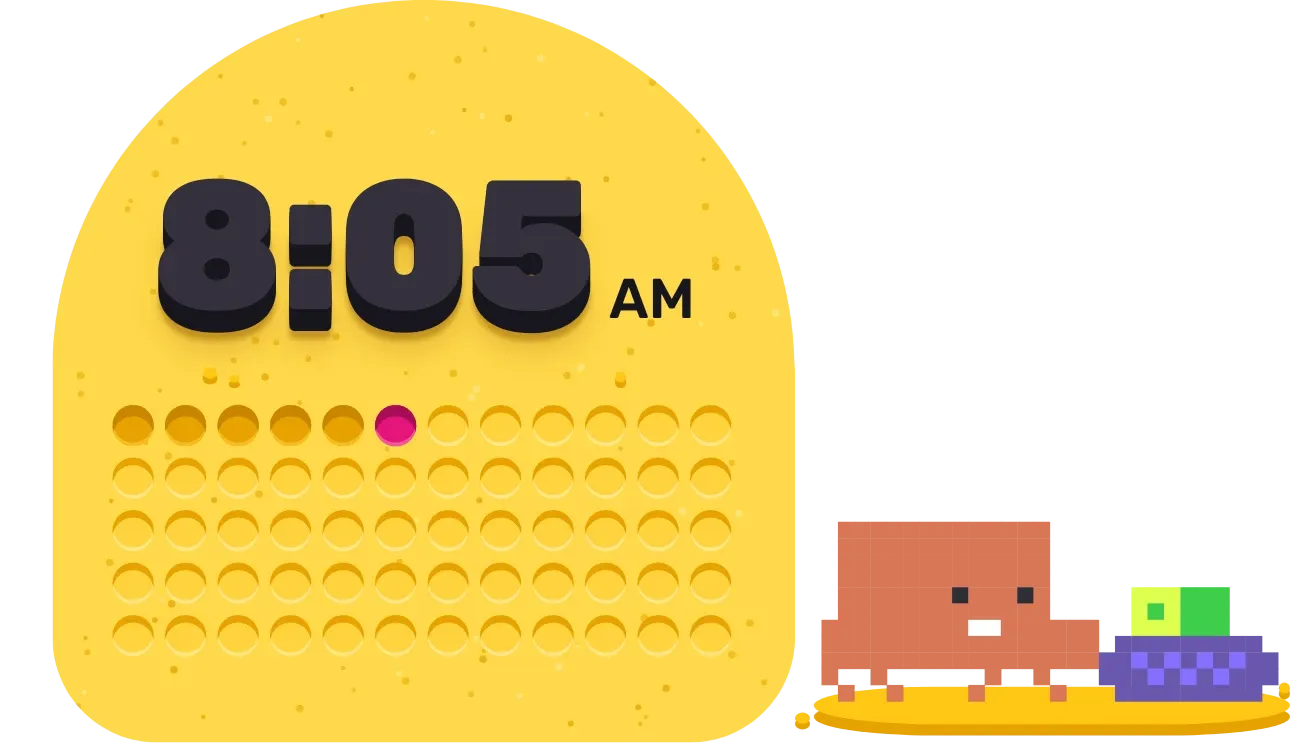
the time in glowing amber LEDs, in binary
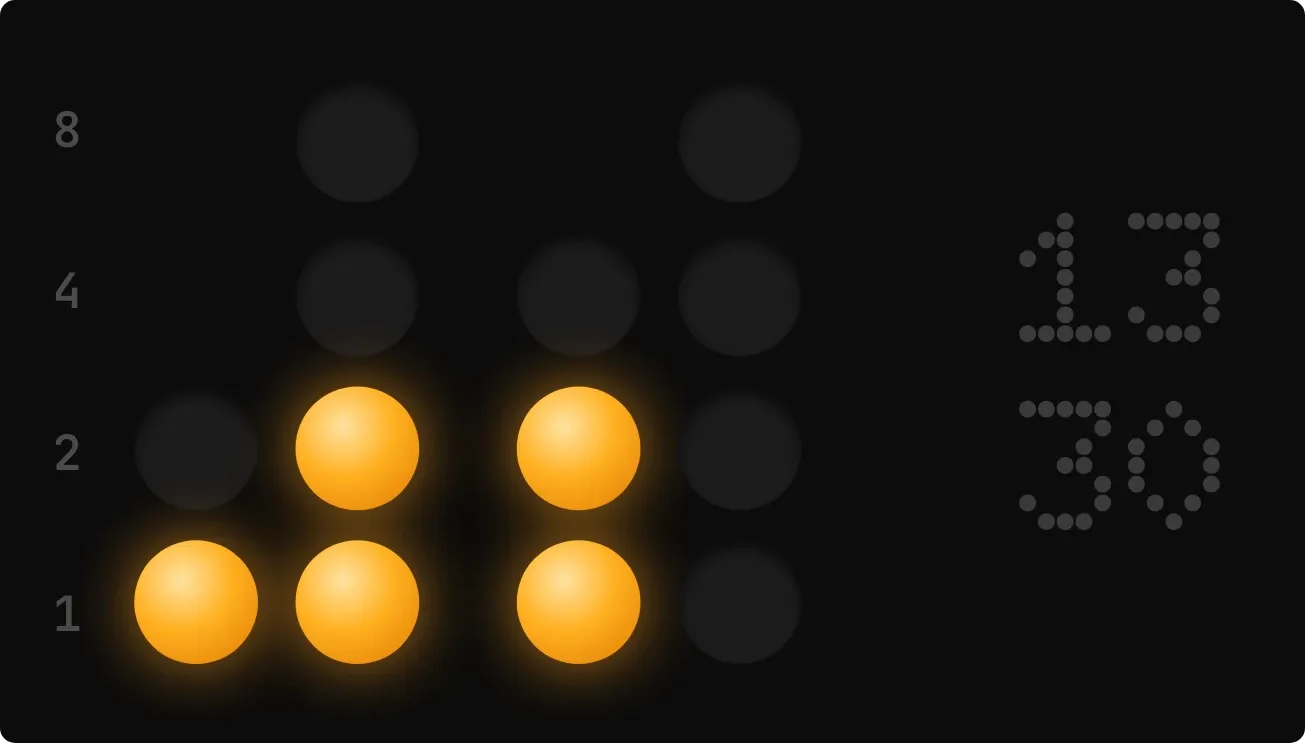 Ember Abacus
the year as a dot per day, today in red
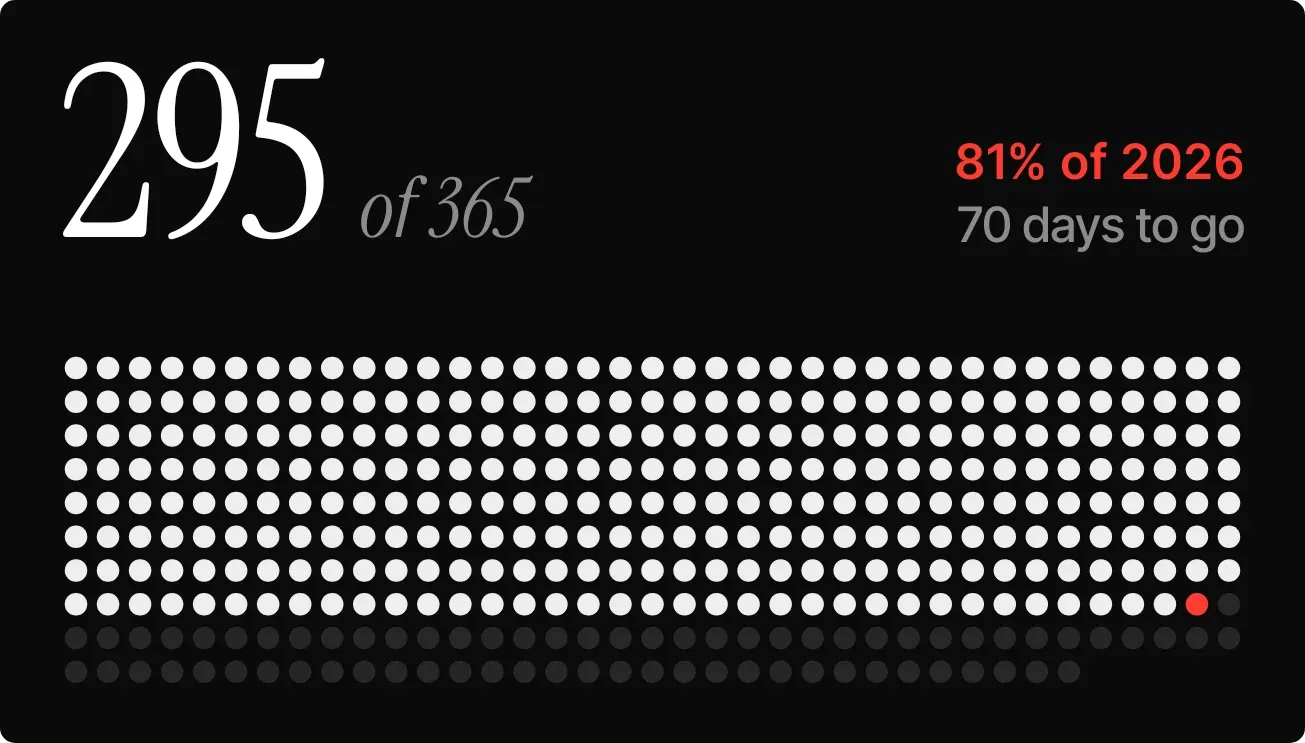 Pearl Runway
The app is mostly pictures of widgets.
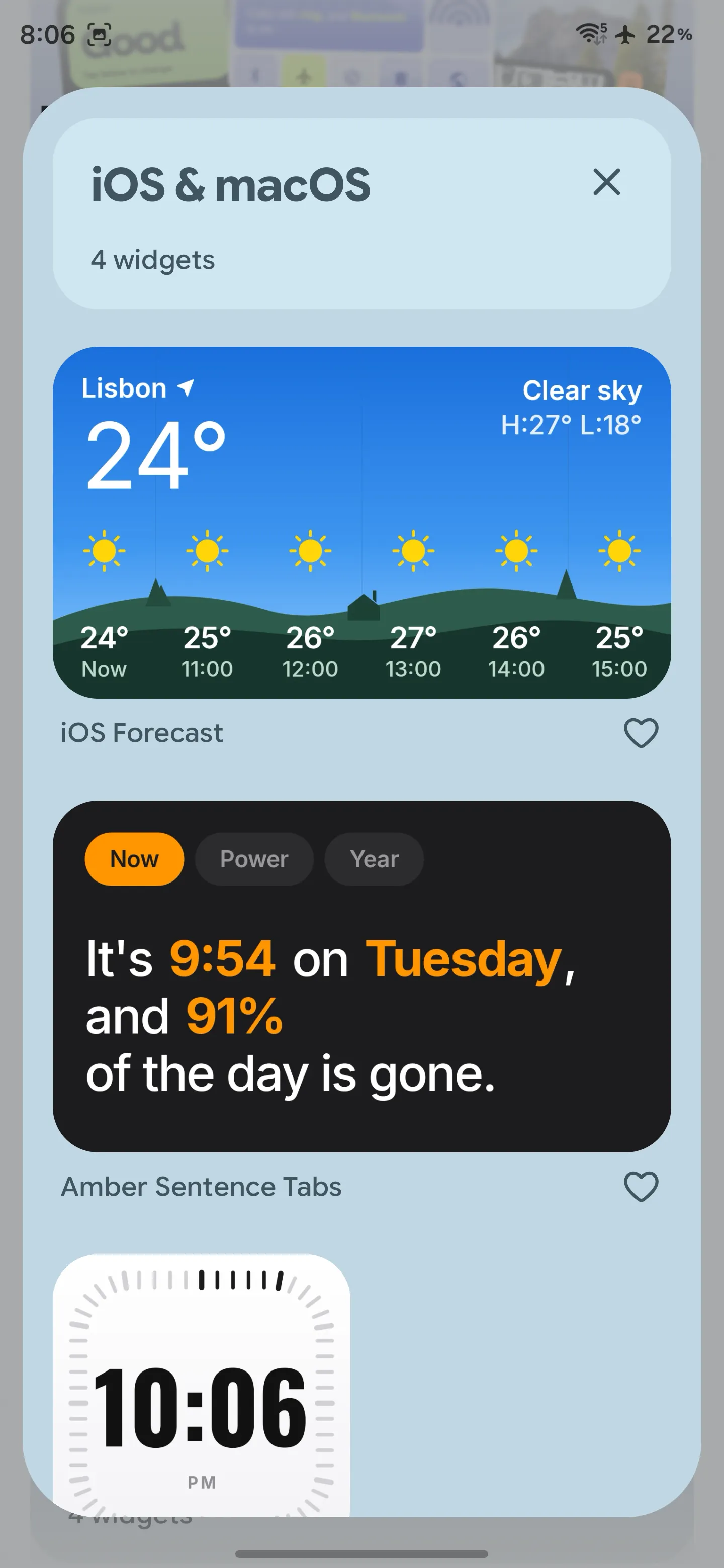
Kits open as sheets. Heart the ones you like, tap one to see it on a wallpaper with your own data, and Use puts it on the home screen.
FAQs
- Which phones does Kiwi run on?
- Any Android phone or tablet on Android 10 or newer: Pixel, Samsung, OnePlus, Nothing, Xiaomi, Motorola and the rest. Widgets go on your launcher's home screen like any other widget, so your launcher does not matter.
- Do I need to learn an editor, like KWGT's?
- No. Pick a widget, tap Use, choose a size, and it is on your home screen. There is no formula language and no layer panel. If a widget needs something from you, such as a city for the weather or the date of a countdown, Kiwi asks for that and nothing else. How it compares with KWGT.
- Can I describe a widget and have Kiwi make it?
- Yes. Type what you want and Kiwi designs it. It is an early feature: the results are often good and sometimes need a second try, and each attempt costs a little. The catalog is the main way in today.
- What can a widget show?
- Time and date, weather for a city you choose, battery, calendar events, what is playing, notification counts, steps, screen time, habits, countdowns, notes and to-dos, a daily word and picture, quotes, sunrise and sunset, and controls like the torch and search. One widget can combine up to four of these.
- Does it need my location?
- No. Weather uses the city you pick. Calendar, music and notifications each ask for their own access only when a widget uses them, and the ready-made widgets show which they need before you add them.
- Is it free?
- Most of the catalog is free to use, and so is placing and switching widgets. The Pro kits and describing your own widget are paid. The app shows the price before anything is charged.
- Does it drain the battery?
- Battery use depends on the widgets you choose and how often their information updates. Weather, live effects and other frequently updated features can use more power.
- Does Kiwi need internet?
- To browse the catalog and fetch a widget, yes, and while Kiwi designs one you described. Once a widget is on your home screen it runs on the phone; weather and the daily picture fetch their own data as any weather widget would.