Dayslide
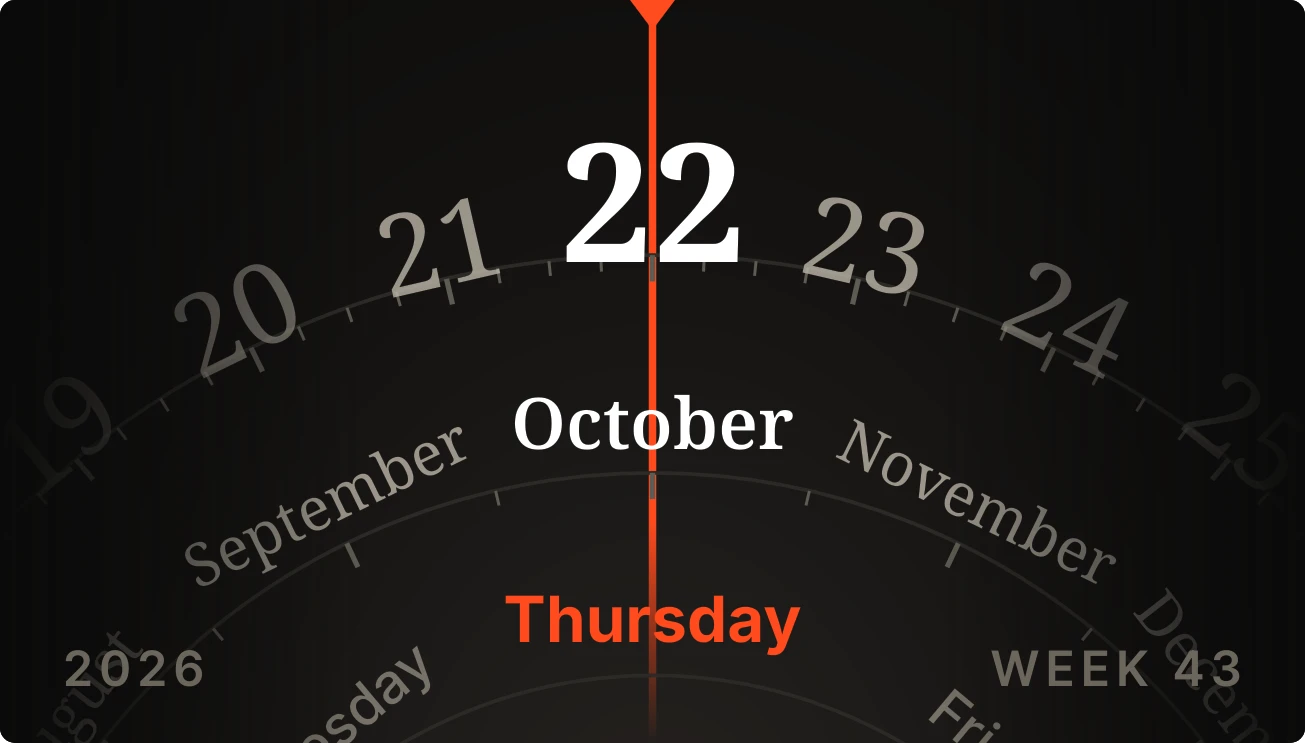
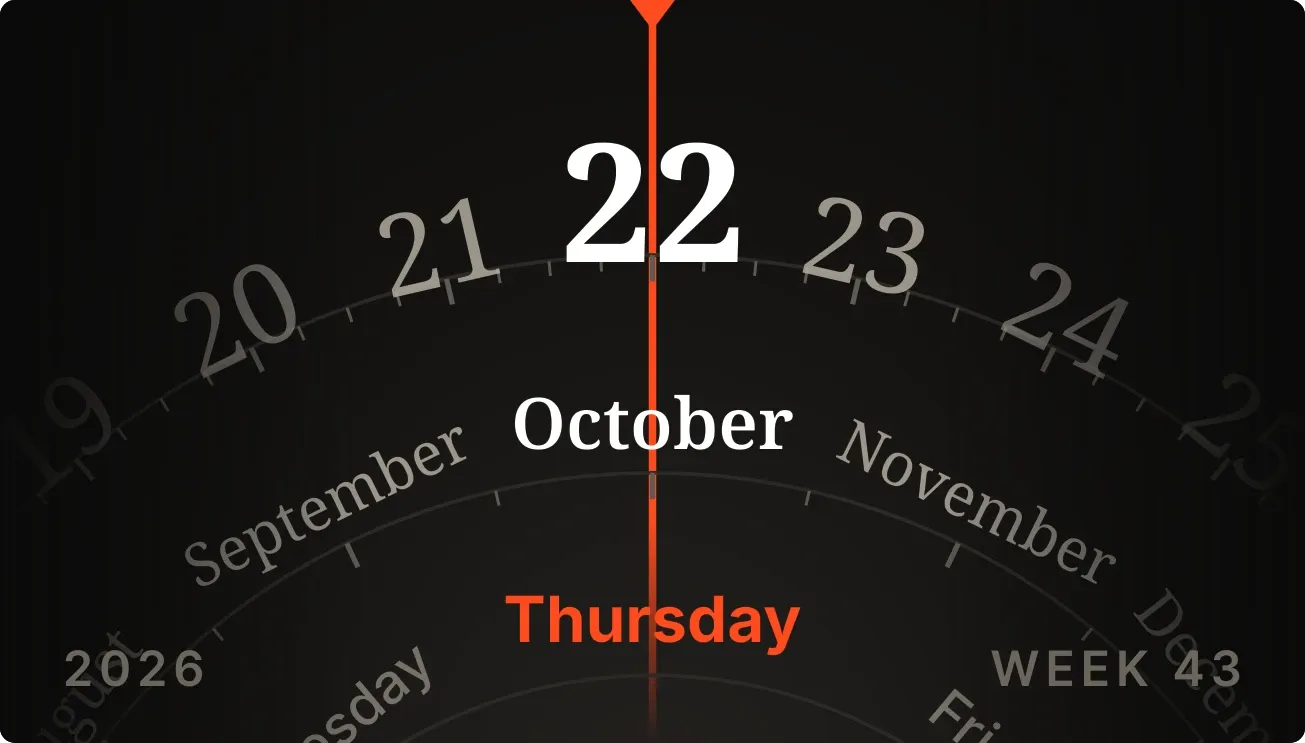
Dayslide is a dark, slide-rule style dial. Rings of dates, months and weekdays curve across the widget, with a thin vermilion needle running down the middle to mark today. The year sits at the bottom left and the week number at the bottom right.
- Size
- 4x2 cells
- Kit
- Instruments
- Look
- Typographic, minimal and monochrome
- Colours
- Black, dark background
- Good for
- Daily planning, checking the date and work week
- Android
- 10 or newer
- Needs
- No additional permissions
- Price
- Free
Kiwi is in beta and is not on Google Play yet. Join to request an invitation.
- analog
- analog-calendar
- big-numbers
- black
- calendar
- dark
- date
- date-calendar
- date-display
- day-of-week
- dial
- grey
- minimal-typography
- month
- moody
- needle
- orange
- retro
- serif
- slide-rule
- typographic
- week
- week-number
- year
What changes
- The outer arc lists the day numbers, with today's number largest and in white and four days on each side getting smaller and fainter.
- The middle arc lists month names, with the current month in white and three months on each side fading out.
- The inner arc lists weekdays, with today's weekday in vermilion and two days on each side in grey.
- When the date changes, the arcs turn so the new day, month and weekday sit under the needle.
- The left and right edges fade to black, and the year and week number update with the date.
- Tapping the widget opens the calendar.
Data and settings
- Reads the current date from the phone: the day, month, weekday, year and week number.
- Nothing to set.
Set it up
- Open the widget in Kiwi, either from its kit or from this page.
- Tap Use.
- Confirm your launcher's prompt to place it on the home screen.
Good to know
- It follows the date and time set on the phone, so a wrong date setting shows the wrong day, week and year.
Widgets like Dayslide
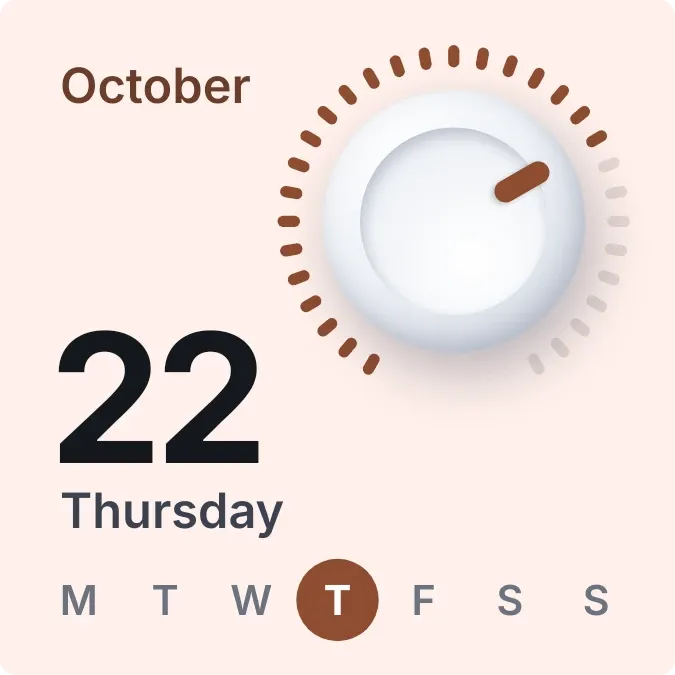 DayturnOne UI
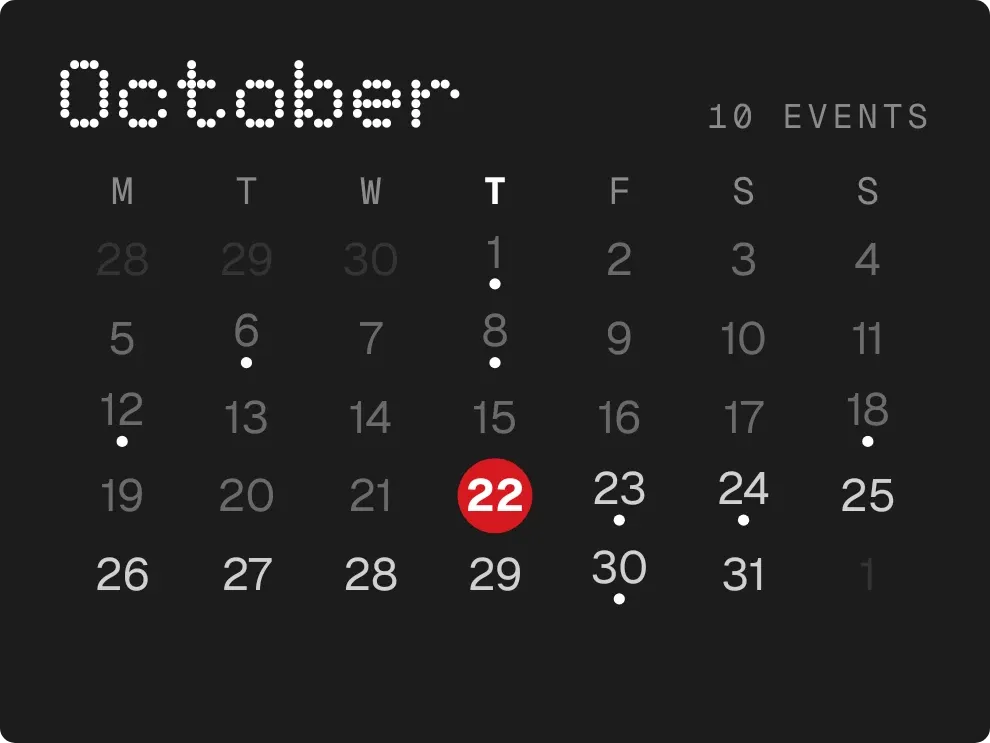 DotfallNothing
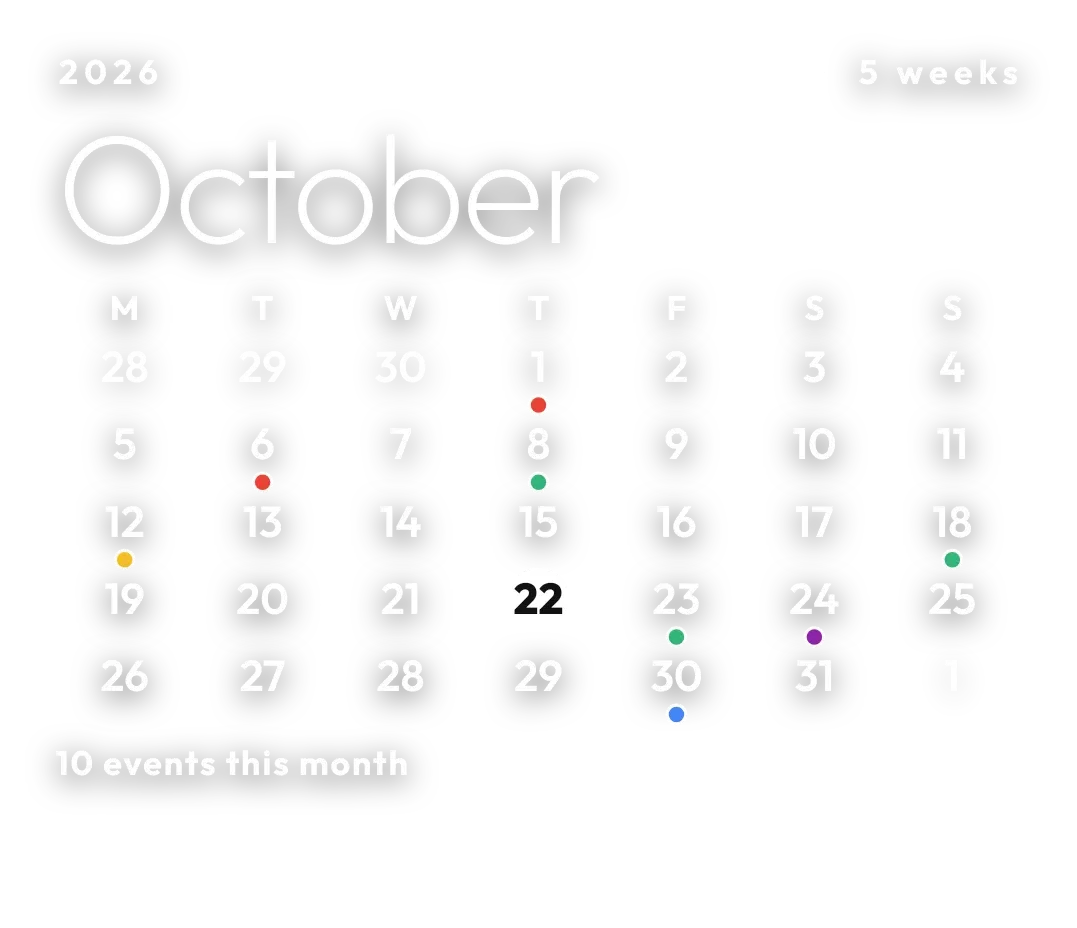 Pale AlmanacClear
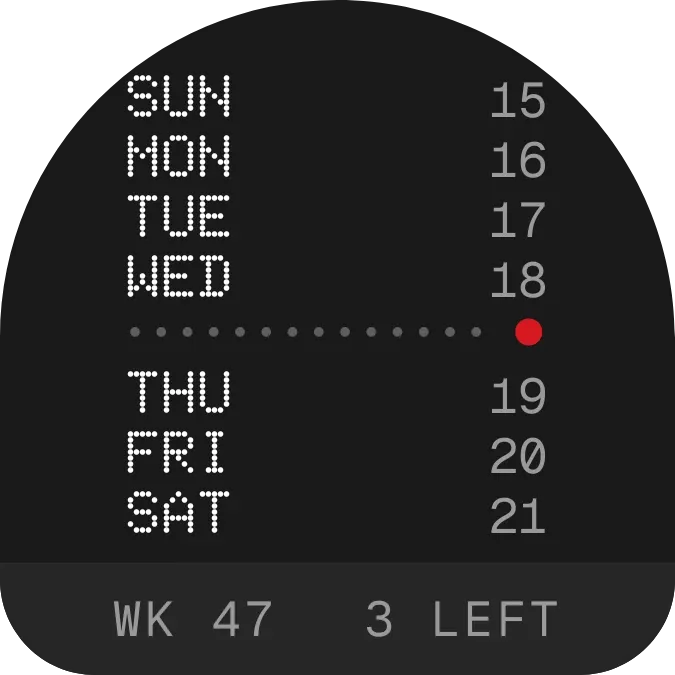 WeektraceNothing