Pale Almanac
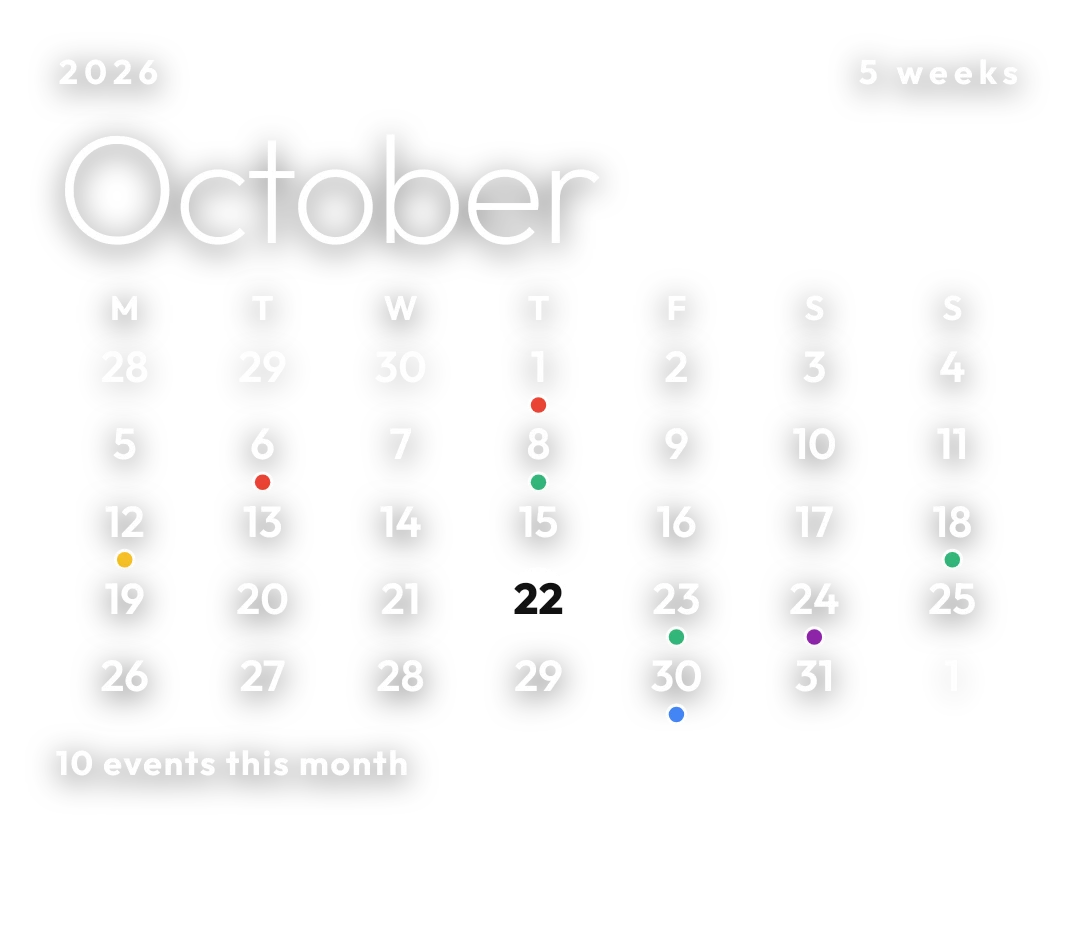
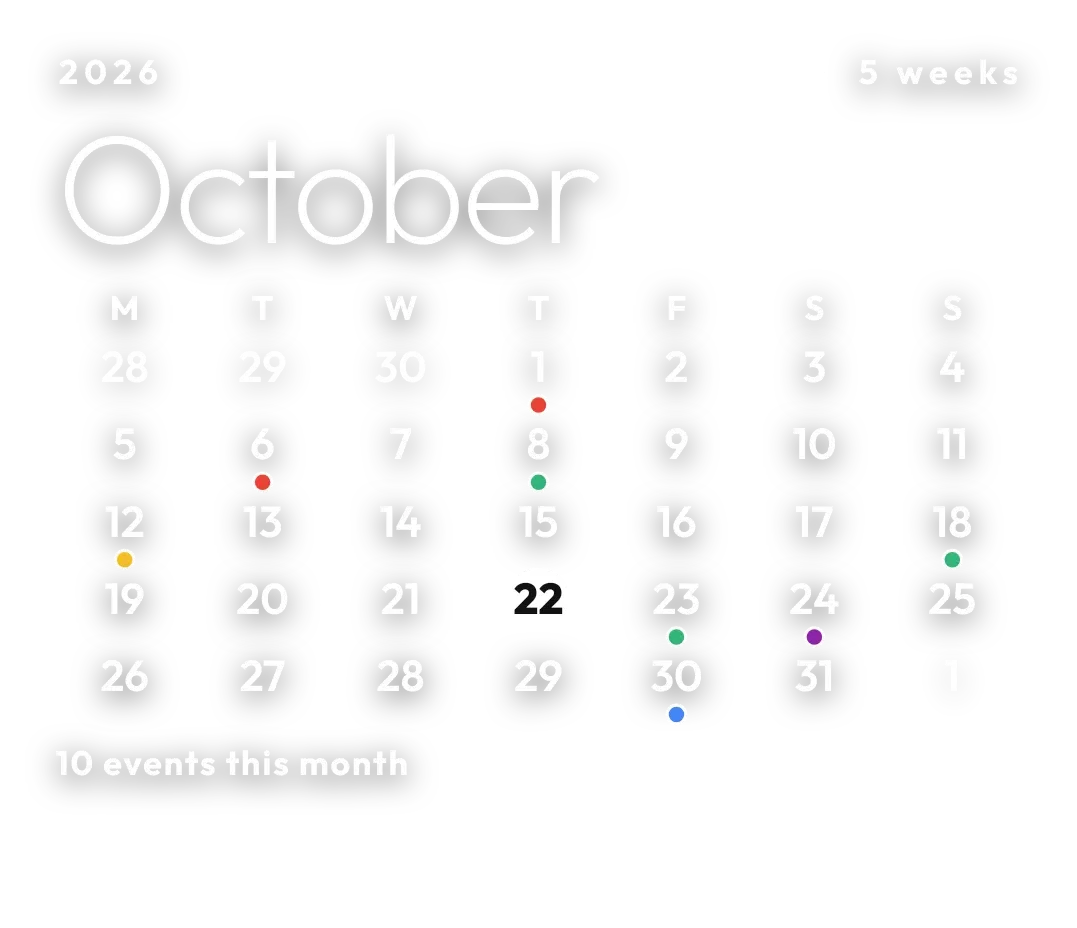
Pale Almanac is a see-through month calendar with no background, drawn in light white type with a soft shadow. The year sits at the top left, joined by a thin line to the number of weeks in the month, with the month name below in large thin letters. Today is a solid white disc, and a small dot under a day marks events.
- Size
- 4x3 cells
- Kit
- Clear
- Shows
- Calendar, Time and date
- Look
- Minimal, typographic and monochrome
- Colours
- Grey, white and black
- Good for
- Planning, monthly overview and study
- Android
- 10 or newer
- Needs
- READ_CALENDAR (optional)
- Price
- Free
Kiwi is in beta and is not on Google Play yet. Join to request an invitation.
- big-numbers
- calendar
- clean
- date
- dreamy
- glow
- light
- minimal
- monochrome
- month
- month-calendar
- shadow
- transparent
- typography
- white
What changes
- Today's date appears as a solid white disc with a dark number. Every other day is plain white type.
- Days from the previous and next month fill out the grid and are dimmed. They never get event dots.
- On a busy day, a dot appears under the date. It takes the colour of the event's calendar and has a thin white outline.
- With calendar access, the line at the bottom counts the events this month, for example 0 events this month.
- Without calendar access, the bottom line asks you to allow calendar in Kiwi for event dots, and no dots are shown.
- Tapping a day opens that date in the calendar.
Data and settings
- Reads the current date and time to show the year, the month name, the week count and today's disc.
- Reads events from your calendar to place the dots and count the month's events. This needs calendar access, which is optional.
Set it up
- Open Pale Almanac in Kiwi, from its kit or from this page.
- Tap Use.
- Confirm your launcher's prompt to place it on the home screen.
- For event dots and the monthly event count, allow calendar access when asked. The calendar still shows without it.
Permissions
- Calendar (optional: it works without it). Your next events come from the calendar on this phone. Only the times and titles of what's coming up; never sent anywhere, and never changed.
Good to know
- Event dots and the event count appear only after calendar access is allowed.
- A day shows a single dot, so it tells you a day has events but not how many.
- Only the current month is shown, and dimmed days from neighbouring months are not marked with events.
- The type is white with a soft shadow on a clear background, so a very light wallpaper can make it hard to read.
Widgets like Pale Almanac
 DotfallNothing
 DayslideInstruments
 BloomgridMaterial You
 Calendar MonthiOS & macOS