Hollow time
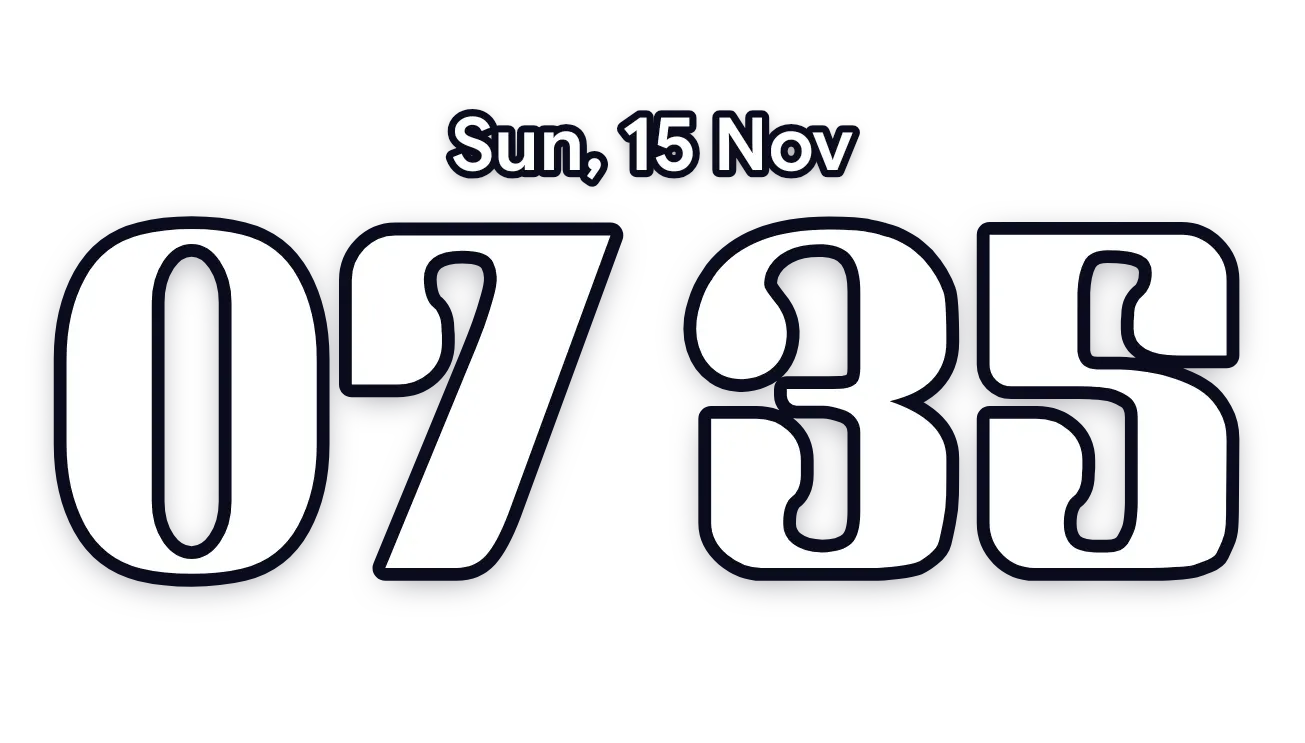
Hollow time shows the current time as heavy numerals drawn only as white outlines, with nothing filling them. The hour and minutes sit on either side of a colon made of two small hollow dots. There is no background, so the numerals sit straight on the wallpaper with a soft dark shadow around the lines.
- Size
- 4x1 cells
- Kit
- Clear
- Shows
- Time and date
- Look
- Minimal
- Android
- 10 or newer
- Needs
- No additional permissions
- Price
- Free
Kiwi is in beta and is not on Google Play yet. Join to request an invitation.
- clock
- digital
- minimal
- outlined
- transparent
What changes
- The hour on the left and the minutes on the right change as the time changes.
- The colon between them stays as two hollow dots, one above the other.
- The numerals stay unfilled, so the wallpaper shows through the inside of each digit.
- Tapping the widget opens the clock.
Data and settings
- Reads the current time: the hour and the minutes.
- Nothing to set.
Set it up
- Open the widget in Kiwi, from its kit or from this page.
- Tap Use.
- Confirm your launcher's prompt to place it.
Good to know
- The outlines are white, so they stand out less against a very light wallpaper, even with the soft shadow.
Widgets like Hollow time
 Cut-out overlap timeMaterial You
 Stacked overlap timeMaterial You
 Tucked numeral clockMaterial You
 Cut-out numeral clockMaterial You