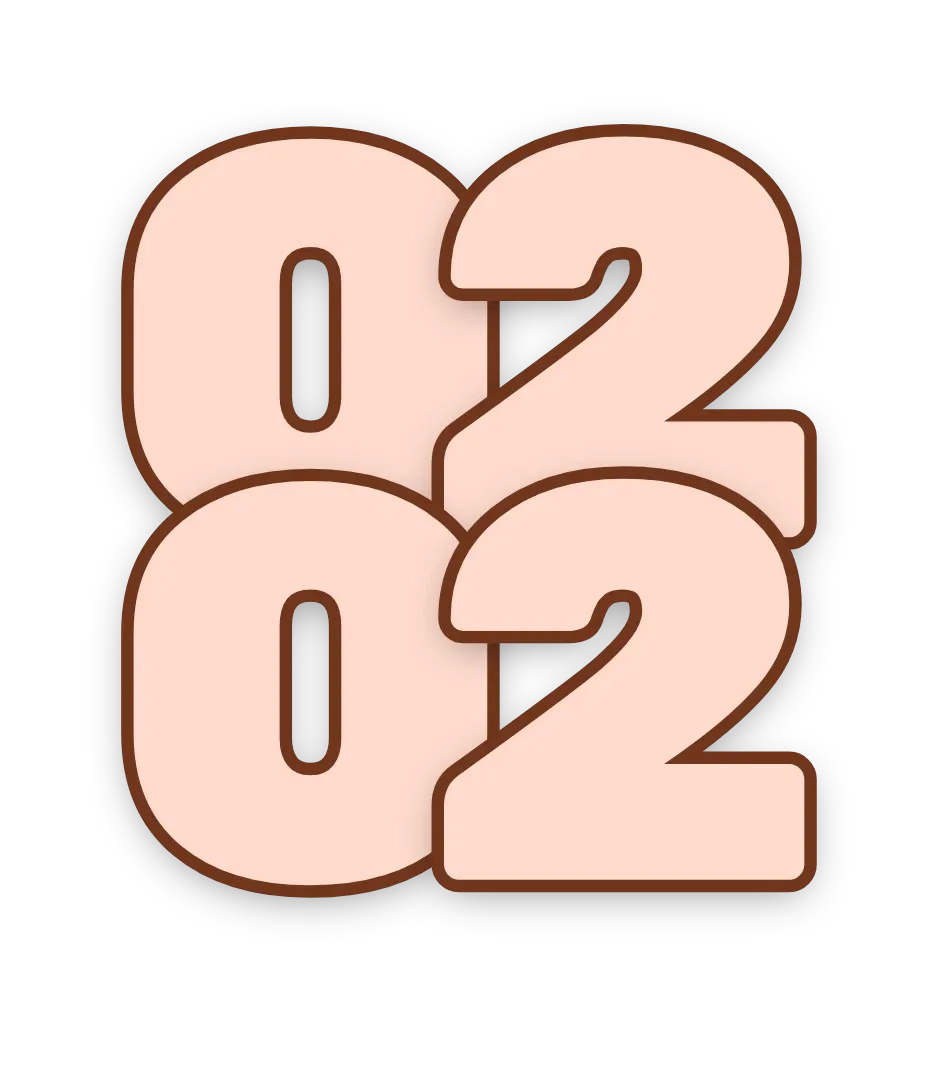
Stacked overlap time
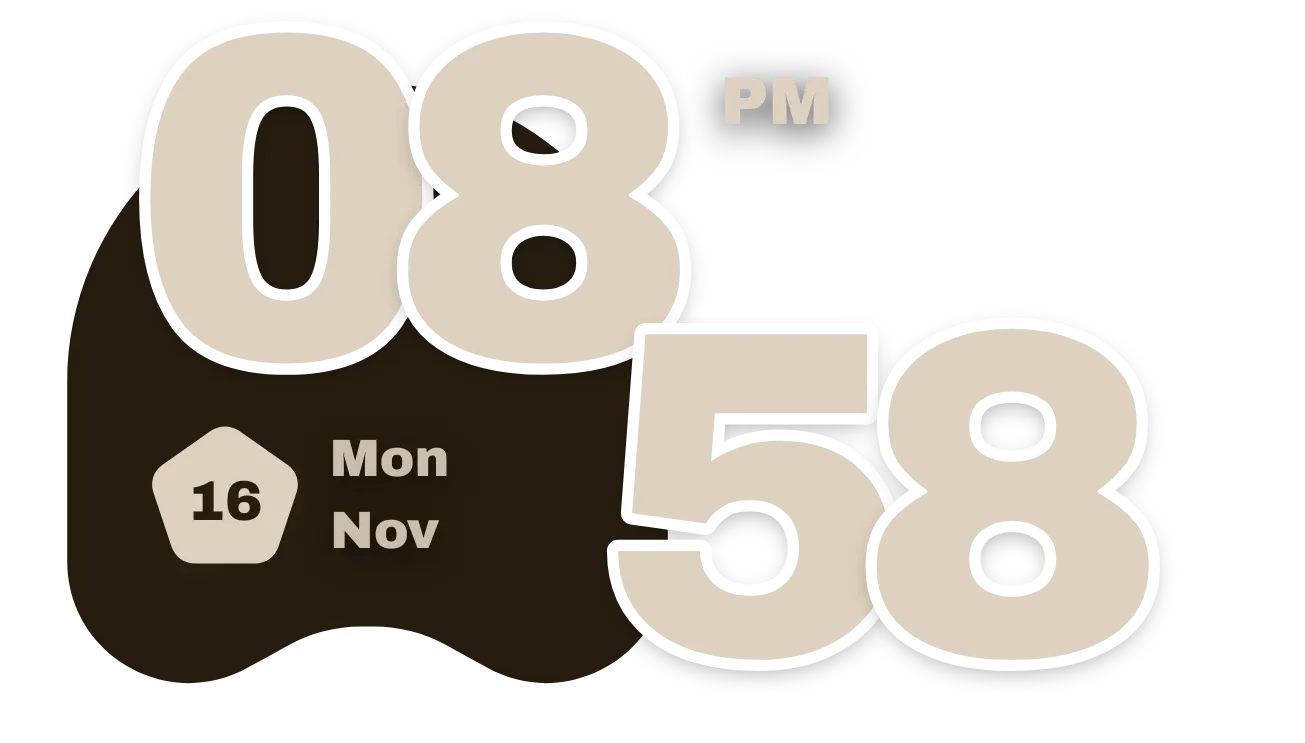
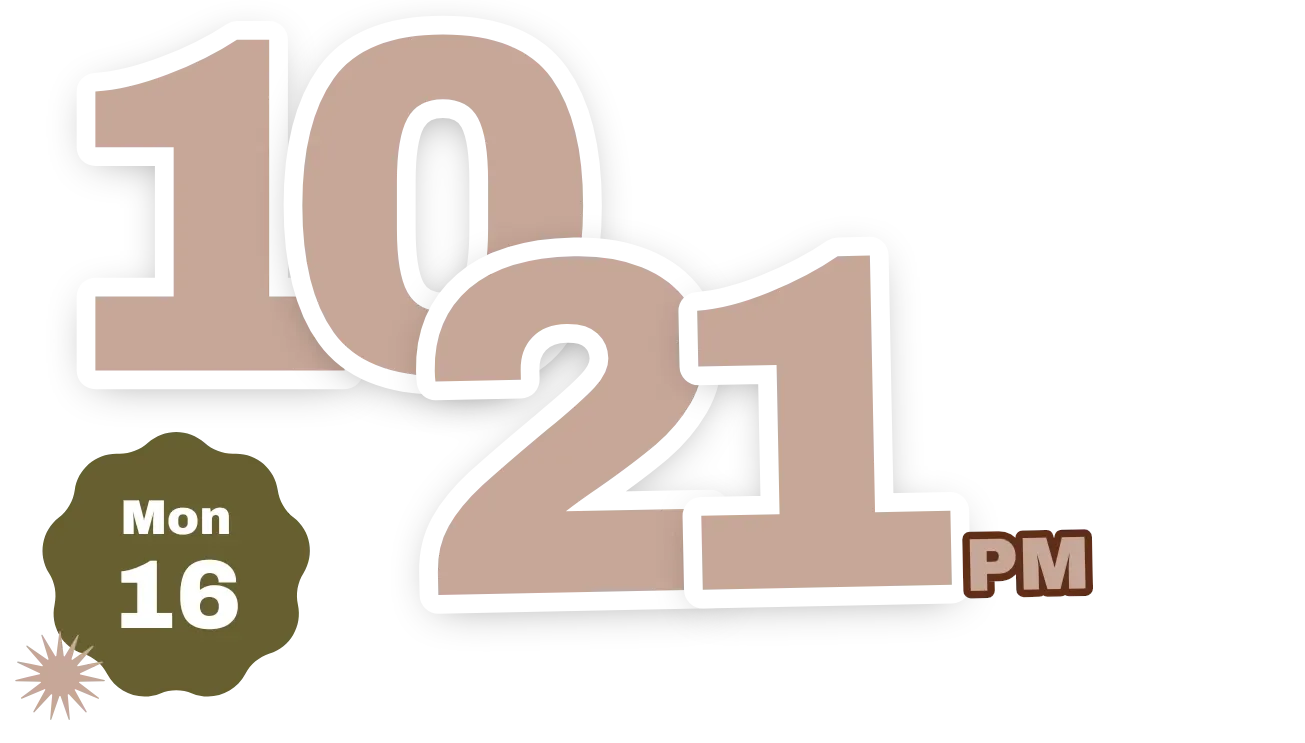
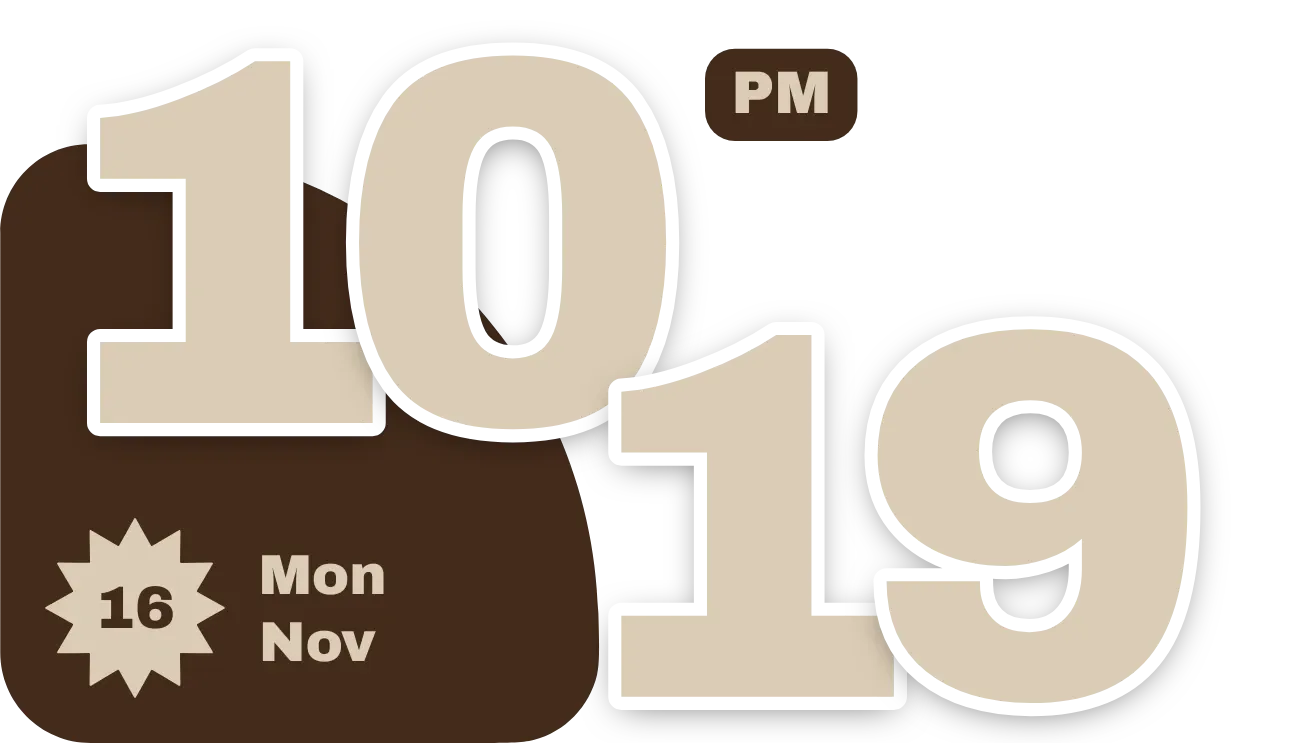
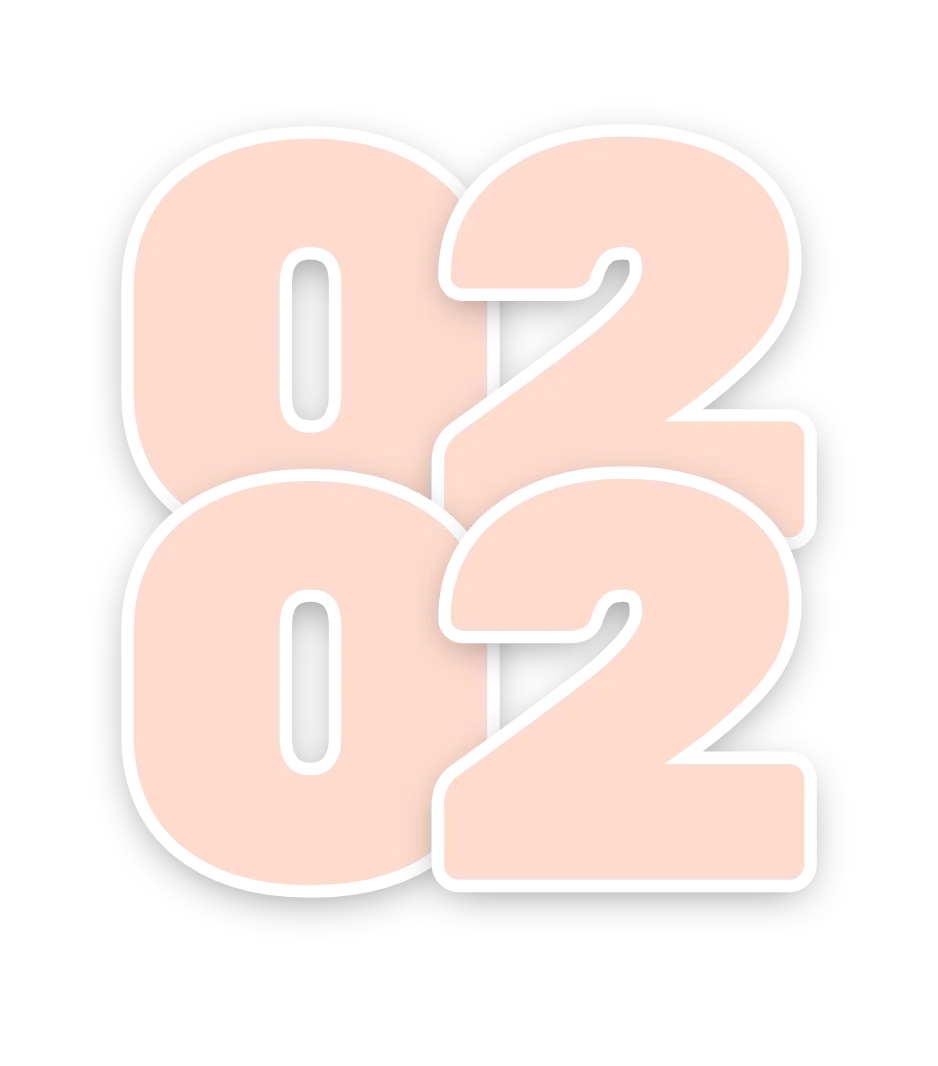
This widget shows the time as four large, heavy numerals in two rows, with the hours on top and the minutes below. The digits in each row overlap their neighbours, and the second row tucks up under the first. Each digit has a light fill, a thick dark outline and a soft shadow, with no background panel behind them.
- Size
- 3x3 cells
- Kit
- Material You
- Looks like
- Pixel widgets
- Android
- 10 or newer
- Needs
- No additional permissions
- Price
- Free
Kiwi is in beta and is not on Google Play yet. Join to request an invitation.
- bold-numerals
- clock
- digital
- overlapping
- transparent
What changes
- The top row shows the hour as two digits, with a leading zero when the hour is a single digit. The bottom row shows the minutes as two digits.
- The numerals change as the time changes.
- The fill and outline colours are taken from your wallpaper. The fill is a light tone and the outline a deep one.
- Tapping the widget opens the clock.
Data and settings
- Reads the current time on your phone. It shows hours and minutes.
Set it up
- Open the widget in Kiwi, either from its kit or from this page.
- Tap Use.
- Confirm your launcher's prompt to place it on the home screen.
Widgets like Stacked overlap time
 Hollow timeClear
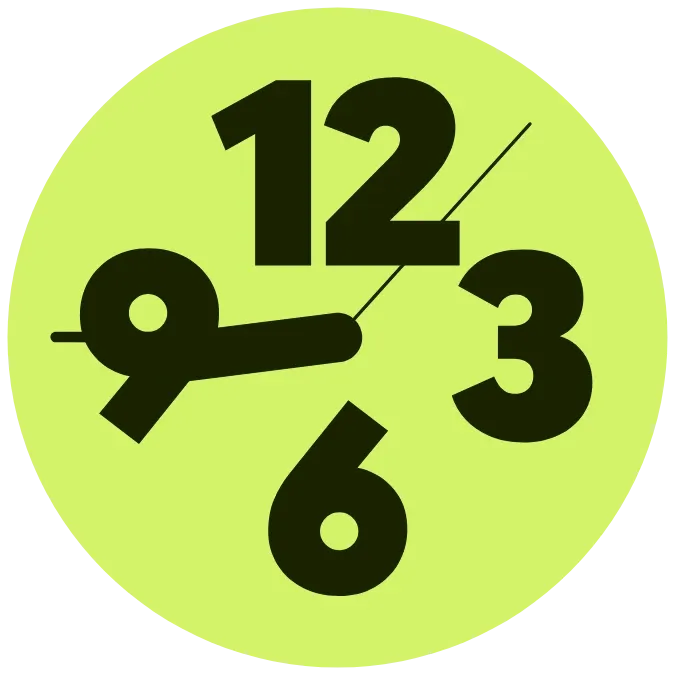 Lime tucked clockMaterial Expressive
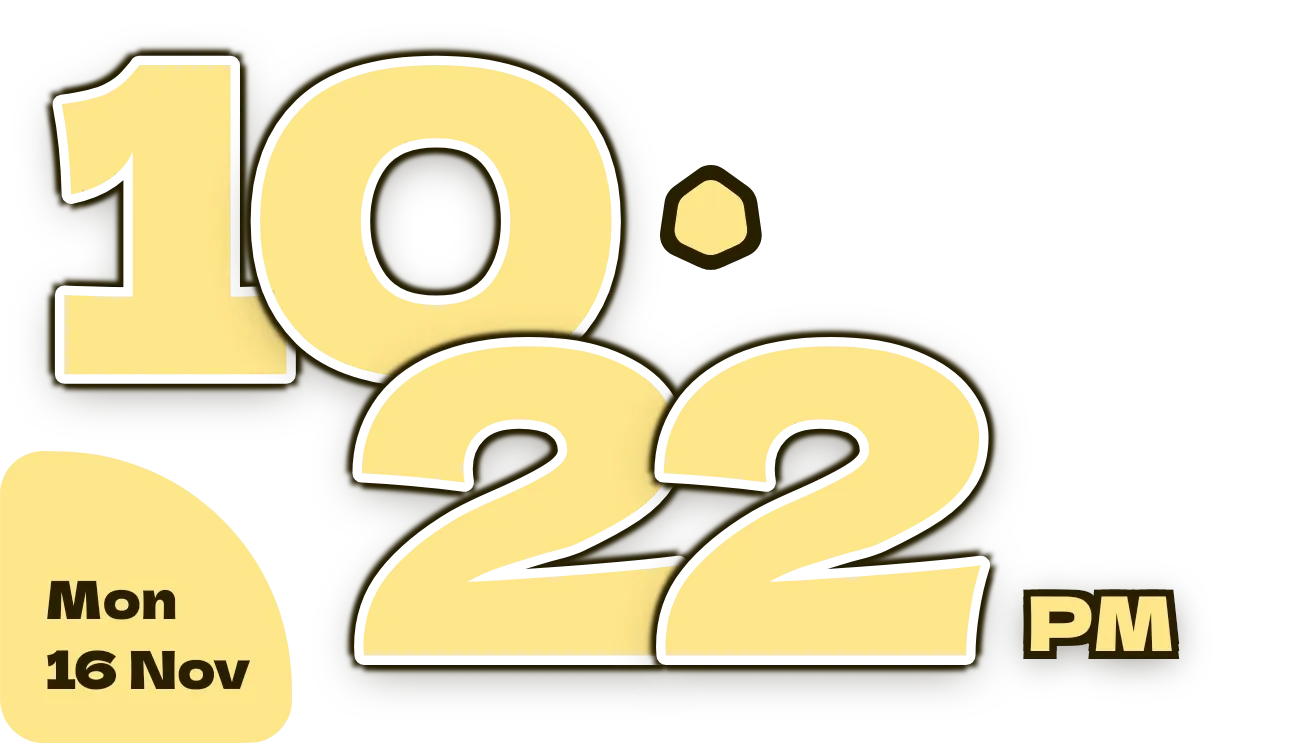 Butter ShuffleMaterial Expressive