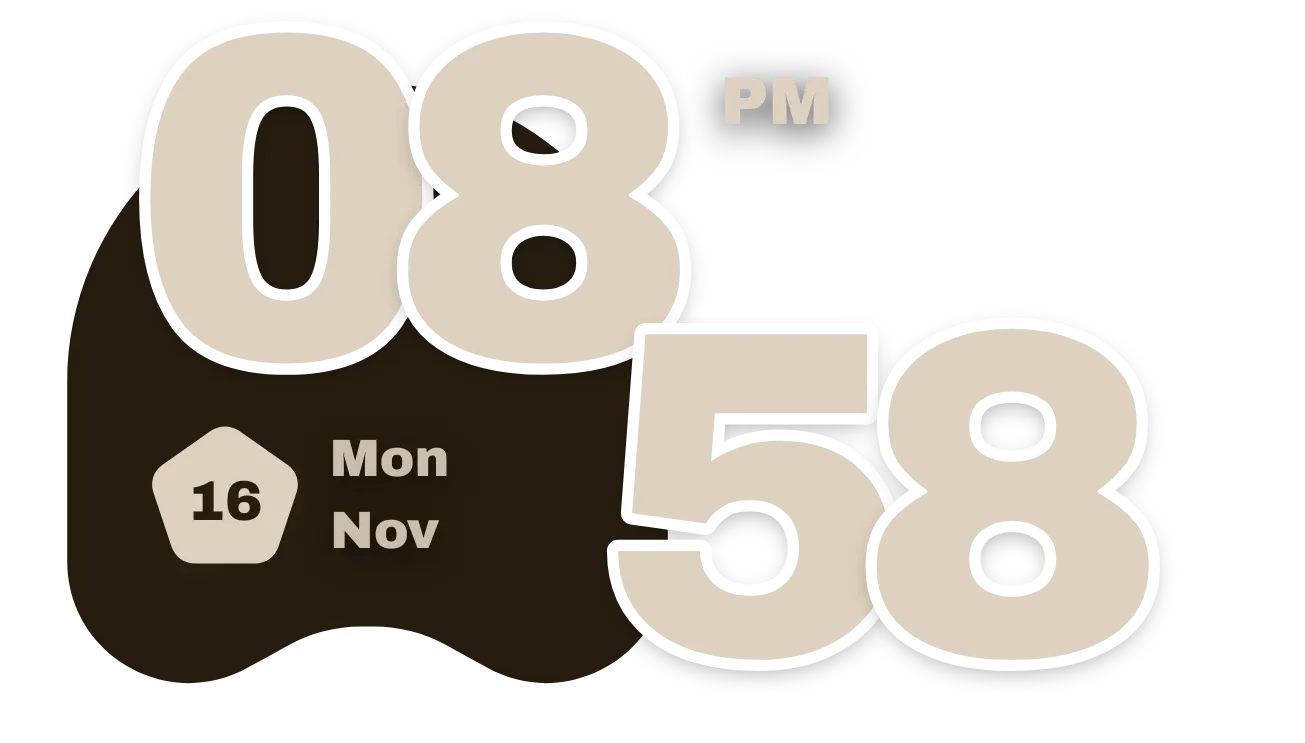
Umber Haunt
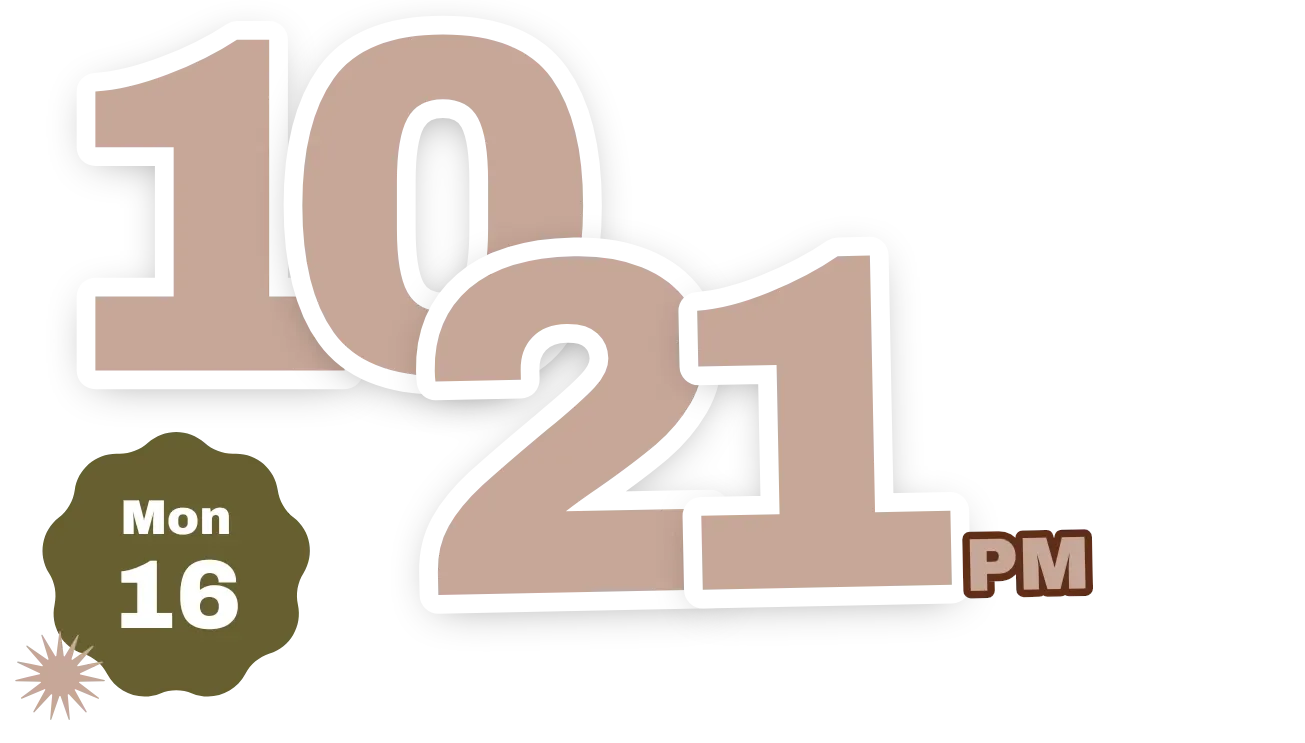
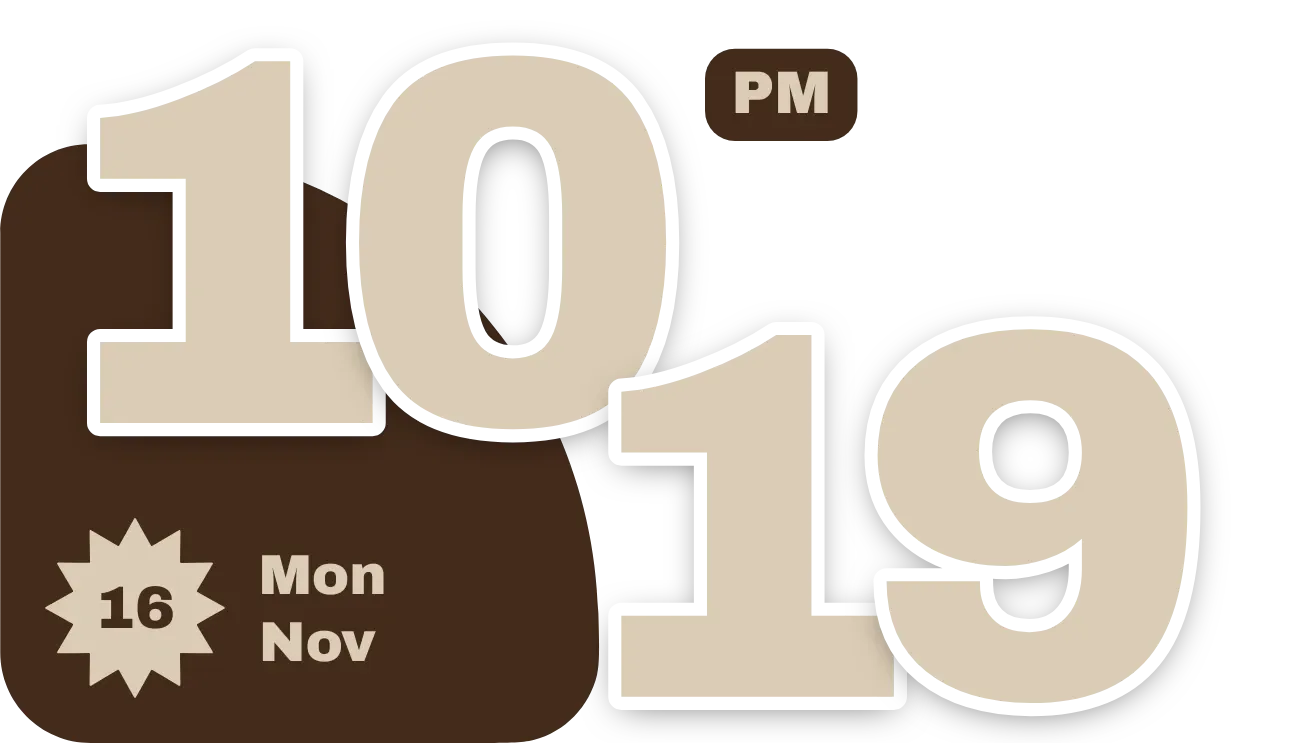
Umber Haunt shows the current time in very large cream digits with a heavy white outline. The hours sit at the top left and the minutes drop lower to the right, overlapping a dark brown ghost-shaped blob. Below the hours, a cream pentagon holds the day of the month, with the weekday and month written beside it.
- Size
- 4x2 cells
- Kit
- Material You
- Shows
- Time and date
- Look
- Typographic, bold shapes and minimal
- Colours
- Cream and black
- Looks like
- Pixel widgets
- Good for
- Daily routine, checking the time and checking the date
- Android
- 10 or newer
- Needs
- No additional permissions
- Price
- Pro
Kiwi is in beta and is not on Google Play yet. Join to request an invitation.
- big-numbers
- black
- bold
- brown
- chunky
- clock
- cream
- date
- day-of-week
- digital-clock
- ghost
- material-you
- month
- overlapping
- pentagon
- pixel
- playful
- rounded
- shadow
- transparent
- typographic
- warm
What changes
- The hours and minutes update as the time changes. Hours always show two digits, so eight o'clock reads 08.
- In 12-hour time, a small AM or PM label appears at the top right of the hours. In 24-hour time the label is hidden.
- The pentagon shows the day of the month. The weekday and month beside it, such as Mon and Nov, change as the date changes.
- Tapping the time opens the clock app. Tapping the date badge opens the calendar app.
Data and settings
- Reads the current time: hours, minutes, and whether the device uses 12-hour or 24-hour time.
- Reads the current date: day of the month, weekday and month.
- Nothing to set. The widget has one look.
Set it up
- Open Umber Haunt in Kiwi, either from its kit or from this page.
- Tap Use.
- Confirm your launcher's prompt to place the widget on your home screen.
Good to know
- The time and date come from the device clock, so they follow the phone's own time, date and 12-hour or 24-hour format.
- The date shows only the day number, weekday and month. It does not show the year.
Widgets like Umber Haunt
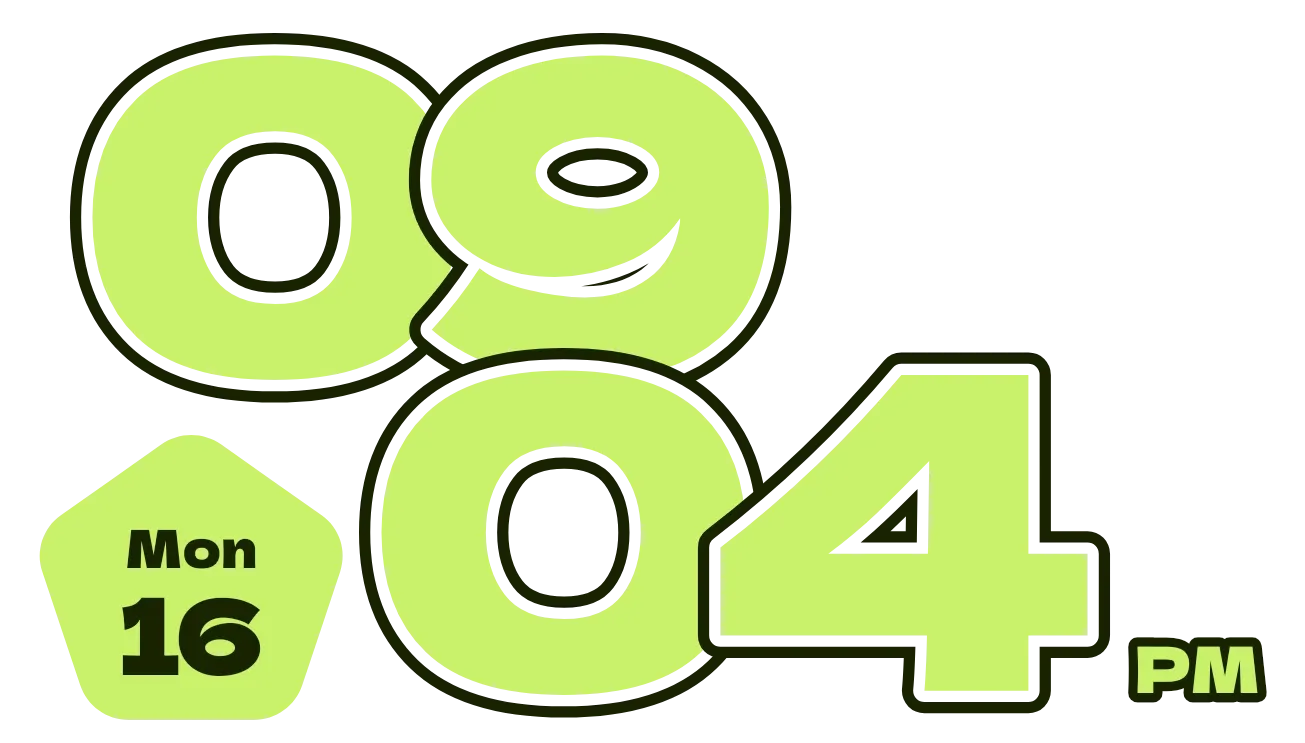 Zest JamMaterial Expressive
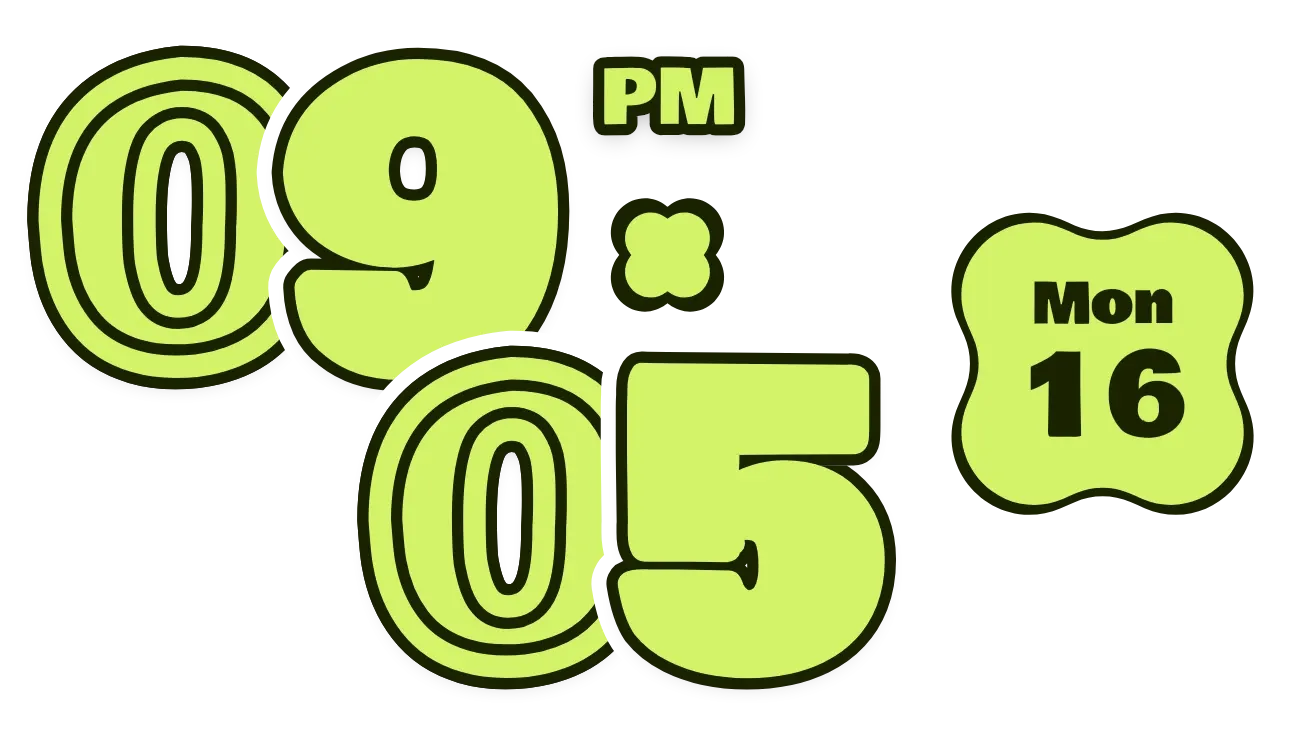 ClovercutMaterial Expressive
 Puffy PressPlayful
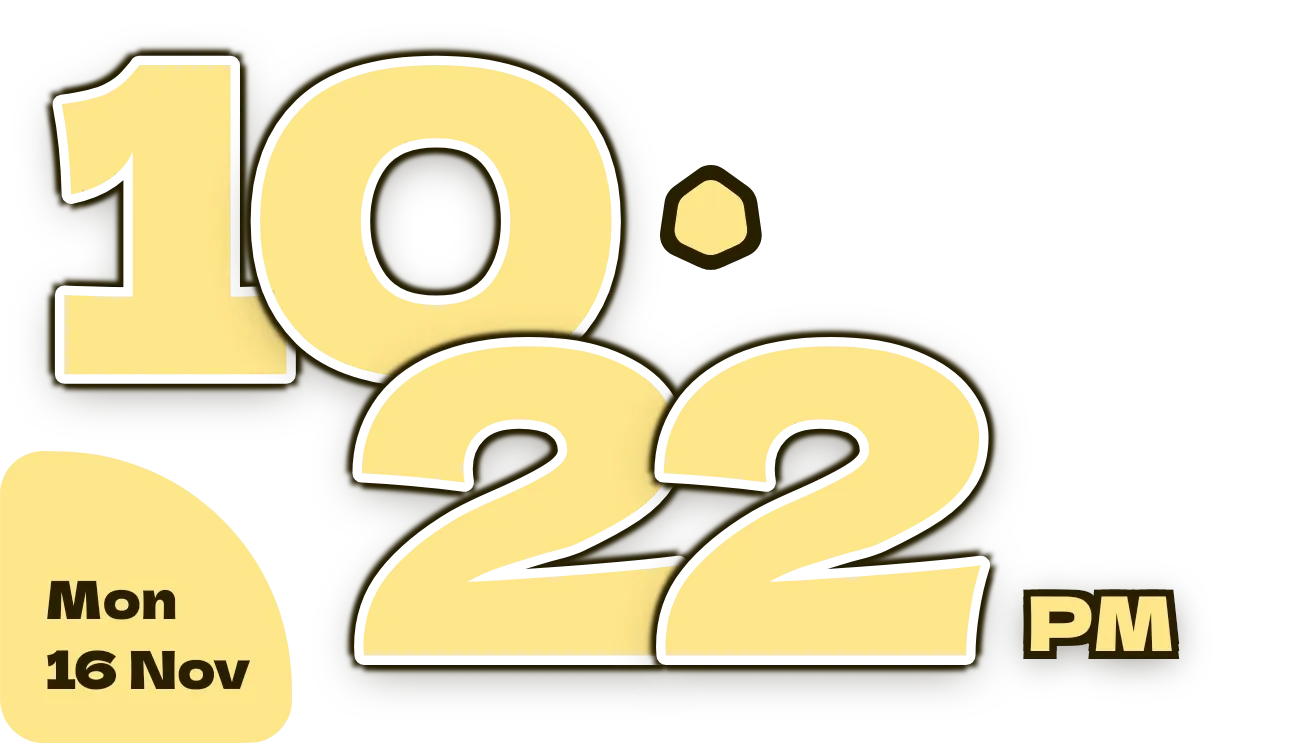 Butter ShuffleMaterial Expressive