Clovercut
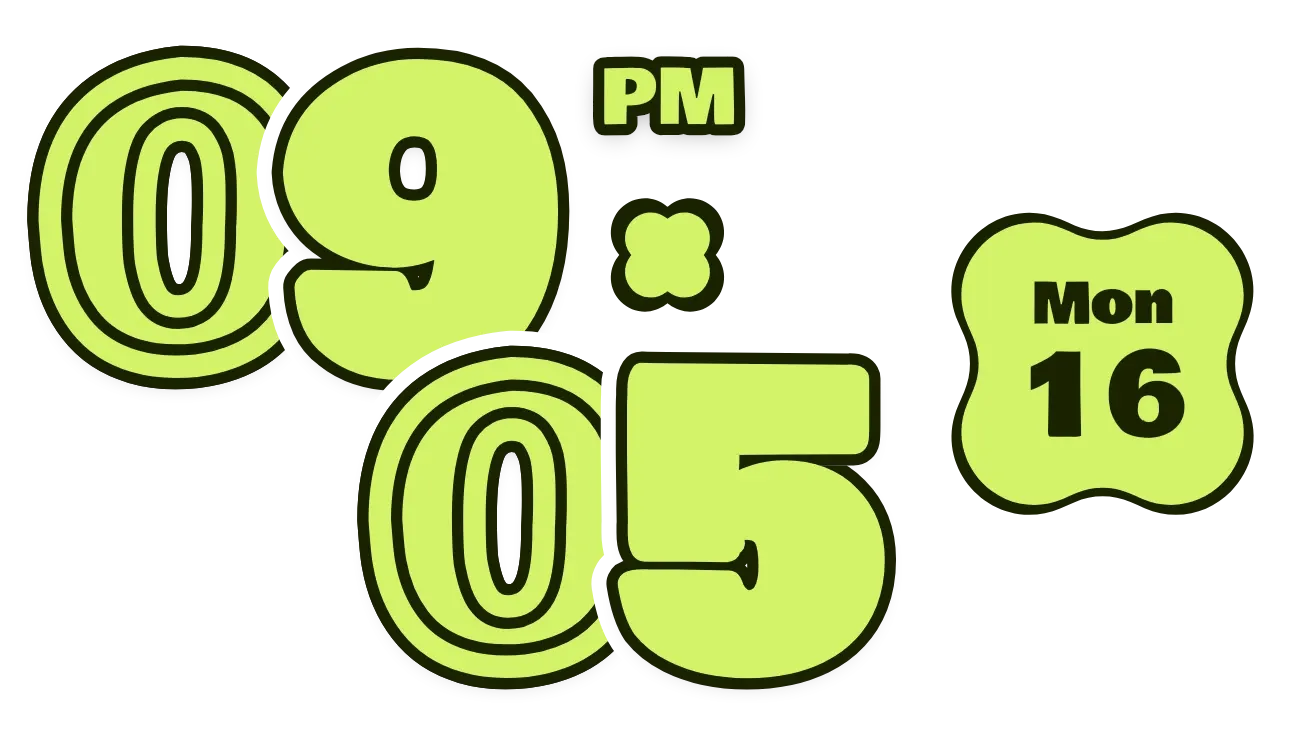
Clovercut shows the time as four large, chunky lime digits with dark outlines. The hour digits sit on the upper row and the minute digits step down and to the right, overlapping. A small clover sits beside them, and a wavy lime badge on the right shows the weekday and day of the month.
- Size
- 4x2 cells
- Kit
- Material Expressive
- Shows
- Time and date
- Look
- Typographic, bold shapes and retro
- Colours
- Lime and black
- Looks like
- Pixel widgets
- Good for
- Daily routine, checking the time and checking the date
- Android
- 10 or newer
- Needs
- No additional permissions
- Price
- Pro
Kiwi is in beta and is not on Google Play yet. Join to request an invitation.
- big-numbers
- black
- bold
- bright
- chunky
- clover
- cut-out
- date
- date-display
- day-of-week
- digital-clock
- lime
- material-expressive
- outlined
- overlapping
- playful
- retro
- rounded
- shapes
- time
- transparent
- typographic
What changes
- The digits change as the time changes, with the hour on the upper row and the minutes on the lower row.
- A digit that matches another digit in the time gains extra inset outlines. Digits with no match stay solid lime.
- In 12-hour format, a small AM or PM label appears above the clover. In 24-hour format the label is hidden.
- The date badge shows a short weekday name above the day number, and both change when the date changes.
- Tapping the digits opens the clock, and tapping the date badge opens the calendar.
Data and settings
- Reads the current time: hours, minutes, and whether the clock is 12-hour or 24-hour.
- Reads the current date: the weekday and the day of the month.
Set it up
- Open Clovercut in Kiwi, either from its kit or from this page.
- Tap Use.
- Confirm your launcher's prompt to place the widget on your home screen.
Widgets like Clovercut
 Puffy PressPlayful
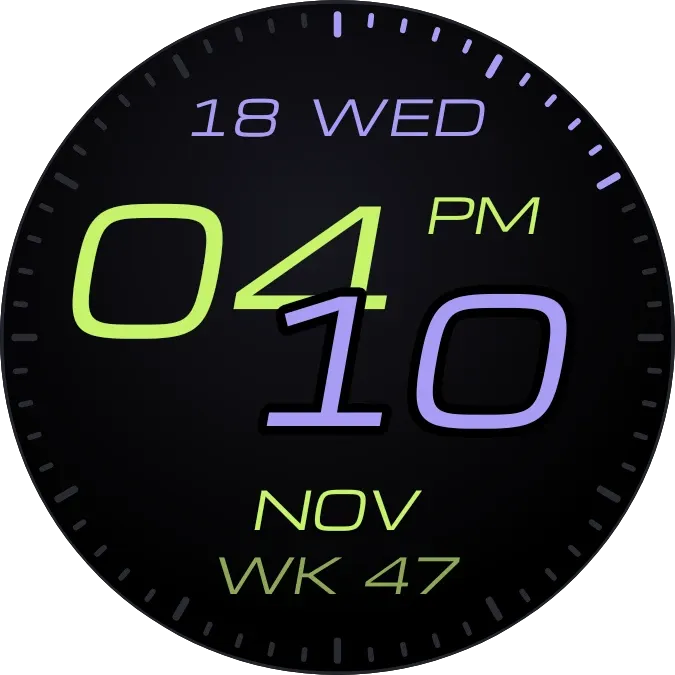 ChicaneWatch Face
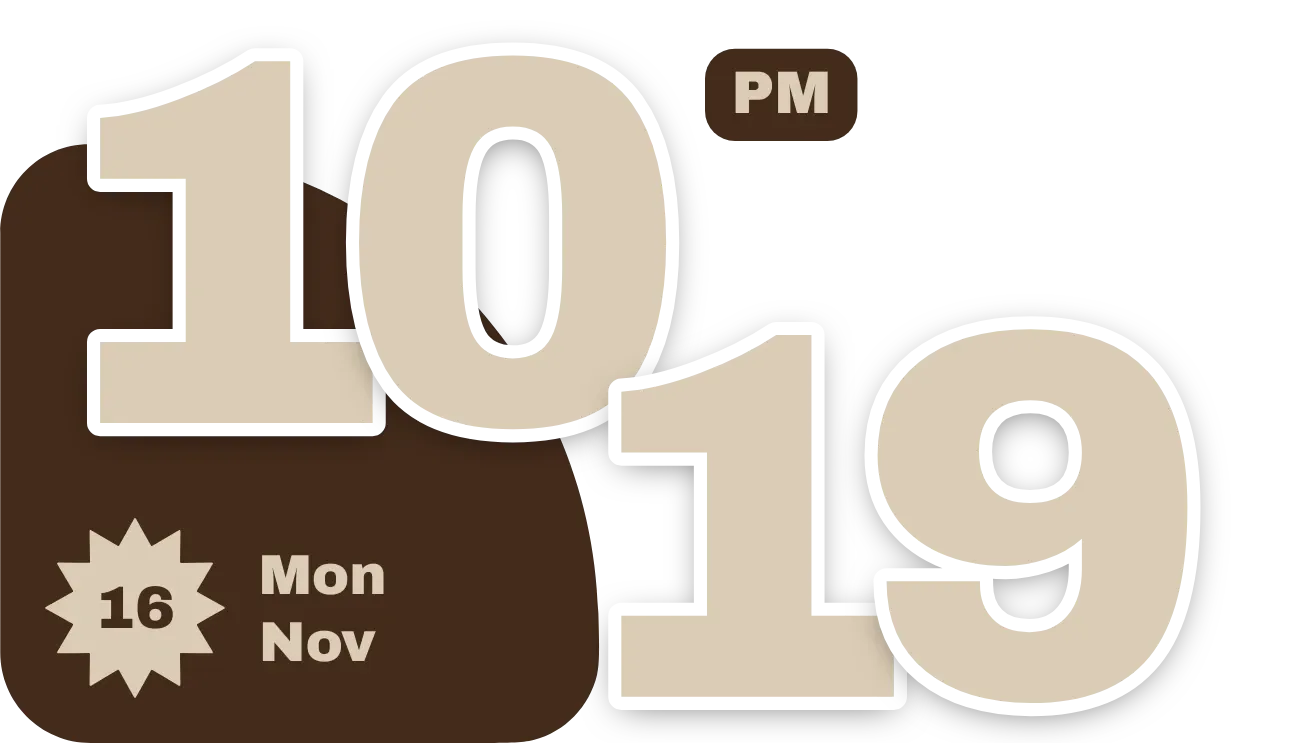 Cocoa JiveMaterial You
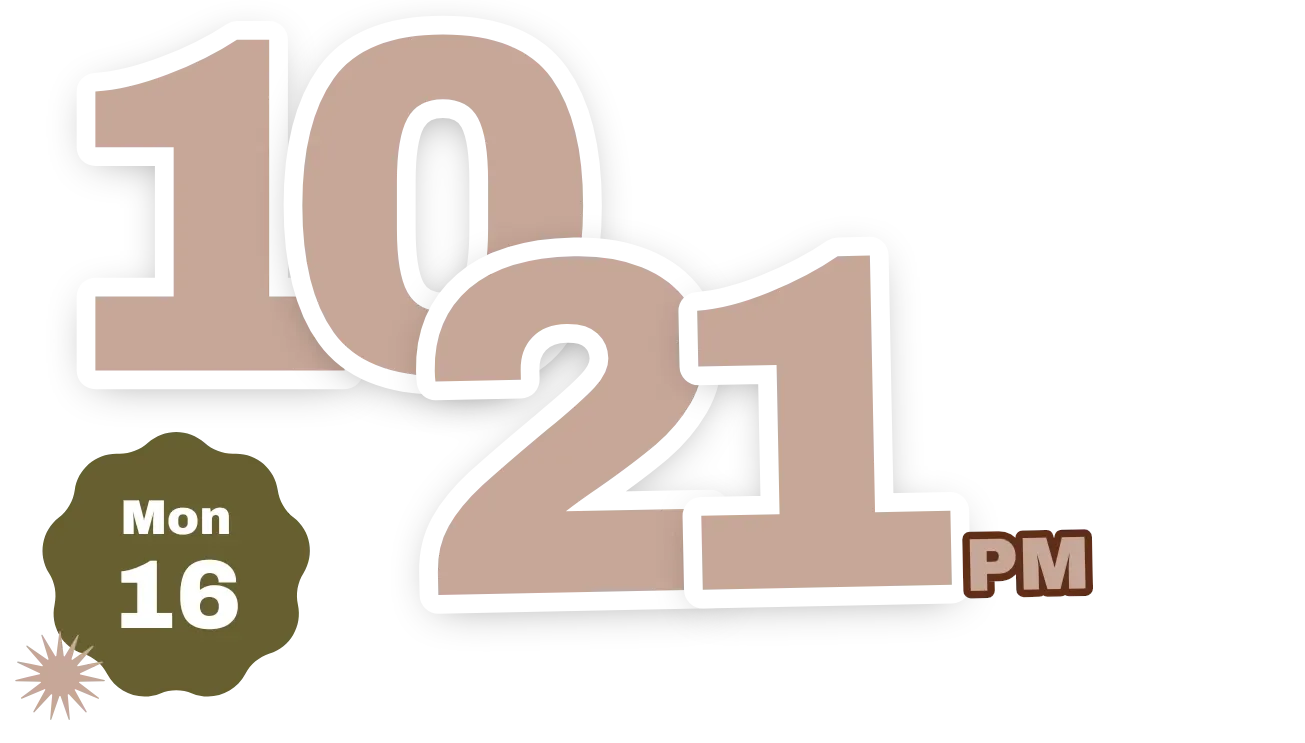 JostleMaterial You



