Cocoa Jive
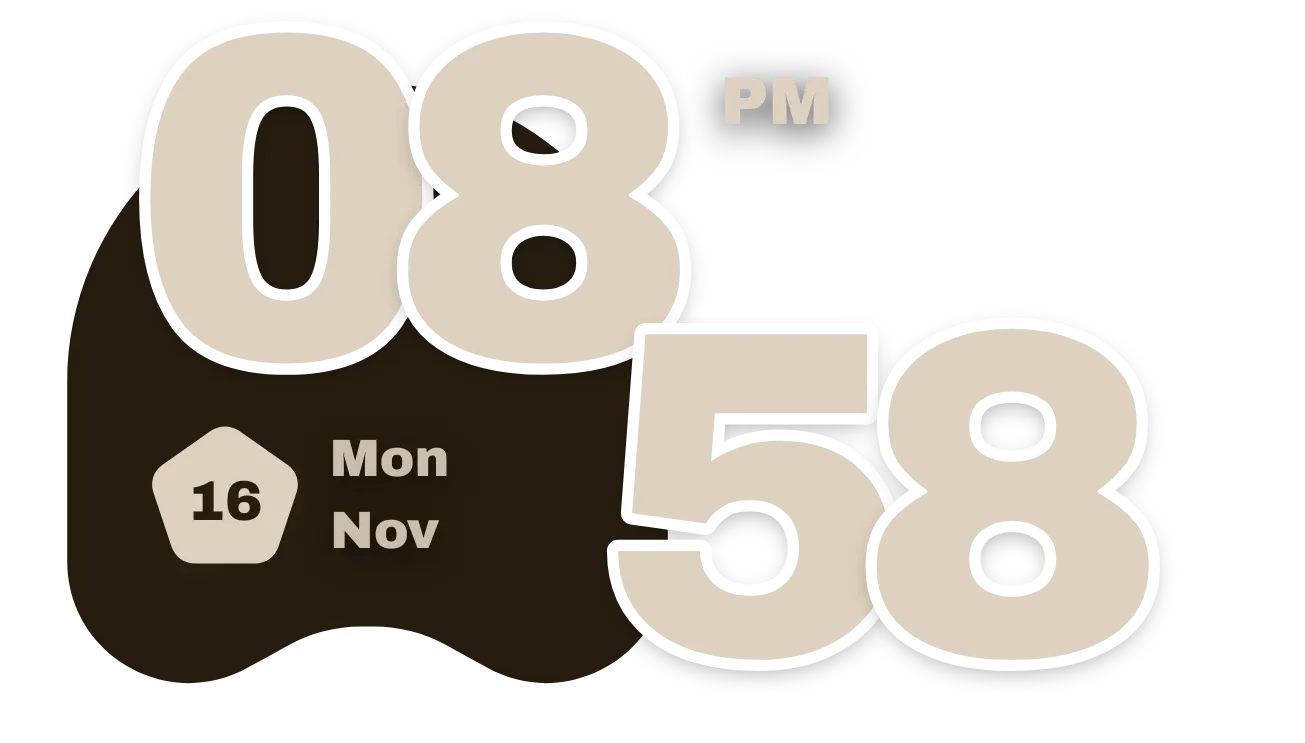
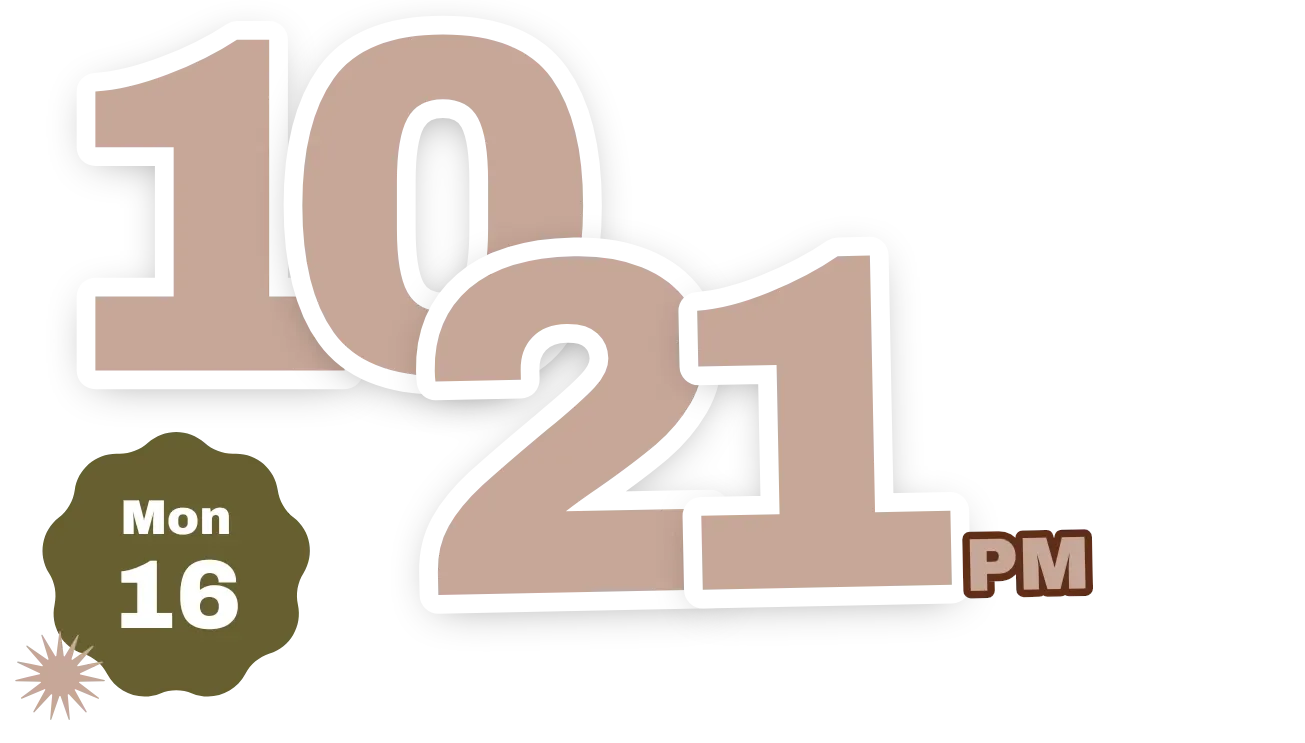
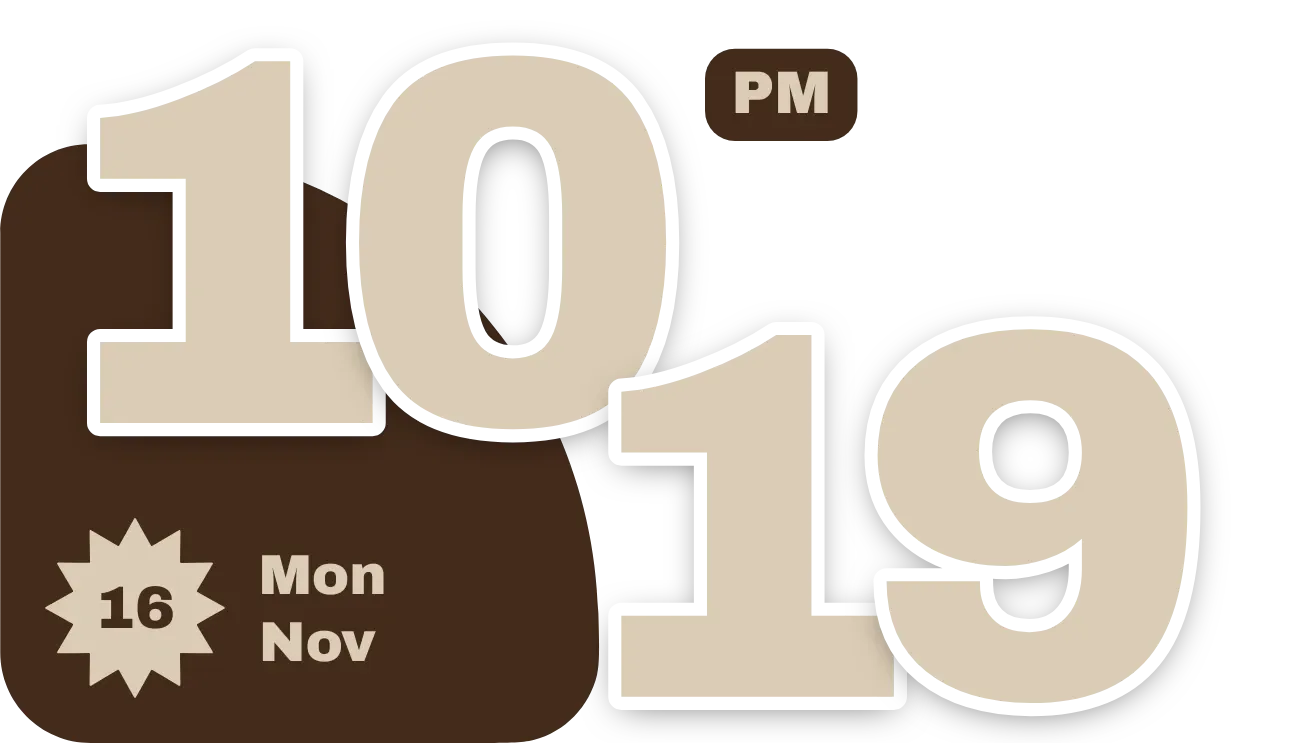
Large cream digits show the hour across the top and the minutes on a lower row, shifted to the right, over a dark brown fan shape in the bottom-left corner. A cream starburst badge holds the day of the month, with the weekday and month beside it. A small brown tag next to the hour shows AM or PM.
- Size
- 4x2 cells
- Kit
- Material You
- Shows
- Time and date
- Look
- Typographic, bold shapes and retro
- Colours
- Cream and brown
- Looks like
- Pixel widgets
- Good for
- Checking the time, daily routine and checking today's date
- Android
- 10 or newer
- Needs
- No additional permissions
- Price
- Free
Kiwi is in beta and is not on Google Play yet. Join to request an invitation.
- big-numbers
- bold
- brown
- chunky
- cozy
- cream
- date
- date-display
- day-of-week
- digital-clock
- fan
- material-you
- month
- playful
- retro
- rounded
- shadow
- shapes
- starburst
- time
- transparent
- typographic
- warm
What changes
- The hour is always two digits, so a single-digit hour appears with a zero in front of it.
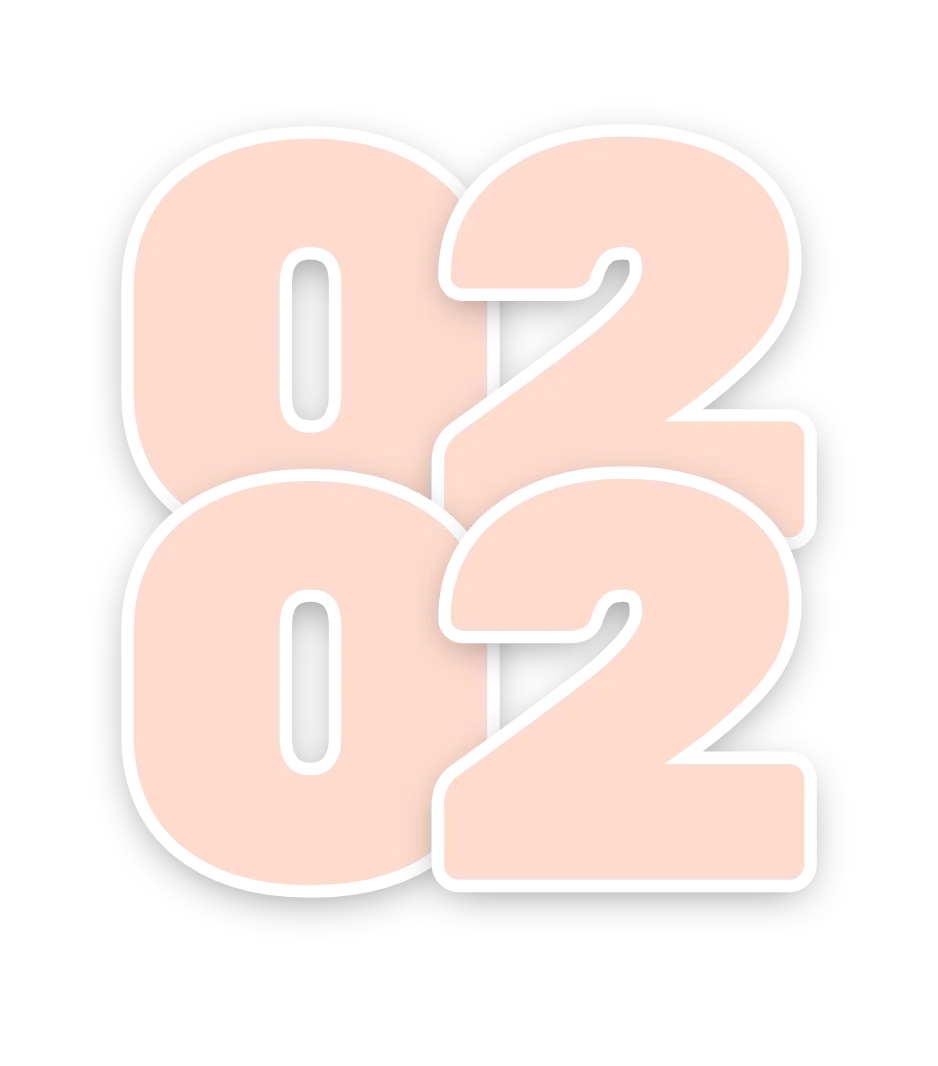
- The minute digits rise and fall as time passes. They sit lowest when the minute ends in 0 or 9 and highest when it ends in 4 or 5.
- The AM or PM tag appears only when the clock is in 12-hour format and is hidden in 24-hour format.
- The starburst badge shows the day of the month, and the weekday and month beside it change with the date.
- Tapping the widget opens the clock.
Data and settings
- Reads the current time: the hour, the minutes and AM or PM.
- Reads the current date: the day of the month, the weekday and the month.
- Has no options to set.
Set it up
- Open the widget in Kiwi, either from its kit or from this page.
- Tap Use.
- Confirm your launcher's prompt to place it on your home screen.
Widgets like Cocoa Jive
 Paprika PuffMaterial Expressive
 ClovercutMaterial Expressive
 Puffy PressPlayful
 Apricot PunchMaterial Expressive