Hourlace
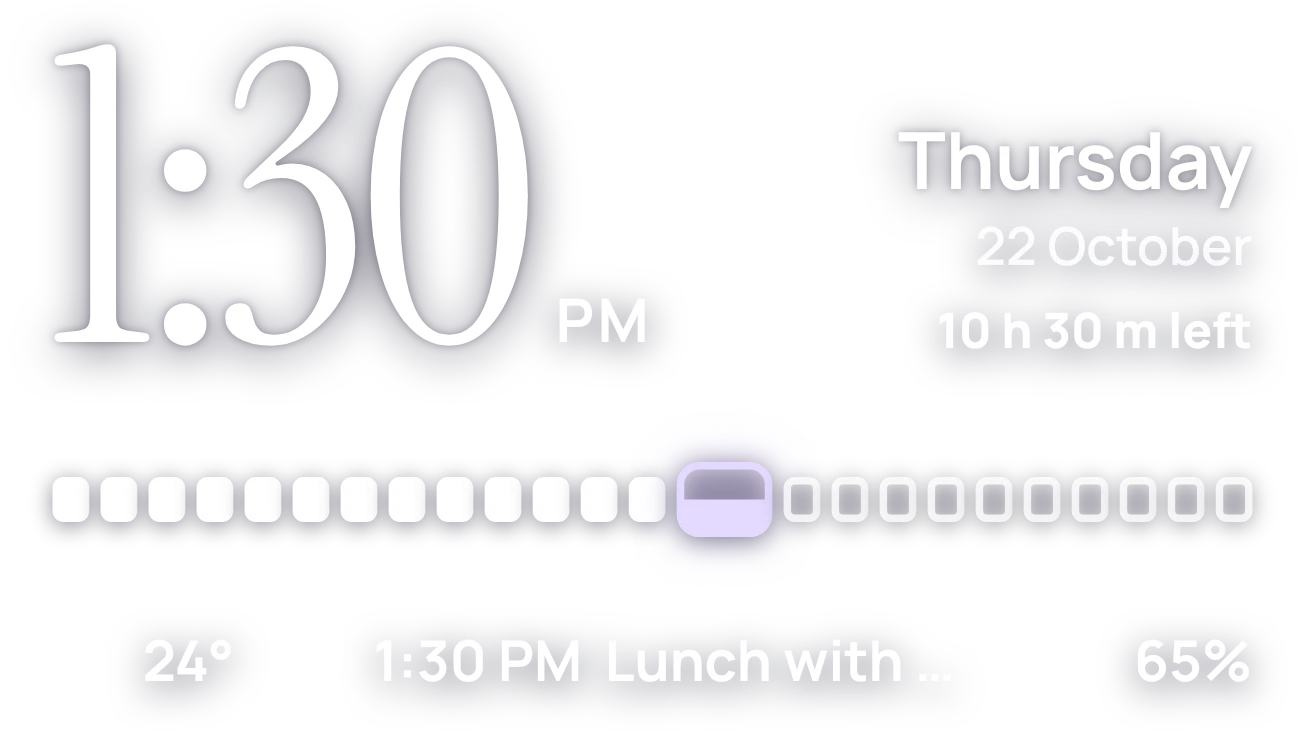
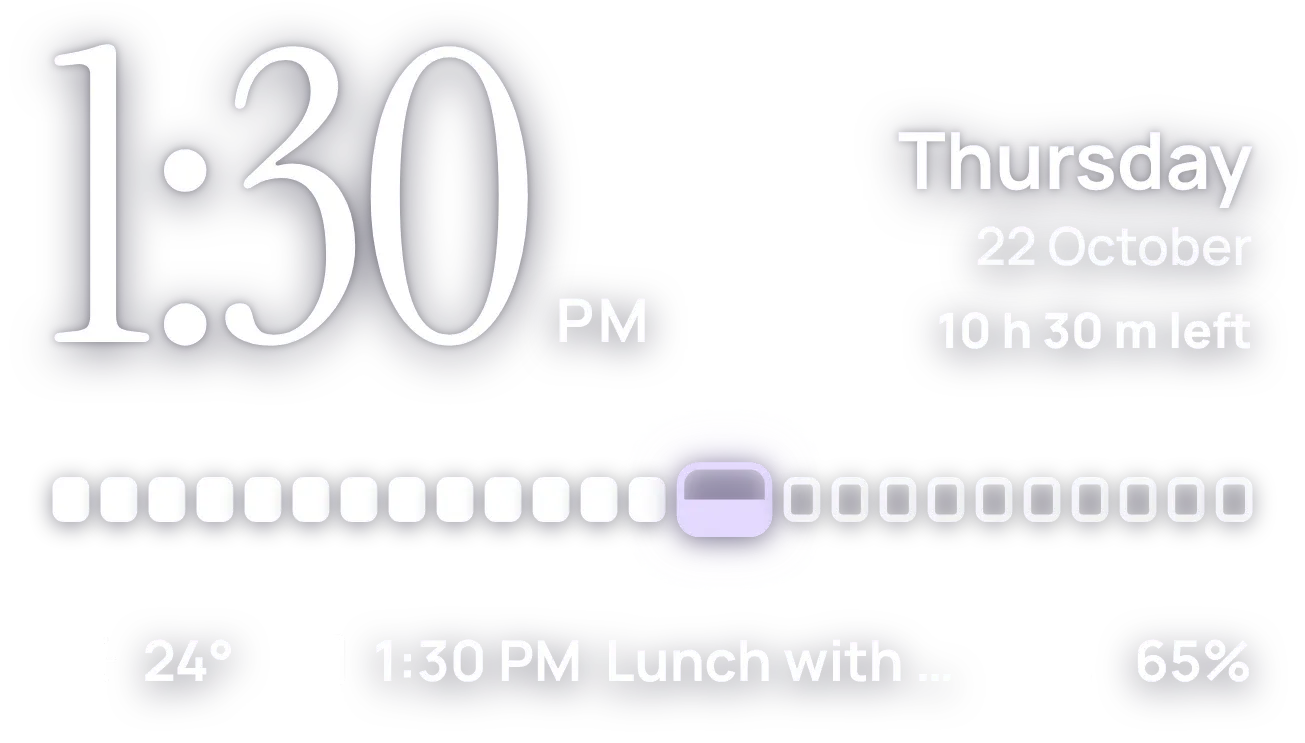
Hourlace shows a large serif clock with AM or PM beside it, and the weekday, date and time left in the day on the right. Below is a row of 24 hour blocks, with the current hour in lilac. The bottom line shows the temperature, the next calendar event and the battery level.
- Size
- 4x2 cells
- Kit
- Clear
- Shows
- Battery, Calendar, Time and date, Weather
- Look
- Typographic, minimal and soft UI
- Colours
- White, grey and black
- Good for
- Daily planning, work day and study
- Android
- 10 or newer
- Needs
- READ_CALENDAR (optional)
- Price
- Free
Kiwi is in beta and is not on Google Play yet. Join to request an invitation.
- agenda
- at-a-glance
- battery
- big-numbers
- calendar
- calm
- clock
- countdown
- date-display
- day-progress
- digital-clock
- dreamy
- lilac
- minimal
- next-event
- progress
- purple
- serif
- serif-clock
- shadow
- soft
- time-of-day
- typographic
- weather
- white
What changes
- Hours that have passed show as solid white blocks, and hours still to come show as outlined blocks.
- The current hour is a wider lilac block that fills from the bottom as the minutes pass.
- The AM or PM label appears only when the phone uses a 12-hour clock.
- The right side shows the weekday, the date, and how much of the day is left, such as 1 h 35 m left.
- With calendar access and an upcoming event, the bottom line shows its time and title, cut off with an ellipsis if long. With none, it reads A clear week ahead.
- Until a city is set and weather is ready, the temperature spot reads Set a city. Without calendar access, the event spot reads Show your events.
Data and settings
- Reads the time, the date and the time left in the day.
- Reads the current temperature and weather condition for the weather icon.
- Reads your calendar for the next event's time and title, if you allow it.
- Reads the battery level.
- The weather needs a city, which you can set.
Set it up
- Open the widget in Kiwi, from its kit or from this page.
- Tap Use.
- Confirm your launcher's prompt to place it.
- Set a city so the temperature can show.
- To see your next event, allow calendar access when asked. This is optional.
Permissions
- Calendar (optional: it works without it). Your next events come from the calendar on this phone. Only the times and titles of what's coming up; never sent anywhere, and never changed.
Good to know
- The temperature and weather icon need an internet connection and a city.
- Your next event shows only after you allow calendar access.
- Only the next upcoming event is shown, on one line, and long titles are cut off.
- The time left in the day and the hour fill are shown to the hour and minute, not the second.
Widgets like Hourlace
 Lilac LullabyMaterial Expressive
 Plum SilkScenes
 Yolk and PearlGlass
 CandlewickSoft UI