Candlewick
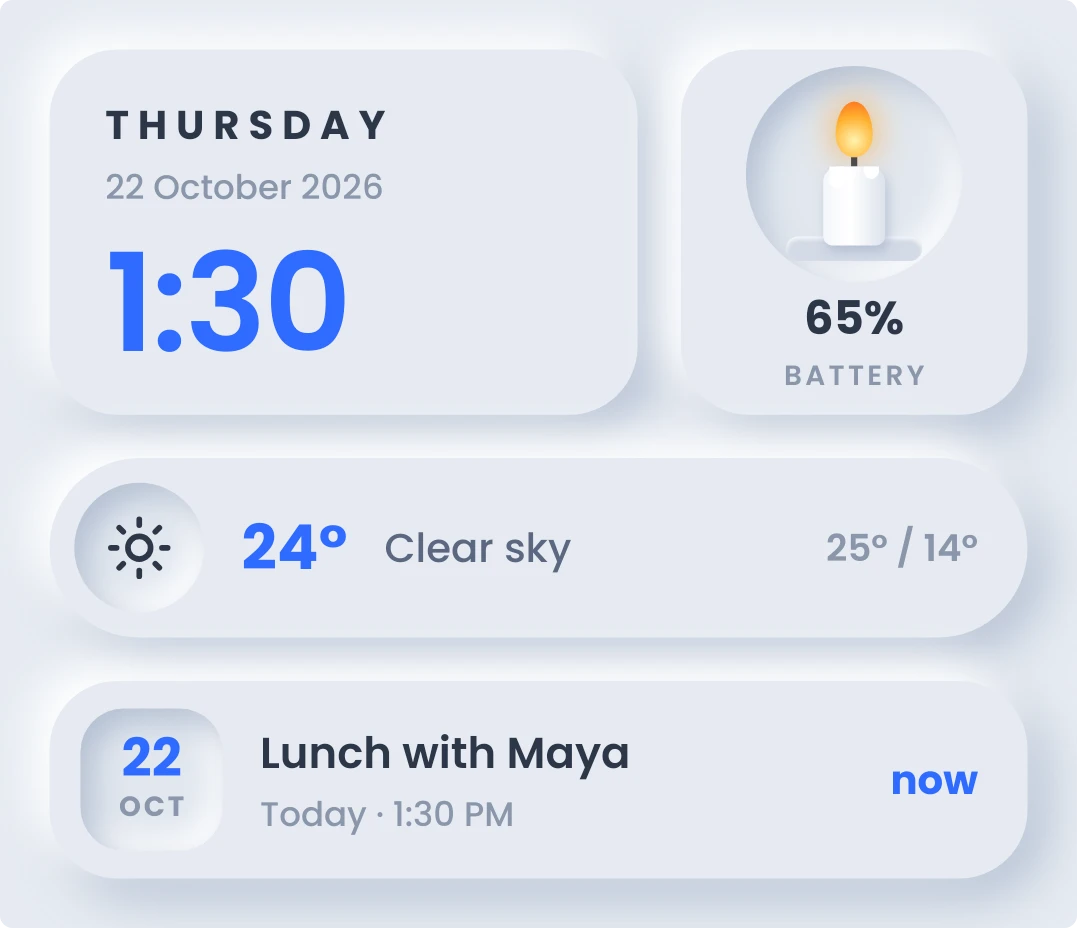
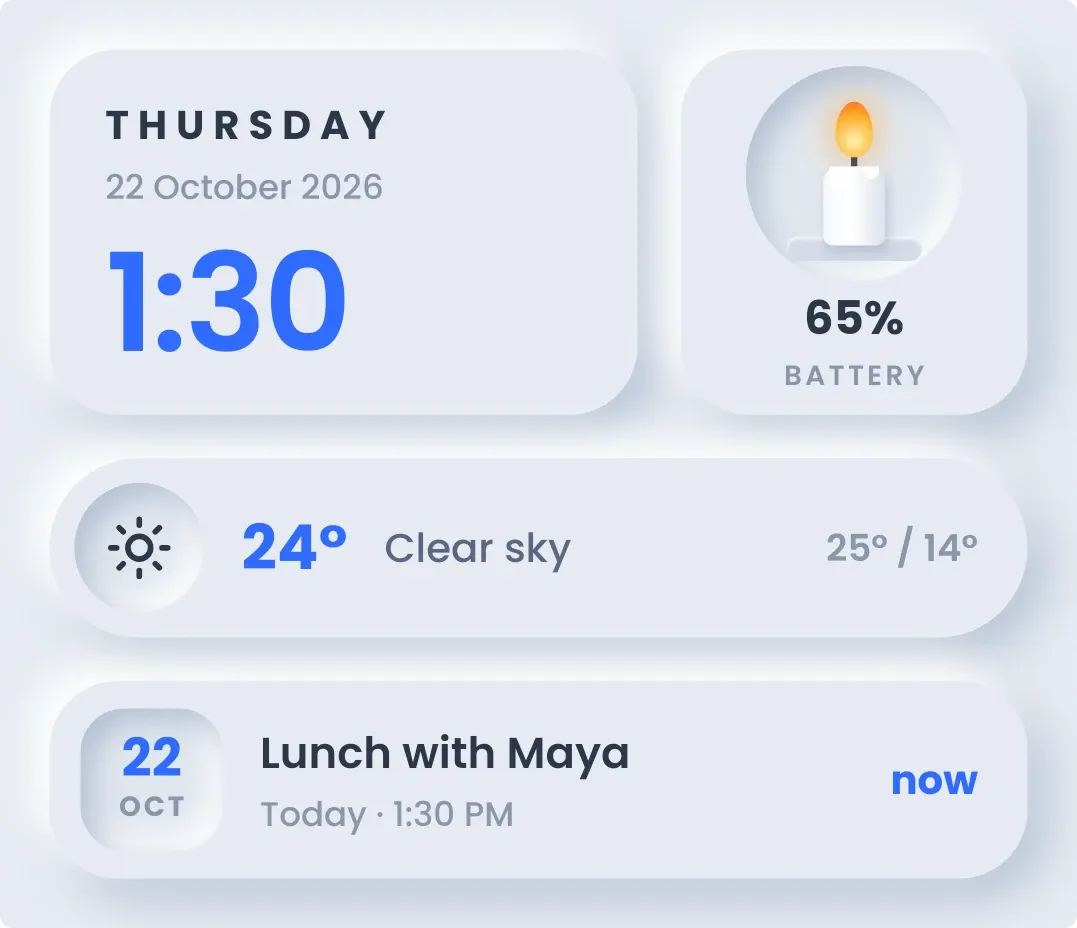
Candlewick is a set of raised tiles on a pale grey background. The top row shows the day, date and time in large blue digits beside a candle in a pressed well, with the battery percentage below it. Underneath are a weather line with temperature, condition, high and low, and a tile for your next calendar event.
- Size
- 4x3 cells
- Kit
- Soft UI
- Shows
- Battery, Calendar, Time and date, Weather
- Look
- Soft UI, minimal and 3D
- Colours
- Blue and white, light background
- Good for
- Work day, meetings and desk setup
- Android
- 10 or newer
- Needs
- READ_CALENDAR (optional)
- Price
- Free
Kiwi is in beta and is not on Google Play yet. Join to request an invitation.
- battery
- big-numbers
- blue
- calendar
- calm
- candle
- clear-sky
- clock
- countdown
- digital-clock
- glow
- grey
- light
- minimal
- neumorphism
- next-event
- percentage
- rounded
- soft
- soft-ui
- sun
- temperature
- weather
What changes
- The candle's wax gets shorter as the battery drains and taller as it charges, and the percentage under the candle updates with it.
- The flame is orange normally. While the phone is charging it turns blue and the label under the percentage changes from battery to charging.
- The weather line shows an icon for the current conditions, the temperature, a short description, and today's high and low. Tapping it refreshes the weather.
- Without a city, the weather line shows a location-off icon and the text No city set instead of temperatures.
- The event tile shows the next event's title, the day and start time, and how long until it starts, such as in 25 m. It reads now once the event has started, and all day events show all day in place of a time.
- With nothing upcoming, the event tile says Nothing next and A clear stretch ahead. Without calendar access it says Your calendar and prompts you to allow it.
Data and settings
- Reads the battery level and whether the phone is charging.
- Reads the current time and date.
- Reads the weather for the city you set: temperature, conditions, high and low.
- Reads your next calendar event if you allow calendar access. This permission is optional.
Set it up
- Open Candlewick in Kiwi, either from its kit or from this page.
- Tap Use.
- Confirm your launcher's prompt to place the widget on your home screen.
- Set a city for the weather. Until you do, the weather line shows No city set.
- To see your next event, allow calendar access when asked. Without it the event tile only prompts you to allow it.
Permissions
- Calendar (optional: it works without it). Your next events come from the calendar on this phone. Only the times and titles of what's coming up; never sent anywhere, and never changed.
Good to know
- Weather needs an internet connection and a city. Without a city it shows No city set instead of the temperature.
- Your next event appears only after you allow calendar access.
- The event tile shows one event at a time, the next one coming up.
- The candle reflects the battery percentage only. It does not estimate how much time is left.
Widgets like Candlewick
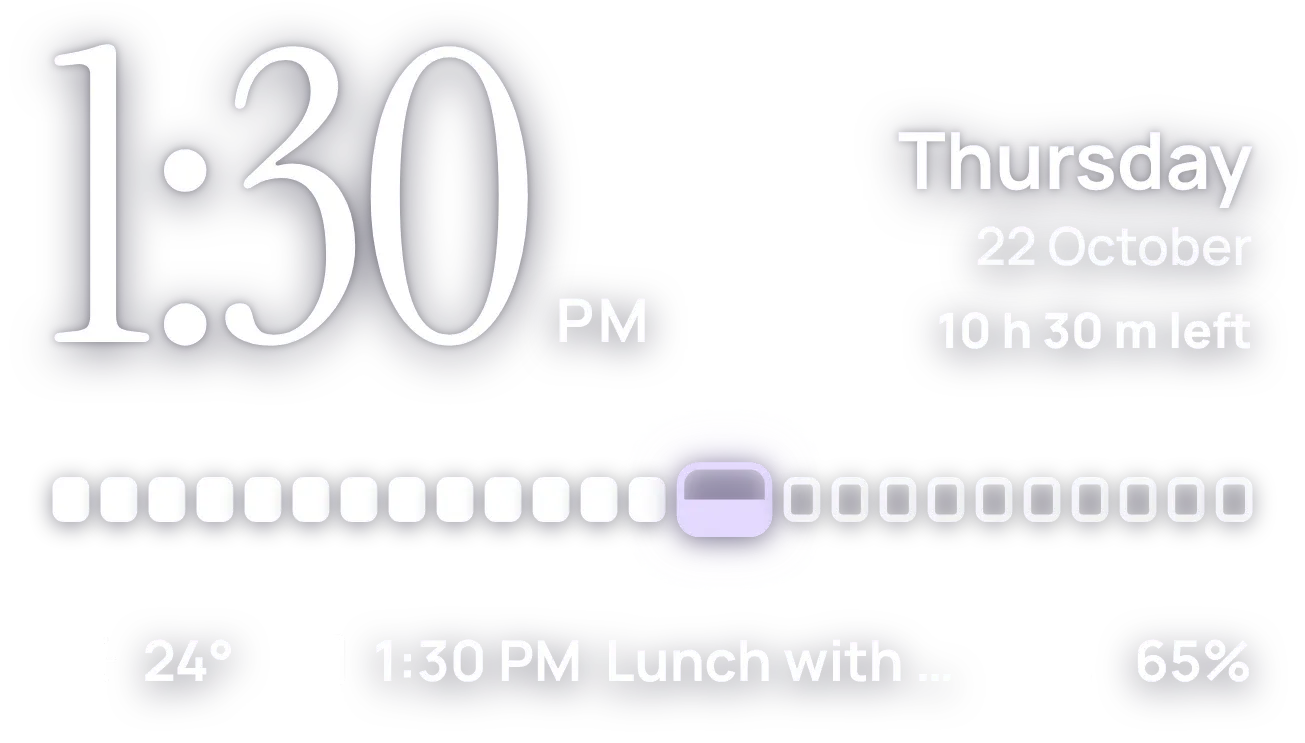 HourlaceClear
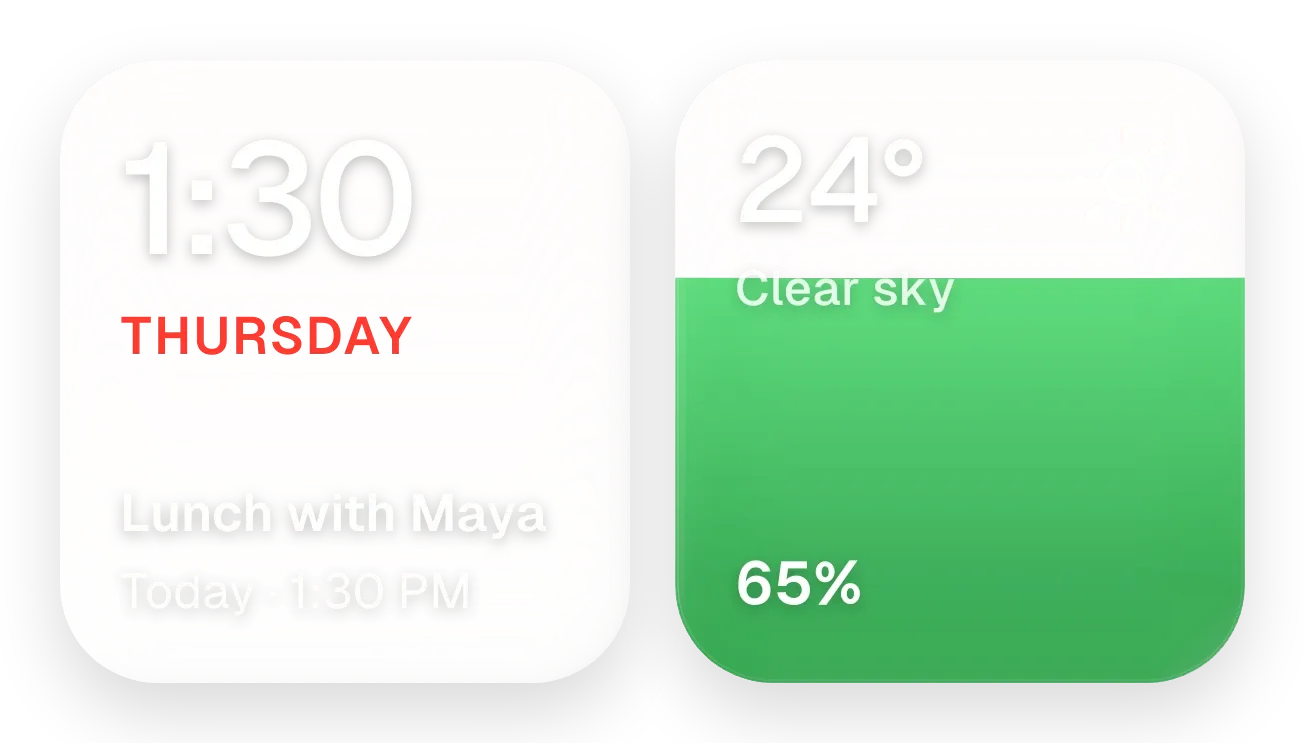 Yolk and PearlGlass
 Frost StackGlass
 Last LightScenes