Yolk and Pearl
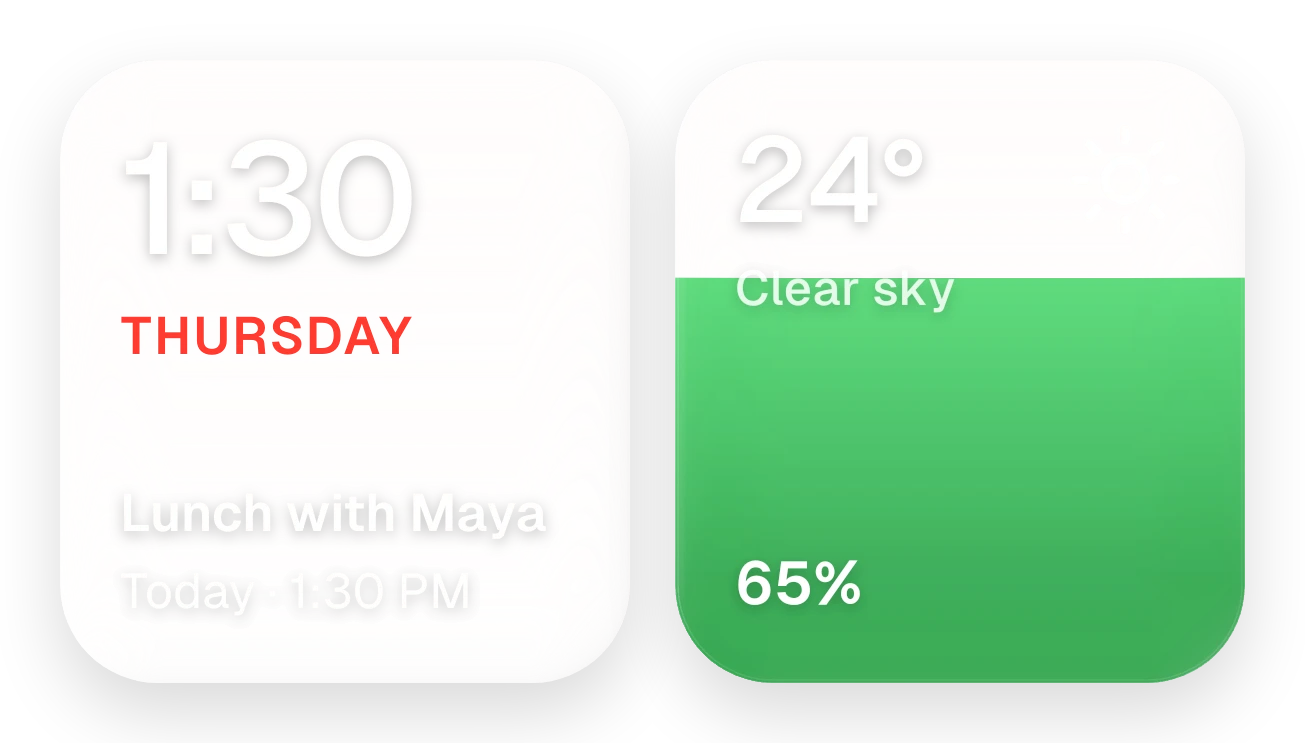
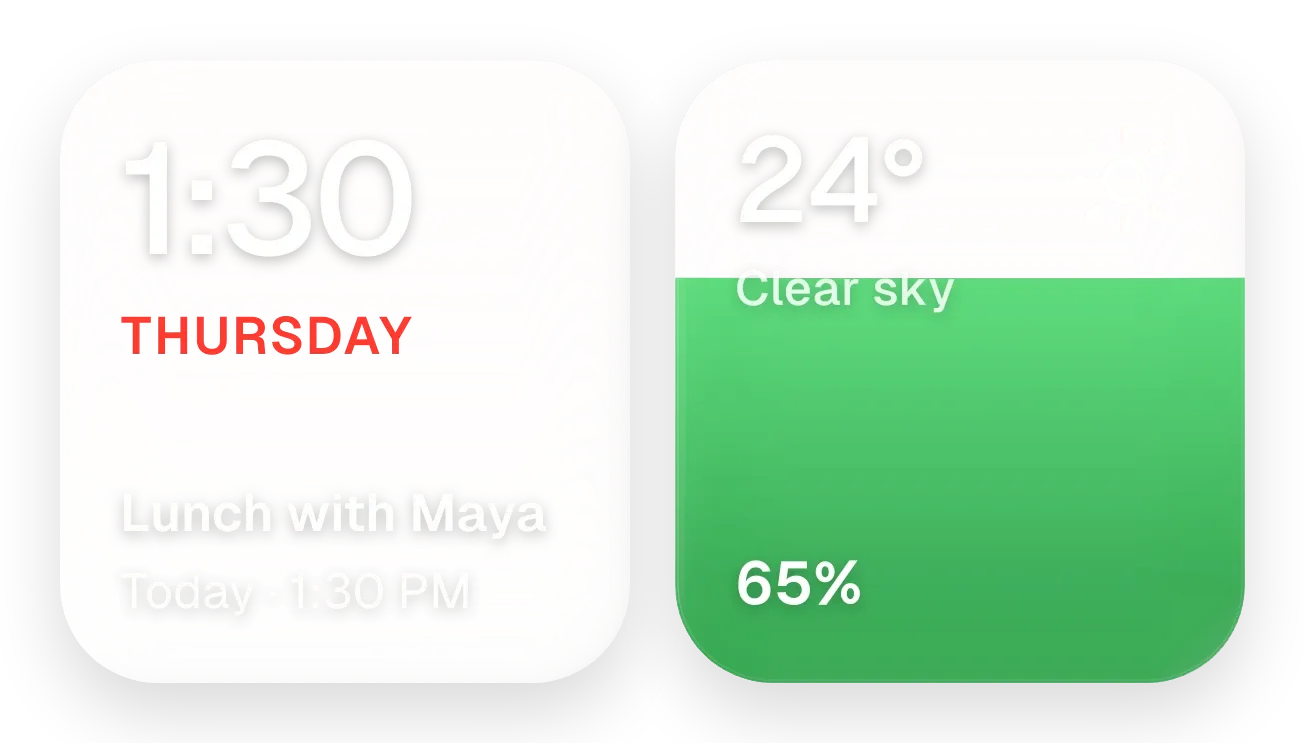
Yolk and Pearl is a pair of rounded glass tiles side by side. The pearl-grey tile on the left shows the time in large white digits, the weekday in red capitals, and the next calendar event with its day and time. The tile on the right shows the temperature, the weather condition with an icon, and the battery percentage, with a coloured fill that rises with the charge.
- Size
- 4x2 cells
- Kit
- Glass
- Shows
- Battery, Calendar, Time and date, Weather
- Look
- Glass, soft UI and 3D
- Colours
- Yellow and grey, light background
- Looks like
- iPhone widgets
- Good for
- Morning routine, work day and meetings
- Android
- 10 or newer
- Needs
- READ_CALENDAR (optional)
- Price
- Pro
Kiwi is in beta and is not on Google Play yet. Join to request an invitation.
- agenda
- at-a-glance
- battery
- big-numbers
- bright
- calendar
- charging
- clean
- clear-sky
- clock
- date
- day-of-week
- event
- forecast
- glass
- grey
- live
- minimal
- rounded
- sun
- temperature
- warm
- weather
- white
- yellow
What changes
- The clock tile updates with the time and shows the current weekday name in red capitals.
- When a calendar event is coming up, the tile shows its title, then its day and time, such as Today · 12:00 PM.
- When the calendar is readable but has no upcoming events, the tile shows No events and Enjoy your day.
- Without calendar access, the tile shows Calendar hidden and Tap to allow in place of an event.
- The battery fill rises with the charge level and never drops below a small minimum height. It is green normally, red when the battery is low, and yellow while charging.
- While charging, a bolt appears beside the battery percentage. Tapping the weather row refreshes the weather.
Data and settings
- Reads the current time and date for the clock and weekday.
- Reads your next calendar event, if you allow calendar access.
- Reads the weather for your city: temperature, condition and icon.
- Reads the battery level, and whether it is low or charging.
Set it up
- Open the widget in Kiwi, from its kit or from this page.
- Tap Use.
- Confirm your launcher's prompt to place it.
- To see events on the clock tile, allow calendar access when asked. The widget works without it.
- Set a city so the weather tile can show the temperature and condition.
Permissions
- Calendar (optional: it works without it). Your next events come from the calendar on this phone. Only the times and titles of what's coming up; never sent anywhere, and never changed.
Good to know
- Without a city set, the weather tile shows -- degrees and No city set instead of the temperature and condition.
- Weather needs an internet connection to stay current.
- Your next event appears only after calendar access is allowed. Until then the tile shows Calendar hidden.
- The clock tile shows only the next event, not a full agenda.
Widgets like Yolk and Pearl
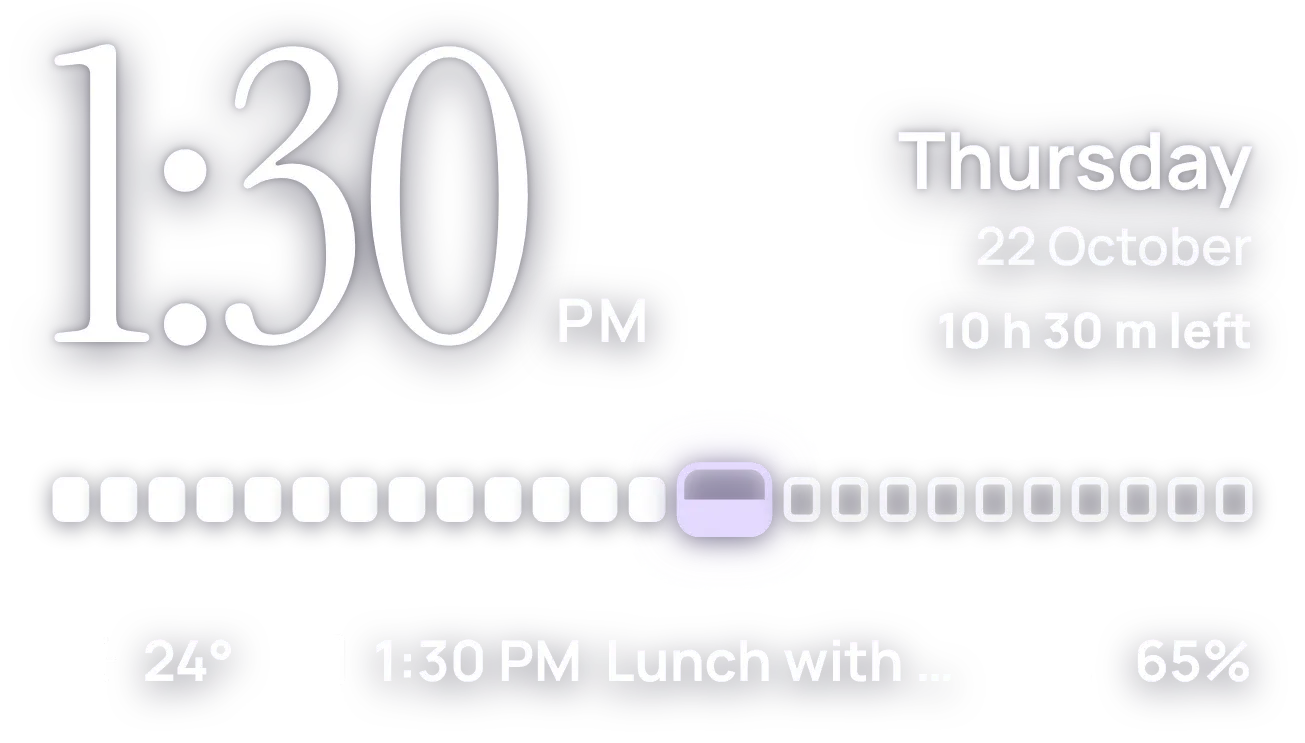 HourlaceClear
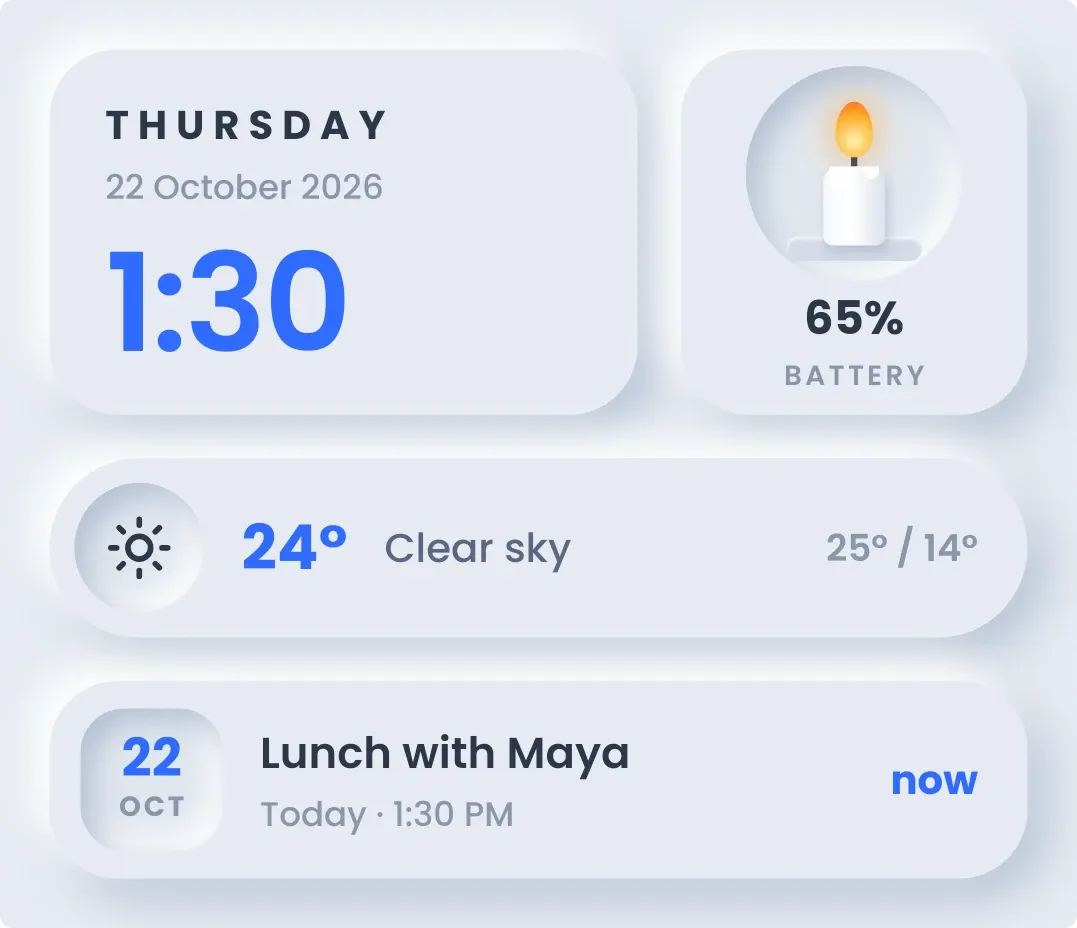 CandlewickSoft UI
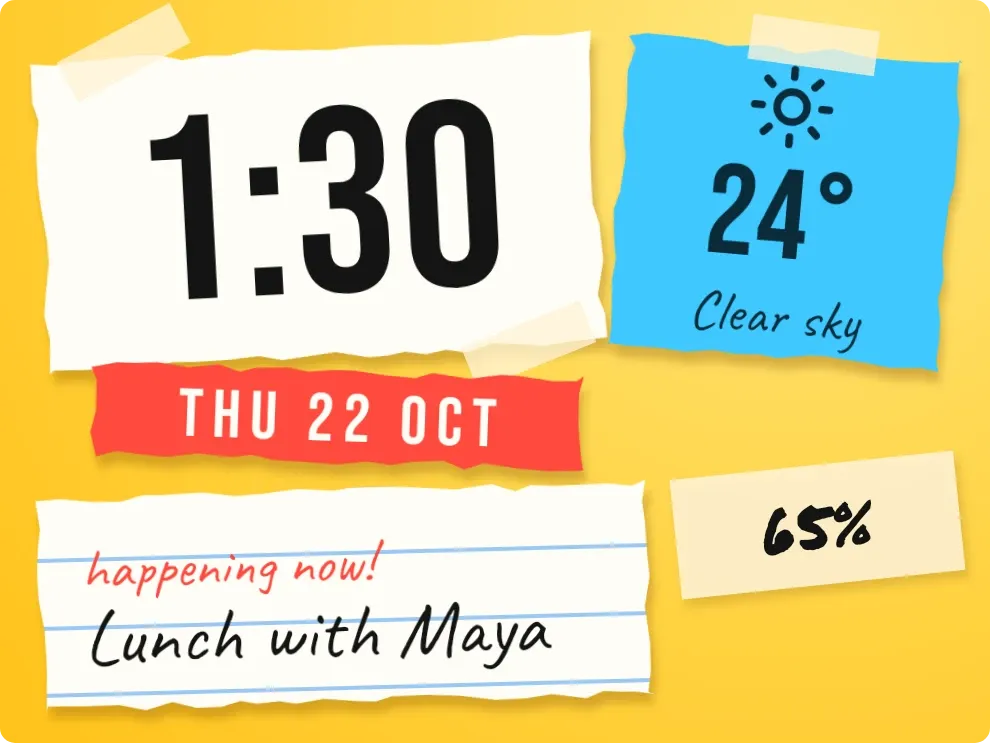 Scrap SundayPlayful