Frost Stack
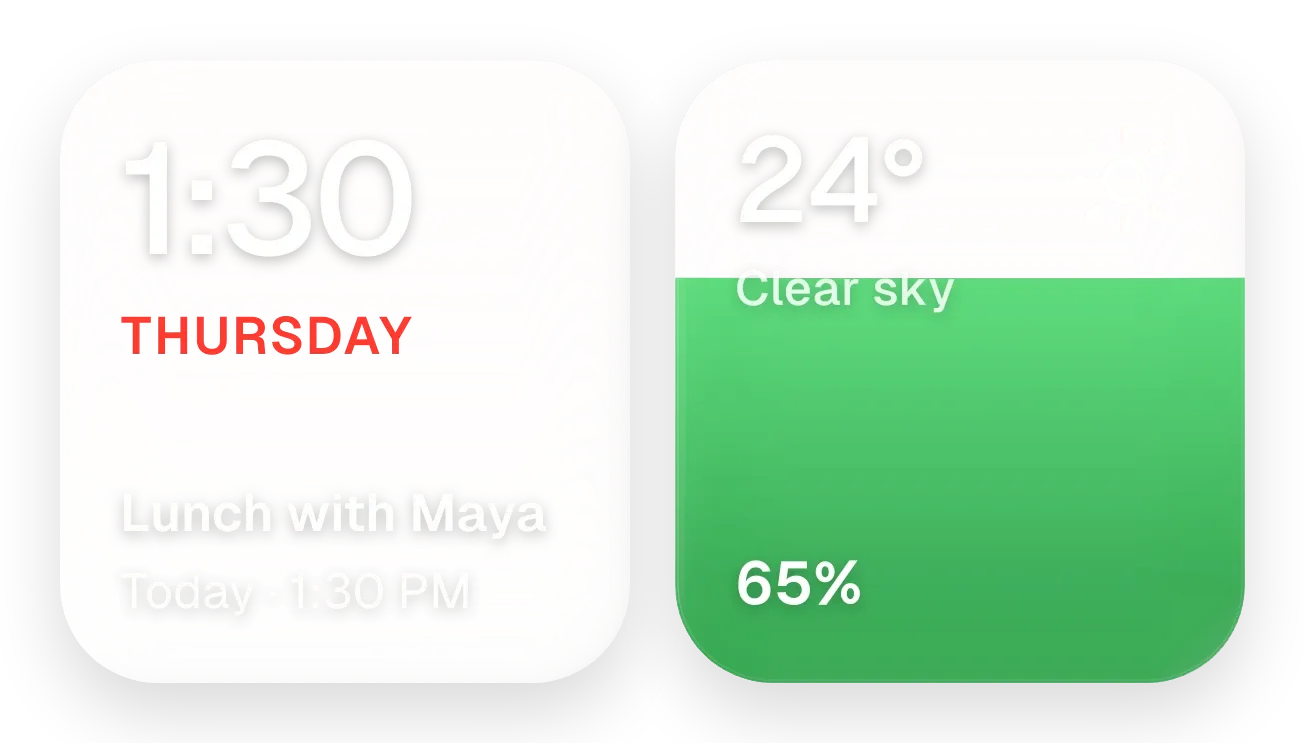
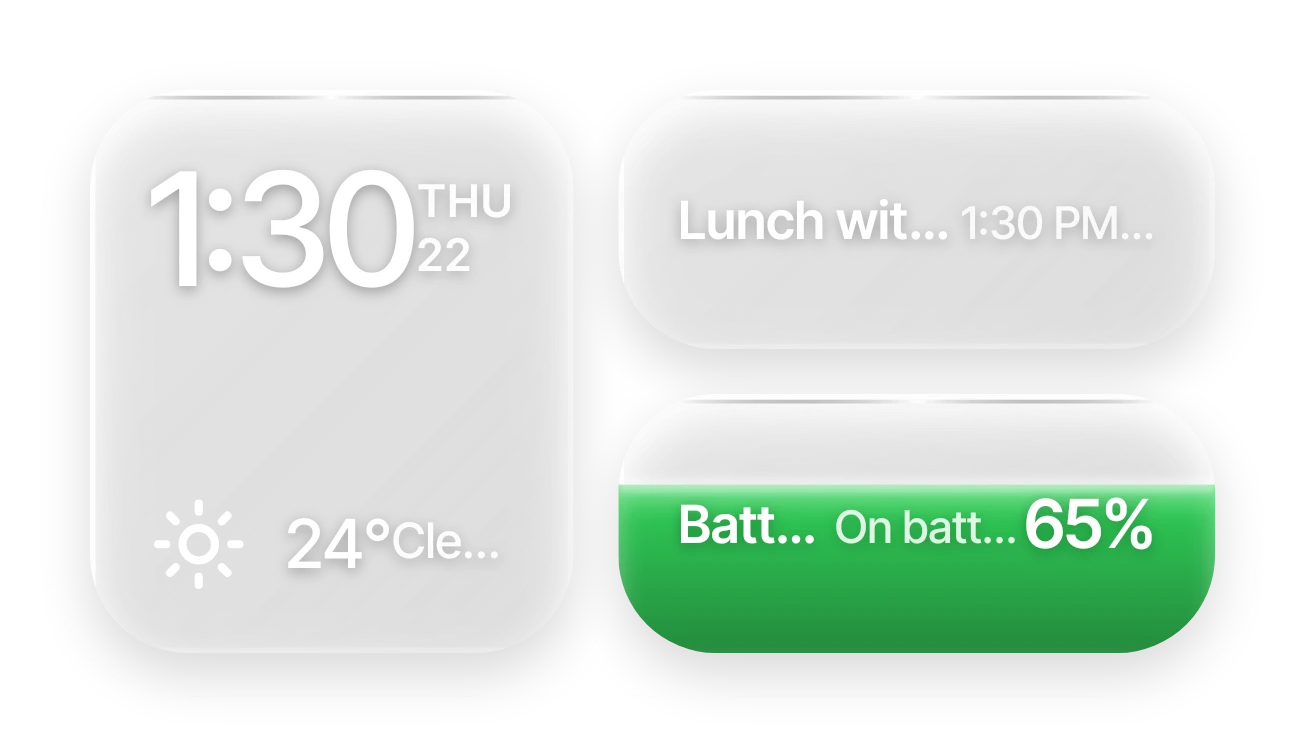
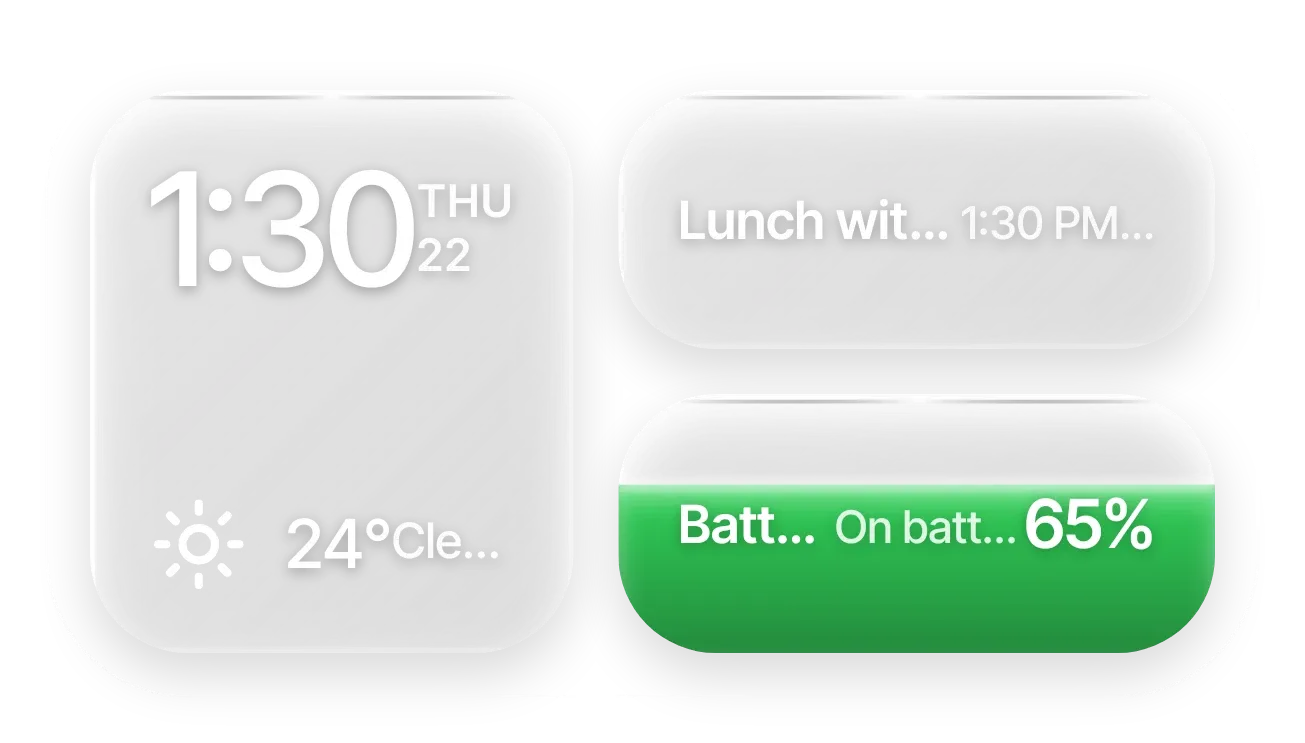
Frost Stack is a set of frosted glass panes in a thin rounded frame. A large pane shows the time, the weekday and day of the month, and the current temperature with a weather icon and condition. Two smaller panes show your next calendar event and a green battery pill that fills from the bottom to match your charge.
- Size
- 4x2 cells
- Kit
- Glass
- Shows
- Battery, Calendar, Time and date, Weather
- Look
- Glass, minimal and soft UI
- Colours
- Grey, green and white, light background
- Looks like
- iPhone widgets
- Good for
- Work day, meetings and office
- Android
- 10 or newer
- Needs
- READ_CALENDAR (optional)
- Price
- Pro
Kiwi is in beta and is not on Google Play yet. Join to request an invitation.
- agenda
- battery
- battery-detail
- big-numbers
- bright
- calendar
- clear-sky
- clock
- date-display
- digital-clock
- frosted-glass
- glass
- green
- grey
- liquid
- liquid-glass
- minimal
- next-event
- rounded
- temperature
- transparent
- weather
- white
What changes
- The time and the date, written as a short weekday and day number such as TUE 29, update as the clock changes.
- The weather icon changes with conditions: sunny day, partly cloudy, rain, storm night, snow, fog or clear night.
- While weather is not ready, the temperature shows as --° and the description reads Weather unavailable.
- The event pane shows the next event's title, its start time and how long until it starts, such as 10:00 AM · in 19m.
- With no upcoming event, the event pane reads No upcoming events and Enjoy your day.
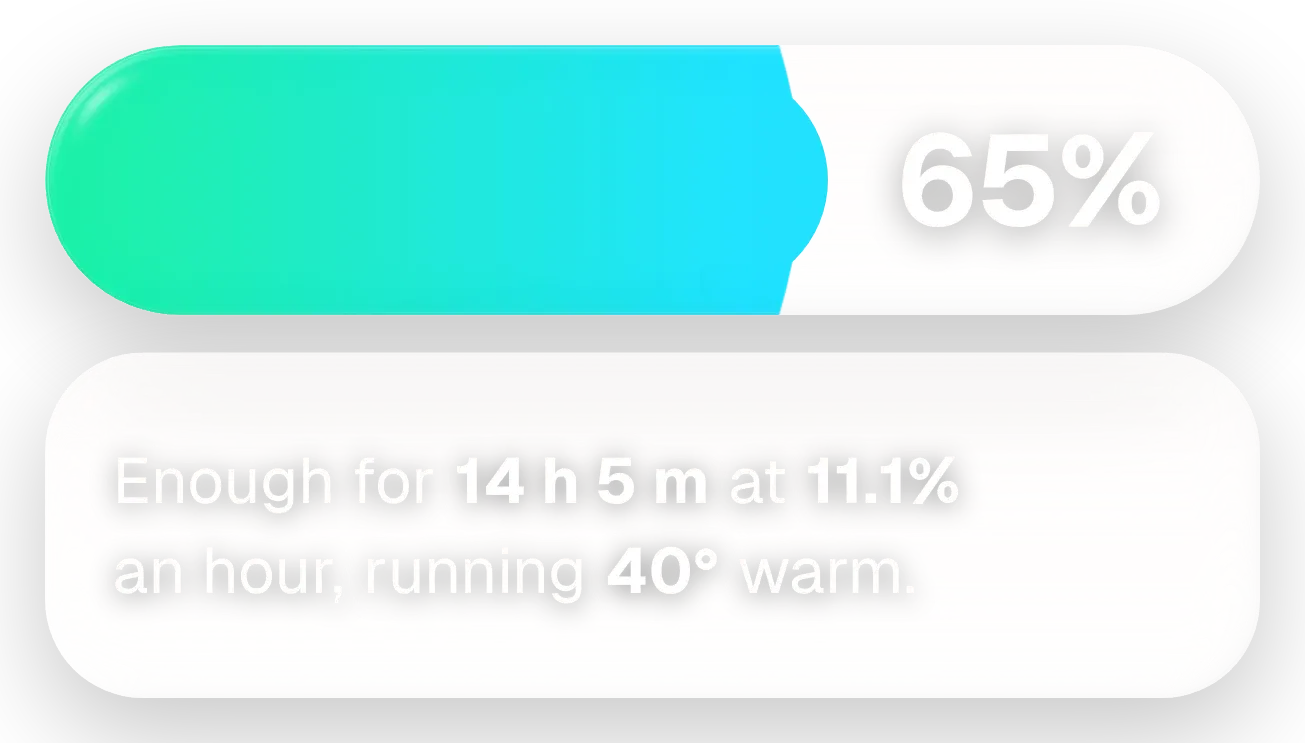
- The battery pane shows the charge percentage and a status line. The green fill rises and falls with the level. Long titles and descriptions are cut off with an ellipsis.
Data and settings
- Reads the current time and date.
- Reads the current temperature and weather condition.
- Reads your next calendar event: its title, start time and time remaining. This is optional.
- Reads the battery level and charging status.
- Has no options for you to set.
Set it up
- Open Frost Stack in Kiwi, either from its kit or from this page.
- Tap Use.
- Confirm your launcher's prompt to place it on your home screen.
- To see your next meeting, allow calendar access (READ_CALENDAR) when asked. The other panes work without it.
Permissions
- Calendar (optional: it works without it). Your next events come from the calendar on this phone. Only the times and titles of what's coming up; never sent anywhere, and never changed.
Good to know
- Weather needs an internet connection. Without one, the temperature and condition may not appear.
- Your next meeting only appears once calendar access is allowed. Without it, the event pane shows No upcoming events.
- The event pane shows only one event, the next one.
- Long event titles and weather descriptions are shortened with an ellipsis, so the full text may not be visible.
Widgets like Frost Stack
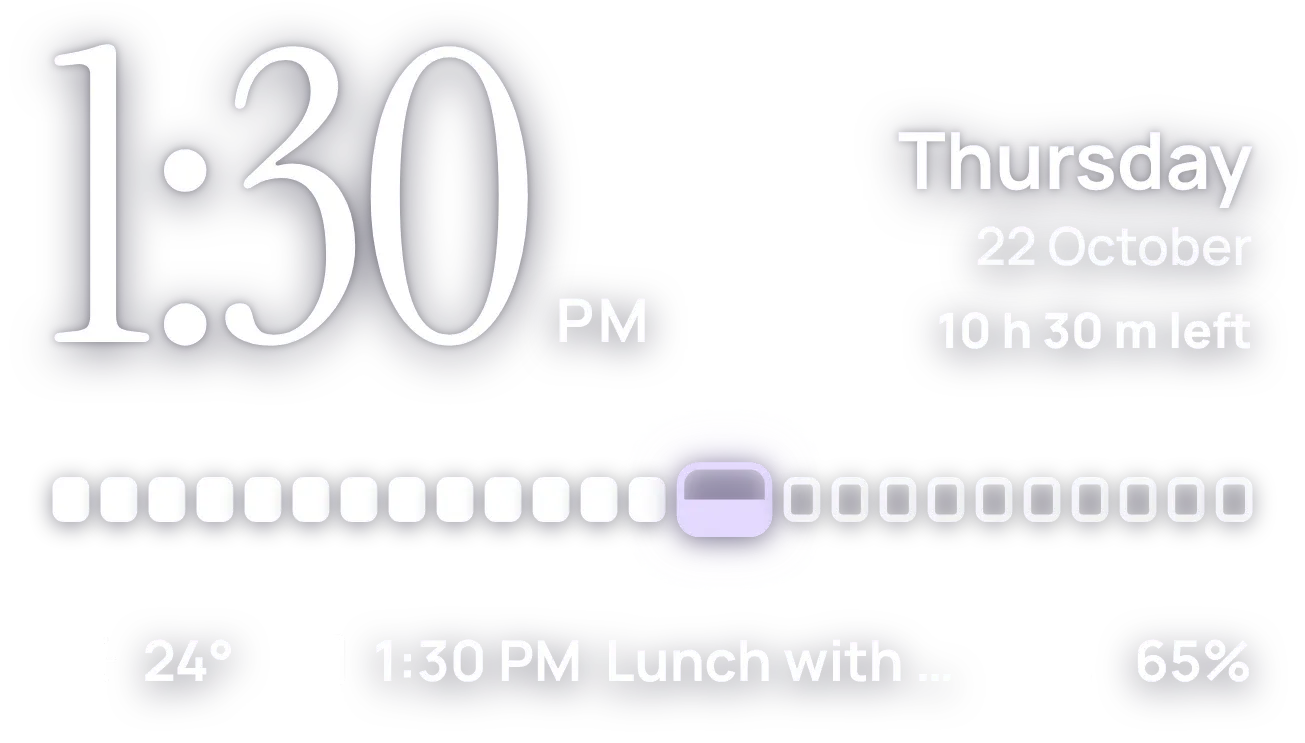 HourlaceClear
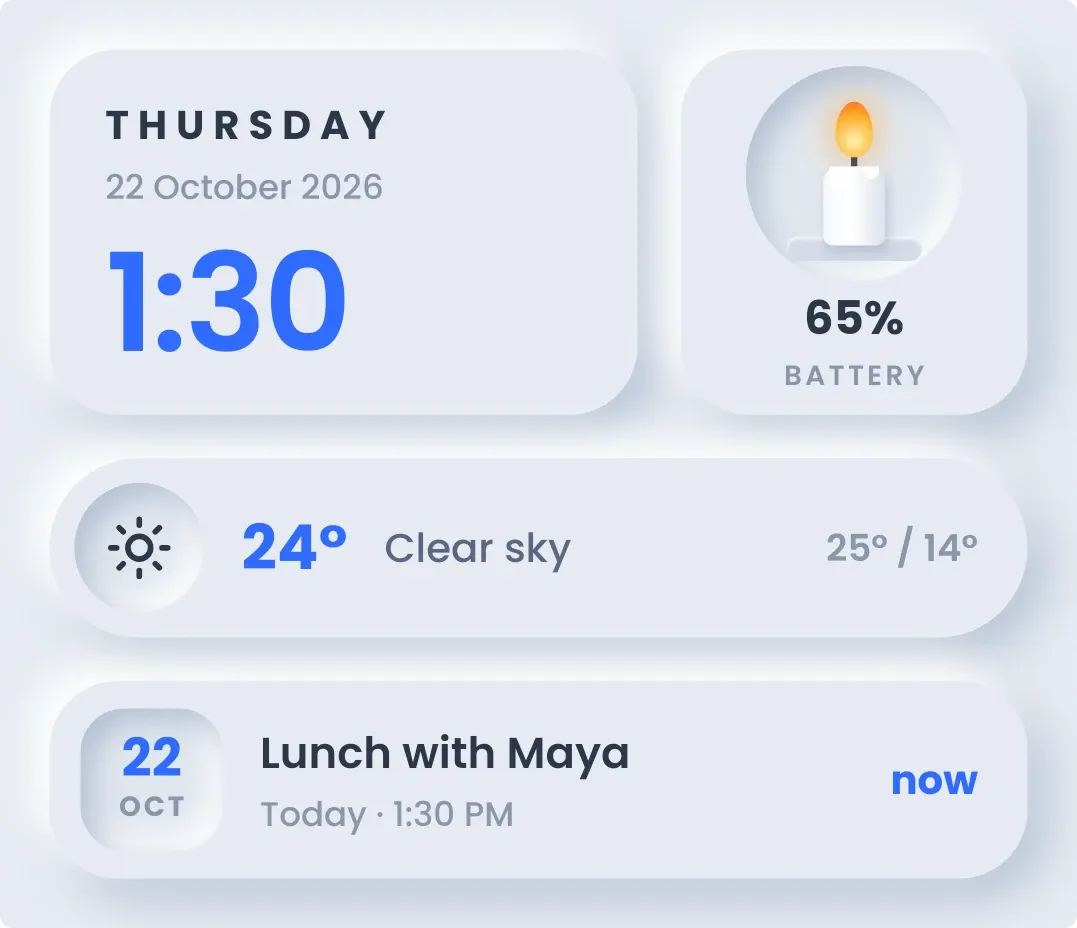 CandlewickSoft UI