Last Light
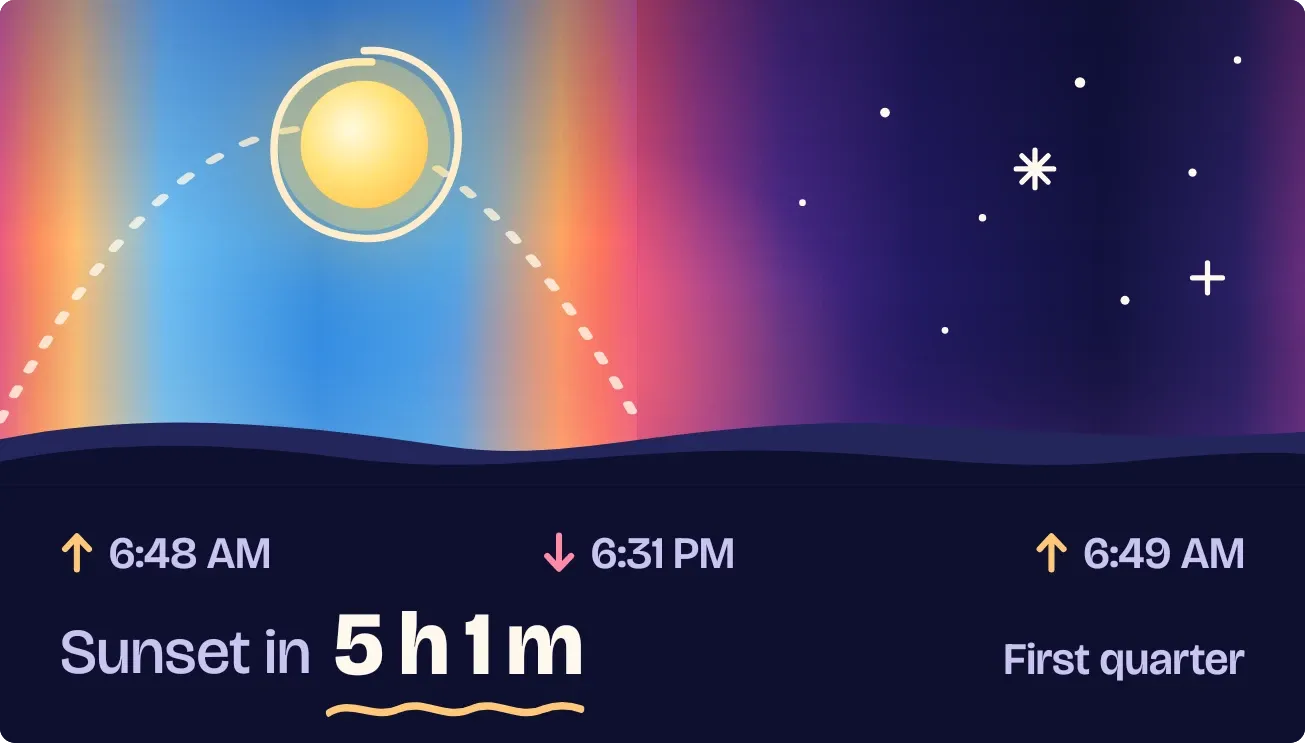
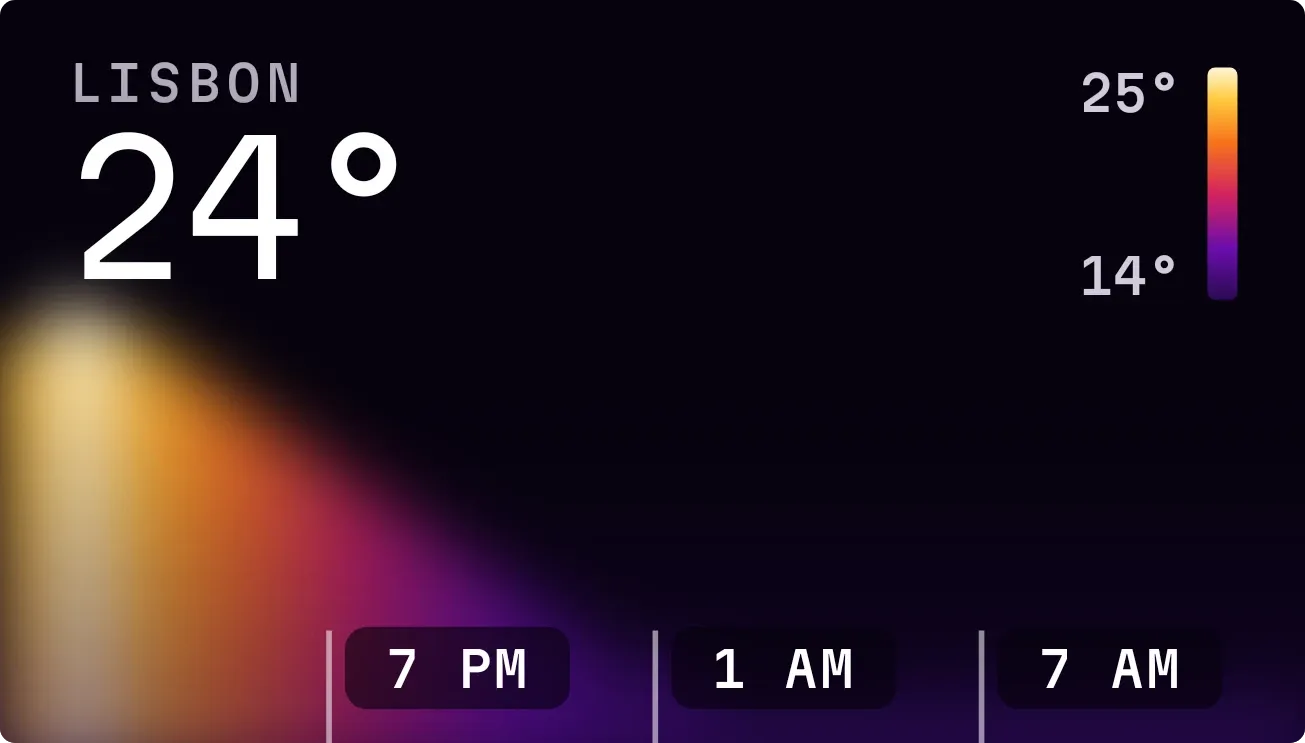
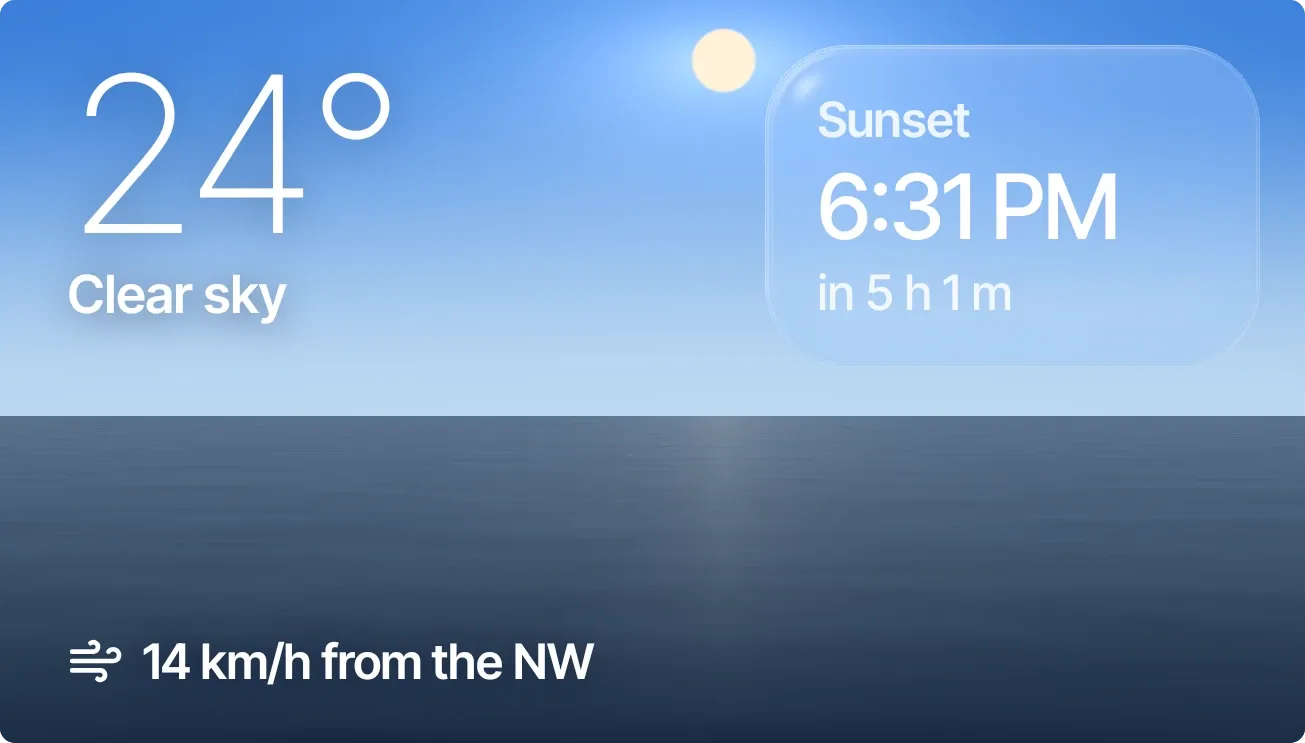
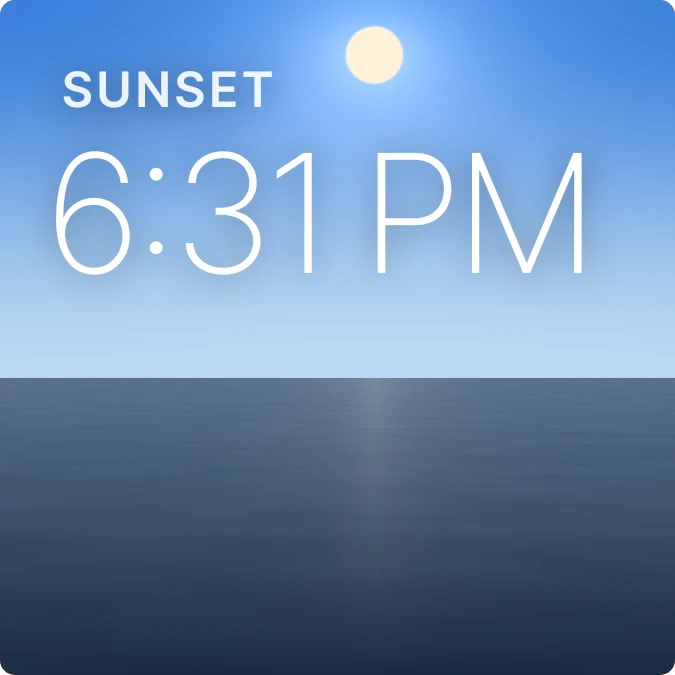
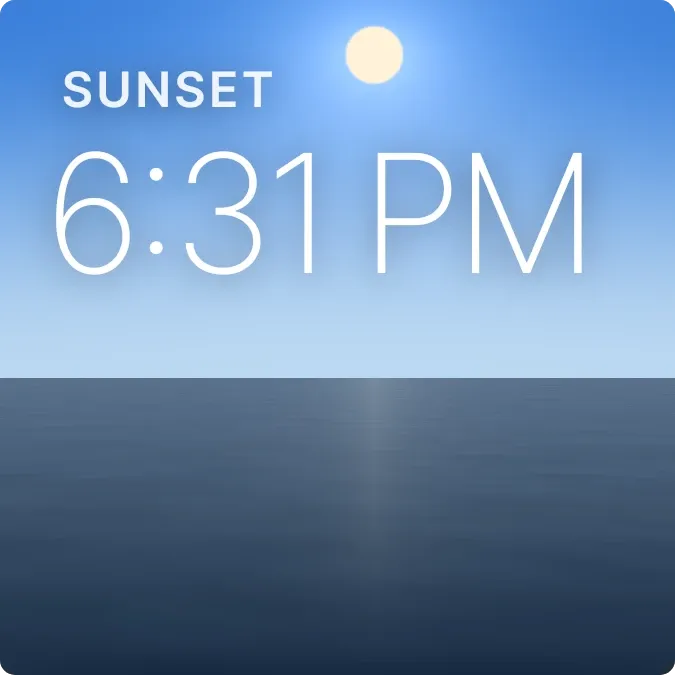
Last Light shows a low sun glowing over a dark sea, with an orange and violet sky behind it. In the upper left, a small uppercase label says Sunset or Sunrise, and below it the time appears in large, thin white numbers.
- Size
- 2x2 cells
- Kit
- Scenes
- Shows
- Sky, Weather
- Look
- Gradient, photo and nature
- Colours
- Grey, orange and blue, dark background
- Good for
- Golden hour, photography and evening routine
- Android
- 10 or newer
- Needs
- No additional permissions
- Price
- Pro
Kiwi is in beta and is not on Google Play yet. Join to request an invitation.
- big-numbers
- blue
- calm
- clock
- dark
- digital-clock
- dreamy
- dusk
- glow
- gradient
- light
- live
- minimal
- ocean
- orange
- sea
- sky
- sun
- sunrise
- sunset
- time
- typography
- warm
- water
- weather
What changes
- The label and time show whichever comes next. When the next event is the sunset, it reads Sunset with today's sunset time.
- When the next event is the sunrise and the day is less than halfway through, it reads Sunrise with today's sunrise time.
- Once the day is halfway through and the next event is the sunrise, it reads Sunrise with tomorrow's sunrise time.
- The scene follows the progress of the day, and the glitter on the water ripples faster or slower with the wind speed.
- Tapping the widget opens the clock.
Data and settings
- Reads sunrise and sunset times and how far through the day it is.
- Reads the current wind speed from the weather, which drives the ripple on the water.
- There is nothing to set on this widget.
Set it up
- Open Last Light in Kiwi, either from its kit or from this page.
- Tap Use.
- Confirm your launcher's prompt to place the widget on your home screen.
Good to know
- The sunrise and sunset times and the wind ripple depend on sky and weather data, so they may not update without a connection.
- It shows only the next sunrise or sunset time. It does not show the date, the temperature or the forecast.