Sunbreak
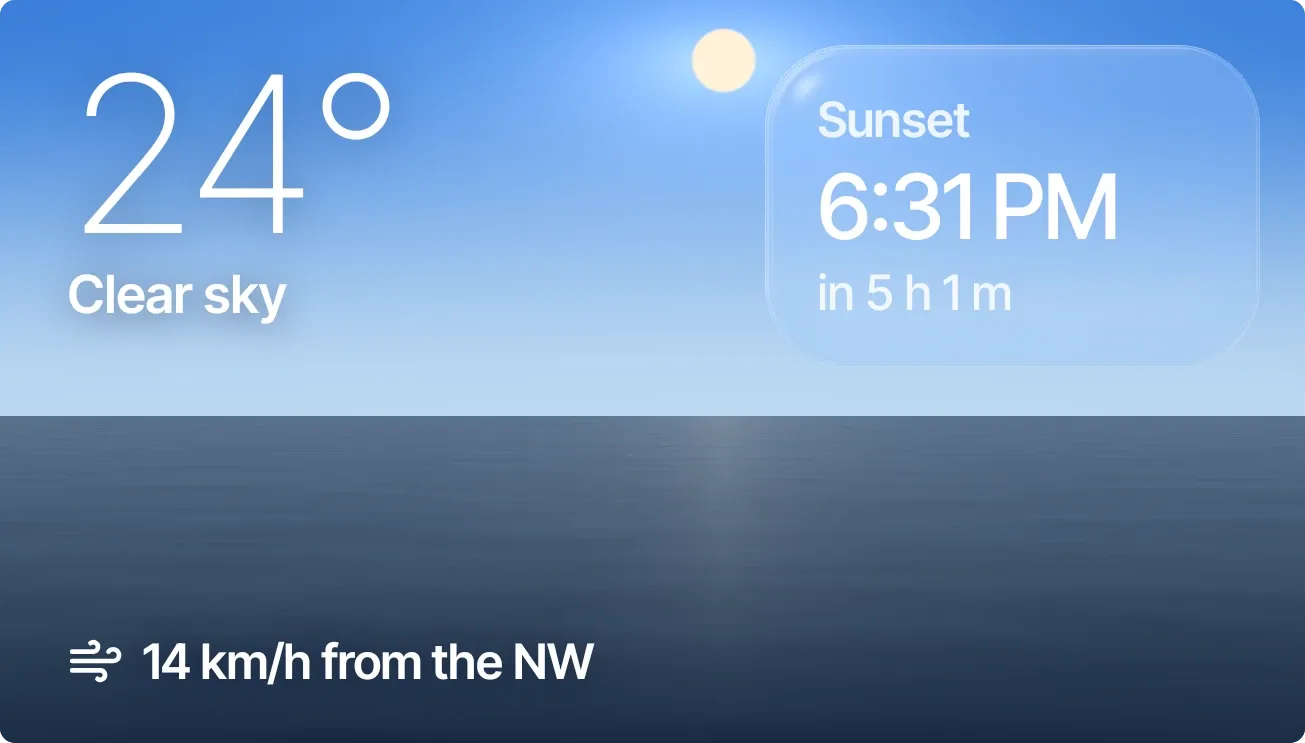
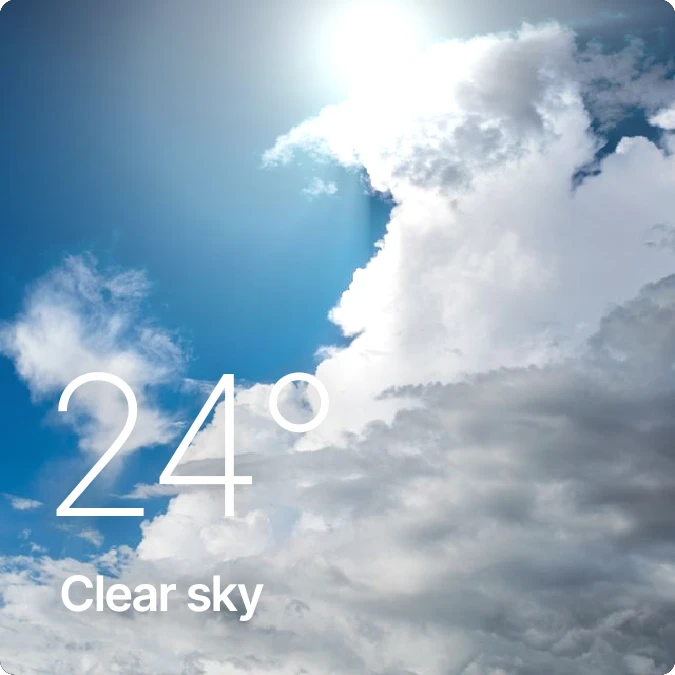
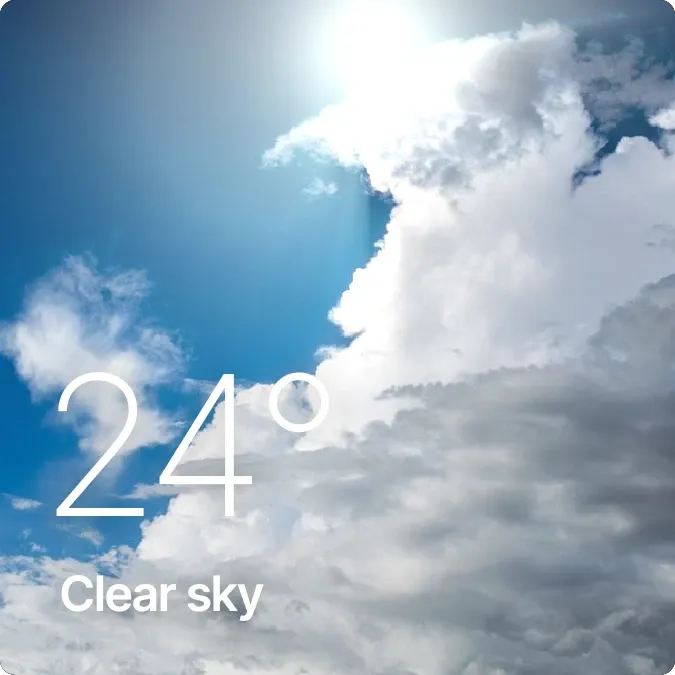
Sunbreak puts a photo of sunlit clouds behind the current temperature and weather condition. The temperature is in large, thin white numerals at the lower left, with the condition in smaller bold text beneath it. After dark, the photo changes to a night sky.
- Size
- 2x2 cells
- Kit
- Scenes
- Shows
- Sky, Weather
- Look
- Photo, minimal and typographic
- Colours
- Blue and grey, dark background
- Looks like
- iPhone widgets
- Good for
- Rainy day, daily check and morning
- Android
- 10 or newer
- Needs
- No additional permissions
- Price
- Pro
Kiwi is in beta and is not on Google Play yet. Join to request an invitation.
- big-numbers
- blue
- bright
- calm
- clouds
- cloudy-sky
- daylight
- forecast
- light
- live
- photo
- showers
- sky
- sun
- sunny-sky
- temperature
- wallpaper-weather
- weather
- weather-now
- weather-photo
- white
What changes
- While the sun is up, the background is a photo of bright clouds in a blue sky. Once the sun has set, it switches to a night sky photo.
- A sun glow layer over the photo changes with how far through the day it is.
- The temperature and condition text, such as Showers, update when the weather data changes.
- Tapping the widget refreshes the weather.
Data and settings
- Reads the current temperature and weather condition.
- Reads whether the sun is up and how far through the day it is, to choose the photo and the glow.
Set it up
- Open the widget in Kiwi, either from its kit or from this page.
- Tap Use.
- Confirm your launcher's prompt to place it on your home screen.
Good to know
- The temperature and condition need an internet connection to load and refresh.
- The background photos are loaded online, so they may not appear without a connection.
- The widget shows only the temperature and condition, with no forecast or location name.
Widgets like Sunbreak
 Weather CompactiOS & macOS