Calendar Month
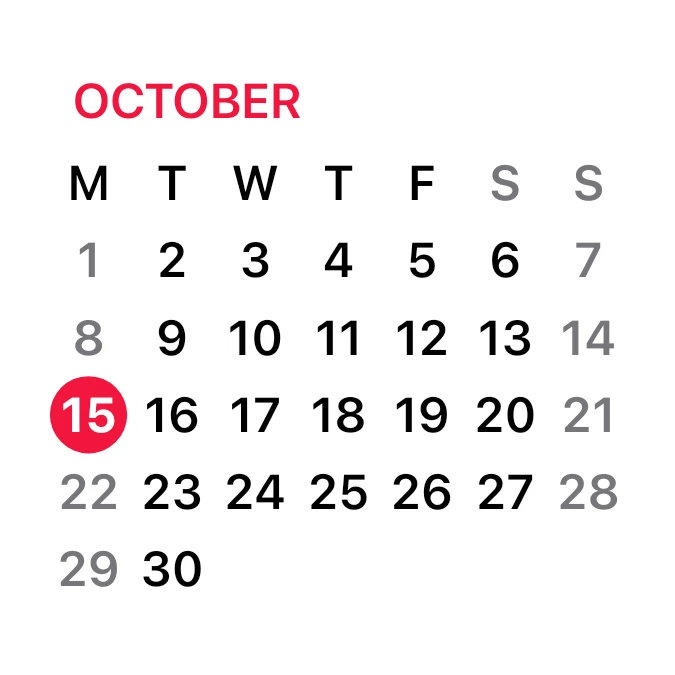
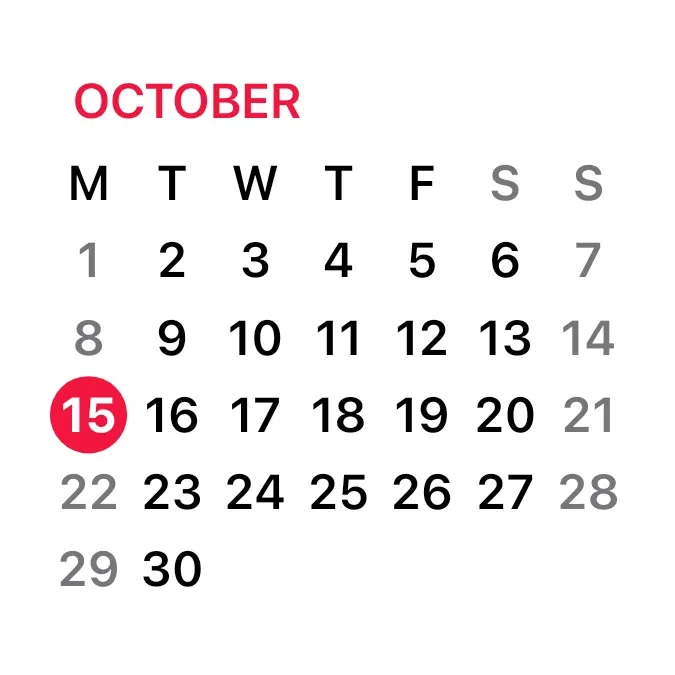
Calendar Month shows the current month as a grid on a white background. The month name sits at the top left in red capitals, above a row of weekday letters and the numbered days. Weekends are grey, and today is a white number on a red circle, as in the iPhone's Calendar widget.
- Size
- 2x2 cells
- Kit
- iOS & macOS
- Shows
- Calendar, Time and date
- Look
- Minimal and monochrome
- Colours
- White, light background
- Looks like
- iPhone widgets
- Good for
- Planning
- Android
- 10 or newer
- Needs
- No additional permissions
- Price
- Free
Kiwi is in beta and is not on Google Play yet. Join to request an invitation.
- calendar
- ios
- month
What changes
- The red circle sits on today's date and moves to the next day when the date changes.
- The month name at the top changes when a new month starts, and the grid shows that month's days.
- Months that span five or six weeks get more or fewer rows. The rows tighten to keep the whole grid in the widget.
- Saturdays and Sundays are grey in the weekday row and in the date rows. Other days are black.
- Tapping a day opens the calendar on that date. Tapping elsewhere on the widget opens the calendar.
Data and settings
- Reads the current date to name the month and mark today.
- Reads the calendar to lay out the month's days and weeks.
Set it up
- Open Calendar Month in Kiwi, from its kit or from this page.
- Tap Use.
- Confirm your launcher's prompt to place it on your home screen.
Widgets like Calendar Month
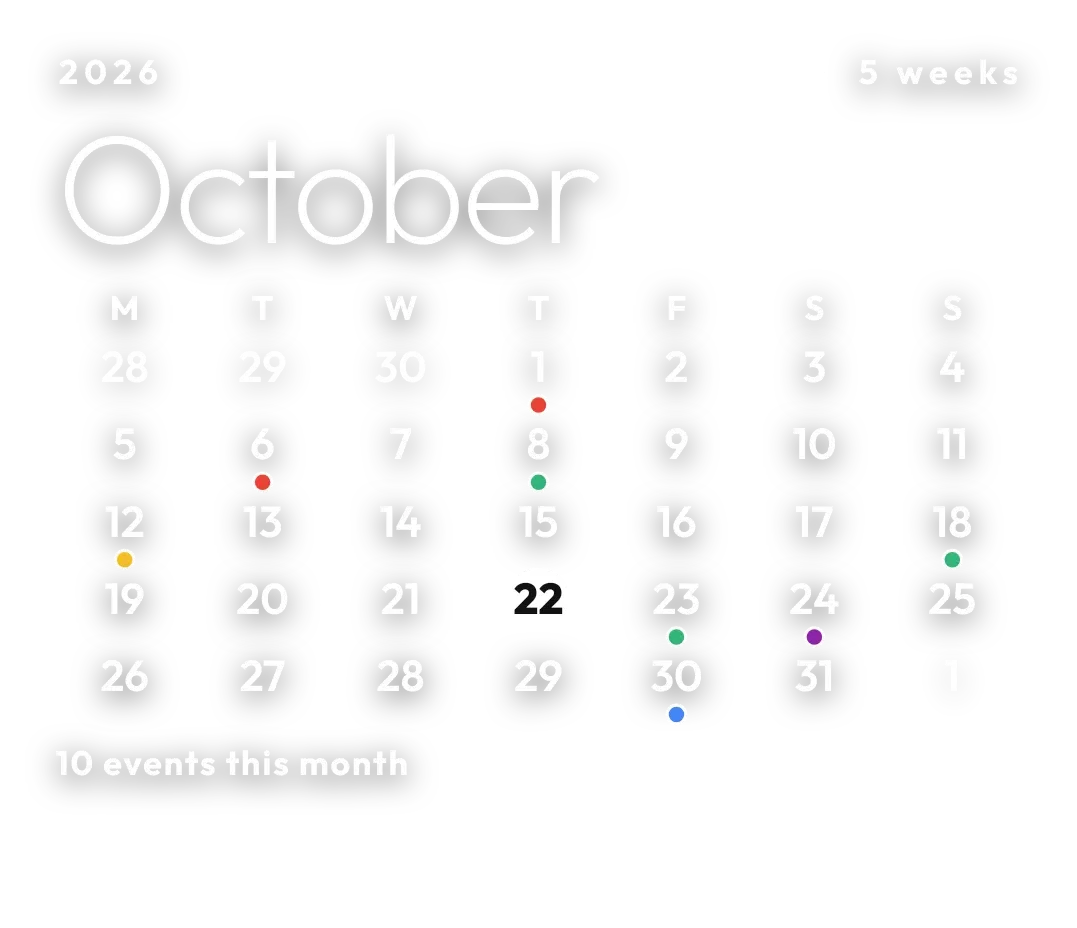 Pale AlmanacClear
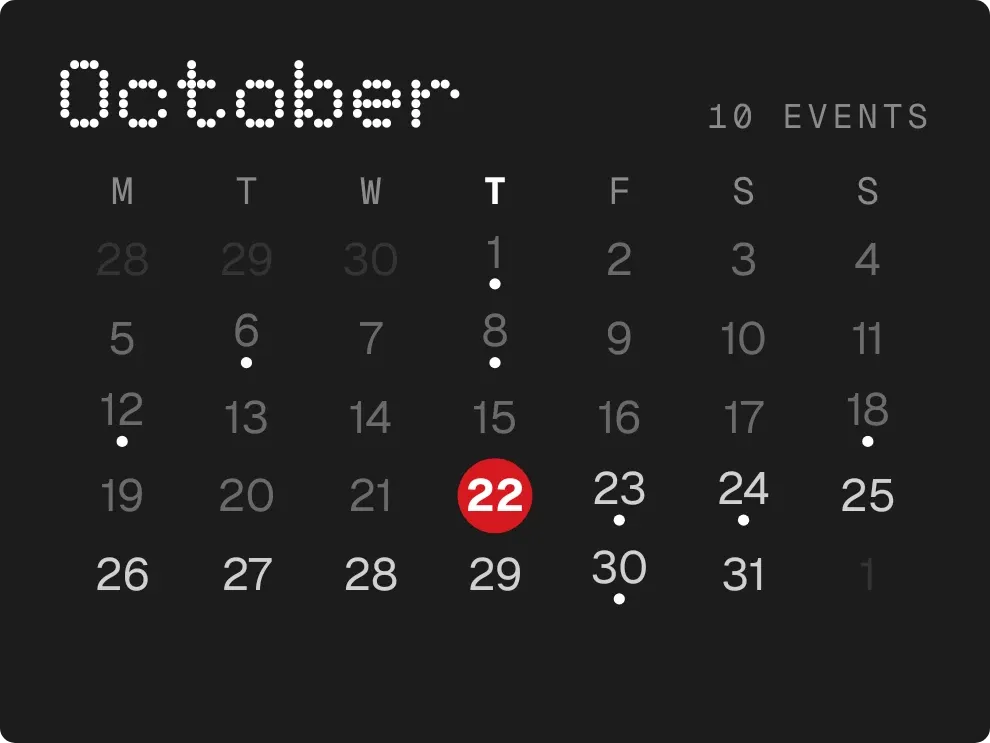 DotfallNothing
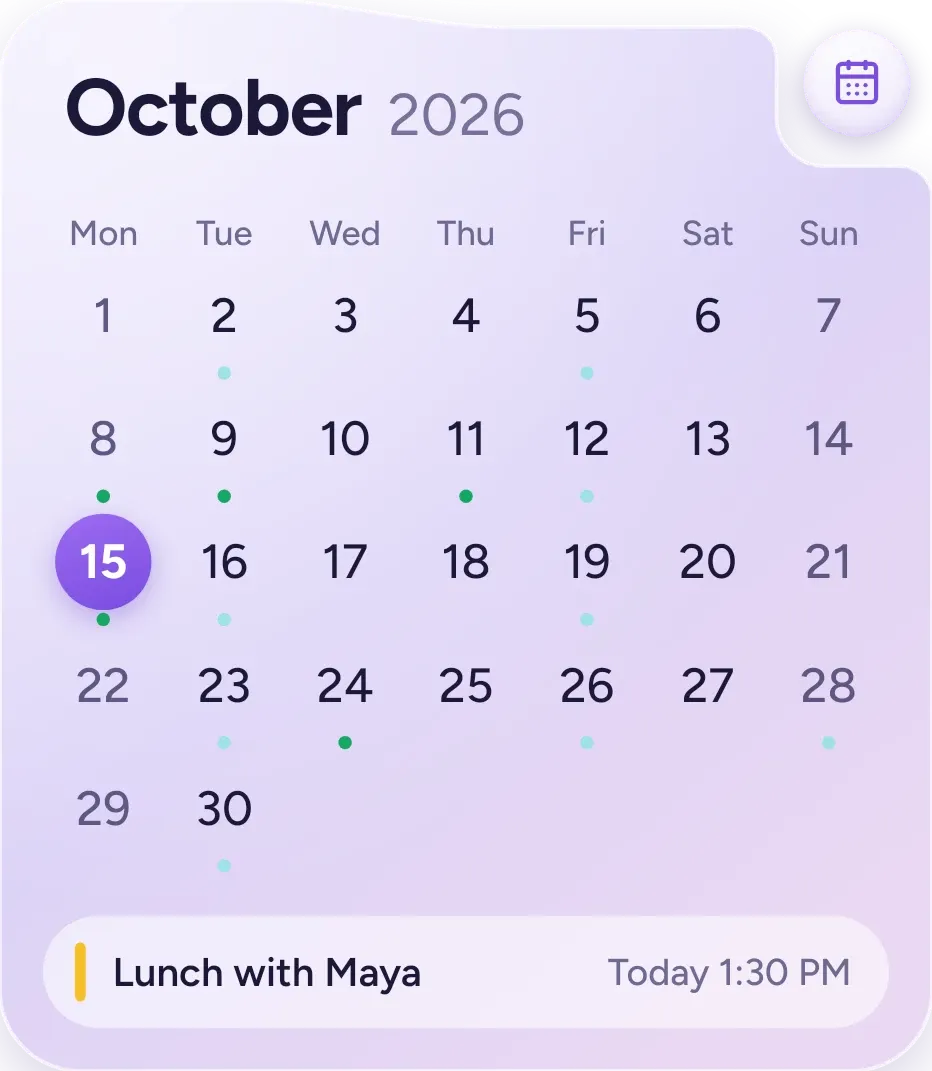 Lavender MonthOne UI



