Dayturn
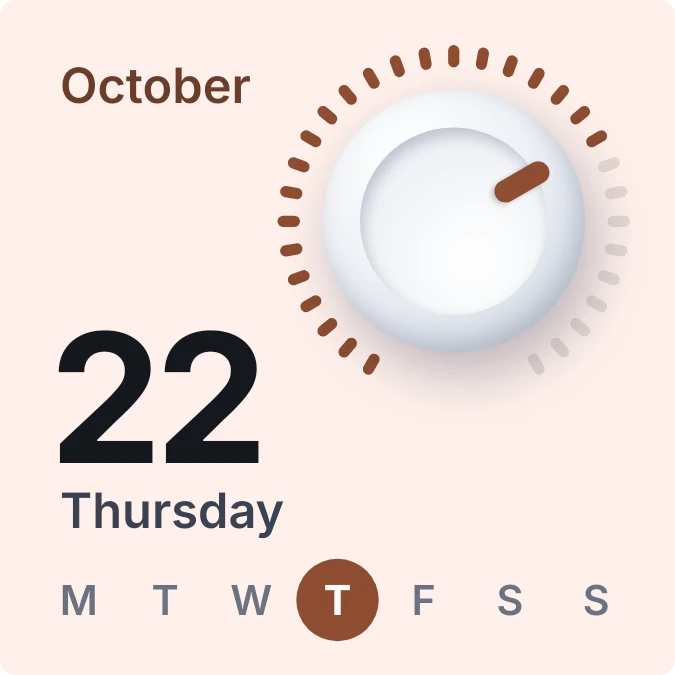
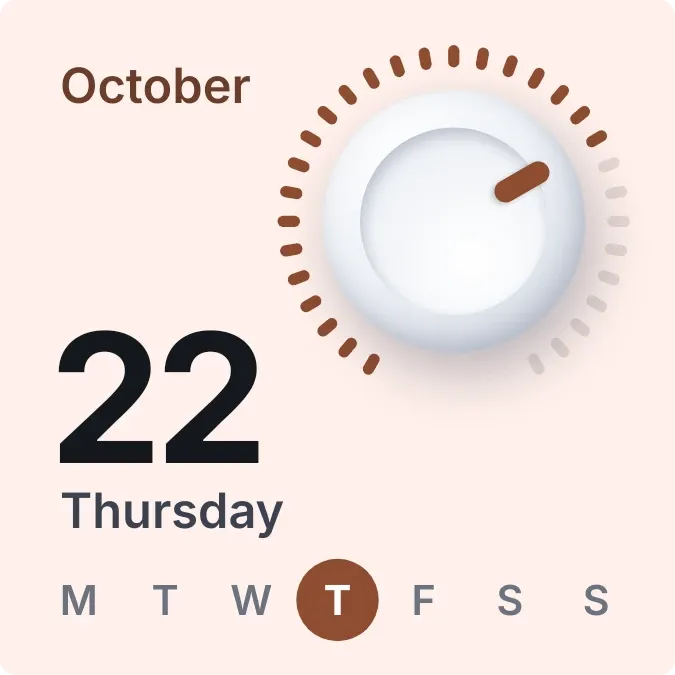
Dayturn shows a white, rounded knob ringed by small notches, one for each day of the month. The notches for days already gone are filled in the accent color, and an orange pointer on the knob marks today. Below it are the month name, today's date in large numbers, the weekday, and a row of seven weekday letters.
- Size
- 2x2 cells
- Kit
- One UI
- Shows
- Time and date
- Look
- Soft UI, hardware and 3D
- Colours
- Orange, light background
- Looks like
- Samsung widgets
- Good for
- Daily planning, autumn and october
- Android
- 10 or newer
- Needs
- No additional permissions
- Price
- Free
Kiwi is in beta and is not on Google Play yet. Join to request an invitation.
- big-numbers
- bold
- brown
- calendar
- calendar-dial
- clean
- cream
- date
- day-of-week
- dial
- knob
- minimal
- month
- month-progress
- one-ui
- orange
- progress
- soft-ui
- tactile
- week
- white
What changes
- The ring has one notch for every day of the current month, so it has more notches in a 31-day month than in a 30-day one.
- Notches from the first of the month through today are filled in. The remaining notches stay pale.
- The pointer turns clockwise a step each day, from the first notch at the start of the month to the last notch on the final day.
- The month name, the large date number and the weekday name change to match the current day.
- In the row of weekday letters, today's letter sits inside a filled circle.
- Tapping the widget opens the calendar.
Data and settings
- Reads the current date and time from the device.
- Nothing to set. The month, day and weekday come from the date.
Set it up
- Open the widget in Kiwi, either from its kit or from this page.
- Tap Use.
- Confirm your launcher's prompt to place it on the home screen.
Widgets like Dayturn
 DayslideInstruments
 DotfallNothing
 StreaklinePlayful
 BloomgridMaterial You