Streakline
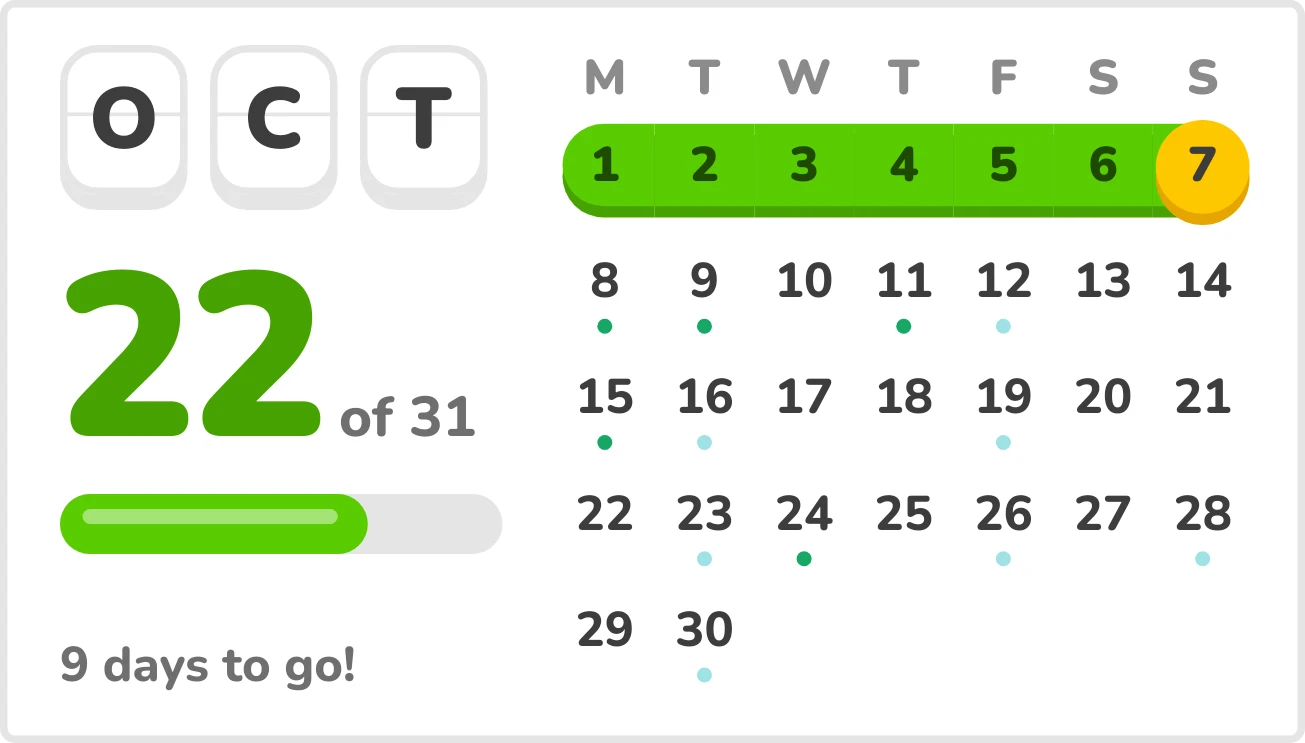
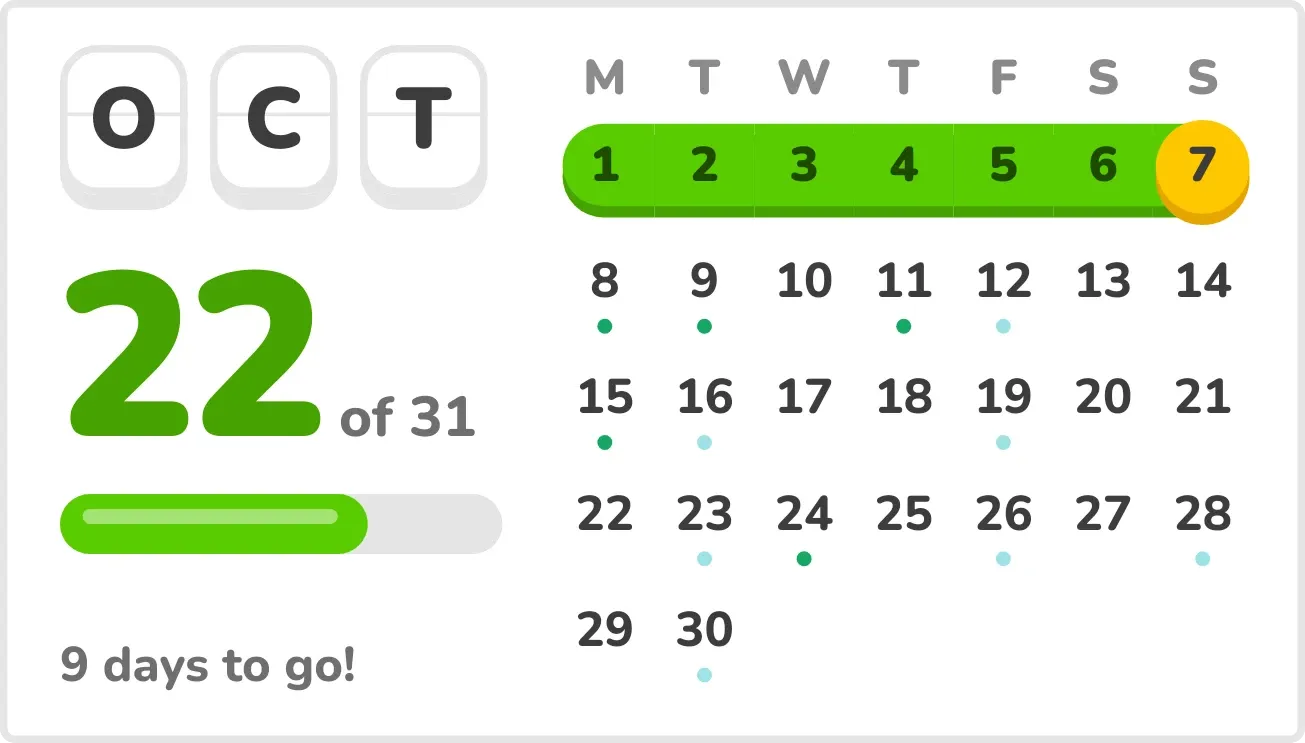
Streakline shows the current month as a calendar grid with a green band running through every day that has passed, ending in a gold disc on today. On the left, three tiles spell the month, with today's date number, an "of" total, a progress bar and the days left.
- Size
- 4x2 cells
- Kit
- Playful
- Shows
- Calendar, Time and date
- Look
- Bold shapes, cartoon and colourful
- Colours
- White, light background
- Good for
- Tracking the month, habit streaks and motivation
- Android
- 10 or newer
- Needs
- READ_CALENDAR (optional)
- Price
- Free
Kiwi is in beta and is not on Google Play yet. Join to request an invitation.
- at-a-glance
- big-numbers
- bold
- bright
- calendar
- chunky
- countdown
- date
- days-to-go
- gold
- green
- habit
- habit-tracker
- month-calendar
- playful
- progress
- progress-bar
- rounded
- streak
- streak-calendar
- white
What changes
- Each day the gold disc moves to the new date, and the day it left joins the green band.
- The big number, the month total and the progress bar fill update as the month goes on.
- With calendar access, the line under the bar counts the days to go. It reads One day to go on the second-to-last day and Last day on the final one.
- Without calendar access, the days-to-go line is replaced by the text Add your events.
- Upcoming days that have calendar events get a small dot in the event's colour. Days already passed show no dots.
- The grid has five or six rows, depending on how many weeks the month spans. Tapping a day opens the calendar on that date, and tapping the month tiles opens the calendar.
Data and settings
- Reads the current date and time to place the gold disc, the band and the progress bar.
- Reads your calendar events, only if you allow it, to show the days-to-go line and the event dots.
- Calendar access is optional. There is nothing else to set.
Set it up
- Open Streakline in Kiwi, from its kit or from this page.
- Tap Use.
- Confirm your launcher's prompt to place it.
- To see event dots and the days-to-go count, allow calendar access when asked.
Permissions
- Calendar (optional: it works without it). Your next events come from the calendar on this phone. Only the times and titles of what's coming up; never sent anywhere, and never changed.
Good to know
- Event dots and the days-to-go line need calendar access. Without it, only the month, date, progress bar and band are shown.
- It shows only the current month, so the grid changes when a new month begins.
- Event dots appear only on days still to come, and each day shows a single dot.