Lockstep
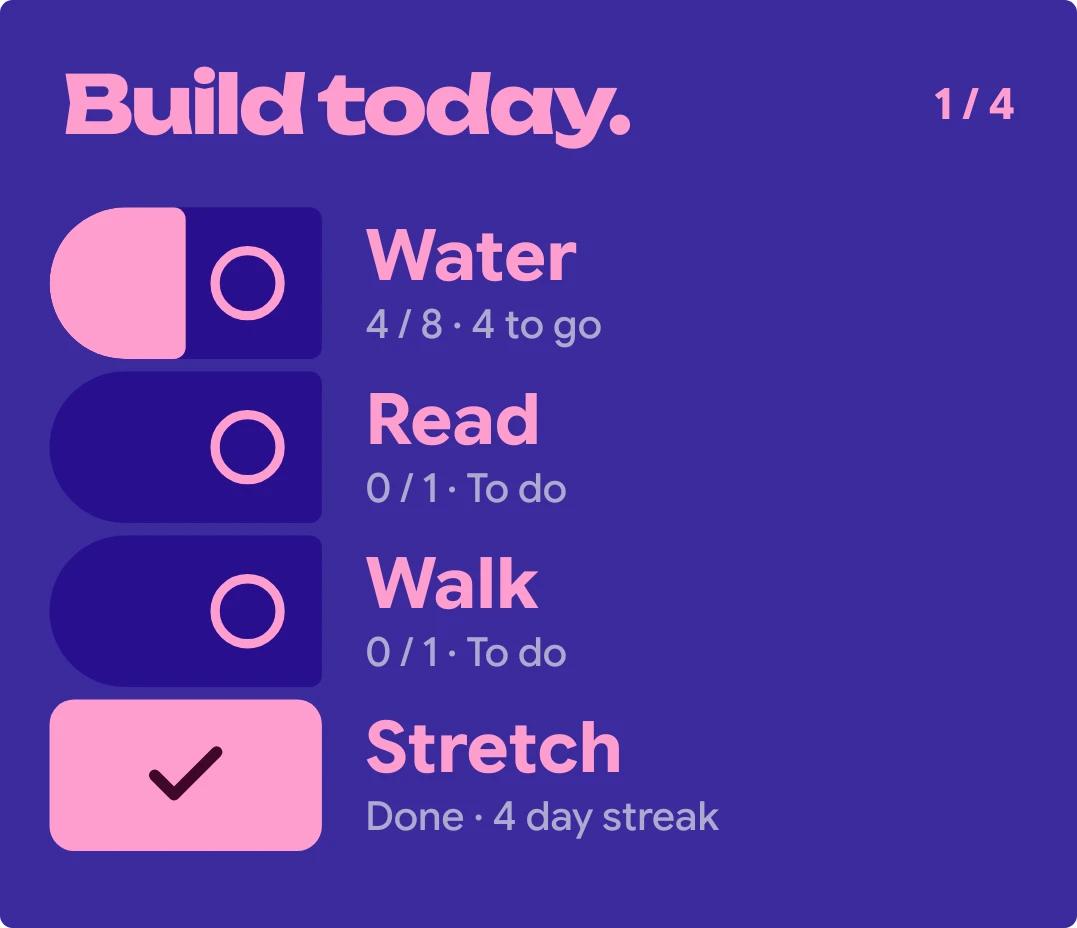
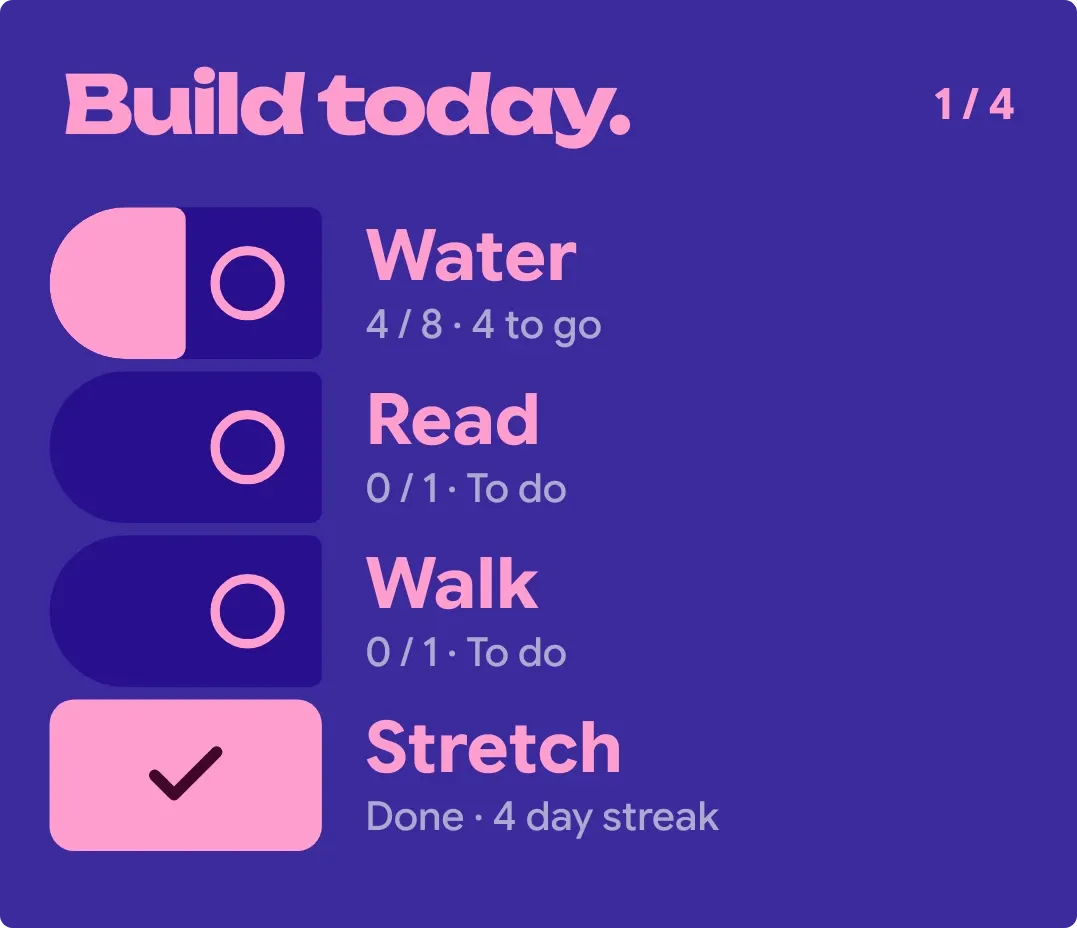
Lockstep lists up to four of your habits on a deep purple card with pink text. Each unfinished habit has a dark socket that fills with pink as you approach its goal. Finished habits turn into solid pink tiles with a check, and the header counts how many are done.
- Size
- 4x3 cells
- Kit
- Material Expressive
- Shows
- Habits and goals
- Look
- Bold shapes, typographic and colourful
- Colours
- Blue and pink, dark background
- Looks like
- Pixel widgets
- Good for
- Morning routine, daily habits and self improvement
- Android
- 10 or newer
- Needs
- No additional permissions
- Price
- Free
Kiwi is in beta and is not on Google Play yet. Join to request an invitation.
- at-a-glance
- bold
- checklist
- checkmark
- counter
- daily-goals
- dark
- expressive
- habit-checklist
- habit-tracker
- habits
- material-expressive
- pink
- progress
- progress-bar
- purple
- rounded
- streak
- tiles
- todo-list
- typographic
What changes
- The header reads Build today. with a count such as 2 / 4 for habits done out of the total. When every habit is done, it changes to All locked in.
- An unfinished habit shows a dark socket with a ring that fills with pink from the left as its progress nears its goal. Below the name it shows progress, goal and how much is left, like 0 / 1 · 1 to go.
- A finished habit swaps its socket for a solid pink tile with a check. Below the name it reads Done, then the streak, such as Done · 9 day streak.
- Tapping a habit row toggles it. Tapping the header opens habit editing.
- With more than four habits, the first four are shown and See all habits appears at the bottom. With fewer, the rows grow taller to fill the space.
- With no habits, the list and count disappear. The widget shows Small acts. Big days. and Add your first habit, which you can tap.
Data and settings
- Reads your habits: each name, its progress so far, its goal, how much is left, whether it's done, and its day streak.
- Which habits appear and their goals come from your habit list, not from options on the widget itself.
Set it up
- Open Lockstep in Kiwi, either from its kit or from this page.
- Tap Use.
- Confirm your launcher's prompt to place the widget on your home screen.
Good to know
- Only four habits show at once. If you have more, the rest appear only when you tap See all habits.
- It needs at least one habit to show progress. Until you add one, it shows the empty message instead.
- Long habit names are cut off with an ellipsis rather than wrapping onto a second line.
Widgets like Lockstep
 Pill ParadePlayful
 Kindle RowScenes
 HatchmarkMaterial You
 RungwiseNothing



