Rungwise
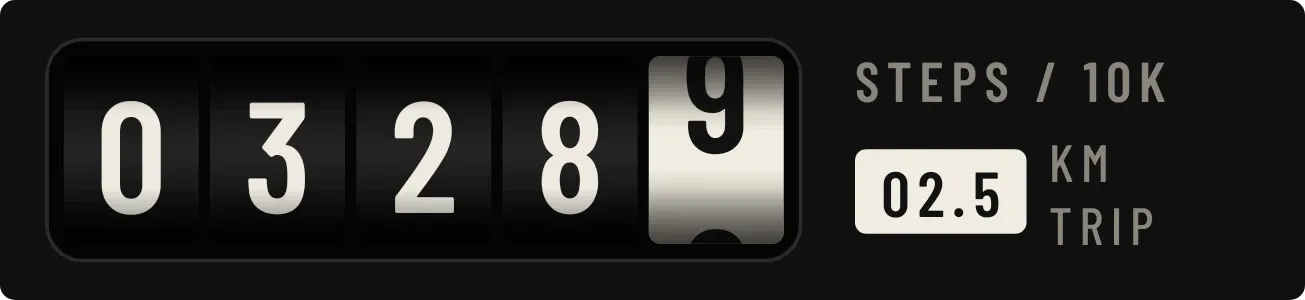
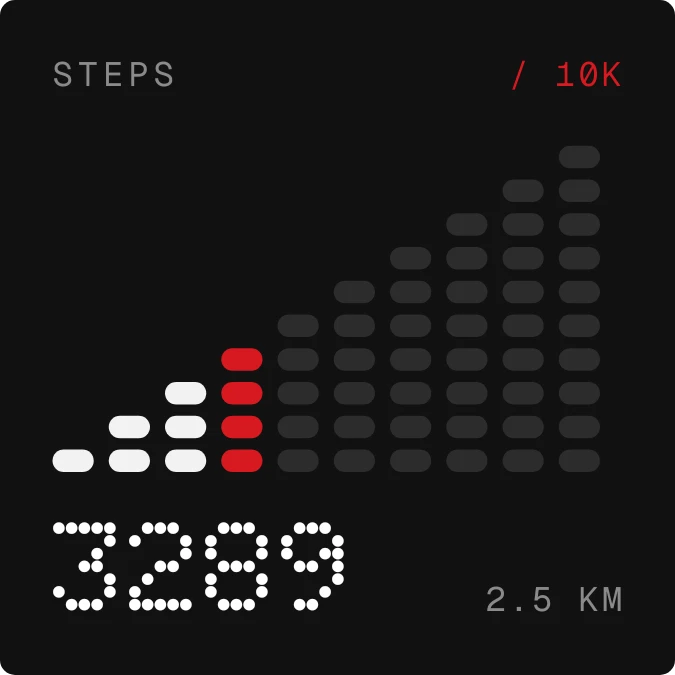
Rungwise shows today's steps as a staircase of rounded, pill-shaped rungs on a near-black card. Each column stands for a thousand steps. Finished columns are lit white, the one you are climbing is red, and the rest are dim grey. The step total sits at the bottom left in a dot-matrix typeface, with the distance in kilometres beside it. STEPS and the 10K goal are labelled along the top.
- Size
- 2x2 cells
- Kit
- Nothing
- Shows
- Steps
- Look
- Dot matrix, minimal and monochrome
- Colours
- Black, dark background
- Looks like
- Nothing widgets
- Good for
- Walking, daily step goal and fitness
- Android
- 10 or newer
- Needs
- ACTIVITY_RECOGNITION
- Price
- Free
Kiwi is in beta and is not on Google Play yet. Join to request an invitation.
- at-a-glance
- big-numbers
- black
- bold
- counter
- dark
- digital
- distance
- dot-matrix
- dots
- fitness
- minimal
- monochrome
- pill
- progress
- red
- step-counter
- steps
- tally-counter
- white
What changes
- Each time your step count passes another thousand, that column turns from red to white and the next column turns red.
- Only one column is red at a time. Columns past it stay dim grey until you reach them.
- Early in the day, with under a thousand steps, only the first column is red and every other column is dim.
- Under 10,000 steps, the top right reads / 10K in red. At 10,000 steps or more it changes to GOAL ✓ and all the columns are white.
- The dot-matrix total and the kilometre figure update with your steps for the day.
- If steps can't be read, the staircase and total are replaced by the word WALK and a line asking you to tap to allow activity in Kiwi.
Data and settings
- Reads your step count for today, shown as the large total and as the columns.
- Reads the distance for today and shows it in kilometres next to the total.
- The goal marker is fixed at 10K steps, with ten columns of a thousand steps each.
Set it up
- Open the widget in Kiwi, either from its kit or from this page.
- Tap Use.
- Confirm your launcher's prompt to place it on your home screen.
- Allow the activity recognition permission when asked. Until then the widget shows WALK, and tapping it asks you to allow activity in Kiwi.
Permissions
- Physical activity, to count your steps. Android counts your steps behind physical activity access. Only today's step count; never where you went.
Good to know
- It needs the activity recognition permission before it can show any steps or distance.
- The columns stop at 10,000 steps. Past that they all stay white while the total keeps counting.
- Distance is shown in kilometres only.
- It shows today's steps only, with no history of earlier days.