Daydrain
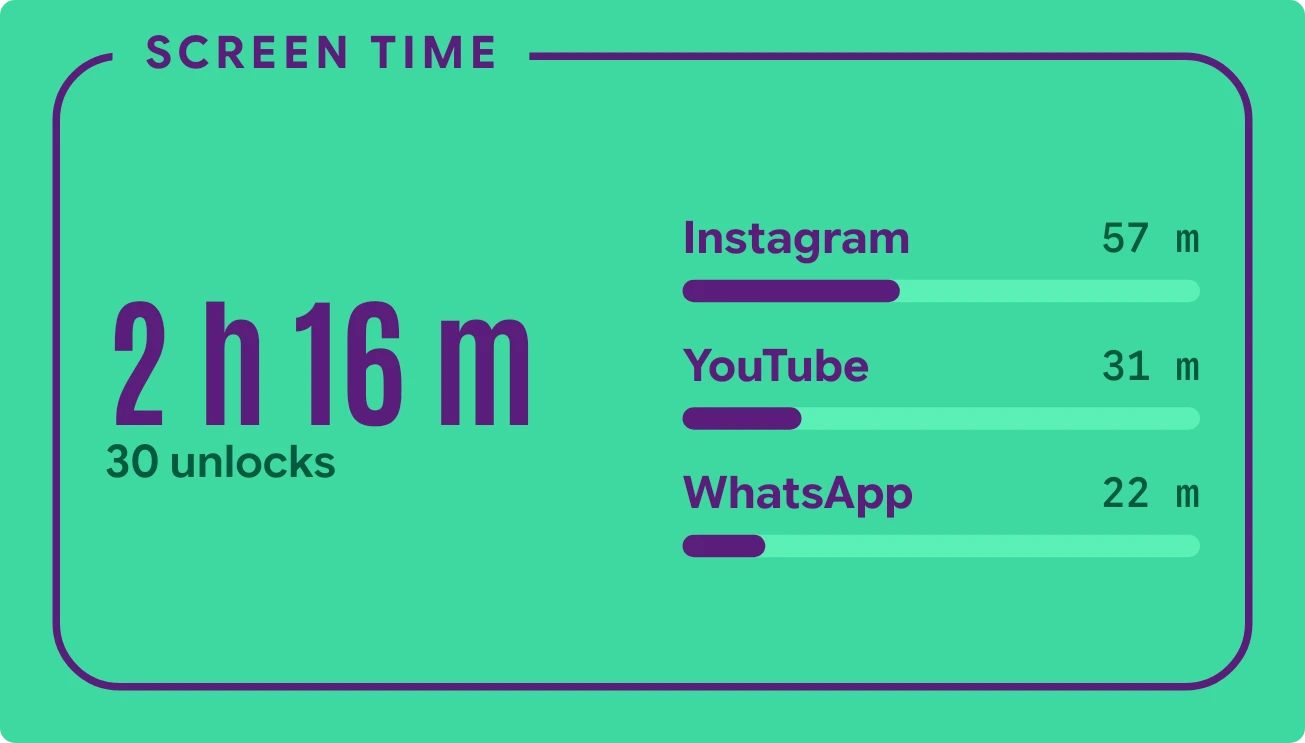
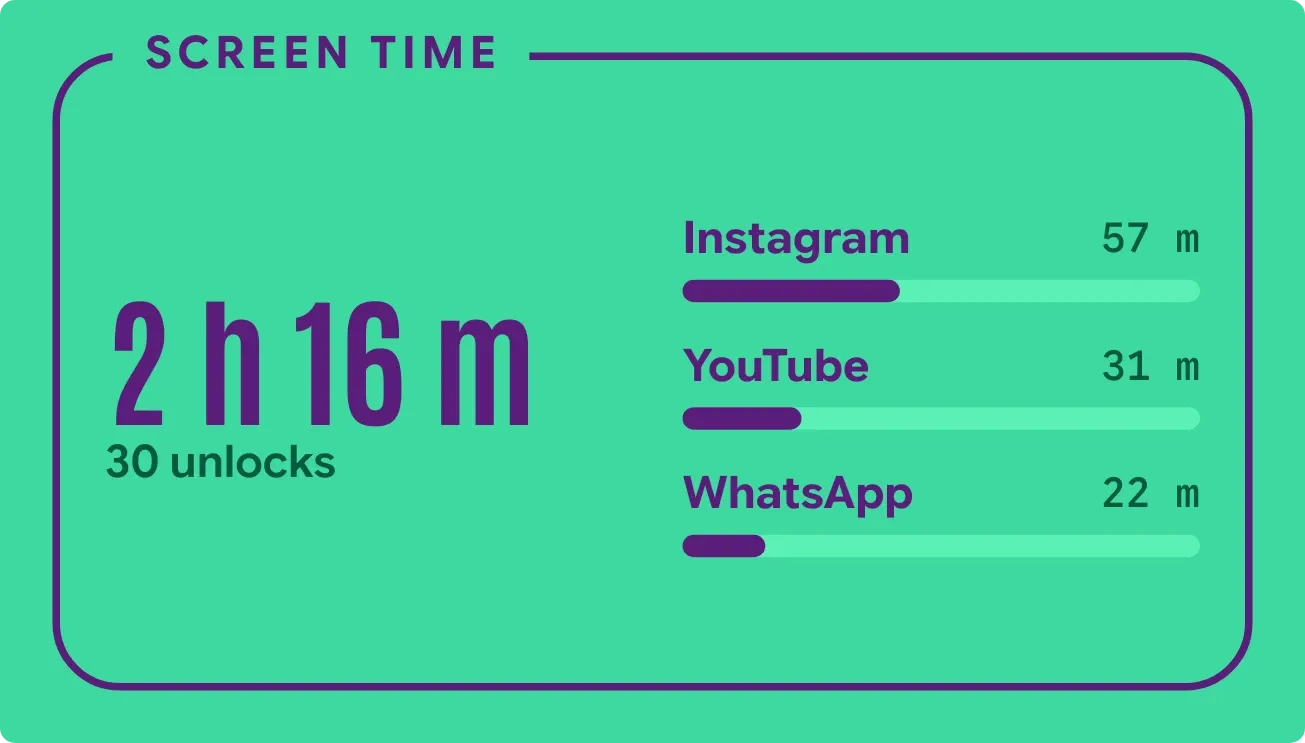
Daydrain is a mint panel inside a purple frame, labelled Screen Time. On the left, large condensed purple text gives your total screen time in hours and minutes, with the number of unlocks beneath it. On the right, your three most used apps are listed with their time, each above a purple bar showing its share of the day.
- Size
- 4x2 cells
- Kit
- Material Expressive
- Shows
- Screen time
- Look
- Bold shapes, typographic and colourful
- Colours
- Teal, light background
- Looks like
- Pixel widgets
- Good for
- Digital detox, focus and study
- Android
- 10 or newer
- Needs
- Usage access
- Price
- Free
Kiwi is in beta and is not on Google Play yet. Join to request an invitation.
- at-a-glance
- big-numbers
- bold
- condensed
- digital
- green
- habit
- mint-green
- phone-usage
- progress-bar
- purple
- screen-time
- tally-counter
- unlocks
- usage
What changes
- When you have used your phone today, it shows the total screen time, the unlock count and a row for each of your top three apps.
- Each app row gives the app's name, the time spent in it, and a bar whose purple length matches that app's share.
- Tapping an app's row opens that app.
- When nothing has been used yet today, such as just after midnight, it shows A clean slate with the line Nothing used yet today.
- Without usage access, it shows See your day with the line Allow usage access in Kiwi. Tapping it opens Kiwi.
Data and settings
- Reads your total screen time for the day, shown in hours and minutes.
- Reads how many times you have unlocked your phone.
- Reads time spent in each app and ranks them, showing the top three.
- Reads each app's share of your usage to set the length of its bar.
Set it up
- Open the widget in Kiwi, either from its kit or from this page.
- Tap Use.
- Confirm your launcher's prompt to place it on your home screen.
- Grant usage access when asked. The widget needs it to read your screen time and app usage.
Permissions
- Usage access, for your screen time. Screen time comes from Android's usage access. Only how long you've used your phone, and which apps; never what you do in them.
Good to know
- It needs usage access. Until you allow it, the widget shows only a prompt and no figures.
- It lists only your top three apps, so the rest of your usage is counted in the total but not shown.
- Long app names may be cut short to fit beside the time.
Widgets like Daydrain
 HatchmarkMaterial You
 Hour BloomInstruments
 StreaklinePlayful



