Mileroll
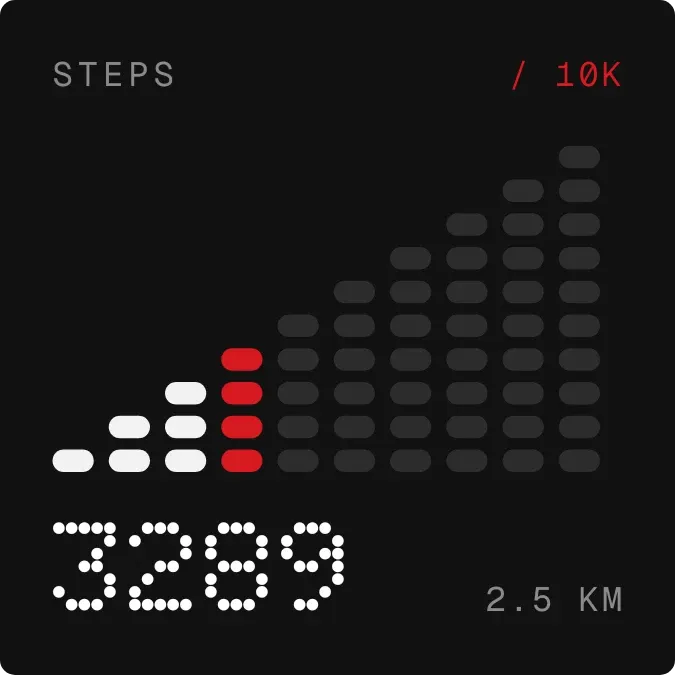
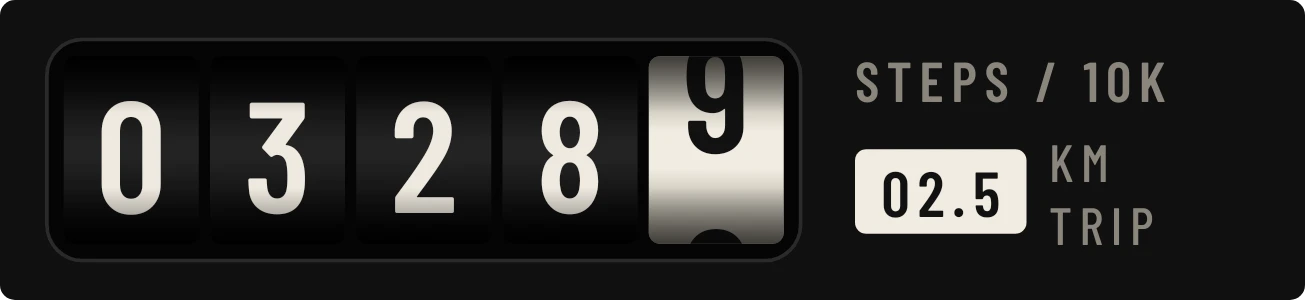
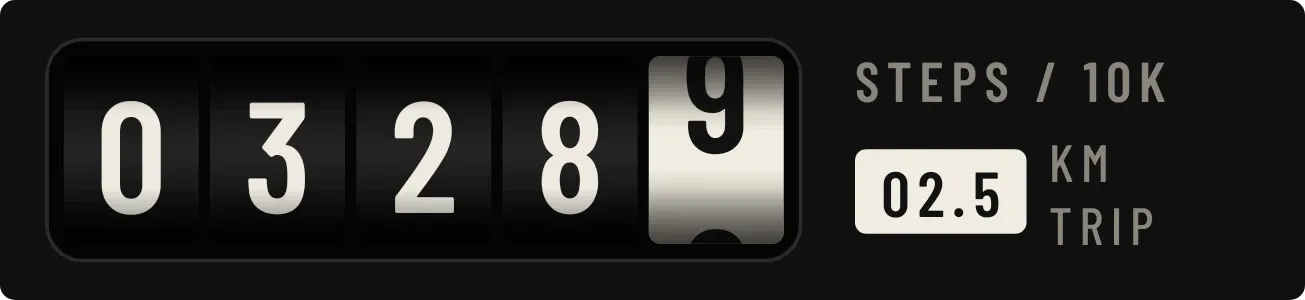
Mileroll shows today's step count on five rolling number wheels, with the last wheel in cream and caught partway between two digits. Beside the wheels is a small label and a cream box with a trip distance in kilometres. The label reads STEPS / 10K and turns orange at 10,000 steps.
- Size
- 4x1 cells
- Kit
- Instruments
- Shows
- Steps
- Look
- Hardware, retro and typographic
- Colours
- Black and grey, dark background
- Good for
- Daily walking, fitness goal and 10k step challenge
- Android
- 10 or newer
- Needs
- ACTIVITY_RECOGNITION
- Price
- Free
Kiwi is in beta and is not on Google Play yet. Join to request an invitation.
- big-numbers
- black
- counter
- cream
- dark
- digits
- fitness
- mechanical
- odometer
- orange
- progress
- retro
- split-flap
- step-counter
- step-goal
- steps
- trip-meter
What changes
- The five wheels show today's steps one digit each, from ten-thousands on the left to ones on the right, and follow the count as it changes.
- The ones wheel is cream with a dark digit and sits partway between two numbers, like a wheel that has not finished turning.
- Below 10,000 steps the label reads STEPS / 10K. At 10,000 steps it changes to GOAL MET in orange.
- The cream box shows the trip distance in kilometres, in a form like 04.8, followed by KM TRIP.
- Without step access, the side reads Odometer stopped and Allow step counting in orange. Tapping it opens Kiwi.
- If the phone has no step counter, the side reads No step counter on this phone.
Data and settings
- Reads today's step count from the phone, and the trip distance in kilometres that goes with it.
Set it up
- Open Mileroll in Kiwi, from its kit or from this page.
- Tap Use.
- Confirm your launcher's prompt to place it.
- Allow the activity recognition permission when the widget asks for it, so it can count your steps.
Permissions
- Physical activity, to count your steps. Android counts your steps behind physical activity access. Only today's step count; never where you went.
Good to know
- It needs the activity recognition permission before it can show your steps. Until then it shows Odometer stopped.
- It needs a step counter in the phone. Without one it shows No step counter on this phone.
- It shows steps for today only, and the trip distance is given in kilometres.