Weeksplice
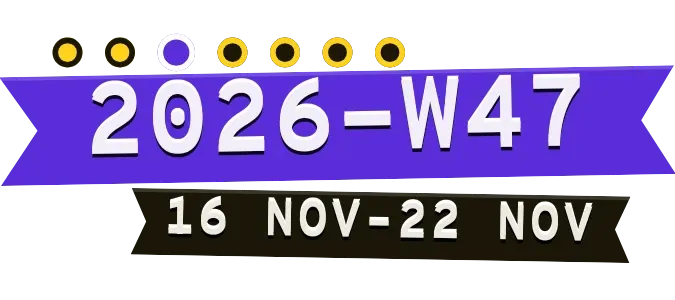
Weeksplice shows the current week as strips of tape. A purple band carries the year and week number in large pale letters, and a black tape below it gives the first and last date of the week. A row of seven dots above the band marks where today falls.
- Size
- 2x1 cells
- Kit
- Playful
- Shows
- Time and date
- Look
- Typographic, bold shapes and stickers
- Colours
- Purple and black
- Good for
- Weekly planning, work and study
- Android
- 10 or newer
- Needs
- No additional permissions
- Price
- Pro
Kiwi is in beta and is not on Google Play yet. Join to request an invitation.
- big-numbers
- black
- bold
- calendar
- cut-out
- date-display
- date-range
- dots
- monospace
- playful
- progress
- purple
- retro
- ribbon
- shadow
- tape
- transparent
- typographic
- week
- week-number
- white
- year
- yellow
What changes
- The purple band reads the year, a W and the week number, such as 2026-W47. It changes to the next number when a new week begins.
- The black tape shows the first and last day of the week as day and month, such as 16 Nov–22 Nov.
- Seven dots stand for the days of the week. Past days are yellow, today is a larger purple dot with a white edge, and days still to come are dark with a yellow edge.
- Each day the purple dot moves one place along the row.
- The notches cut into the ends of the purple band differ from one week to the next.
- Tapping the widget opens the calendar.
Data and settings
- Reads the current date and time from the device.
Set it up
- Open the widget in Kiwi, either from its kit or from this page.
- Tap Use.
- Confirm your launcher's prompt to place it.
Good to know
- The week number, dates and dots follow the device's clock, so a wrong date or time on the phone shows the wrong week.
- It shows only the current week. The date range gives day and month without the year.
Widgets like Weeksplice
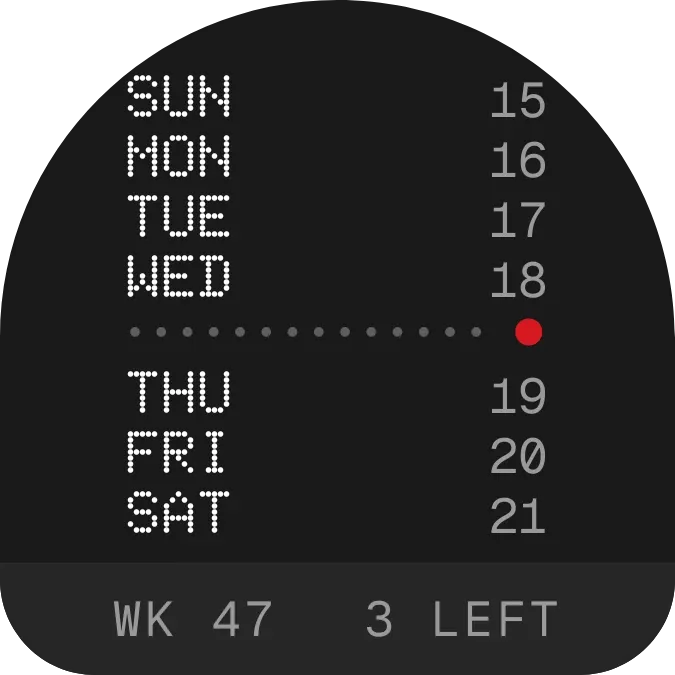 WeektraceNothing
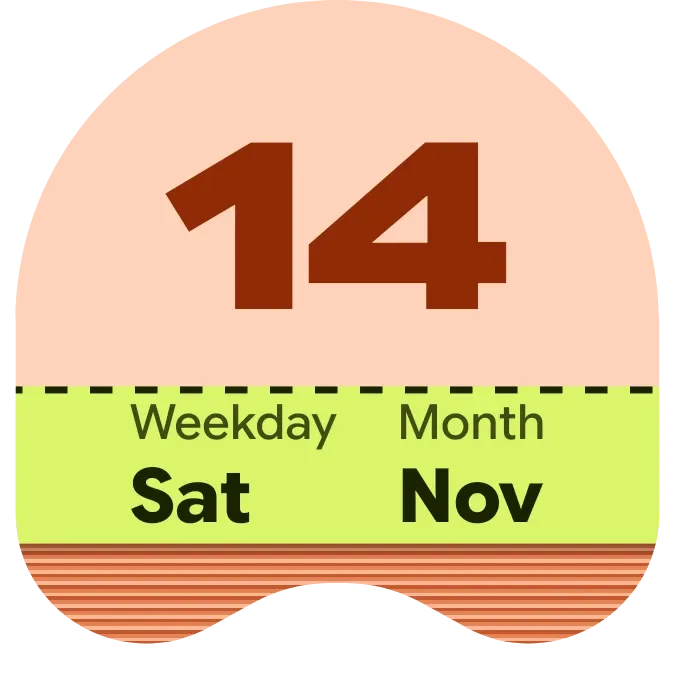 Apricot StubMaterial Expressive
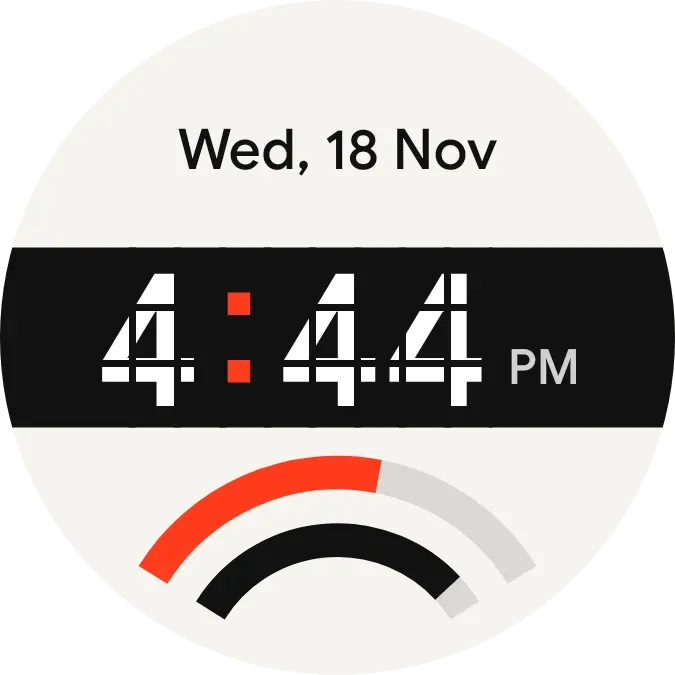 Stencil TempoWatch Face
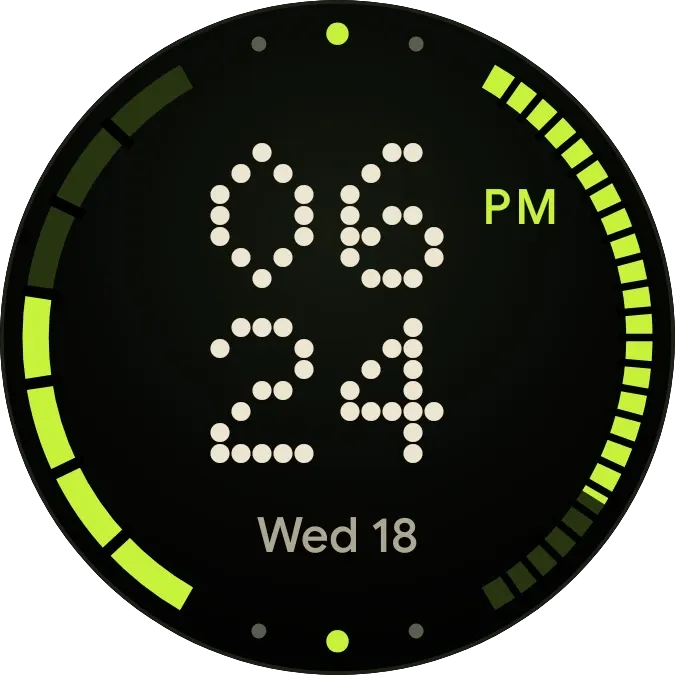 Pip CircuitWatch Face