Stencil Tempo
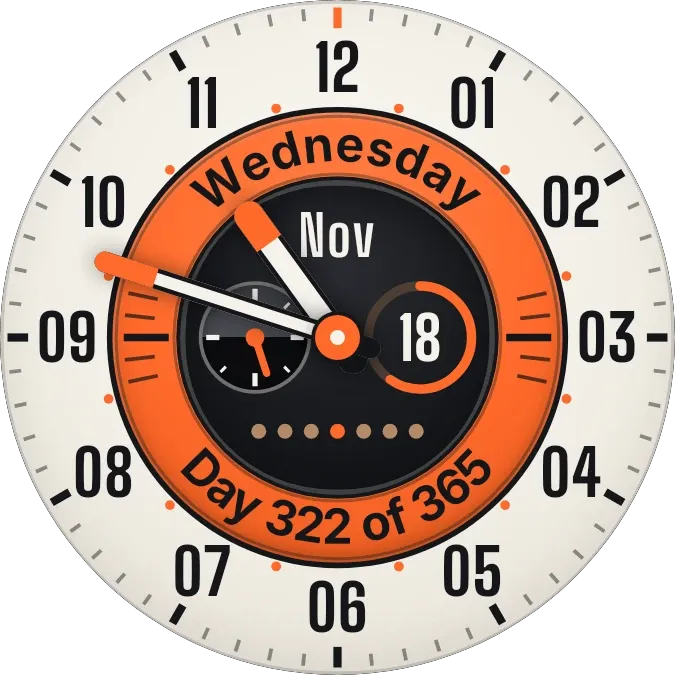
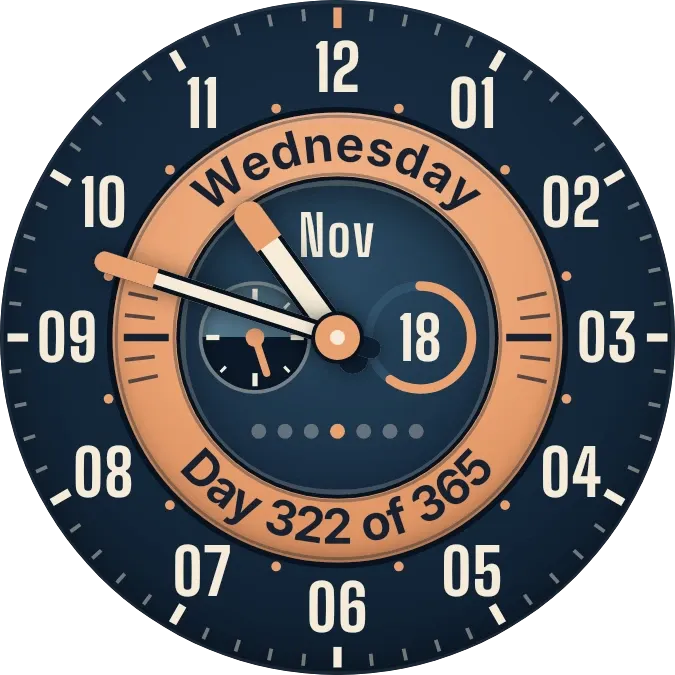
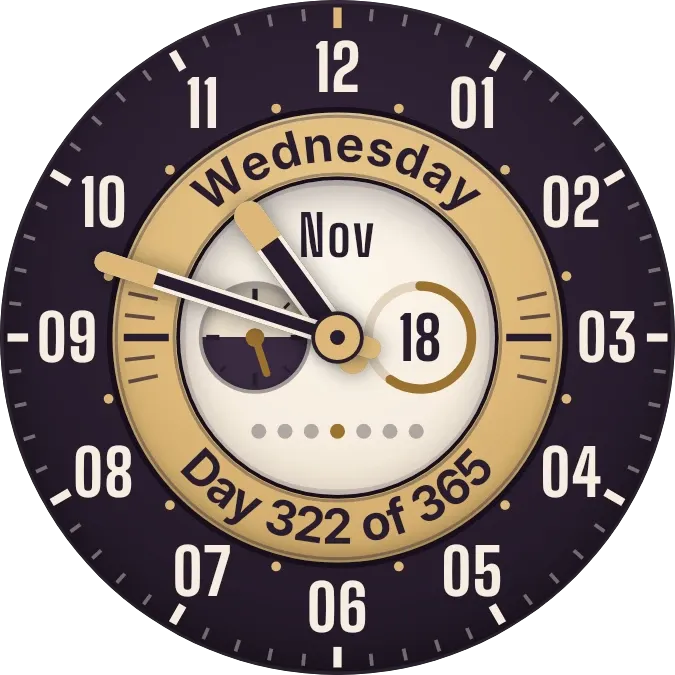
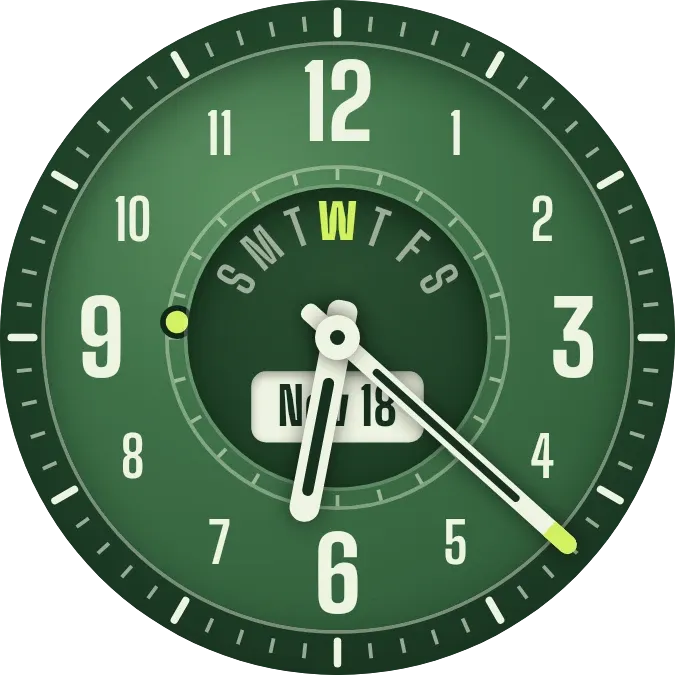
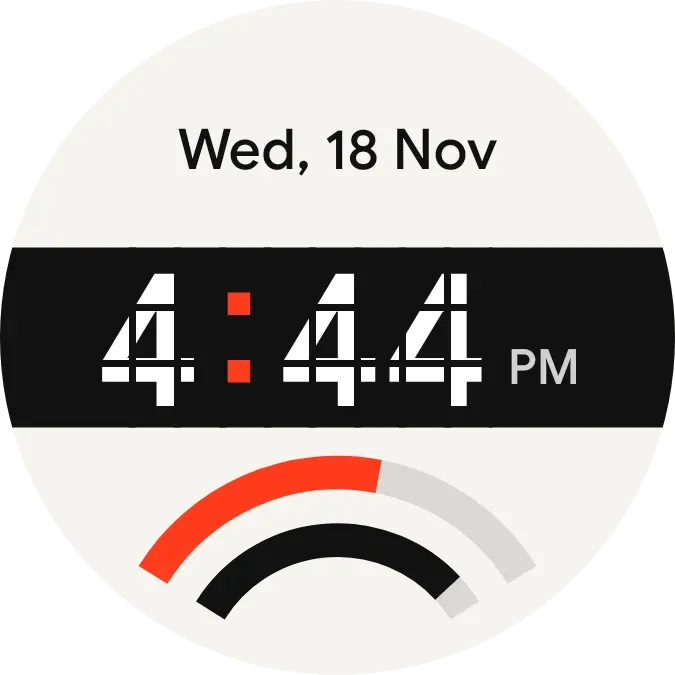
Stencil Tempo is a round clock on a cream disc. The date sits at the top, and the time runs across a black band in white digits cut by thin horizontal and vertical slices, with a red colon between hours and minutes. Two curved bars at the bottom fill as time passes.
- Size
- 2x2 cells
- Kit
- Watch Face
- Shows
- Time and date
- Look
- Watch face, typographic and bold shapes
- Colours
- White and black, light background
- Good for
- Daily routine, checking the time and tracking the day
- Android
- 10 or newer
- Needs
- No additional permissions
- Price
- Free
Kiwi is in beta and is not on Google Play yet. Join to request an invitation.
- arch
- big-numbers
- black
- bold
- cream
- cut-out
- date
- date-display
- day-of-week
- day-progress
- digital-clock
- digits
- gauge
- geometric
- minimal
- progress
- red
- retro
- round
- typographic
- watch-face
- white
What changes
- The hour and minutes update as the time changes, and the date above them shows the weekday, day and month, such as Wed, 18 Nov.
- The outer red arc fills as the day passes, over a faint grey track.
- The inner black arc fills as the minutes pass, over its own faint grey track.
- With a 12-hour clock, the hour has no leading zero and AM or PM appears beside the time. With a 24-hour clock, the hour has two digits and AM or PM is hidden.
- Tapping the widget opens the clock.
Data and settings
- Reads the current time and date.
- Follows the clock format in use, showing either 12-hour time with AM or PM or 24-hour time.
Set it up
- Open Stencil Tempo in Kiwi, from its kit or from this page.
- Tap Use.
- Confirm your launcher's prompt to place the widget on your home screen.