Gilt Plum
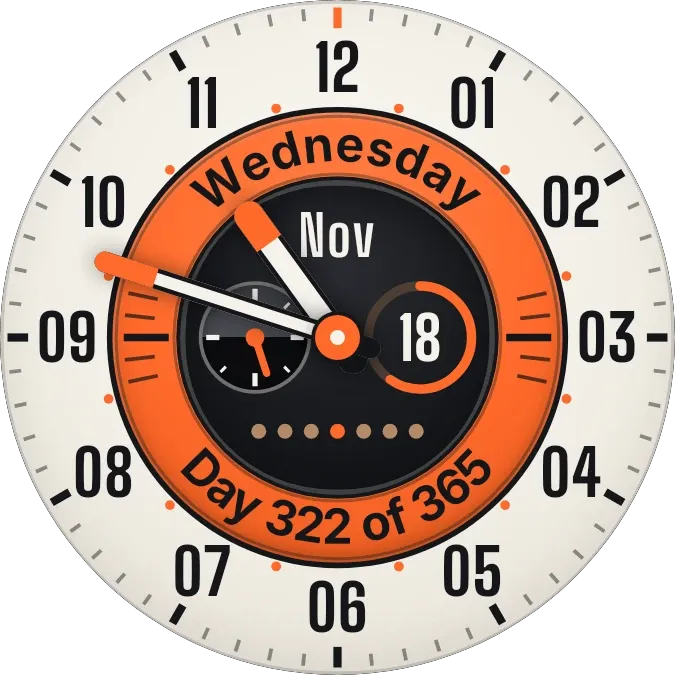
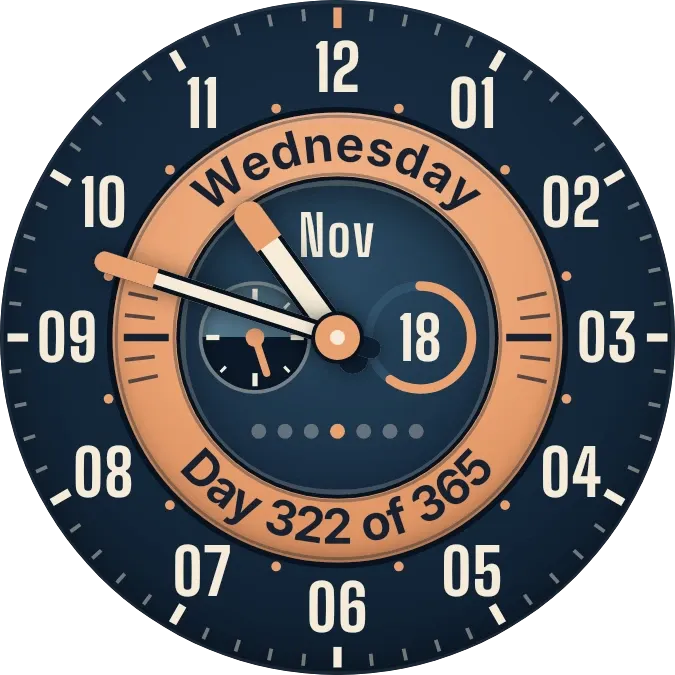
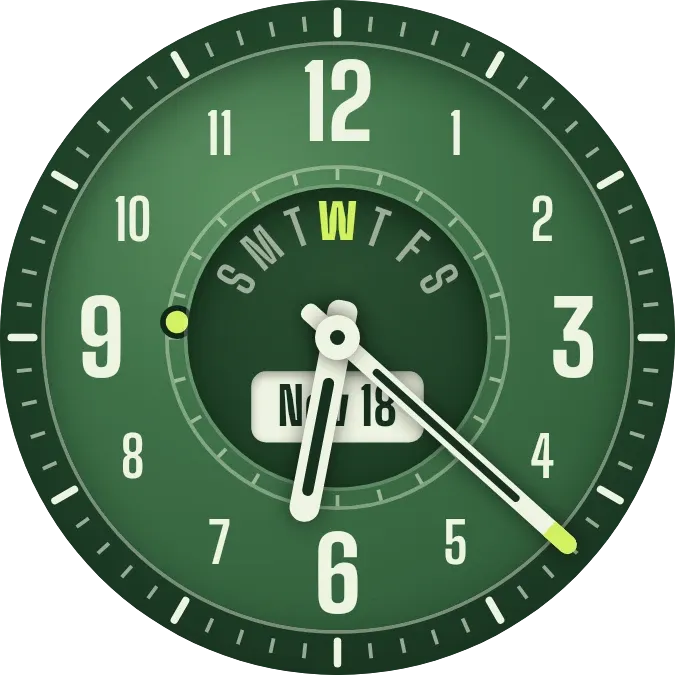
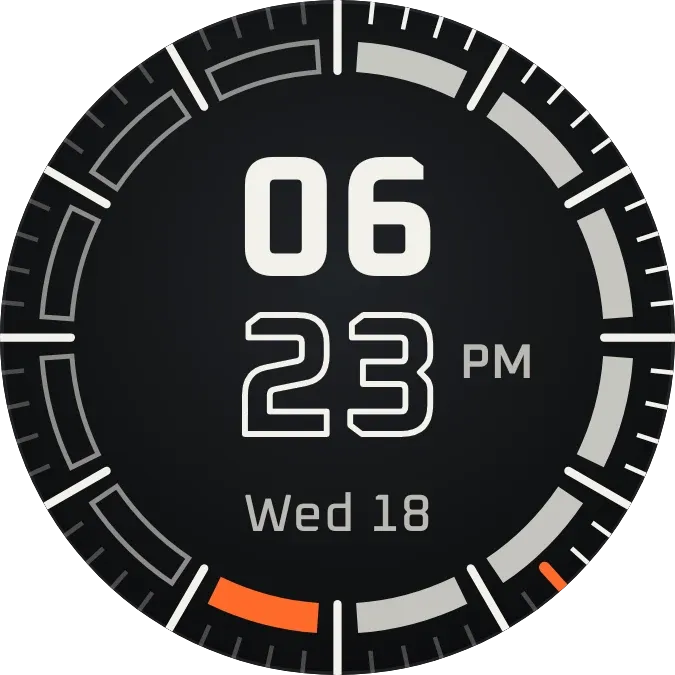
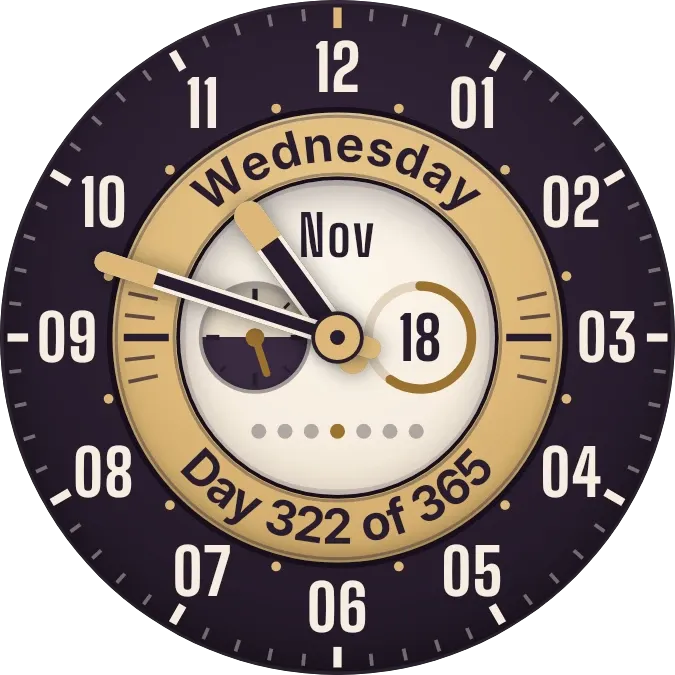
Gilt Plum is a round analog clock on a dark plum face with twelve ivory numerals and a ring of minute ticks. Gold-tipped hour and minute hands sweep over a gold ring that carries the weekday along the top and the day of the year along the bottom. An ivory centre holds the month, the date in a ring, a small gauge and a row of seven dots.
- Size
- 2x2 cells
- Kit
- Watch Face
- Shows
- state, Time and date
- Look
- Watch face, retro and hardware
- Colours
- Purple, orange and grey, dark background
- Good for
- Checking the time, daily planning and tracking the year
- Android
- 10 or newer
- Needs
- No additional permissions
- Price
- Free
Kiwi is in beta and is not on Google Play yet. Join to request an invitation.
- analog-clock
- calendar-clock
- clock-hands
- cream
- dark
- date-display
- date-ring
- day-of-week
- day-of-year
- day-progress
- gold
- hardware
- nostalgic
- numerals
- progress-ring
- purple
- retro
- round
- subdial
- tick-marks
- vintage-watch
- watch-face
- weekday-dots
- year-progress
What changes
- The hour and minute hands turn with the current time.
- The weekday name across the top of the gold ring and the line along the bottom, such as Day 322 of 365, follow today's date.
- The date number sits inside a thin ring that fills a little more each day as the month goes on.
- The month shows as a three-letter abbreviation. One of the seven dots under the date is gold to mark today; the other six are muted.
- The needle on the small gauge at the lower left turns once over the course of each day.
- Tapping the date switches between the ivory centre and a darker plum look. Tapping elsewhere opens the clock.
Data and settings
- Reads the current time from the phone to move the hands and the gauge needle.
- Reads today's date from the phone for the weekday, month, date, day count and week dots.
- Remembers which of its two looks is showing, ivory or the darker plum one.
Set it up
- Open the widget in Kiwi, from its kit or from this page.
- Tap Use.
- Confirm your launcher's prompt to place it.