Trackside
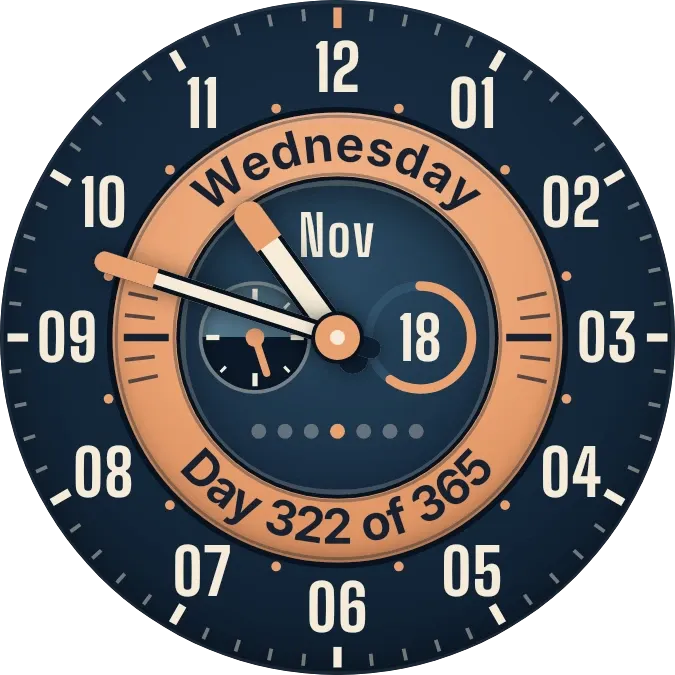
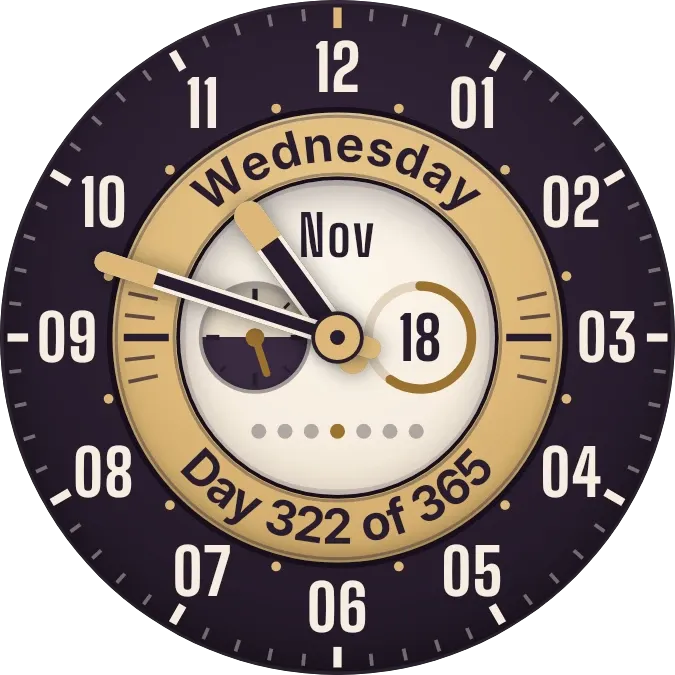
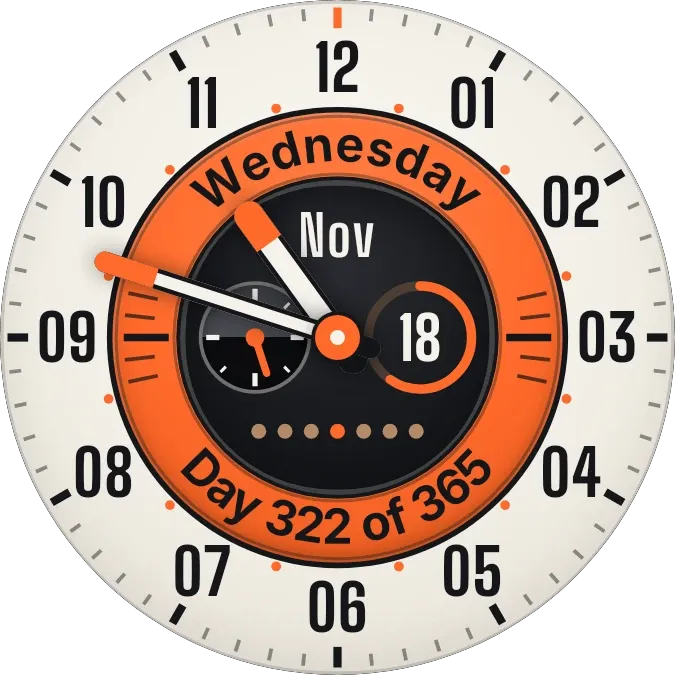
Trackside is a round analog watch face with a cream dial, an orange ring and a graphite center. Hour and minute hands sweep over twelve numerals, while the ring carries the weekday and the day of the year. The center shows the month, the day number, a row of week dots and a small dial.
- Size
- 2x2 cells
- Kit
- Watch Face
- Shows
- state, Time and date
- Look
- Watch face, hardware and retro
- Colours
- Cream, orange and grey, light background
- Good for
- Checking the time, checking today's date and daily planning
- Android
- 10 or newer
- Needs
- No additional permissions
- Price
- Free
Kiwi is in beta and is not on Google Play yet. Join to request an invitation.
- analog-clock
- black
- bold
- bold-numerals
- clock-hands
- clock-with-date
- cream
- date-display
- day-of-week
- dial
- dots
- grey
- hardware
- light
- numbered-clock
- orange
- retro
- ring
- round
- subdial
- tick-marks
- watch-face
- year-progress
What changes
- The hour and minute hands show the current time on the numbered dial.
- The weekday is written along the top of the orange ring, and the bottom reads Day followed by the day of the year and the number of days in the year.
- The center shows the month in short form and the day of the month, inside a ring that fills as the month goes on.
- Seven dots sit below the date, and the dot for today is orange while the other six are tan.
- The needle on the small dial turns through one full circle over the course of each day.
- Tapping the day number switches the face between the cream look and a dark look. Tapping elsewhere opens the clock.
Data and settings
- Reads the current time and date from the phone.
- Face colour: cream or dark, switched by tapping the day number.
Set it up
- Open the widget in Kiwi, from its kit or from this page.
- Tap Use.
- Confirm your launcher's prompt to place it.