Chargebean
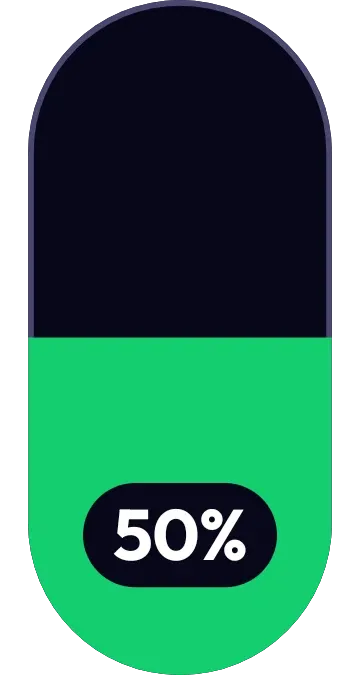
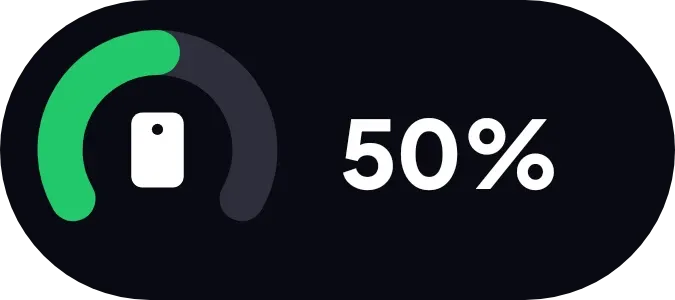
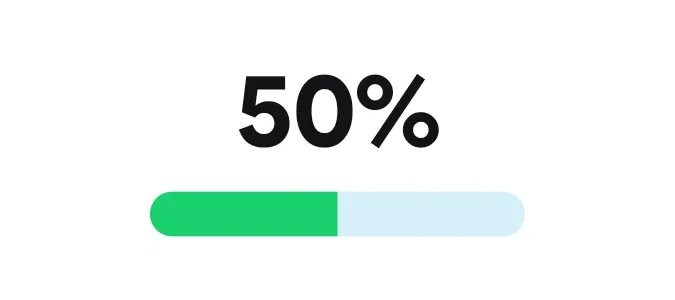
Chargebean shows your battery level as a large bold percentage inside a white capsule. Under the number is a rounded bar on a pale blue track. The green fill matches the charge, so at 50% it covers half the bar.
- Size
- 2x1 cells
- Kit
- One UI
- Shows
- Battery
- Look
- Minimal, typographic and bold shapes
- Colours
- White, light background
- Looks like
- Samsung widgets
- Good for
- Daily battery checks and power monitoring
- Android
- 10 or newer
- Needs
- No additional permissions
- Price
- Free
Kiwi is in beta and is not on Google Play yet. Join to request an invitation.
- battery
- battery-indicator
- battery-level
- big-numbers
- black
- blue
- bold
- clean
- green
- light
- minimal
- one-ui
- percentage
- pill
- progress-bar
- rounded
- samsung
- white
What changes
- The percentage and the length of the bar both follow your current battery level.
- At 50%, the number reads 50% and the green fill stretches across half of the track.
- As the charge drops, the green fill gets shorter.
- When the battery is low, the fill changes from green to red.
- While the phone is charging, a small green bolt appears to the left of the percentage.
Data and settings
- Reads your battery level, whether the phone is charging, and whether the battery is low.
- Nothing to set. The widget has no options.
Set it up
- Open Chargebean in Kiwi, either from its kit or from this page.
- Tap Use.
- Confirm your launcher's prompt to place the widget on your home screen.
Widgets like Chargebean
 Halfway PillMaterial You
 Tadpole HalfMaterial You
 Shape ChargeMaterial Expressive
 Halflit StripesNothing