Coral Screen Time
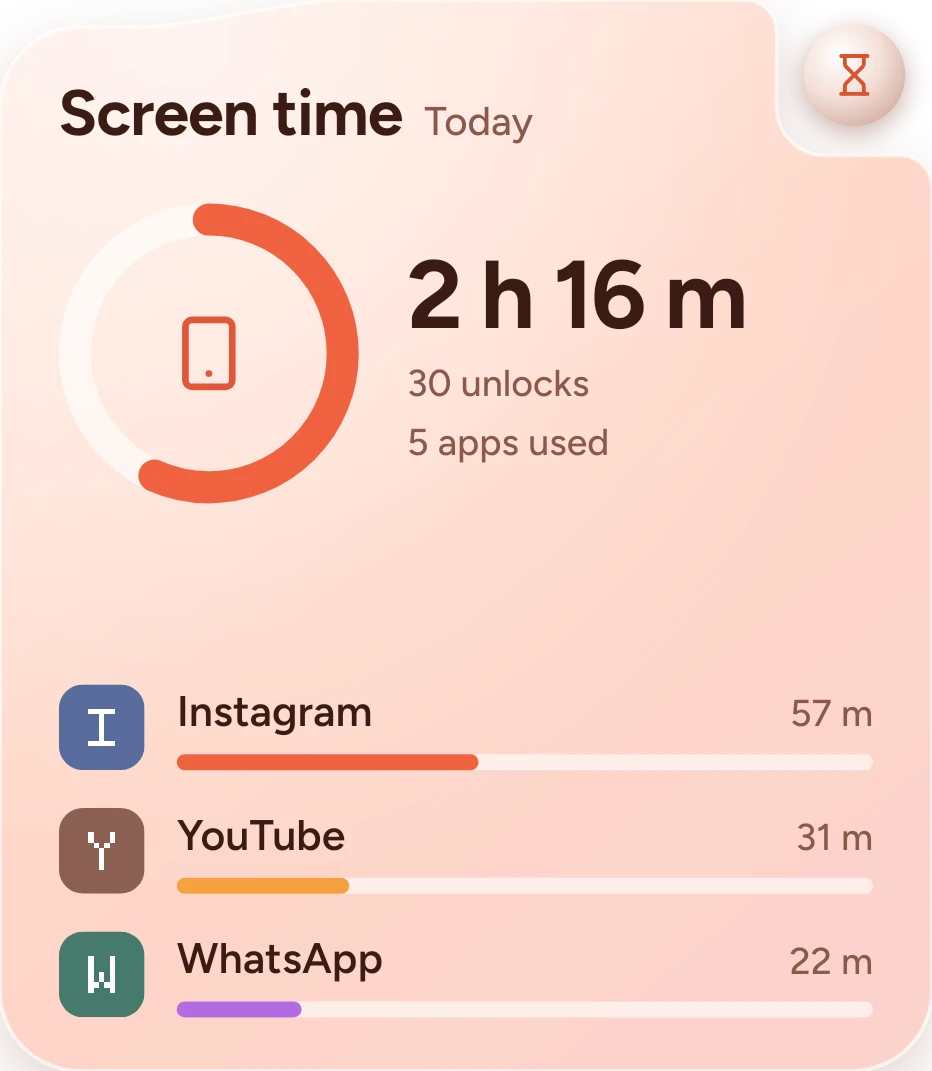
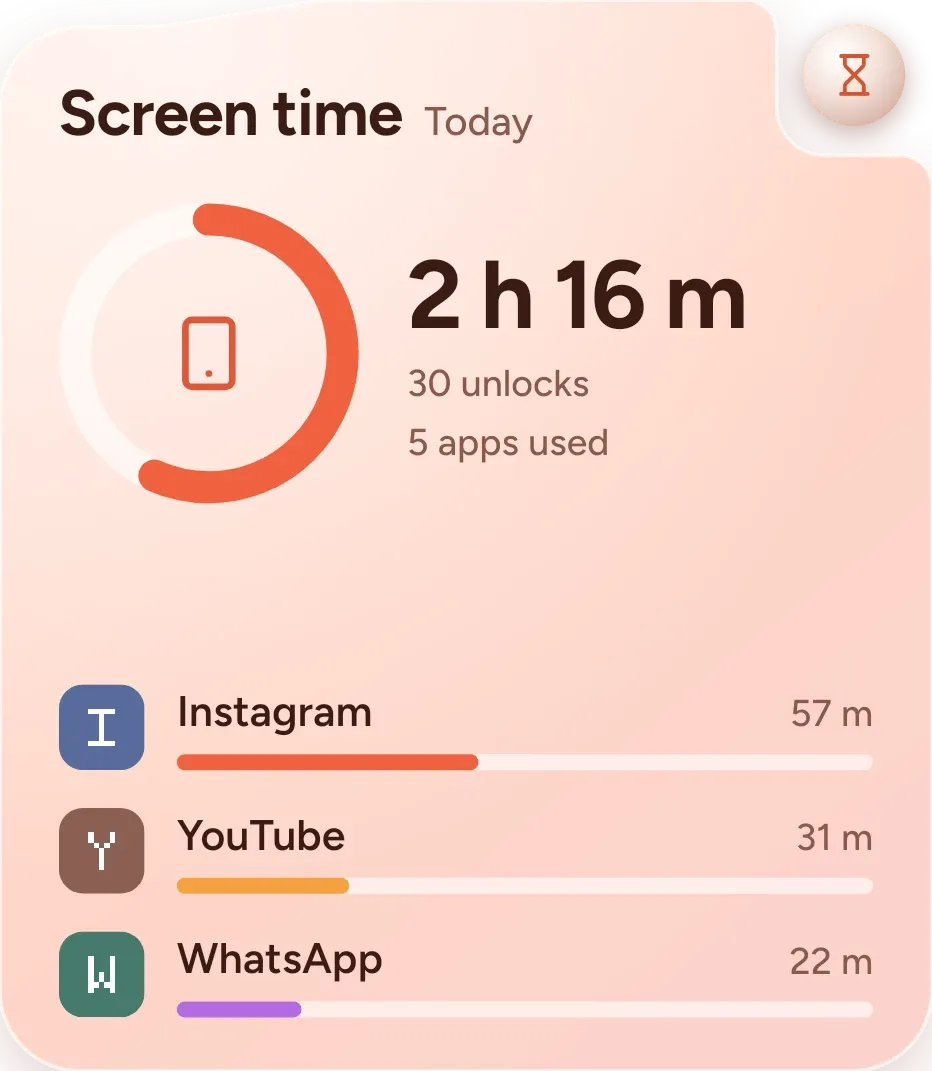
Coral Screen Time shows today's phone use as a ring measured against four hours, with the total time, the number of unlocks and the number of apps used beside it. Below are your three most-used apps, each with its icon, name, time and a bar. It sits on a peach card with an hourglass at the top right.
- Size
- 4x4 cells
- Kit
- One UI
- Shows
- Screen time
- Look
- Pastel and glass
- Colours
- Orange, pink and white, light background
- Looks like
- Samsung widgets
- Good for
- Focus, study and detox
- Android
- 10 or newer
- Needs
- No additional permissions
- Price
- Free
Kiwi is in beta and is not on Google Play yet. Join to request an invitation.
- apps
- coral
- samsung
- screen-time
What changes
- The ring fills as today's screen time grows, and four hours is the full ring.
- The total time, unlock count and apps-used count change as your use today changes.
- The three most-used apps are listed from top to bottom, each with a bar for its share in coral, amber and purple.
- If no apps have been used yet today, the app list is replaced by a line saying no apps have been used for a minute yet.
- If usage access isn't allowed, the widget shows an hourglass, the title and a message asking you to allow usage access in Kiwi.
- Tapping an app's row opens that app.
Data and settings
- Reads today's total screen time and the number of times the phone was unlocked.
- Reads how many apps were used today.
- Reads each app's name, icon and time used today, to list the top three.
Set it up
- Open the widget in Kiwi, either from its kit or from this page.
- Tap Use.
- Confirm your launcher's prompt to place it on your home screen.
Good to know
- Usage access has to be allowed in Kiwi before the widget can show today's apps.
- It covers today only.
- The ring is measured against four hours.
- Only the three most-used apps are listed, even if you used more.
Widgets like Coral Screen Time
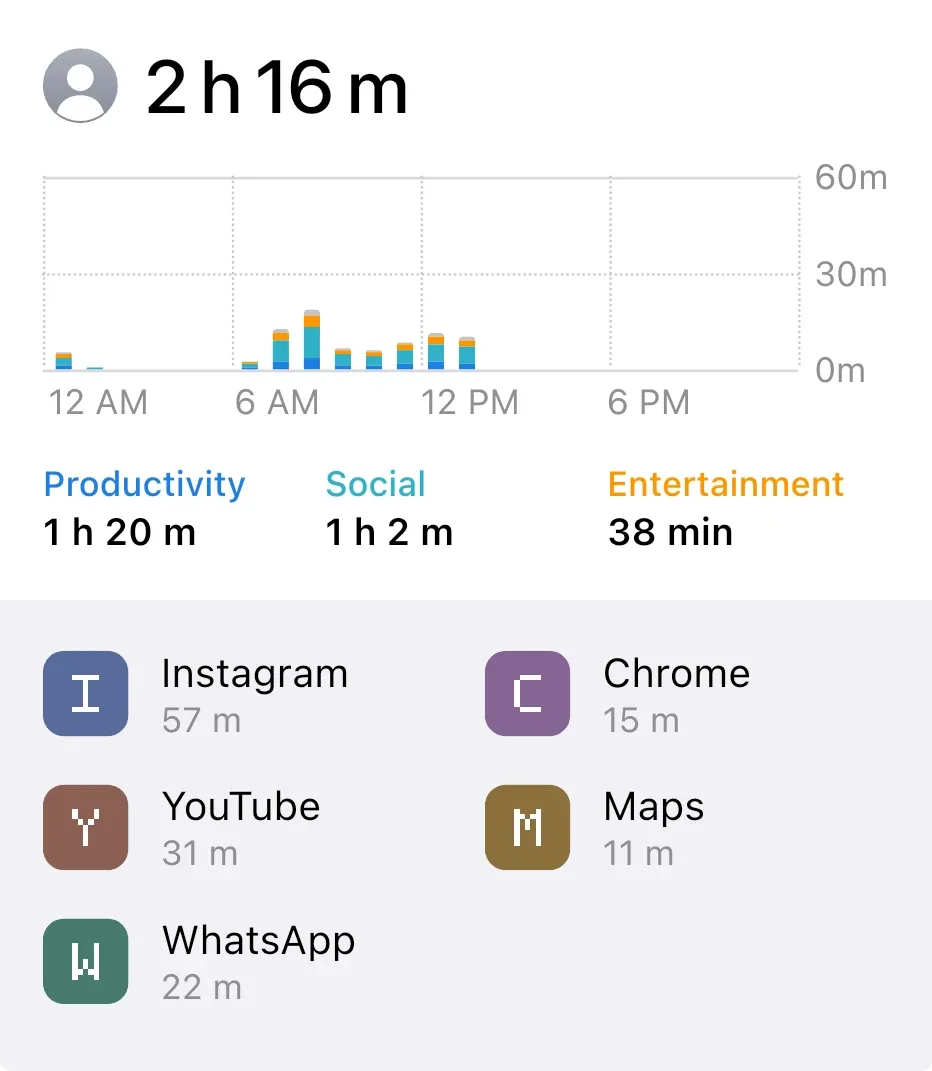 Screen Time LargeiOS & macOS
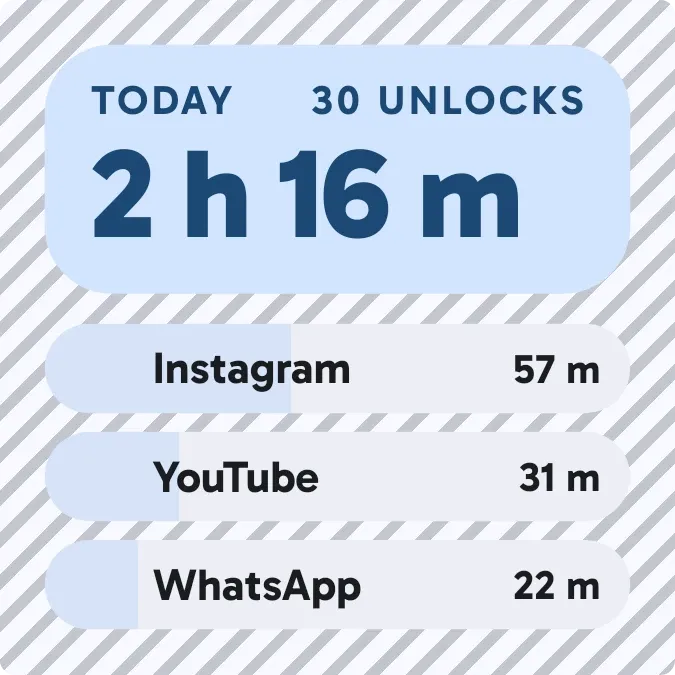 HatchmarkMaterial You
 Screen Time SmalliOS & macOS
 Hour BloomInstruments