Halflit Stripes
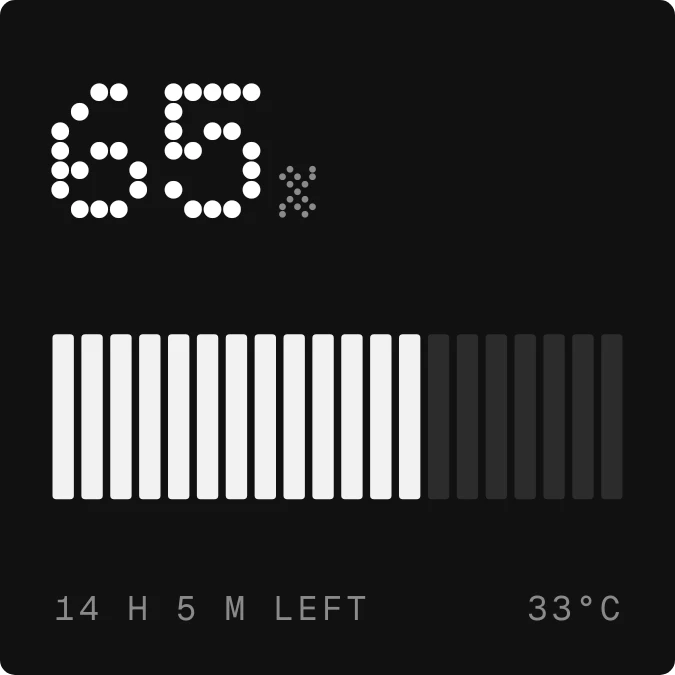
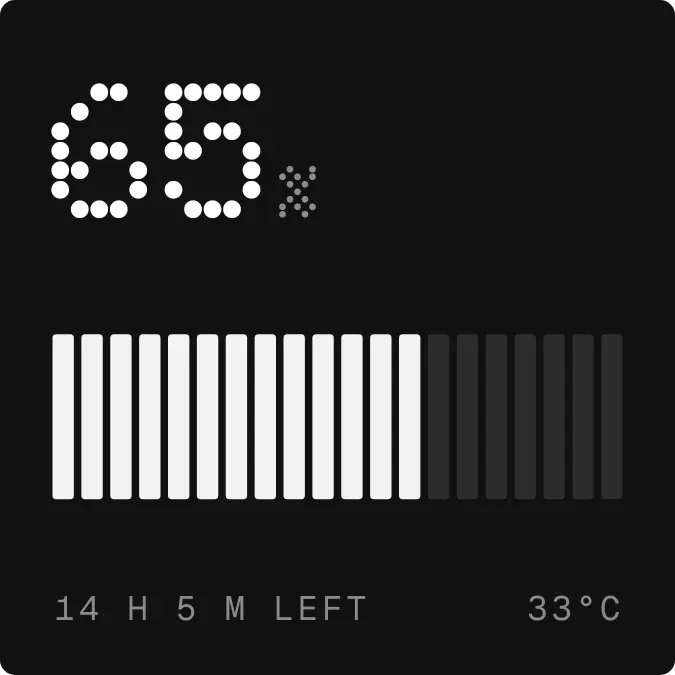
Halflit Stripes shows the battery level as a large number in dotted white numerals, with a small grey percent sign beside it. Below is a row of twenty upright stripes that light up from the left as the charge rises. The bottom line shows time left on the left and temperature on the right, all on a black rounded background.
- Size
- 2x2 cells
- Kit
- Nothing
- Shows
- Battery
- Look
- Dot matrix, monochrome and minimal
- Colours
- Black and grey, dark background
- Looks like
- Nothing widgets
- Good for
- Night, charging and work
- Android
- 10 or newer
- Needs
- No additional permissions
- Price
- Free
Kiwi is in beta and is not on Google Play yet. Join to request an invitation.
- at-a-glance
- battery
- battery-time-left
- big-numbers
- black-and-white
- dark
- digital
- dot-matrix
- dots
- grey
- minimal
- monochrome
- moody
- nothing
- percentage
- progress-bar
- tactile
- temperature
- typographic
- white
What changes
- The number follows the battery level, and the stripes light up from the left in light grey up to that level. Unlit stripes stay dark grey.
- When the battery is low, the lit stripes turn red instead of light grey.
- While the phone is on battery, the bottom left reads the time left, for example 9 h 10 m left. If no estimate is available, it reads On battery.
- While charging, the bottom left changes to Charging followed by the power in watts, in red.
- At full charge, all twenty stripes are lit.
- The temperature on the bottom right updates with the reading.
Data and settings
- Reads the battery level as a percentage.
- Reads whether the phone is charging and the charging power in watts.
- Reads the estimated time left on battery.
- Reads the battery temperature and whether the battery counts as low.
Set it up
- Open Halflit Stripes in Kiwi, either from its kit or from this page.
- Tap Use.
- Confirm your launcher's prompt to place it on your home screen.
Good to know
- The bar has twenty stripes, so it fills in steps rather than continuously. The number gives the exact level.
- The temperature is shown in degrees Celsius.
- Time left depends on the phone providing an estimate. Without one, the widget shows On battery.
- The charging wattage only appears while the phone is charging.
Widgets like Halflit Stripes
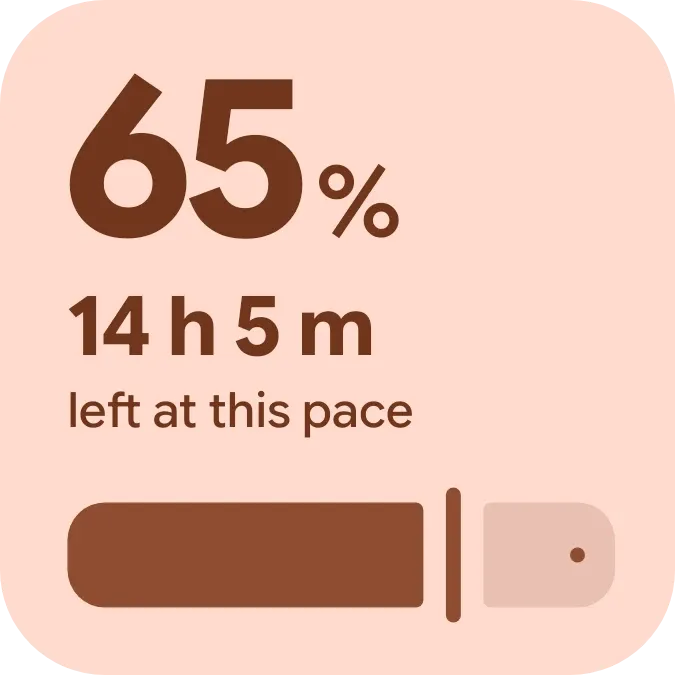 Halfway PillMaterial You
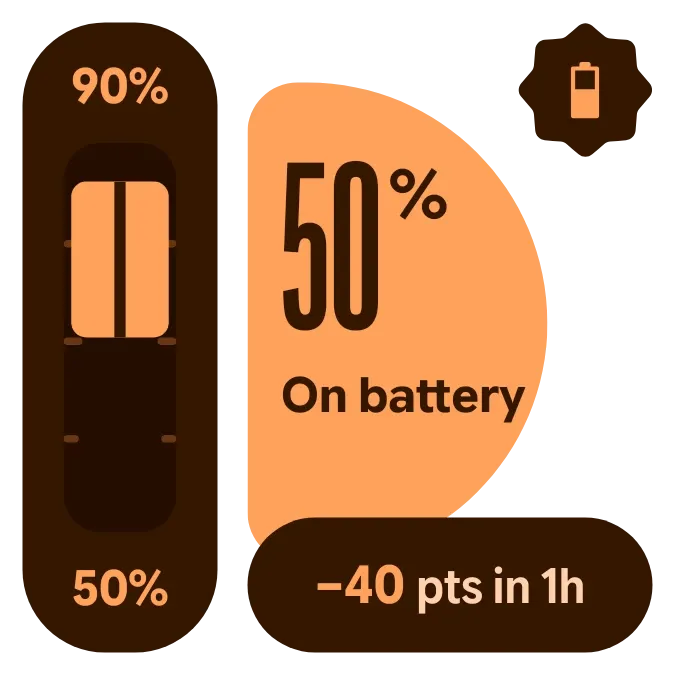 Copper SwingMaterial Expressive
 Volt MosaicMaterial Expressive
 Shape ChargeMaterial Expressive



