Drowsy Dusk
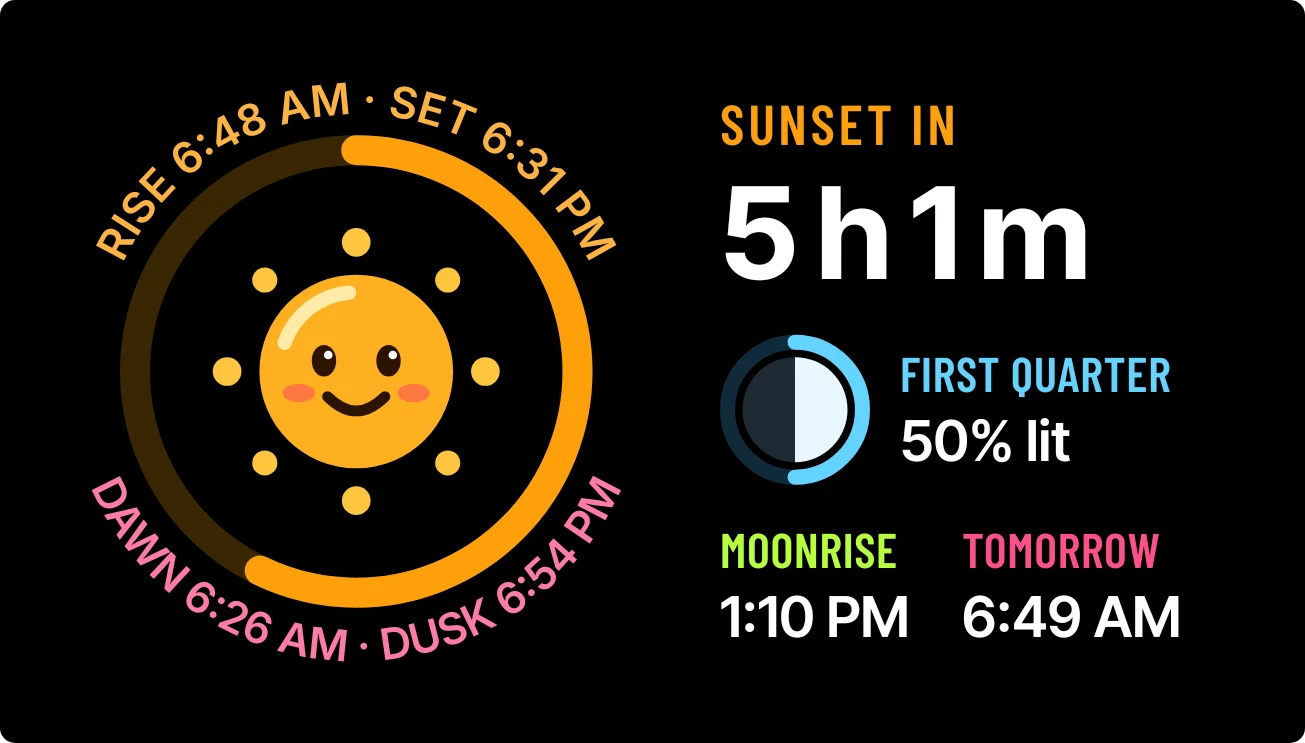
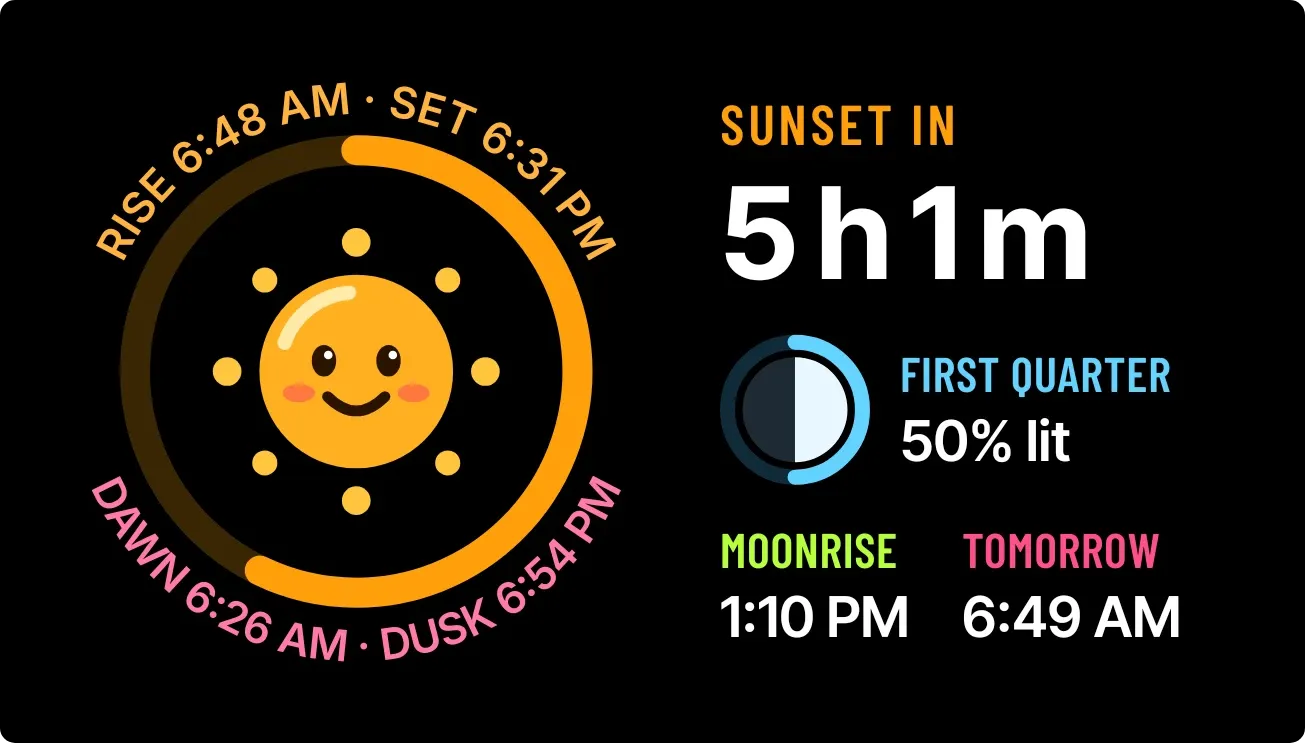
Drowsy Dusk pairs a round orange sun with closed eyelids, sitting on a pink horizon line, with a glowing ring around it. Sunrise, sunset, dawn and dusk times curve around the ring. On the right it shows a sunset countdown, the moon phase with its percent lit, moonrise and tomorrow's sunrise, all on black.
- Size
- 4x2 cells
- Kit
- Watch Face
- Shows
- Sky
- Look
- Watch face, cartoon and kawaii
- Colours
- Black, dark background
- Good for
- Golden hour, photography and evening walk
- Android
- 10 or newer
- Needs
- No additional permissions
- Price
- Free
Kiwi is in beta and is not on Google Play yet. Join to request an invitation.
- black
- bright
- countdown
- cute
- dark
- daylight
- dial
- dusk
- kawaii
- lunar
- mascot
- moon
- moon-phase
- moonrise
- orange
- pink
- playful
- ring
- sleepy
- sun
- sunrise
- sunset
- sunset-countdown
- time-of-day
- warm
What changes
- While the sun is up, the ring fills to show how much of the day has passed. Earlier in the day the sun has open eyes and a smile.
- Once the day is 80 percent gone, the sun turns deeper orange, closes its eyes, and sinks onto the pink horizon line.
- After sunset the sun is replaced by a crescent moon with closed eyes and floating z's, inside a ring of blue dots.
- The countdown reads Sunset in during the day and Sunrise in at night, with the time left in hours and minutes.
- The moon icon follows the current phase, such as first quarter, full or new. The phase name and percent lit update beside it.
- Without a city, the widget shows a grey face with a question mark and a note that no sky data is available yet.
Data and settings
- Reads sunrise, sunset, dawn and dusk times, plus tomorrow's sunrise, for your weather city.
- Reads the moon's phase, how much of it is lit, and the time of moonrise.
- Weather city: the place the sky data is worked out for, set in Kiwi.
Set it up
- Open the widget in Kiwi, either from its kit or from this page.
- Tap Use.
- Confirm your launcher's prompt to place it on your home screen.
- Set a weather city in Kiwi so the widget can show sunrise, sunset and moon times.
Good to know
- It shows no times, countdown or moon details until a weather city has been set in Kiwi.
- The times and moon details are for the weather city you set, which may differ from where you are.
Widgets like Drowsy Dusk
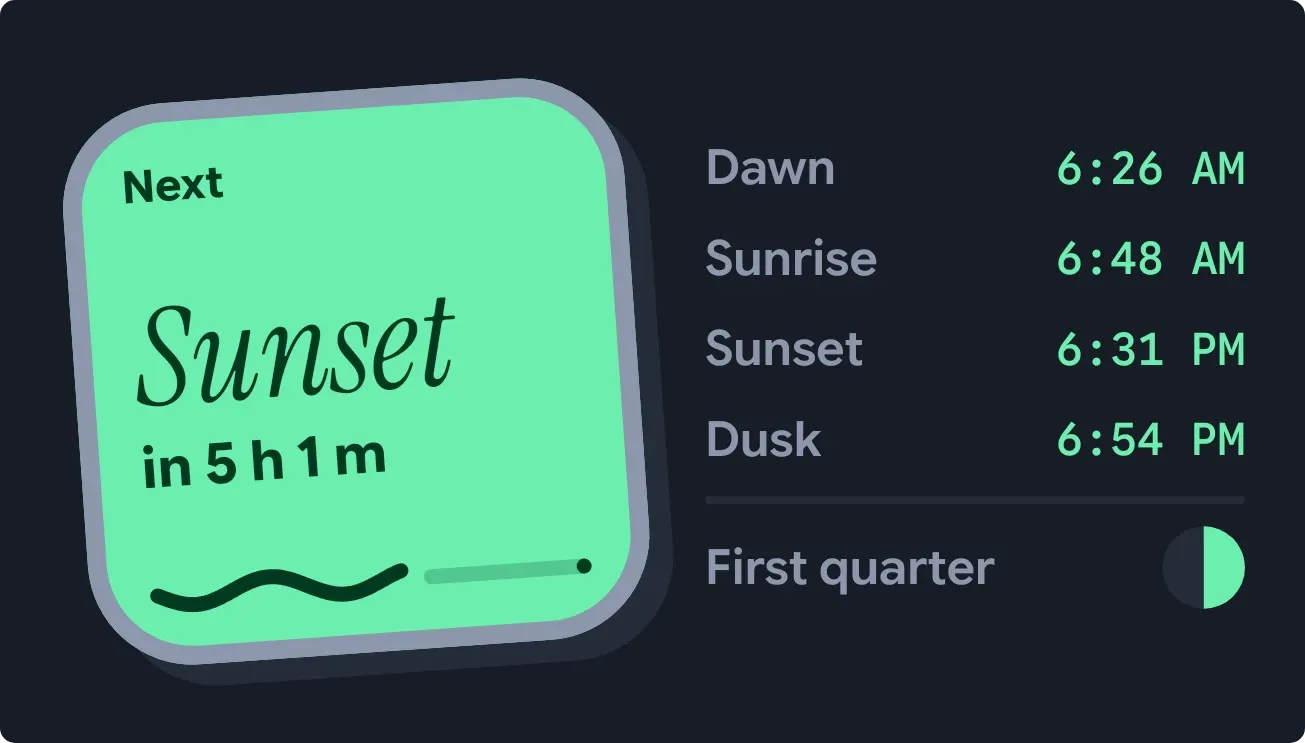 Tilted DuskMaterial Expressive
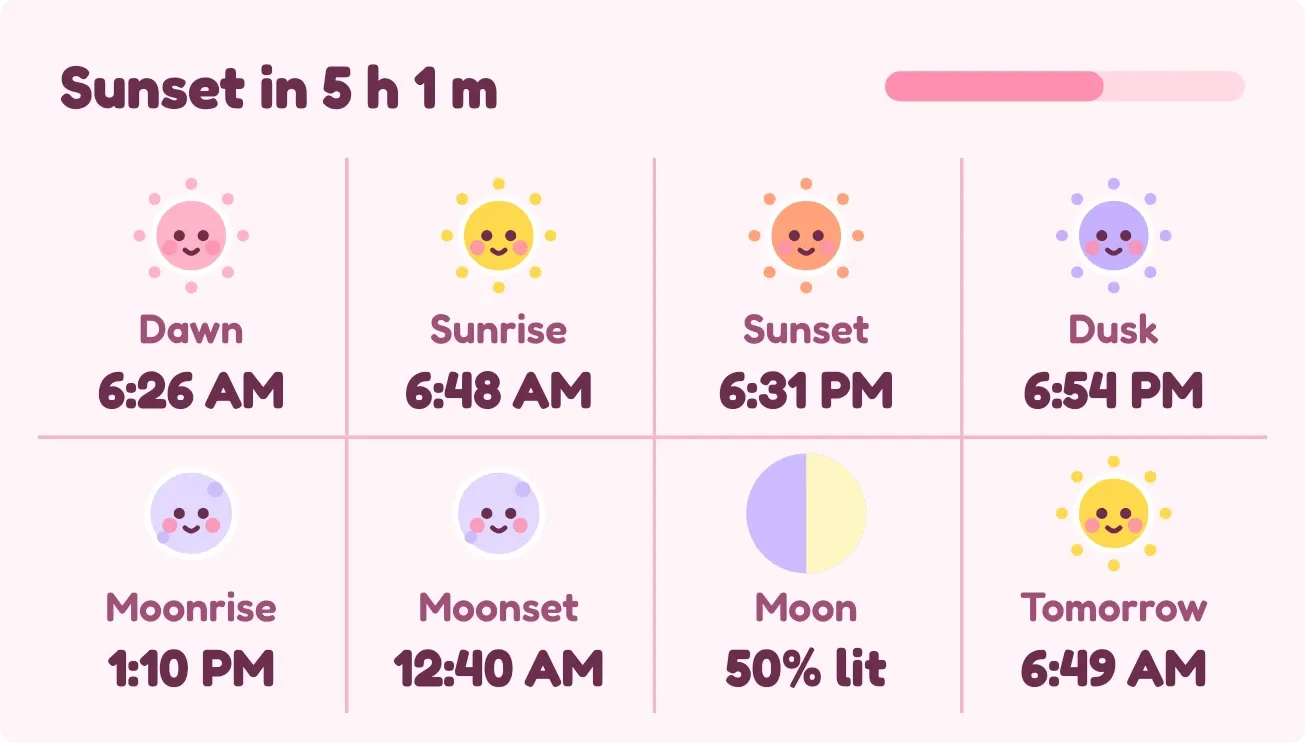 CheekdayPlayful
 Sunflower GrinPlayful
 Sky SeamPlayful