Cheekday
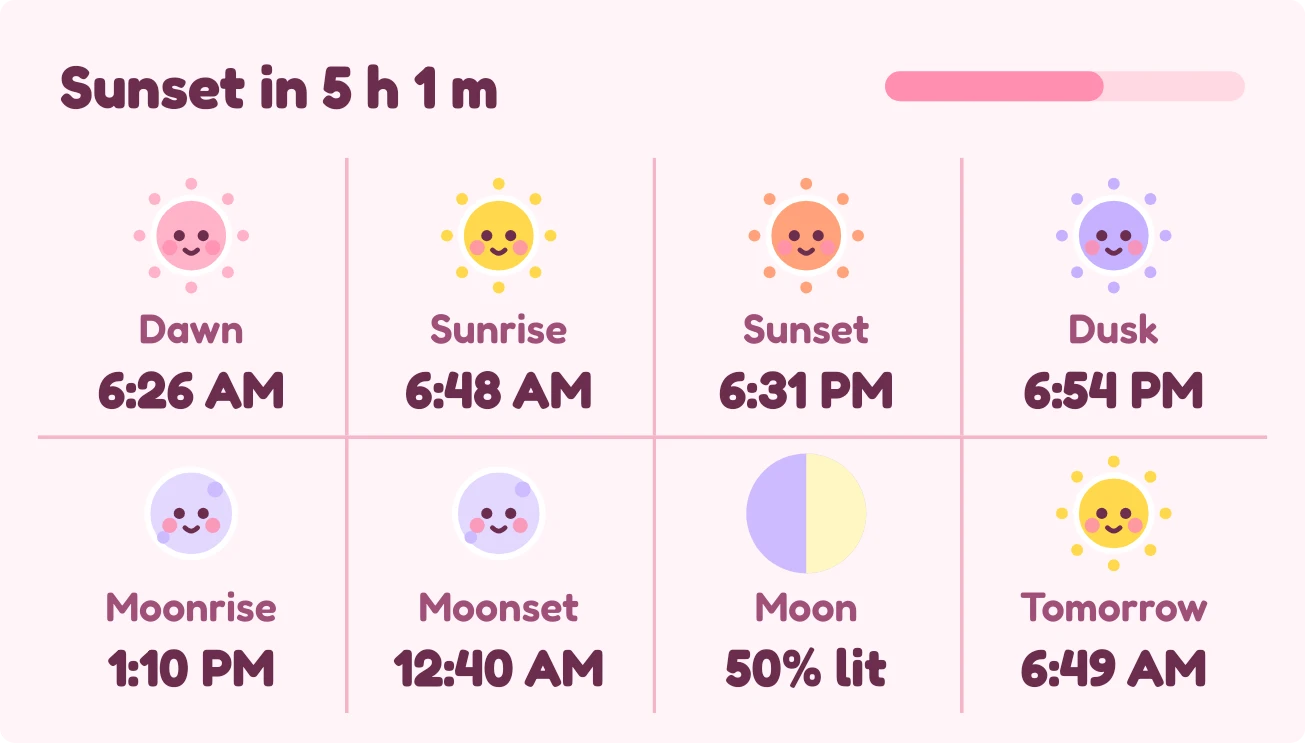
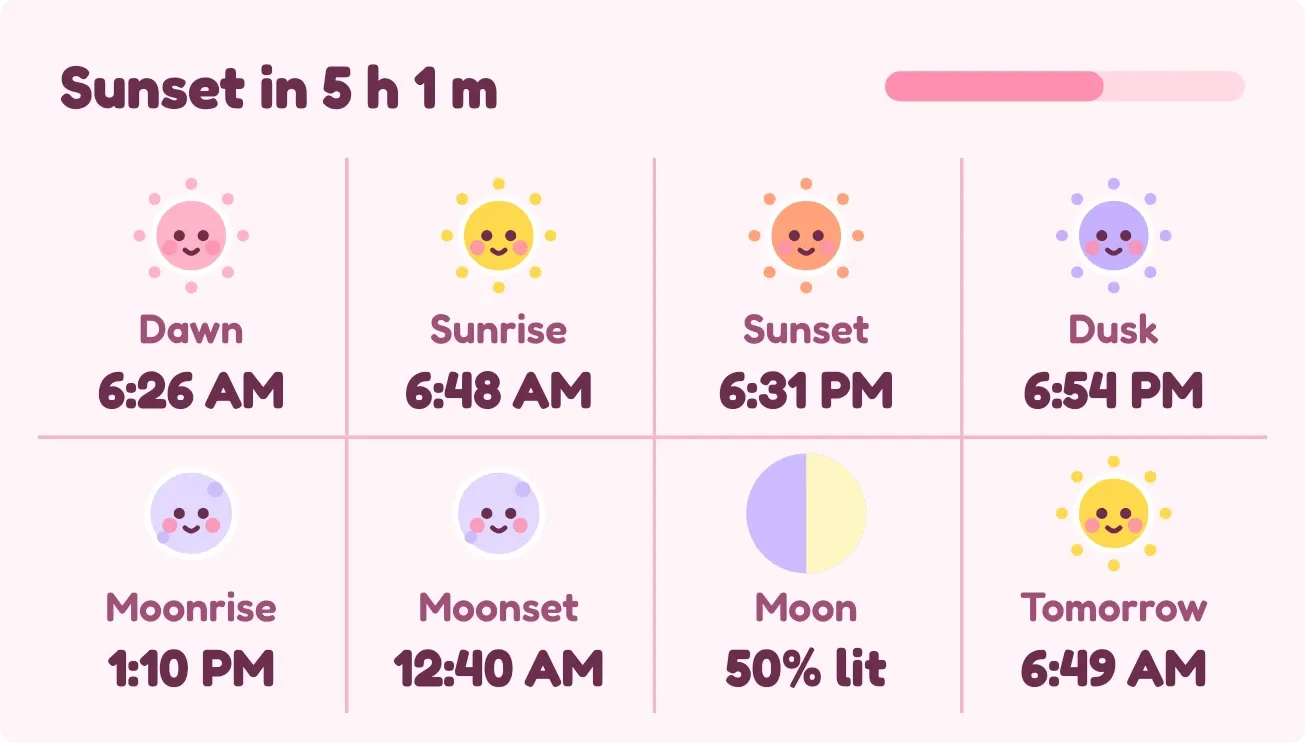
Cheekday shows eight sun and moon times on a soft pink card, each beside a small round face in pastel colors. The top row says which sun event comes next and how long until it, with a thin bar for how far through the day you are. Below are dawn, sunrise, sunset, dusk, moonrise, moonset, the moon's phase with its percent lit, and tomorrow's sunrise.
- Size
- 4x2 cells
- Kit
- Playful
- Shows
- Sky
- Look
- Kawaii, pastel and cartoon
- Colours
- Pink, light background
- Good for
- Golden hour planning, photography and stargazing
- Android
- 10 or newer
- Needs
- No additional permissions
- Price
- Free
Kiwi is in beta and is not on Google Play yet. Join to request an invitation.
- at-a-glance
- chibi-faces
- countdown
- cozy
- cream
- cute
- dawn-and-dusk
- daylight
- kawaii
- moon
- moon-phase
- moonrise
- moonset
- orange
- pastel
- pink
- playful
- progress-bar
- purple
- sun
- sunrise
- sunset
- sunset-countdown
- time-of-day
- yellow
What changes
- The top line names the next sun event with a countdown, such as Sunset in 25 m, and the bar beside it fills as the day goes on.
- While the sun is up, the Dawn, Sunrise, Sunset, Dusk and Tomorrow faces are awake with open eyes and a smile. After it sets, they close their eyes and show a small z.
- The Moonrise and Moonset faces are awake while the moon is up and asleep while it is down.
- The Moon cell draws a disc that is part lavender and part pale yellow to match the current phase, with the percent lit written under it.
- If no city is set, the top line reads Set a city in Kiwi for the sun, and tapping it opens Kiwi.
Data and settings
- Reads sun and moon data, dawn, sunrise, sunset and dusk, moonrise and moonset, moon illumination and phase, and tomorrow's sunrise.
- City: the sun times and countdown depend on a city, which the widget asks you to set in Kiwi.
Set it up
- Open the widget in Kiwi, either from its kit or from this page.
- Tap Use.
- Confirm your launcher's prompt to place it.
- If the top line asks you to set a city, set one in Kiwi so the sun times and countdown can appear.
Good to know
- The next-event countdown and the day bar need a city to be set. Without one, the top line only asks for it.
- All sun faces follow whether the sun is up, so Dawn and Dusk sleep and wake with the sun rather than at their own times.
- It shows times for one day, plus tomorrow's sunrise. It does not show tomorrow's other times.
Widgets like Cheekday
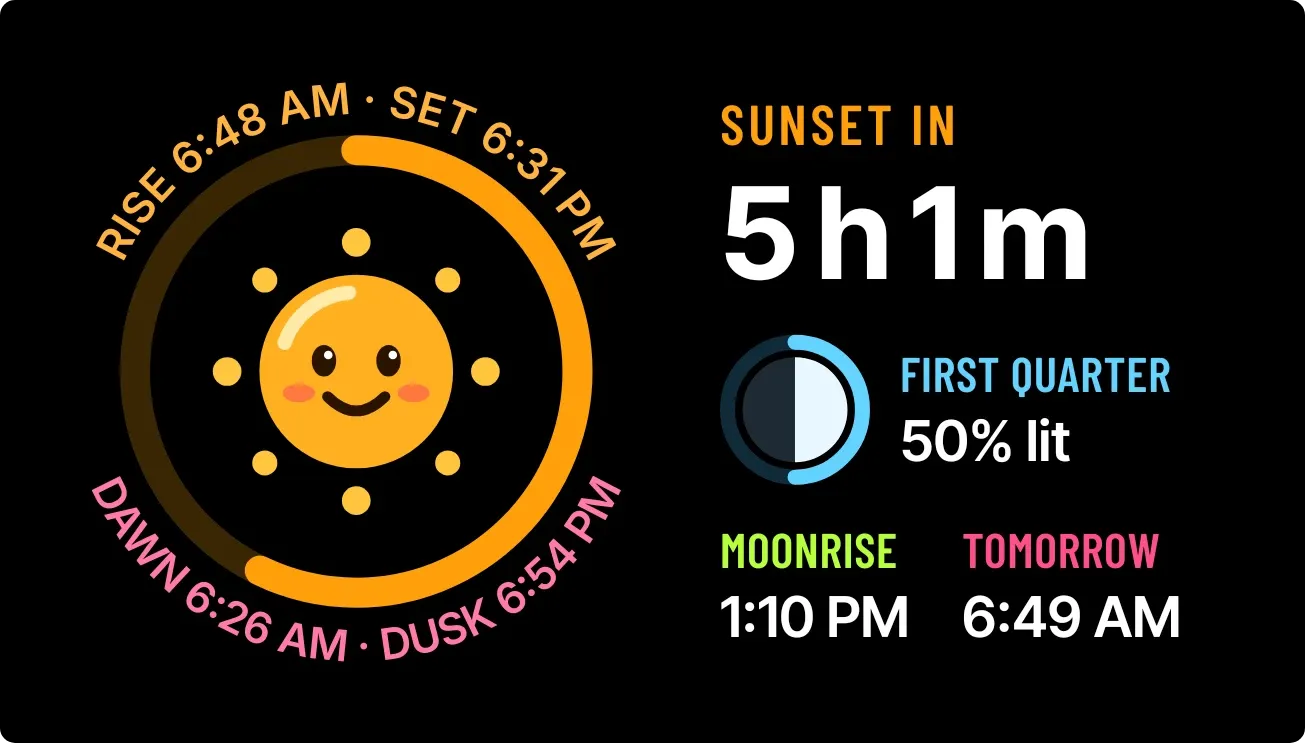 Drowsy DuskWatch Face
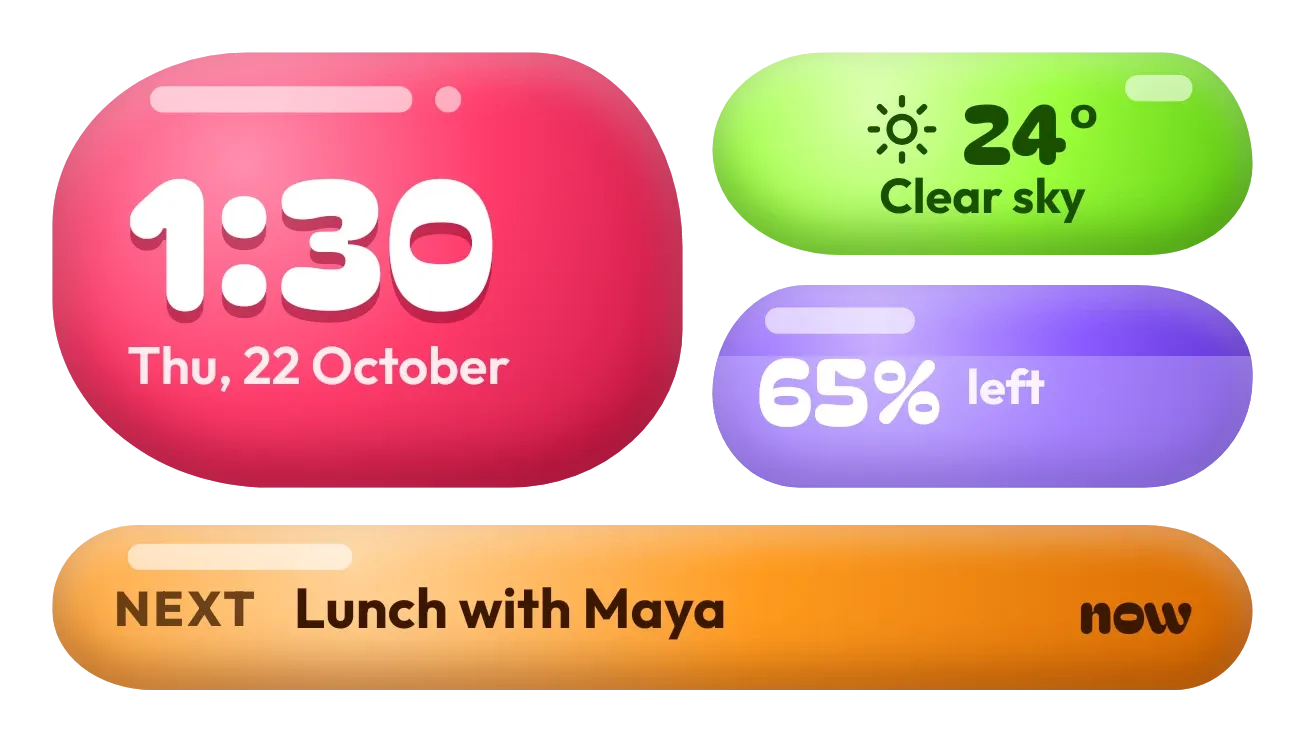 Jelly GlanceGlass
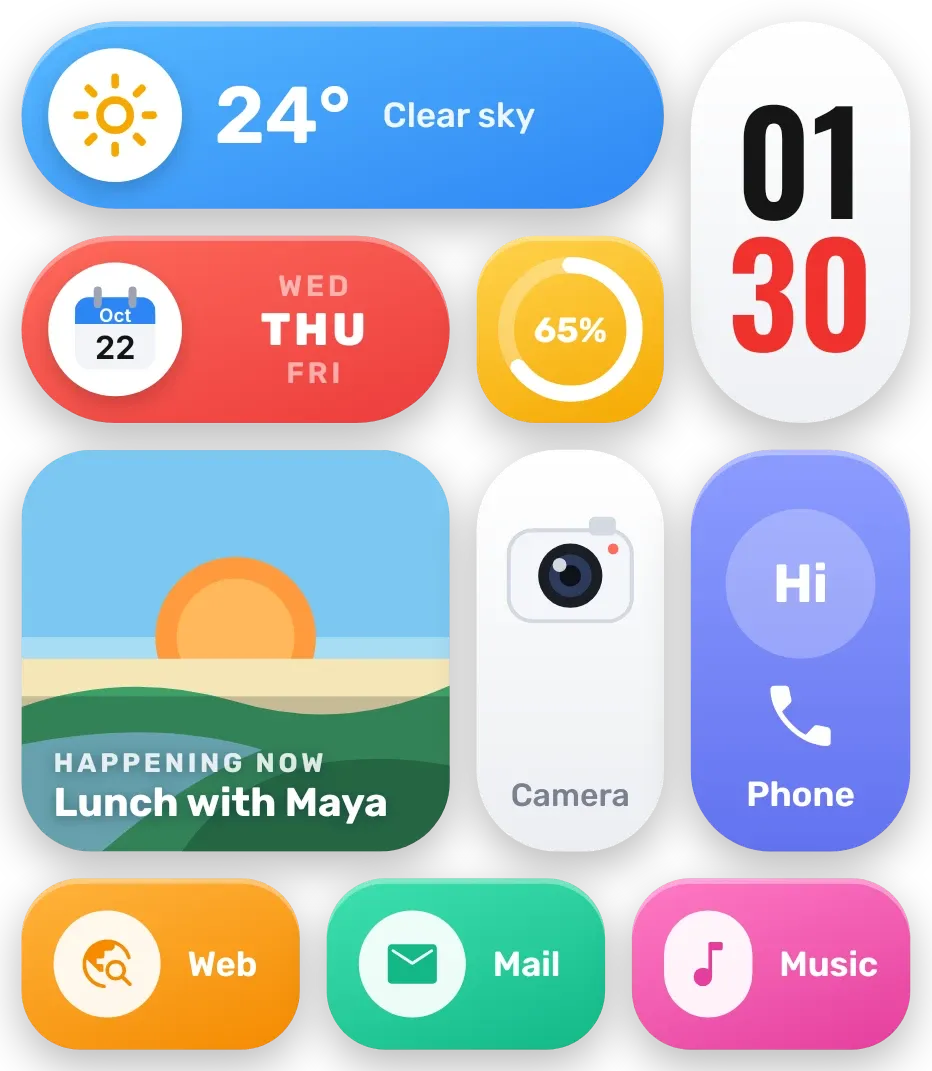 Sherbet GridBento
 Tilted DuskMaterial Expressive