Jelly Glance
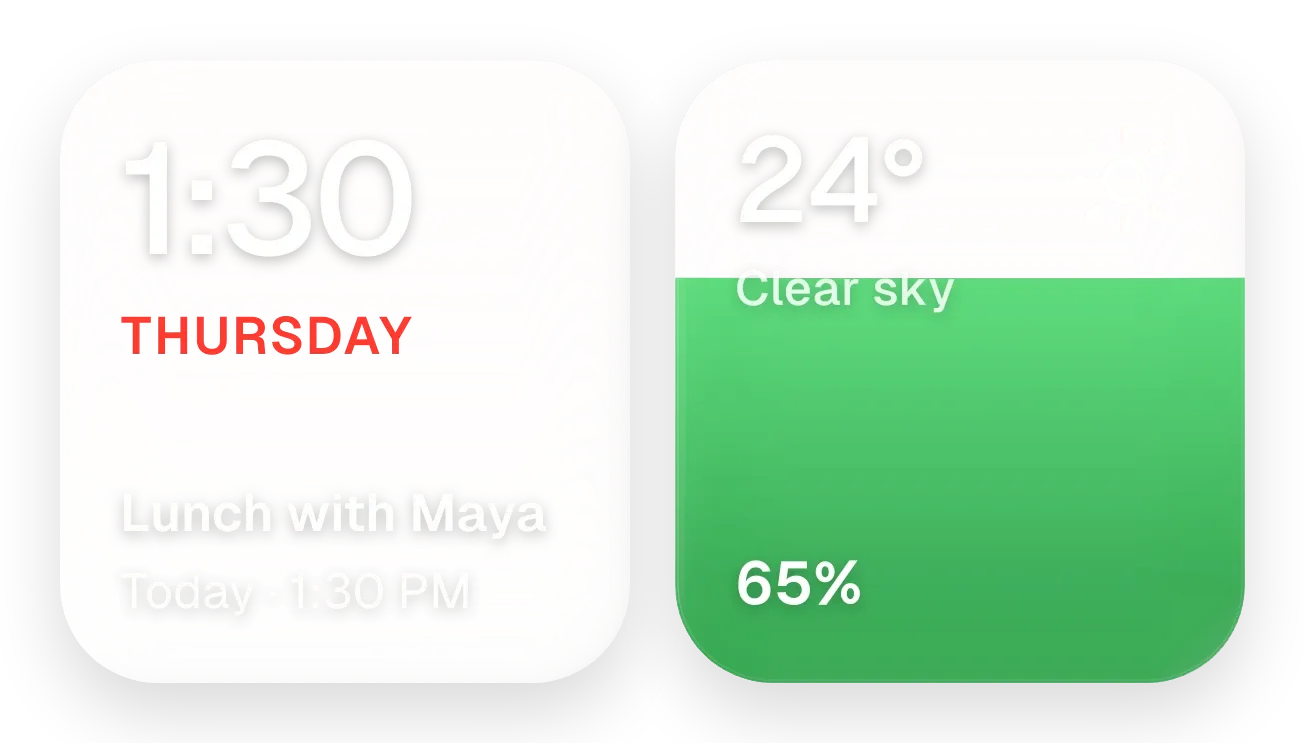
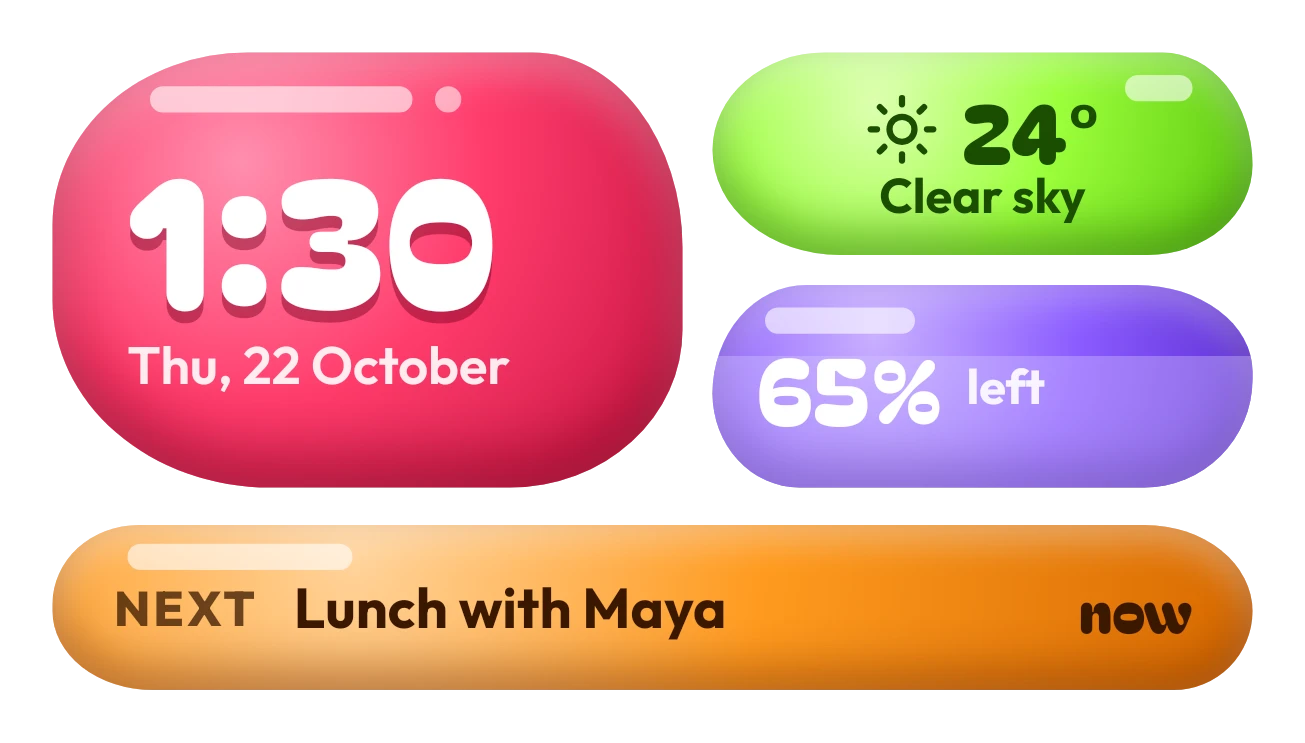
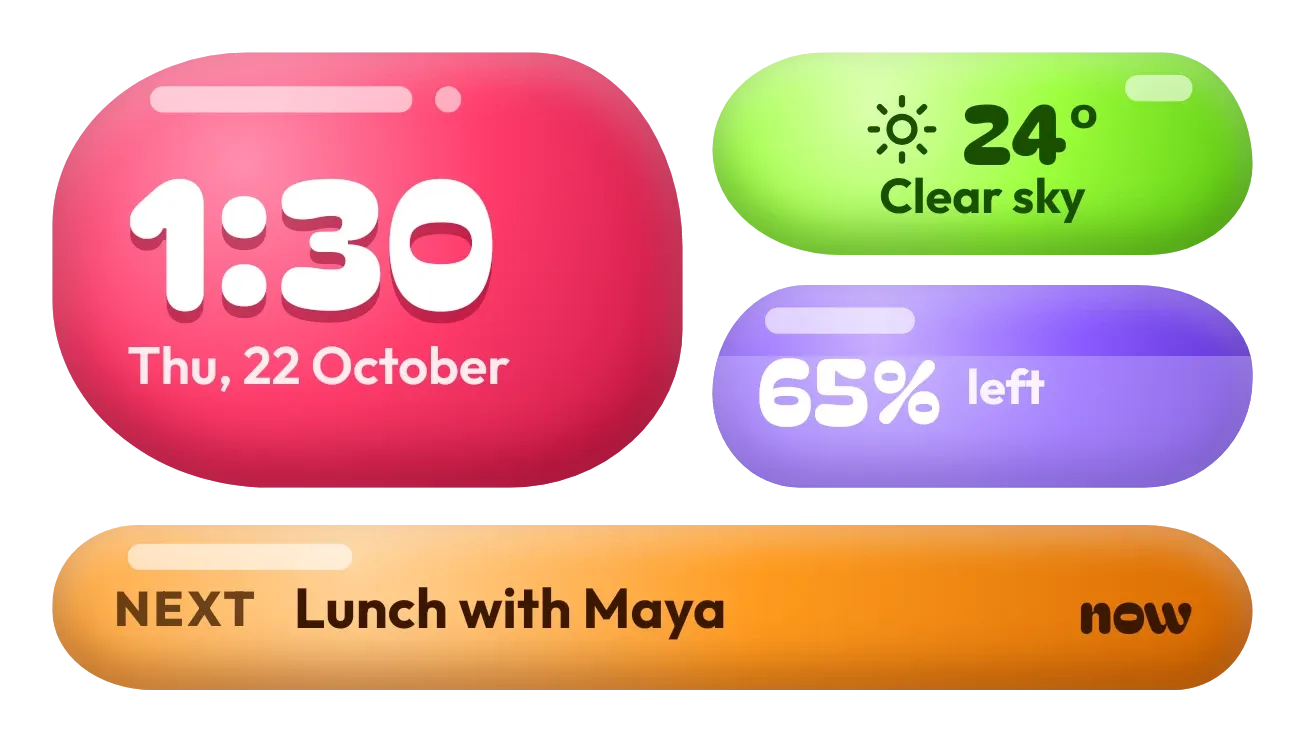
Jelly Glance sets four rounded jelly-candy shapes on a plum stage. A large red one shows the time and date, a green one the temperature and conditions, a purple one the battery level, and a long orange one your next calendar event. Each shape has a soft highlight and a glossy shine.
- Size
- 4x2 cells
- Kit
- Glass
- Shows
- Battery, Calendar, Time and date, Weather
- Look
- 3D, colourful and bold shapes
- Colours
- Orange, red and pink
- Good for
- Daily overview, morning routine and work day
- Android
- 10 or newer
- Needs
- No additional permissions
- Price
- Pro
Kiwi is in beta and is not on Google Play yet. Join to request an invitation.
- agenda
- at-a-glance
- battery
- big-numbers
- bold
- clock
- colourful
- countdown
- cute
- dark
- digital-clock
- glass
- glow
- green
- jelly
- next-event
- orange
- percentage
- pink
- playful
- purple
- rounded
- temperature
- time-of-day
- weather
What changes
- The red shape shows the current time in large white digits, with the weekday, day and month name below it, such as Sun, 22 November. Tapping it opens the clock.
- The green shape shows a weather icon, the temperature in degrees and a short condition such as Clear sky. Tapping it refreshes the weather.
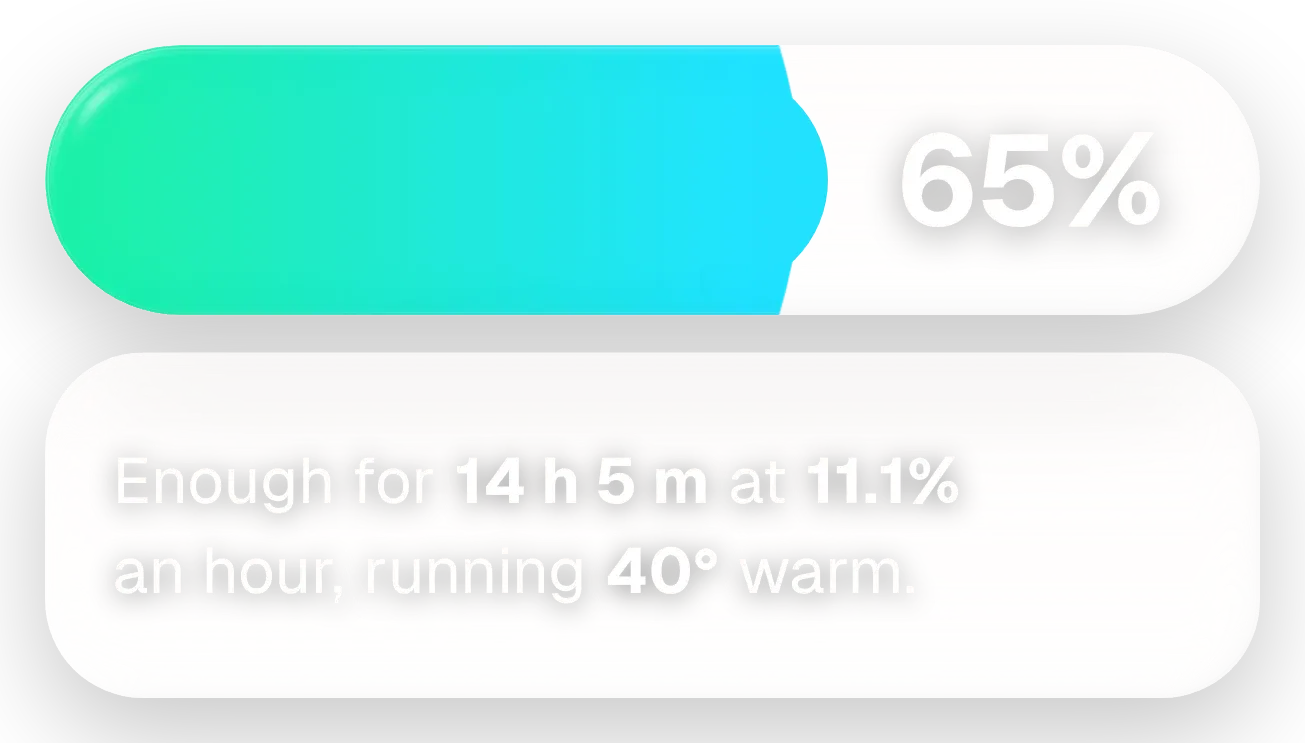
- The purple shape shows the battery percentage. A lighter fill rises inside it to match the charge, and the word left appears beside the number while the phone is not charging.
- While the phone is charging, a yellow bolt replaces the word left next to the battery percentage. Tapping the purple shape opens the battery screen.
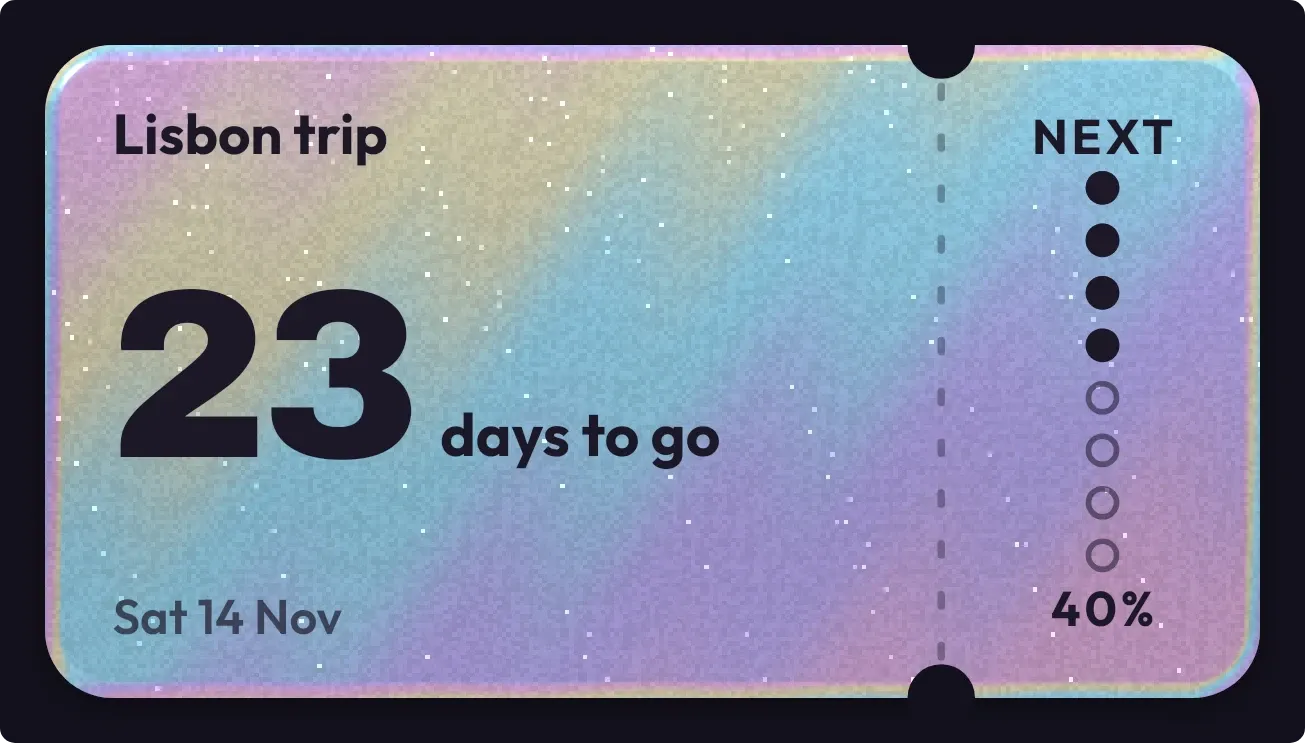
- The orange shape shows NEXT, the title of your next event and how long until it starts, such as in 25 m. When the event is under way it shows now instead. Tapping it opens that event.
- With no upcoming events, the orange shape reads Nothing planned, enjoy the quiet. Without calendar access it reads Tap to show your calendar here.
Data and settings
- Reads the time and today's date for the red shape.
- Reads the current temperature and weather condition for the green shape.
- Reads the battery level and whether the phone is charging for the purple shape.
- Reads your next calendar event, including its title and start time, for the orange shape.
Set it up
- Open the widget in Kiwi, from its kit or from this page.
- Tap Use.
- Confirm your launcher's prompt to place it.
Good to know
- The weather shape needs an internet connection to show the temperature and conditions.
- The orange shape only shows an event once the widget has access to your calendar.
- It shows only your single next event, and long event titles are cut off with an ellipsis.
Widgets like Jelly Glance
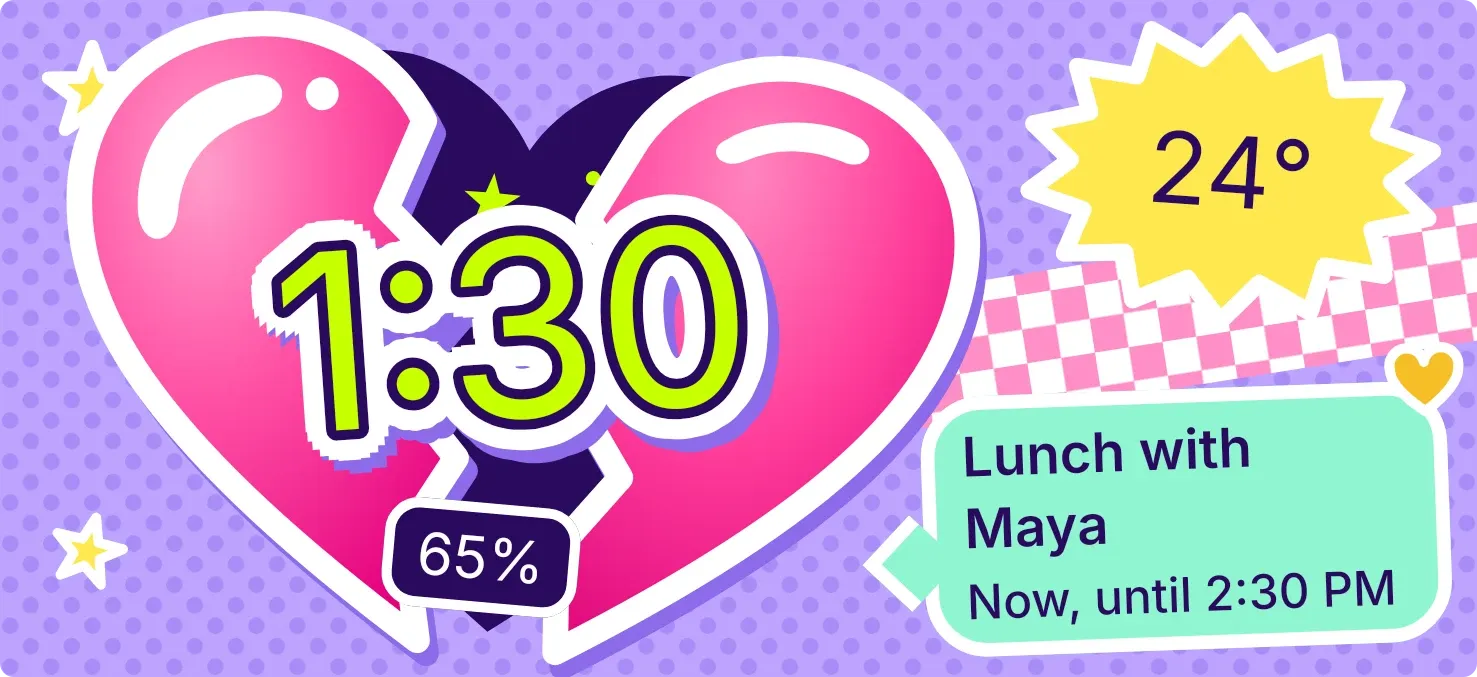 Cleft CandyPlayful
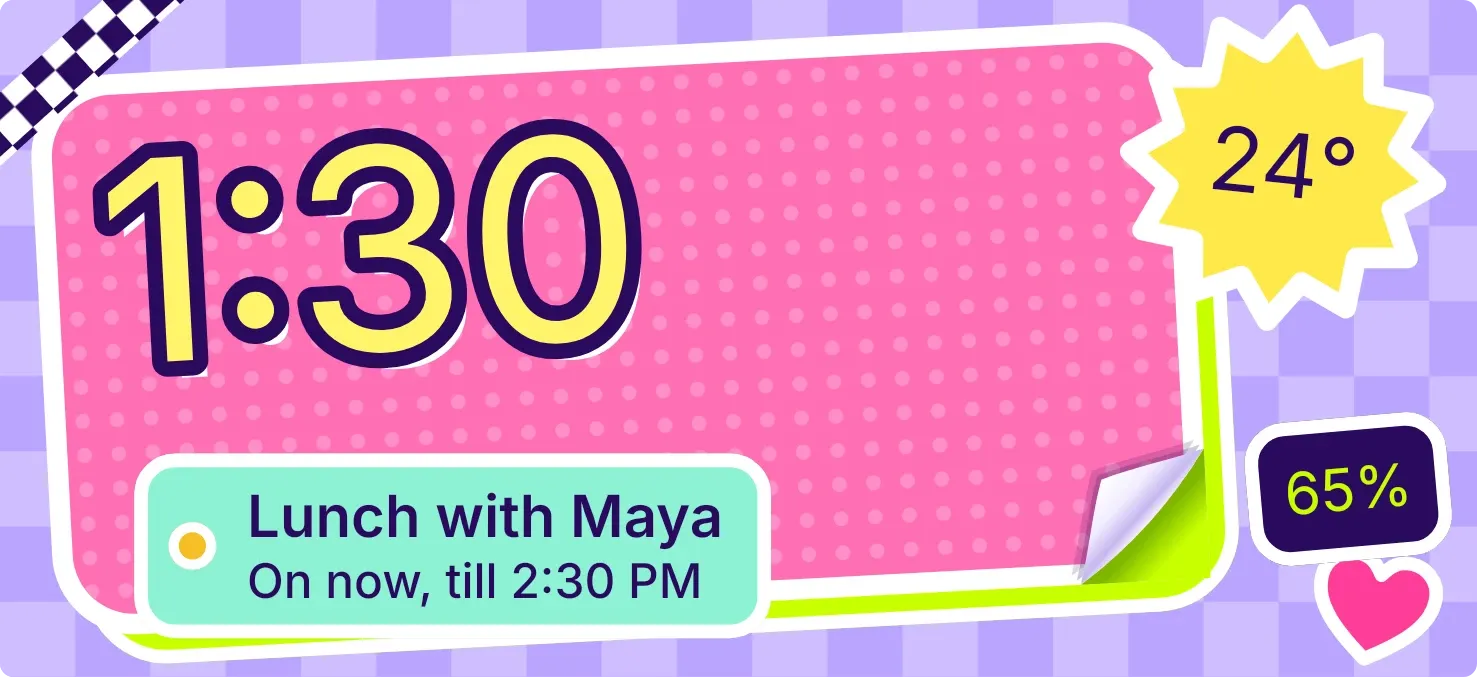 CurlstickPlayful
 Sherbet GridBento
 Wake TicketMaterial Expressive