Curlstick
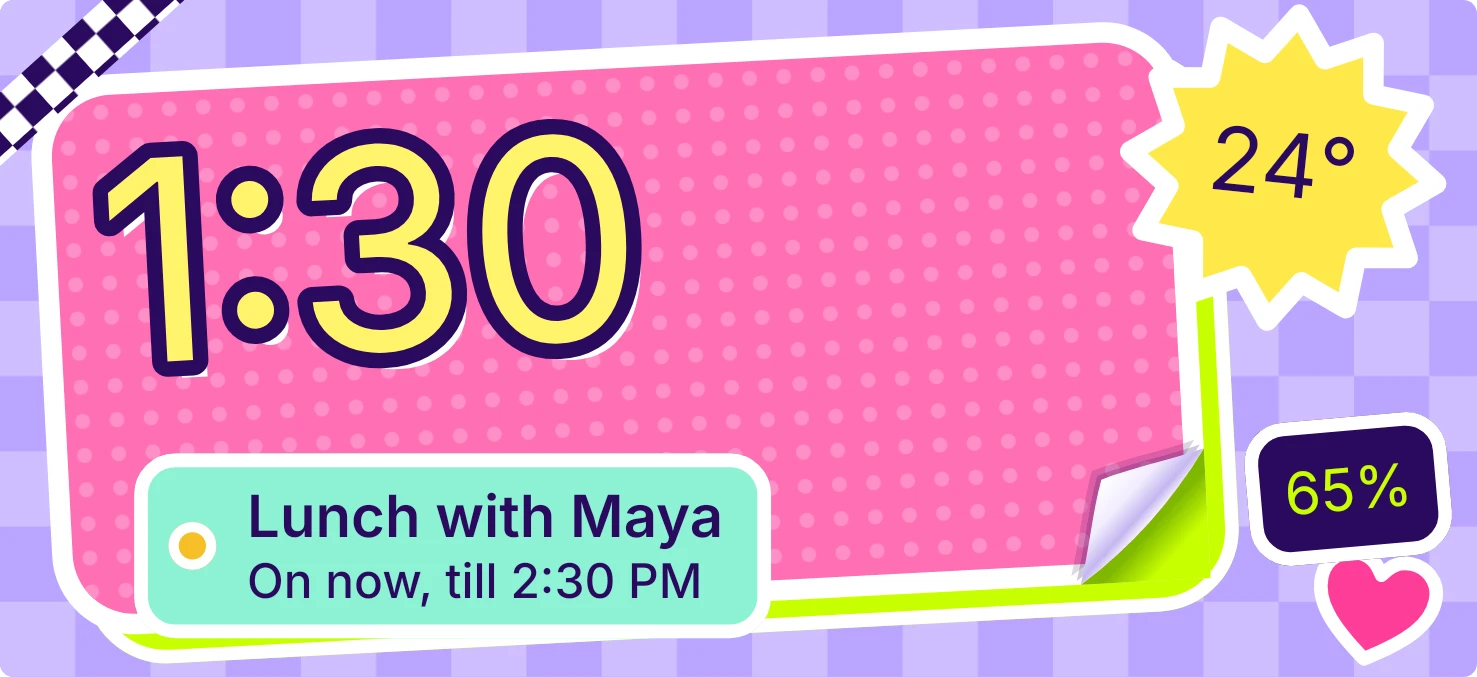
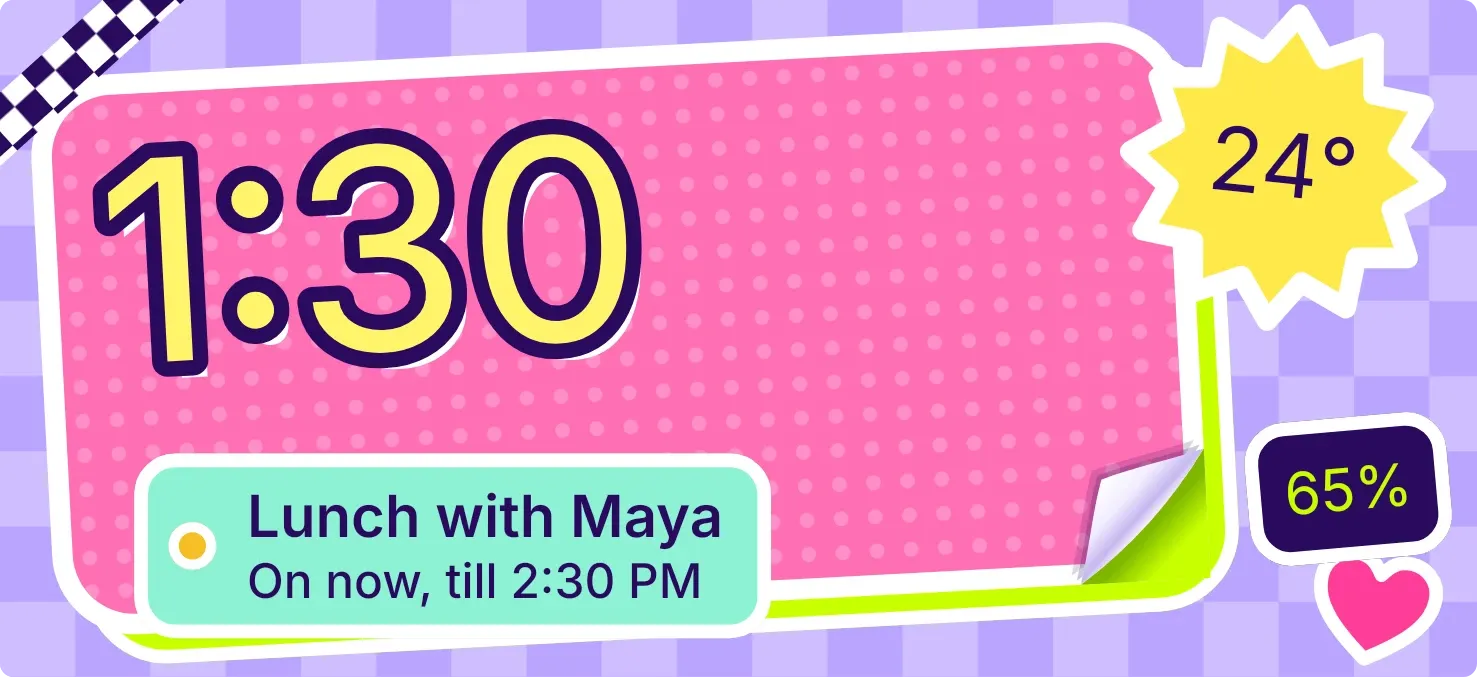
Curlstick is a tilted pink sticky note with polka dots, showing the time in big yellow digits with a dark outline. A lime-backed corner curls up further as the battery drains. A mint tag shows your next calendar event, a weather sticker shows the temperature, and a dark tag shows the battery percentage.
- Size
- 5x2 cells
- Kit
- Playful
- Shows
- Battery, Calendar, Time and date, Weather
- Look
- Stickers, colourful and bold shapes
- Colours
- Pink, purple and yellow, light background
- Good for
- Daily overview, meetings and school
- Android
- 10 or newer
- Needs
- READ_CALENDAR (optional)
- Price
- Pro
Kiwi is in beta and is not on Google Play yet. Join to request an invitation.
- battery
- big-numbers
- bright
- calendar
- clock
- colourful
- cute
- digital-clock
- dots
- harajuku
- kawaii
- lime
- mint-green
- next-event
- peel
- pink
- playful
- purple
- sticker
- tape
- temperature
- time
- weather
- white
- yellow
What changes
- The time updates with the clock. Tapping the note opens the clock.
- The curled corner is small on a full battery and grows as the charge falls. Tapping it opens battery details.
- The battery percentage sits on a dark tag, and a small lightning bolt appears beside it while the phone is charging.
- The mint tag shows your next event's title with its day and time. A dot in the tag takes the event's calendar colour. During an event it reads On now, till the end time.
- With no upcoming events, the tag reads Nothing booked and The week is all yours.
- The weather sticker shows the temperature over an icon: a sun burst by day, a pale moon at night, or a cloud, rain, snow, fog or thunder. Tapping it refreshes the weather.
Data and settings
- Reads the battery level and whether the phone is charging.
- Reads the current time.
- Reads your next calendar event, including its title, day, time and calendar colour, if you allow calendar access.
- Reads the weather for the city you set in Kiwi.
- The city for the weather is the one thing you set.
Set it up
- Open Curlstick in Kiwi, from its kit or from this page.
- Tap Use.
- Confirm your launcher's prompt to place it on your home screen.
- Set a city in Kiwi so the weather sticker can show the temperature.
- Allow calendar access in Kiwi if you want your next event on the mint tag. This is optional.
Permissions
- Calendar (optional: it works without it). Your next events come from the calendar on this phone. Only the times and titles of what's coming up; never sent anywhere, and never changed.
Good to know
- The weather needs an internet connection and a city. Without a city, the sticker says Set a city in Kiwi.
- If the weather can't load, the sticker shows a short status message in place of the temperature.
- Until calendar access is allowed, the mint tag reads Calendar is locked and shows no events.
- The mint tag shows only your next event, and long titles are cut off with an ellipsis.
Widgets like Curlstick
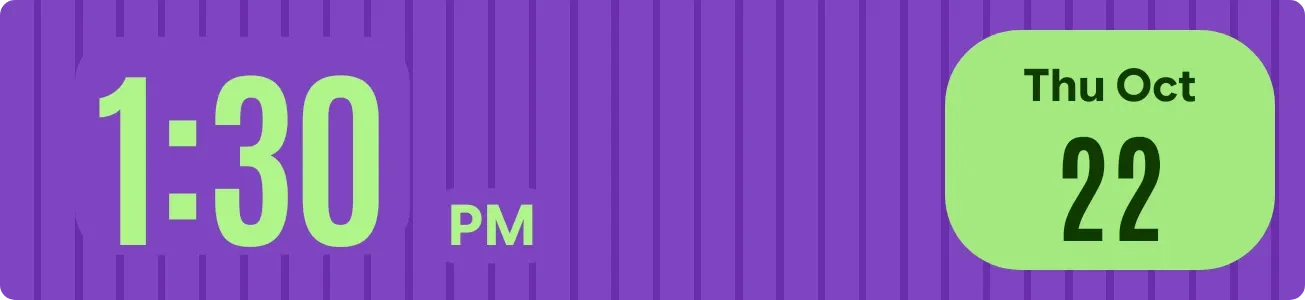 Lime PinstripeMaterial Expressive
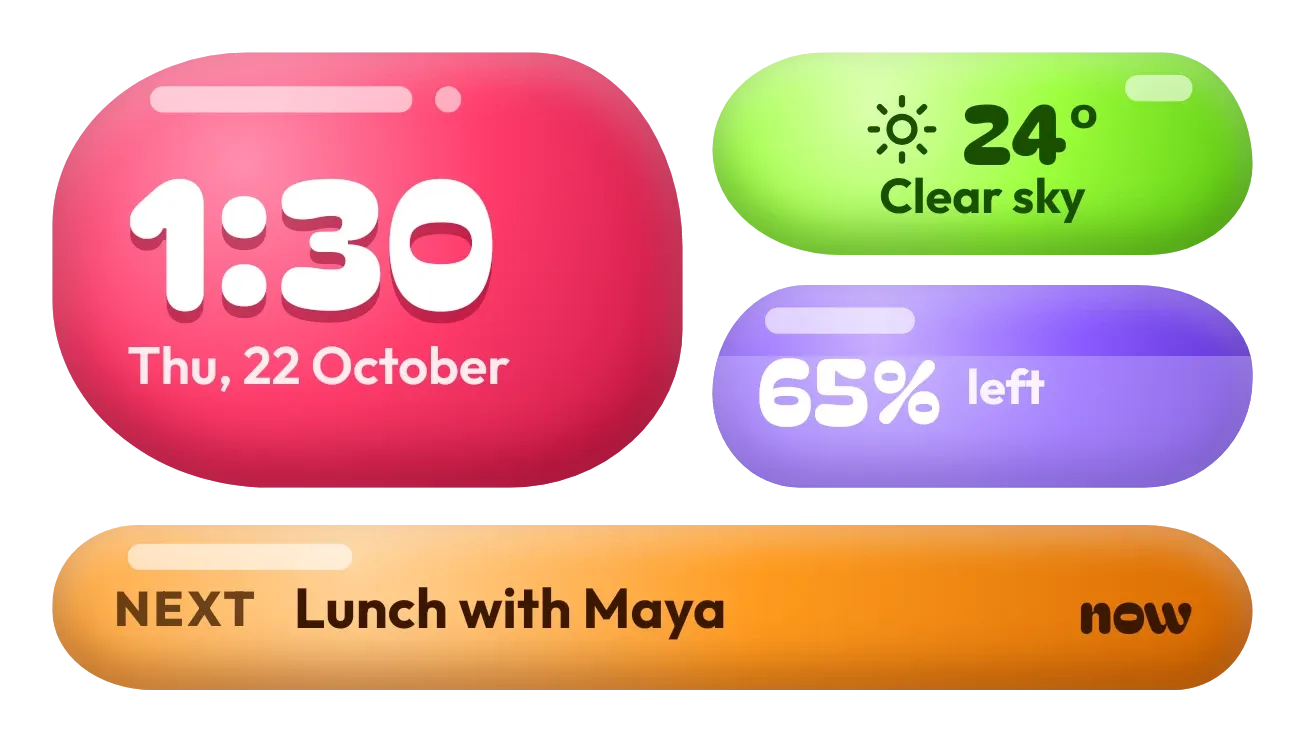 Jelly GlanceGlass