Shortcut and control widgets for Android
Torch, volume, search and app shortcuts, drawn to match the rest of your home screen instead of the stock buttons. A tap does the thing; there is no second screen.
14 widgets, from Nothing, Material Expressive, Playful, Instruments, Glass, Tactile Hardware and Bento. Every picture is the widget as Kiwi draws it, at its real proportions.
How to put one on your home screen
- Join the Kiwi beta. Android 10 or newer, with a launcher that supports widgets.
- Open the widget from this page, or find it in its kit in the app. It shows with your own data before you place it.
- Tap Use and follow your launcher's placement prompt. Configure any data or permissions the design needs first.
 Sonic PebbleNothing · 3x1
 ChimeburstNothing · 3x1
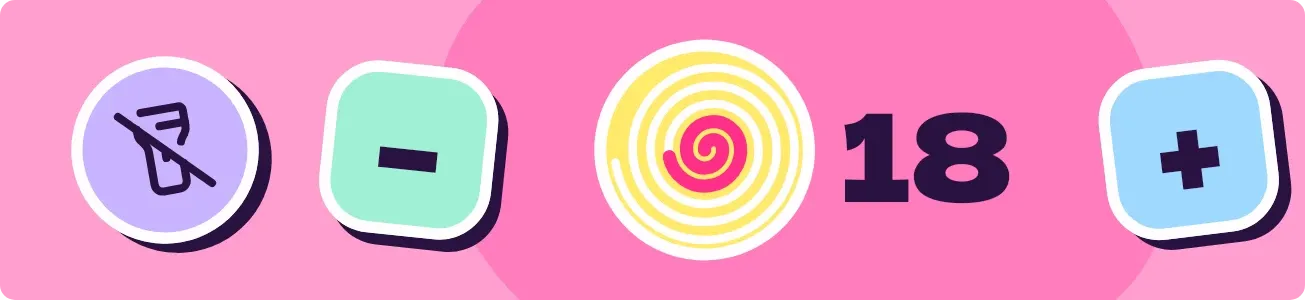 Lolly LanternPlayful · 4x1 · Pro
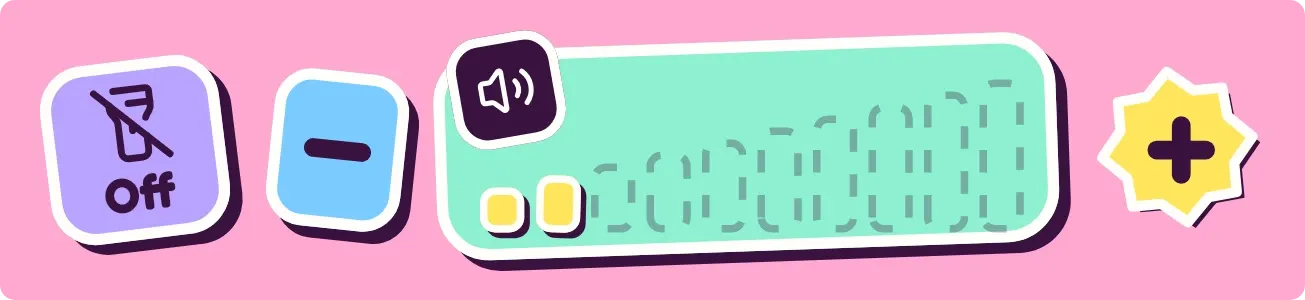 Gum LadderPlayful · 4x1 · Pro
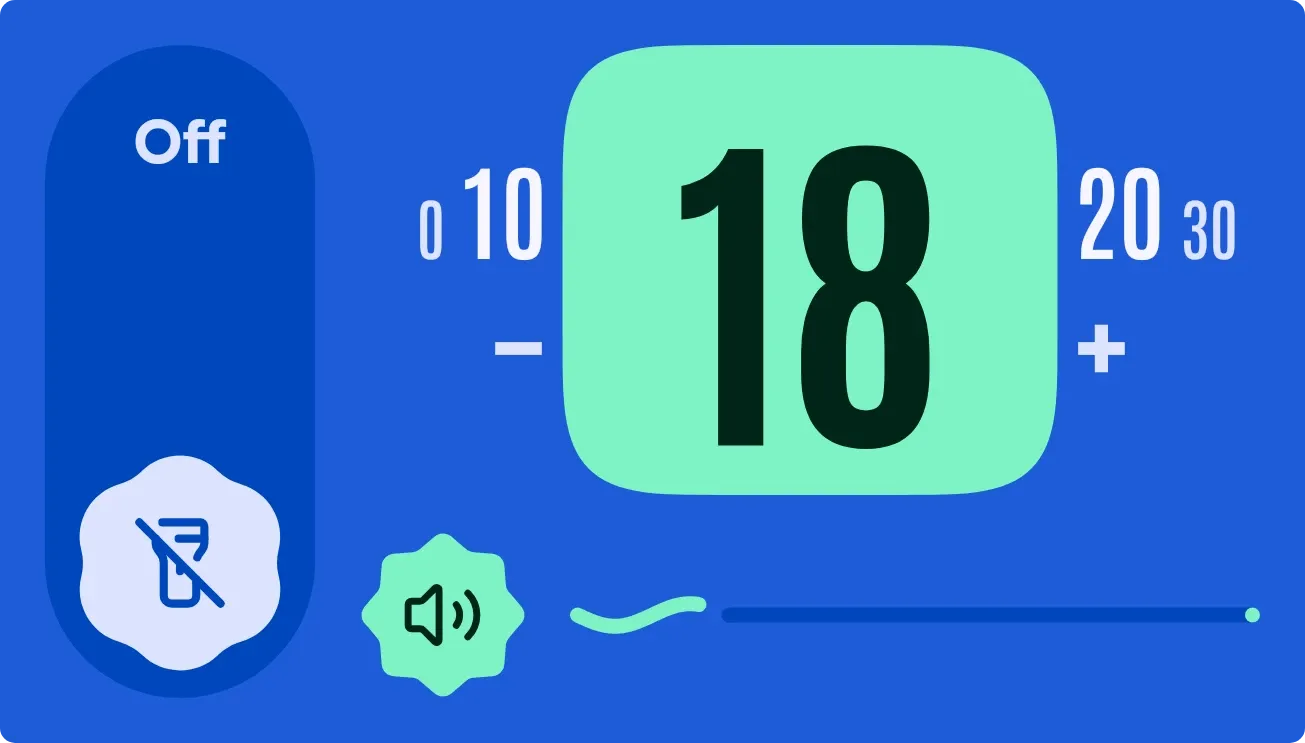 Pocket DialMaterial Expressive · 4x2 · Pro
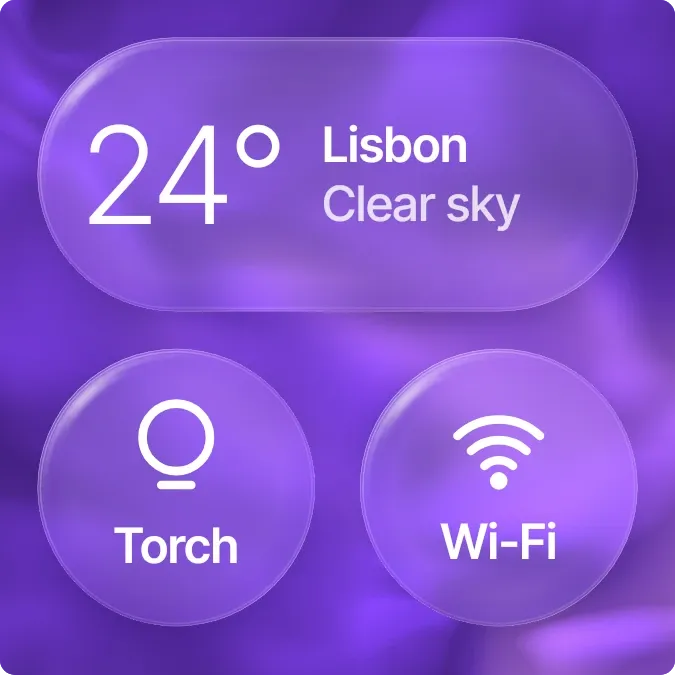 Silk SwitchboardGlass · 2x2 · Pro
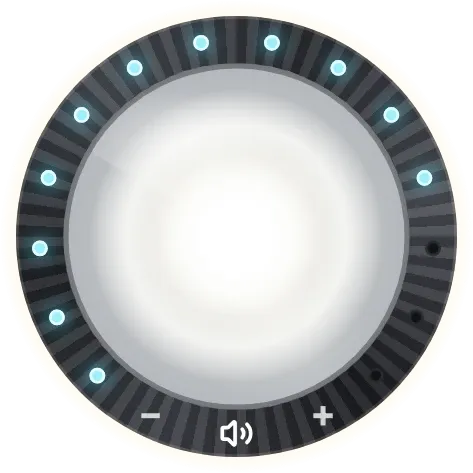 Halo KnobTactile Hardware · 2x2
 Ghost BuzzMaterial Expressive · 2x1
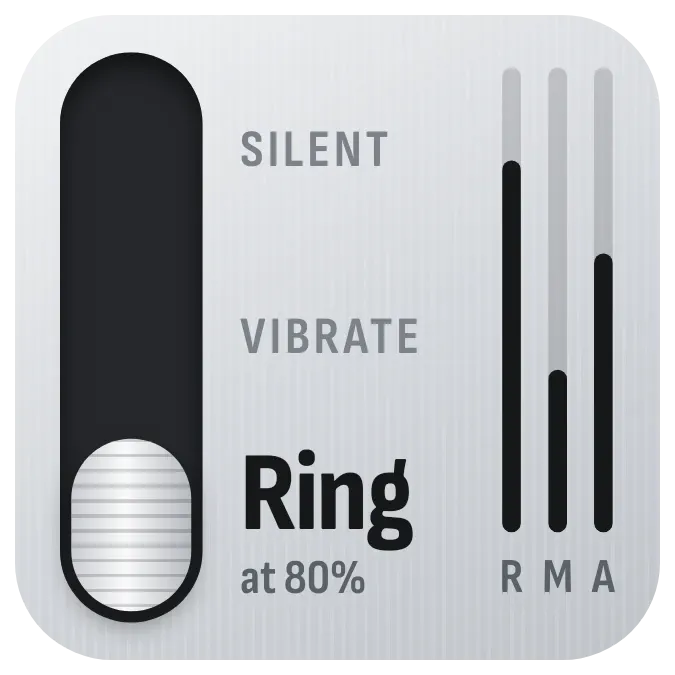 Ringer RailInstruments · 2x2
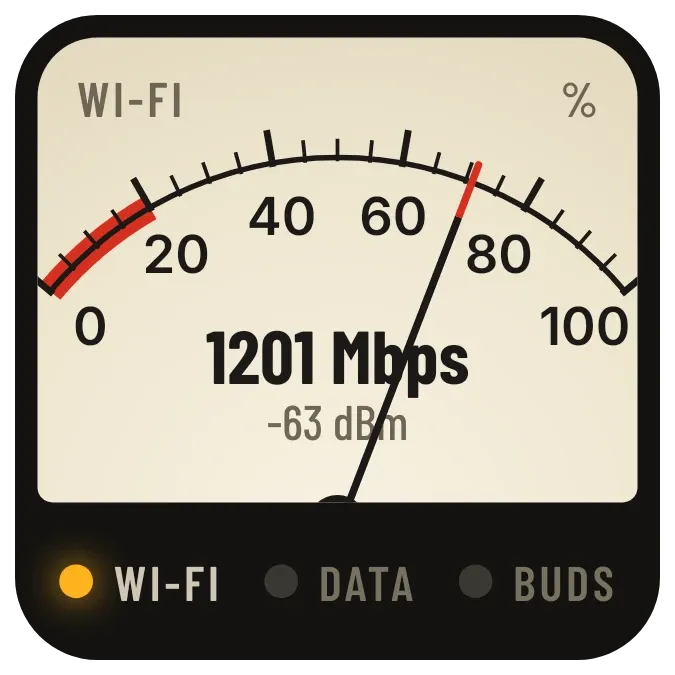 Needle LampInstruments · 2x2
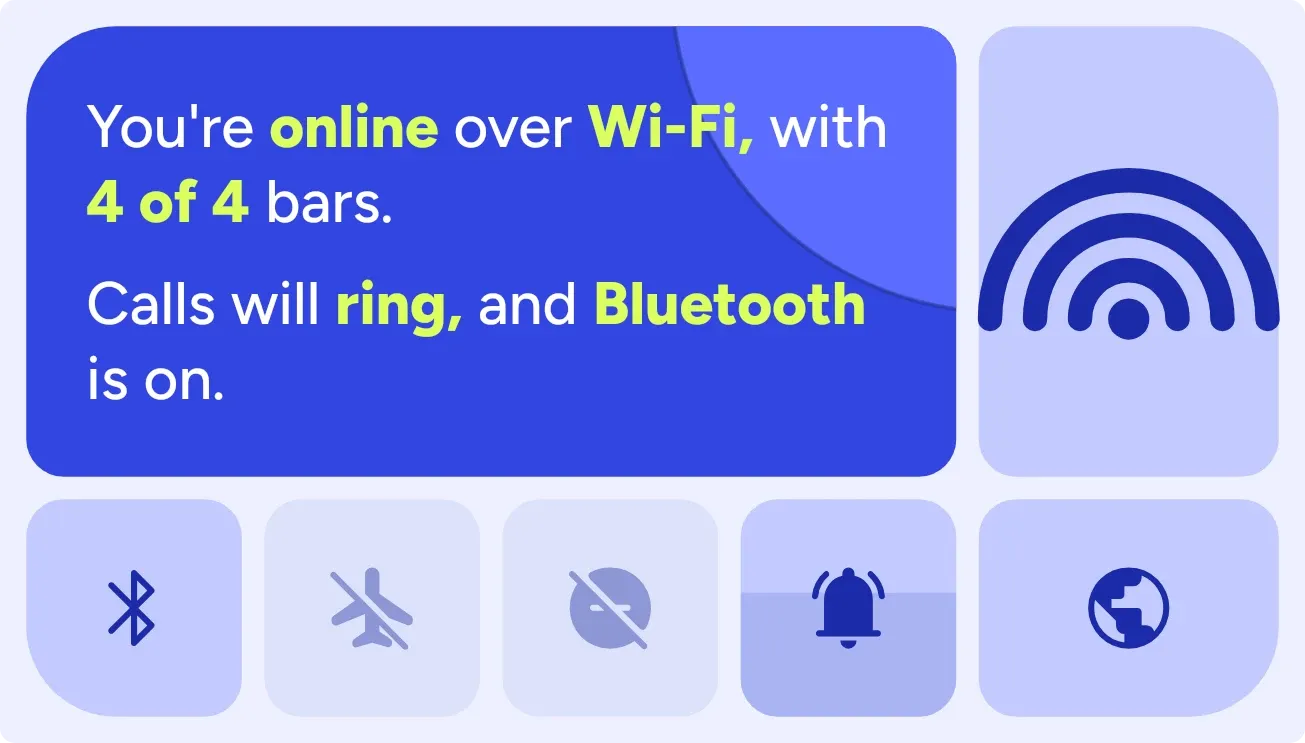 Plane ParadoxBento · 4x2
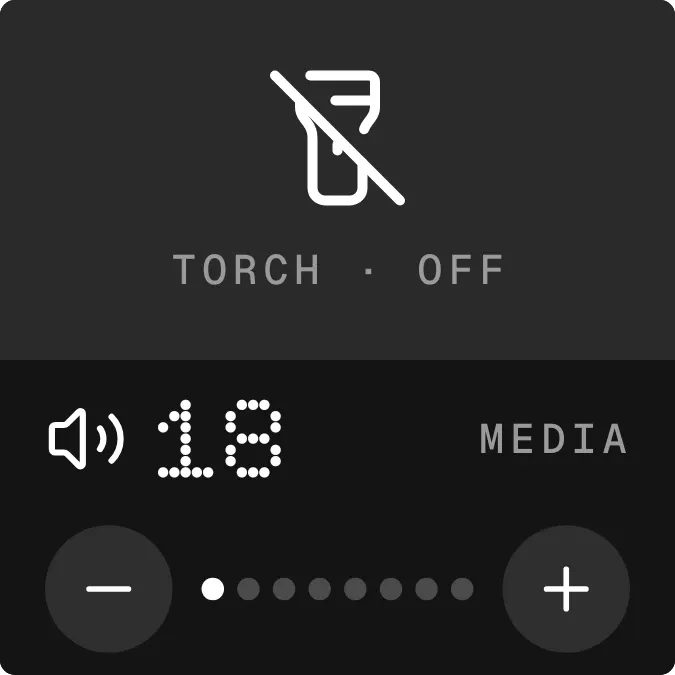 Lumen LoudNothing · 2x2
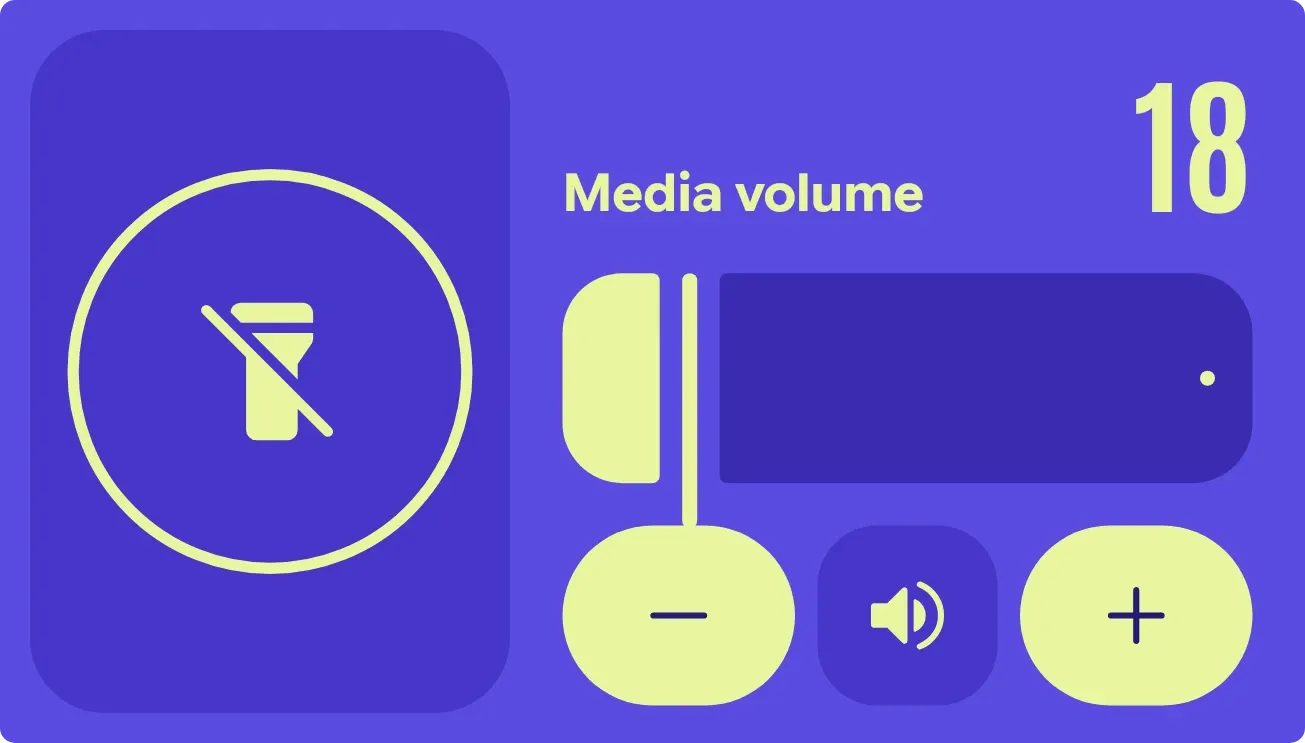 Beacon HushMaterial Expressive · 4x2
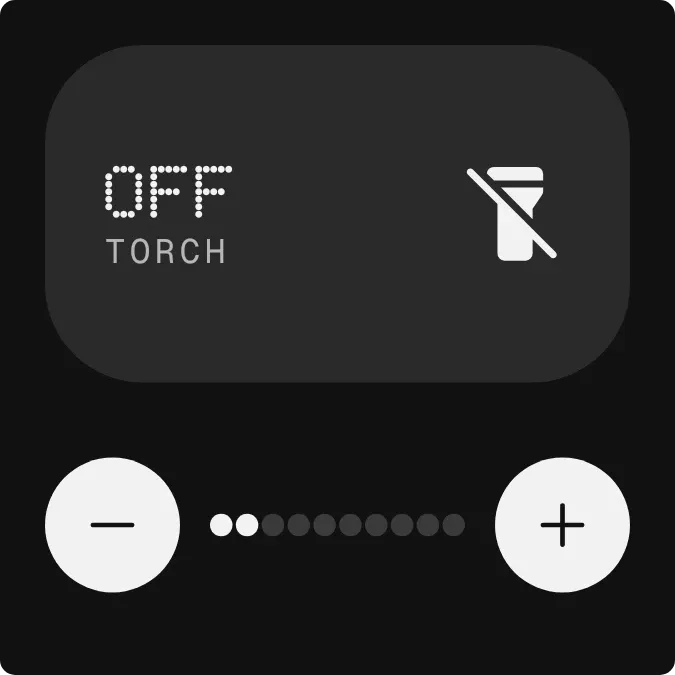 BeamdotNothing · 2x2