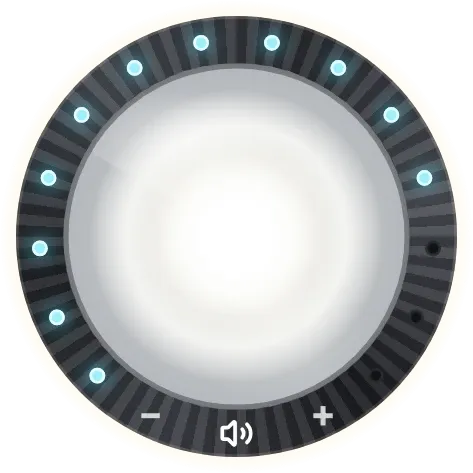
Halo Knob
Halo Knob is a round chrome torch lens set in a dark knurled bezel. Tapping the lens turns the phone's torch on and off, and a ring of fifteen small lights around the edge glows blue to show the media volume. Minus and plus marks and a speaker icon sit at the bottom of the bezel.
- Size
- 2x2 cells
- Kit
- Tactile Hardware
- Shows
- Phone controls
- Look
- Hardware, 3D and glass
- Colours
- Grey and white
- Good for
- Night, camping and power cut
- Android
- 10 or newer
- Needs
- No additional permissions
- Price
- Free
Kiwi is in beta and is not on Google Play yet. Join to request an invitation.
- black
- blue
- bright
- chrome
- controls
- dark
- dial
- flashlight
- flashlight-toggle
- glass
- glow
- hardware
- knob
- media-controls
- minimal
- playful
- round
- shapes
- sound
- tactile-hardware
- torch
- volume
- volume-control
- white
What changes
- When the torch is off, the lens is dimmed and a small yellow LED sits at its centre. Tapping the lens turns the torch on.
- When the torch is on, the lens floods white, the LED turns white, the bezel edge brightens and a pale glow spreads behind the knob.
- The blue lights around the edge light up in order from the bottom left, clockwise, as the media volume rises. Fewer lights are lit at lower volume.
- Tapping the minus mark lowers the volume and tapping the plus mark raises it. The lights update to match.
- Tapping the speaker icon mutes the volume. The icon shows sound waves while the volume is above zero and changes to a crossed speaker at zero.
- If the phone has no torch, the lens is covered by a dark panel reading No torch, and tapping the lens does nothing.
Data and settings
- Reads whether the phone's torch is available and whether it is on.
- Reads the phone's media volume level.
- Nothing to configure: tapping the lens, the minus and plus marks, or the speaker icon is how you use it.
Set it up
- Open Halo Knob in Kiwi, either from its kit or from this page.
- Tap Use.
- Confirm your launcher's prompt to place the widget on your home screen.
Good to know
- The torch control only works on a phone that has a torch. Without one, the lens shows No torch.
- The lights show media volume only, not the ringer or call volume.
- The ring has fifteen lights, so small volume changes may not change how many are lit.
Widgets like Halo Knob
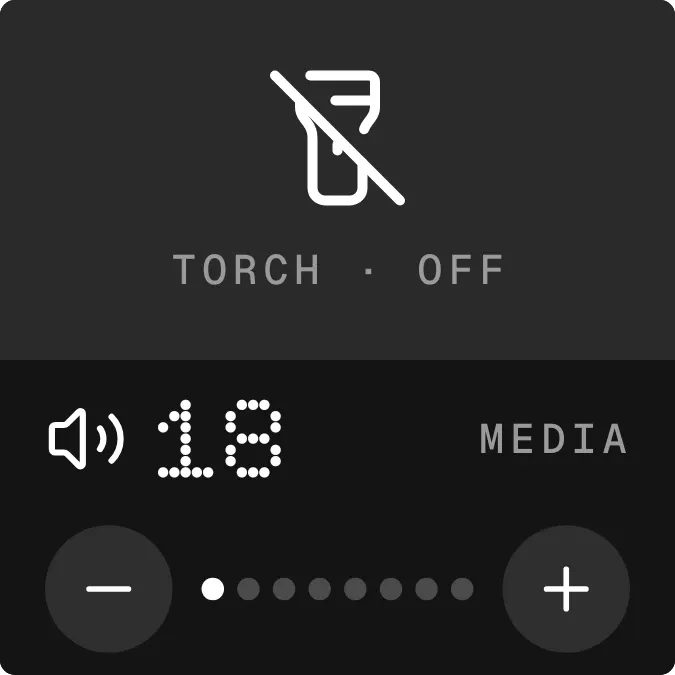 Lumen LoudNothing
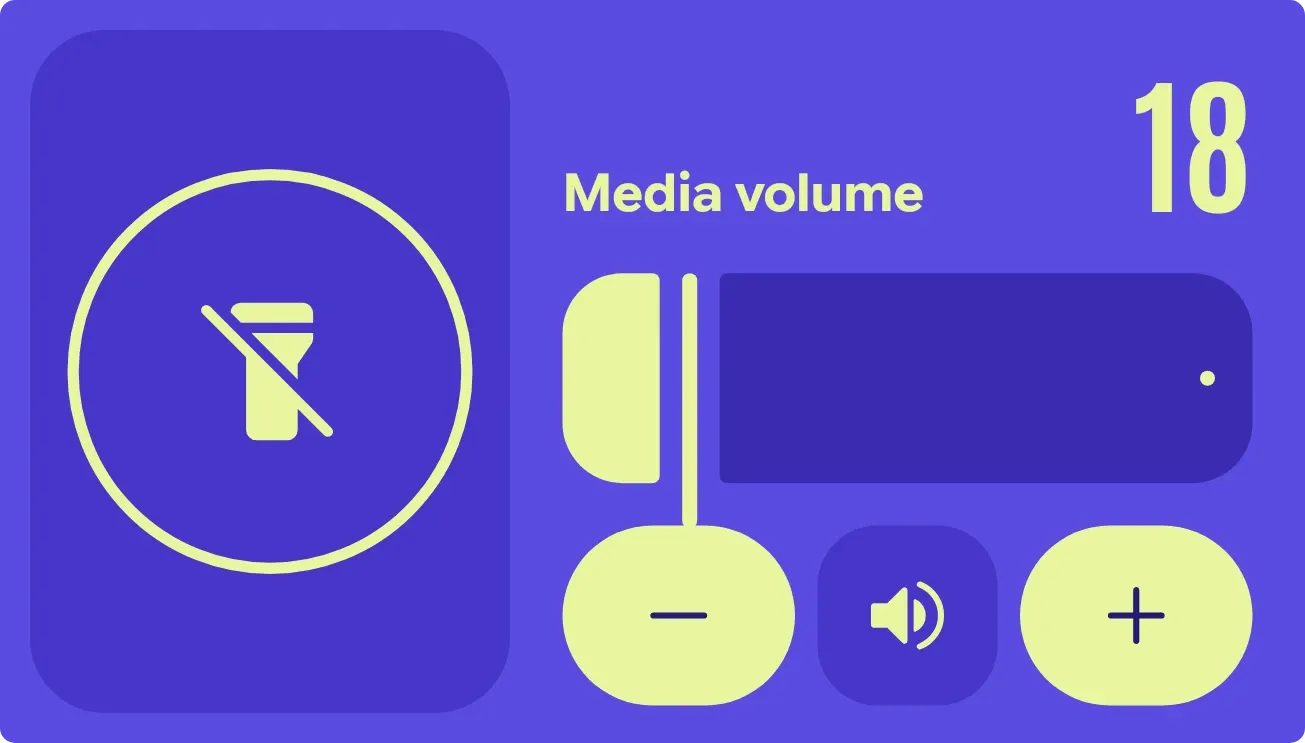 Beacon HushMaterial Expressive
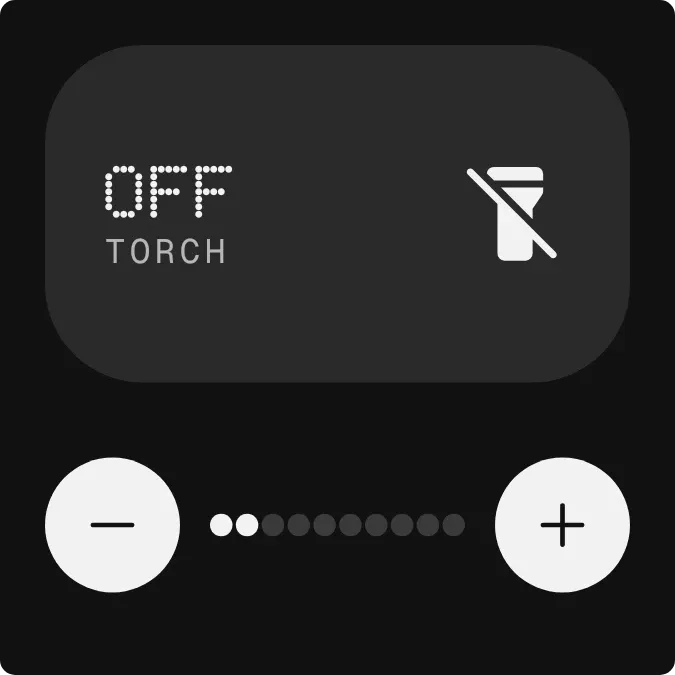 BeamdotNothing
 Pocket DialMaterial Expressive