Emerald Vault
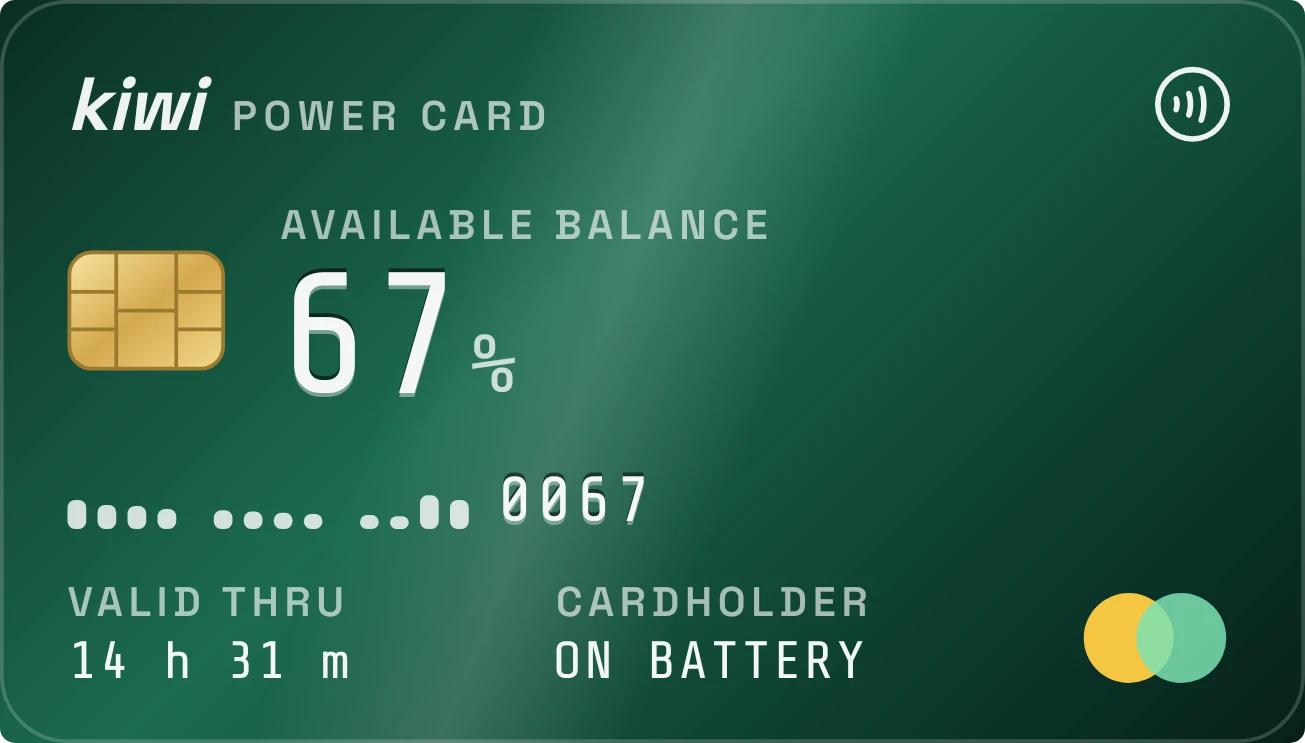
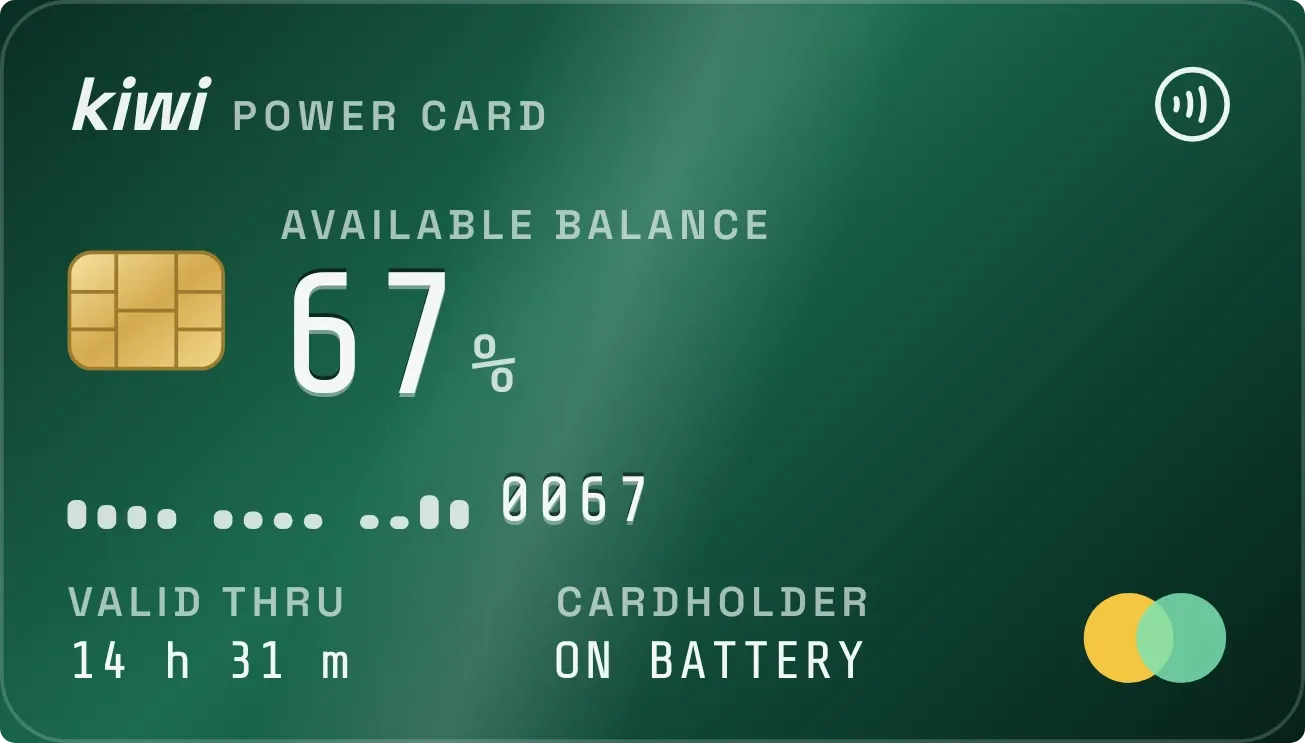
Emerald Vault shows the battery as a green metal bank card with a gold chip. The charge percentage sits where an available balance would be, with a row of small bars and a four-digit number below it. Time left is printed at the bottom as the valid thru date.
- Size
- 4x2 cells
- Kit
- Tactile Hardware
- Shows
- Battery
- Look
- Gradient, hardware and monochrome
- Colours
- Teal, dark background
- Good for
- Battery check, daily commute and travel
- Android
- 10 or newer
- Needs
- No additional permissions
- Price
- Free
Kiwi is in beta and is not on Google Play yet. Join to request an invitation.
- bank-card
- battery
- battery-card
- battery-time-left
- big-numbers
- bold
- card
- contactless
- credit-card
- cyan
- dark
- digital
- gradient
- green
- metal
- mint-green
- monospace
- moody
- progress
- sheen
- time-remaining
- yellow
What changes
- The percentage updates with the battery level. The four-digit number beside the bars shows the same level padded with zeros, so 50 percent reads 0050.
- The bars show recent battery levels, taller for higher levels, with small gaps splitting them into groups. Readings that are not known yet appear as short, dim marks.
- On battery, the bottom left shows Valid Thru with the time left, such as 9 h 10 m. It reads Measuring until an estimate is available.
- At low battery the card turns red, and the POWER CARD title changes to OVERDRAWN.
- While charging, the card turns blue with a colored sheen, the contactless symbol lights up, and the label changes to Topping Up. Bars recorded while charging are cyan.
- While charging, the bottom left shows Full At with the expected time, or Estimating. When the battery is full it shows Balance, Paid in Full. The cardholder field shows the battery status.
Data and settings
- Reads the battery level, shown as the percentage and as the four-digit number.
- Reads the recent battery history, including which readings were taken while charging, for the row of bars.
- Reads whether the phone is charging, its battery status, the time left and the expected time of a full charge.
- Nothing to set. The widget has no options.
Set it up
- Open the widget in Kiwi, either from its kit or from this page.
- Tap Use.
- Confirm your launcher's prompt to place it on your home screen.
Good to know
- Time left and the expected full time are estimates. Measuring or Estimating shows until the phone has one.
- The bars can only show readings the phone has recorded, so unrecorded readings appear as short dim marks.
- The widget shows the battery of the phone it is placed on.
Widgets like Emerald Vault
 Volt MosaicMaterial Expressive
 Copper SwingMaterial Expressive
 Halflit StripesNothing
 Shape ChargeMaterial Expressive