Lights Out
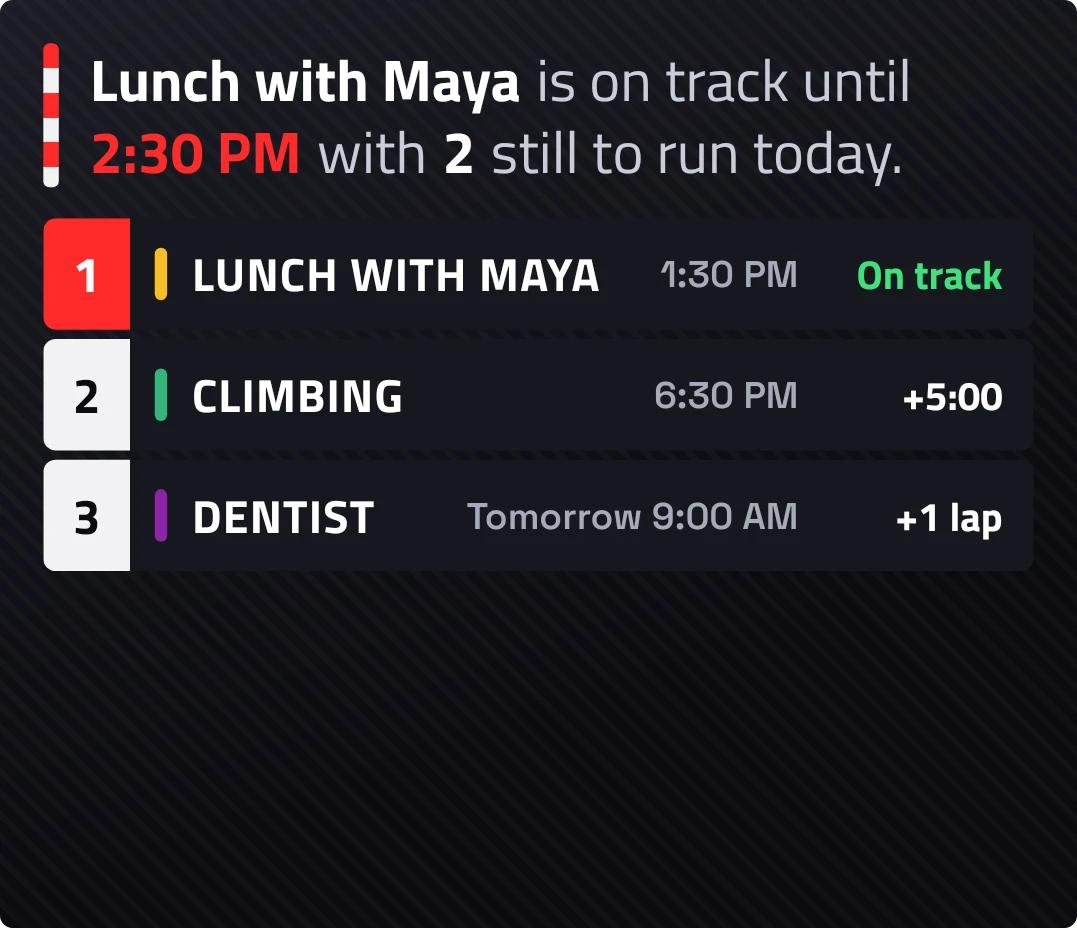
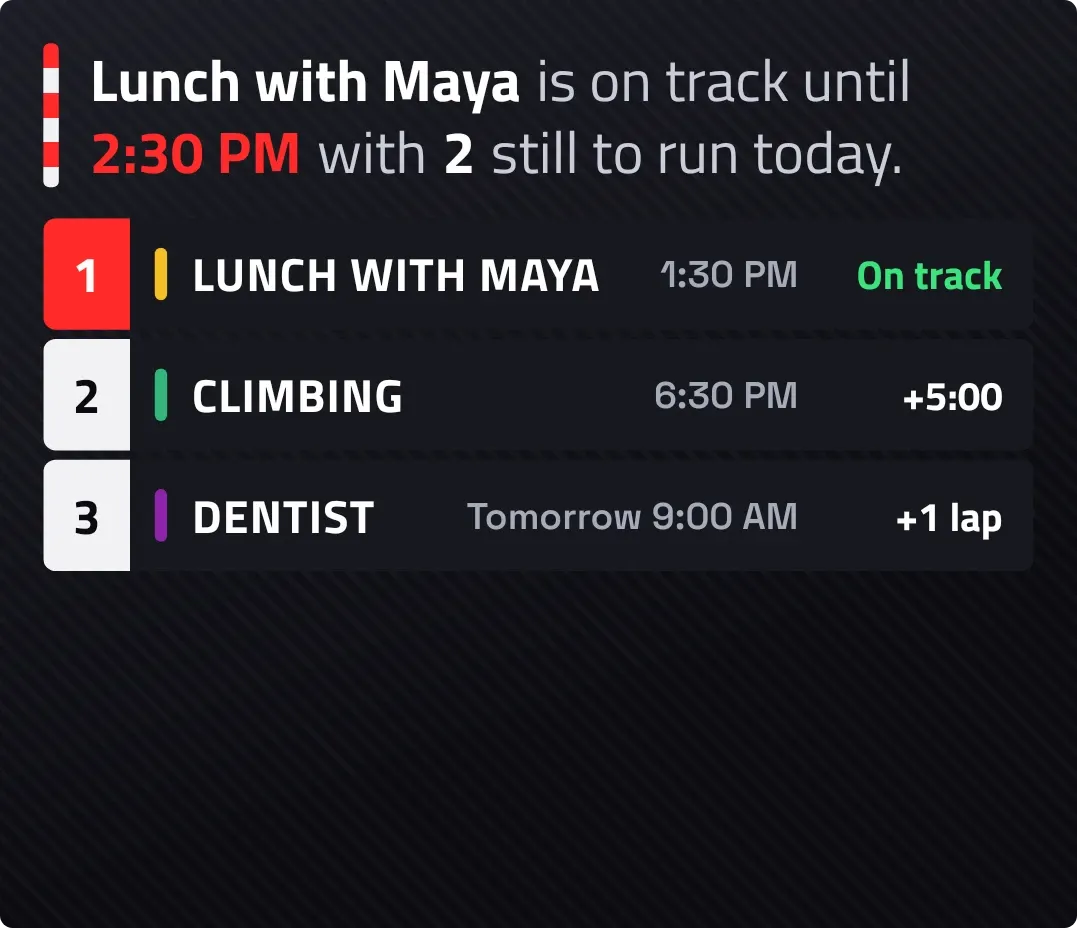
Lights Out shows your calendar as a racing timing tower on a dark carbon background. A sentence under a red and white kerb announces the next event and how many are left today. Below it, up to five events are listed as numbered rows, with the first row in red and the rest trailing as gaps and laps.
- Size
- 4x3 cells
- Kit
- Tactile Hardware
- Shows
- Calendar
- Look
- Bold shapes, typographic and monochrome
- Colours
- Black and grey, dark background
- Good for
- Work day planning, meetings and daily schedule
- Android
- 10 or newer
- Needs
- READ_CALENDAR
- Price
- Free
Kiwi is in beta and is not on Google Play yet. Join to request an invitation.
- agenda
- at-a-glance
- black
- bold
- calendar
- countdown
- dark
- event
- green
- grey
- leaderboard
- list
- moody
- motorsport
- next-event
- race
- racing
- red
- rows
- schedule
- start-lights
- time
- timing-tower
- typography
- yellow
What changes
- When the next event is today, the top line reads that it starts in a set time, names the event and says how many are still to run today. The first row shows the same countdown in yellow.
- While an event is under way, the top line says it is on track until its end time. Its row shows On track in green.
- Later events show their start time and a gap. Today's events show the wait after the first event, as in +1:30. Tomorrow's show +1 lap, and anything later shows Lapped.
- All-day events show All day in the gap column. If the first event is all day, today's later events show the time left until they start.
- If the next event is not today, the top line names it as next on the grid with its day and time. With no events this week, a chequered flag and the line Clear track replace the tower.
- Tapping an event opens that event. Tapping elsewhere on the widget opens the calendar.
Data and settings
- Reads the events on your calendar: titles, start and end times, all-day events and event colours.
- Shows at most five upcoming events at a time.
Set it up
- Open the widget in Kiwi, either from its kit or from this page.
- Tap Use.
- Confirm your launcher's prompt to place it on your home screen.
- Allow calendar access when it is asked for. Until then the widget shows empty rows and unlit start lights, and tapping it lets Kiwi see your calendar.
Permissions
- Calendar. Your next events come from the calendar on this phone. Only the times and titles of what's coming up; never sent anywhere, and never changed.
Good to know
- It needs permission to read your calendar. Without it, no events appear.
- Only five events show, so a busy week is cut off after the fifth.
- Long event names are shortened with an ellipsis to fit their row.
- Events beyond tomorrow show only as Lapped, with a day and time but no gap.
- It reads only what is in your calendar, so events kept elsewhere won't appear.
Widgets like Lights Out
 FlapgateInstruments
 Cheshire CountNothing
 Tinted AgendaiOS & macOS
 Window SeatBento