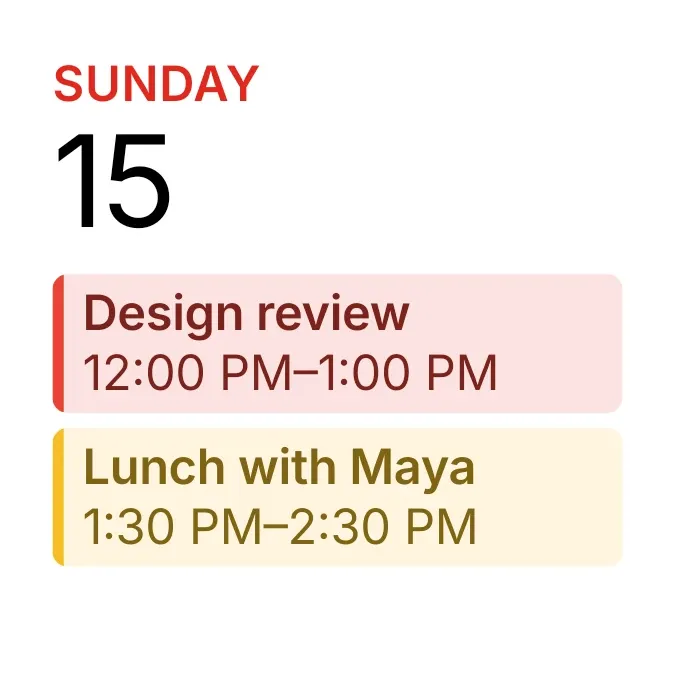
Tinted Agenda
Tinted Agenda is a white card that shows today's weekday in red capitals with a large date number beneath it. Below that are up to two upcoming calendar events. Each sits in a block tinted to match its calendar colour, with a coloured edge on the left, the event title and its start and end time.
- Size
- 2x2 cells
- Kit
- iOS & macOS
- Shows
- Calendar
- Look
- Minimal, typographic and bold shapes
- Colours
- White, pink and yellow, light background
- Looks like
- iPhone widgets
- Good for
- Work schedule, daily planning and meetings
- Android
- 10 or newer
- Needs
- No additional permissions
- Price
- Free
Kiwi is in beta and is not on Google Play yet. Join to request an invitation.
- agenda
- apple-calendar
- at-a-glance
- big-numbers
- bright
- calendar
- calendar-widget
- clean
- cream
- date
- day-of-week
- day-planner
- event-list
- events
- ios-style
- minimal
- next-event
- pink
- red
- rounded
- schedule
- typography
- upcoming-events
- white
- yellow
What changes
- Shows the next two events from your calendar, soonest first, each in its own block with the title on top and the time range below.
- An event happening today shows only its start and end time. An event on a later day puts that day before the times.
- An all-day event shows its day followed by All day instead of a time range.
- When there are no more events, the widget shows No more events with the line Nothing this week.
- Titles and times too long for the block are cut off with an ellipsis. Tapping an event opens it, and tapping elsewhere on the card opens your calendar.
Data and settings
- Reads the upcoming events in your calendar: each one's title, colour, day, start and end times, and whether it lasts all day.
- The weekday and date shown are today's, taken from your device.
Set it up
- Open Tinted Agenda in Kiwi, either from its kit or from this page.
- Tap Use.
- Confirm your launcher's prompt to place it on your home screen.
Good to know
- Events appear only once calendar access is allowed. Until then the card shows See your events here with the line Allow calendar in Kiwi.
- Only the next two events are shown at a time, even when more are coming up.
- It shows events from your calendar only, so it reflects whatever calendars your device already has.
Widgets like Tinted Agenda
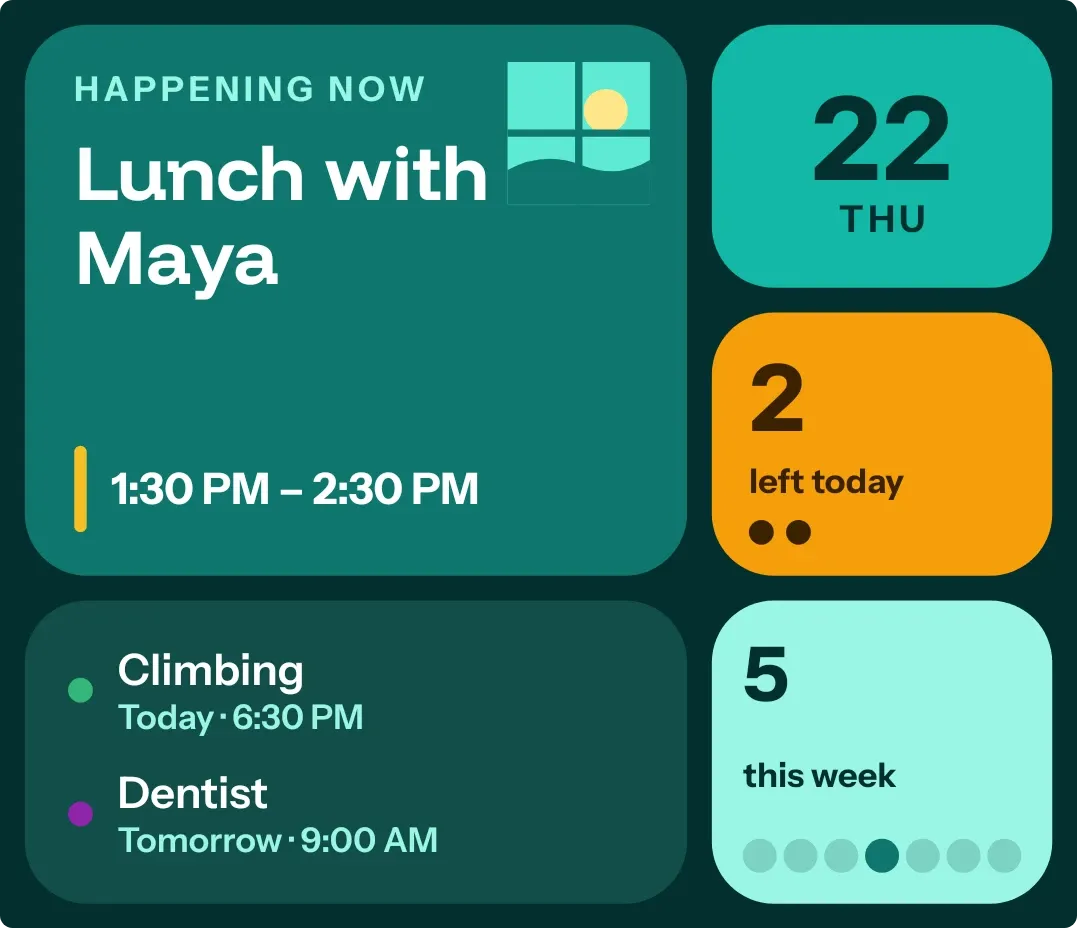 Window SeatBento
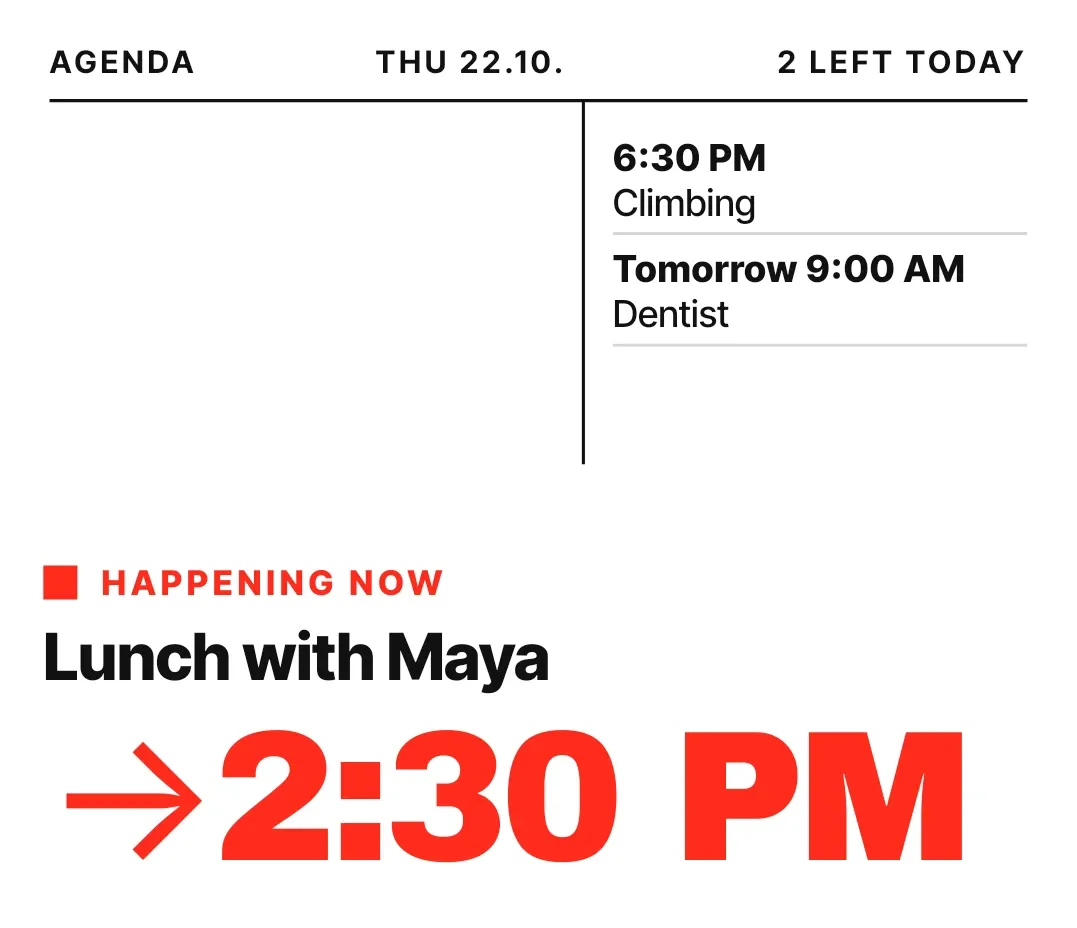 Broadside DayNothing
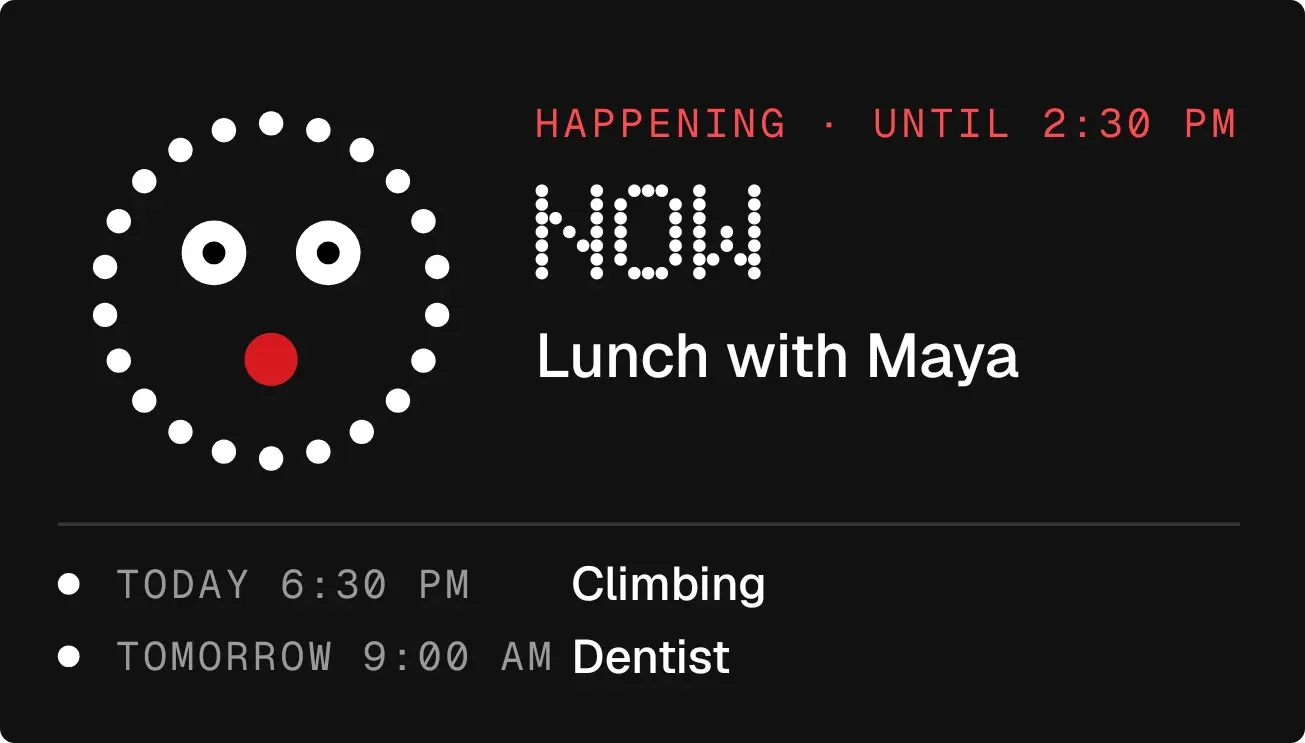 Cheshire CountNothing



