Cheshire Count
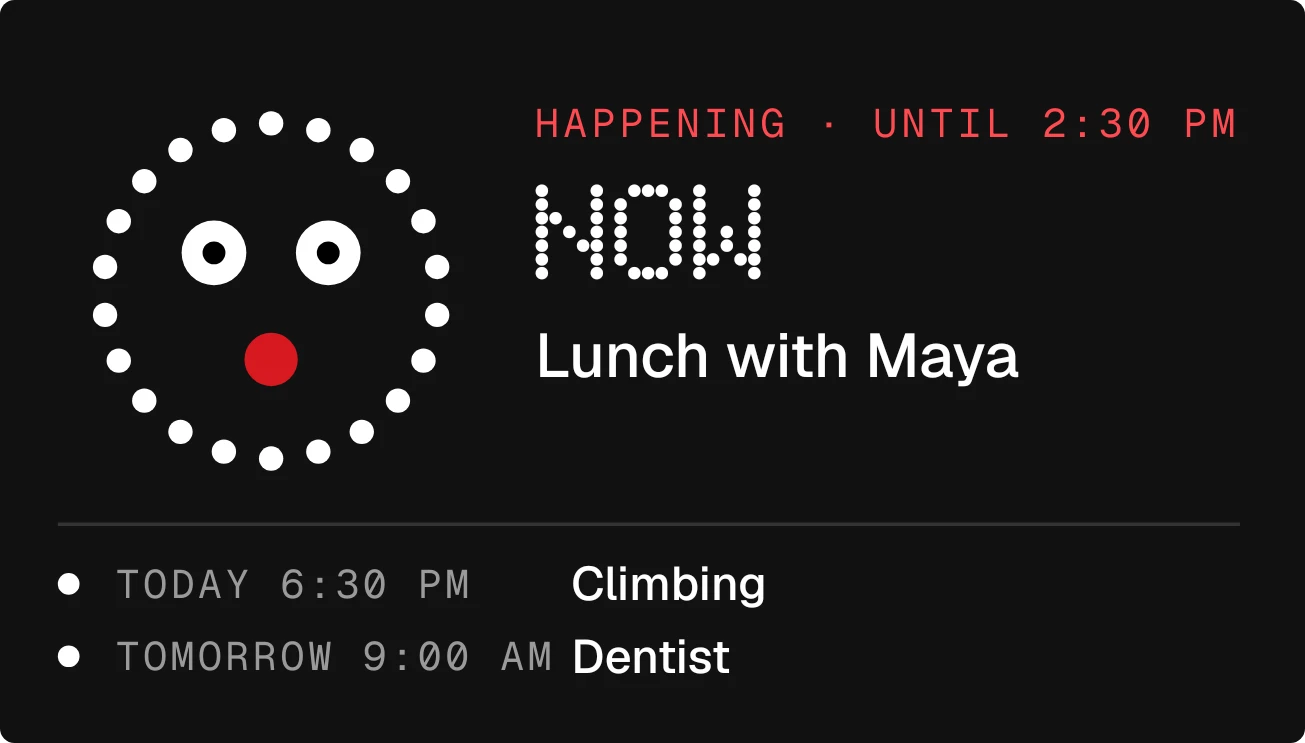
Cheshire Count shows your next calendar event beside a ring of white dots with a face. The time left is written in large dotted digits, such as 25 m, above the event's title, its start time and its location. A rule separates this from a list of the two events after it.
- Size
- 4x2 cells
- Kit
- Nothing
- Shows
- Calendar
- Look
- Dot matrix, monochrome and minimal
- Colours
- Black, dark background
- Looks like
- Nothing widgets
- Good for
- Work meetings, daily schedule and study planning
- Android
- 10 or newer
- Needs
- READ_CALENDAR
- Price
- Free
Kiwi is in beta and is not on Google Play yet. Join to request an invitation.
- agenda
- big-numbers
- black-and-white
- calendar
- countdown
- cute
- dark
- dot-matrix
- dots
- event
- mascot
- meeting-reminder
- minimal-typography
- monochrome
- next-event
- playful
- time
- upcoming-events
- white
What changes
- Before an event starts, the face grins and the label reads the day followed by starts in. Large dotted digits count down the time left, with the title, start time and location below.
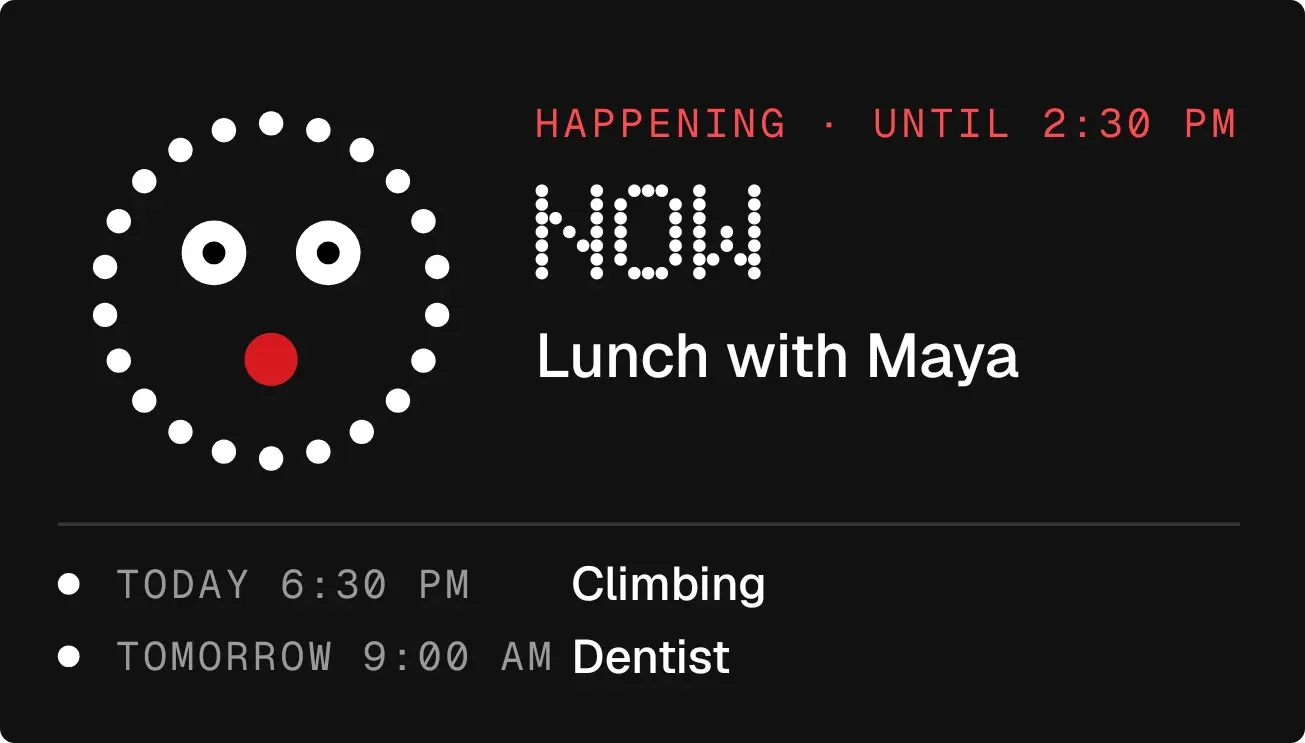
- While an event is on, the face has wide eyes and a red mouth. The label turns red and reads Happening until the end time, the large text says NOW, and the location sits under the title.
- The lower part lists the next two events after the main one, each with its day, time and title. A dot sits beside each.
- With only one event or none coming up, the lower part shows today's date and the line Nothing else this week.
- With nothing on your calendar this week, the ring turns dark grey and the face shrinks to closed eyes and a small mouth. The large text says FREE, with the note Nothing on your calendar this week. Sleep in.
- Without calendar access, the ring is dark grey and the large text says HIDDEN, with the note I can't see your calendar yet. The lower line, marked by a red dot, asks you to allow it in Kiwi. Tapping an event opens it.
Data and settings
- Reads your calendar: the next event's title, day, start and end time, and location.
- Reads the two events after the next one, showing their day, time and title.
- Reads today's date for the line at the bottom when no more events are listed.
Set it up
- Open Cheshire Count in Kiwi, from its kit or from this page.
- Tap Use.
- Confirm your launcher's prompt to place it on your home screen.
- Allow calendar access, which the widget needs to read your events. Until you do, it shows HIDDEN and asks you to allow it in Kiwi.
Permissions
- Calendar. Your next events come from the calendar on this phone. Only the times and titles of what's coming up; never sent anywhere, and never changed.
Good to know
- It needs permission to read your calendar. Without it, no events appear.
- It shows only the next event in full, plus two more below it. Any further events are not listed.
- It looks at events within the current week, so an event further away does not appear.
- It shows the event title, time and location, but not other event details such as notes or guests.
Widgets like Cheshire Count
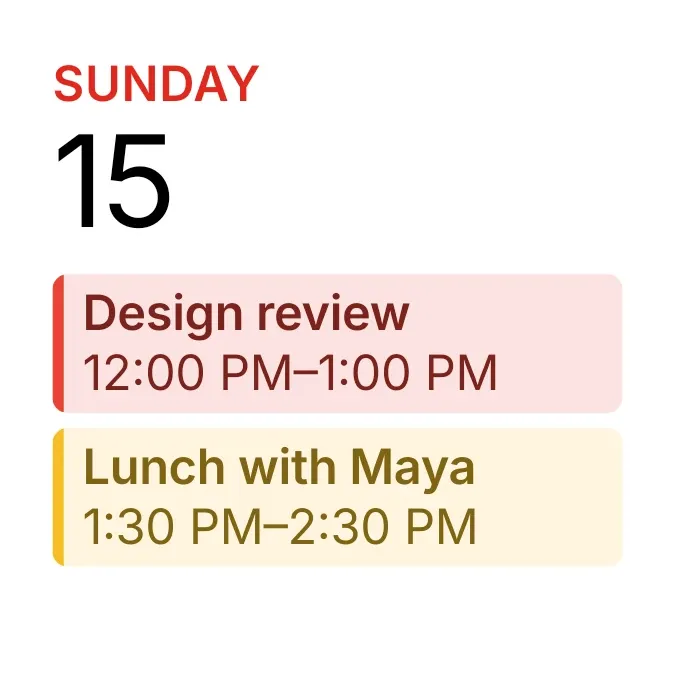 Tinted AgendaiOS & macOS
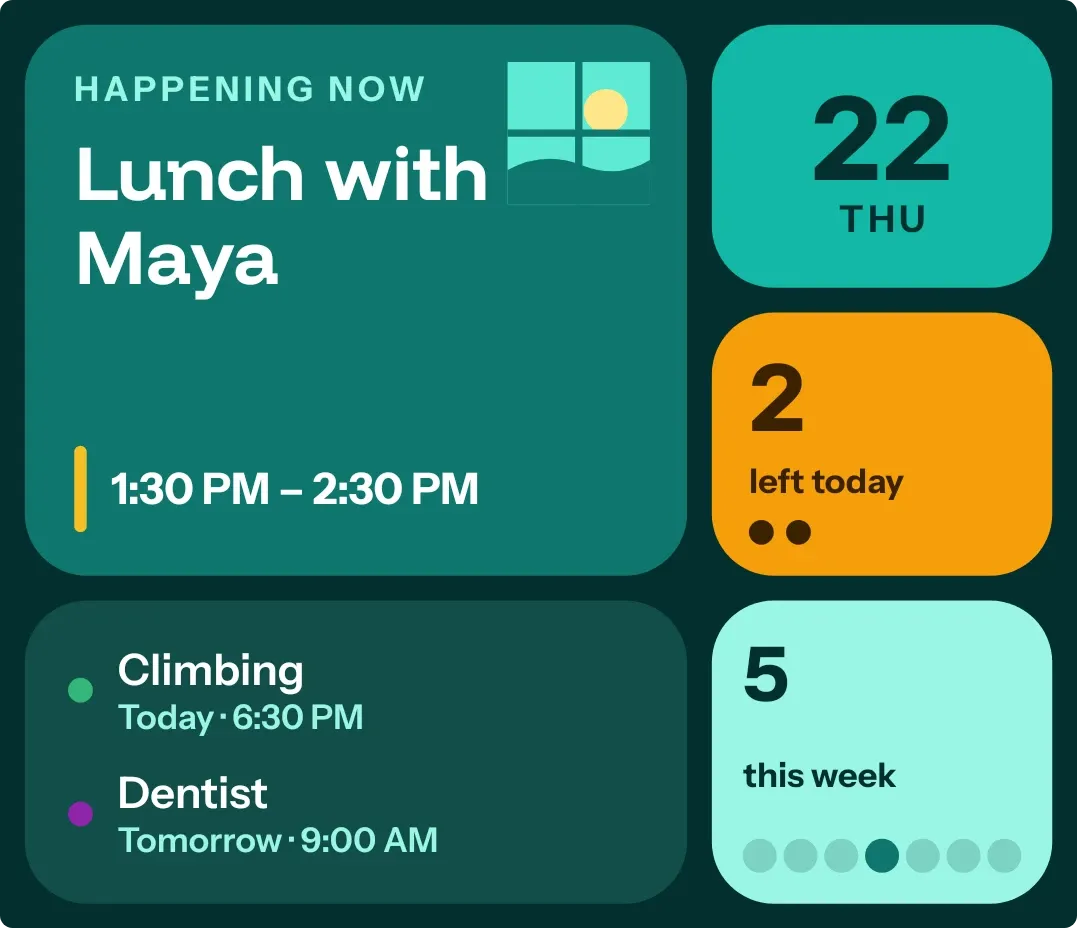 Window SeatBento
 Lights OutTactile Hardware
 Tint AgendaiOS & macOS



