Broadside Day
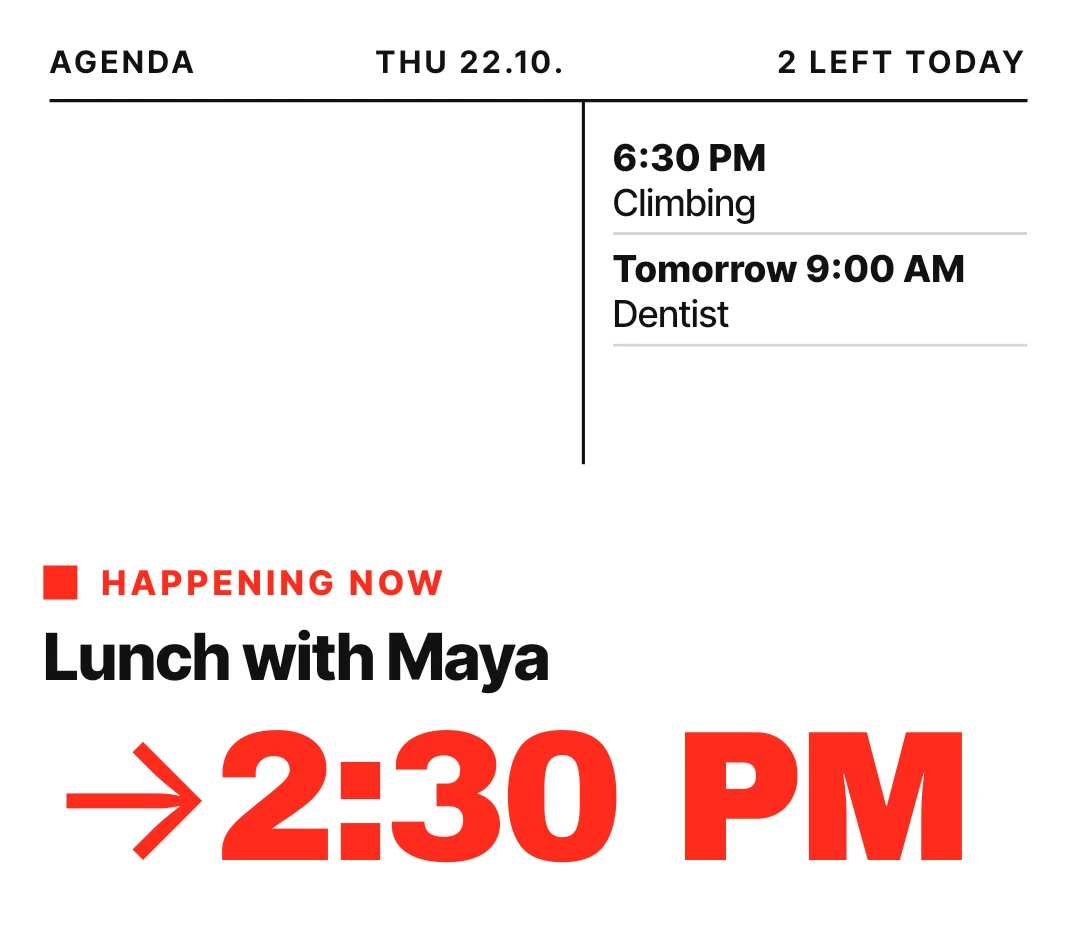
Broadside Day is a white poster-style widget for your calendar. The next event's start time is set very large in black type, under its title and a small red label. A header gives the date and how many events are left today, and a ruled column on the right lists the events after the next one.
- Size
- 4x3 cells
- Kit
- Nothing
- Shows
- Calendar
- Look
- Typographic, minimal and bold shapes
- Colours
- White, light background
- Looks like
- Nothing widgets
- Good for
- Work day, meetings and planning
- Android
- 10 or newer
- Needs
- READ_CALENDAR
- Price
- Free
Kiwi is in beta and is not on Google Play yet. Join to request an invitation.
- agenda
- big-numbers
- big-words
- black-and-white
- bold
- calendar
- clean
- countdown
- date
- day-of-week
- grid
- list
- minimal
- monochrome
- next-event
- red
- time
- typographic
- typography
- white
What changes
- The red label reads Next, then when the event is, then how long until it starts, for example Next · Today · in 25 m. The title sits below it, up to two lines.
- While an event is happening, the label changes to Happening now and the large red text shows the end time with an arrow, for example →1:00 PM.
- For an all-day event, the large text reads All day instead of a time.
- The ruled column lists up to three events after the next one. Today's show only a time, and later days show the day and time, such as Tomorrow 9:00 AM.
- When nothing is coming up in the next seven days, the column disappears and the widget shows This week, Clear., and a note saying the calendar is empty for seven days.
- Tapping an event opens it. Tapping elsewhere on the widget opens your calendar.
Data and settings
- Reads your calendar events: the next event, the ones after it, and how many are left today.
- Shows today's date in the header, taken from your phone.
Set it up
- Open Broadside Day in Kiwi, either from its kit or from this page.
- Tap Use.
- Confirm your launcher's prompt to place it.
- Allow Kiwi to read your calendar when the widget asks. Until you do, it shows Allow, and tapping it starts the request.
Permissions
- Calendar. Your next events come from the calendar on this phone. Only the times and titles of what's coming up; never sent anywhere, and never changed.
Good to know
- It needs permission to read your calendar. Without it, the widget shows only an Allow prompt and no events.
- The right-hand column lists at most three events after the next one, so a busy day will not all fit.
- Long event titles are cut off with an ellipsis in the column, and after two lines in the large title.
- The empty state only reflects the next seven days, so an event further away is not shown.
Widgets like Broadside Day
 Tinted AgendaiOS & macOS
 Window SeatBento
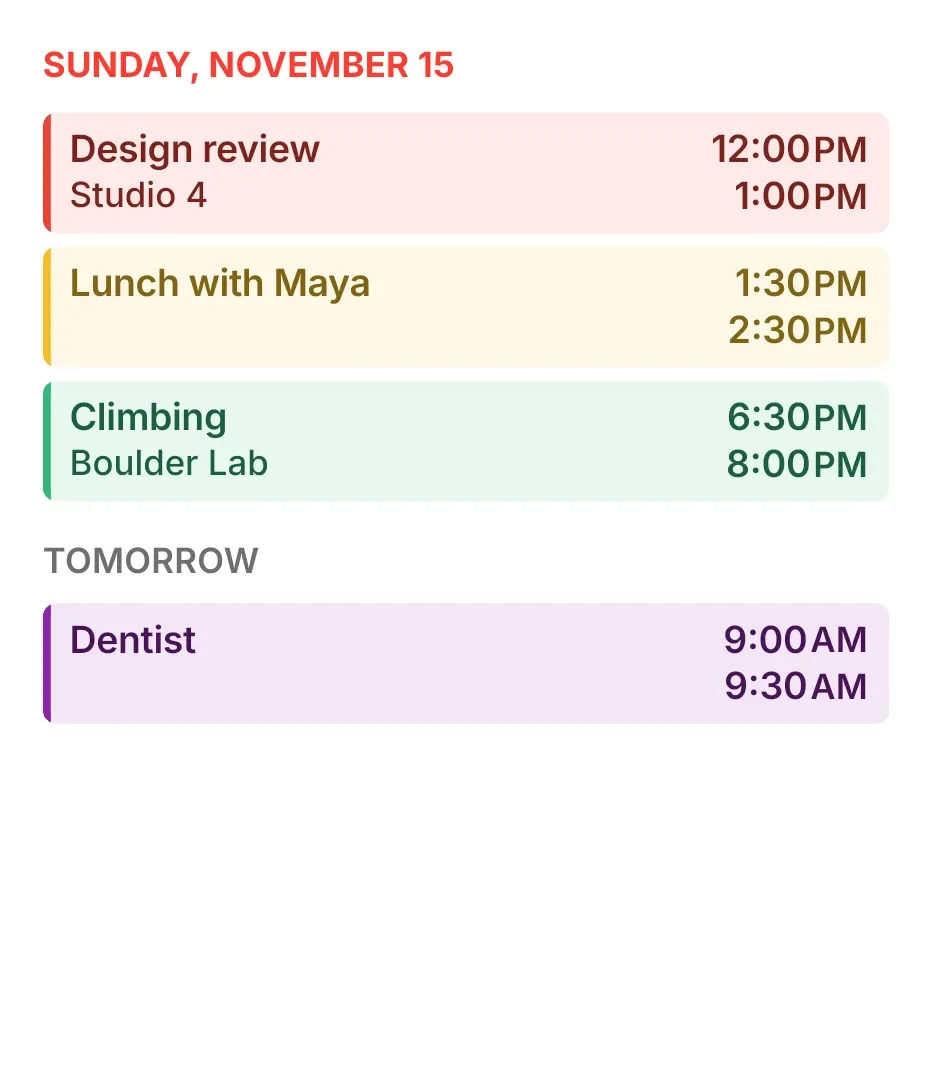 Tint AgendaiOS & macOS
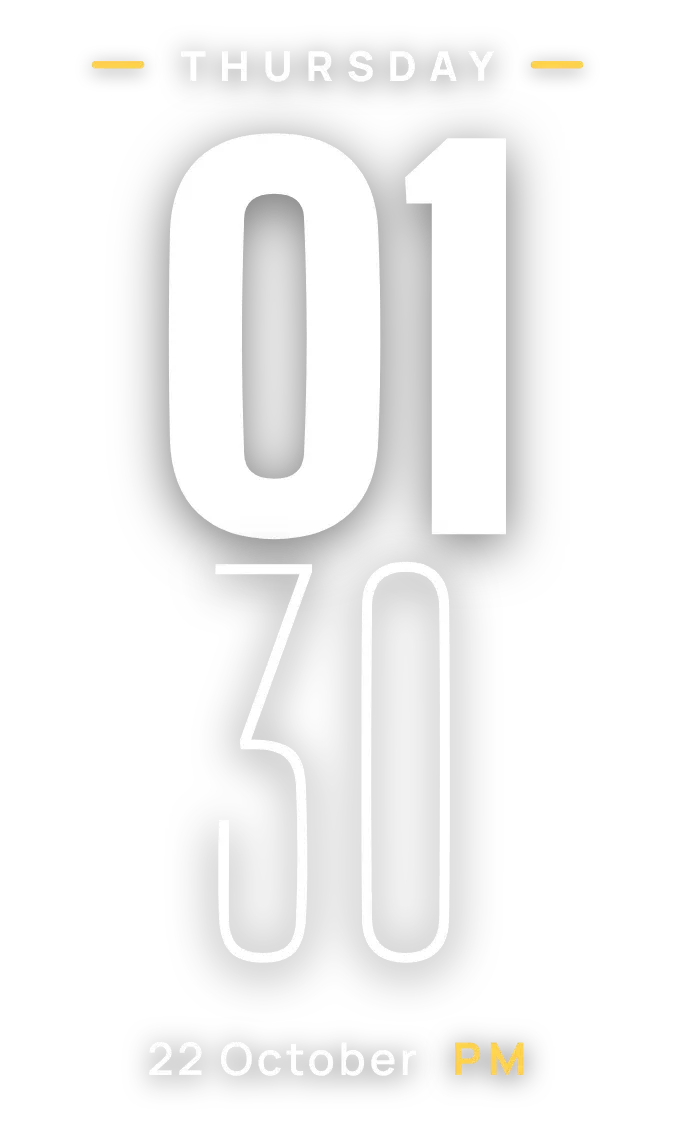 SheerfaceClear



