Sheerface
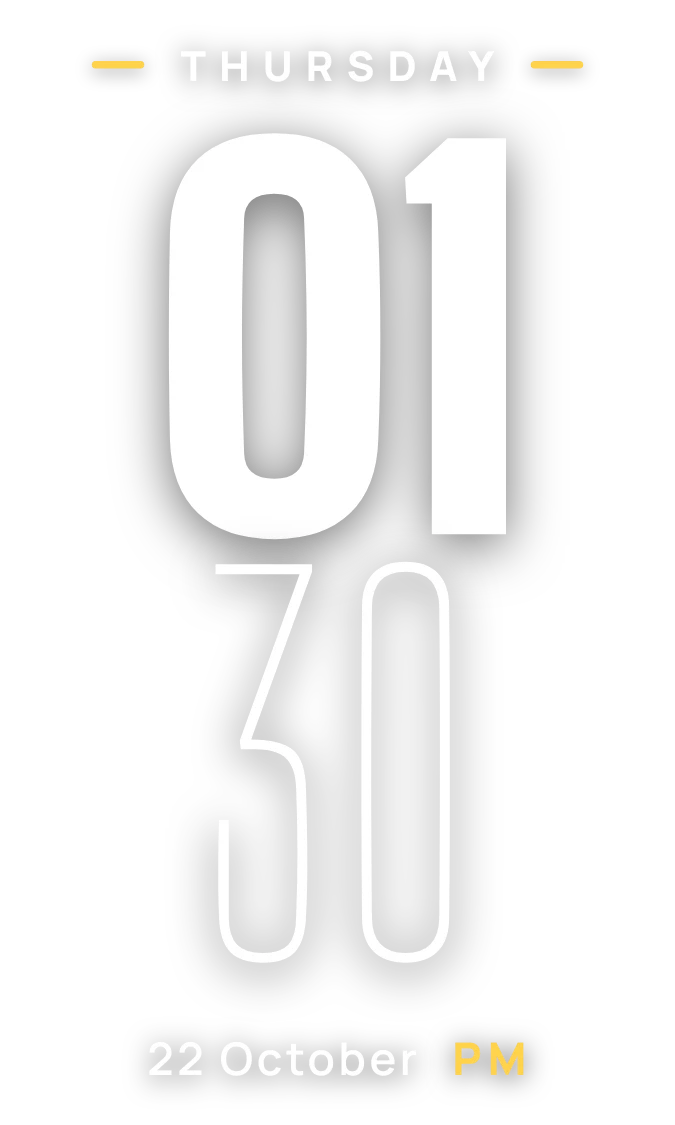
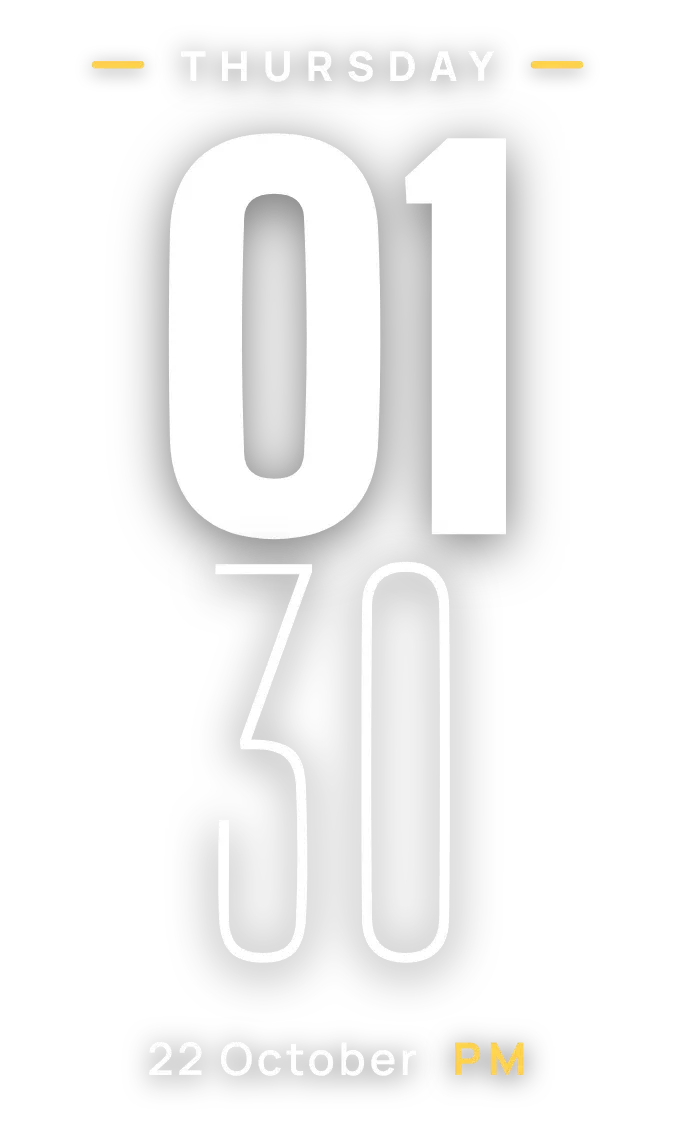
Sheerface is a clock that stacks the time vertically. A heavy white two-digit hour sits above a thin outlined minute. Above them, the weekday appears in spaced capitals between two short yellow dashes. Below, the date is written as day and month, followed by a yellow PM or AM.
- Size
- 2x3 cells
- Kit
- Clear
- Shows
- Time and date
- Look
- Typographic, minimal and bold shapes
- Colours
- White, grey and black
- Good for
- Home screen over wallpaper, everyday time check and desk setup
- Android
- 10 or newer
- Needs
- No additional permissions
- Price
- Free
Kiwi is in beta and is not on Google Play yet. Join to request an invitation.
- big-numbers
- blue
- bold
- cliff
- clock
- condensed
- date
- daylight
- digital-clock
- forest
- green
- landscape
- mountain
- nature
- numerals
- photo
- photo-clock
- sky
- time
- trees
- white
- yellow
What changes
- The hour always shows two digits, so one o'clock reads 01, and the minute below it updates as time passes.
- The weekday at the top changes each day, and the date below it changes with it.
- On a 12-hour clock, a yellow AM or PM appears next to the date.
- On a 24-hour clock, the AM or PM marker is hidden.
- Tapping the widget opens the clock.
Data and settings
- Reads the current time, including the hour, minute and AM or PM.
- Reads the current date for the weekday, day and month.
- Follows the phone's 12-hour or 24-hour time format. There is nothing to set in the widget itself.
Set it up
- Open Sheerface in Kiwi, either from its kit or from this page.
- Tap Use.
- Confirm your launcher's prompt to place it on your home screen.
Good to know
- The time and date come from the phone's clock, so they are only as accurate as the phone's own time and date settings.
Widgets like Sheerface
 Stencil TempoWatch Face
 Granite TenMaterial You
 Sapphire JadeOne UI
 ChicaneWatch Face