Granite Ten
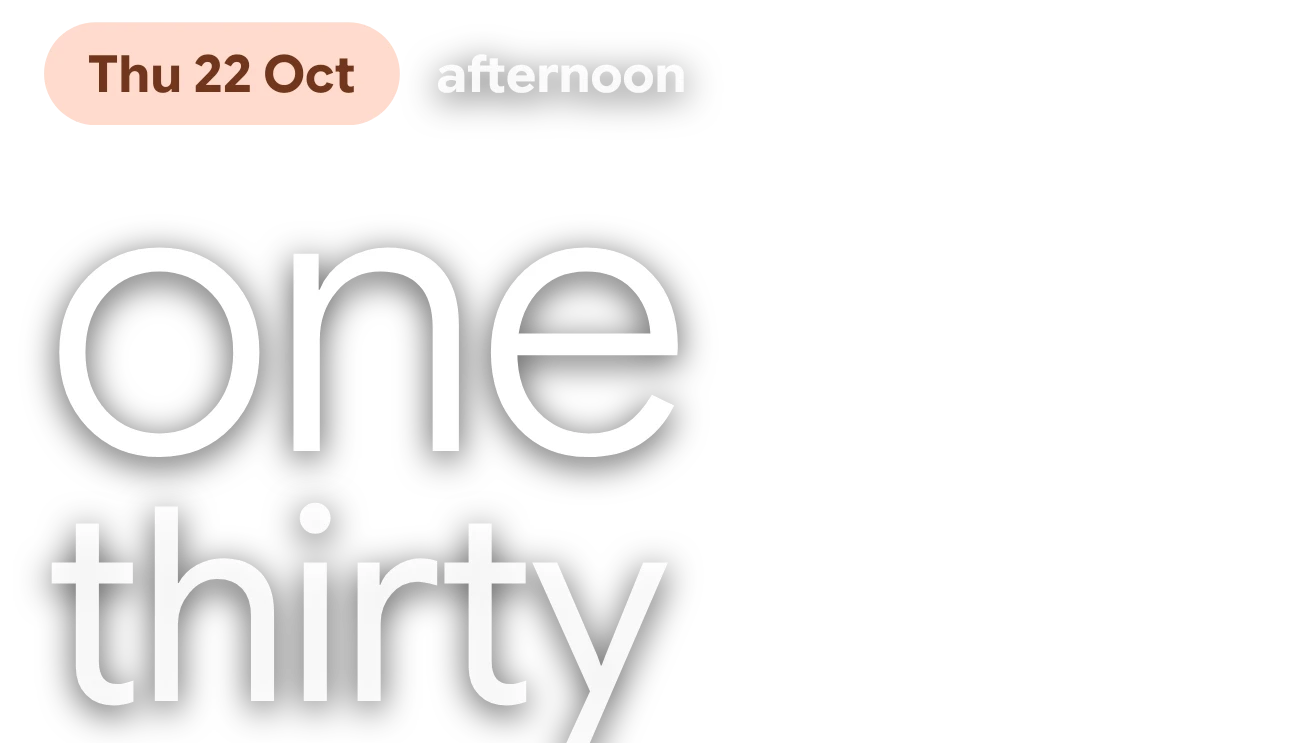
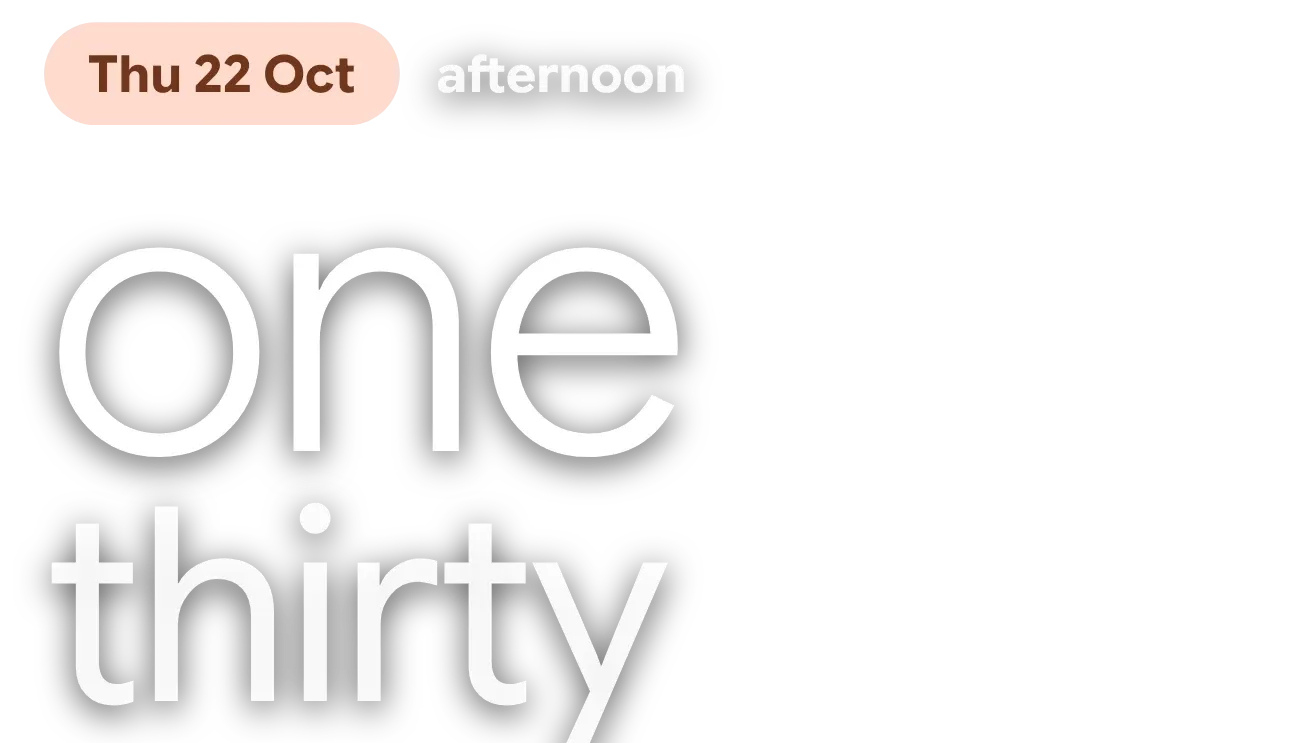
Granite Ten spells the time out in large, thin white words, with the hour on one line and the minutes below it. Above them, a rounded pill shows the weekday, day and month, and a word such as afternoon sits beside it. The widget has no background of its own, so whatever is behind it shows through.
- Size
- 4x2 cells
- Kit
- Material You
- Shows
- Time and date
- Look
- Typographic, minimal and soft UI
- Colours
- White, orange and grey
- Looks like
- Pixel widgets
- Good for
- Everyday, wallpaper showcase and desk
- Android
- 10 or newer
- Needs
- No additional permissions
- Price
- Free
Kiwi is in beta and is not on Google Play yet. Join to request an invitation.
- big-words
- calm
- cliff
- clock
- date
- date-display
- digital-clock
- forest
- green
- grey
- landscape
- minimal-typography
- mountain
- nature
- night
- photo
- sans-serif
- time
- time-of-day
- transparent
- trees
- typographic
- typography
- white-text
- word-clock
What changes
- The hour is written in words and changes as the time moves on. After noon it uses 24-hour words, so one in the afternoon reads thirteen and eleven at night reads twenty-three.
- On the hour, the second line reads o'clock. From one to nine minutes past, it reads oh and the number, such as oh five.
- From ten minutes past onward, the minutes are spelled out, such as seventeen or forty-one.
- The hour and minute words get smaller later in the day and for longer words, so they stay on the widget. The hour shrinks from 13:00 and again from 20:00.
- The pill shows the current weekday, day and month, such as Thu 22 Oct. The word beside it names the part of the day, such as afternoon or evening.
- Tapping the widget opens the clock.
Data and settings
- Reads the current time, to show the hour and minutes in words.
- Reads today's date, to show the weekday, day and month in the pill.
- Reads the part of the day, shown beside the pill.
- The pill takes its colour from your device's colour theme.
Set it up
- Open Granite Ten in Kiwi, either from its kit or from this page.
- Tap Use.
- Confirm your launcher's prompt to place it on your home screen.
Good to know
- The words are white with a soft shadow, so they read best over darker or mid-toned wallpapers.
- The time is spelled in words, so it is slower to read at a glance than numerals.
- After noon the hour is written in 24-hour form, such as seventeen, with no am or pm.
Widgets like Granite Ten
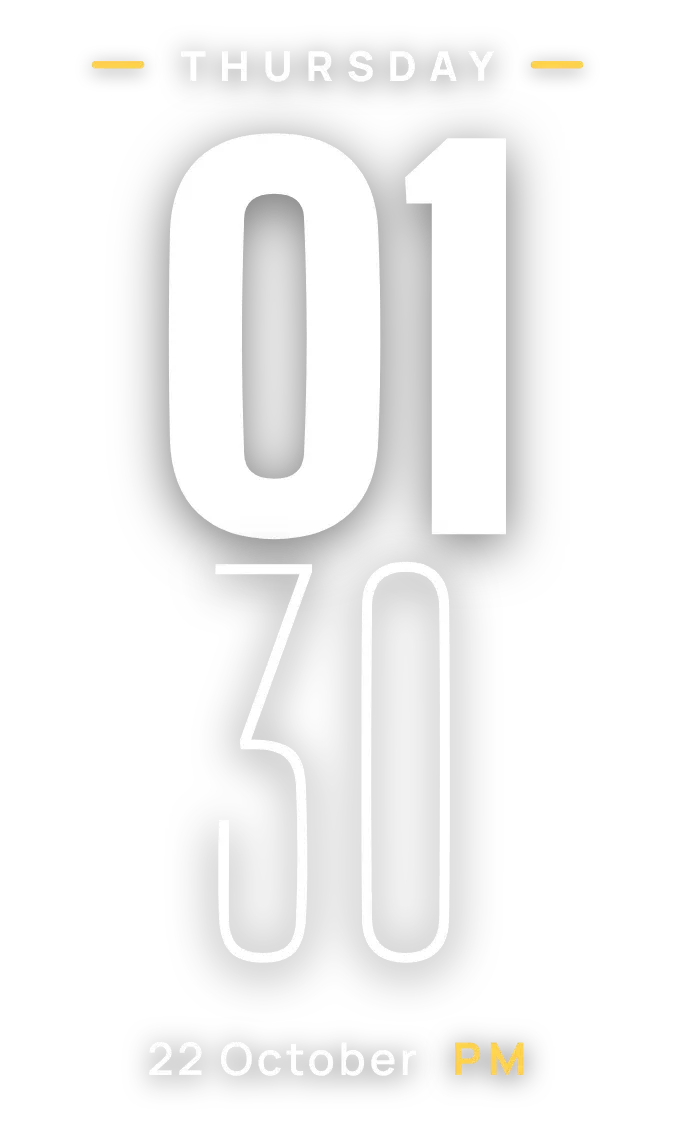 SheerfaceClear
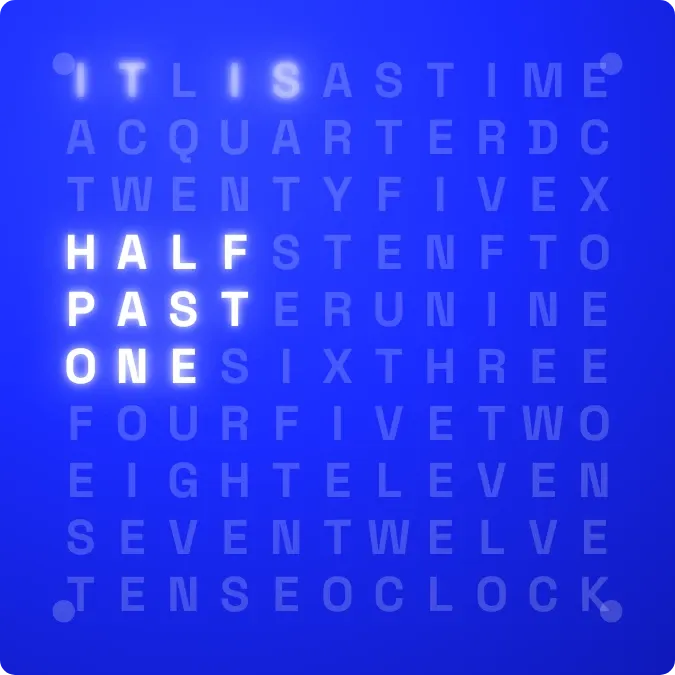 LightwordInstruments
 Sapphire JadeOne UI
 HourlaceClear