Sapphire Jade
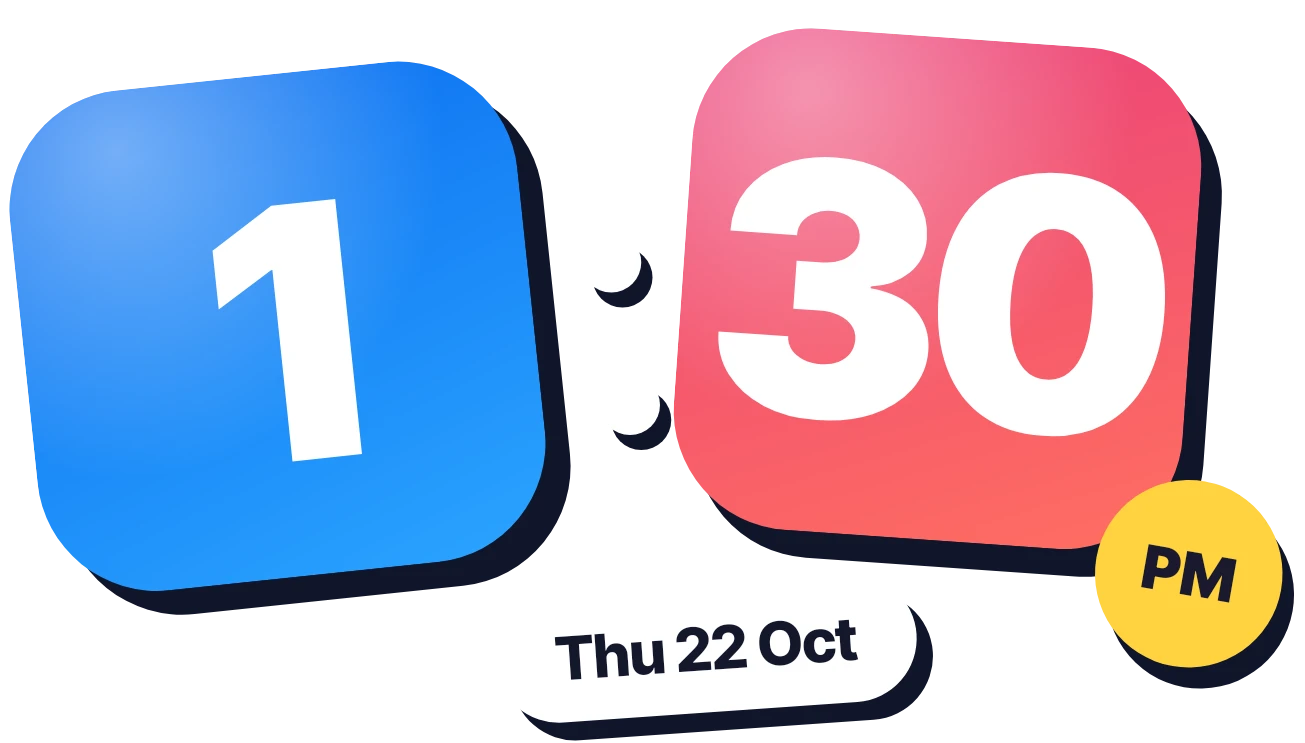
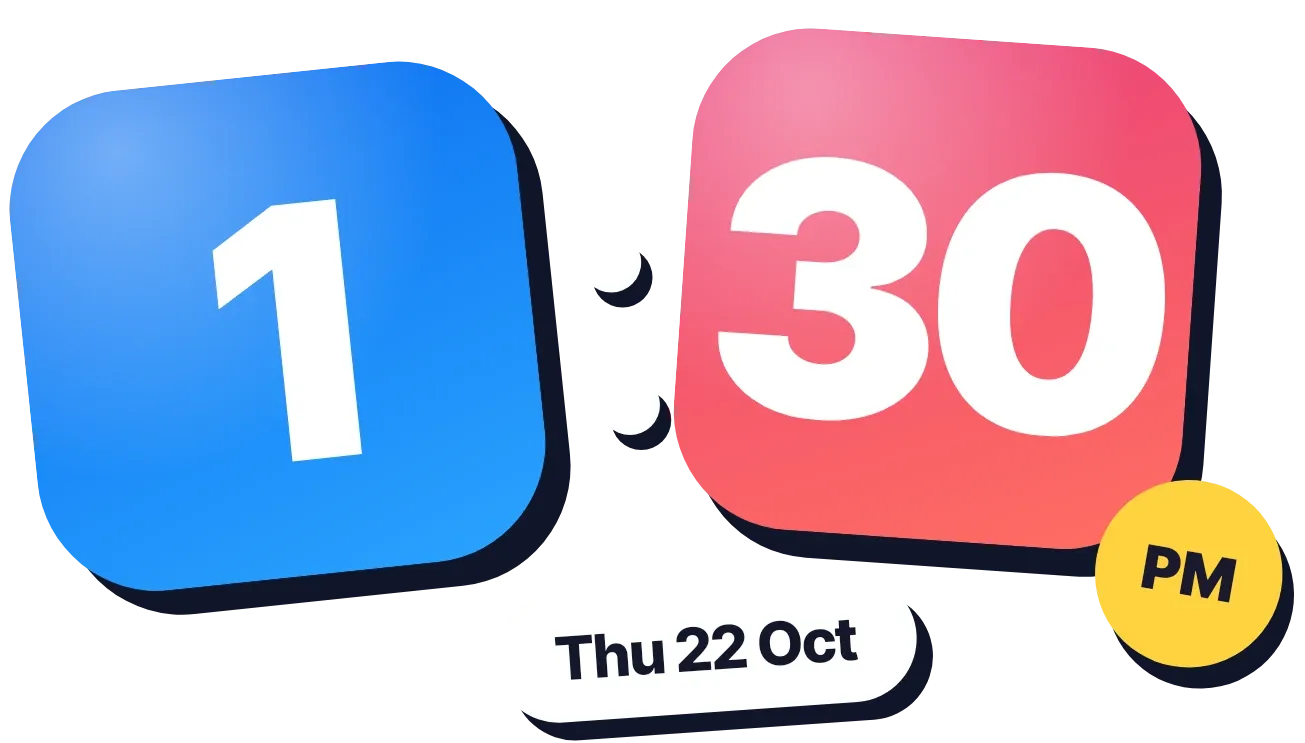
Sapphire Jade shows the hour and the minutes in two large rounded tiles with bold white numbers, set slightly tilted and separated by two white dots. A round yellow badge sits at the lower right of the minutes tile, and a white pill with the date sits below the tiles. Each shape has a solid dark shadow.
- Size
- 4x2 cells
- Kit
- One UI
- Shows
- Time and date
- Look
- Stickers, bold shapes and colourful
- Colours
- Blue, red and white
- Looks like
- Samsung and Xiaomi widgets
- Good for
- Everyday time check, daily routine and study
- Android
- 10 or newer
- Needs
- No additional permissions
- Price
- Free
Kiwi is in beta and is not on Google Play yet. Join to request an invitation.
- big-numbers
- blue
- bold
- cliff
- clock
- colourful
- dark
- date
- digital-clock
- forest
- green
- landscape
- mountain
- nature
- night
- photo
- pm
- rounded
- time
- trees
- white
- yellow
What changes
- The tile colours follow the time of day: blue and orange in the morning, blue and coral pink in the afternoon, purple and red in the evening, deep blue and teal at night.
- With a 12-hour clock, the yellow badge reads AM or PM.
- With a 24-hour clock, the badge shows a sun icon, except at night when it shows a moon icon.
- The date pill shows the weekday, day and month, for example Thu 22 Oct, and changes when the date does.
- Tapping the date opens the calendar. Tapping elsewhere on the widget opens the clock.
Data and settings
- Reads the current time and date from your phone.
- Whether the badge shows AM/PM or an icon depends on your phone's 12-hour or 24-hour setting.
Set it up
- Open Sapphire Jade in Kiwi, either from its kit or from this page.
- Tap Use.
- Confirm your launcher's prompt to place it on your home screen.
Widgets like Sapphire Jade
 SheerfaceClear
 JostleMaterial You
 Teeter TockMaterial Expressive
 Lime PinstripeMaterial Expressive